(FI/SS) Reviewing Learning Objectives
Evaluation Review Request - aimeebc@hawaii.edu - University of Hawaii Mail
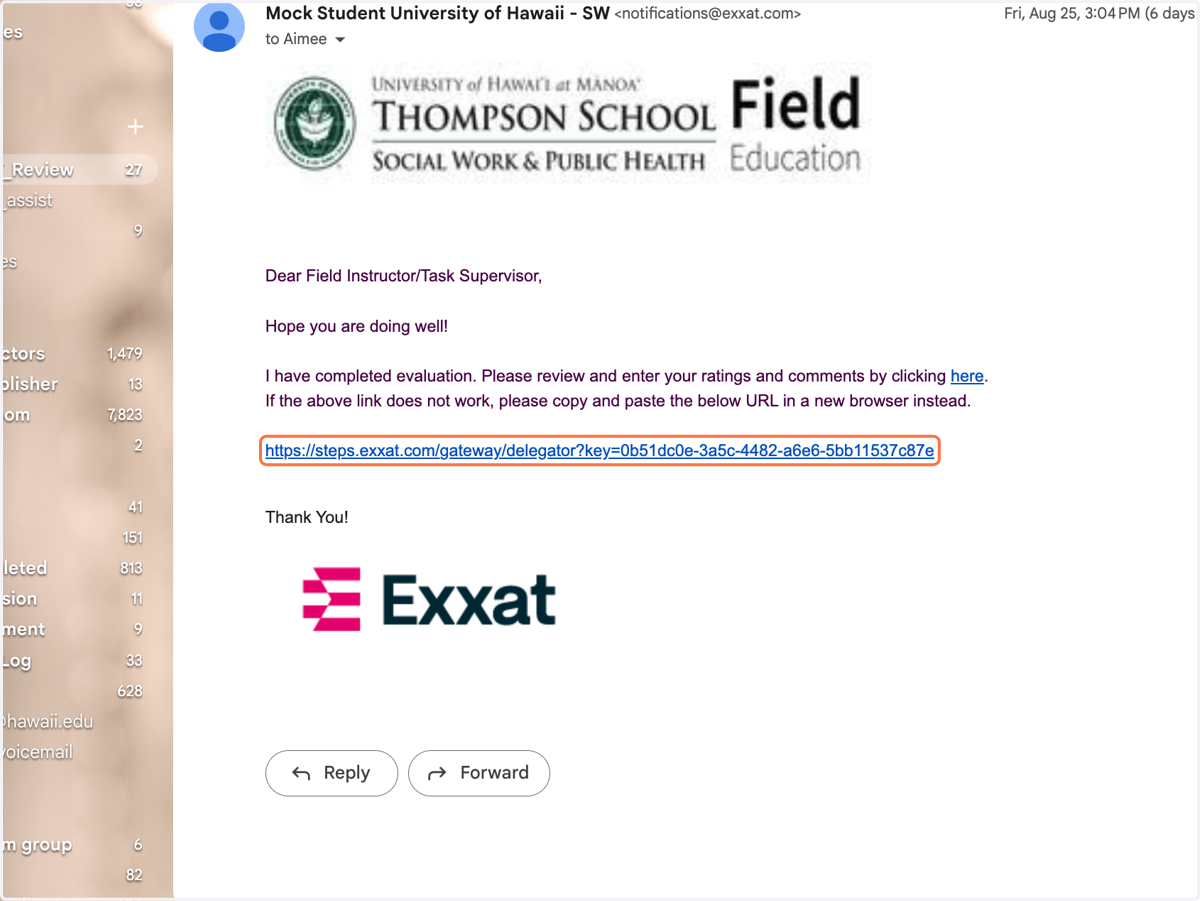
1. See email from your student, via the PRISM/Exxat system
Exxat
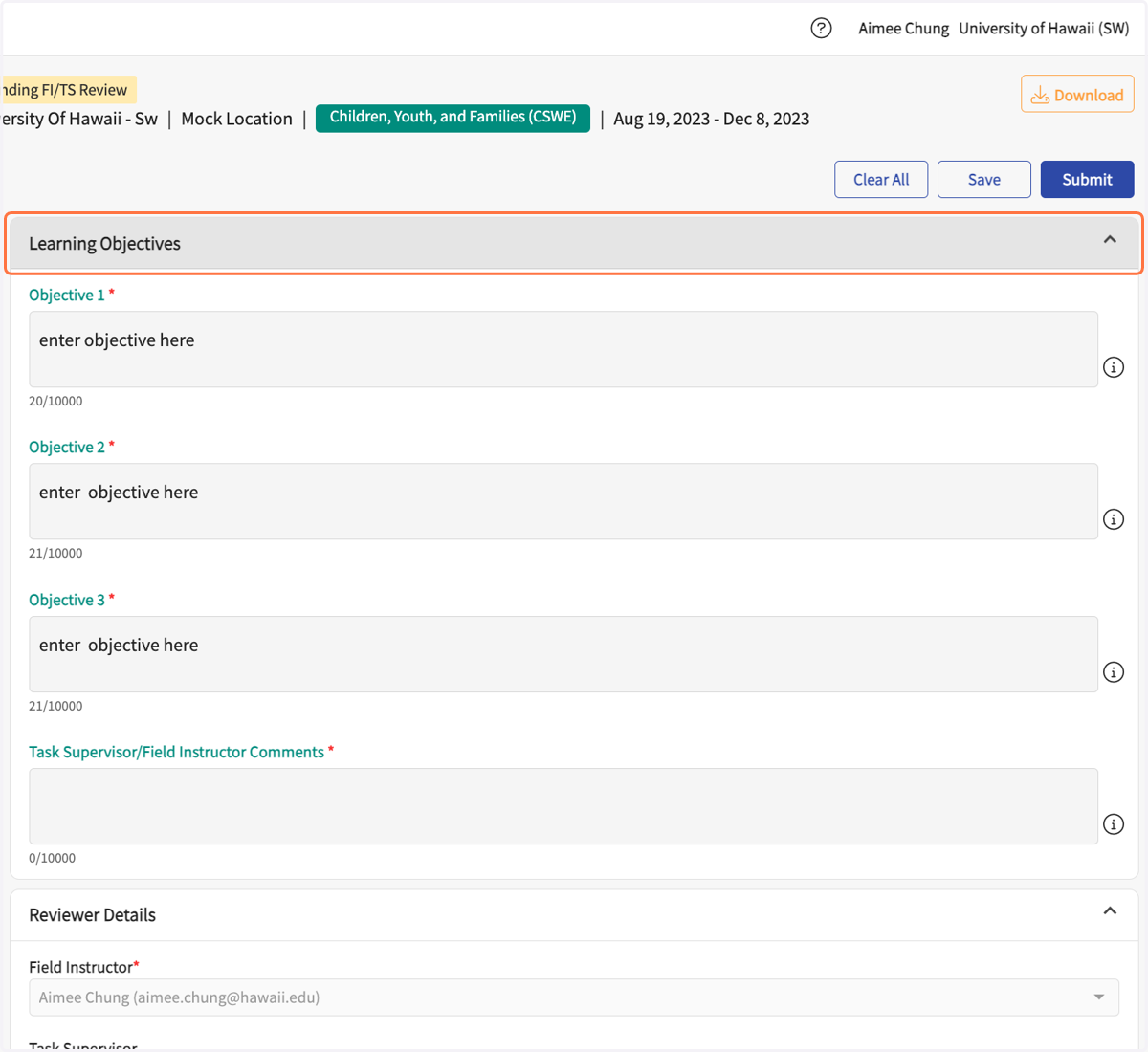
2. Review the Learning Objectives
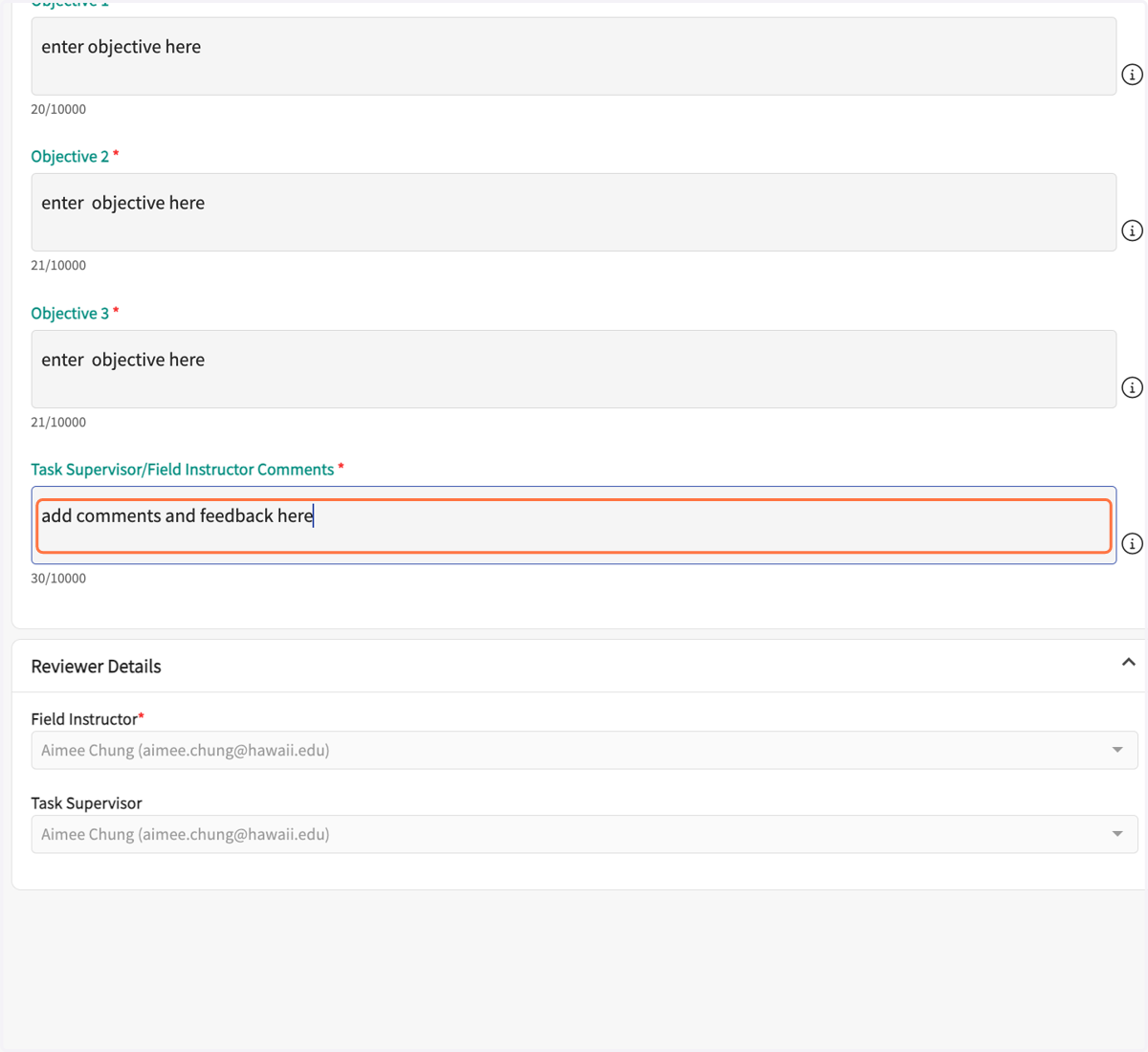
3. Add comments and feedback in the comment box
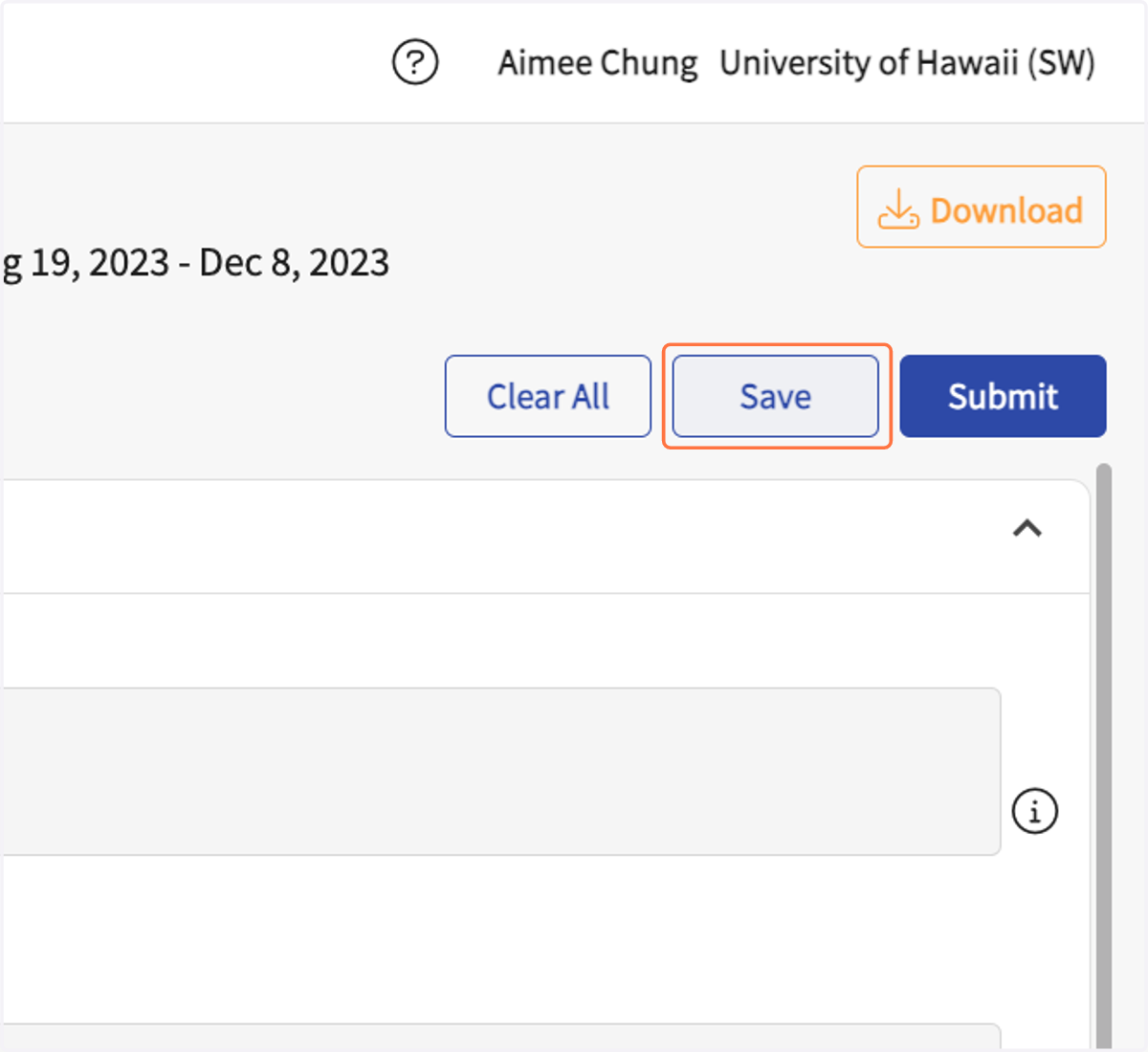
4. Click on Save
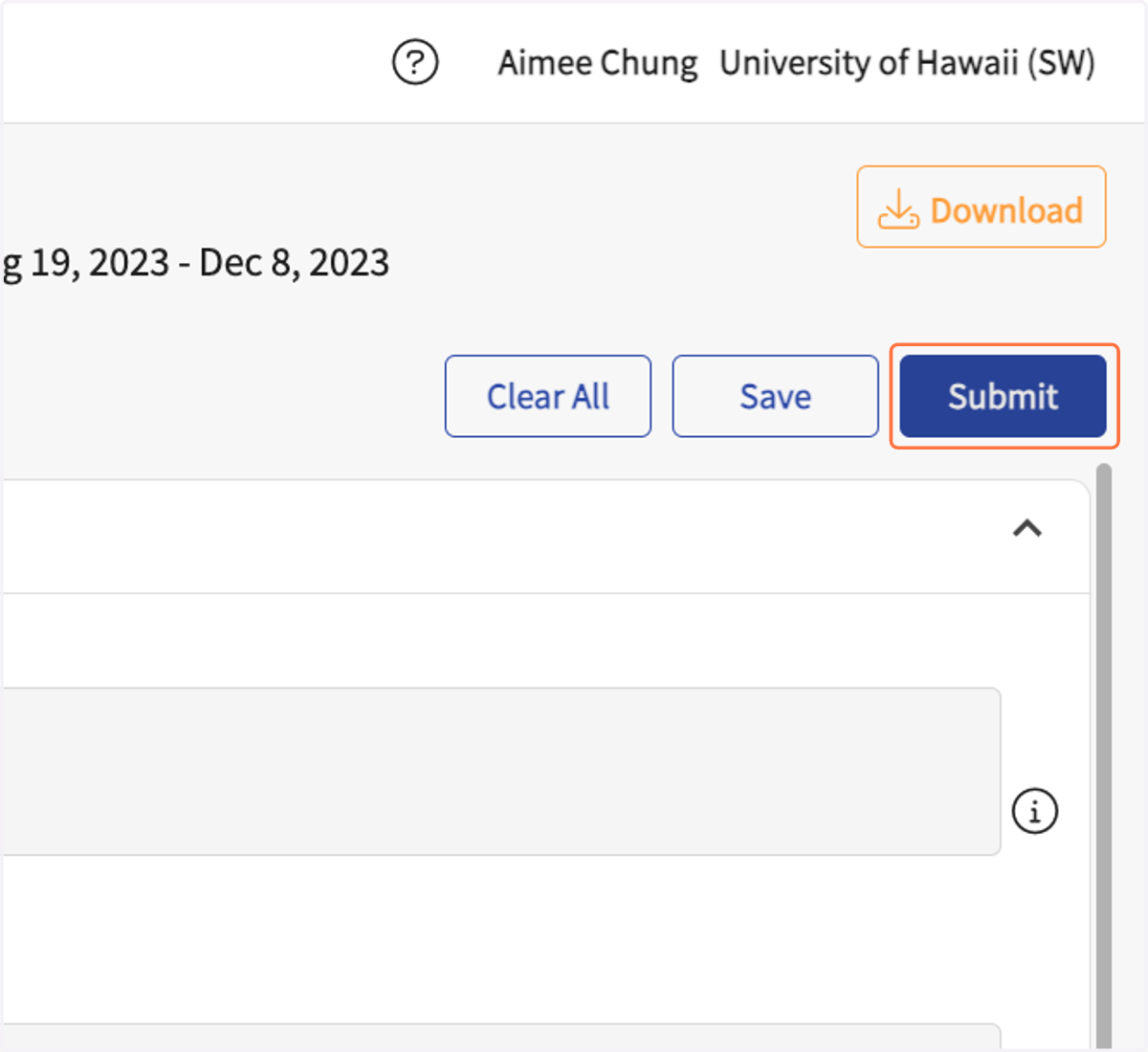
5. Click on Submit
If there is a Site Supervisor and Field Instructor, please communicate and agree on final approval before clicking "Submit."
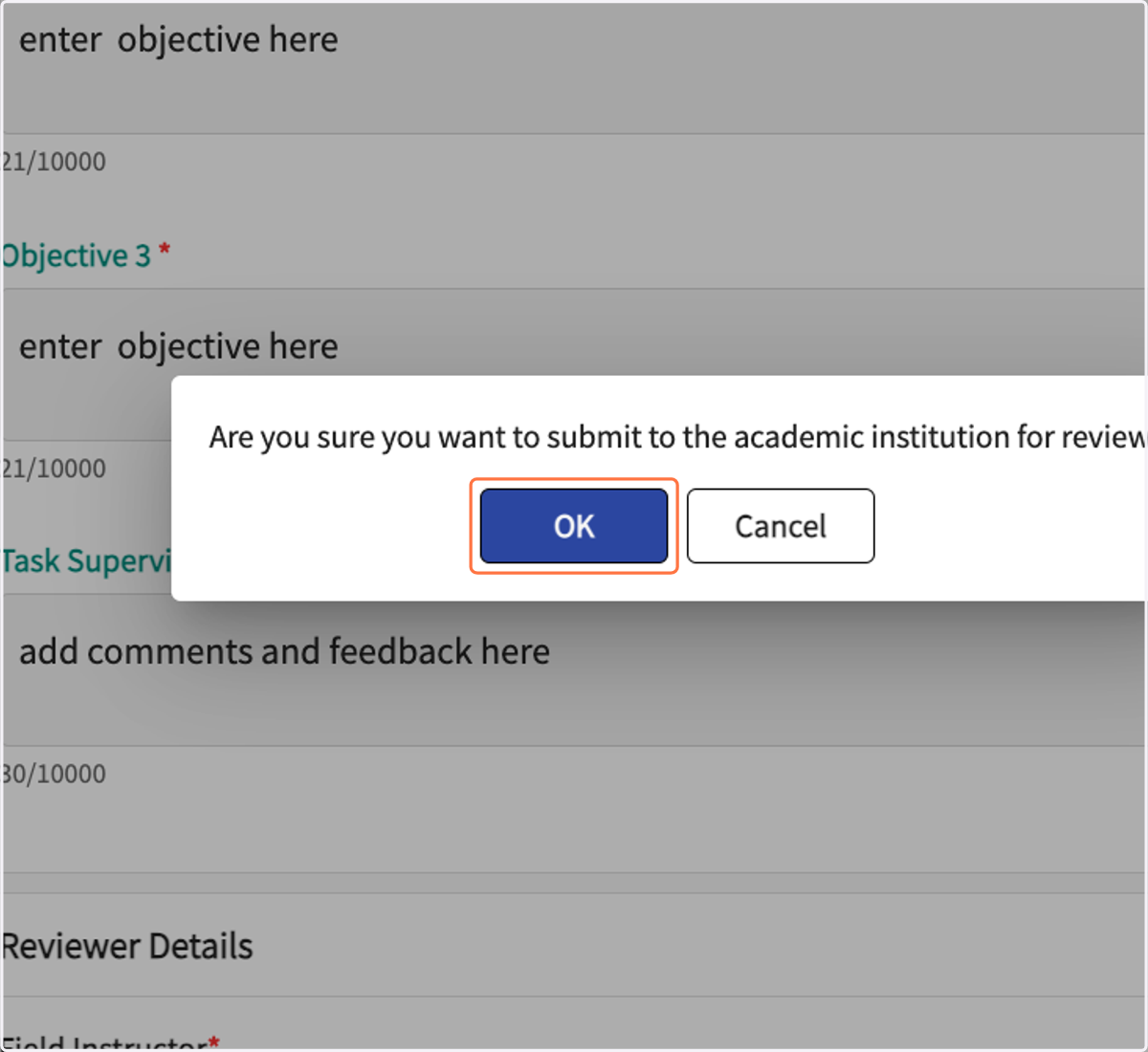
6. Click on OK in the pop-up.
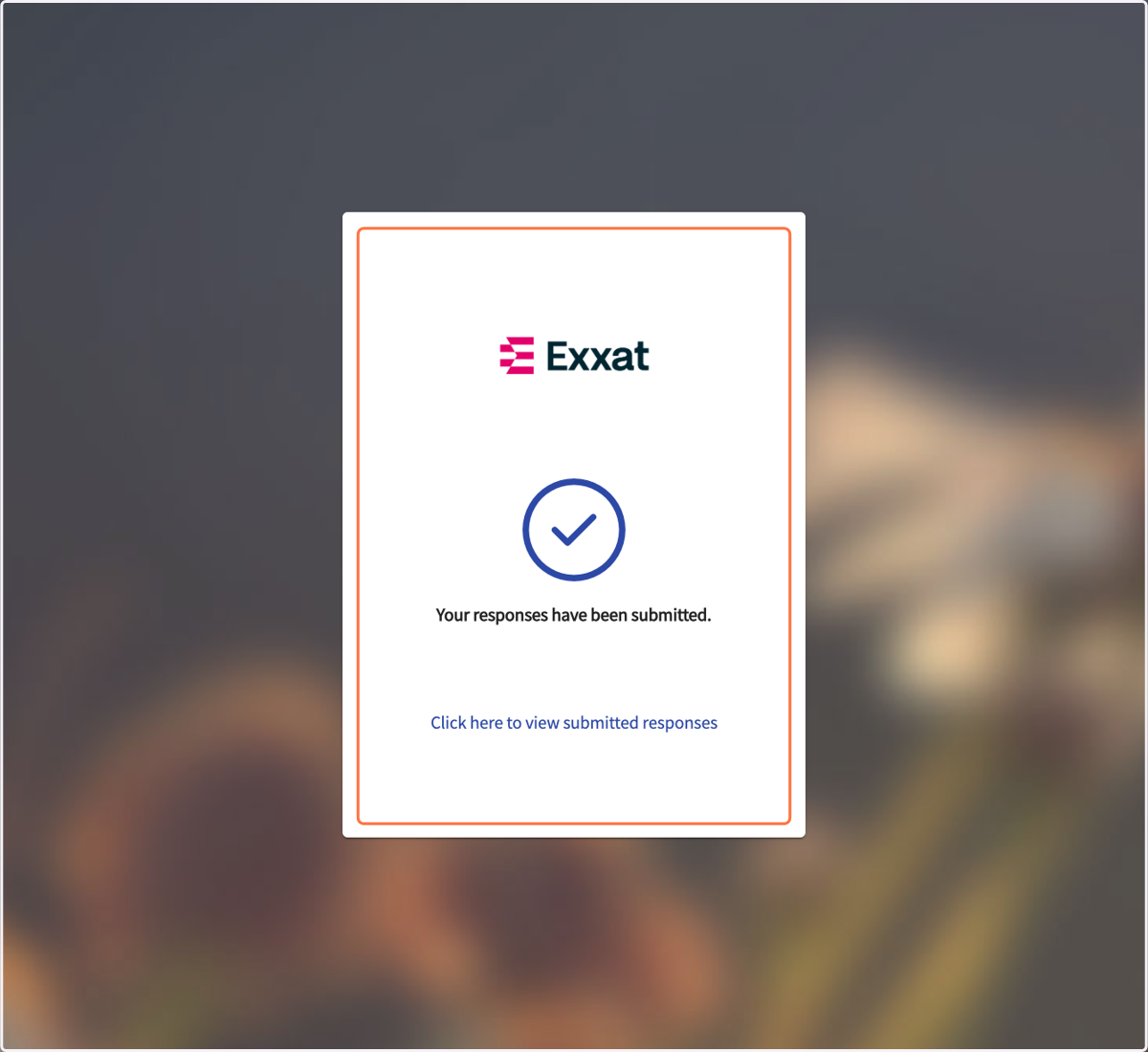
7. You should see this verification after submission.