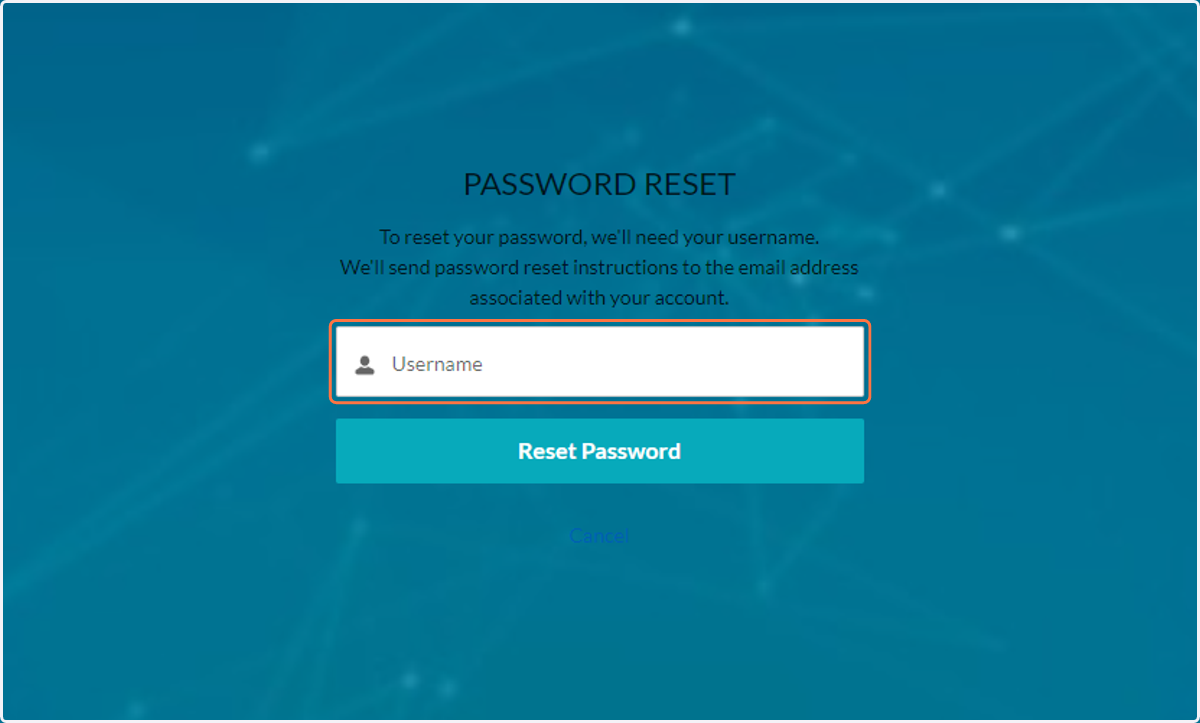
Reset Your Community Password
Login
If you have a JCCPGH Community Hub account but do not remember your password (we've all been there), please follow the steps outlined below.
1. Go to jccpgh.my.site.com/s/login/
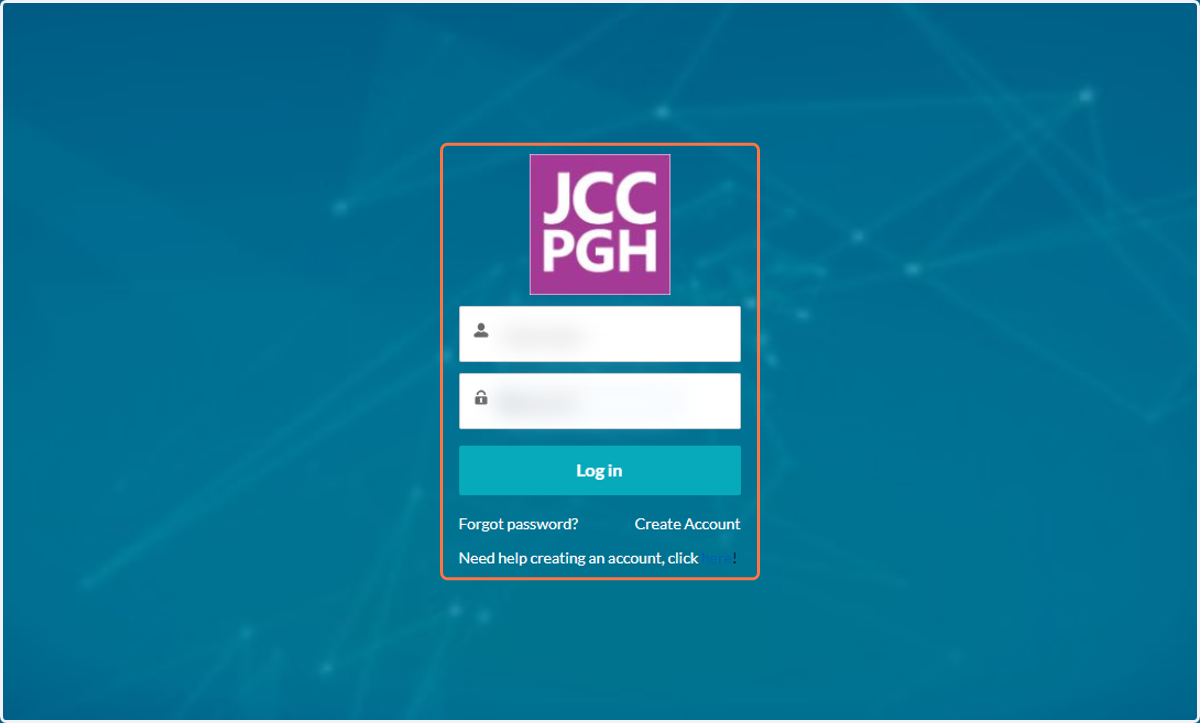
2. Don't remember you password! Click on Forgot password?
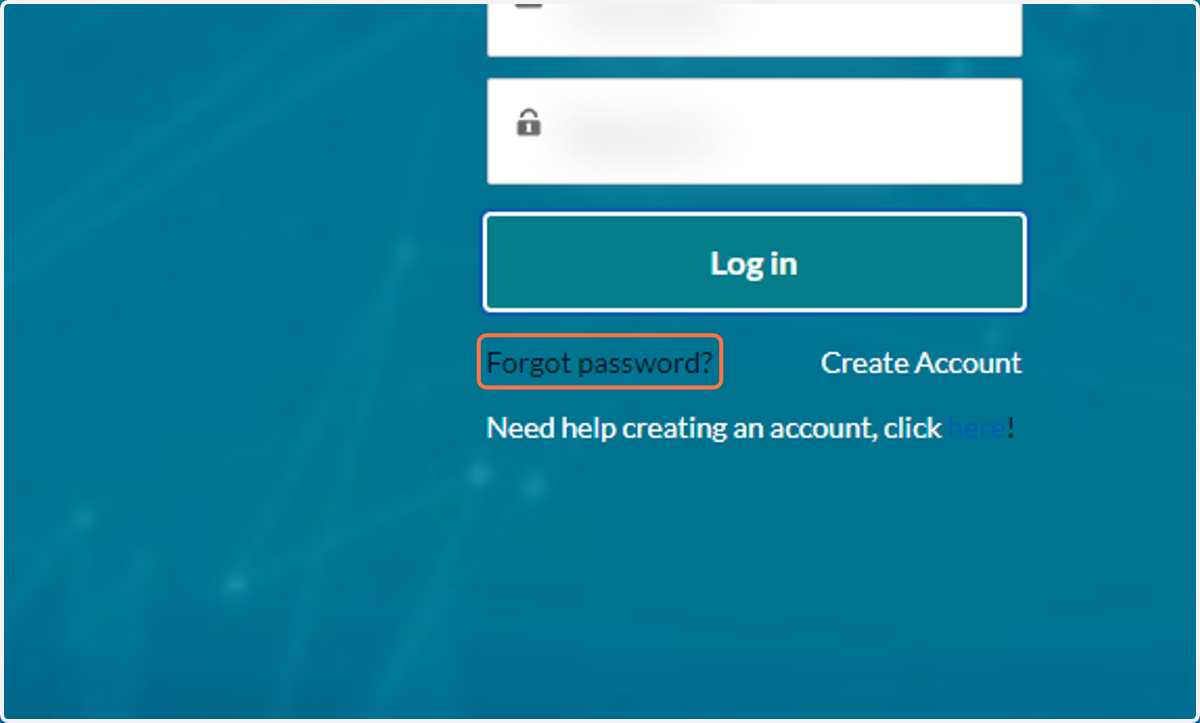
3. Click on Reset Password.
Enter the username you received in the email that contained this link. It will send steps to that email. If you need to change your email, or if this password reset process is not functioning properly, please reach out to registration@jccpgh.org.