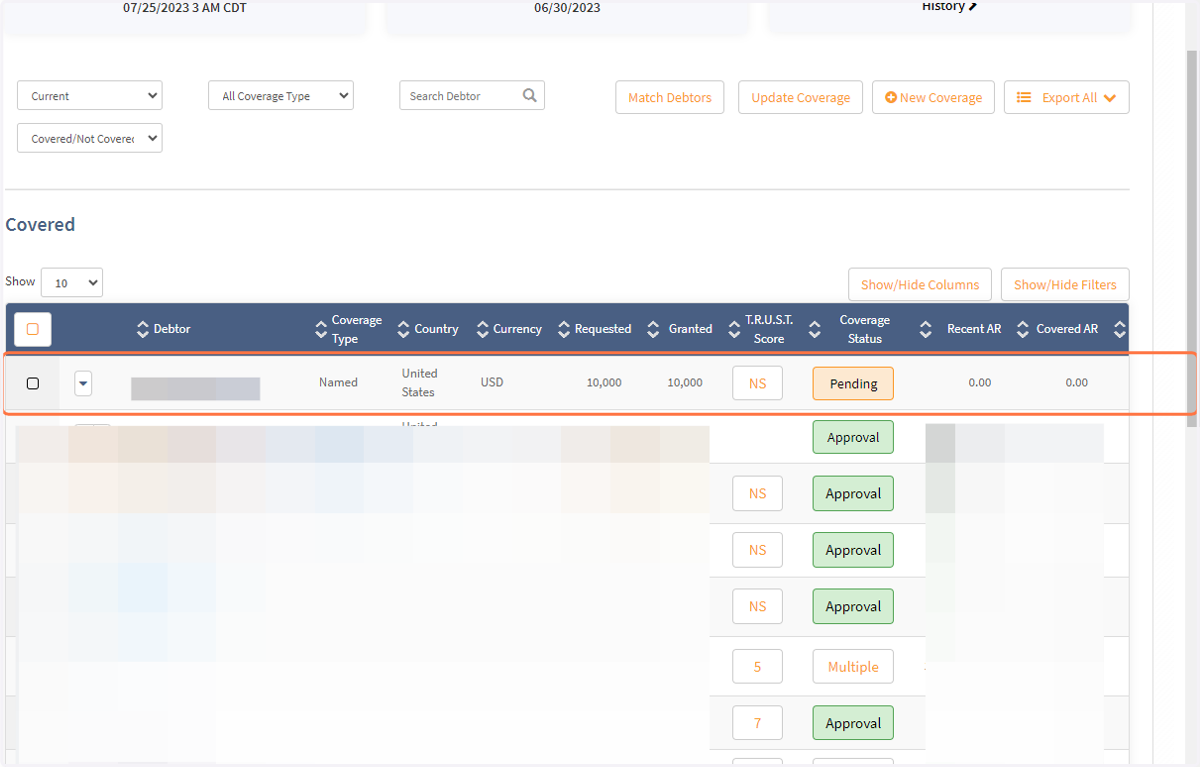
Requesting New Coverage
FGI TRUST: Dashboard
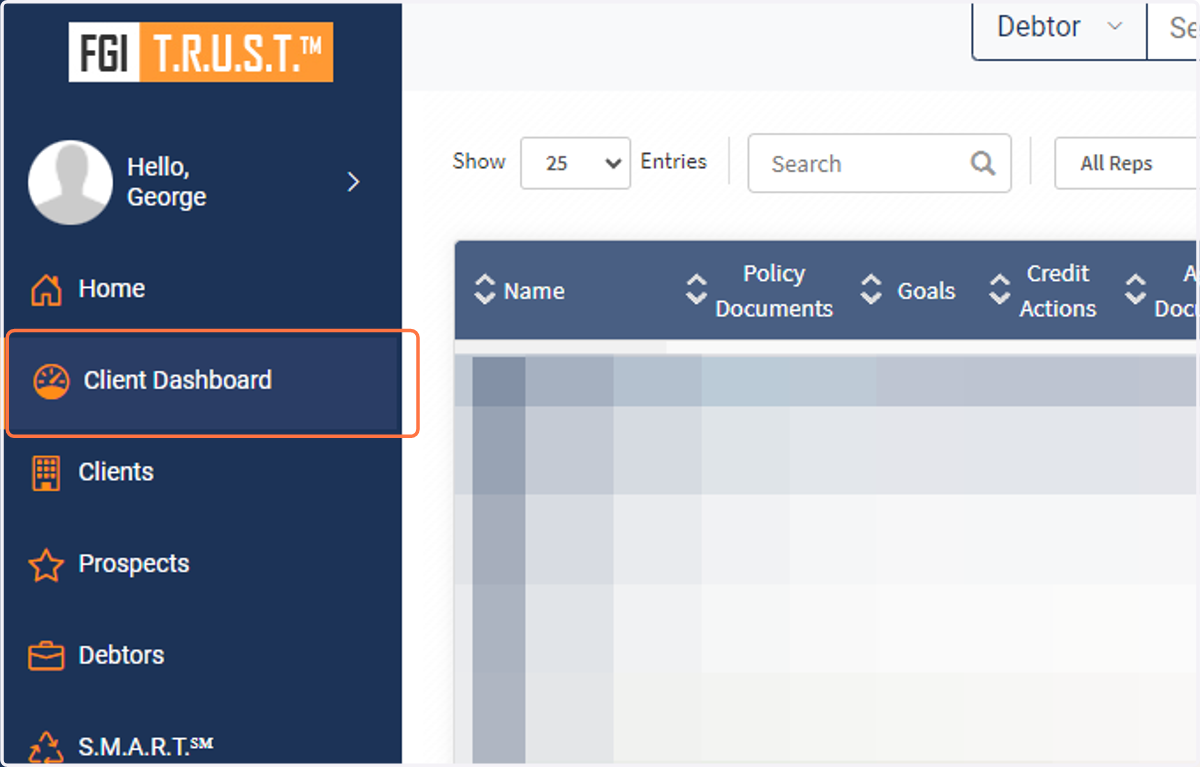
1. Click on Client Dashboard
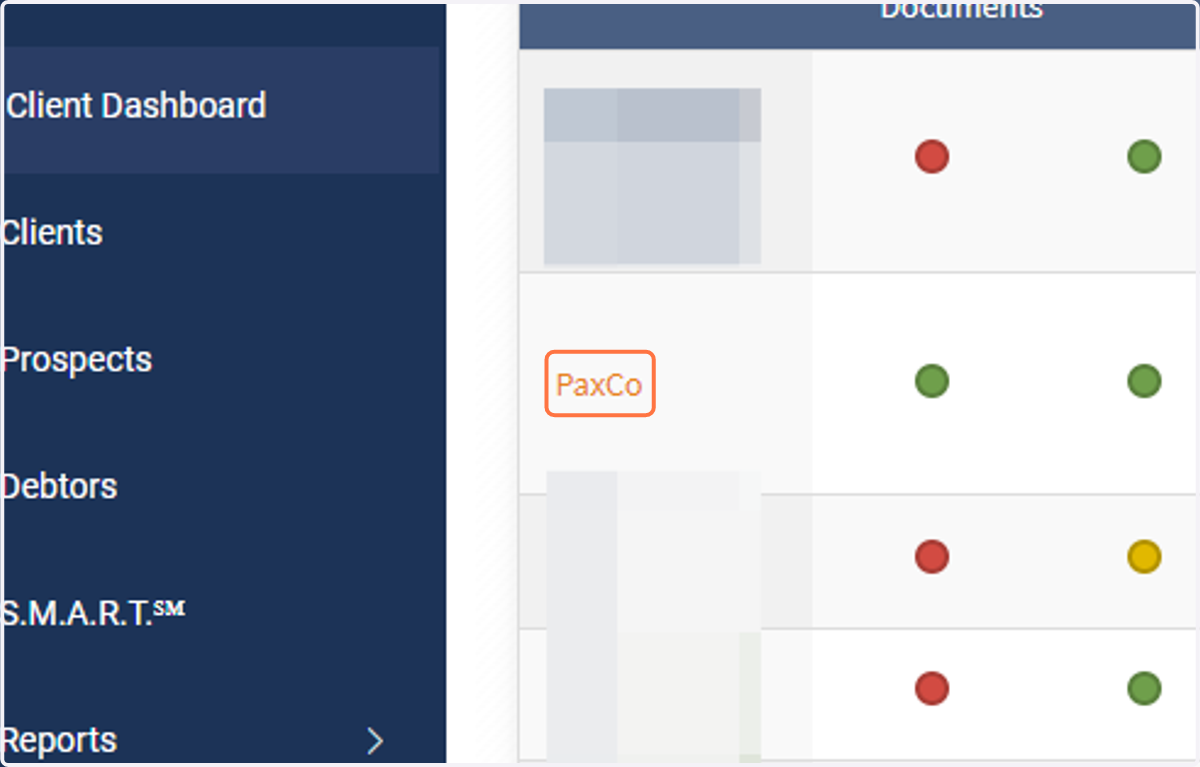
2. Choose the client
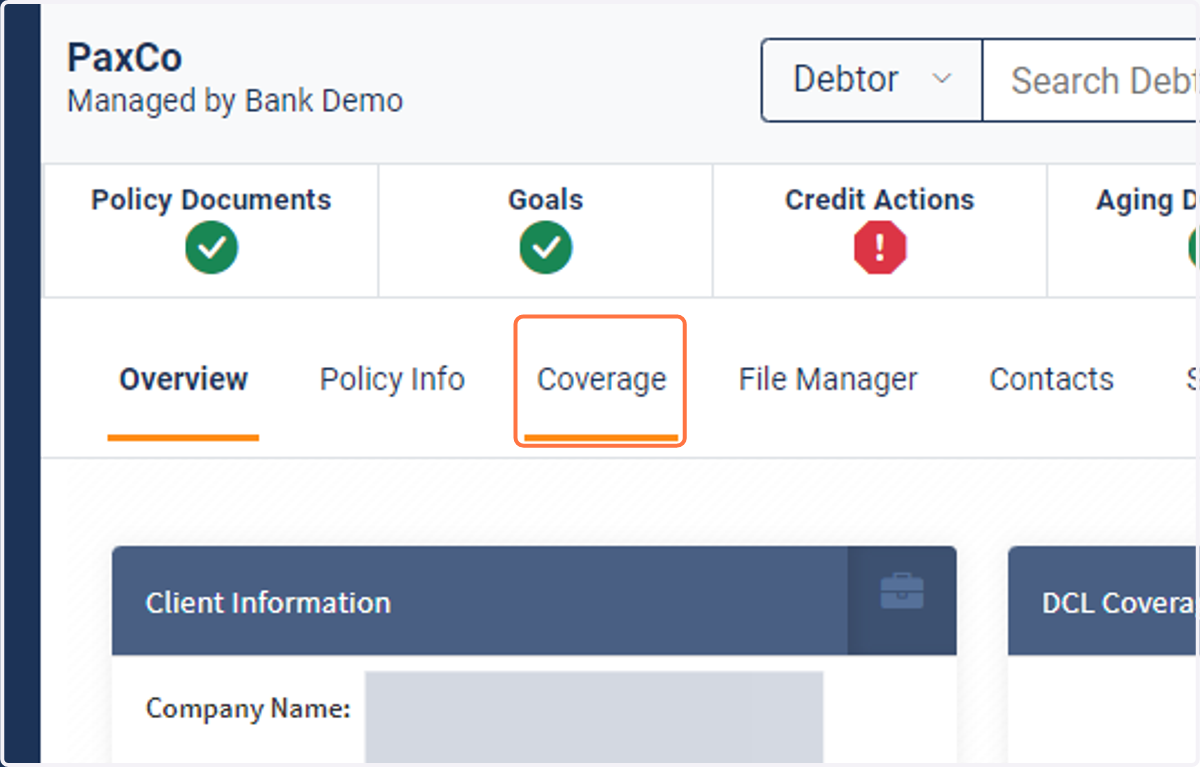
3. Click on Coverage
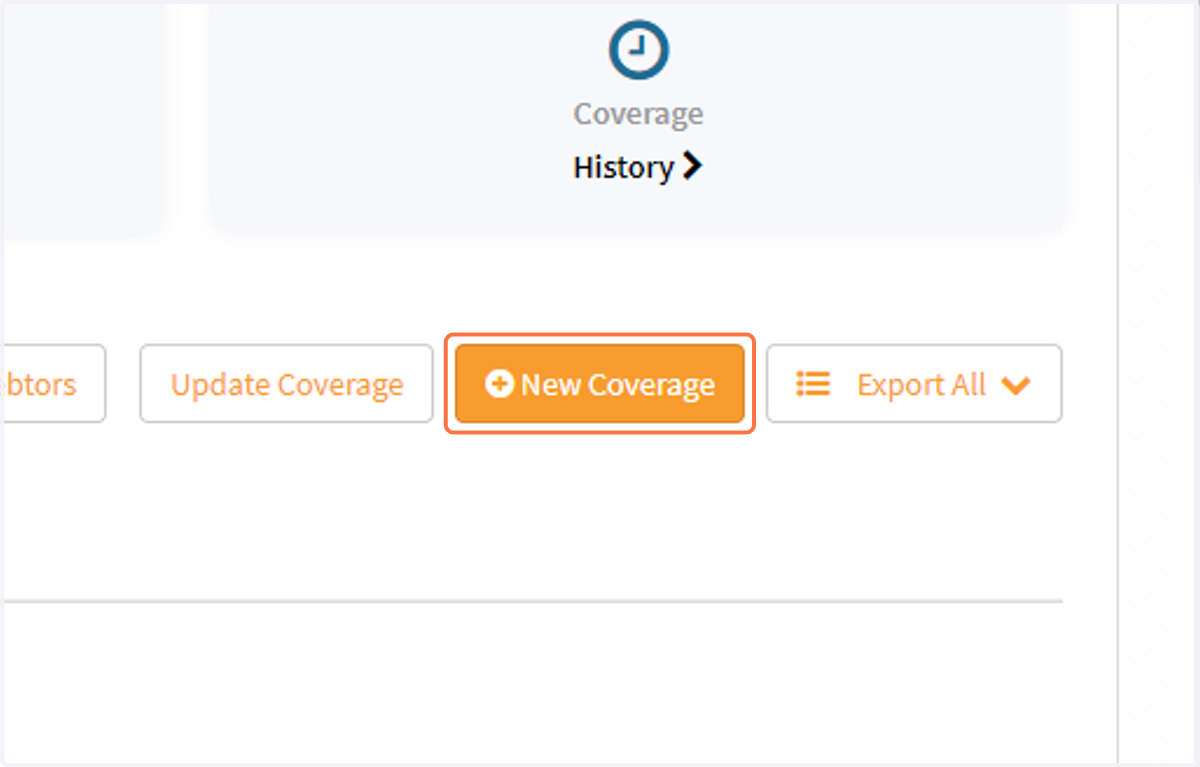
4. Click on New Coverage
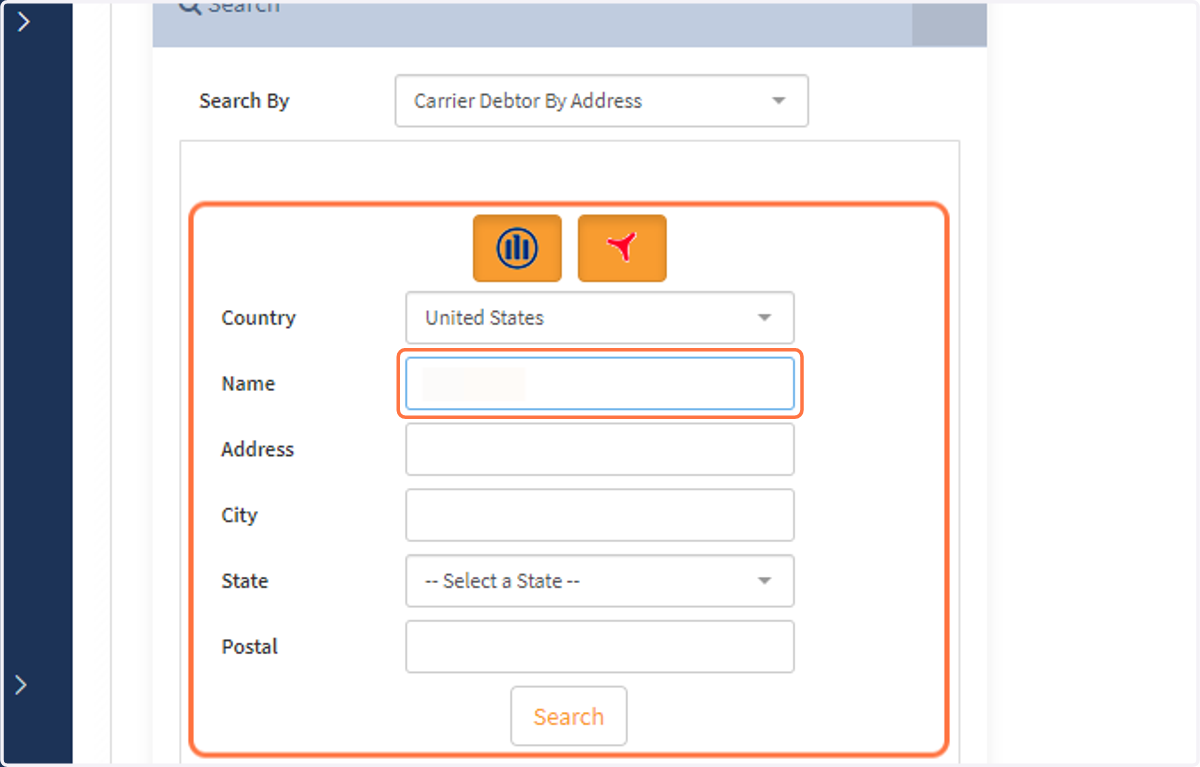
5. Insert the details of the debtor you wish to have New coverage for and click Search
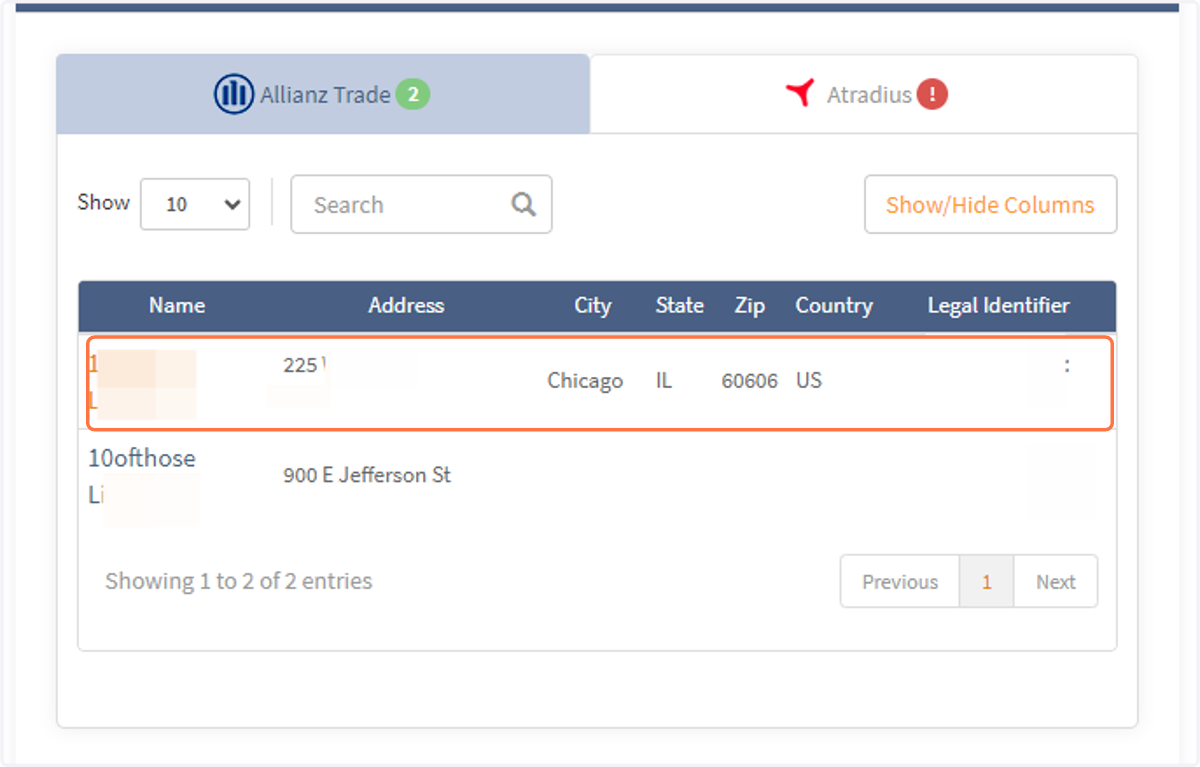
6. Choose the correct Debtor from the list on the right hand side
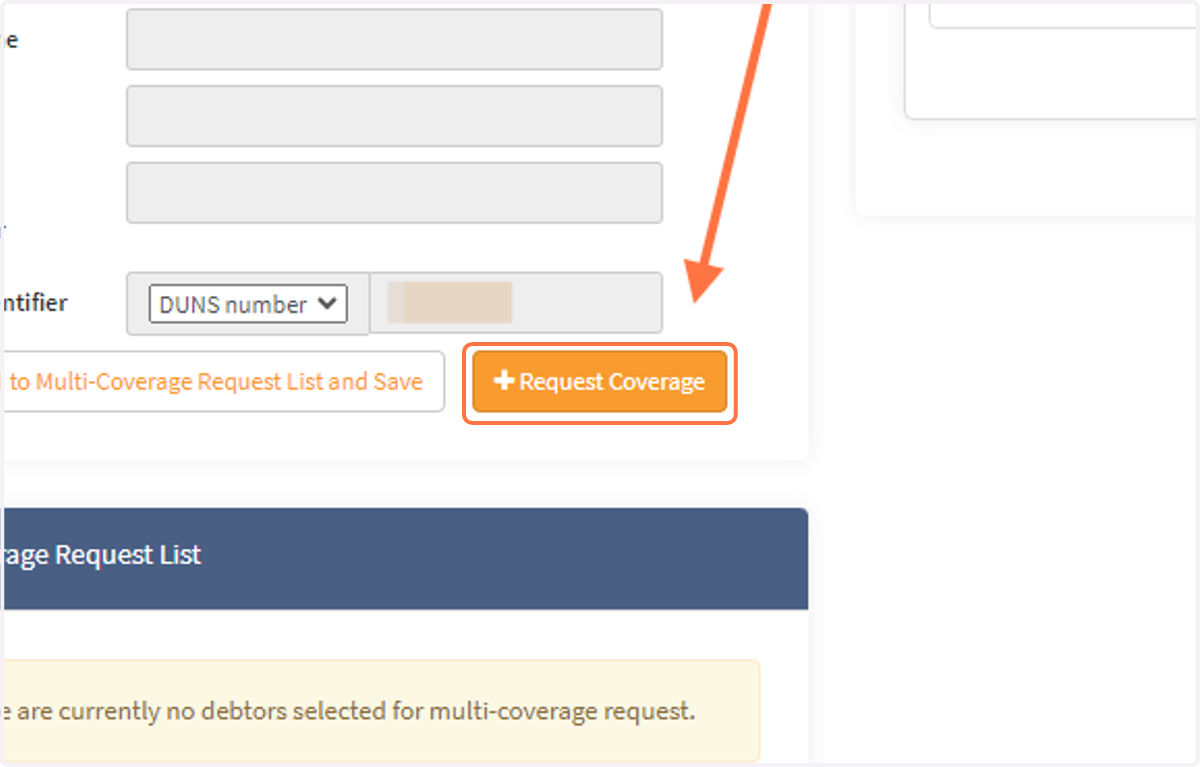
7. Click on Request Coverage
8. Insert the New Coverage details
Fill out the fields in as much detail as possible to send to the carrier
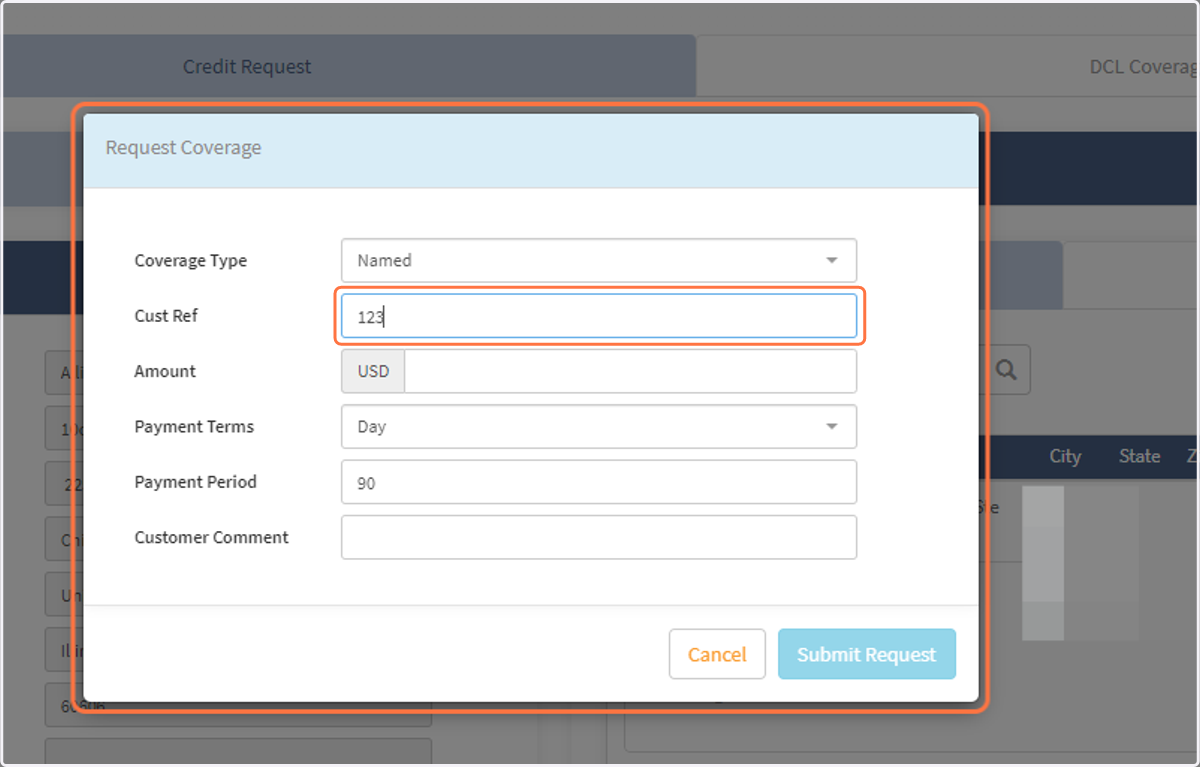
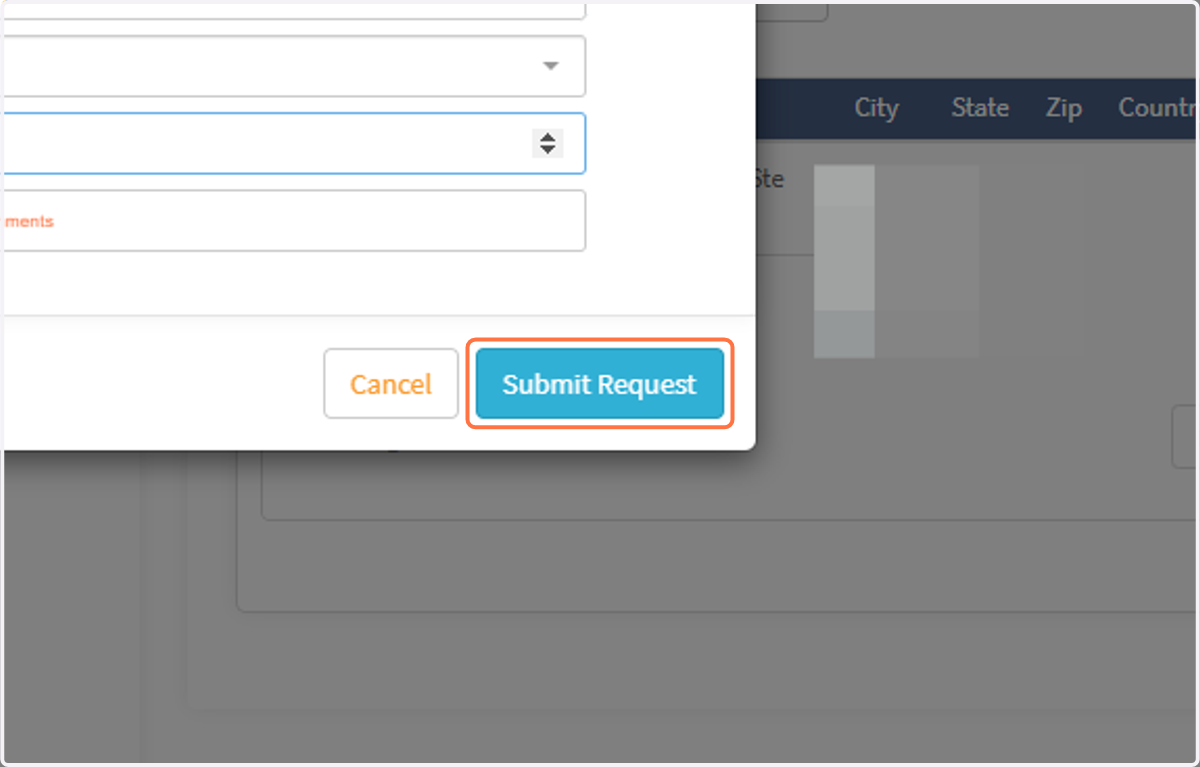
9. Click on Submit Request
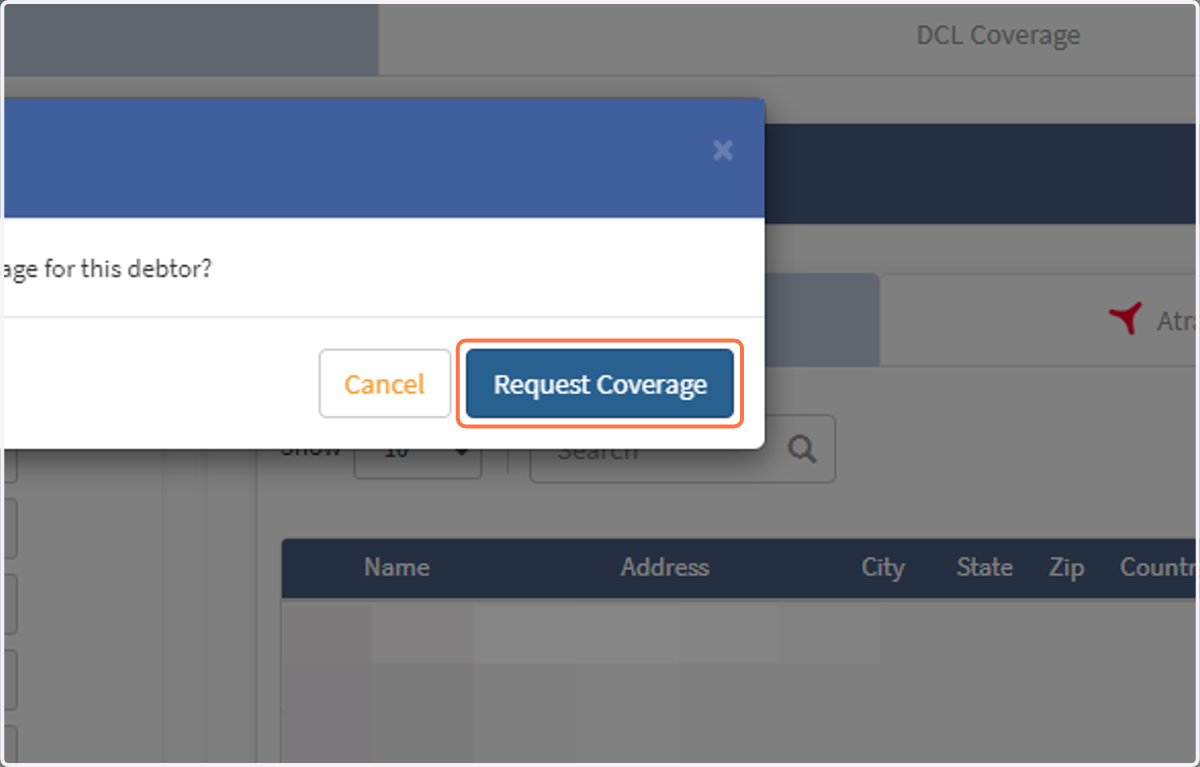
10. Click on Request Coverage
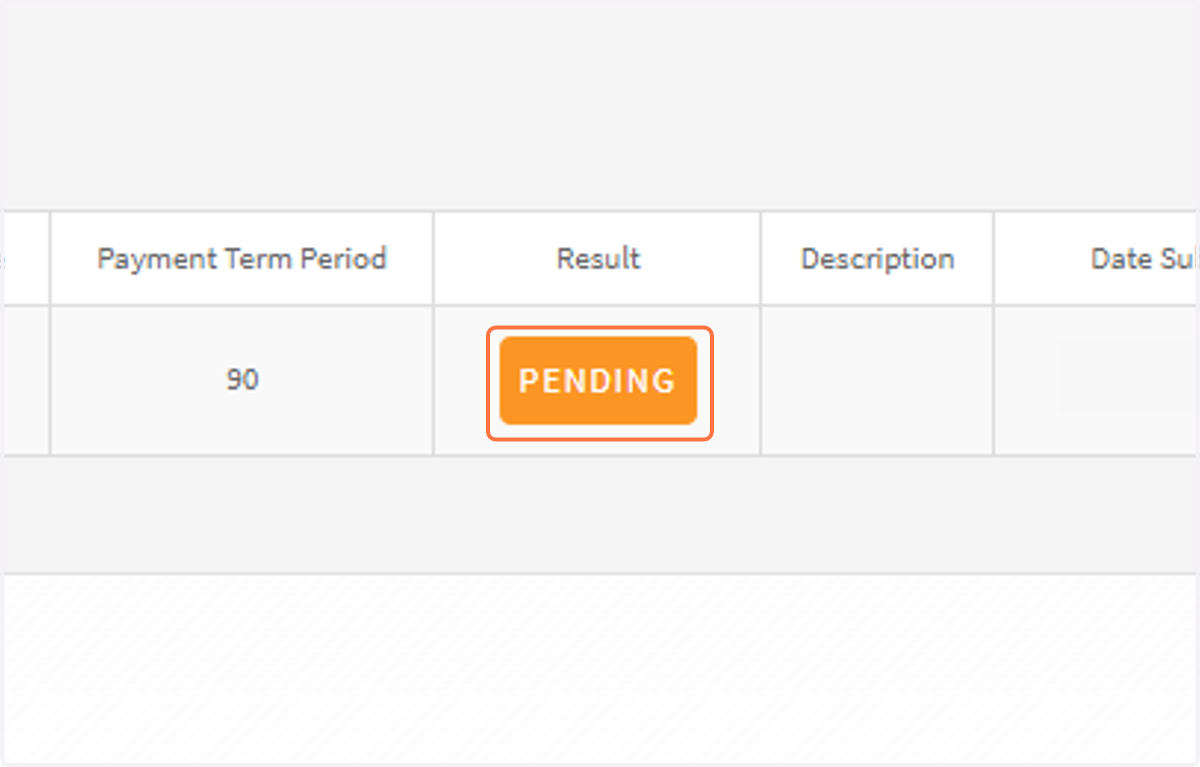
11. This has now been submitted to the carrier and has a PENDING status
You can monitor this via your ALERTS as well as the COVERAGE tab
12. Click on Coverage
You can view the status in the COVERAGE tab