Requesting Flow Cytometry Training
In order to gain access to a Flow Cytometric Analyser, please follow the offered description.
Ppms
1. Go to ppms.eu/vbc
Navigate to ppms.eu/vbc using a web browser
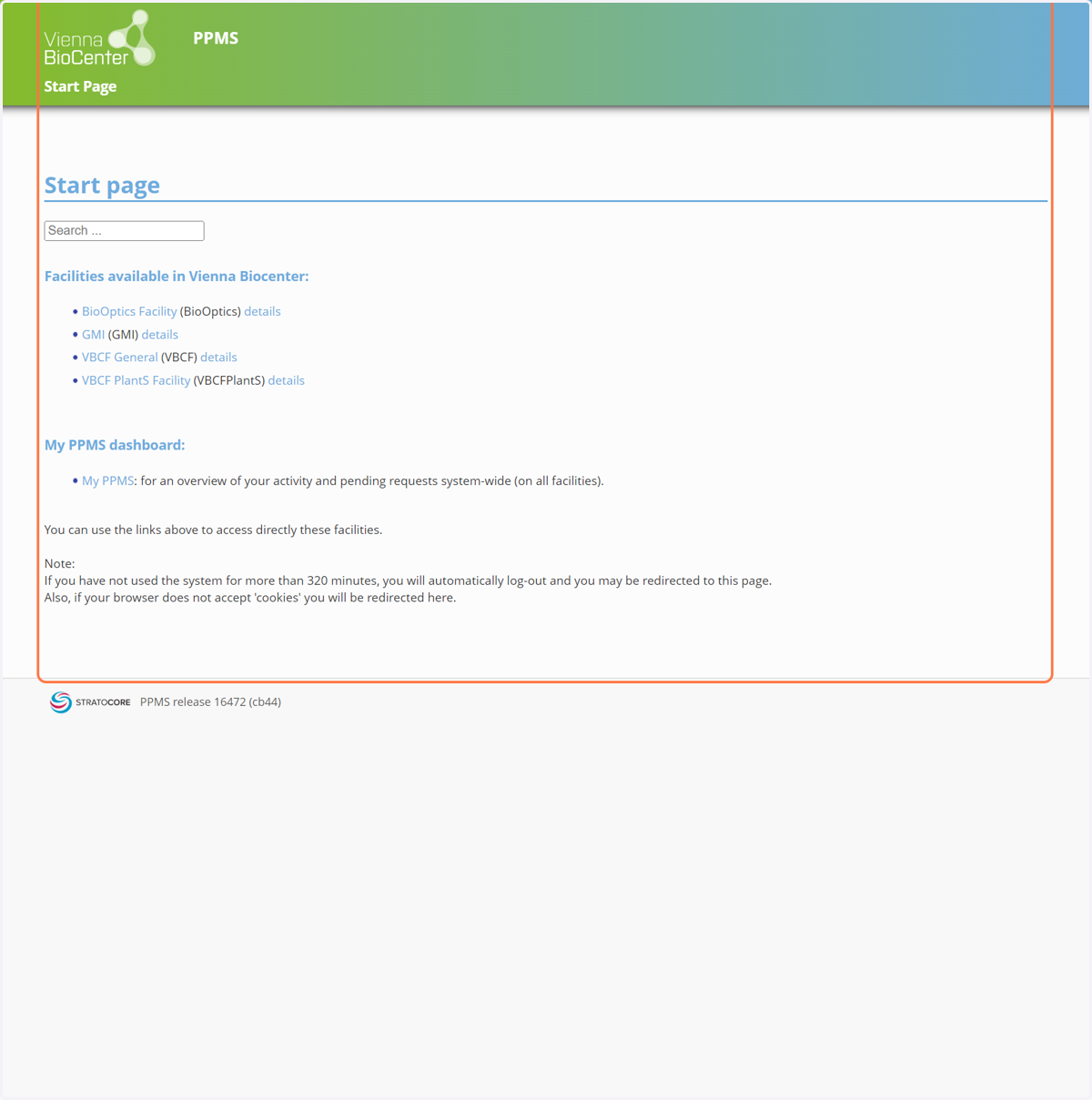
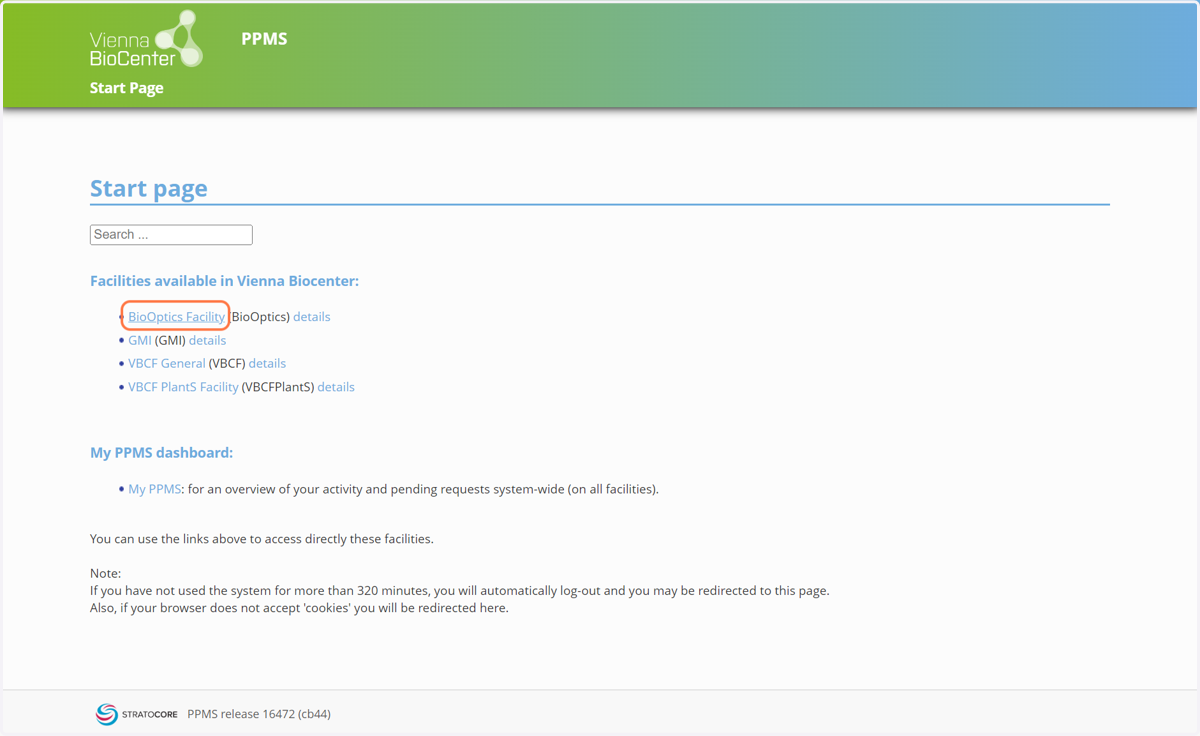
2. Click on BioOptics Facility
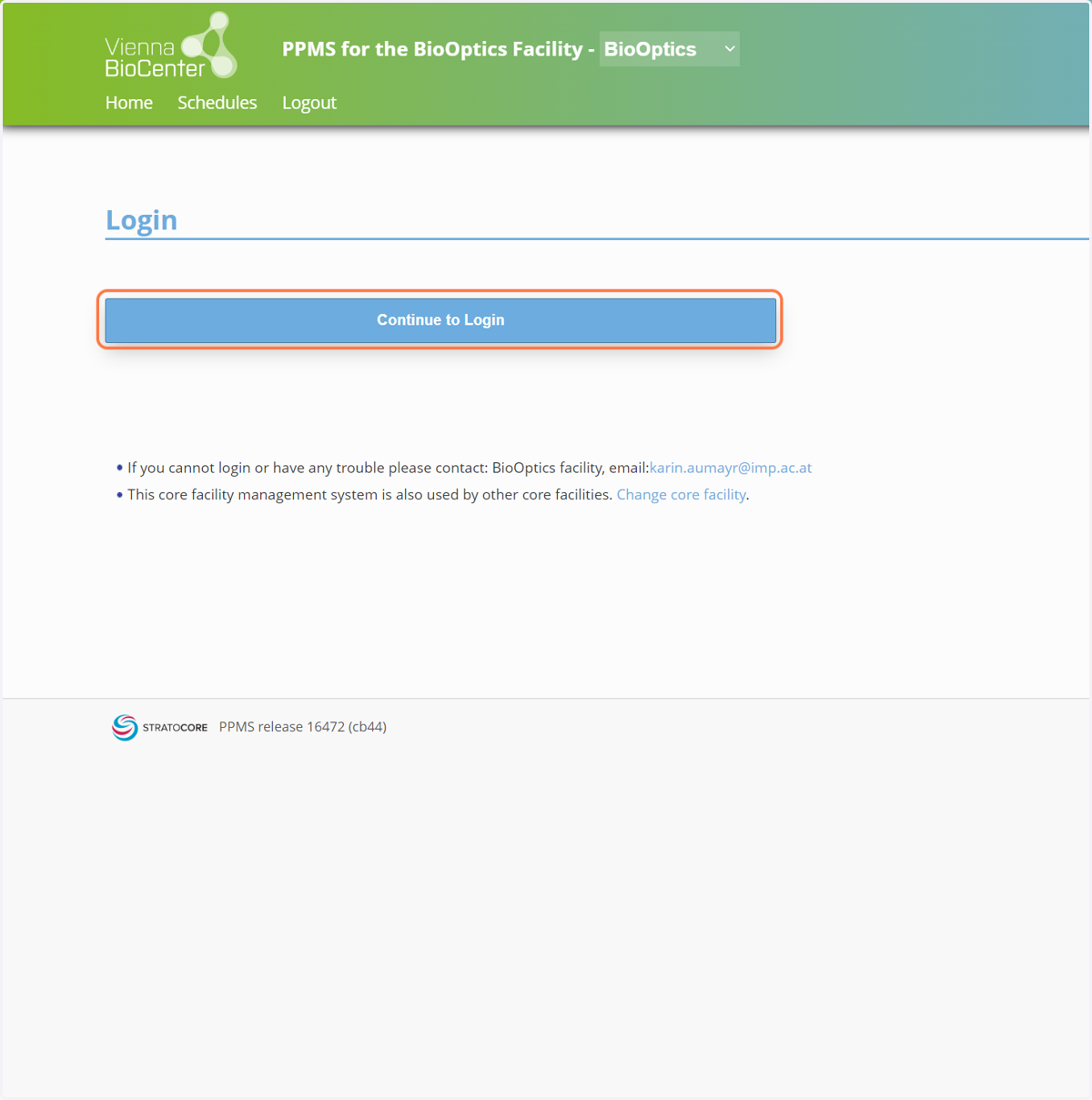
3. Click on Continue to Login
4. Select the appropriate option representing your institution on the screen
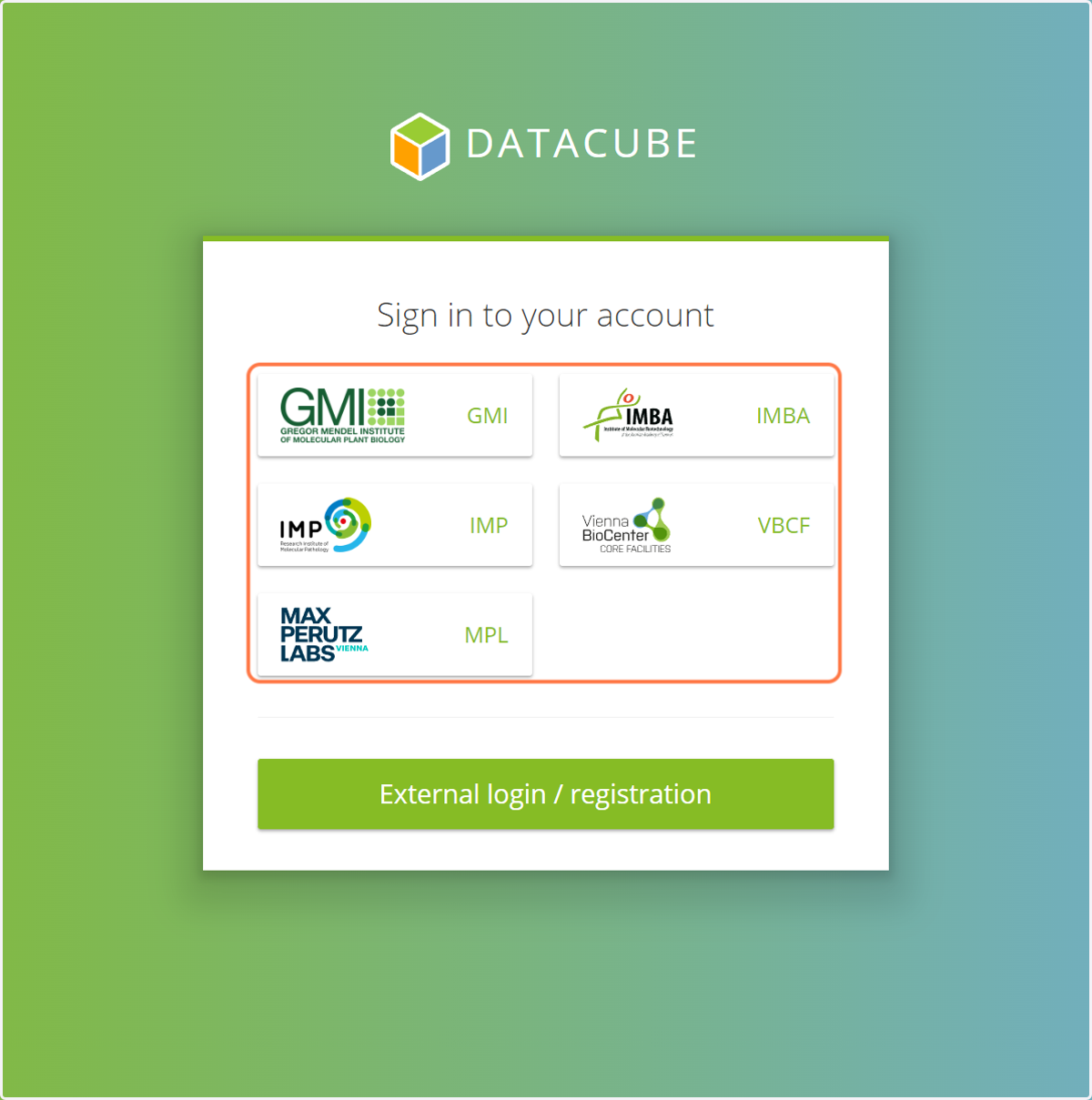
Vbc
5. wait
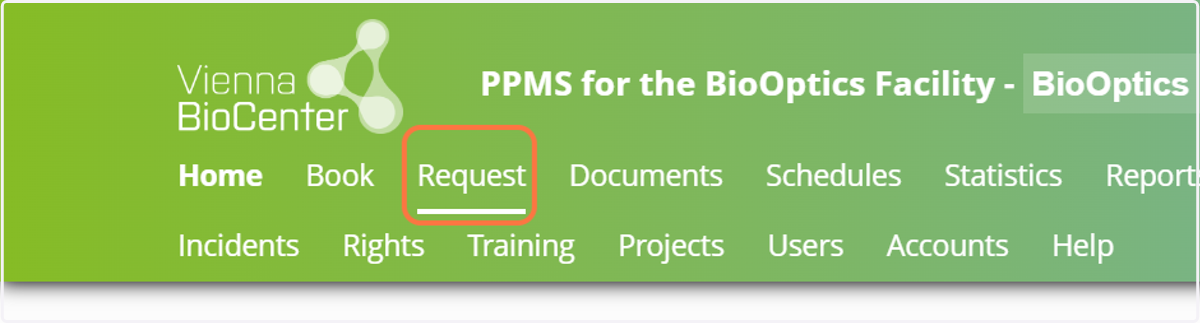
6. Click on Request
Should the 'Request' option not be visible in the top ribbon, please extend the browser to the side.
Microsoftonline
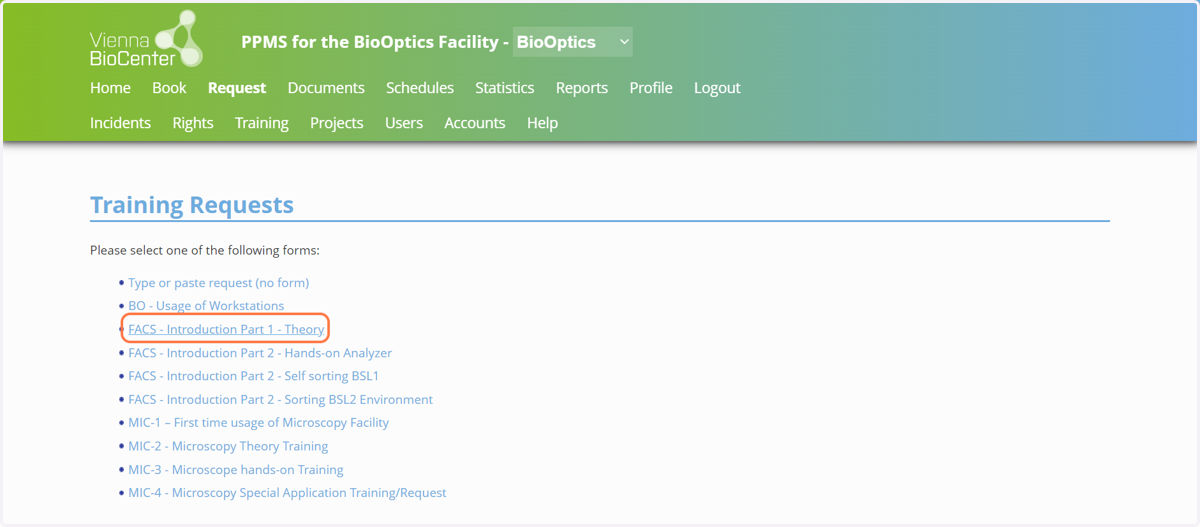
7. Click on FACS - Introduction Part 1 - Theory
Having attended the theoretical introduction is required before attending the practical introduction.
In the following screen, please select a suitable date for attending the theory session.
Click 'Submit request' when done.
Ppms
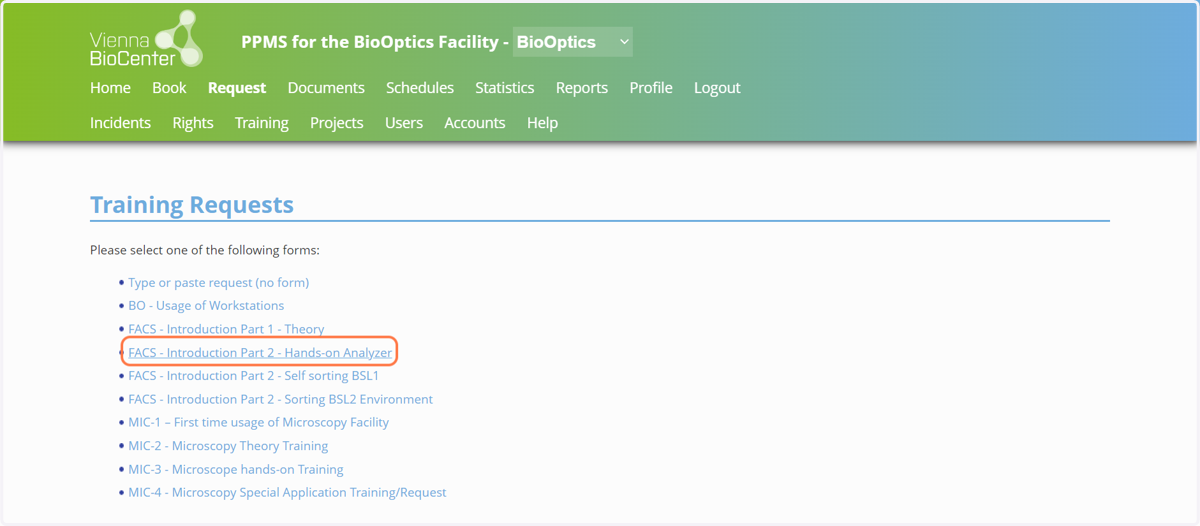
8. Click on FACS - Introduction Part 2 - Hands-on Analyzer
Select the appropriate hands-on introduction.
Please fill in the form, which comes up after selecting the 'Introduction Part 2' of your choosing.
Click 'Submit request' when done.