Requesting Event Support from the Office of Undergraduate Admissions (OUA)
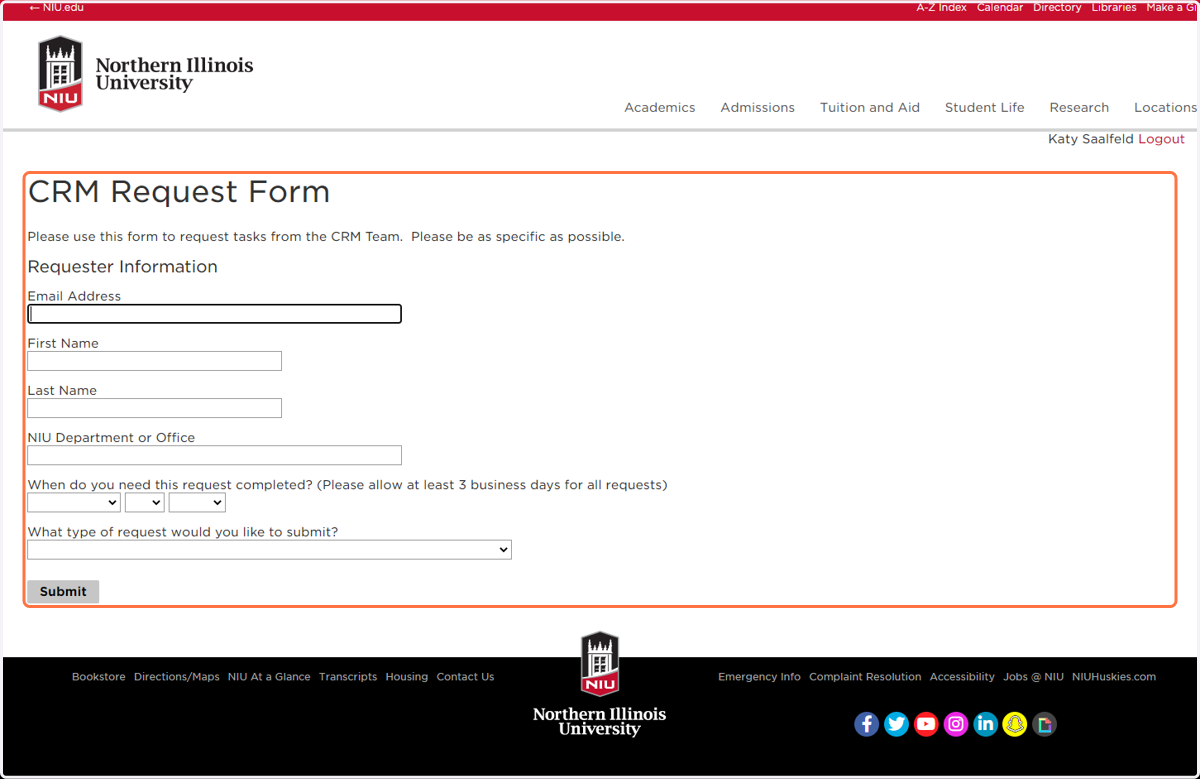
CRM Request Form
1. Enter your contact information, department, and date needed.
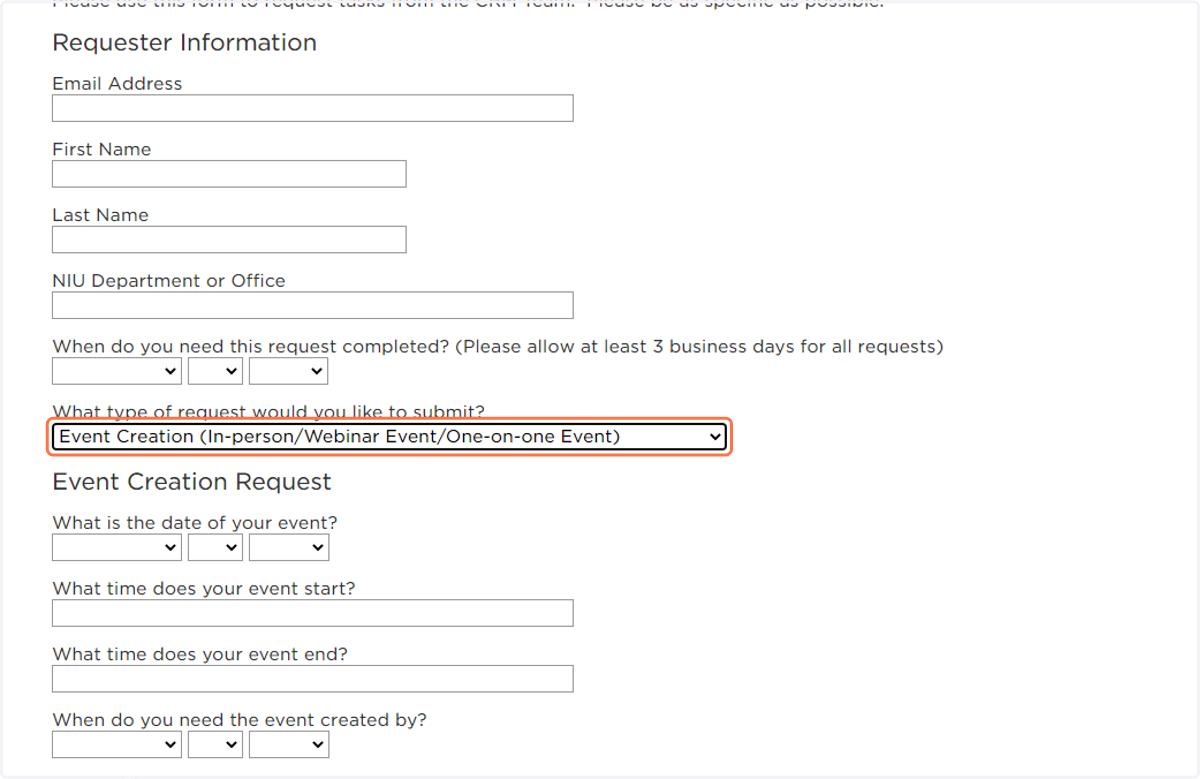
2. Select Event Creation (In-person/Webinar Event/One-on-one Event) from What type of request would you like to submit?
The event creation information will help the CRM team create the event, which includes the registration of attendees/visitors. The registration can be shared with with visitors as they arrive for the event, like a check-in, or it can be sent in advance to the chaperone(s) for students to complete on their way to campus. Once the event is created we can share either a link to register or a QR code. The event creation allows us to track participants from the event to other aspects of recruitment, such as application, admission and enrollment.
3. Enter the details, including title, date, time, creation date, etc.
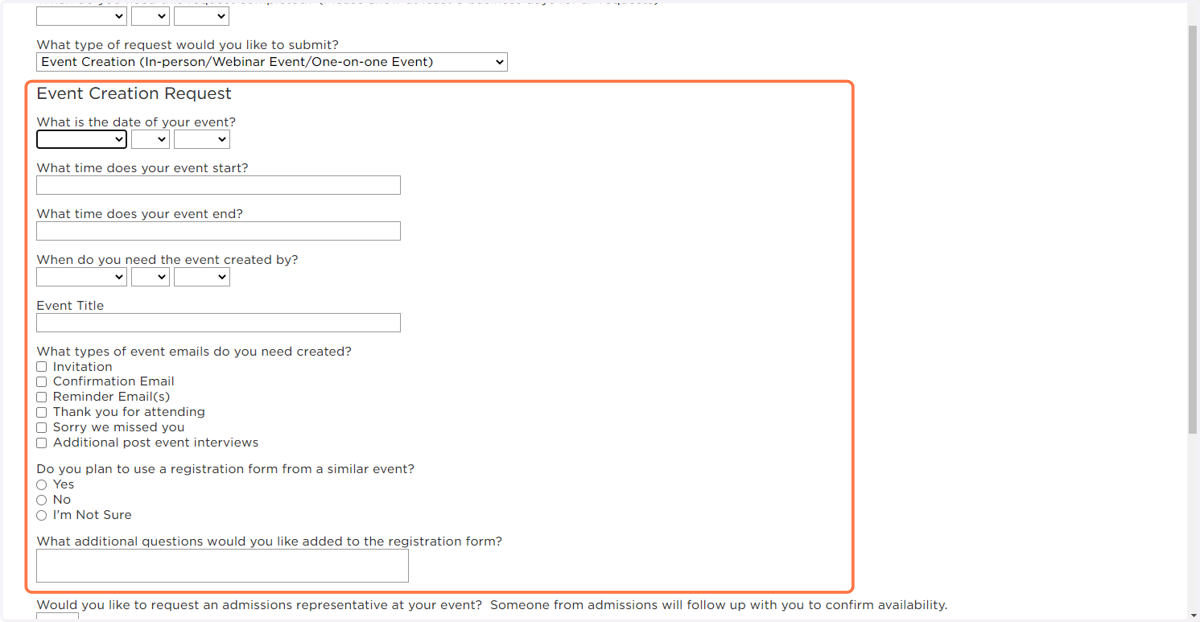
4. Event Communications
Often these requests are for a group visiting campus so there is not always a need to build out the pre-event communications. However, as you can see in the request, you can work with the CRM team to create a variety of communications connected to the event, such as a thank you for visiting. You would also be able to work with the CRM team to follow up on students from the event to see how far they got in the enrollment funnel. As you are requesting the event, please consider your needs for post-event as well and include them in the CRM request.
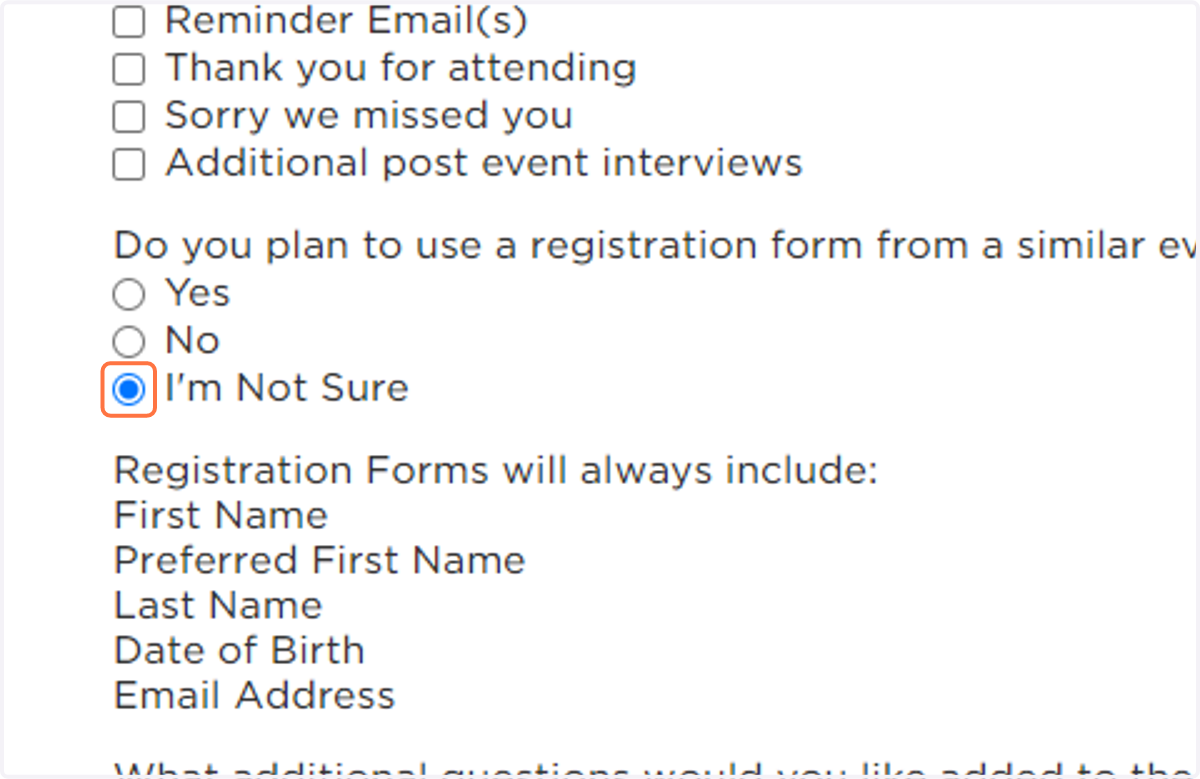
5. If this is your first event creation, it is fine to select "I'm Not Sure" for the registration form and the CRM team will assist you in getting this created.
6. If you would like OUA to review our availability for admissions representative as part of your event, select "Yes" from Would you like to request an admissions representative at your event? Someone from admissions will follow up with you to confirm availability.
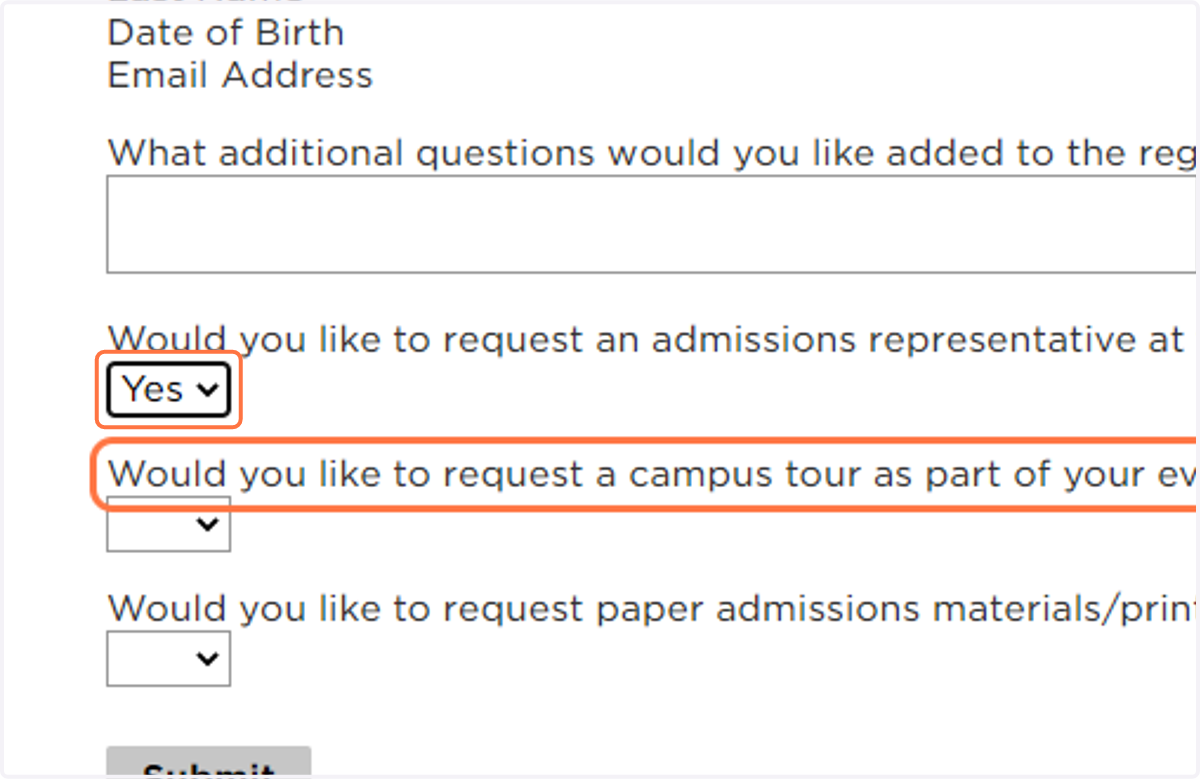
7. If you would like OUA to review our availability to offer a campus tour as part of the event, select "Yes" from Would you like to request a campus tour as part of your event? Someone from admissions will follow up with you to confirm availability.
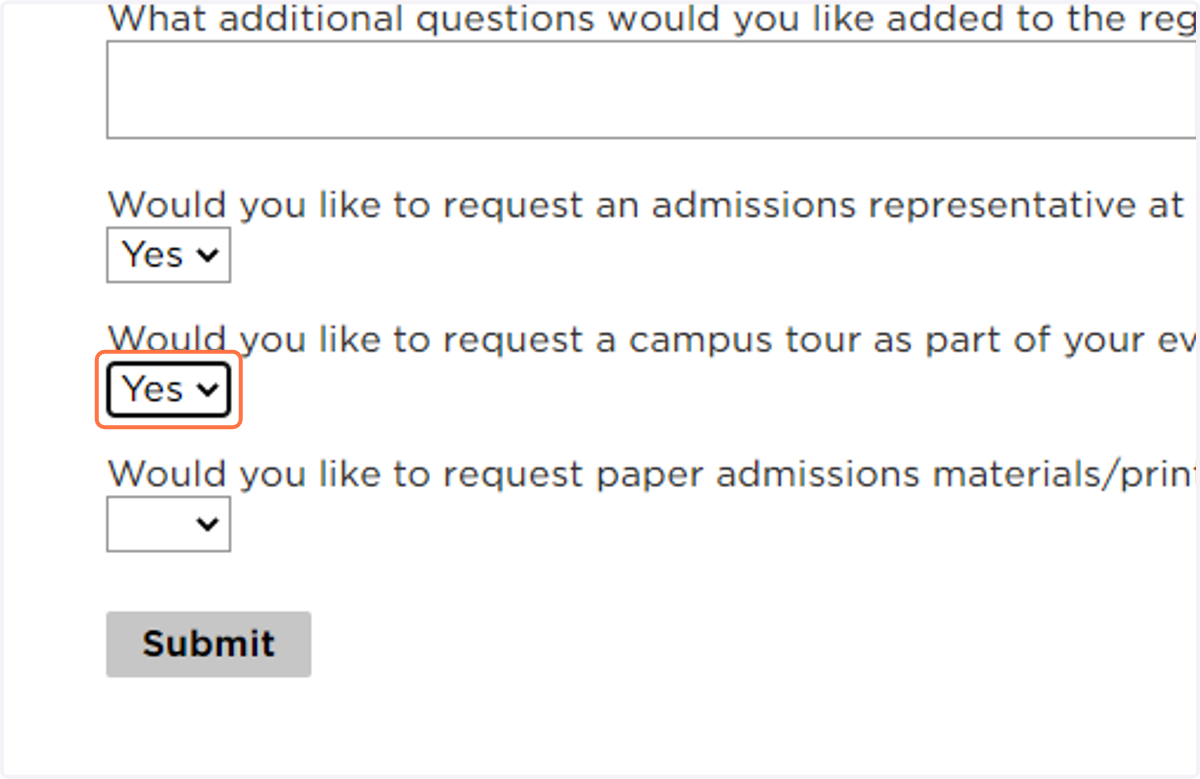
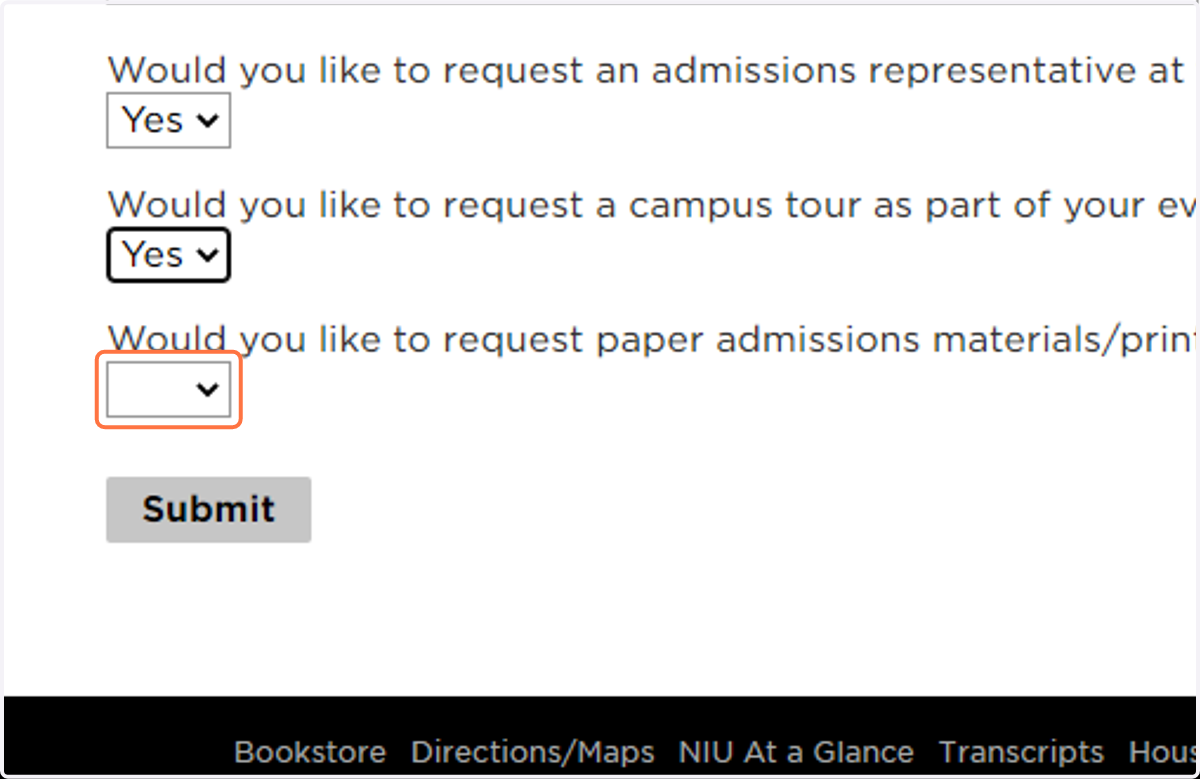
8. If you would like material form OUA or University Marketing, select "Yes" on from Would you like to request paper admissions materials/print materials for an in-person event? Someone from admissions will follow up with you to confirm availability.
9. Click on Submit
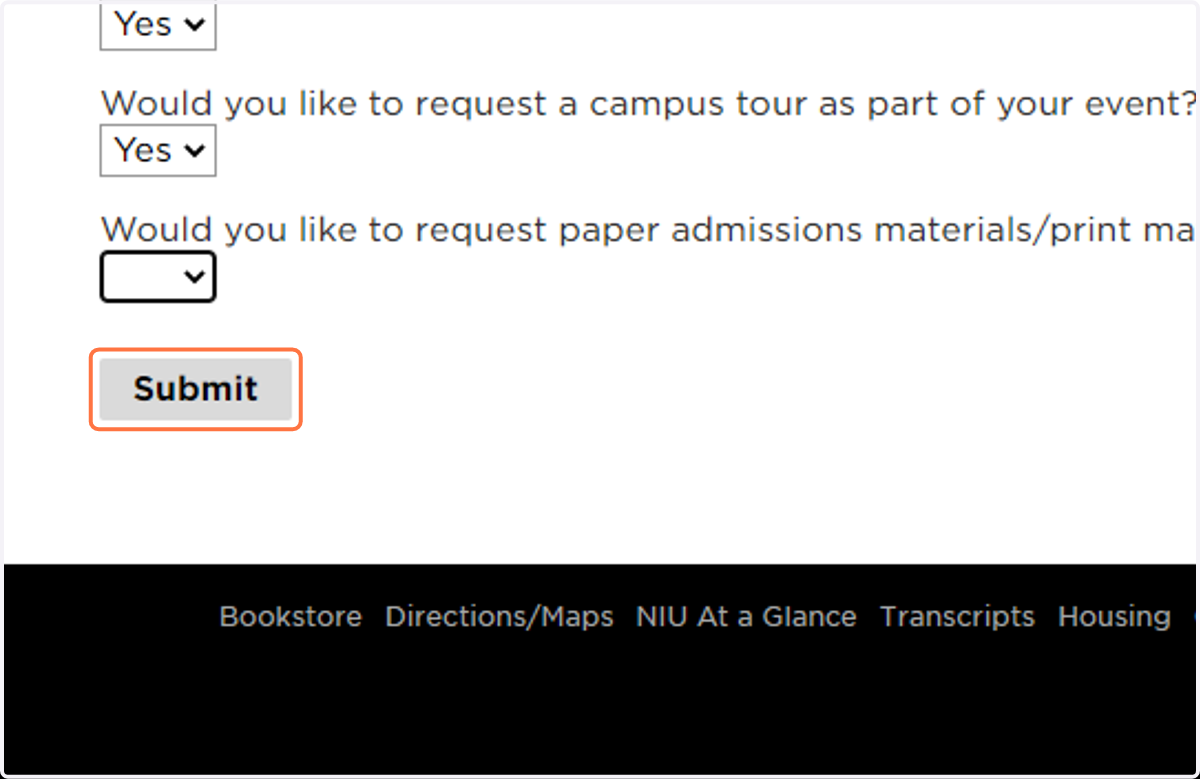
10. Once the form is submitted the CRM team sends the request to the OUA team to coordinate. OUA will follow up with you to discuss availability of the item(s) requested of undergraduate admissions.