Request an Event in Coursedog
SJU Community Members can request a room reservation in Coursedog. The type of reservation/event you can submit requests for may depend on your Role permissions set by administrators for your campus.
For more information and policies governing the room reservation process, please click here.
Events Dashboard | Coursedog
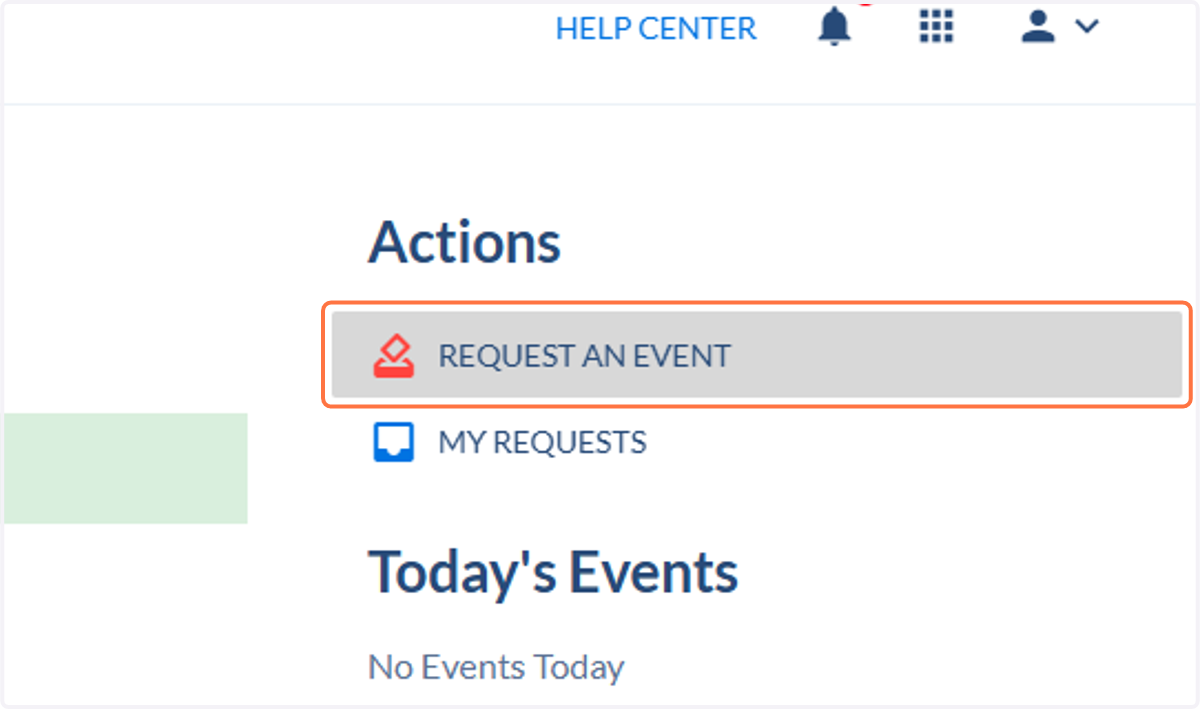
1. Click on Request An Event
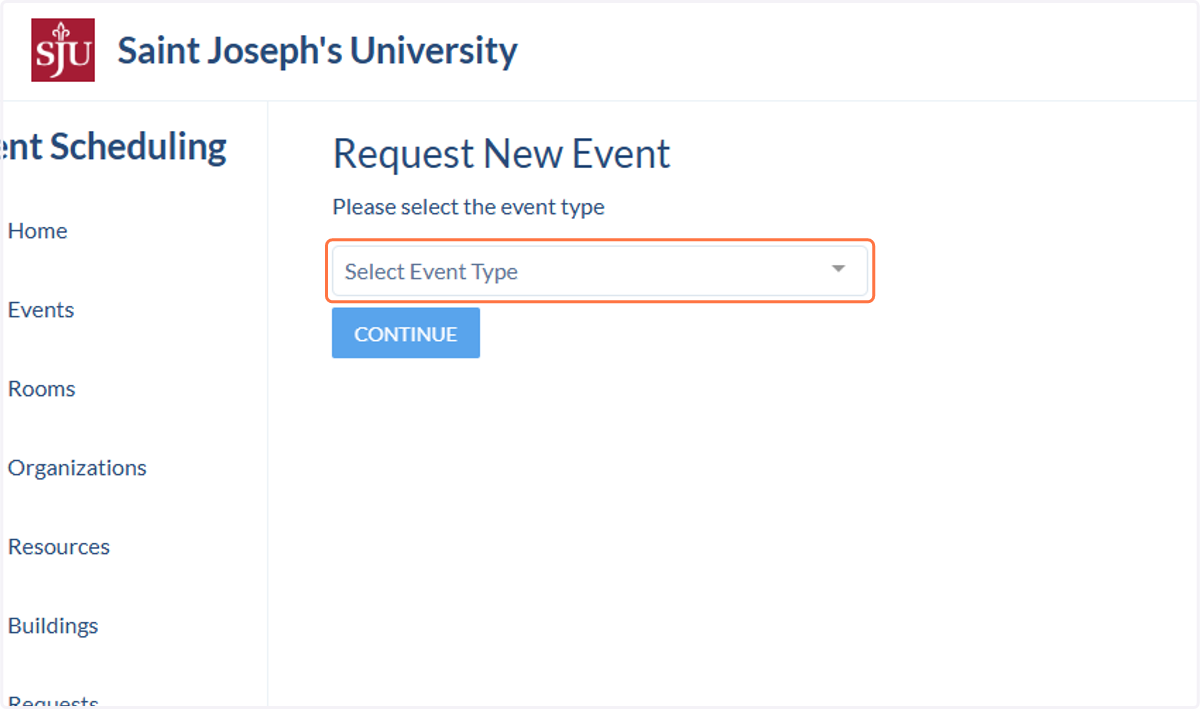
2. Click on Select Event Type
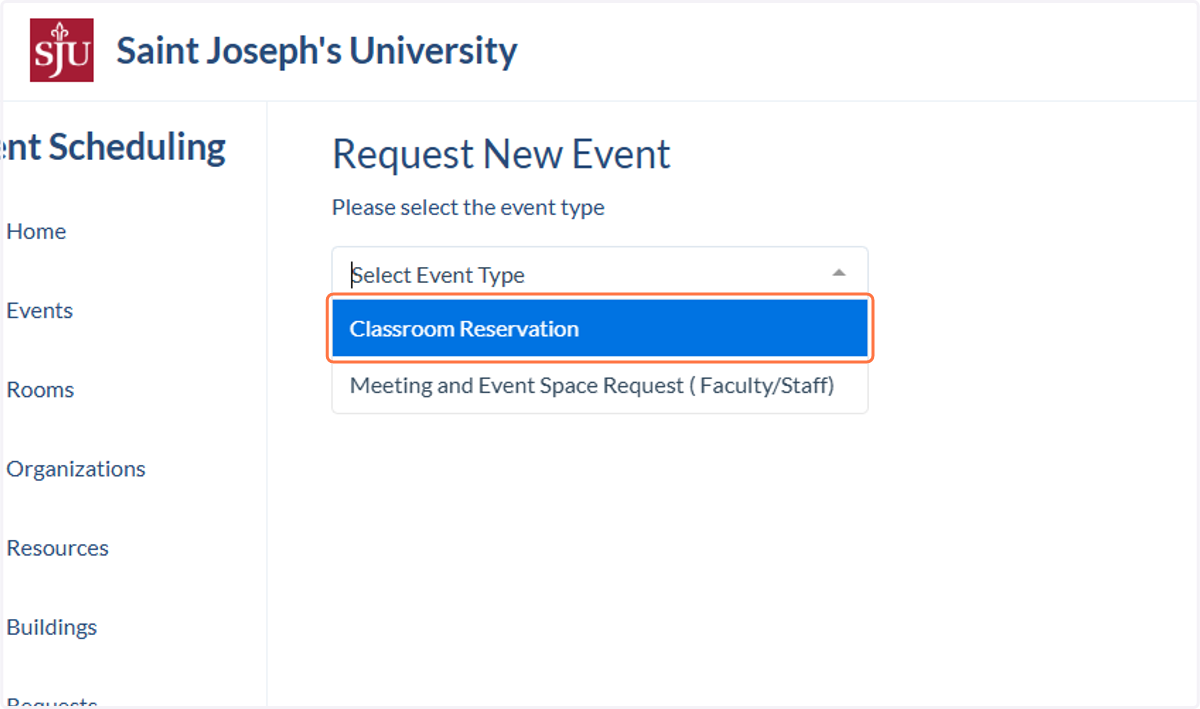
3. Click on the type of reservation you wish to make. You may see different reservation/event options depending on your role at the University.
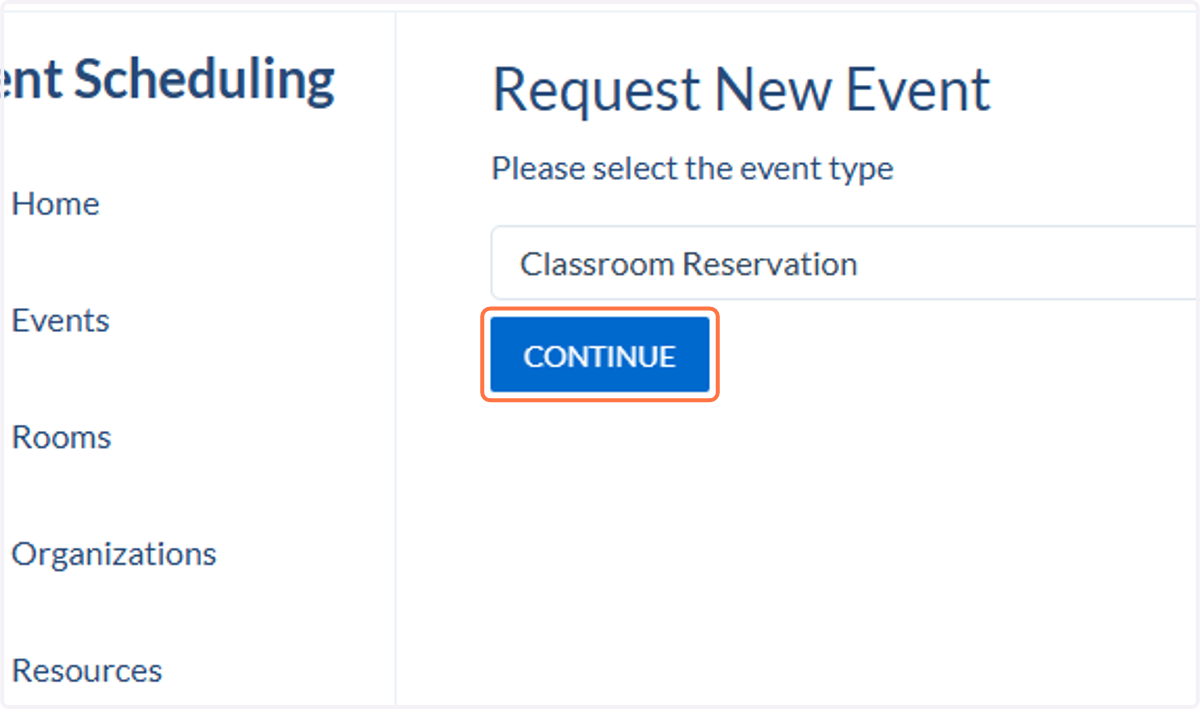
4. Click on CONTINUE
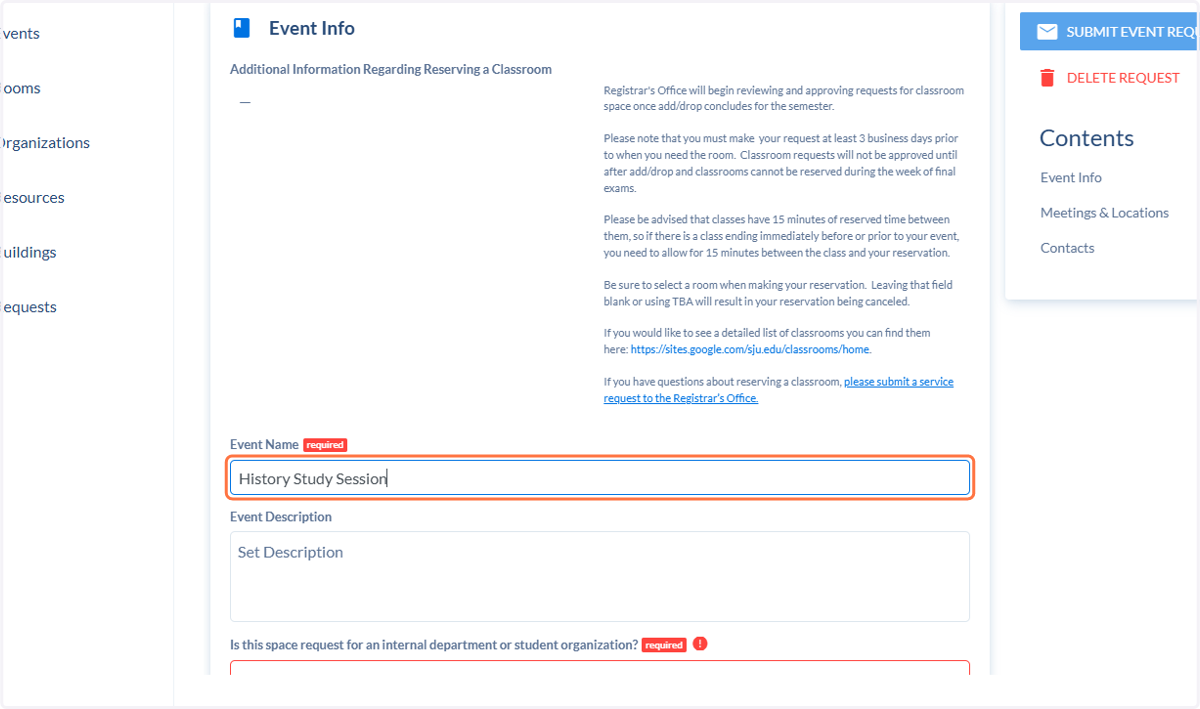
5. Fill out all required event information.
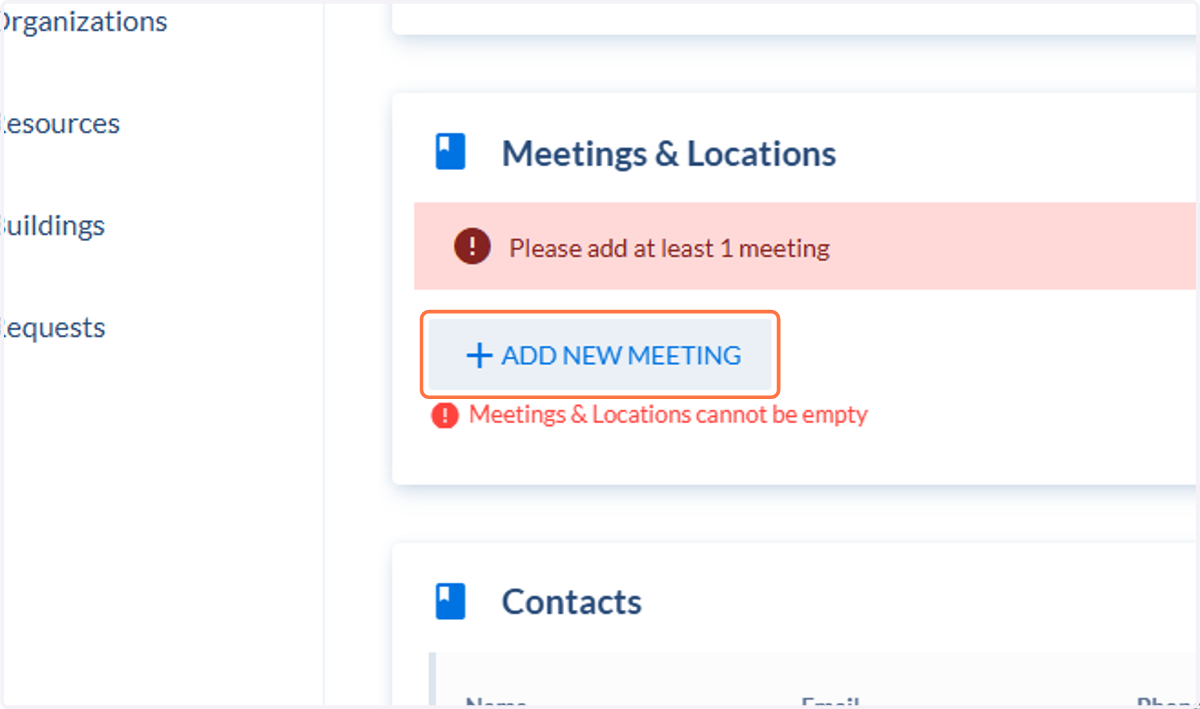
6. Click on Add new meeting
7. Enter or select the start date.
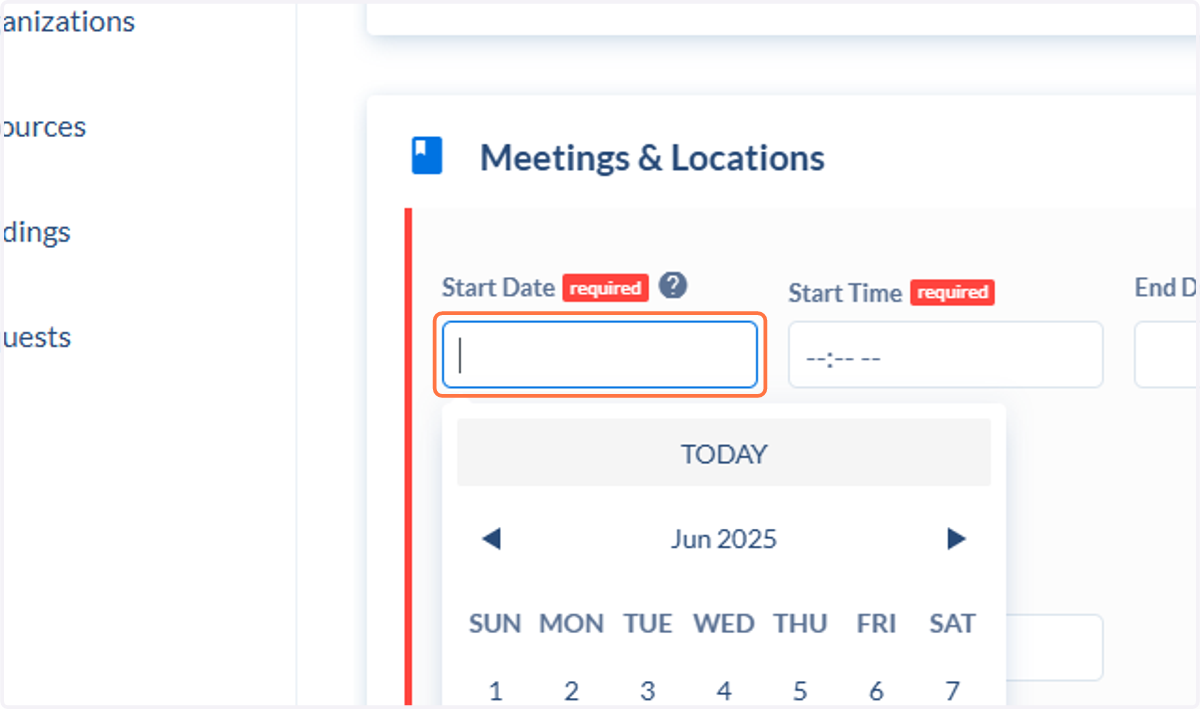
8. Enter or select the start time.
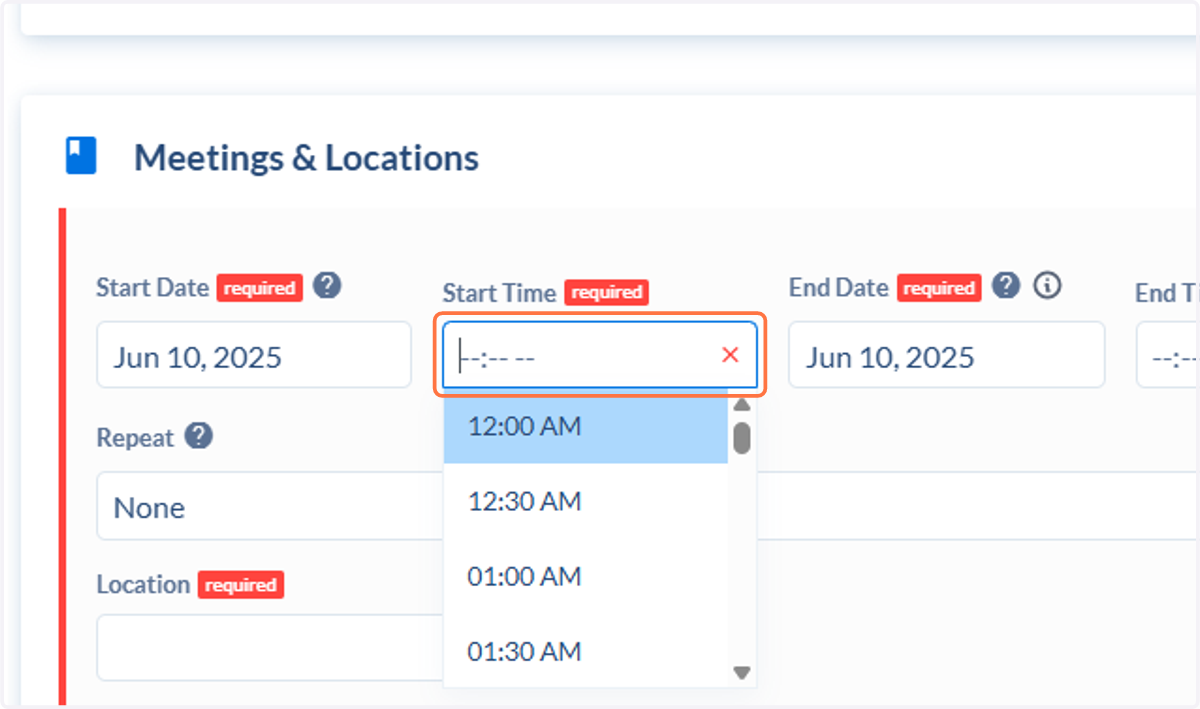
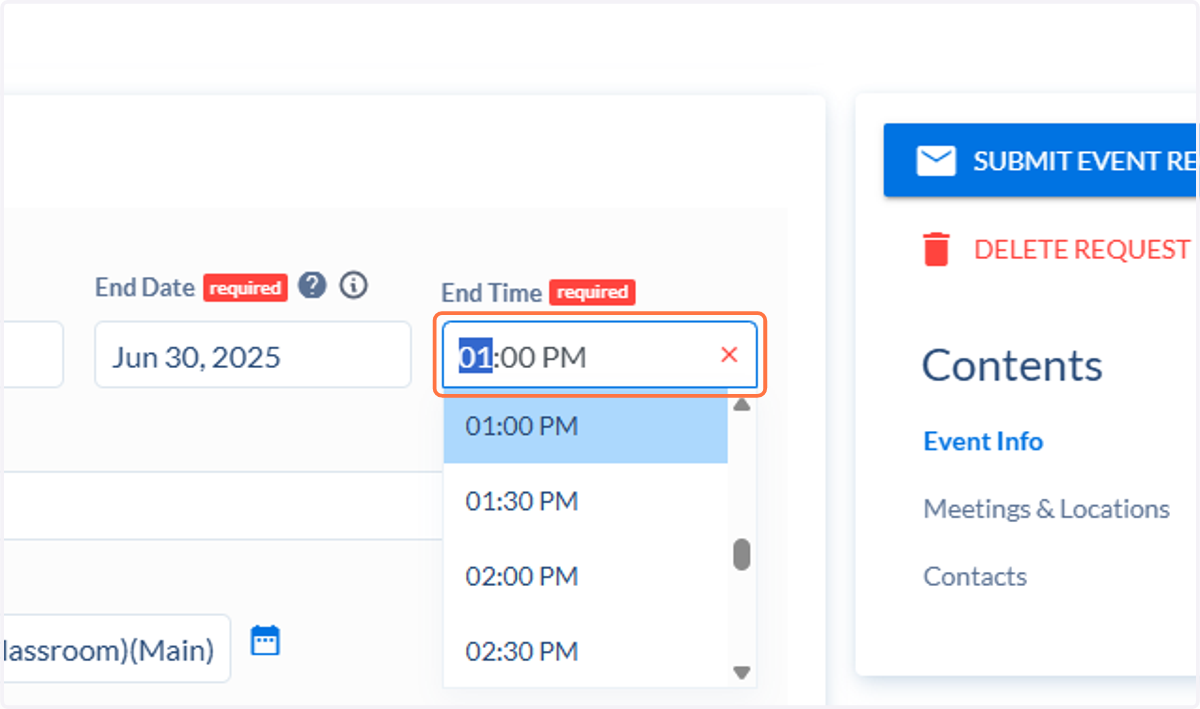
9. Enter or select the end time.
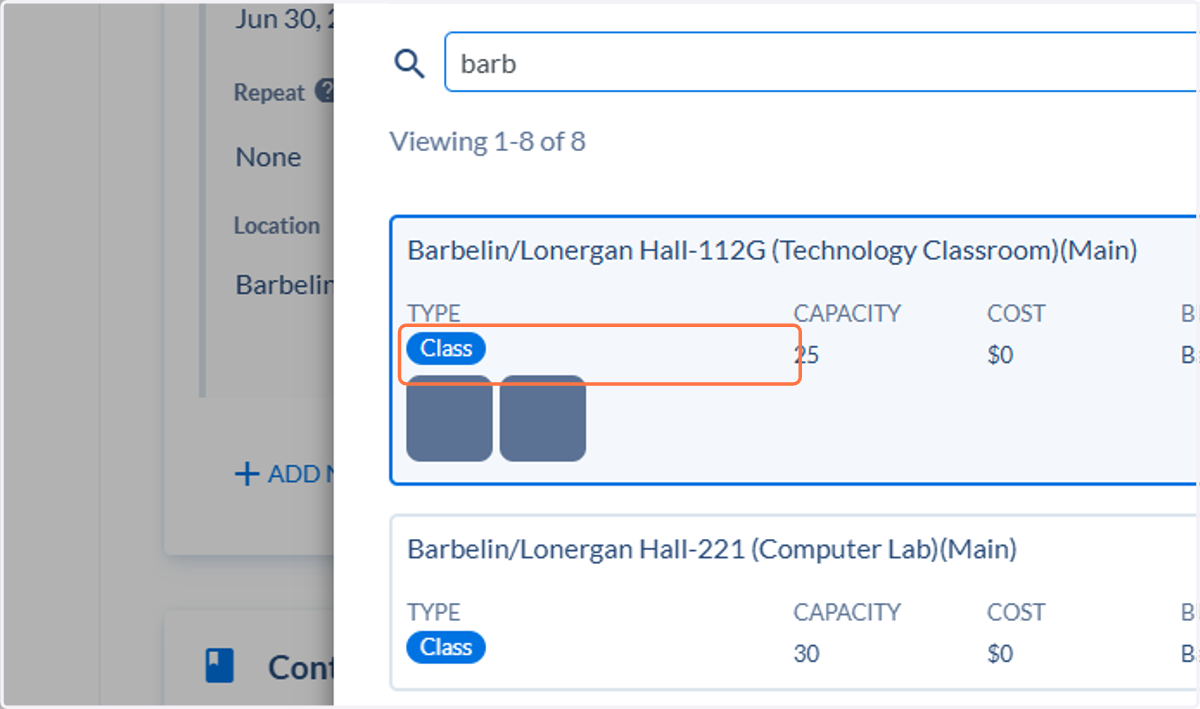
10. Click on Location to select your room. You can use the toggles and search to find a room that will fit your needs
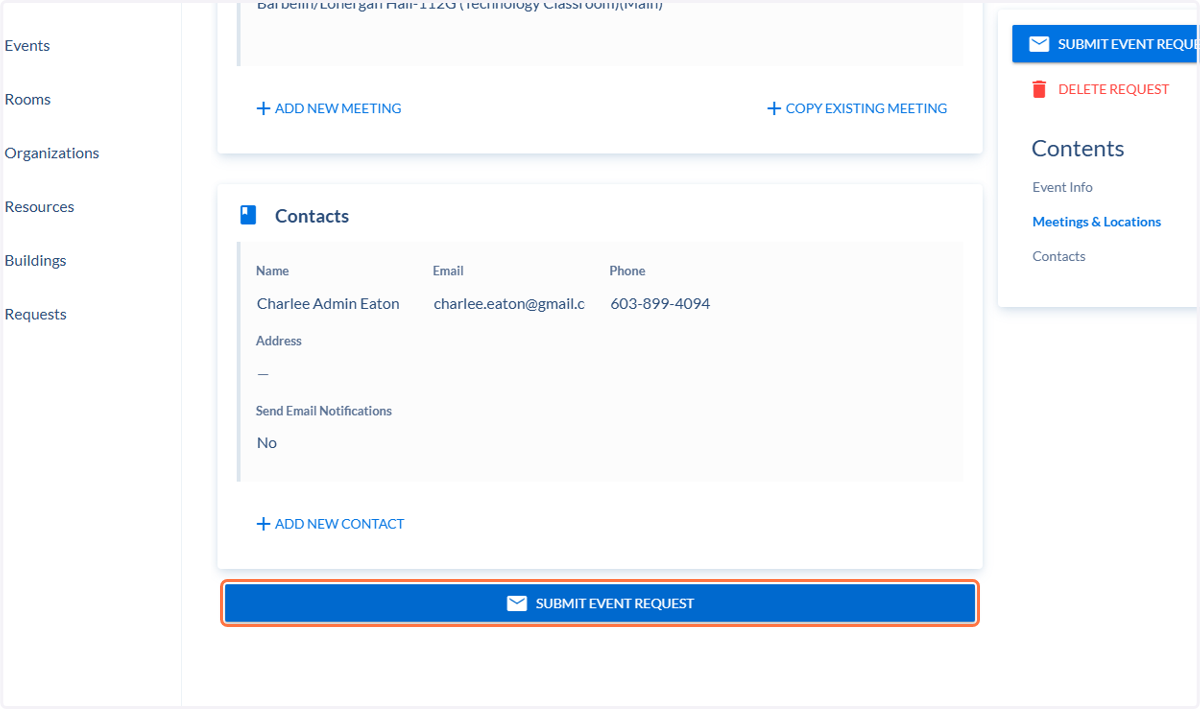
11. Make sure your contact information is correct.
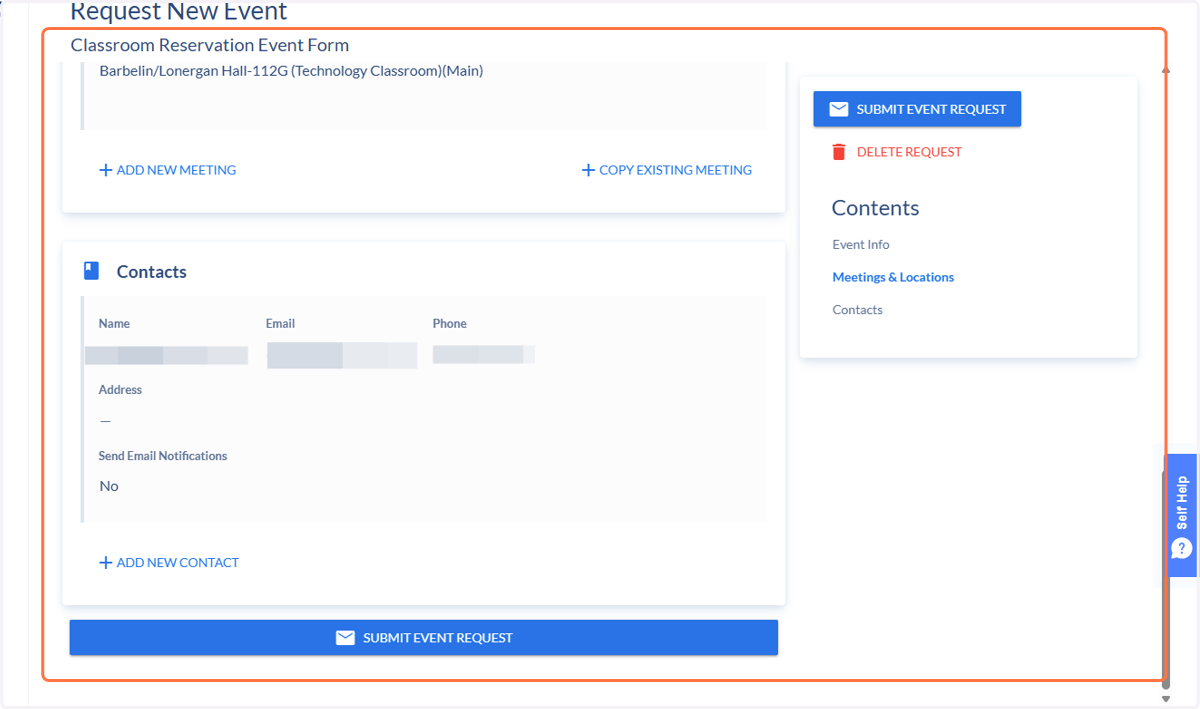
12. Click on Submit Event Request