Request a Recommendation Letter in Schoolinks
Schoolinks
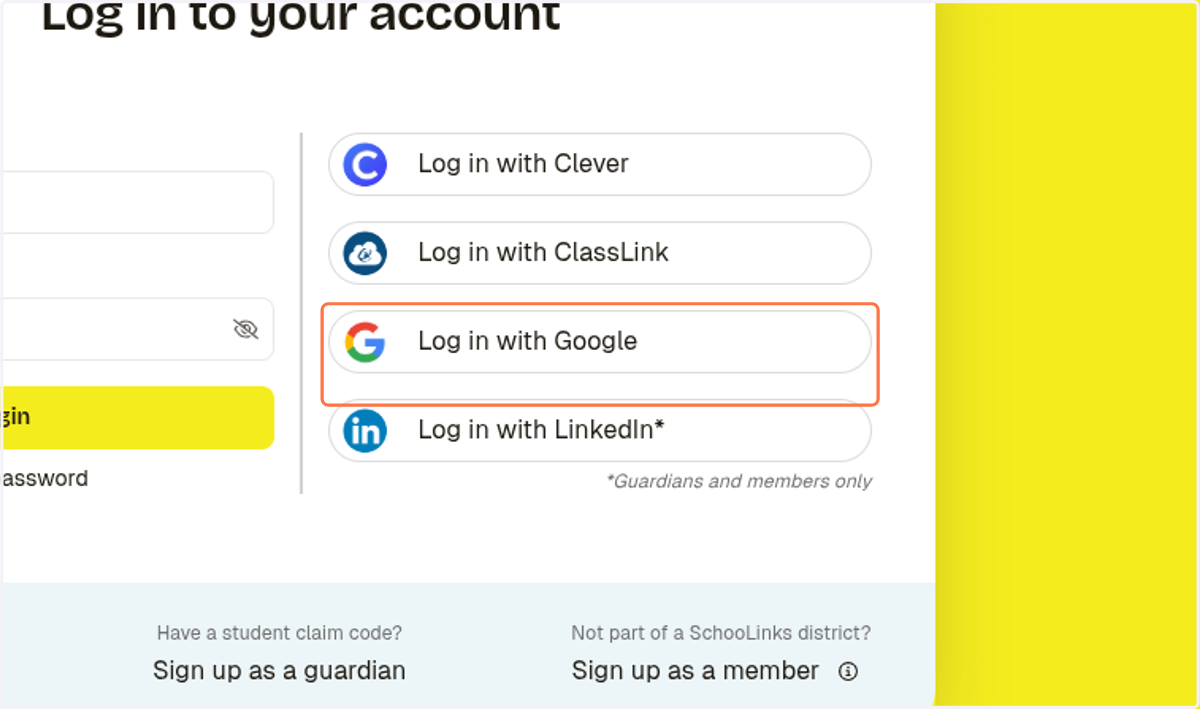
1. Click on Log in with Google
Sign in - Google Accounts
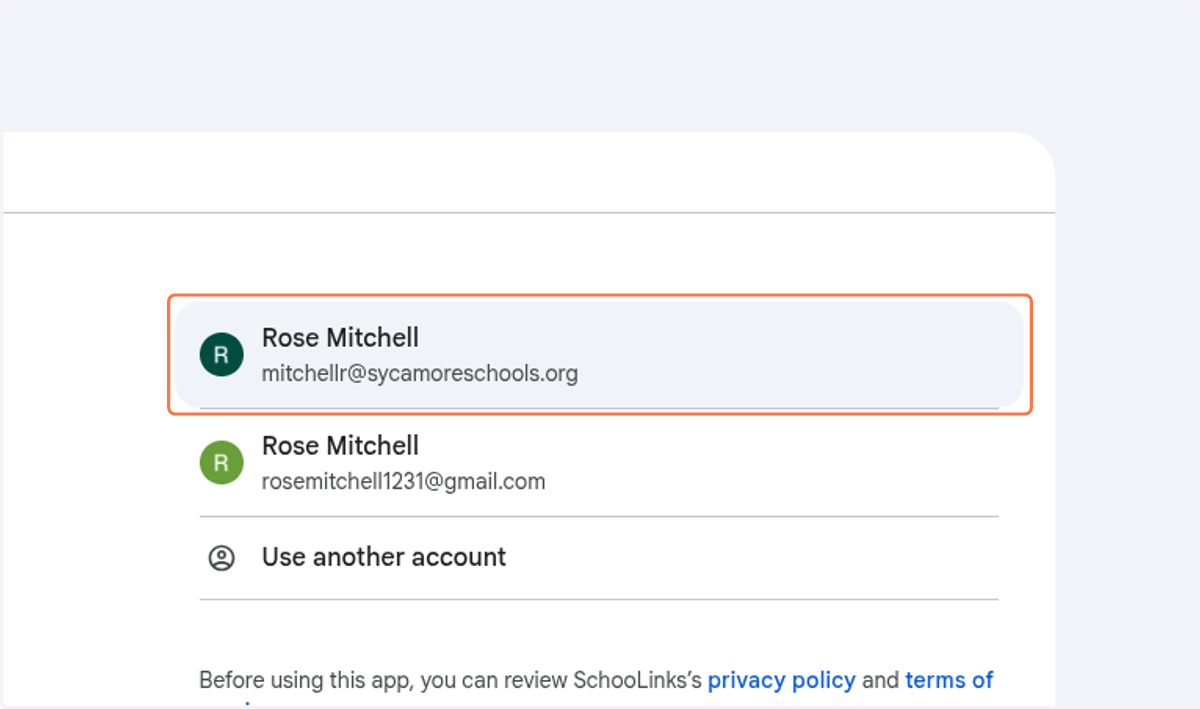
2. Sign in with your school email
Schoolinks
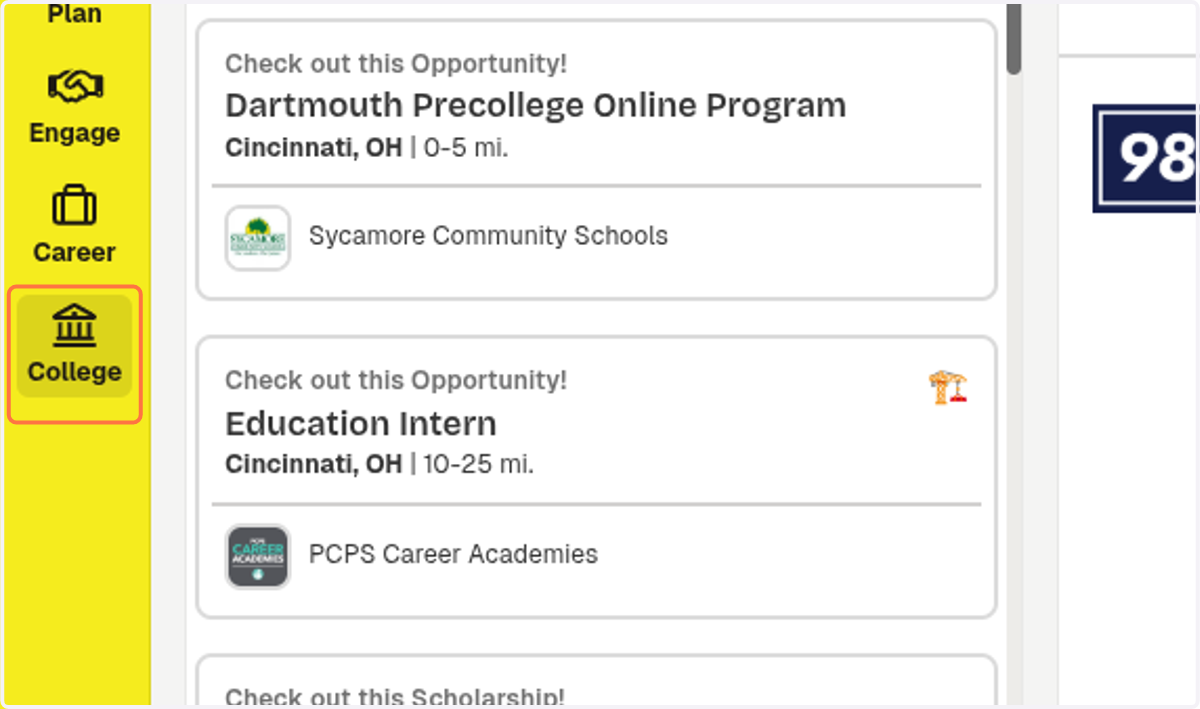
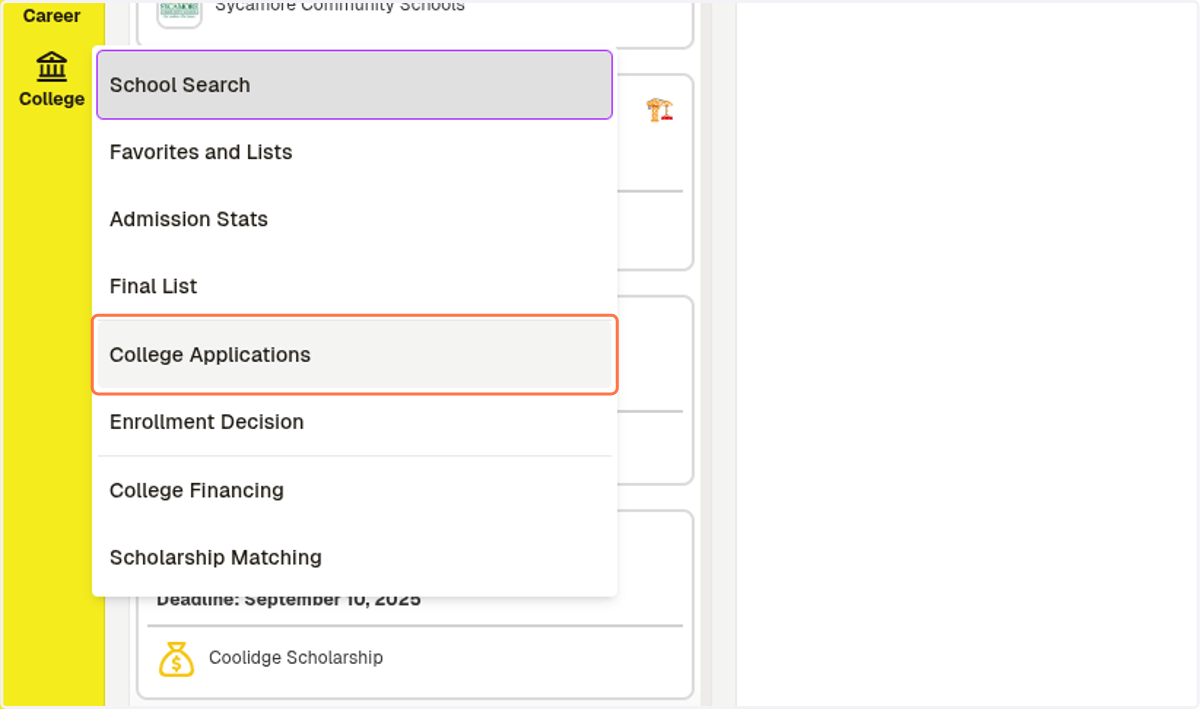
3. Click on College
4. Click on College Applications
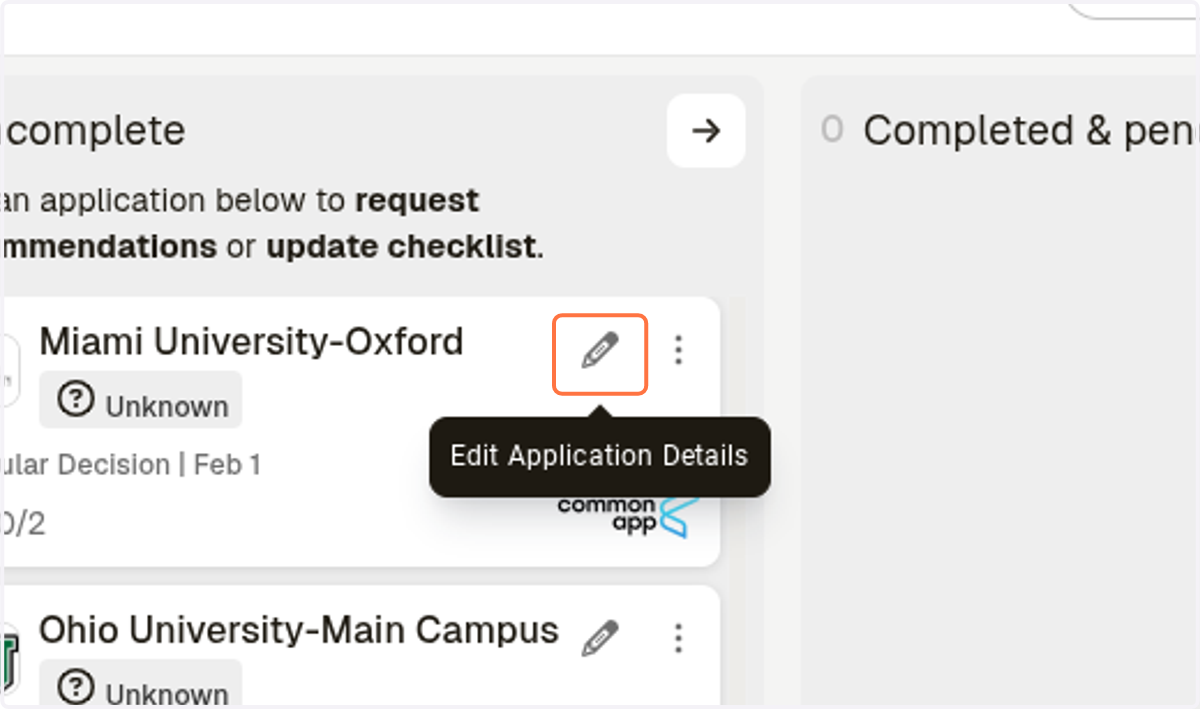
5. Click on Edit Application Details
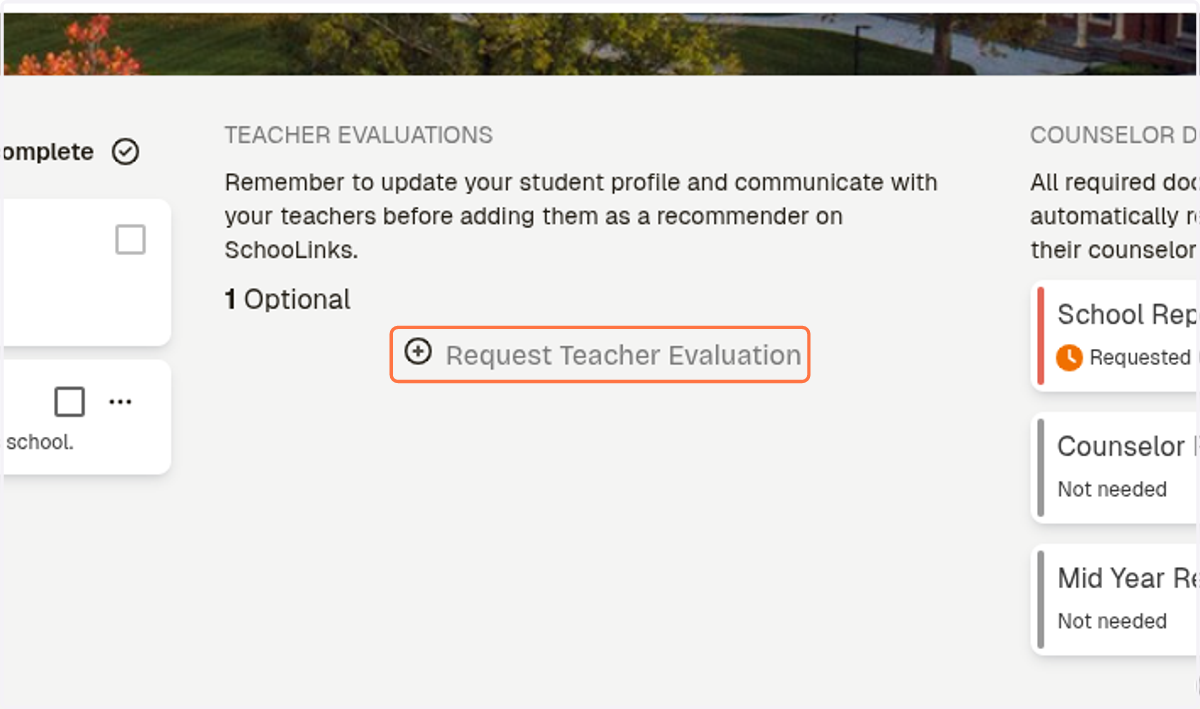
6. Click on Request Teacher Evaluation
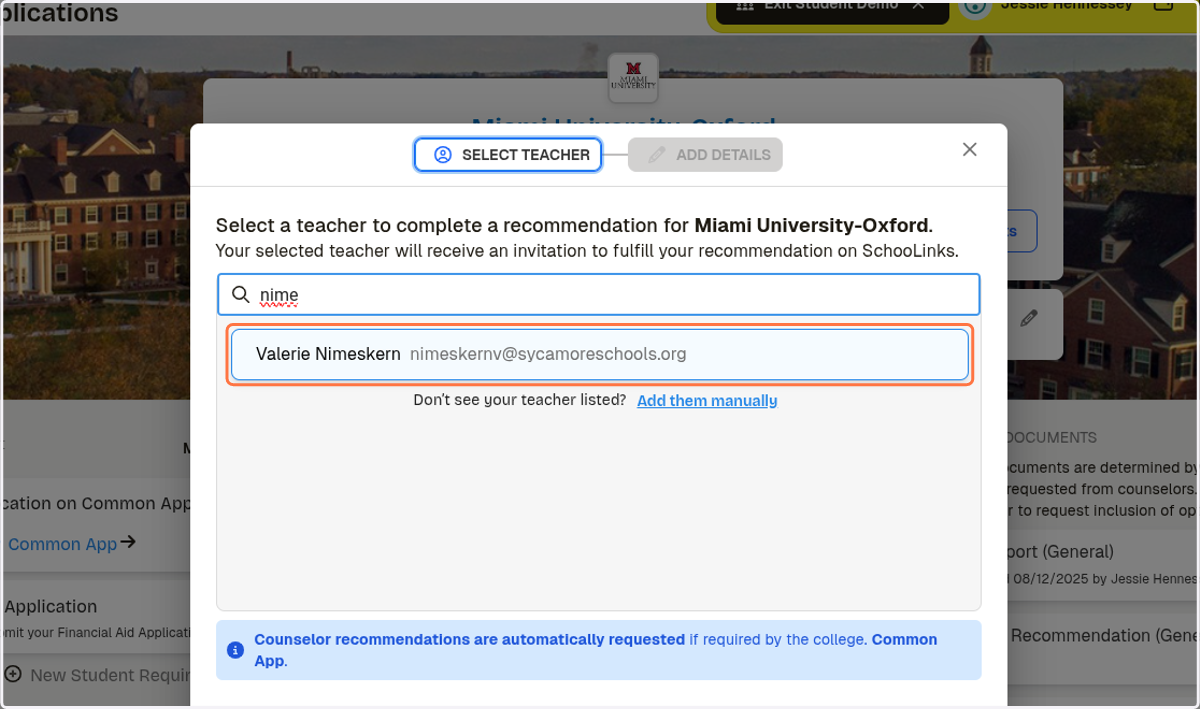
7. Type in the name of the teacher you want to add
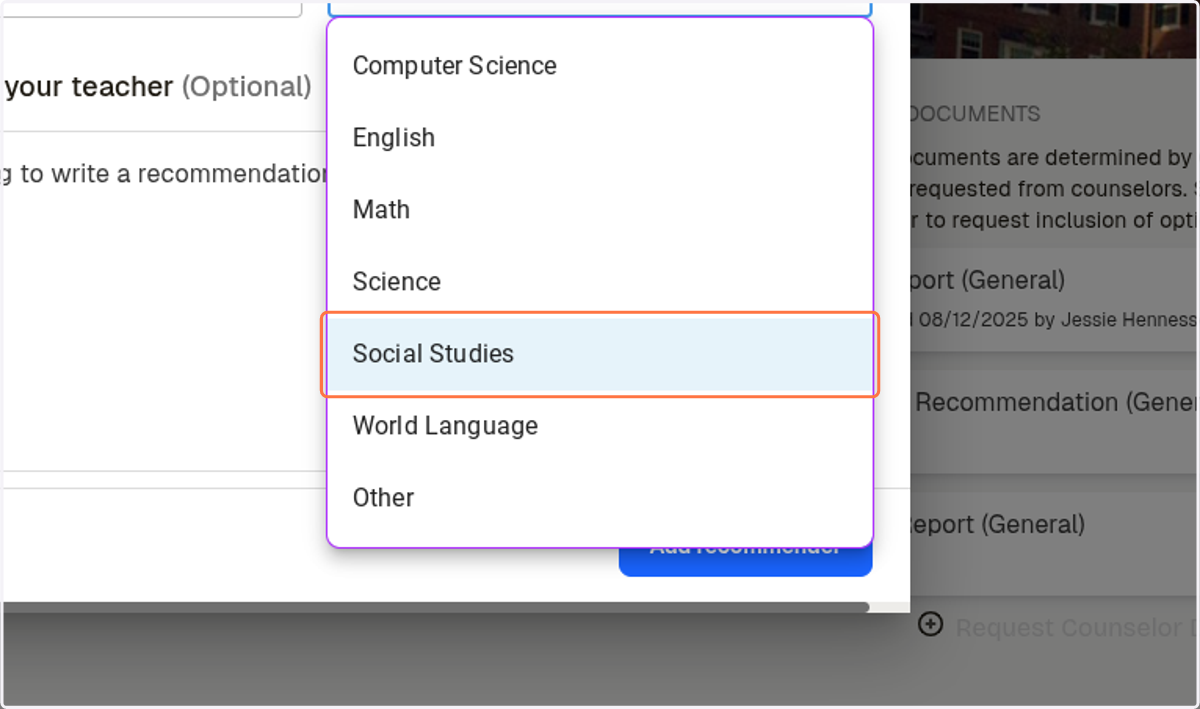
8. Select the subject they teach
9. Write a message if you like
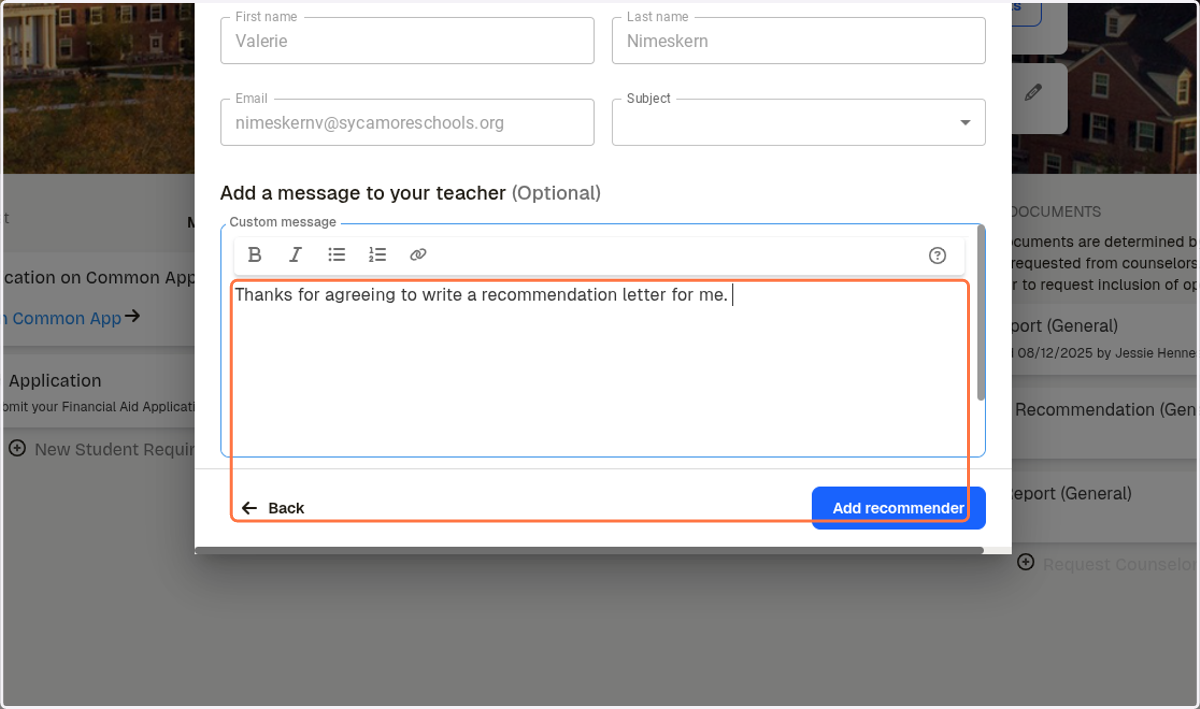
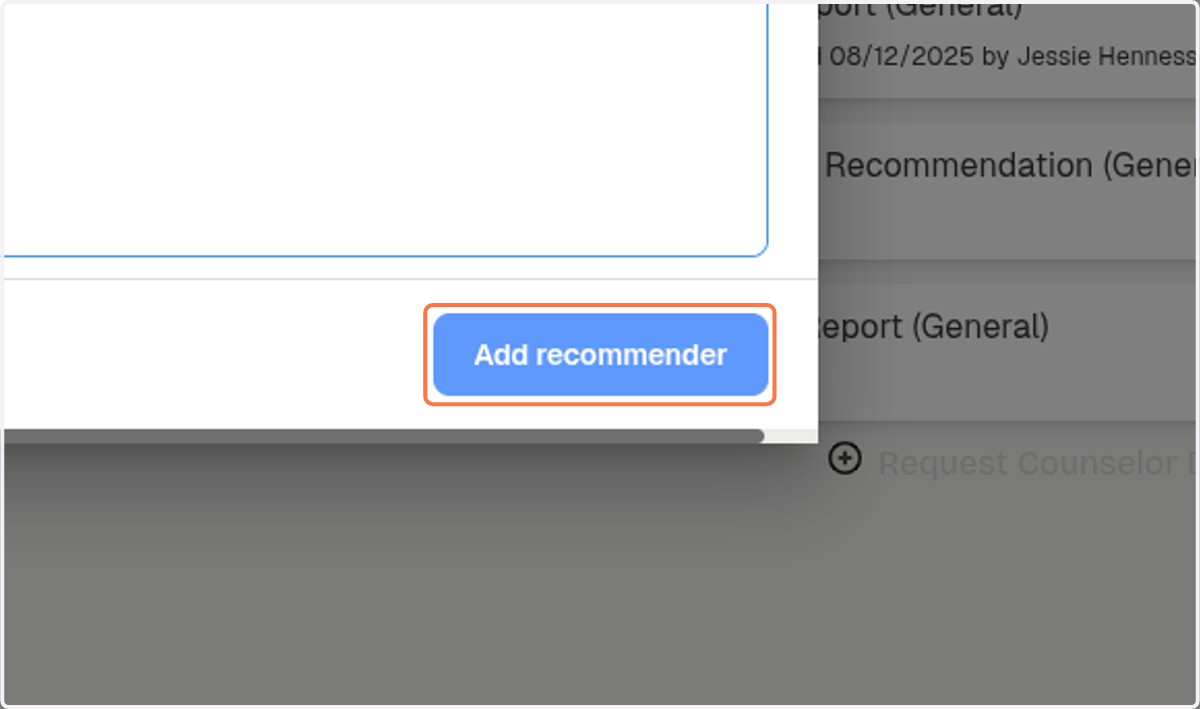
10. Click on Add recommender