Request Staff Removal
Removing a volunteer or employee after the start date of a session requires administrator approval. Use "Request Removal" to notify the Youth Protection team that a staff did not engage with youth and should be removed from the roster.
OSU Youth Program Registry
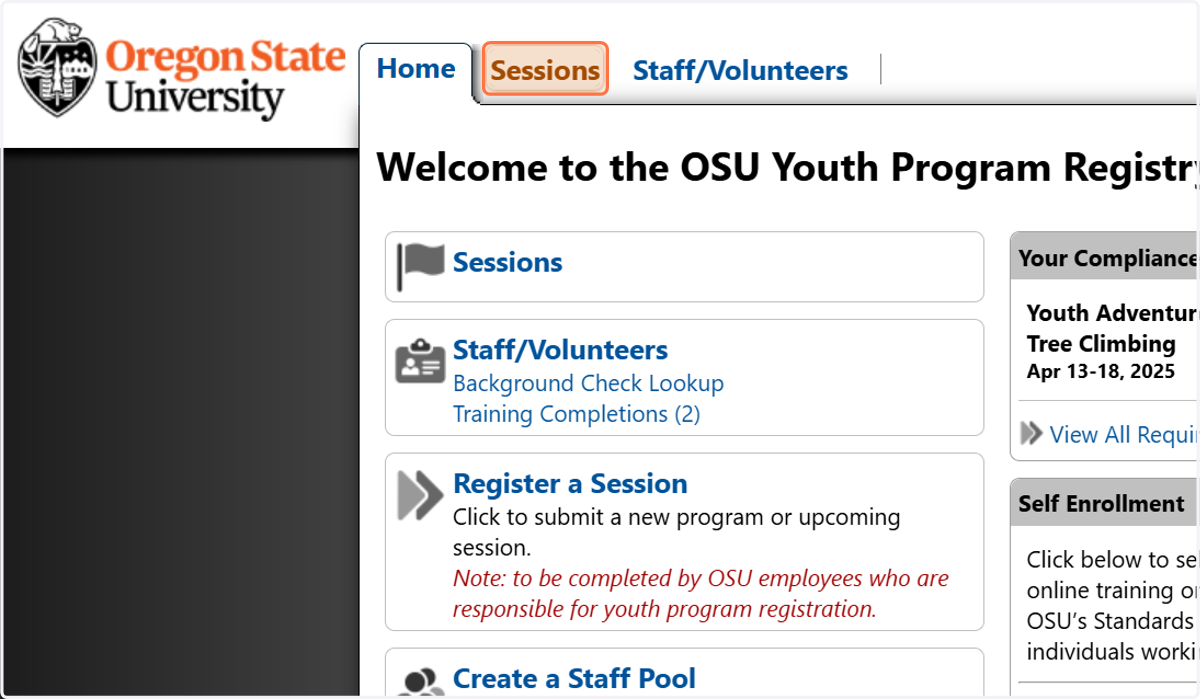
1. Click on Sessions
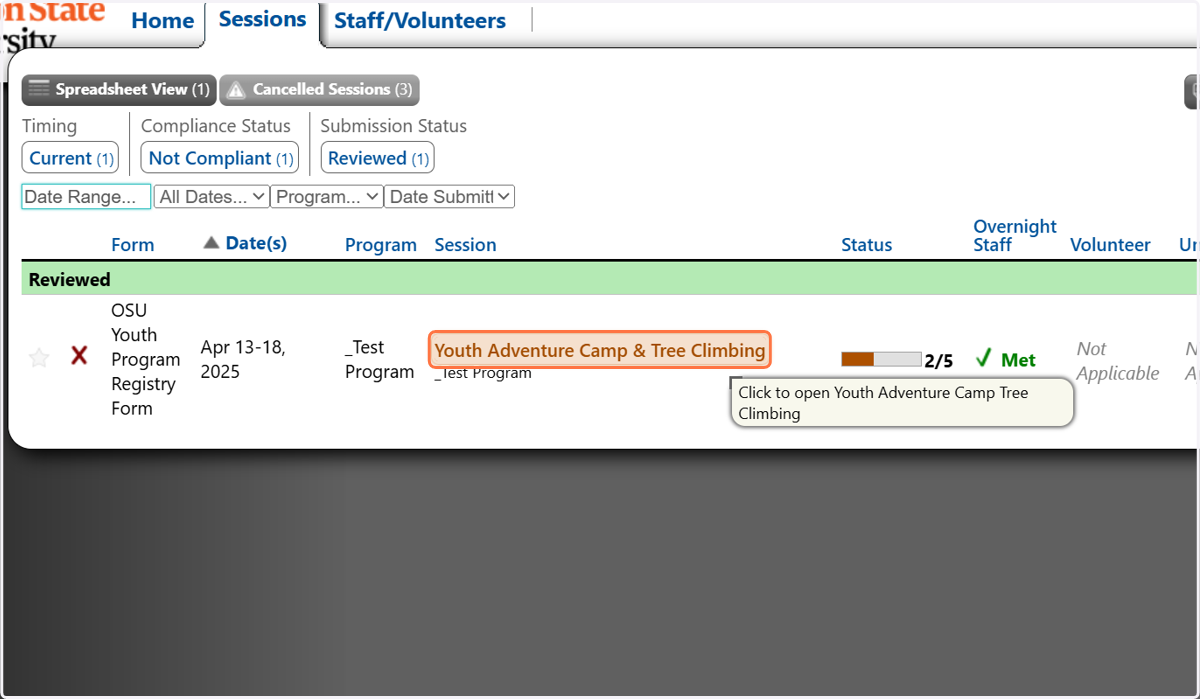
2. Click on the session you want to open
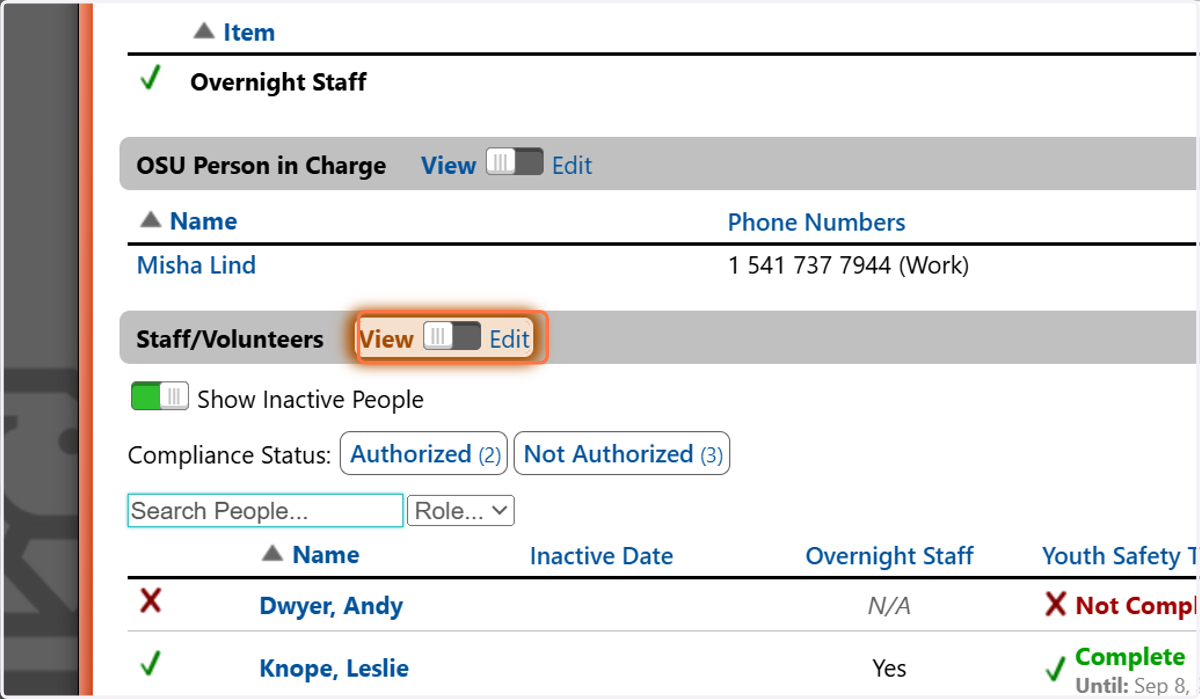
3. Toggle the switch on the Staff/Volunteers heading to Edit
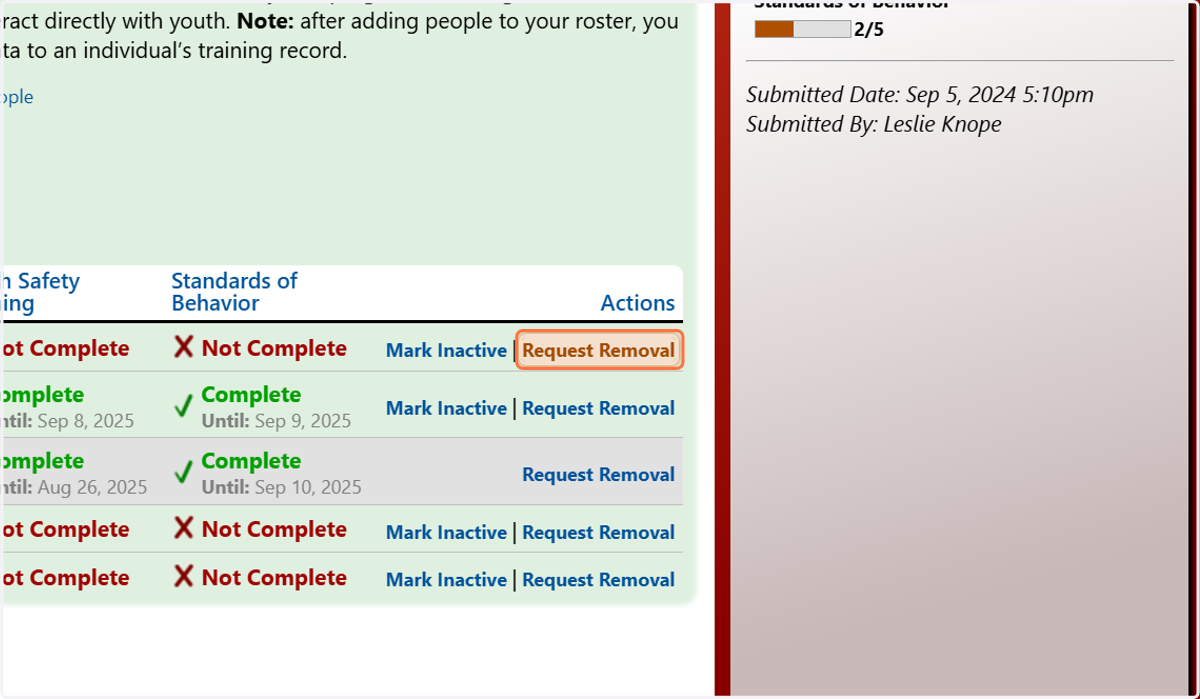
4. Click on Request Removal
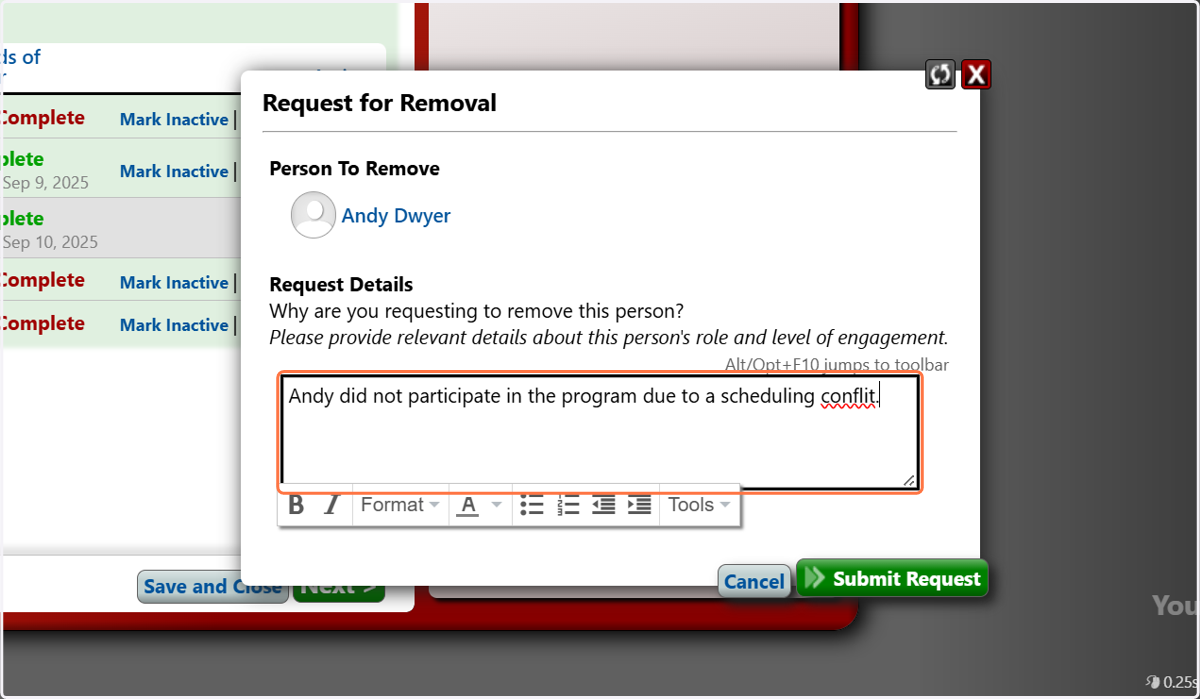
5. Briefly explain why the individual needs to be removed
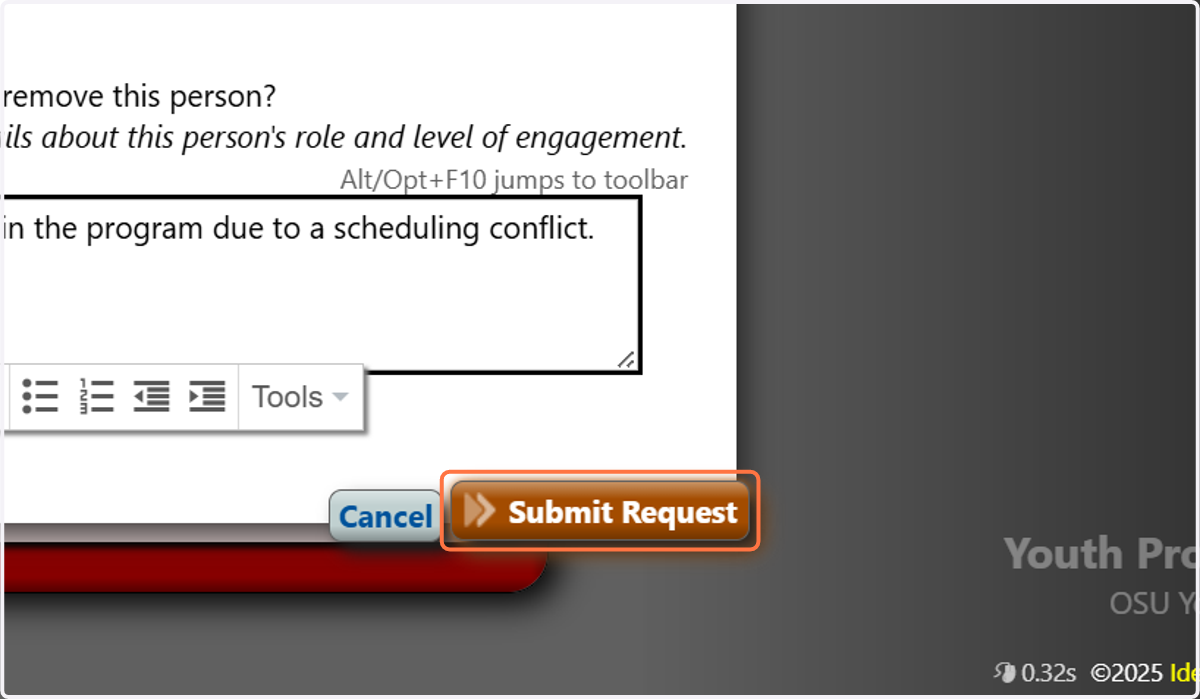
6. Click on Submit Request
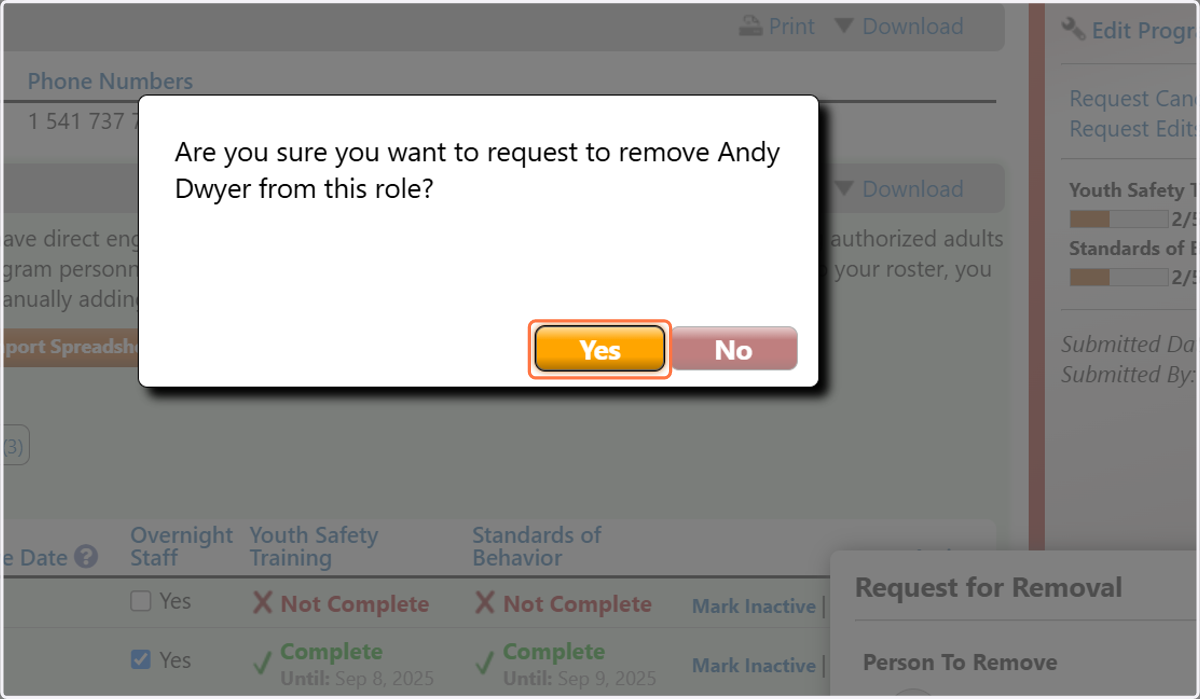
7. Click on Yes