Request Recommendation for teacher not in Schoolinks

Schoolinks

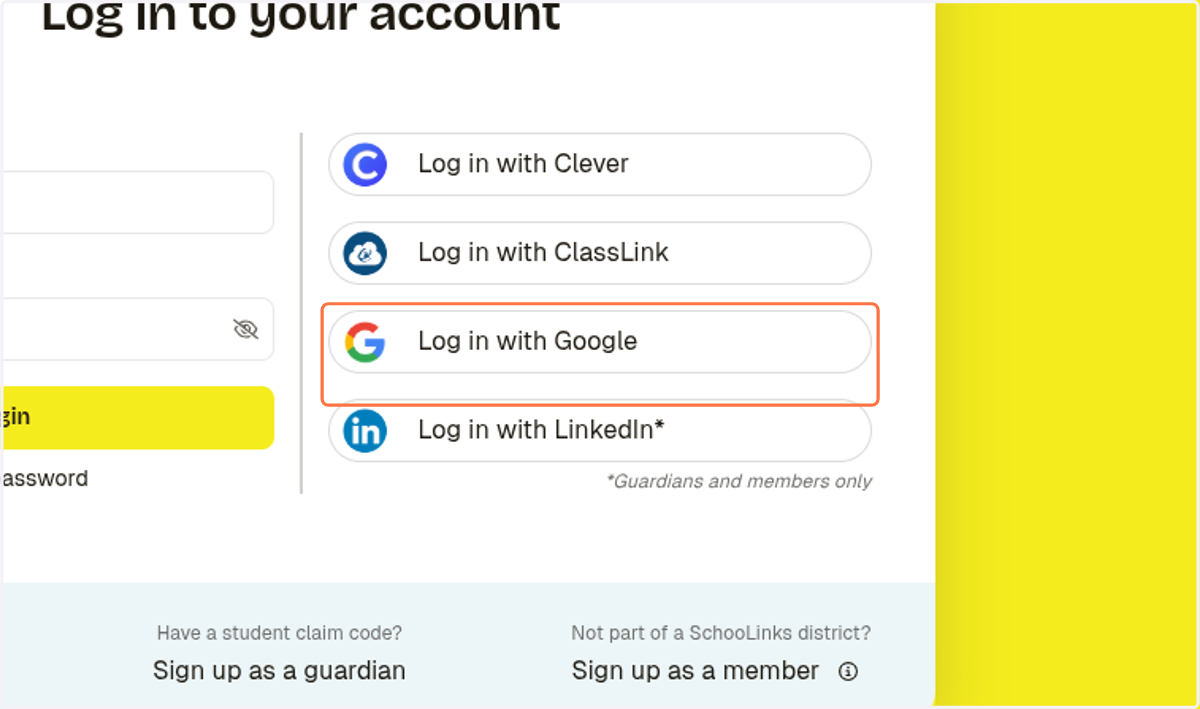
  1. 1. Click on Log in with Google

    Click on Log in with Google

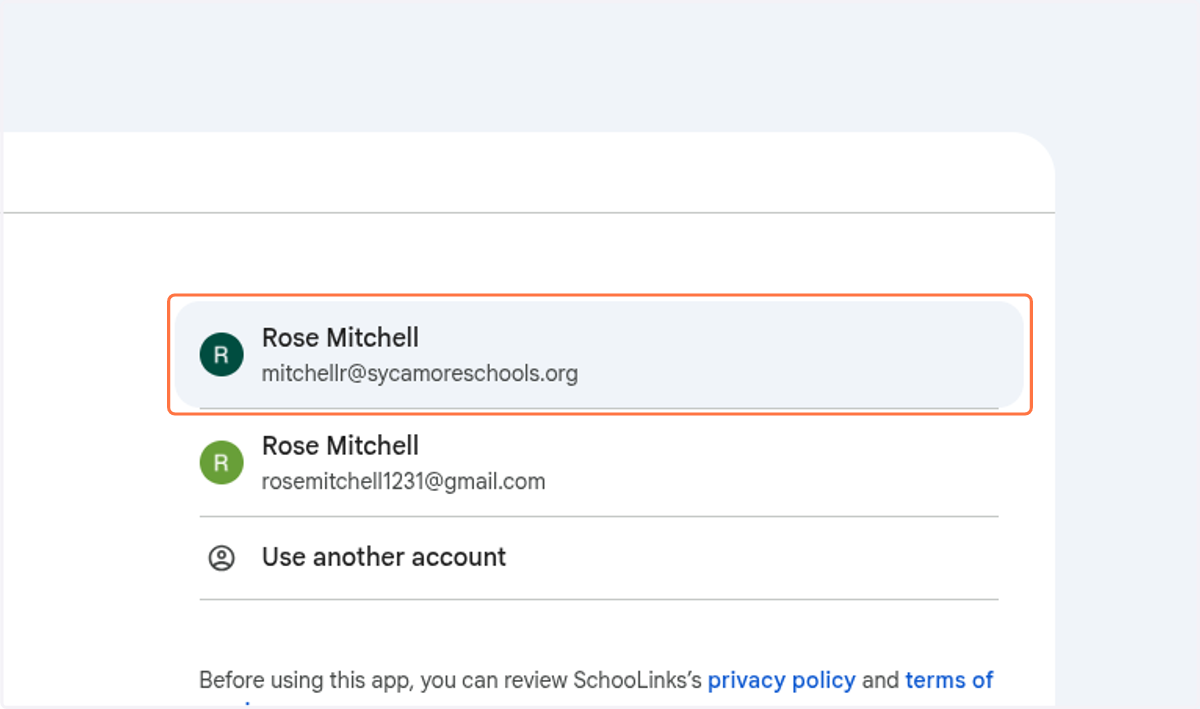
Sign in - Google Accounts

  1. 2. Sign in with your school email

    Sign in with your school email
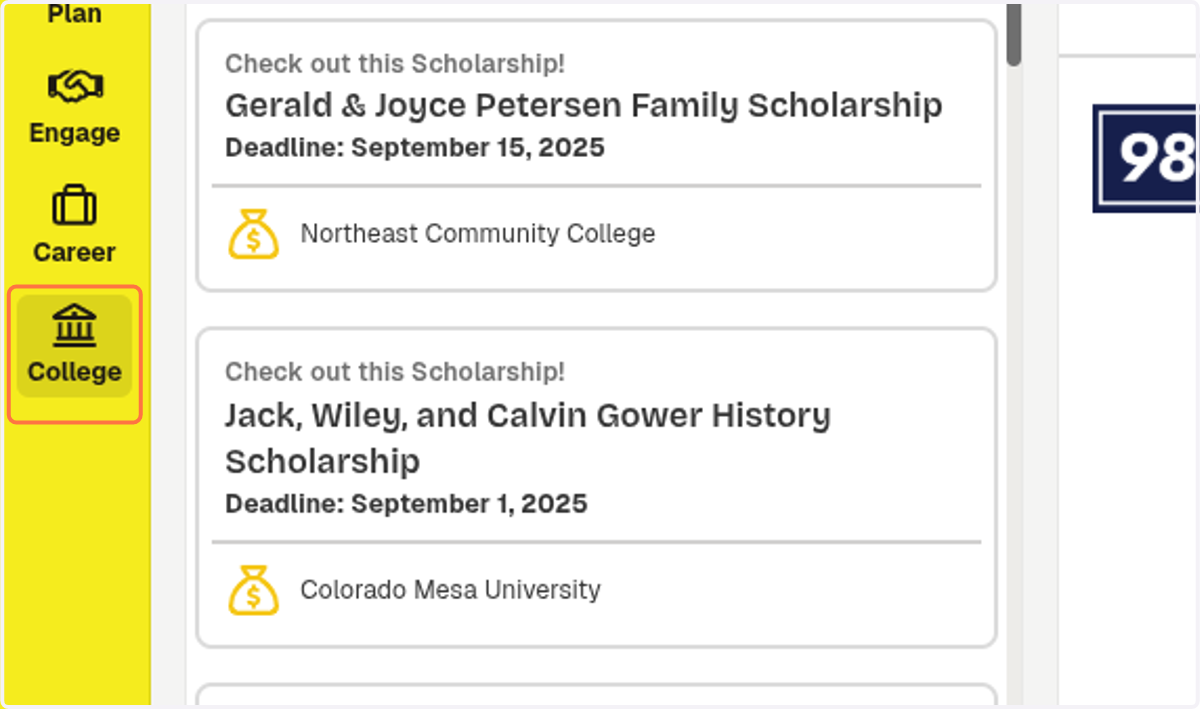
  2. 3. Click on College

    Click on College
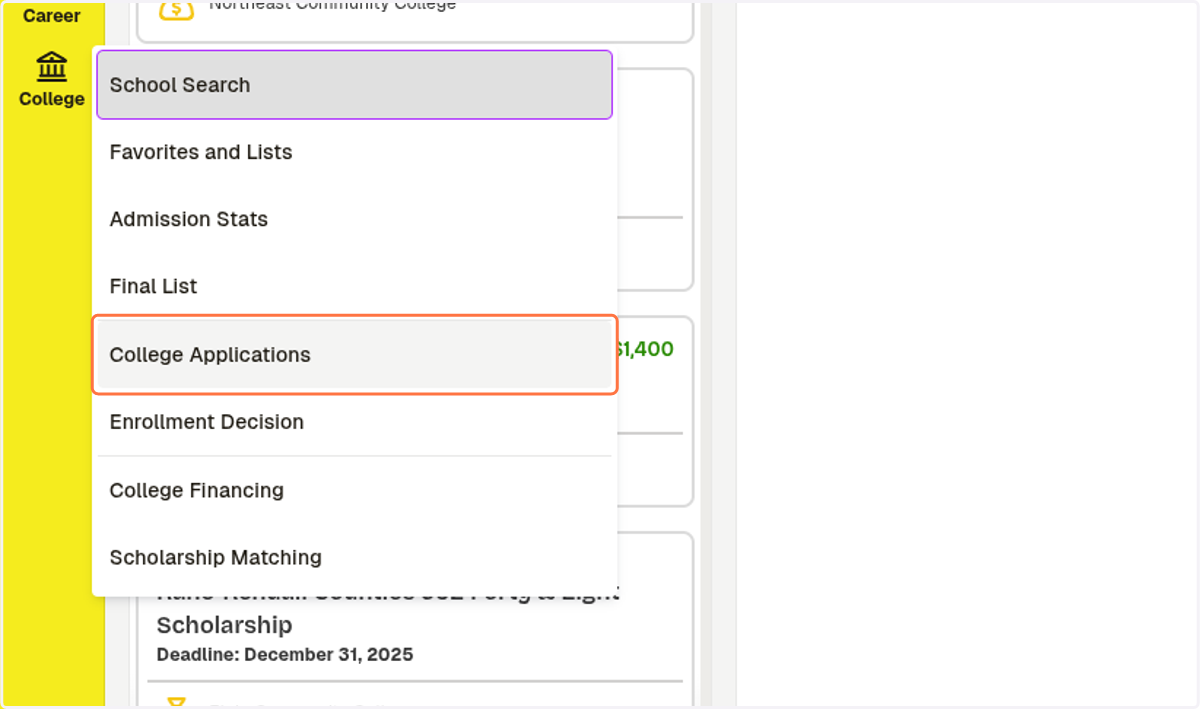
  3. 4. Click on College Applications

    Click on College Applications
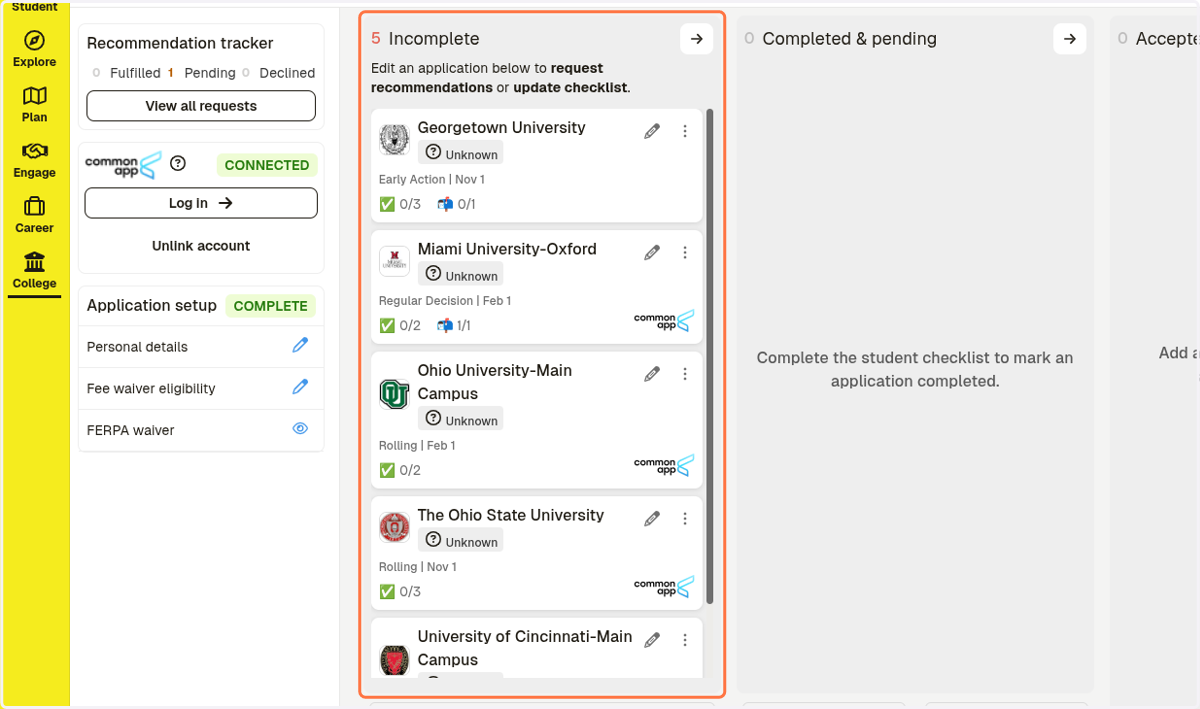
  4. 5. Go to your application list

    Go to your application list
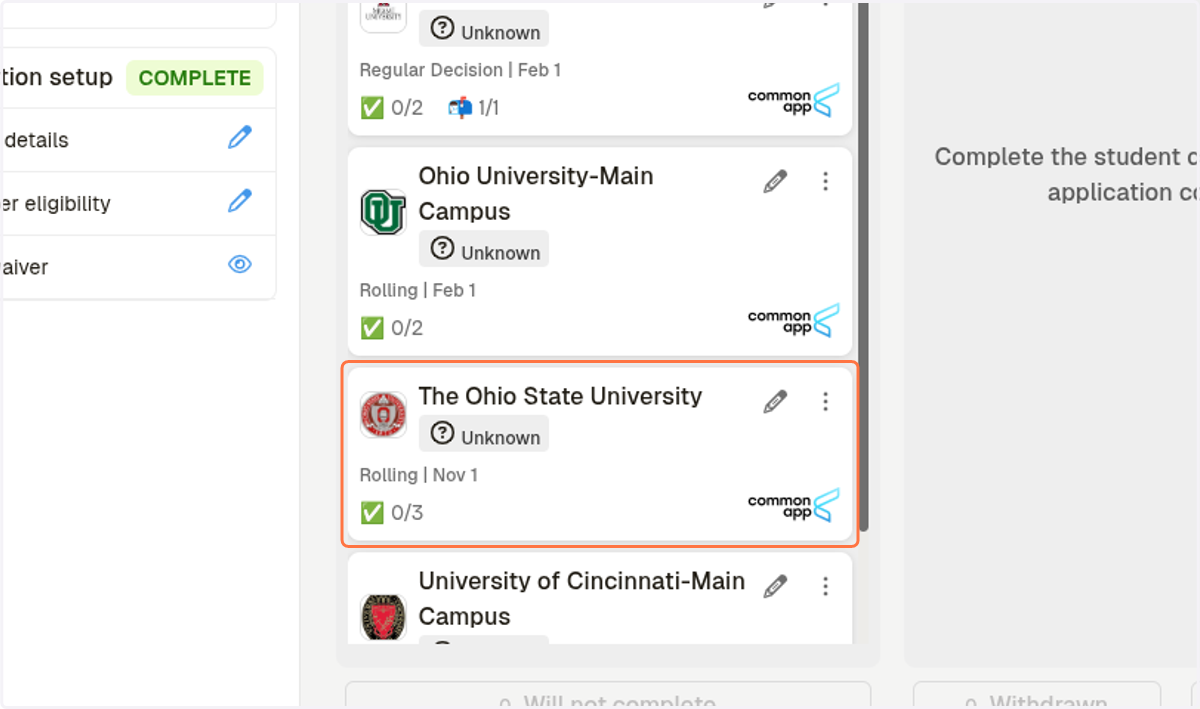
  5. 6. Click on the College

    Click on the College
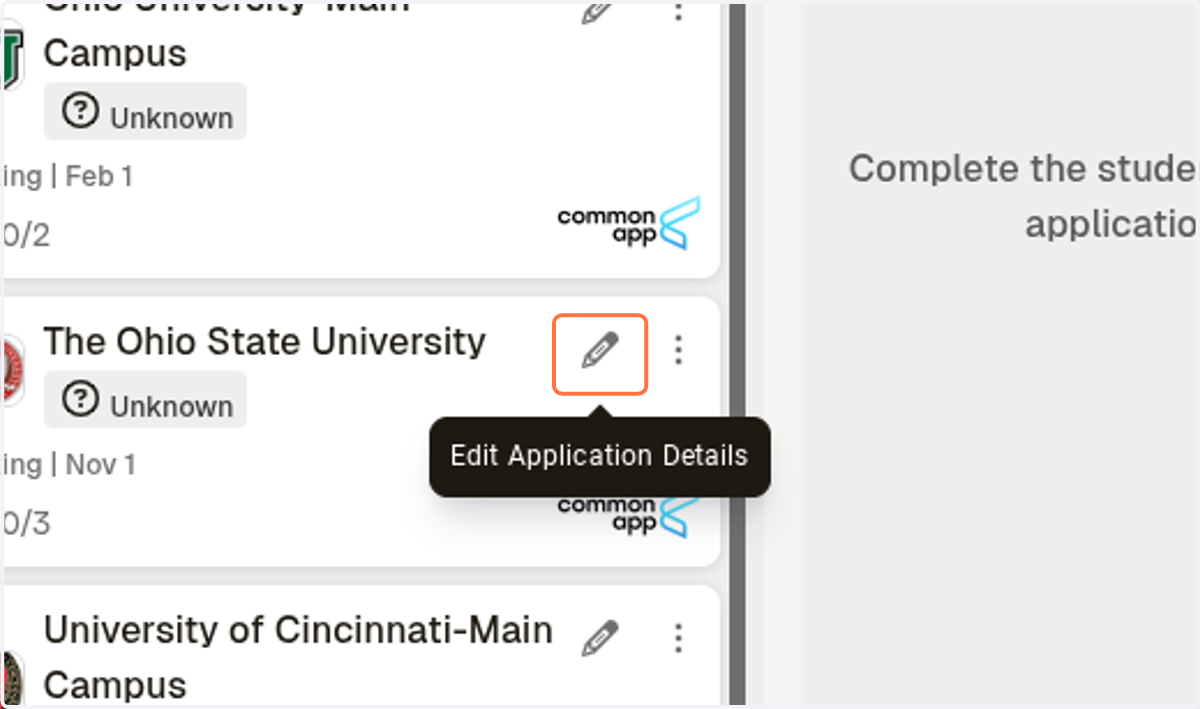
  6. 7. Click on Edit Application Details

    Click on Edit Application Details
  7. 8. Click on Request Teacher Evaluation
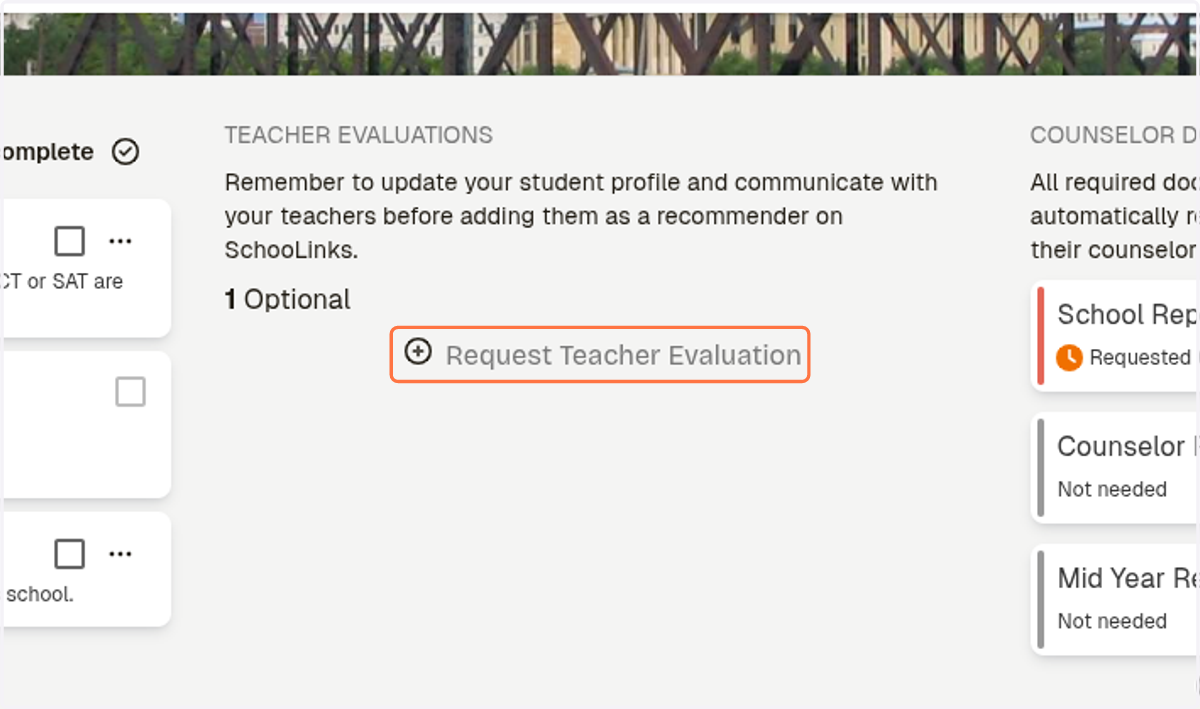
    Click on Request Teacher Evaluation
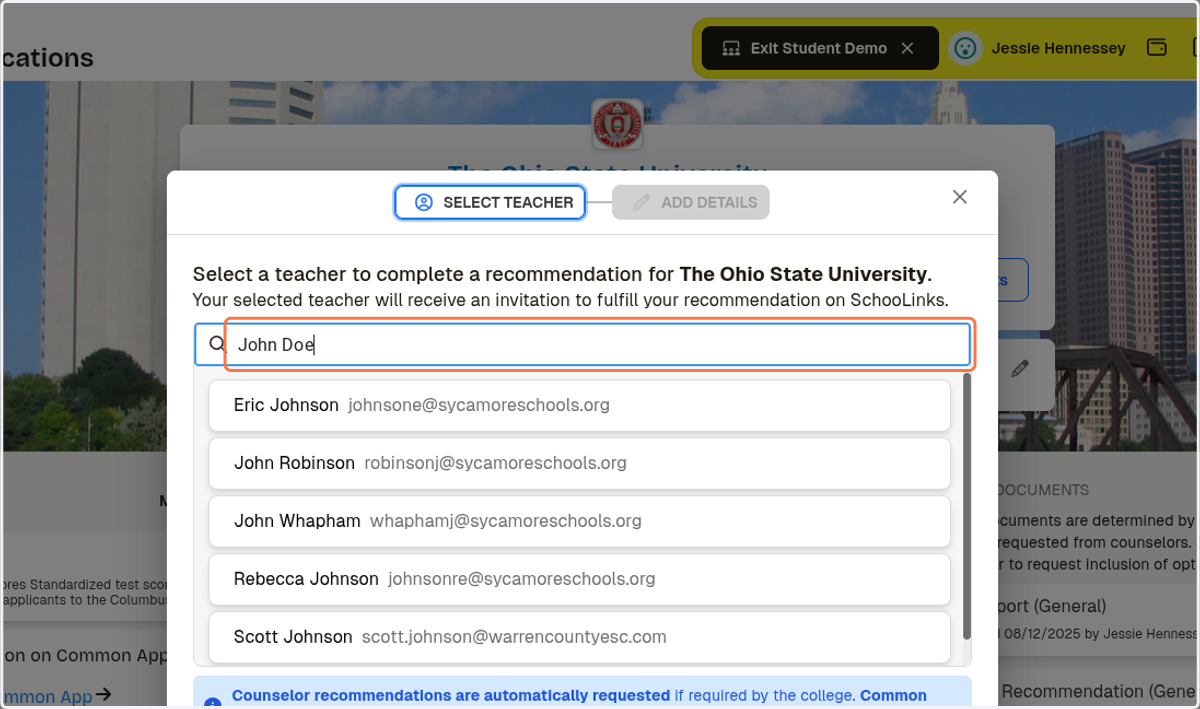
  8. 9. Type in the person's name

    Type in the person's name
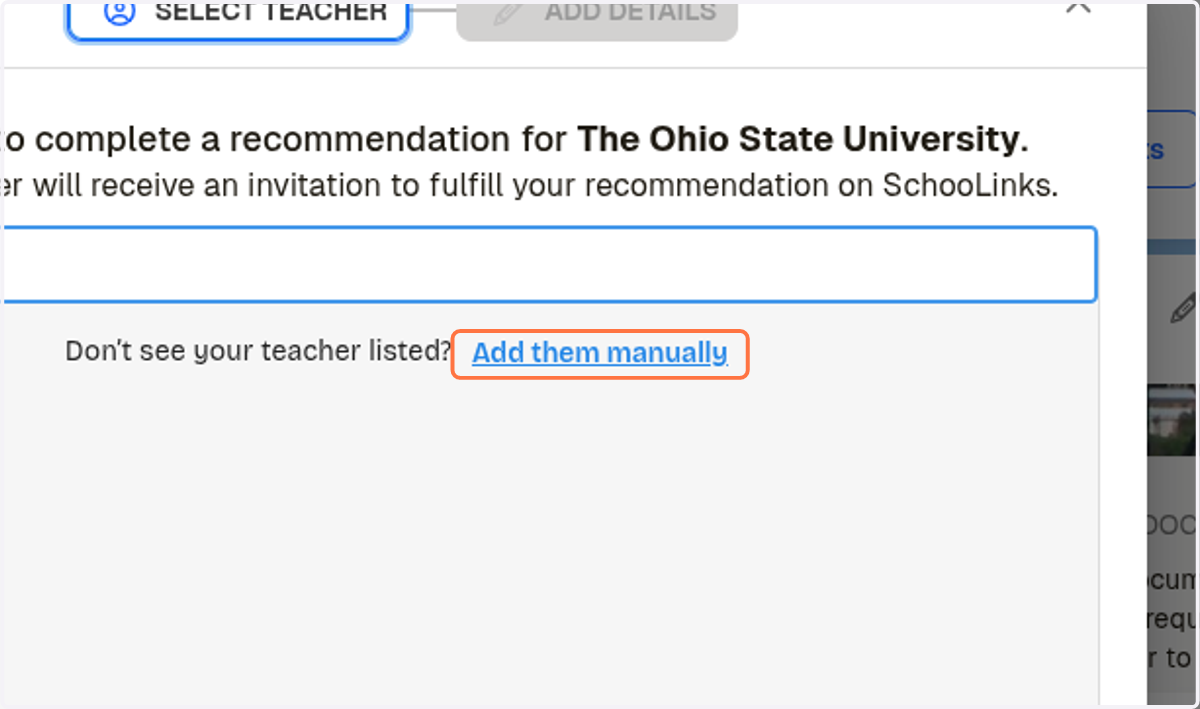
  9. 10. Click on Add them manually

    Click on Add them manually
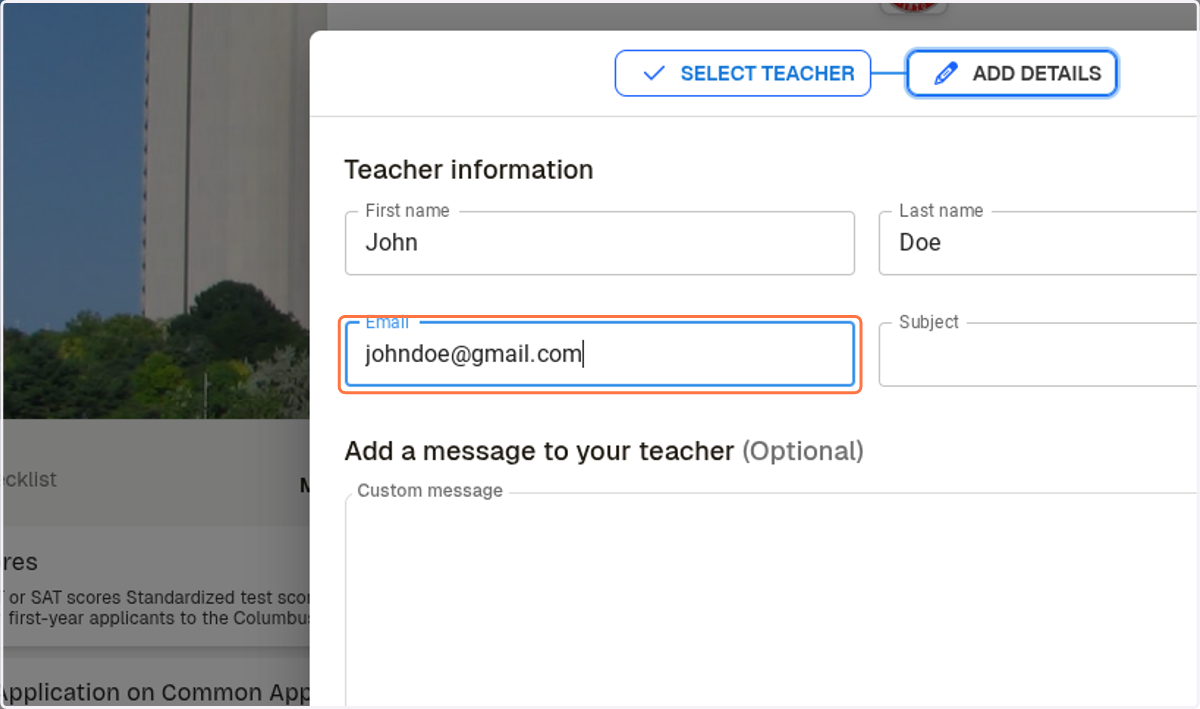
  10. 11. Type in their name and the subject
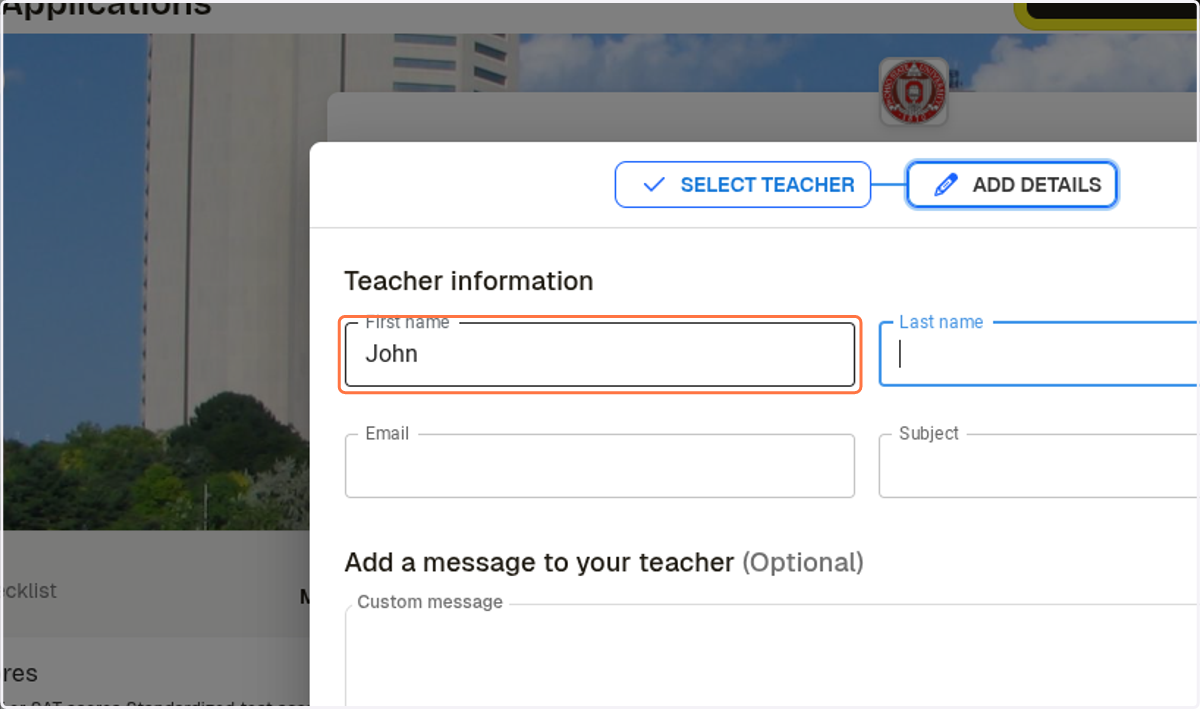
    Type in their name and the subject
  11. 12. Add their email address

    Add their email address
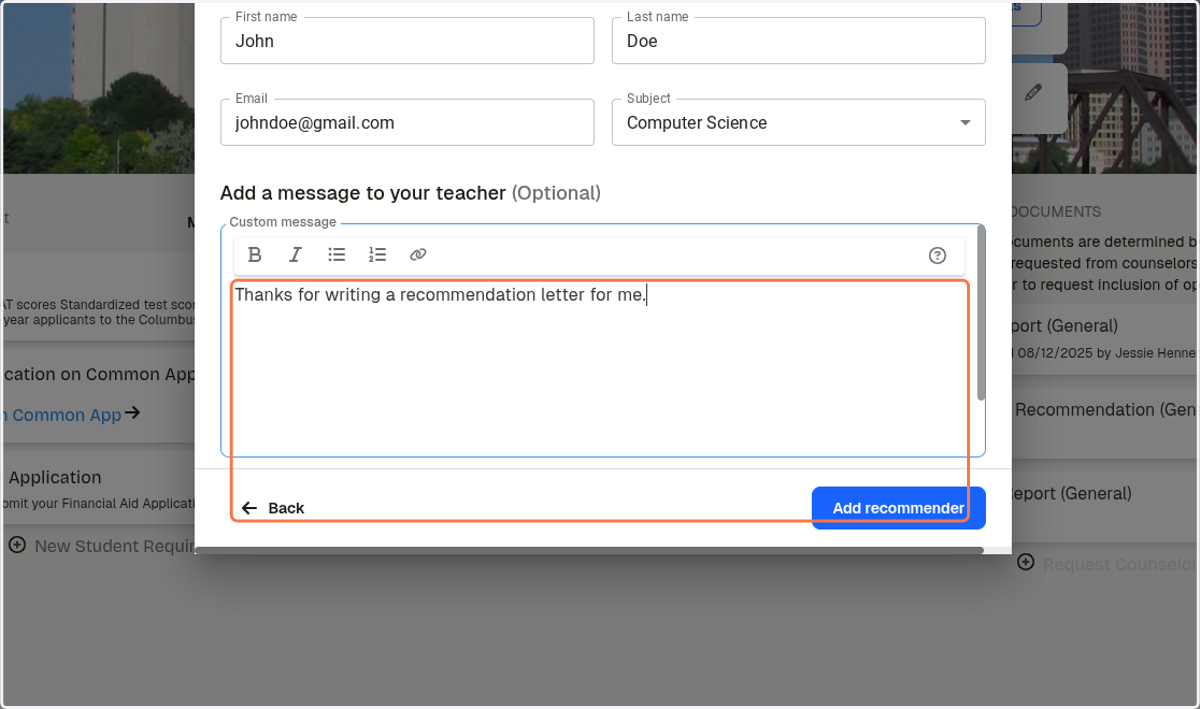
  12. 13. Add a note if you would like.

    Add a note if you would like.
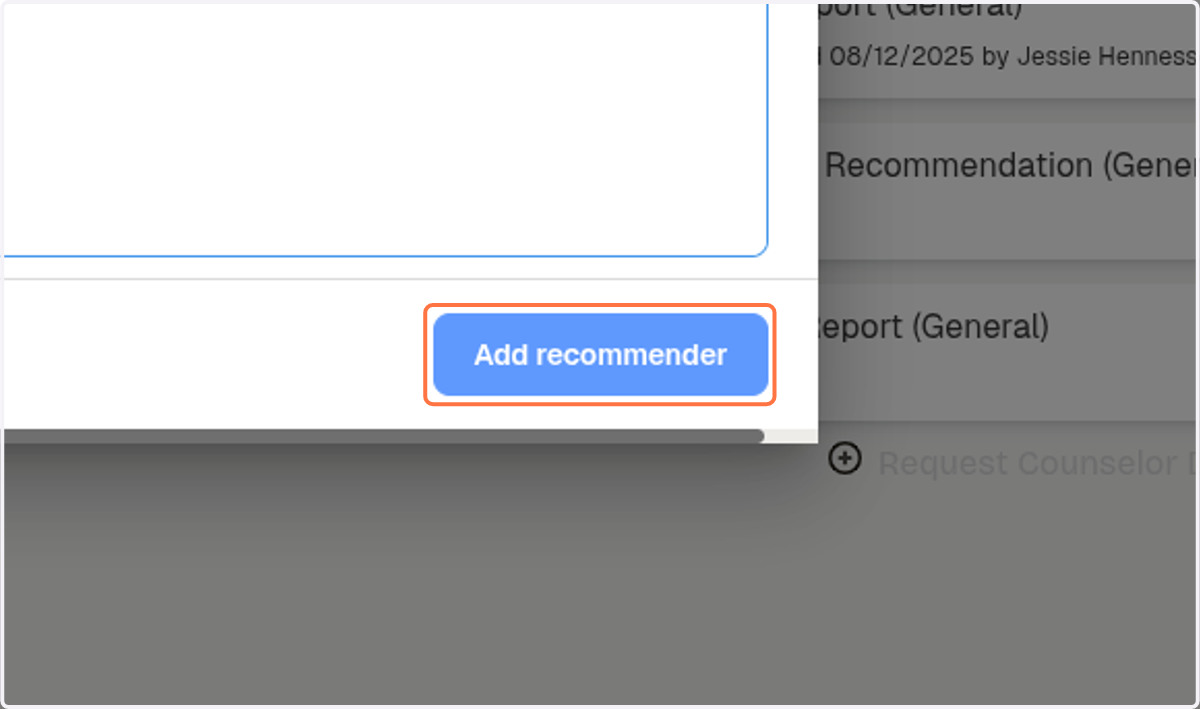
  13. 14. Click on Add recommender

    Click on Add recommender
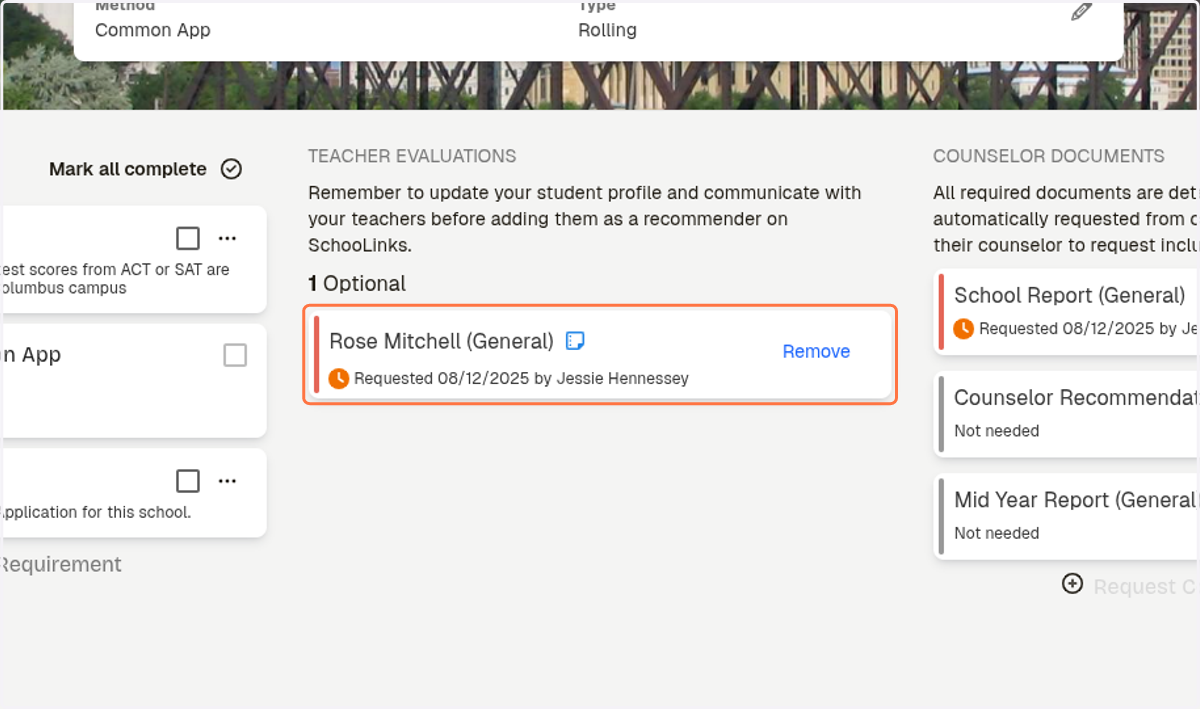
  14. 15. Their name will be added.

    Their name will be added.