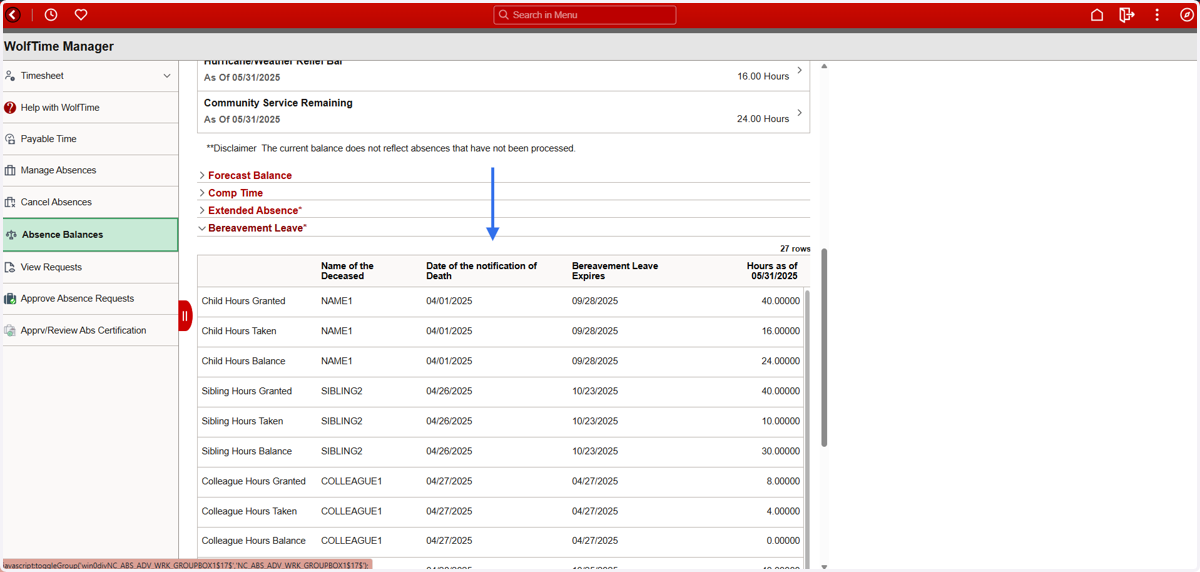
Supervisor Guide: How to review bereavement leave balances for Employees?
Login to MyPack Portal
1. Navigate to Manager Self-Sevice and then the WolfTime Manager tile

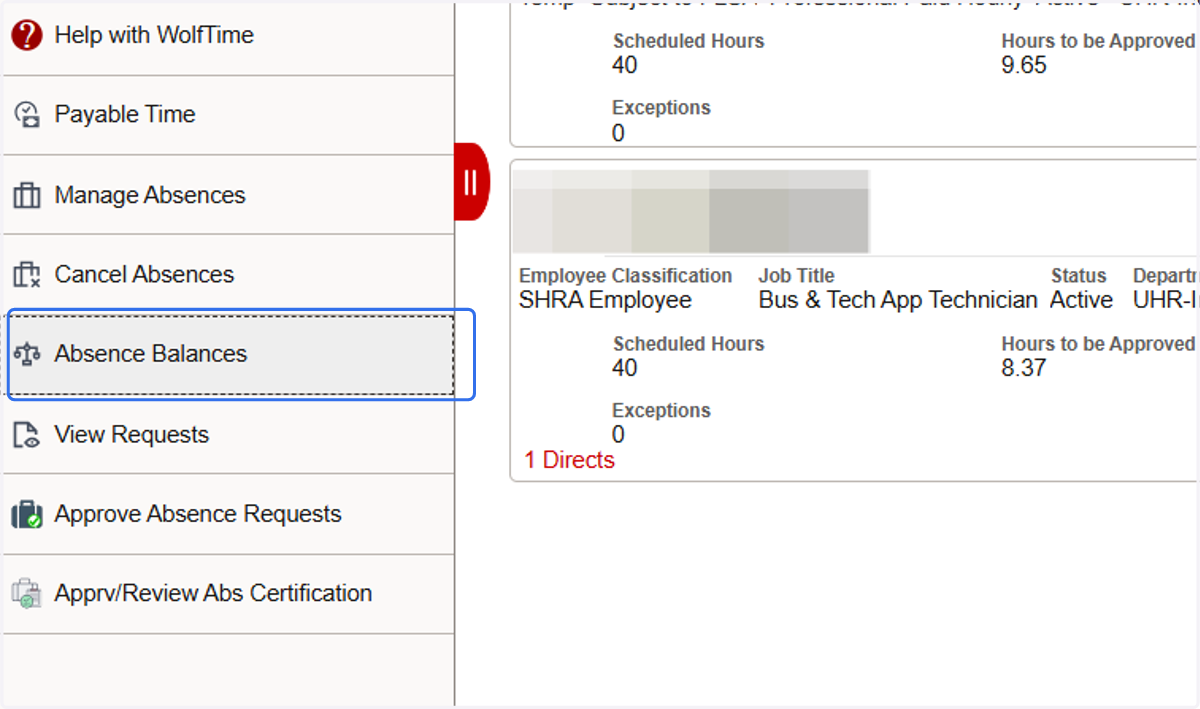
2. Click on Absence Balances
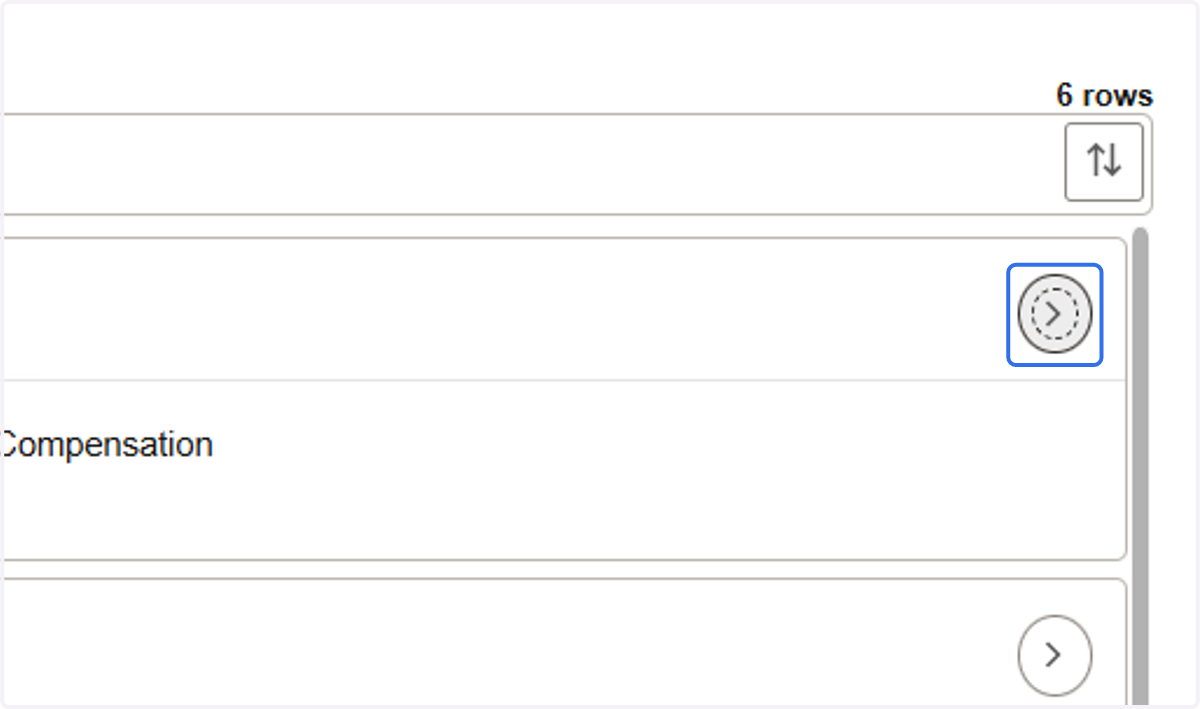
3. Click on the arrow next to the employee whose balance you are reviewing
4. Scroll down and expand the Bereavement Leave section

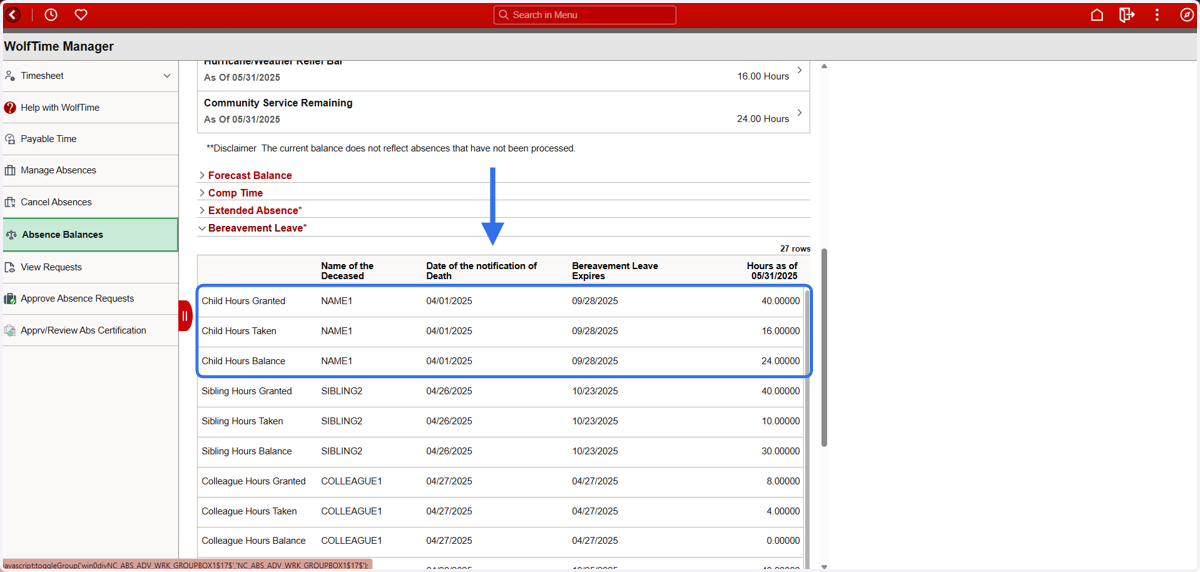
5. Example of Bereavement Leave Balance for a family member.
The employee's balance is displayed for the specified family member in the Balance row.
6. Example Bereavement Leave Balance for a Colleague
Employees are entitled to up to one workday (8 hours) of bereavement leave for the loss of a colleague. Regardless of how much of the day is used, the leave balance will always reflect 0 after the request is processed.