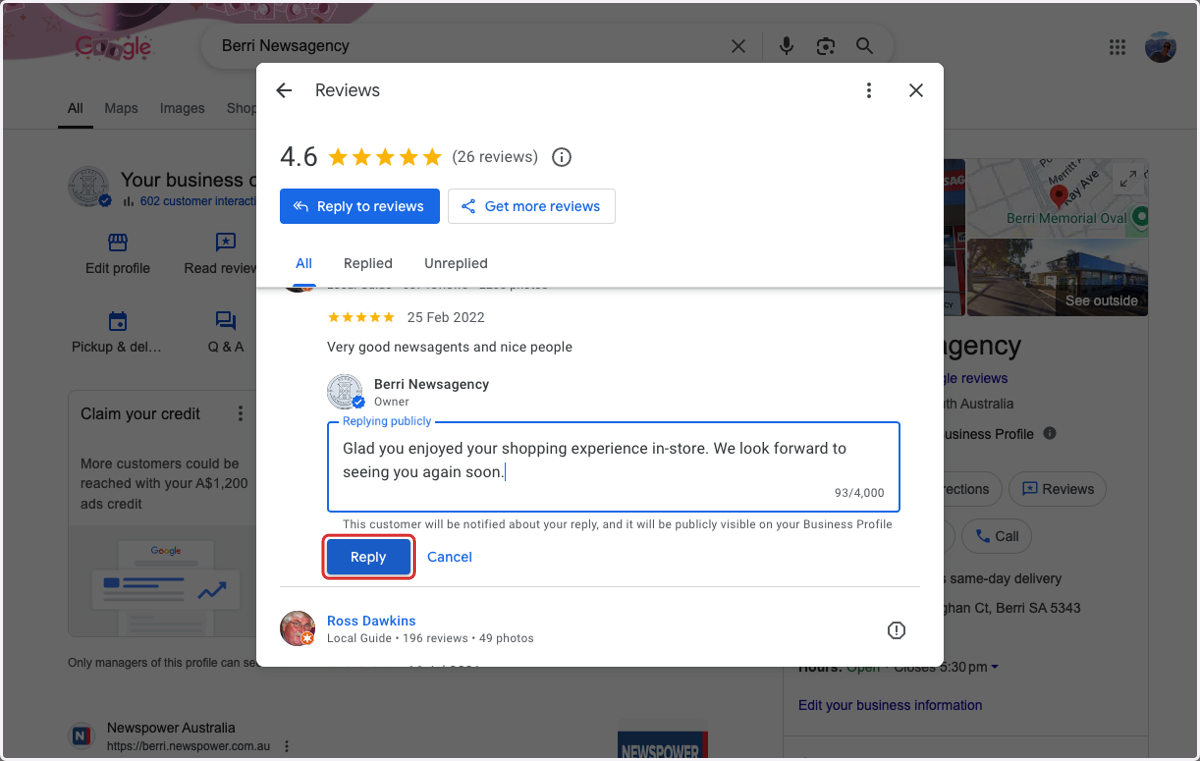
Replying to Reviews in Google Business Profile
Responding to reviews on your Google Business Profile is a simple but powerful way to show customers you value their feedback. Whether the review is positive or negative, taking the time to reply helps build trust, strengthen your reputation, and demonstrate excellent customer service.
Google also takes responsiveness into account when ranking local businesses, so engaging with your reviews can have a positive impact on your visibility in search results.
The following step-by-step guide will show you how to reply to customer reviews through your Google Business Profile.
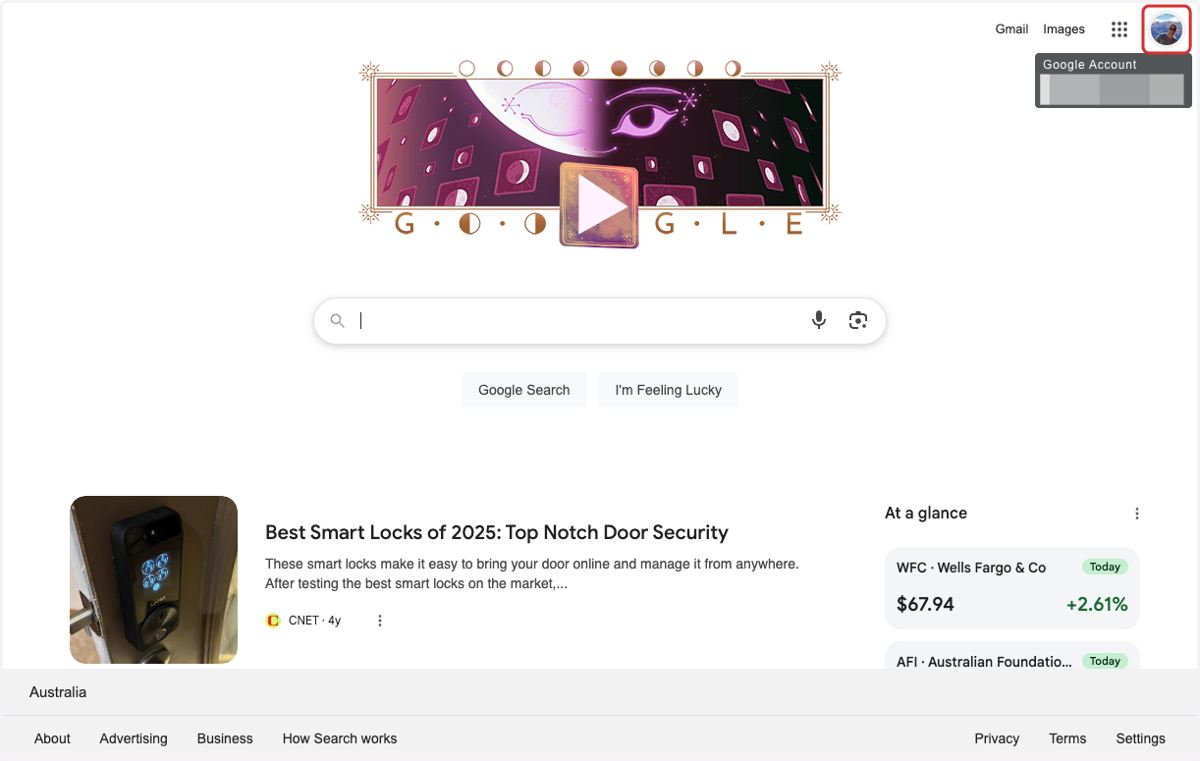
1. Confirm you are signed into your Google account
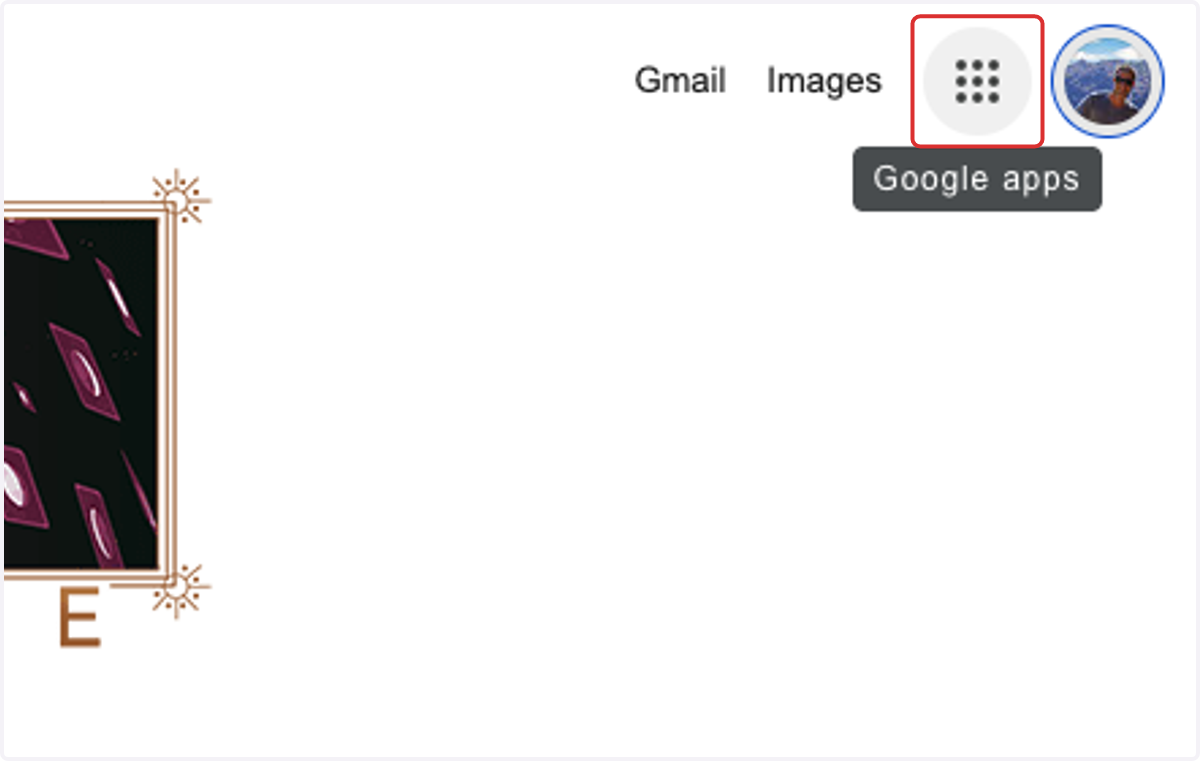
2. Click on Google apps
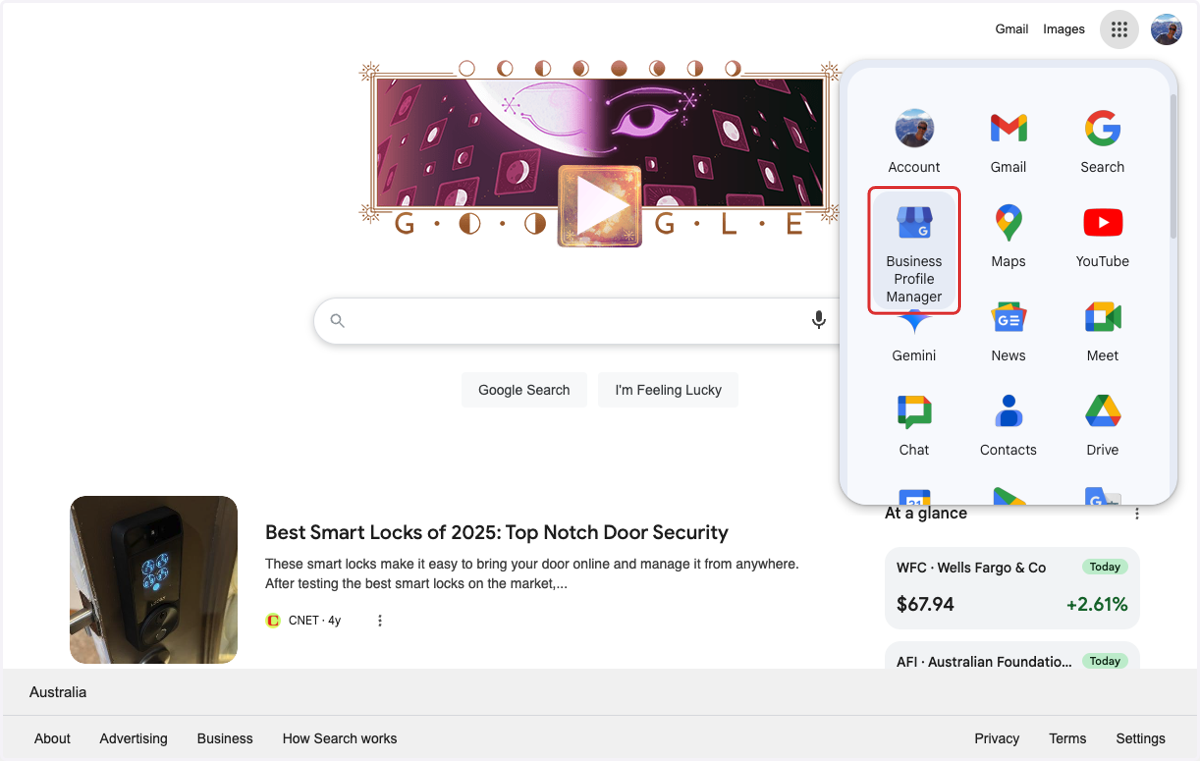
3. Click on Business Profile Manager
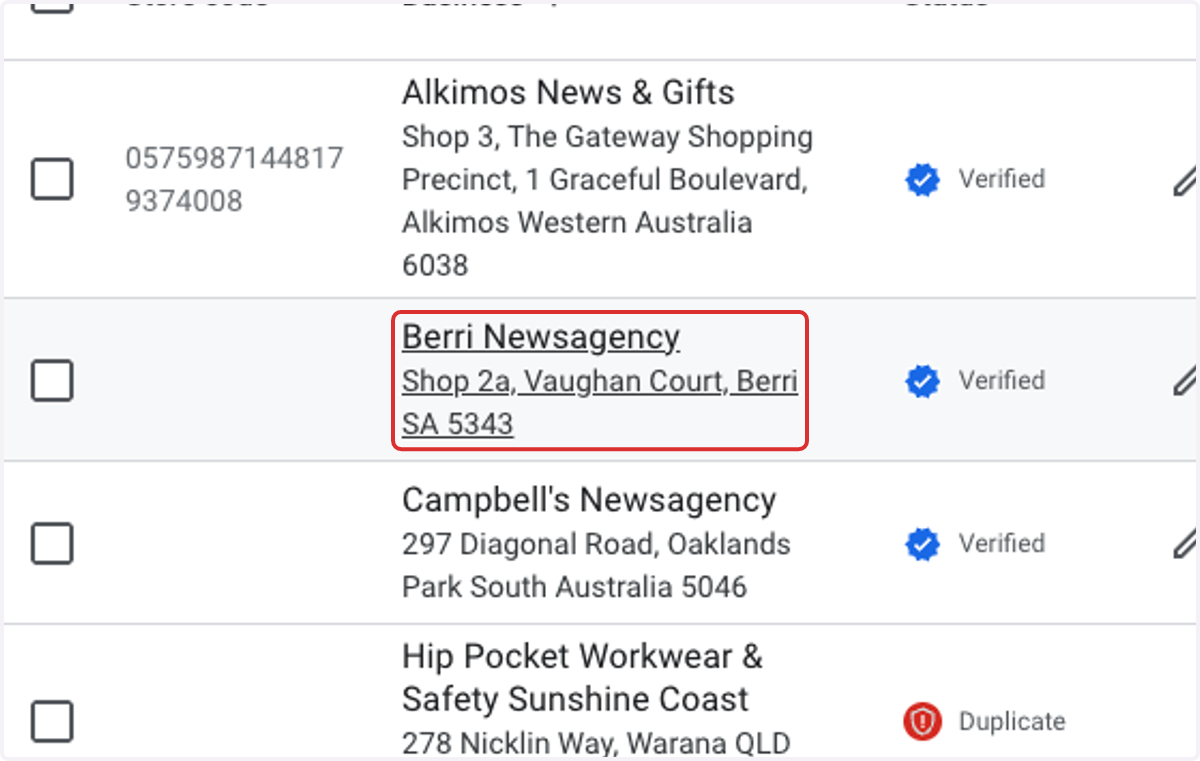
4. Select your business
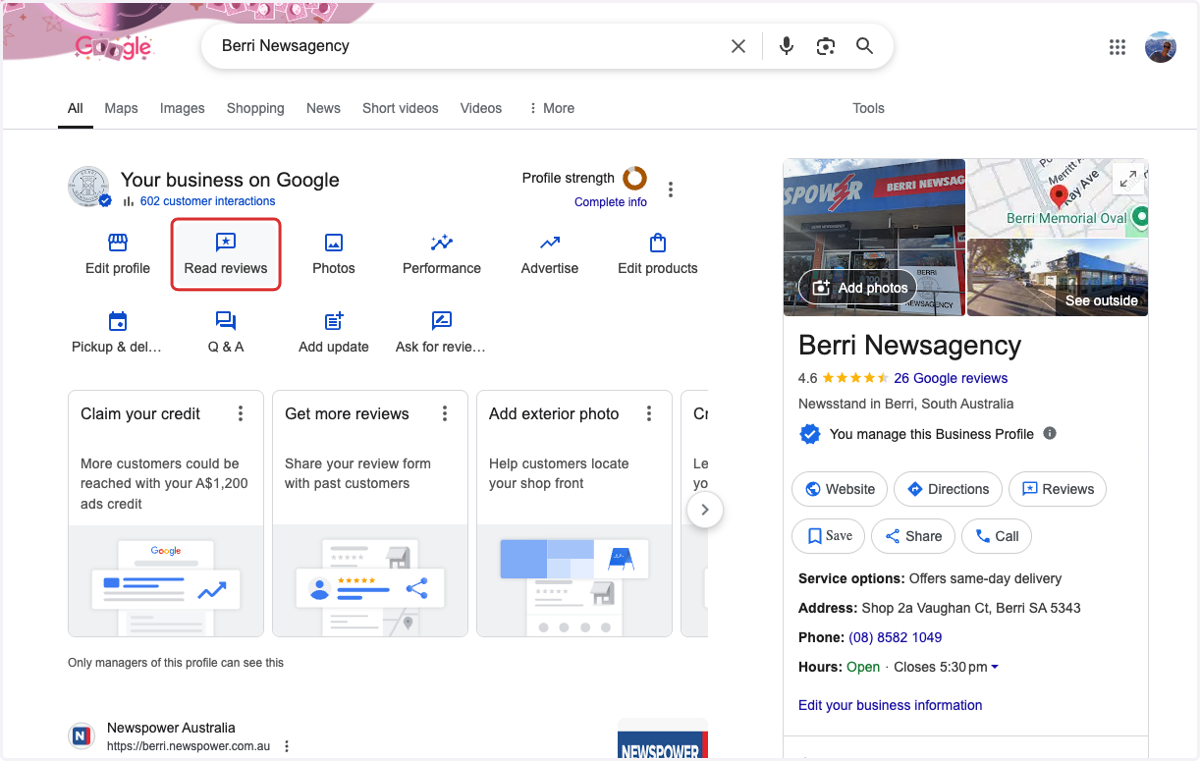
5. Click on Read reviews
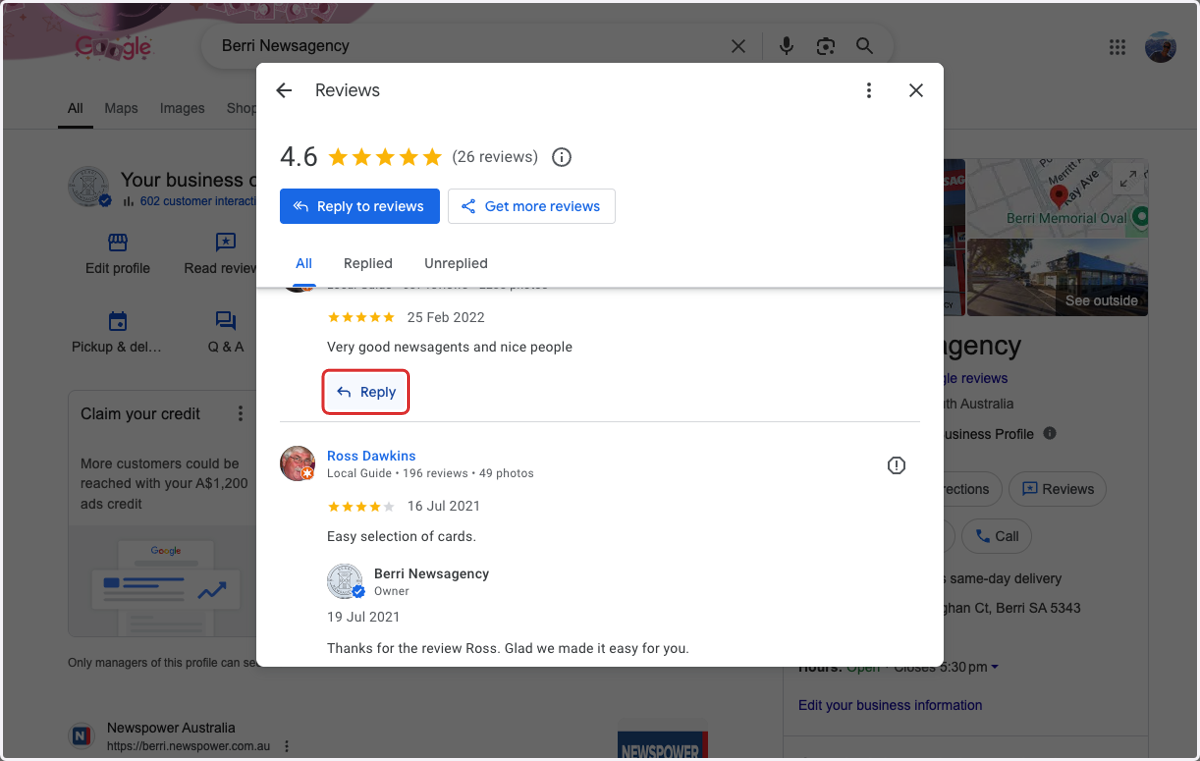
6. Find review and click on Reply
7. Add your comment and click on Reply