Replicating WebEx Settings in MS Teams
Short How-To on enabling/disabling features MS Teams shares with Webex
Open MS Teams
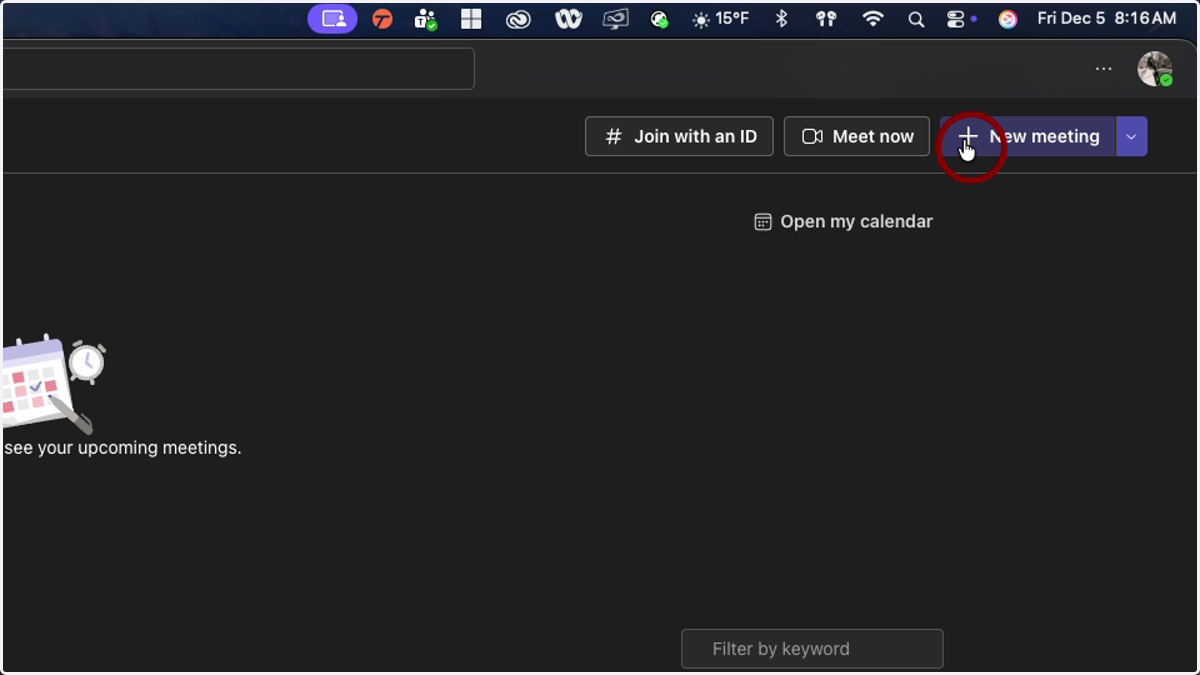
1. Click on New Meeting in the 'Meet' app in MS Teams
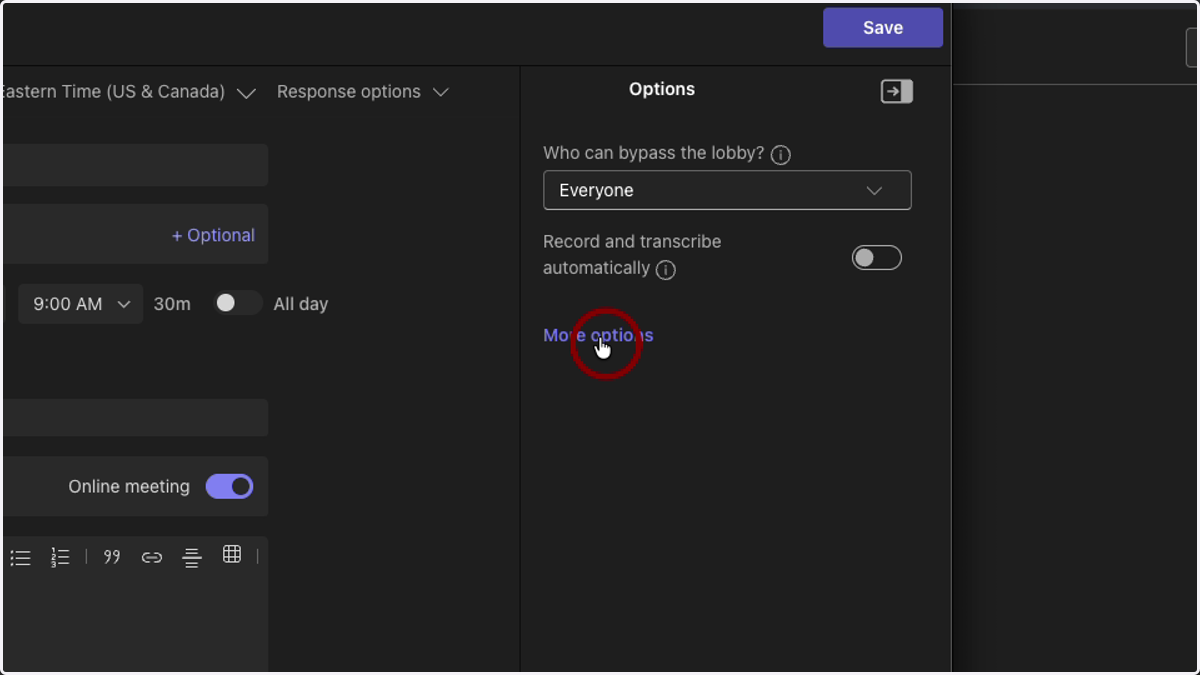
2. Click on 'More options' on the right side
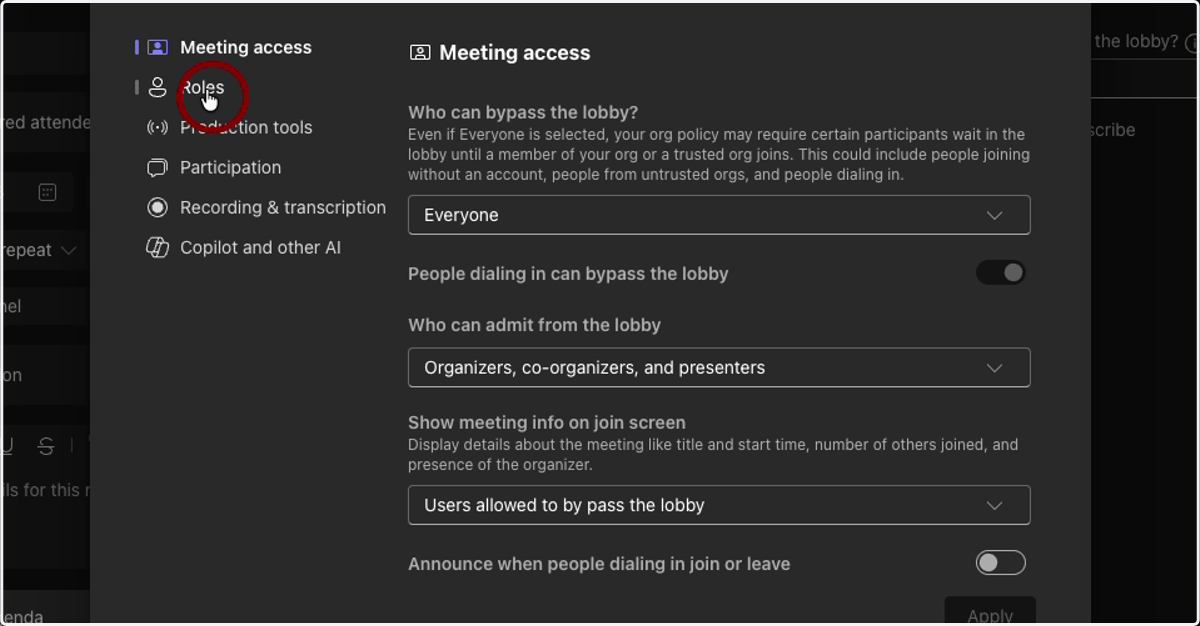
3. Meeting Access
Meeting access lets you determine who has to go through the lobby, and who can let users into the meeting.
4. Roles
Roles allows you to choose co-hosts/organizers and who is allowed to present in the meeting.
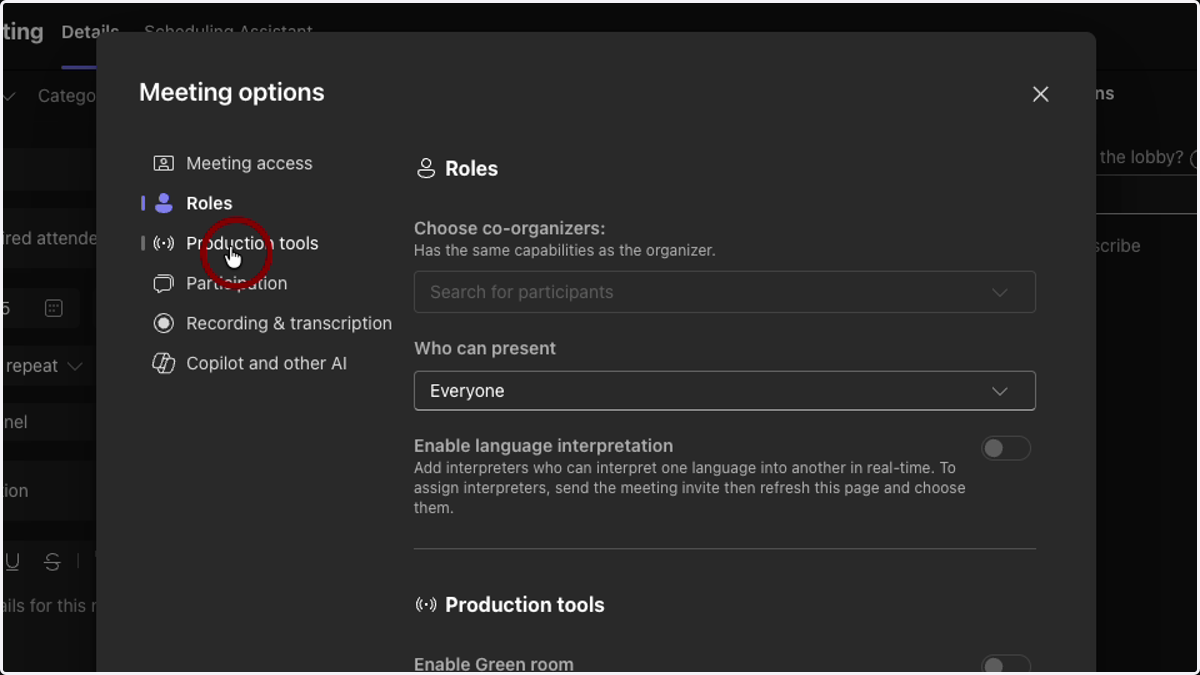
5. Production Tools
Production Tools gives organizers and presenters a way to test how their presentation will go before users are admitted to the meeting.
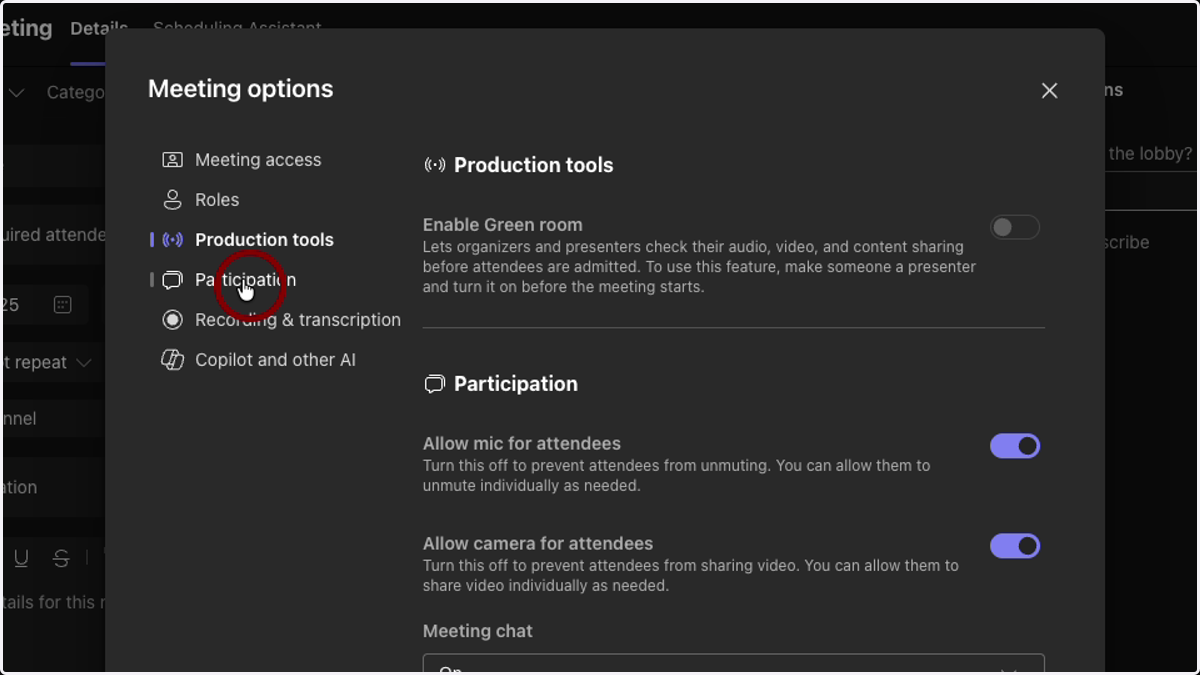
6. Participation
Participation allows the organizer to set who can and cannot have their mics and cameras turn on, whether the chat for the meeting is enabled, whether they would like to enable Q&A, allow reactions and generate an attendance report.
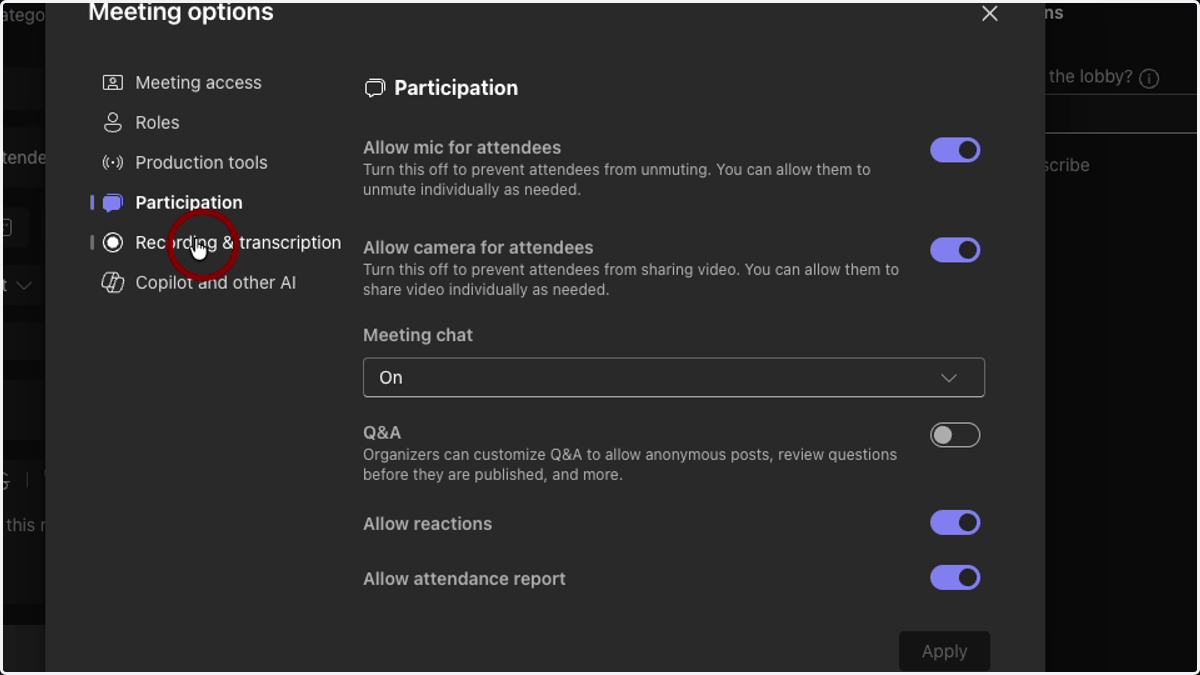
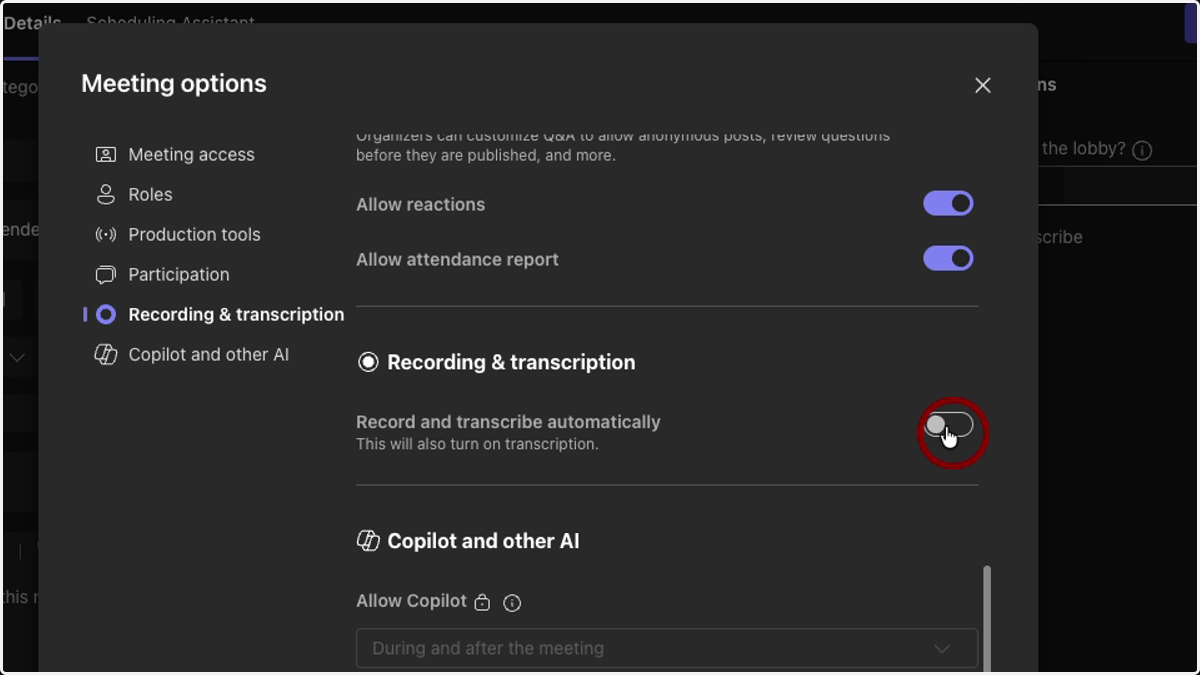
7. Recording
Recording and Transcription will need to be enabled if the organizer wishes to record the meeting