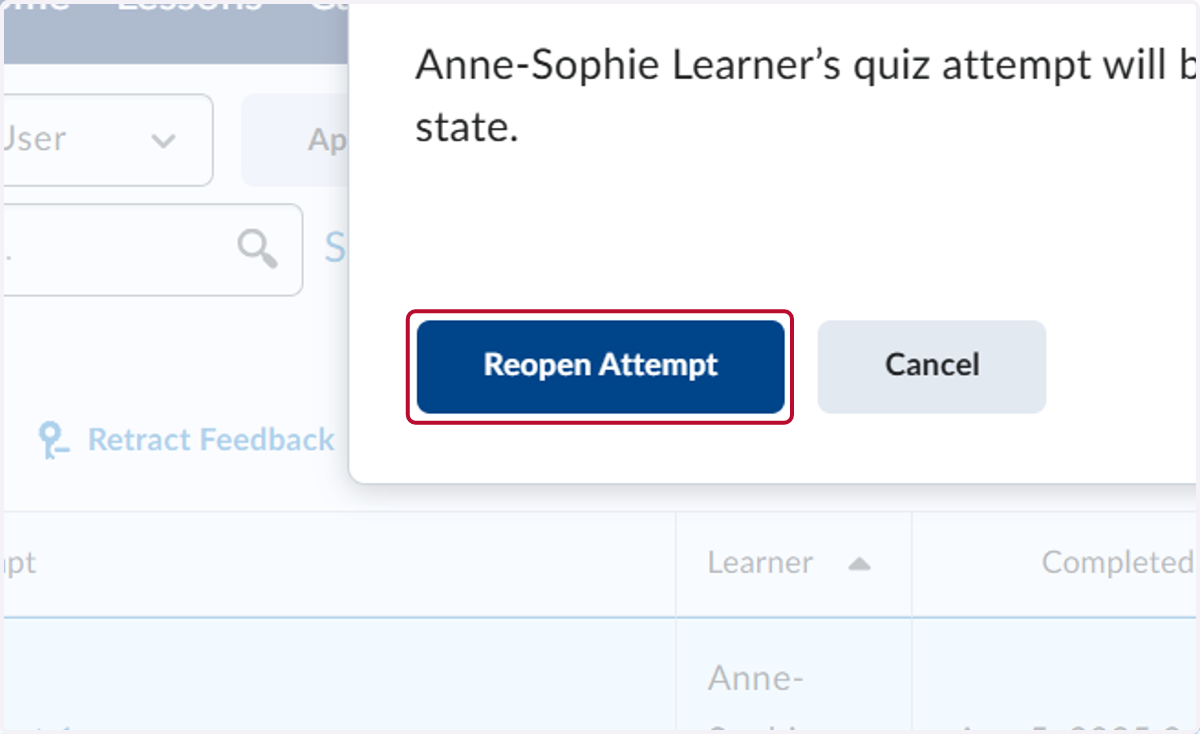
Reopen Quiz Attempt
This tutorial will show you how to reopen a quiz or test attempt. Once you complete this you will need to refresh your screen.
Start Here - Patti - Practice as Instructor
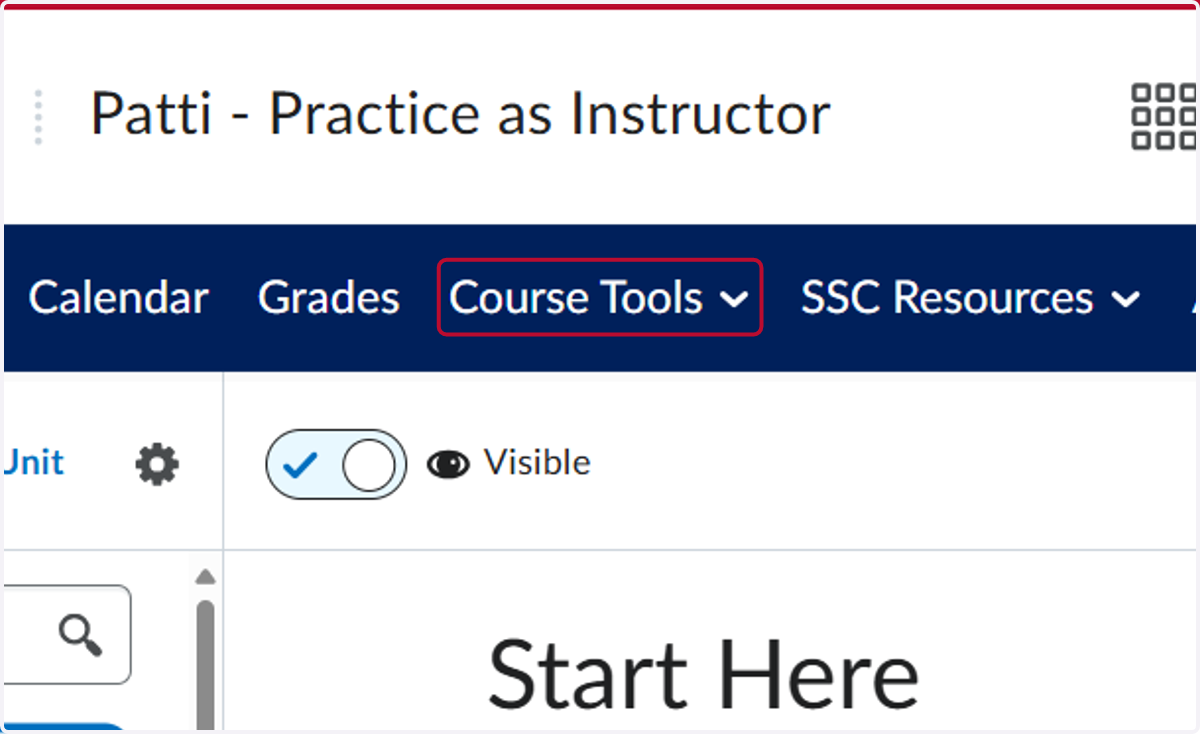
1. Click on Course Tools
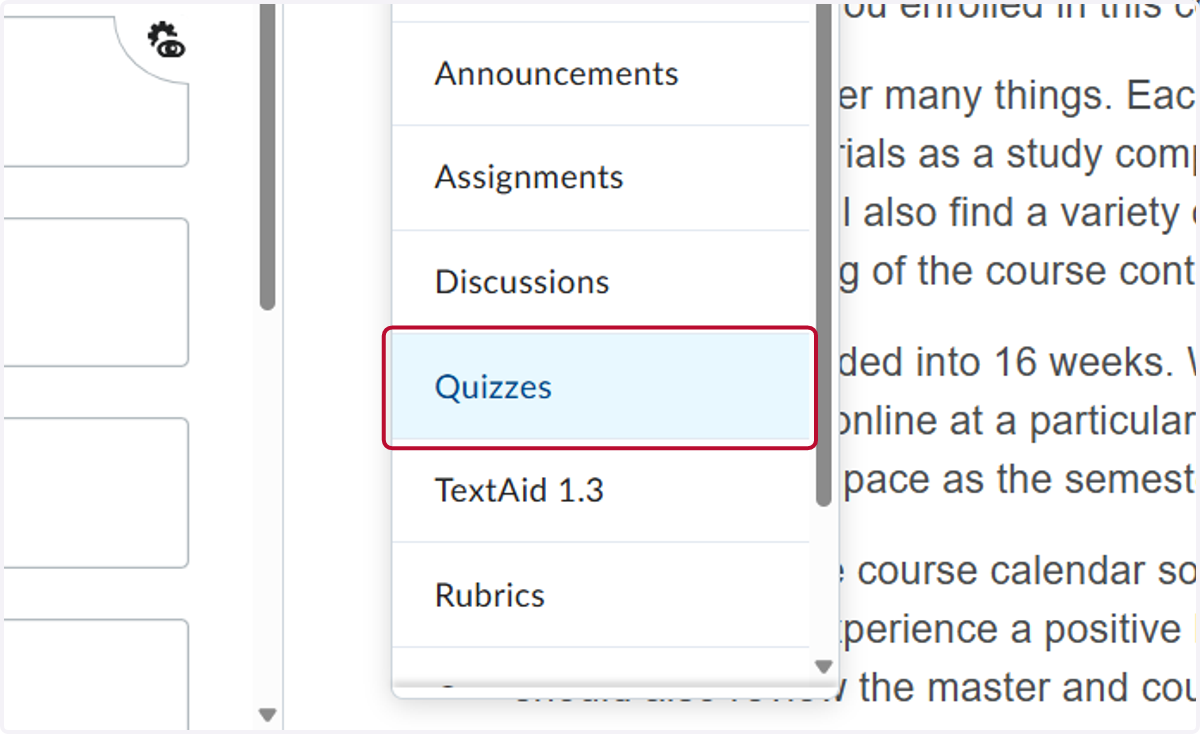
2. Click on Quizzes
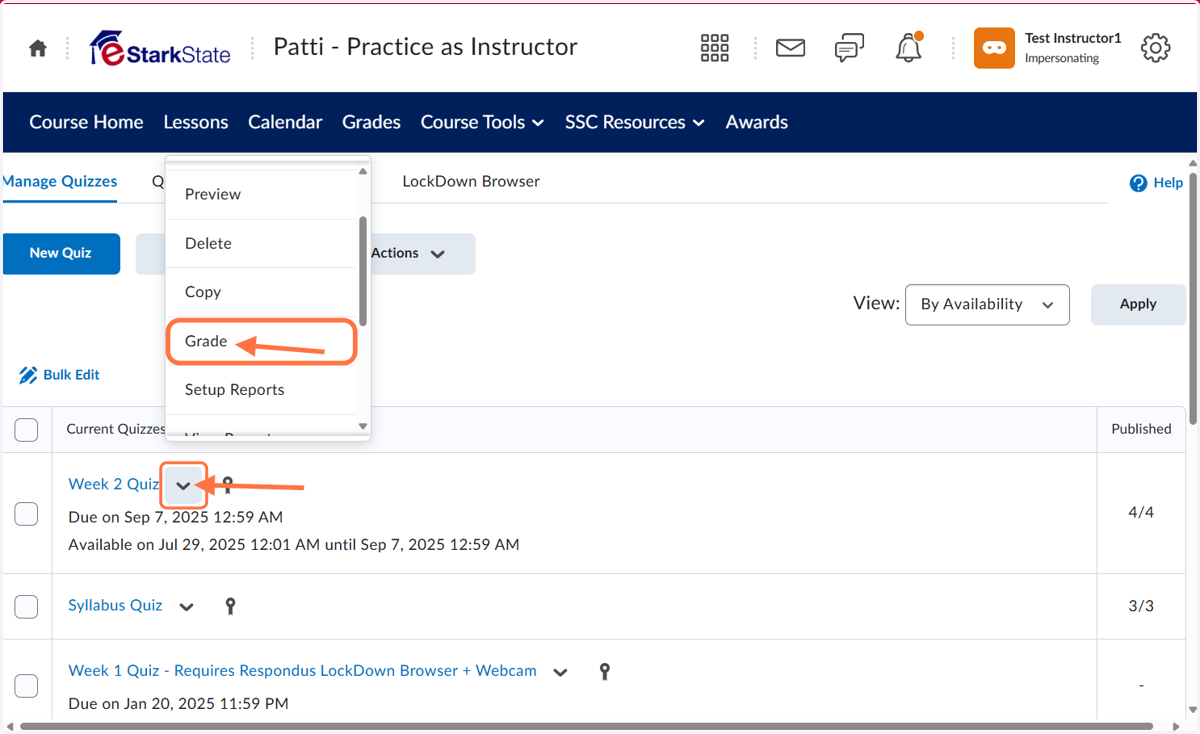
3. Click on down arrow and then click Grade
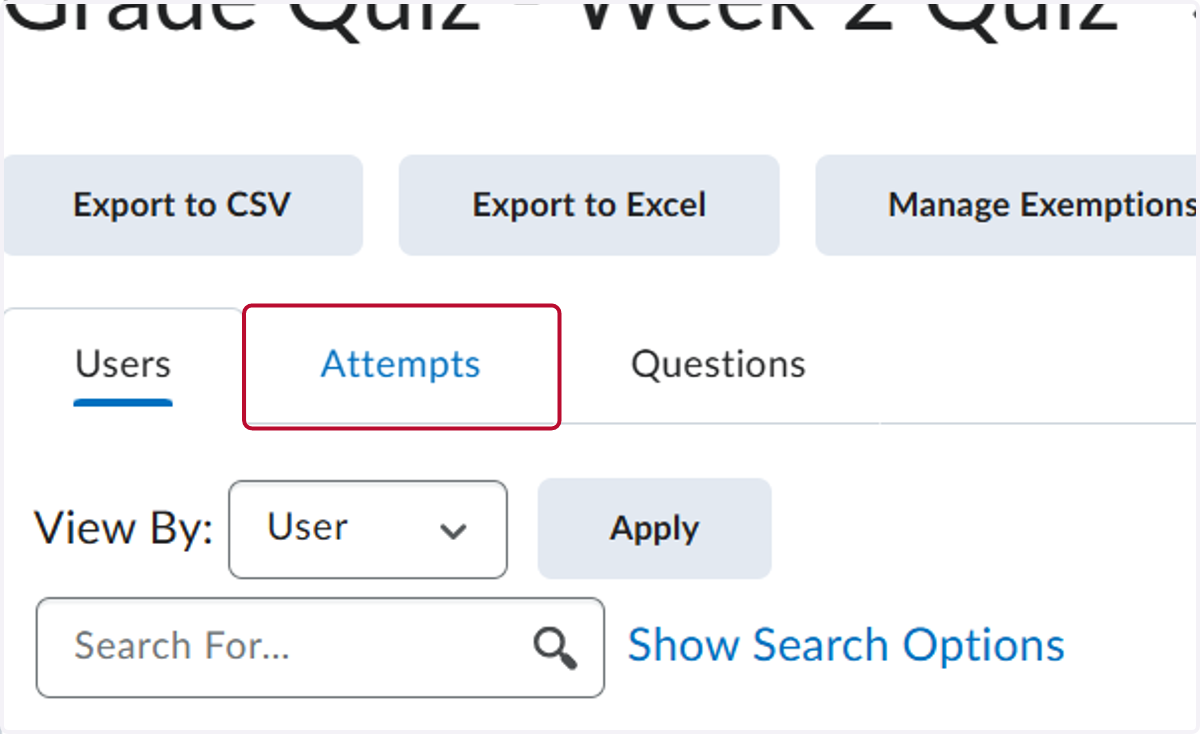
4. Click on Attempts
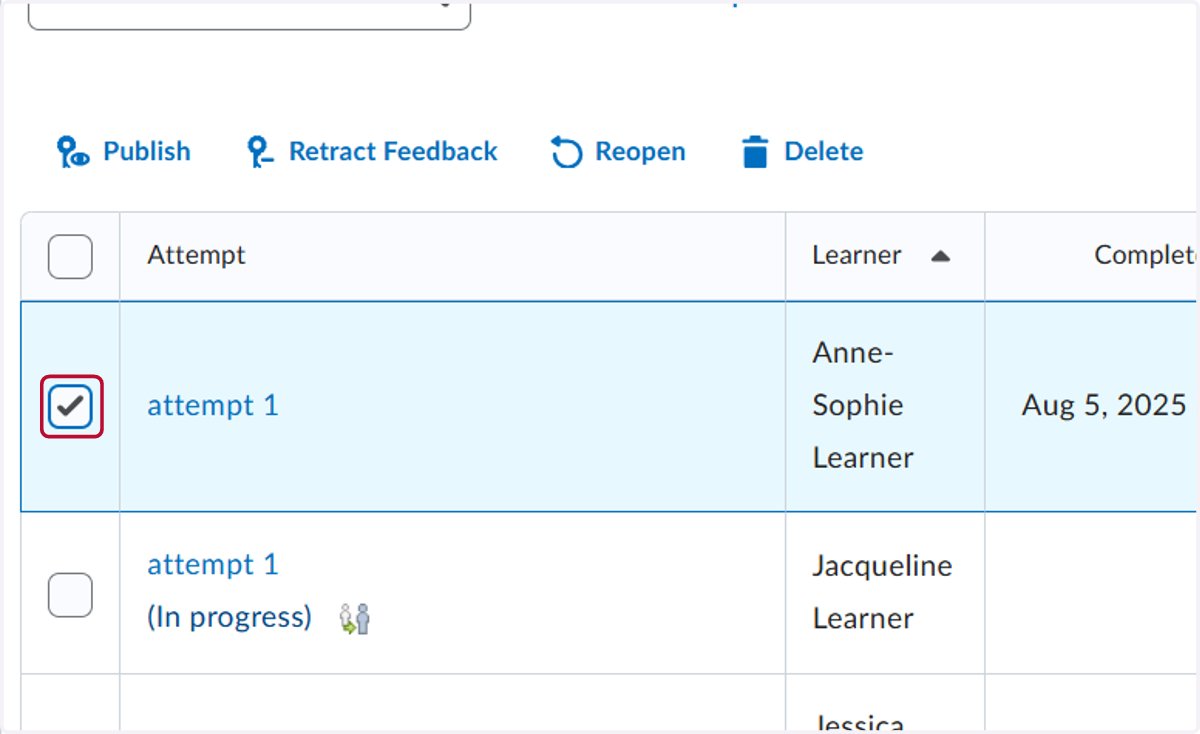
5. Check the attempt you want to reopen.
6. Click on Reopen
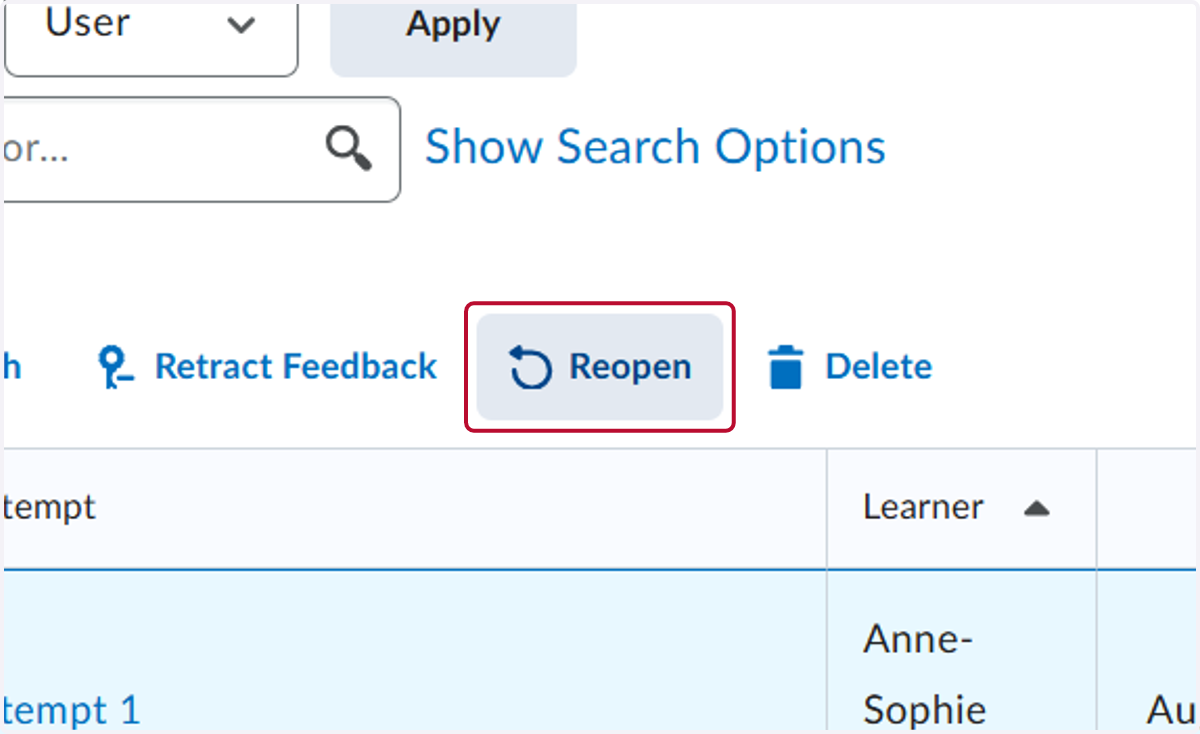
7. Click on Reopen Attempt. After you click reopen attempt you will need to refresh the quiz attempt page.