Removing chemicals to the inventory
Chemicals
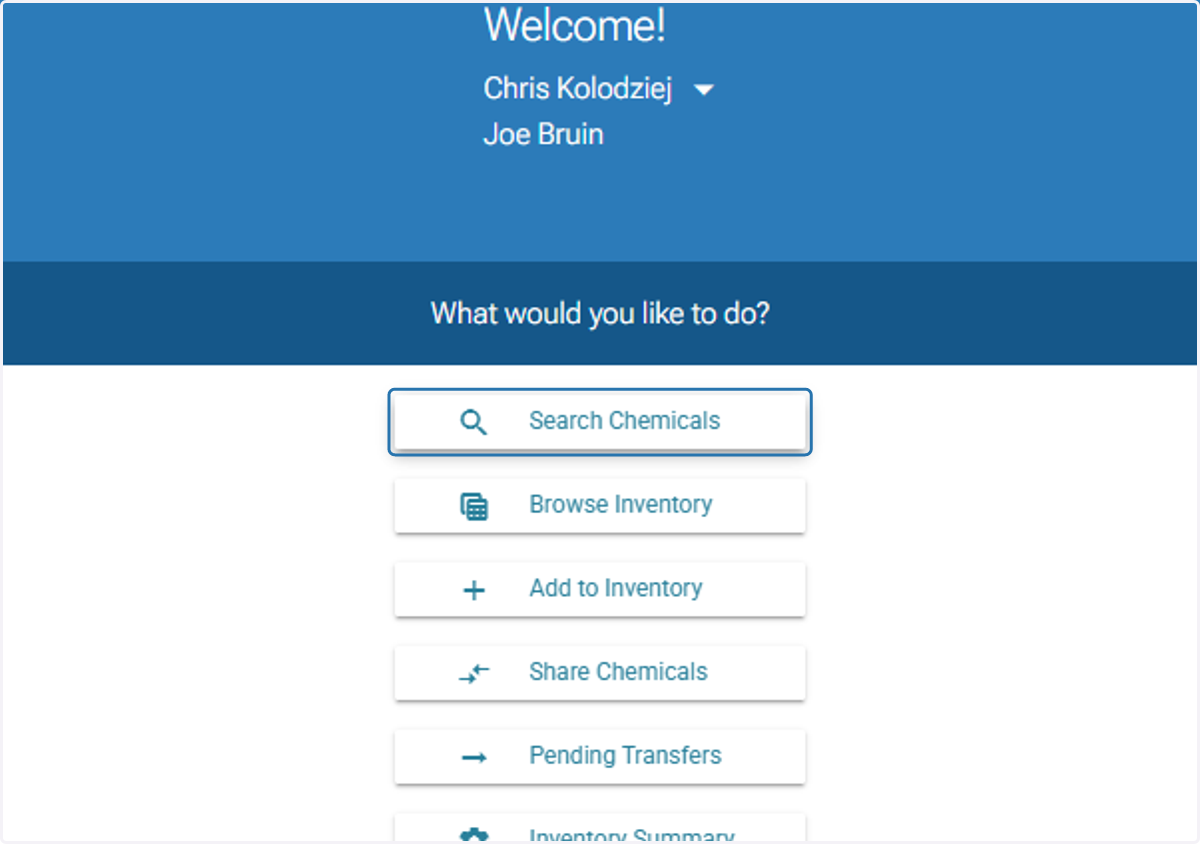
1. Click on 'Search Chemicals'
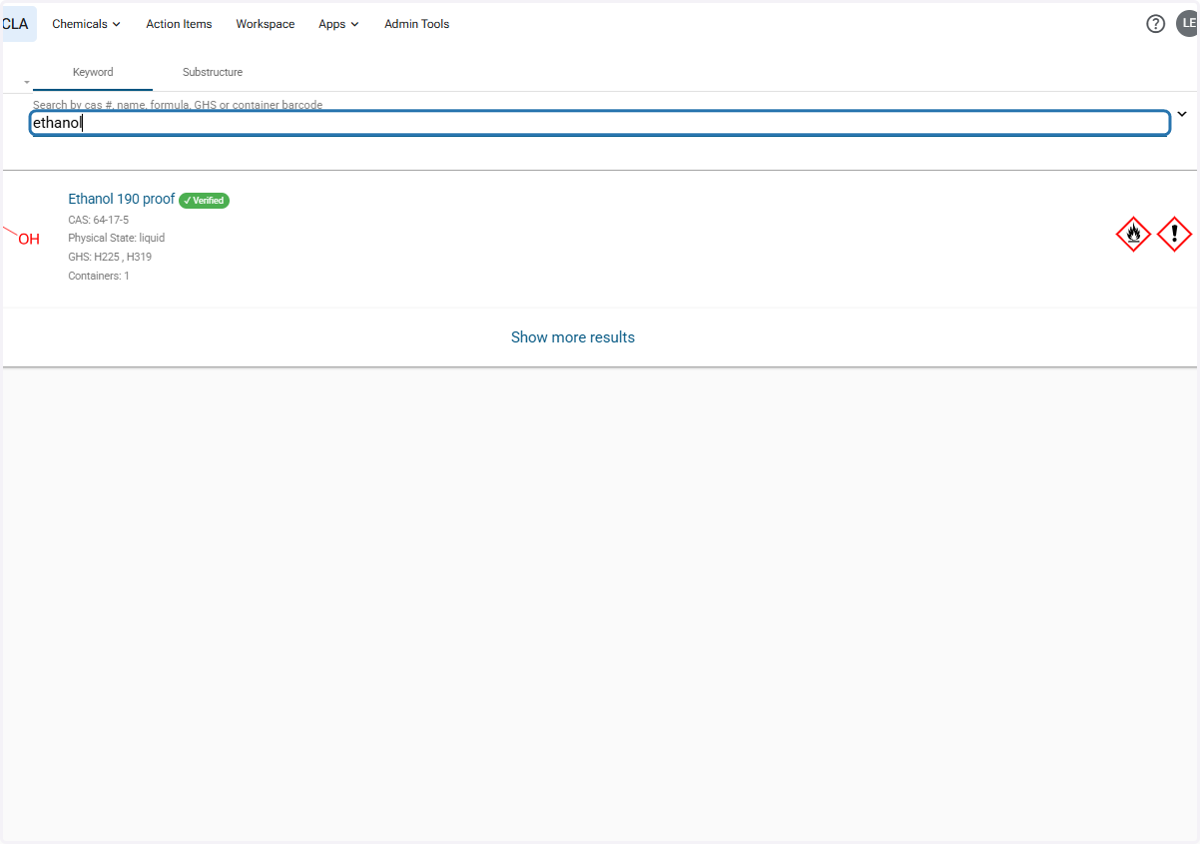
2. Search your chemical(s) Search by cas #, name, formu…
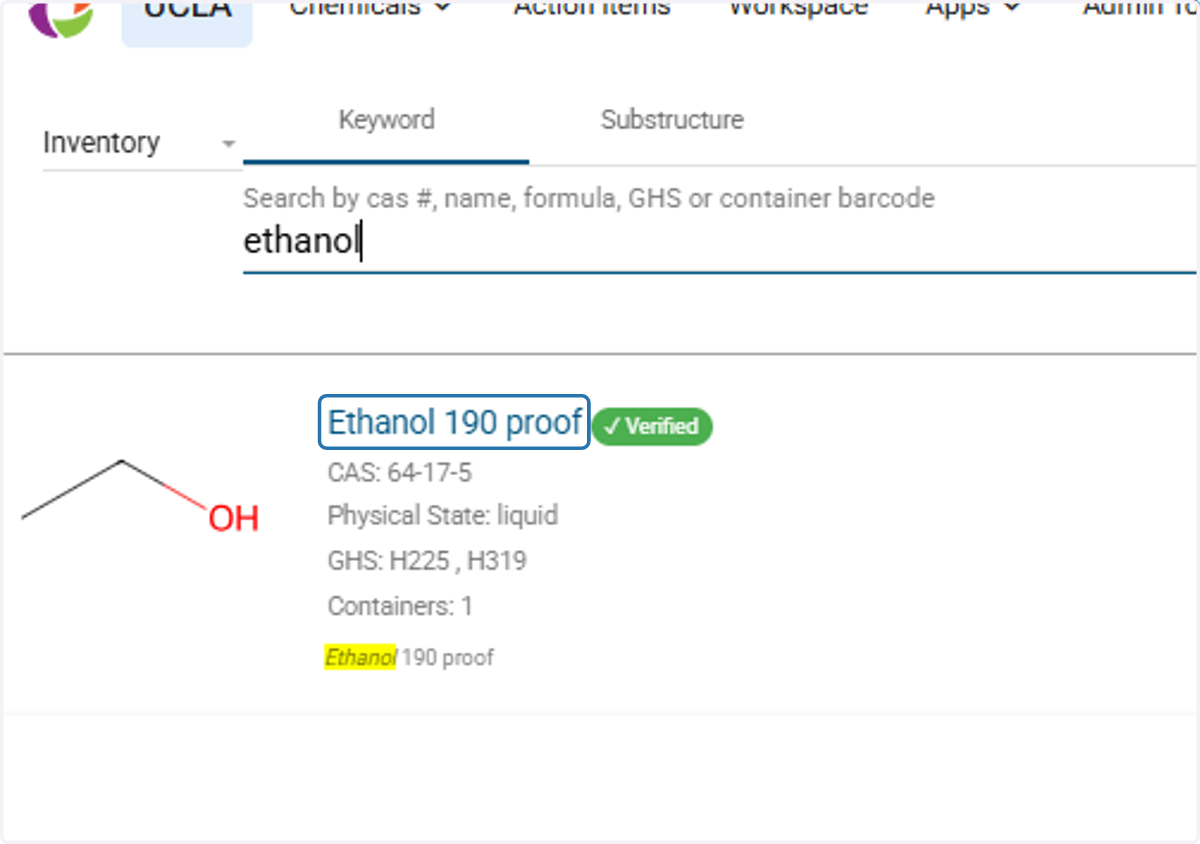
3. Click on the chemical you'd like to remove
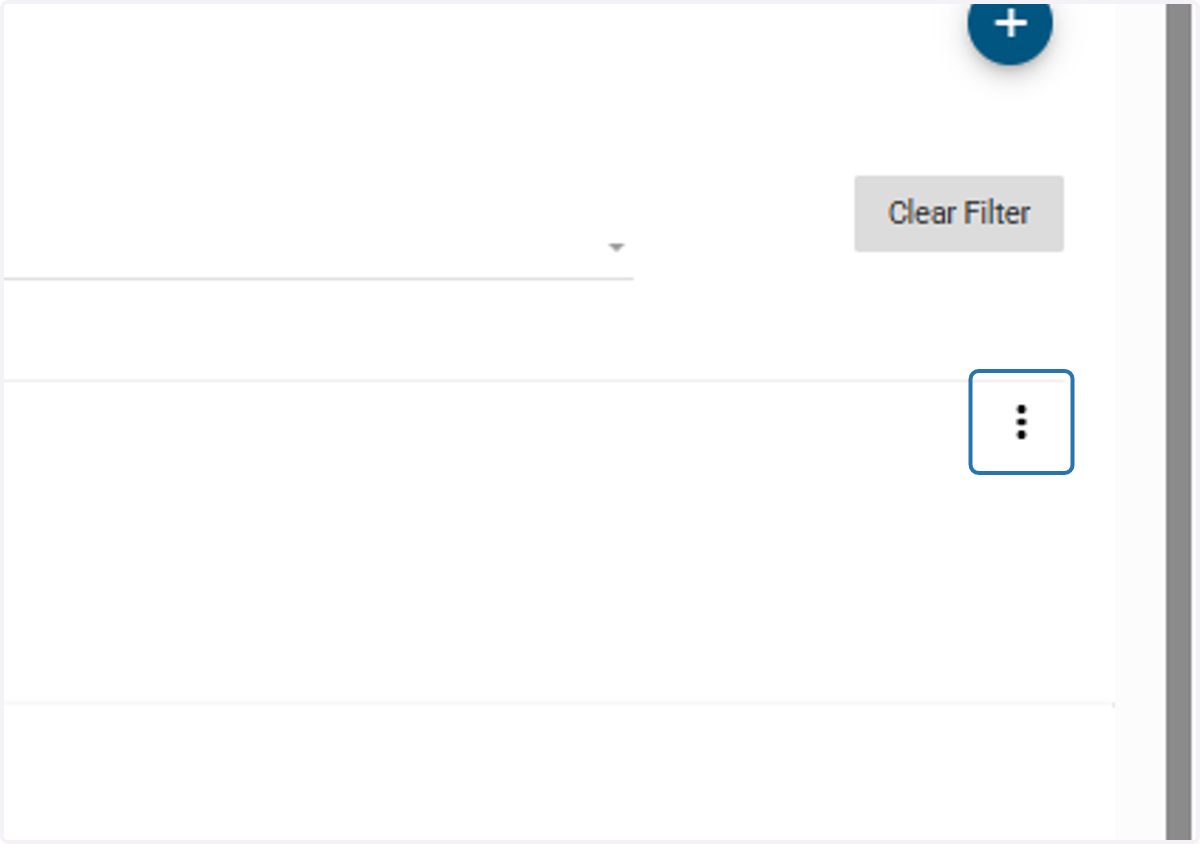
4. Click on the three dots
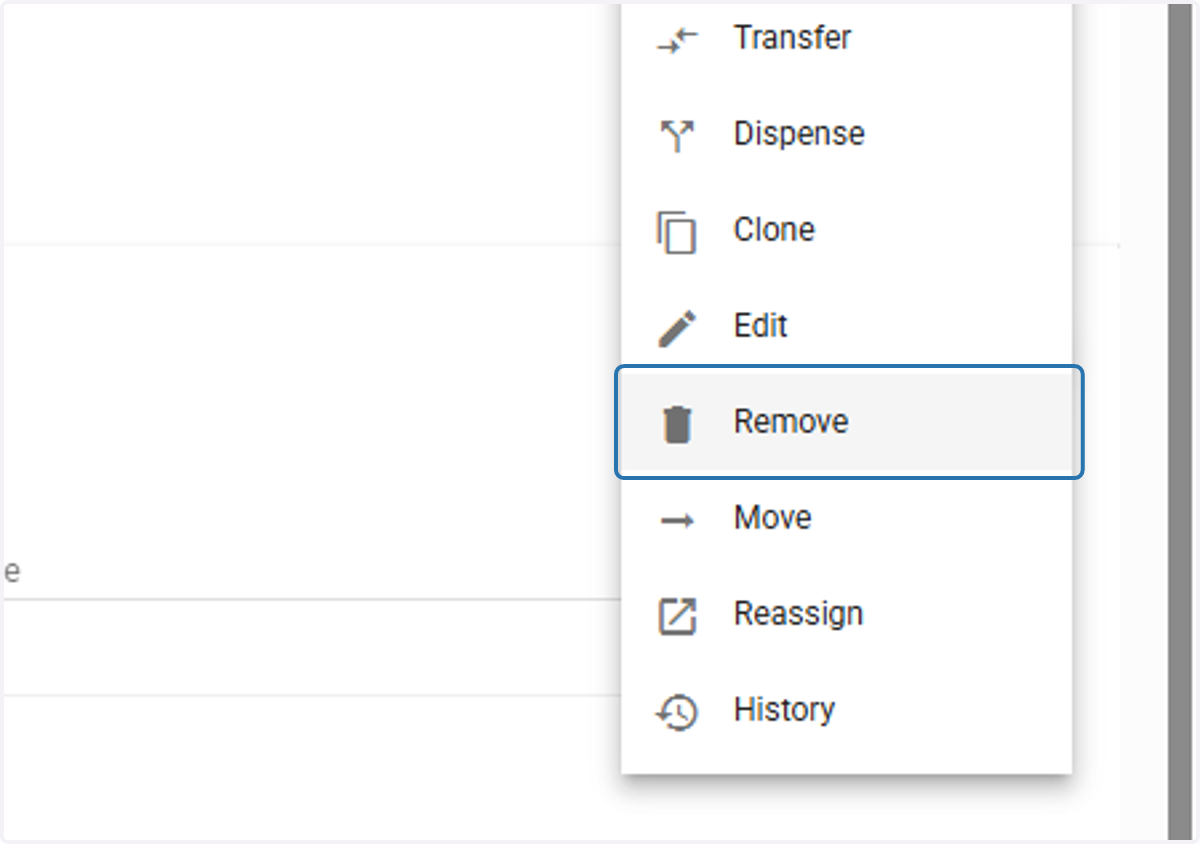
5. Click on 'Remove'
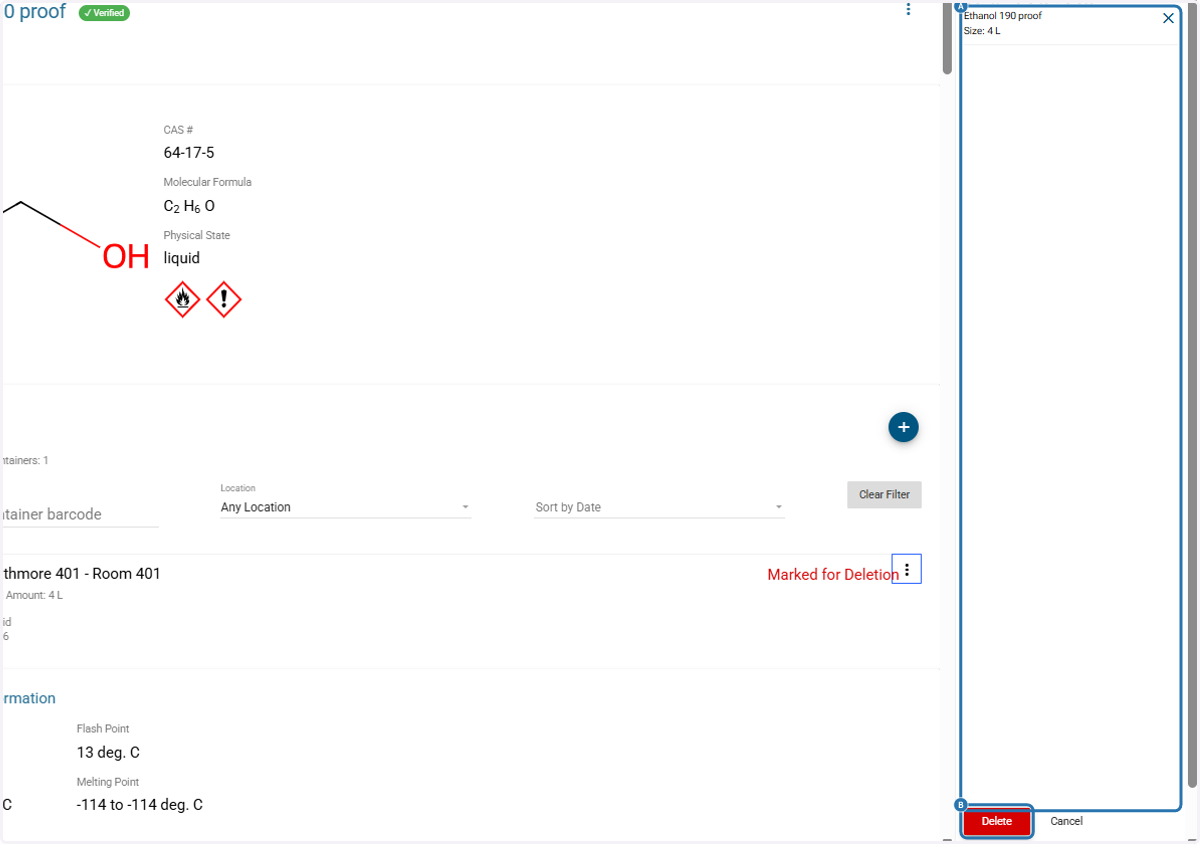
6. A. Repeat to multiple chemicals if needed to add to queue
6. B. Click on 'Delete'
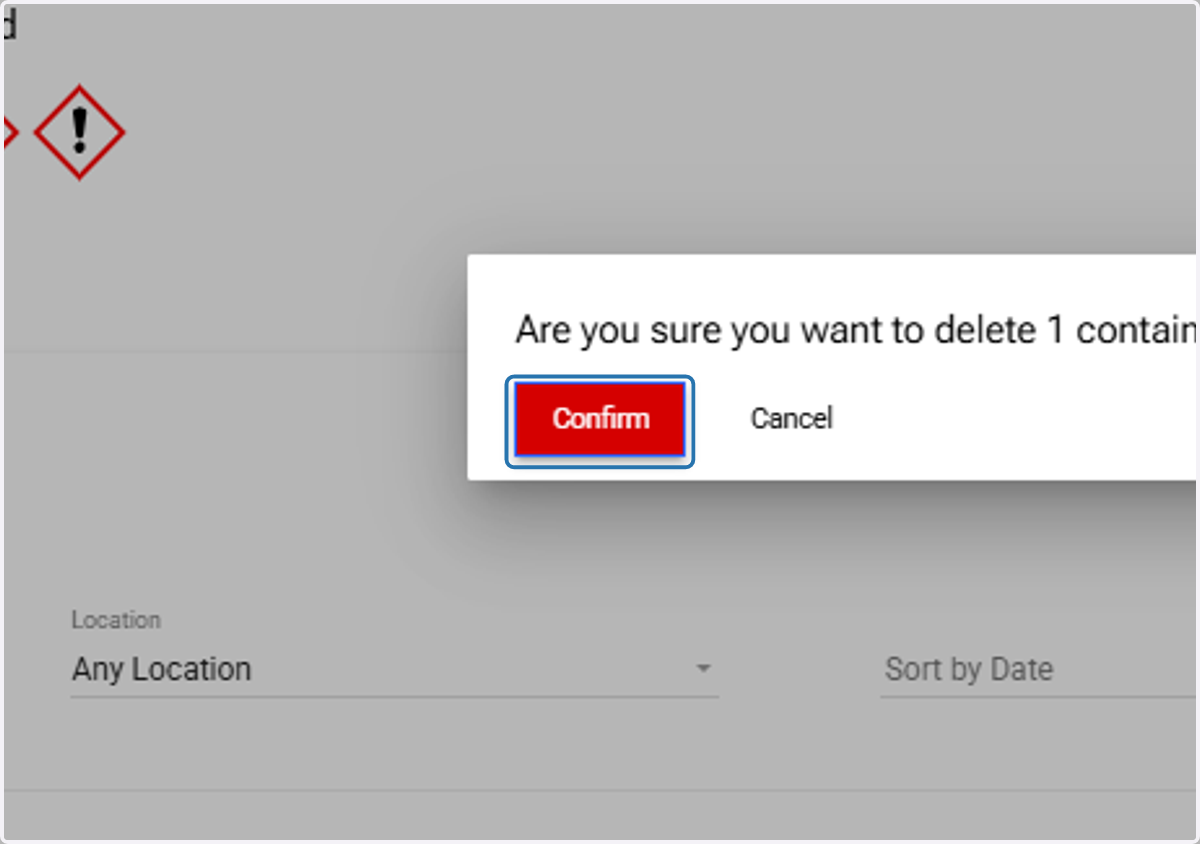
7. Click on 'Confirm'