Student / Adult Registration for The Seek Experience
Seek • Shift • Serve
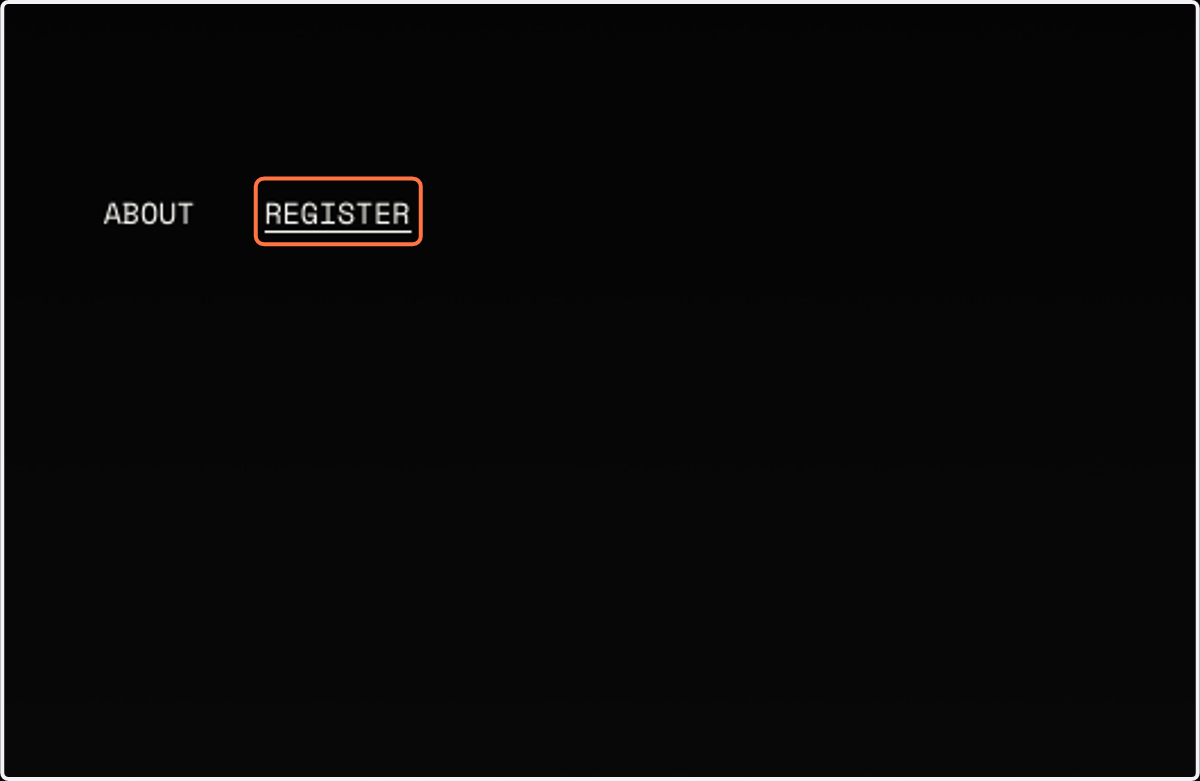
1. Click on REGISTER
2. Click on SIGN UP: 8/11

This will open Brushfire Events in a new tab.
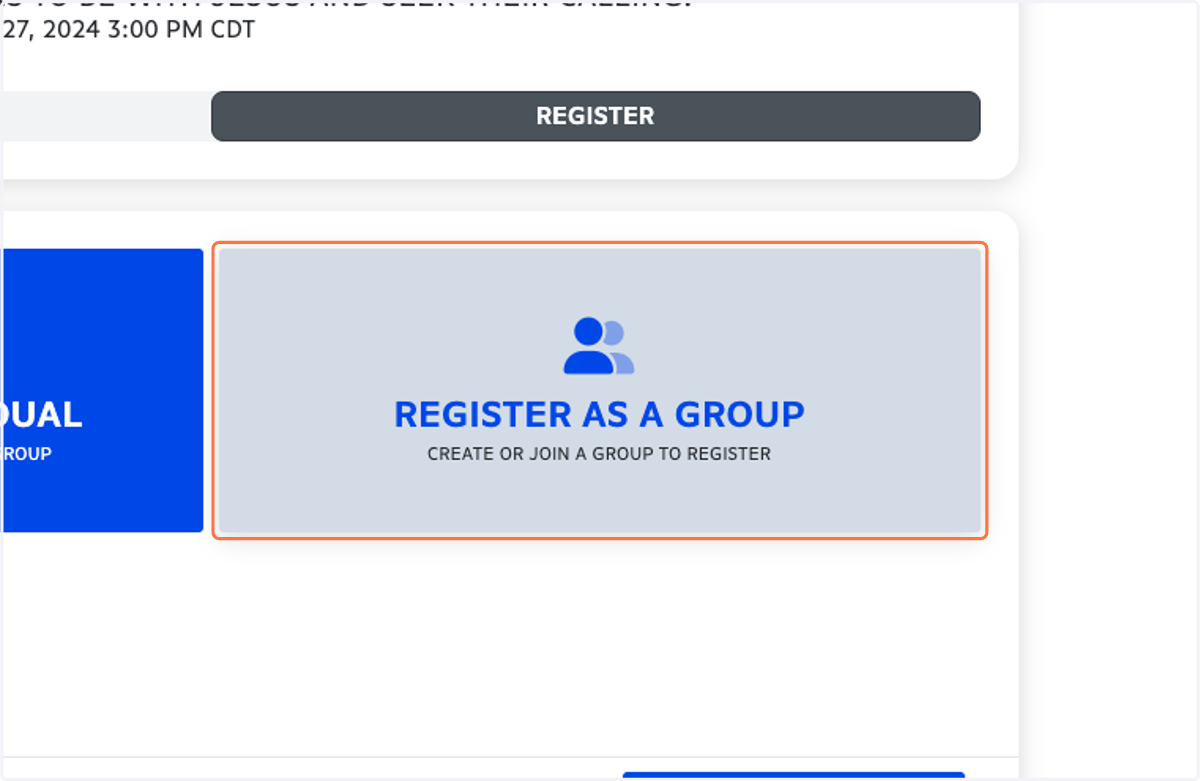
3. Click on REGISTER AS A GROUP…
4. Click on CONTINUE
5. Click on JOIN A GROUP INSTEAD
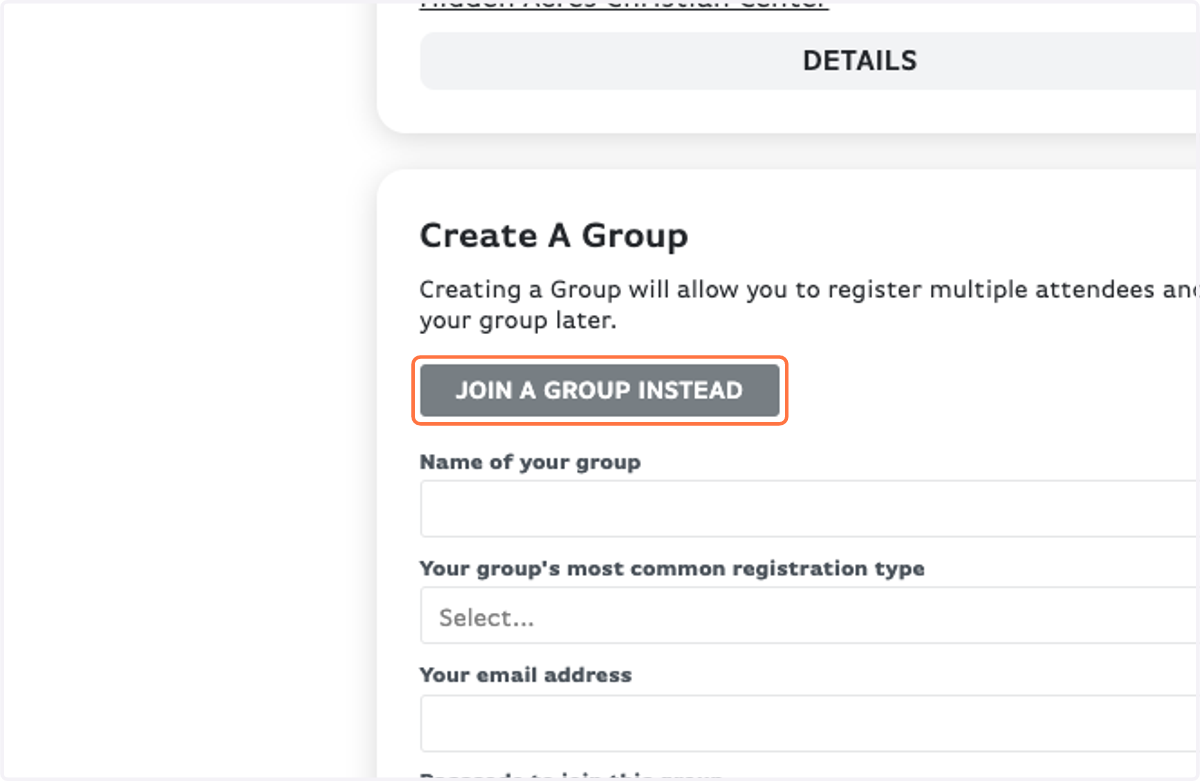
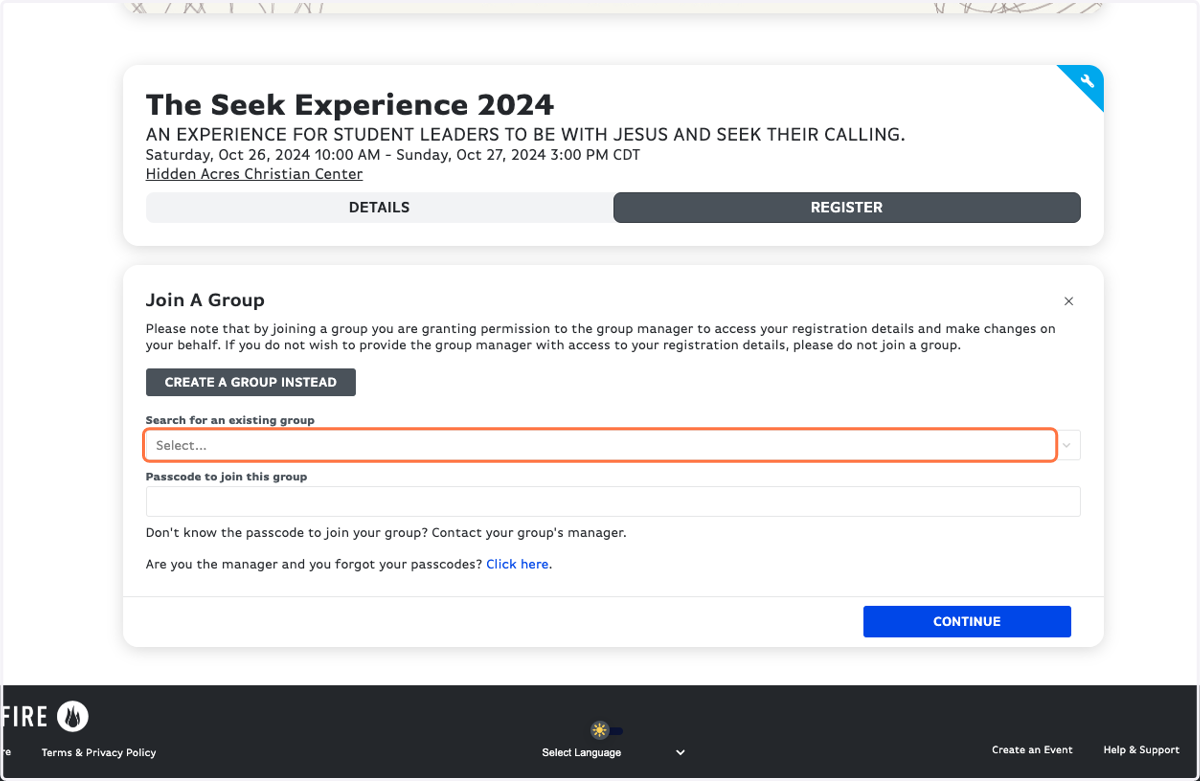
6. Select your group from the drop-down list
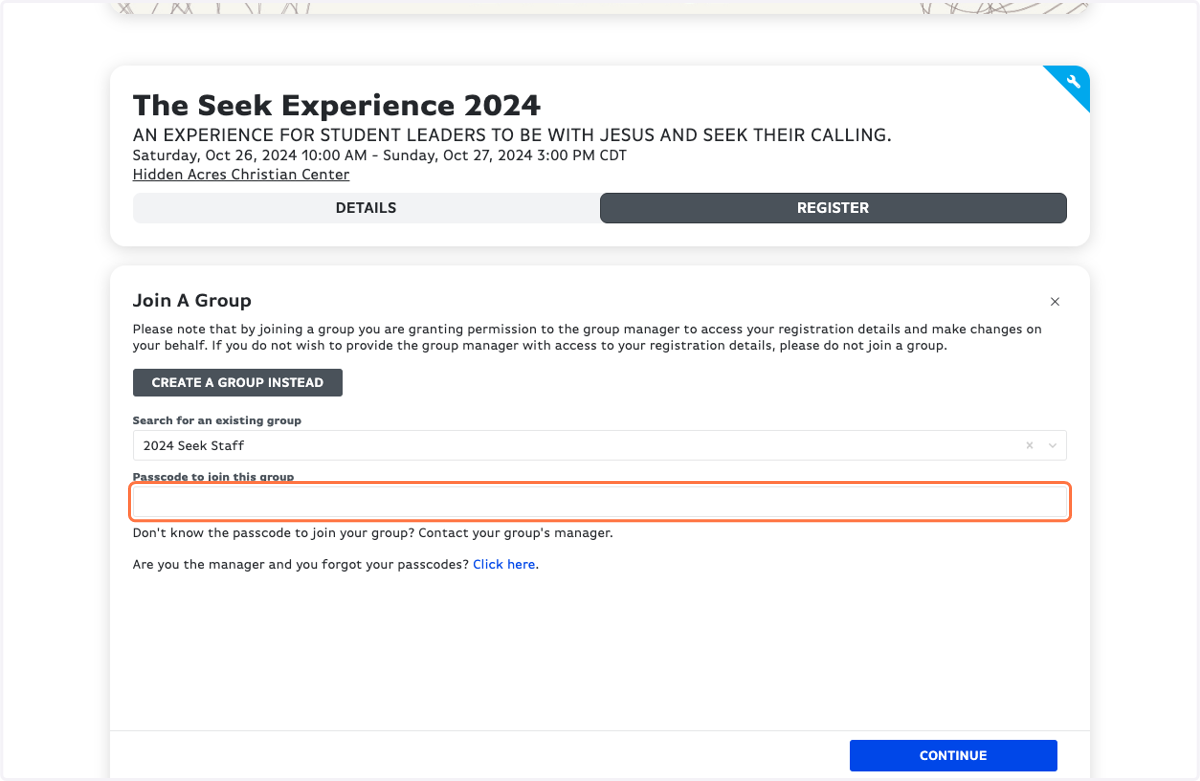
7. Type in your Passcode to join your group
Your Youth Leader has this. If you don't know the passcode, reach out to them!
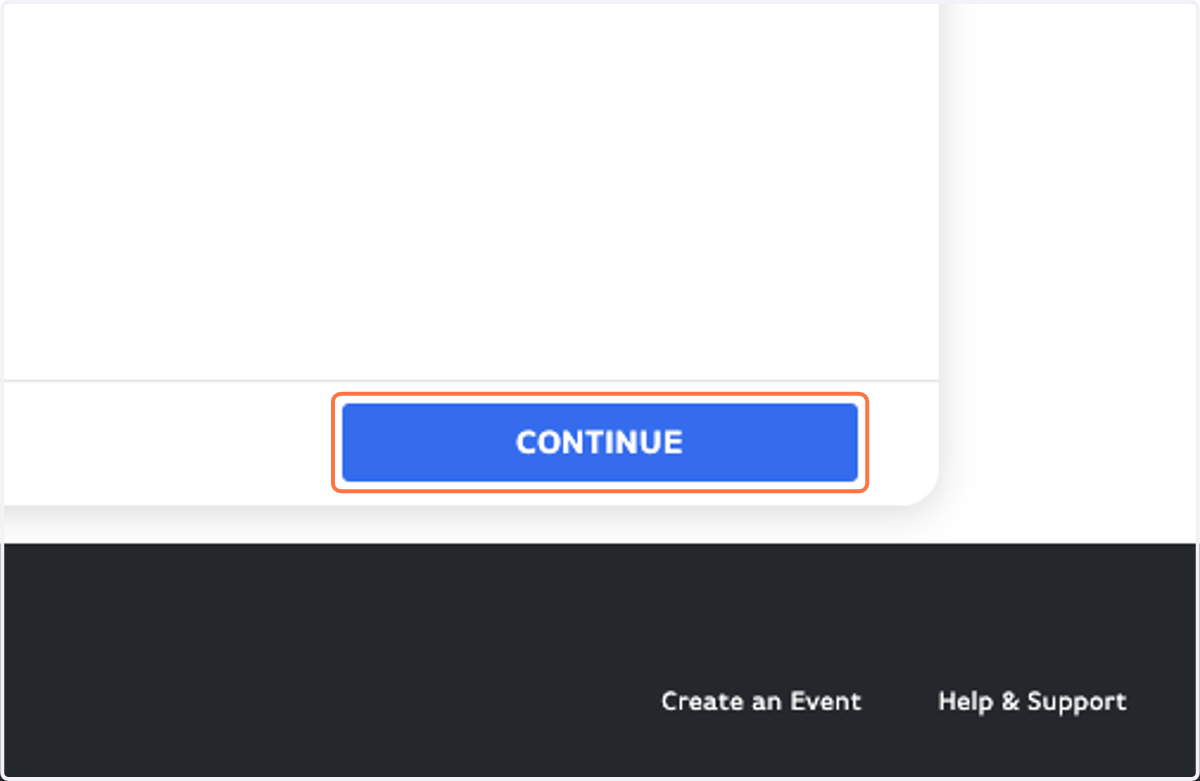
8. Click on CONTINUE
9. If you're in a partner group registering between August 11-18, you'll need the Access Code from your group leader in order to register.
The Access Code is different from your Passcode to join the group.
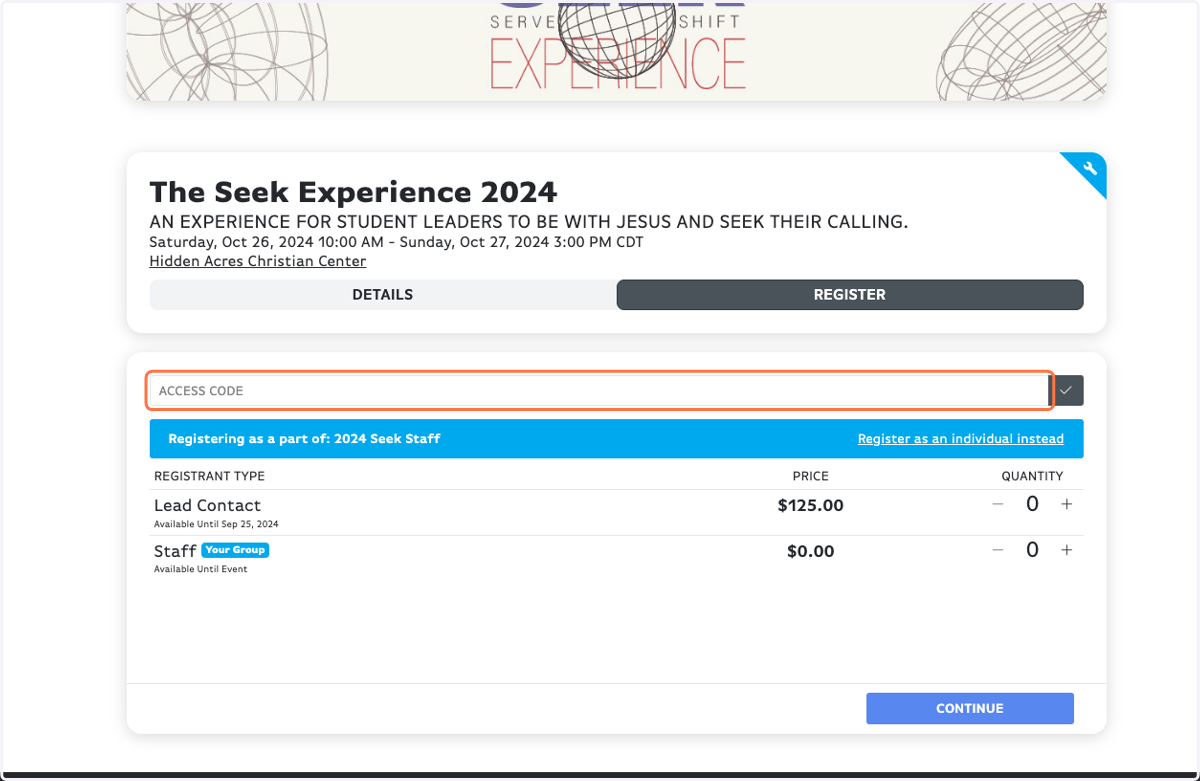
10. Don't forget the little gray check button!
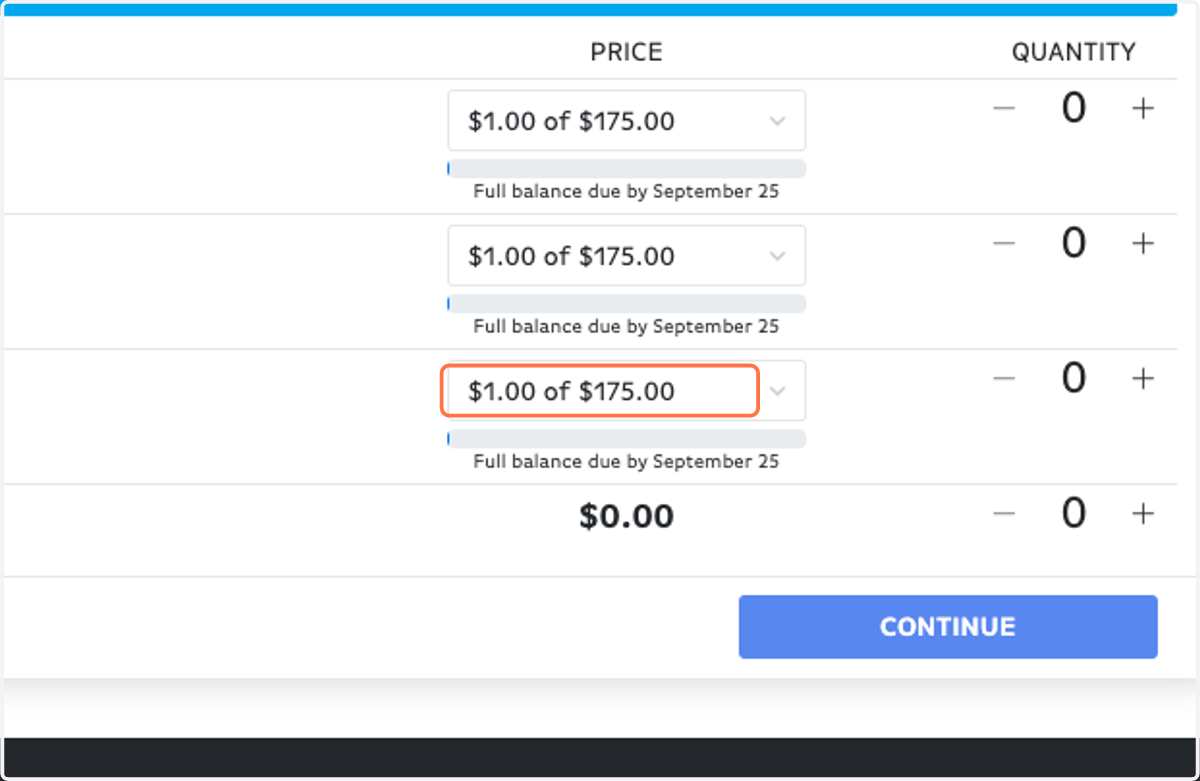
11. Choose your payment amount ($150 for partners, $175 for non-partners)
Check payments are preferred to avoid card processing fees
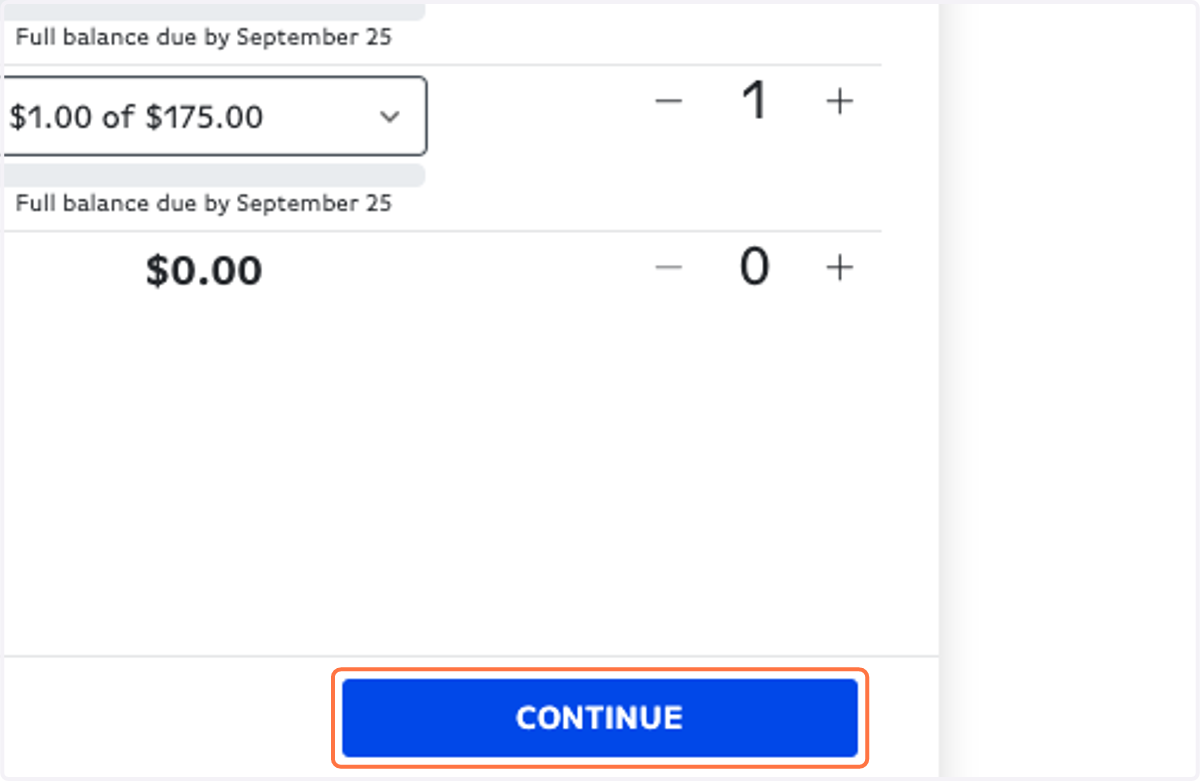
12. Click on Increment Amount for Student / Adult
13. Click on CONTINUE
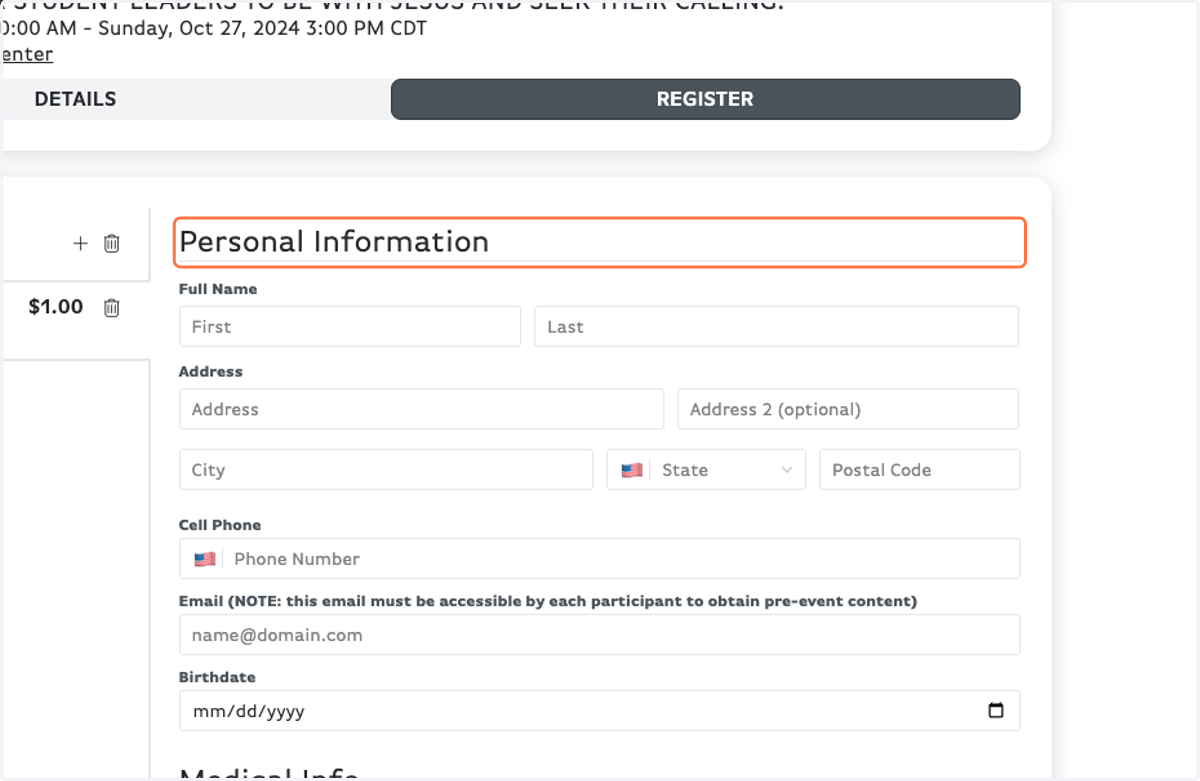
14. Fill out your Personal Information
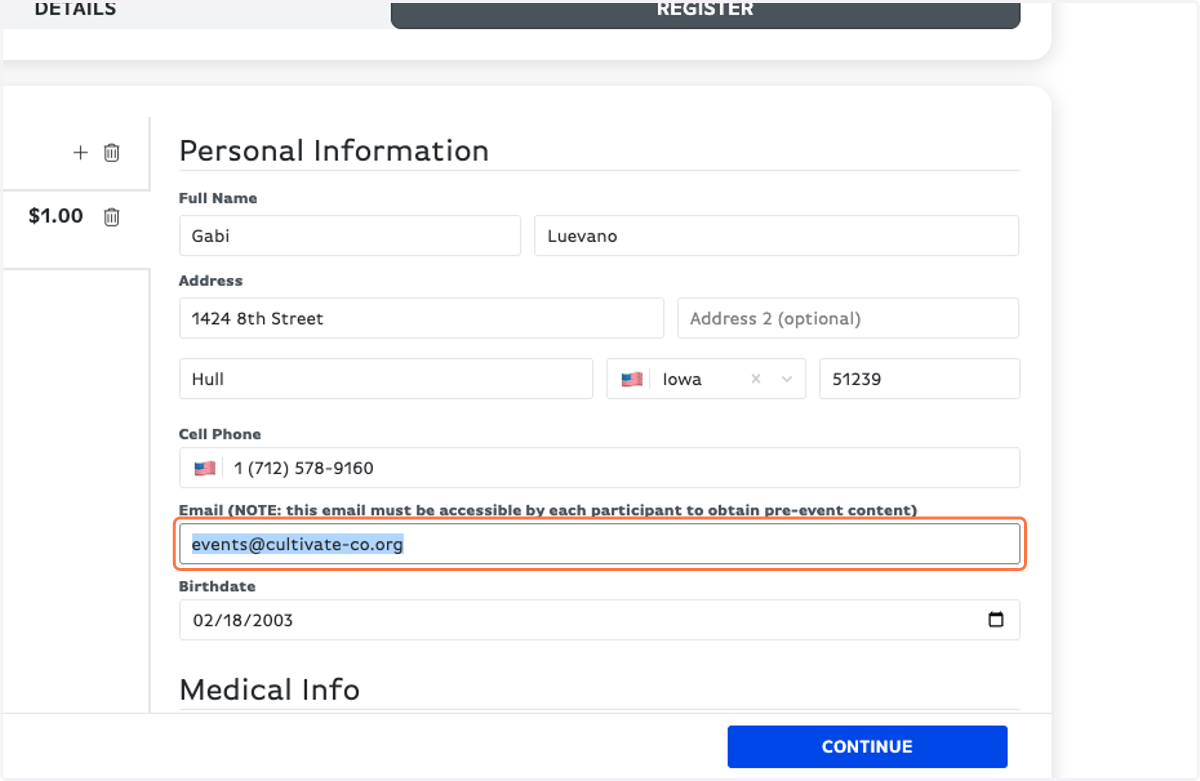
15. Notice, for your Email this NOTE: this email must be accessible by each participant to obtain pre-event content
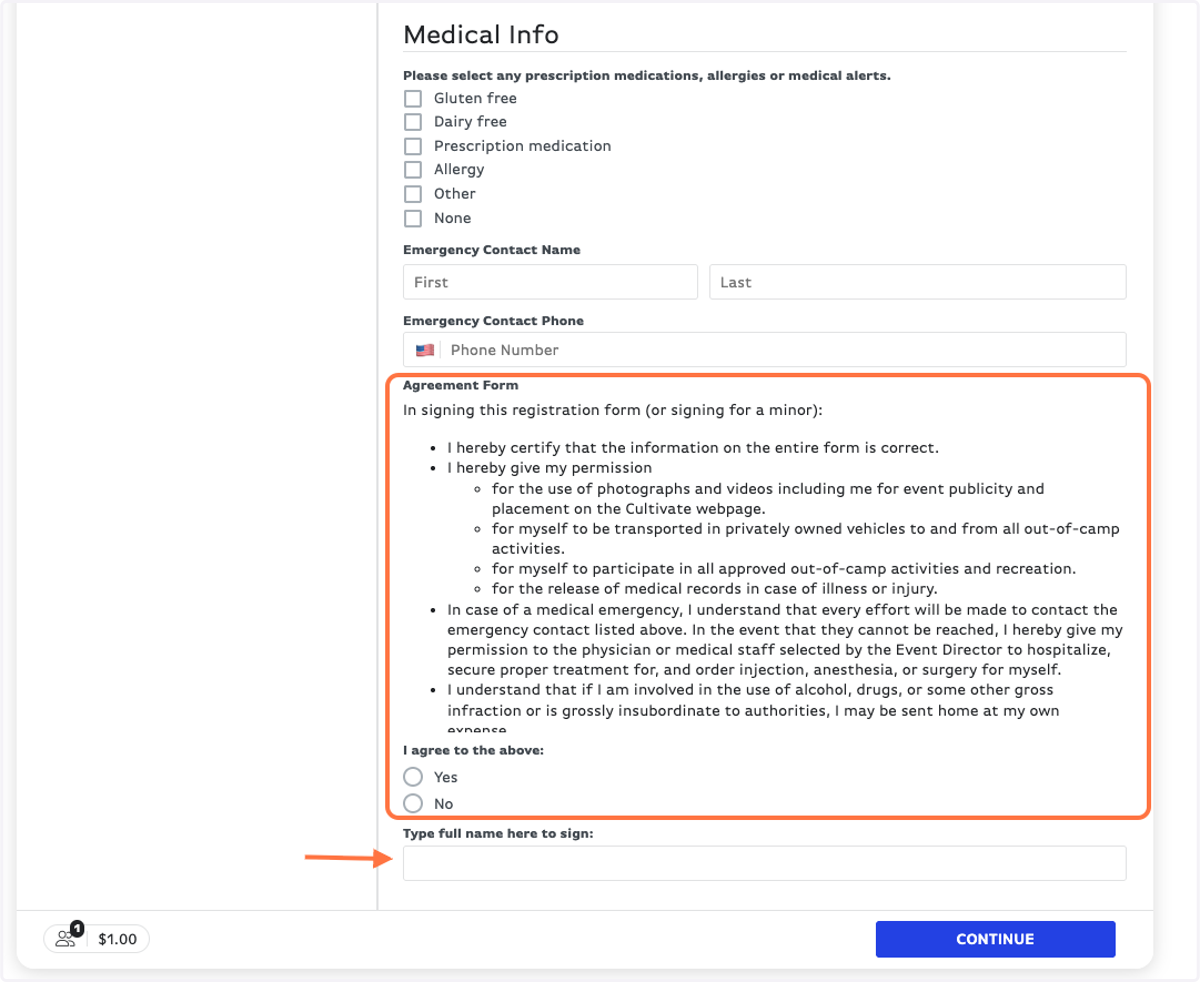
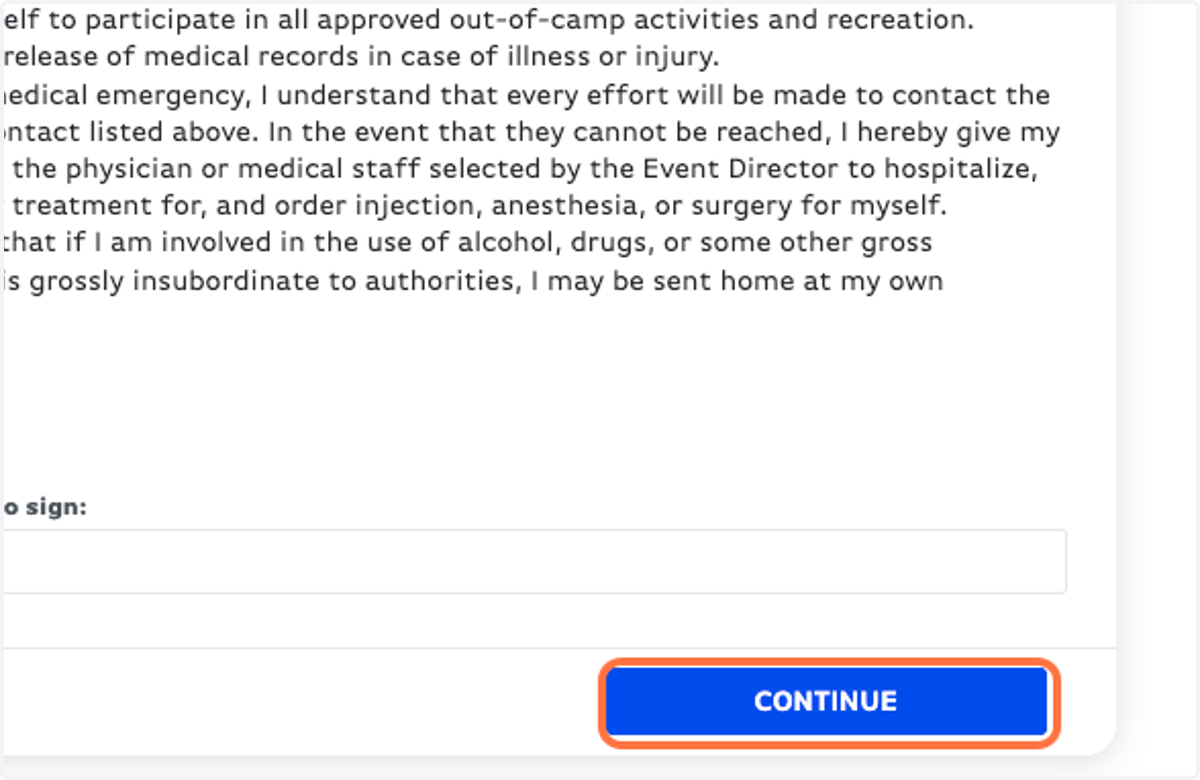
16. Read the Agreement Form and sign - parent/guardian must sign for anyone under 18 years old.
17. Click on CONTINUE
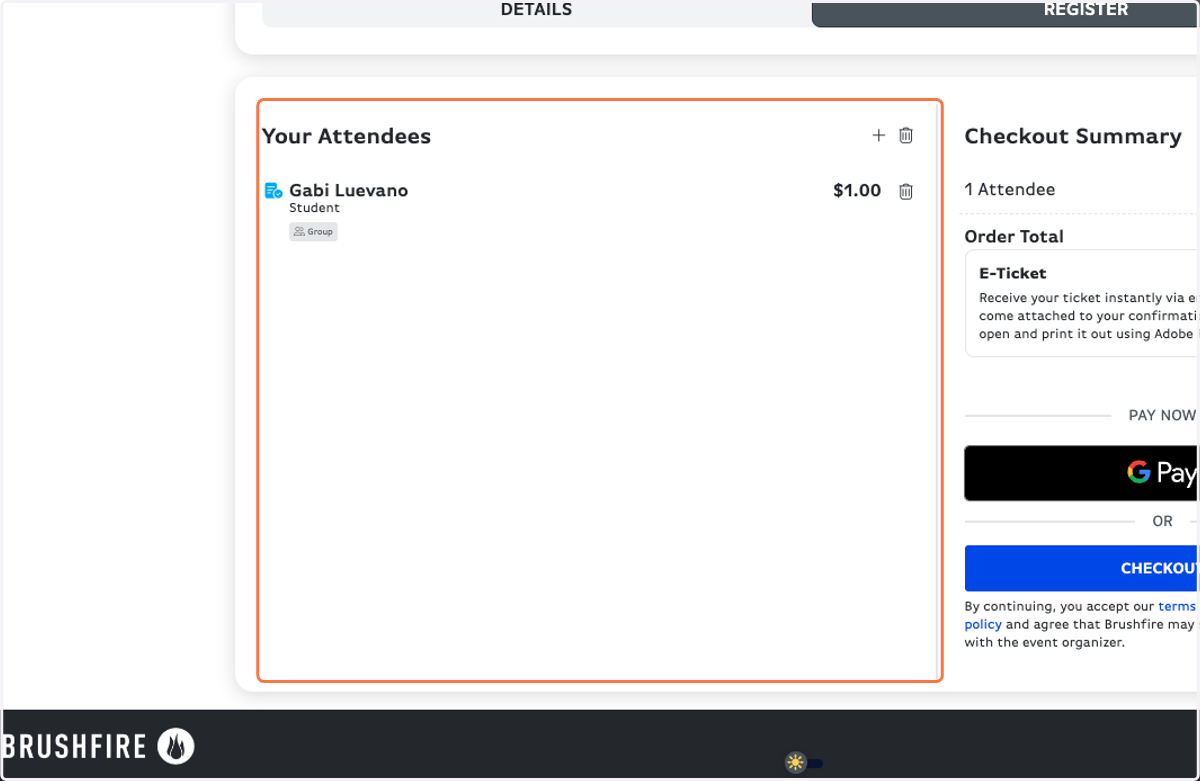
18. Make sure everything looks correct!
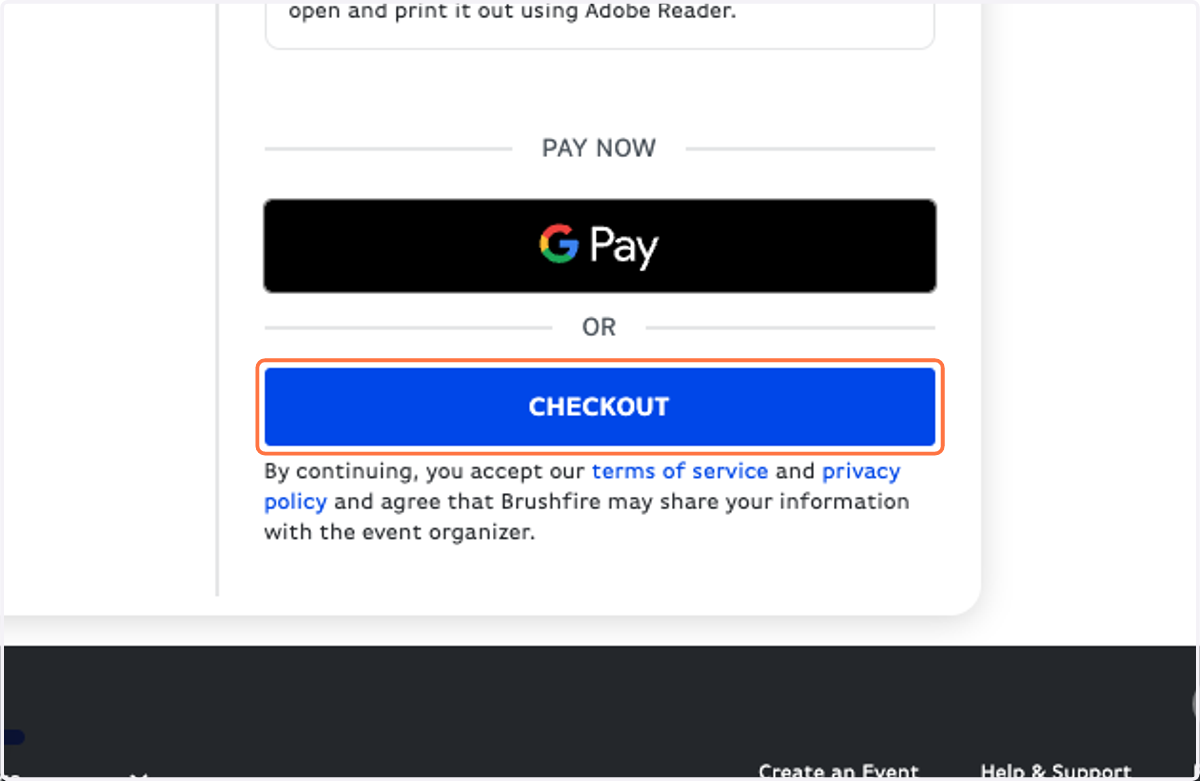
19. Click on CHECKOUT
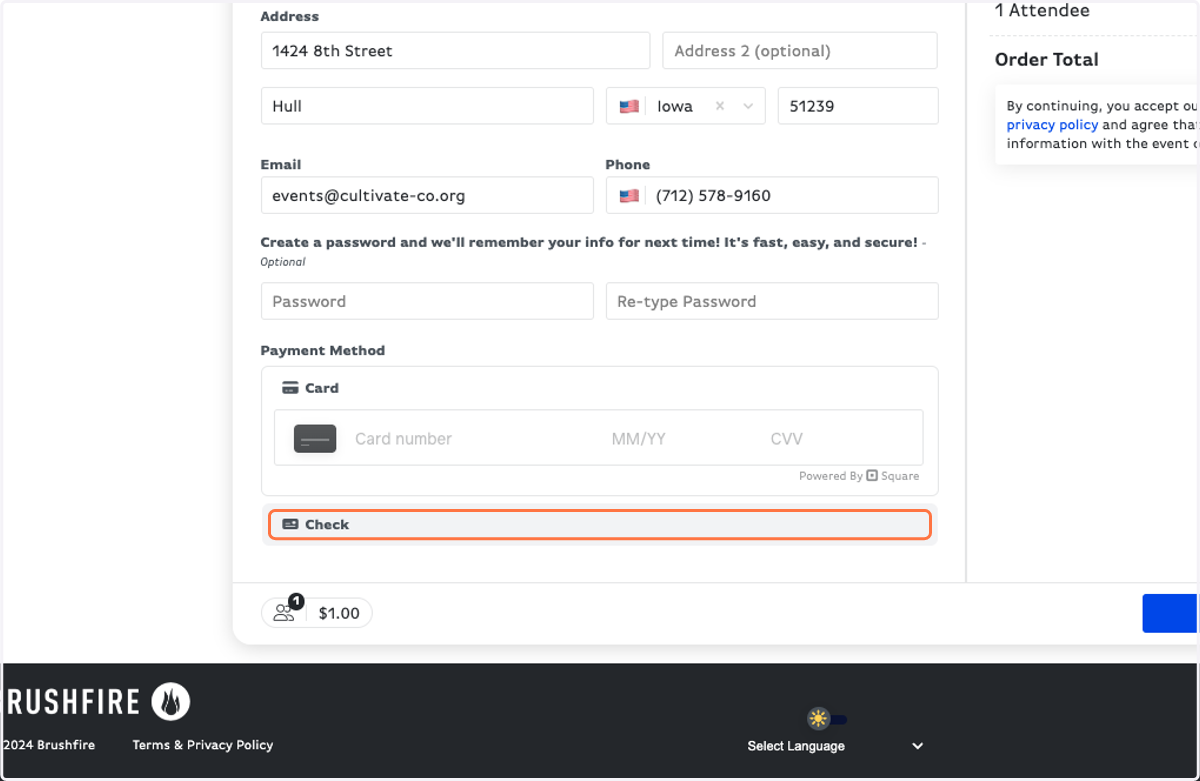
20. Fill in your card information, or if you choose to pay by check, select the "Check" button.
CHECK PAYMENTS ARE PREFERRED
21. Click on PAY NOW
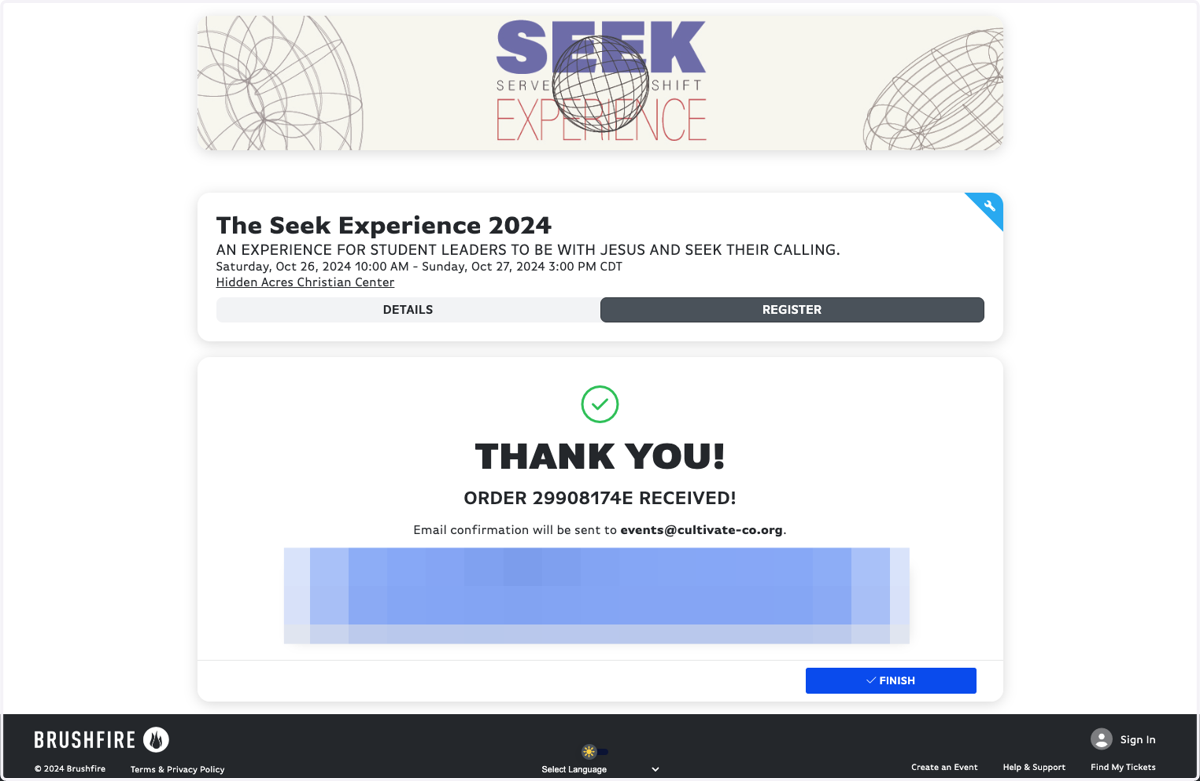
22. Once you see this page, you're registered! Keep an eye on your email for a confirmation.