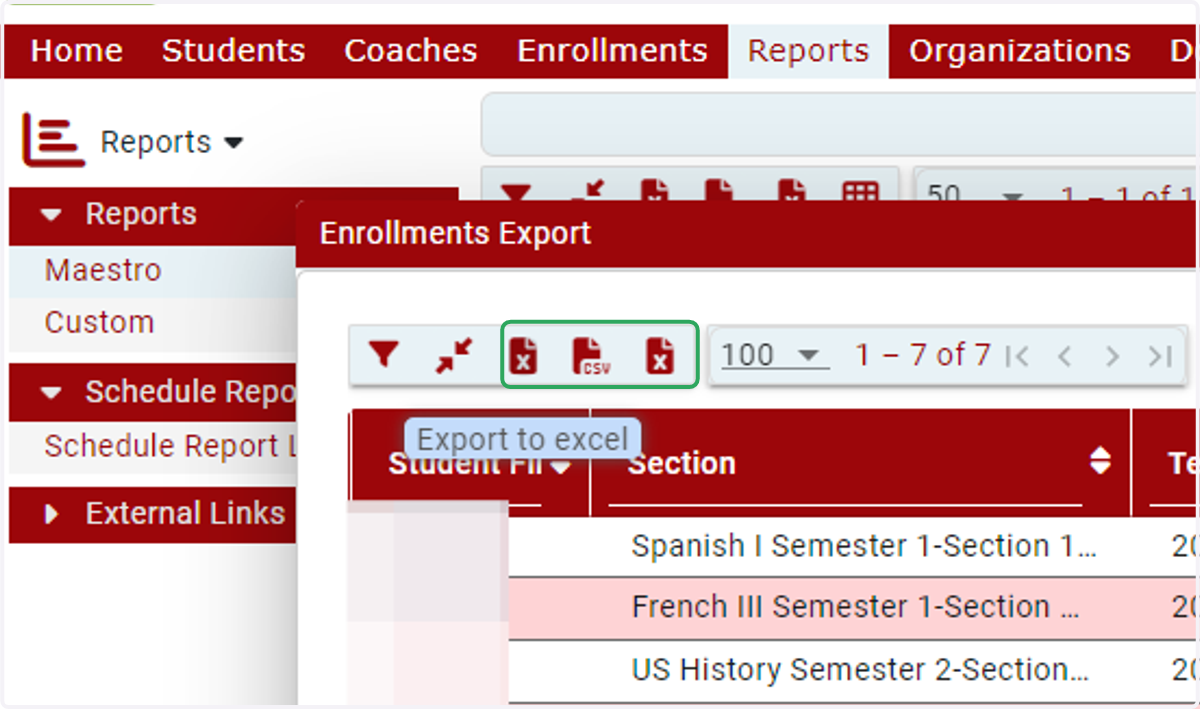
Registrar and Mentor - Accessing student enrollment information from the Enrollments Export
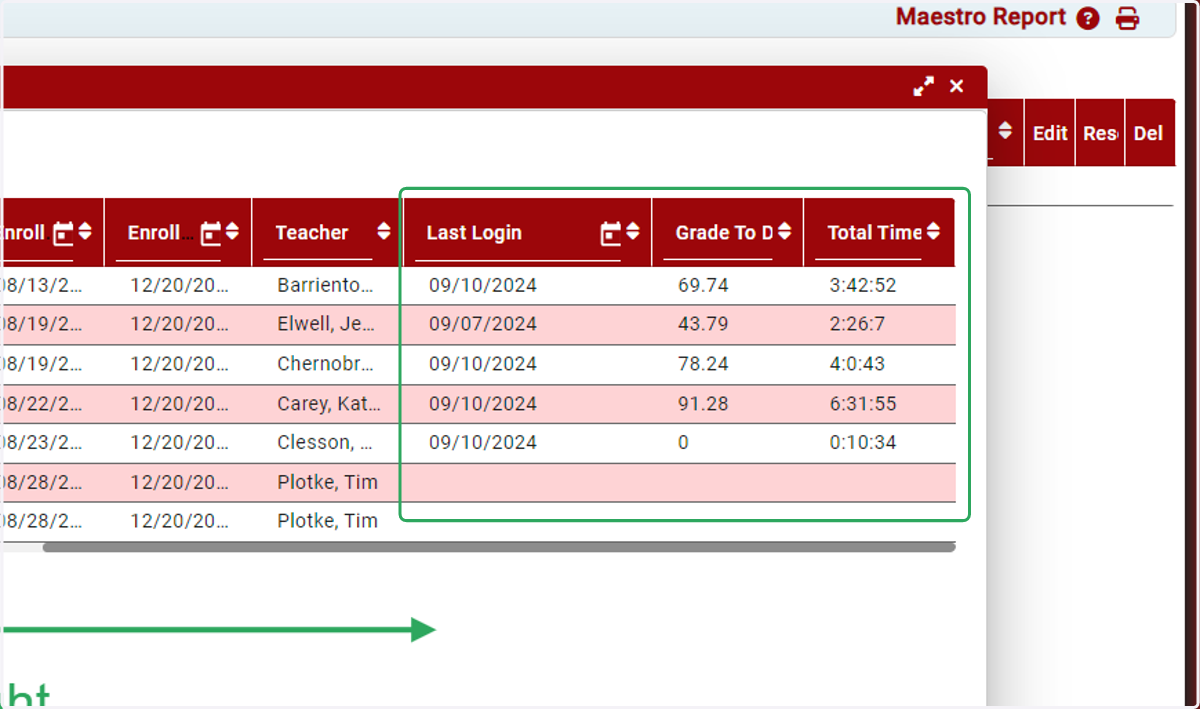
The Enrollments Export (ID 1222) displays students' current grades, last login dates, and total time spent in their courses.
Maestro ::Personal Home Page
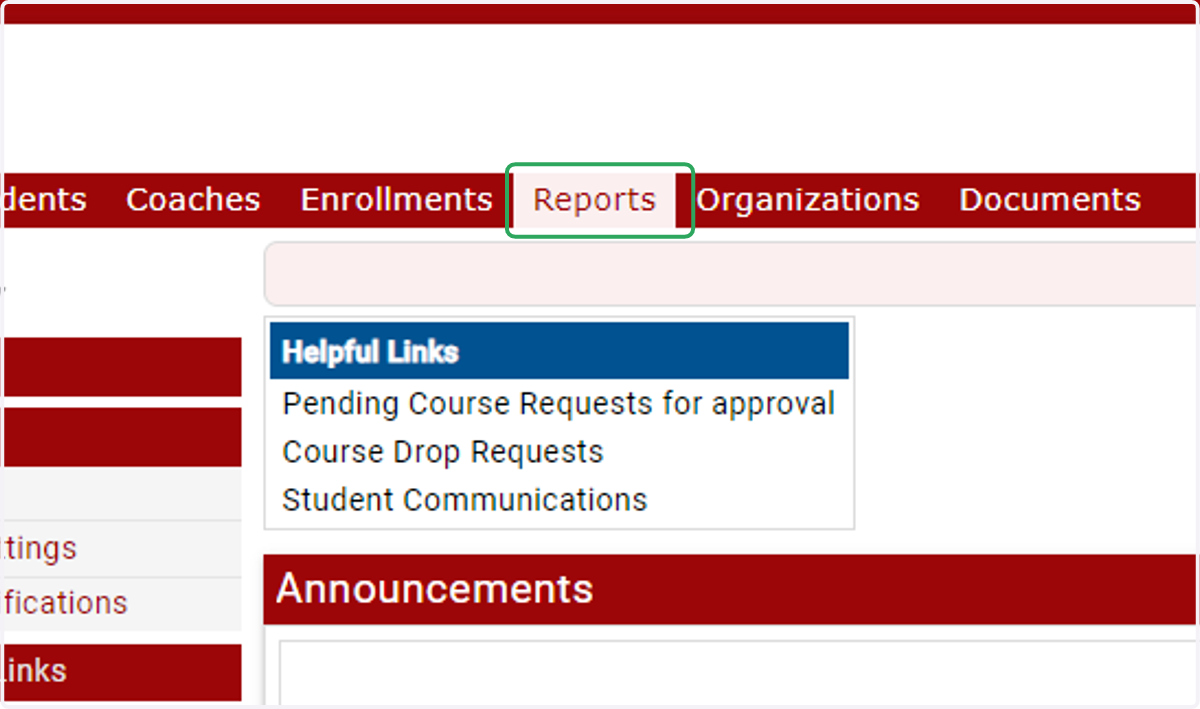
1. Login to your IVSA Registrar or Mentor account and click on Reports
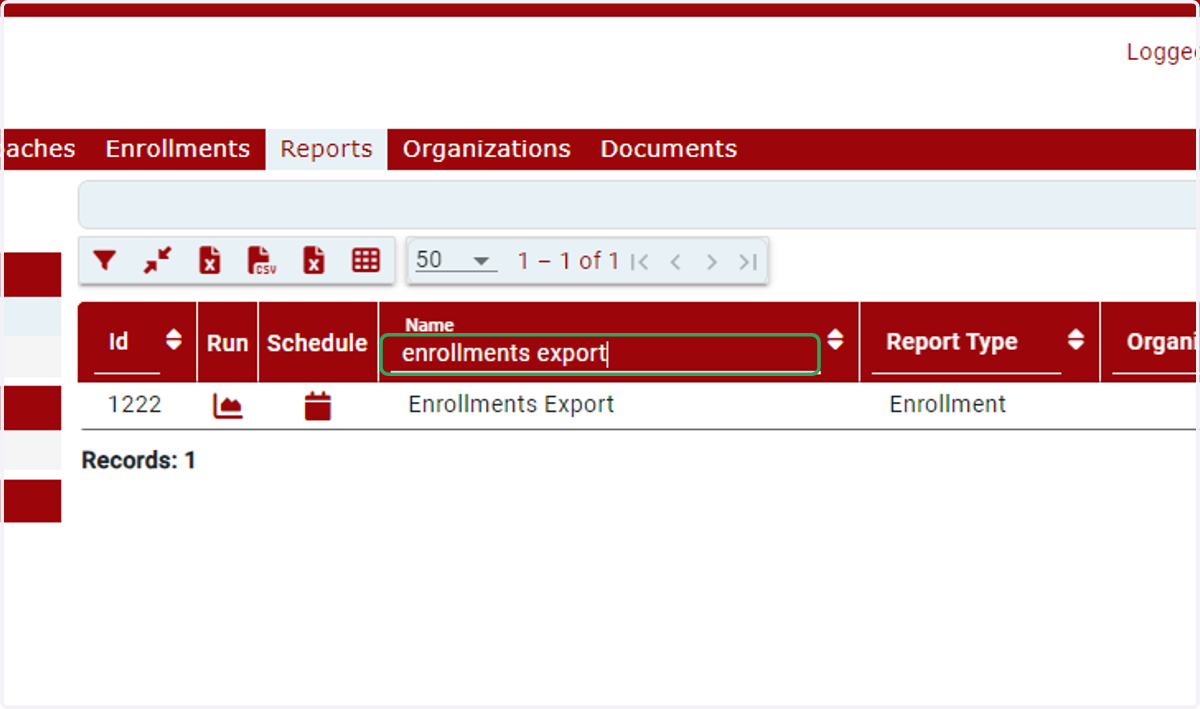
2. Search for Enrollments Export or Id 1222
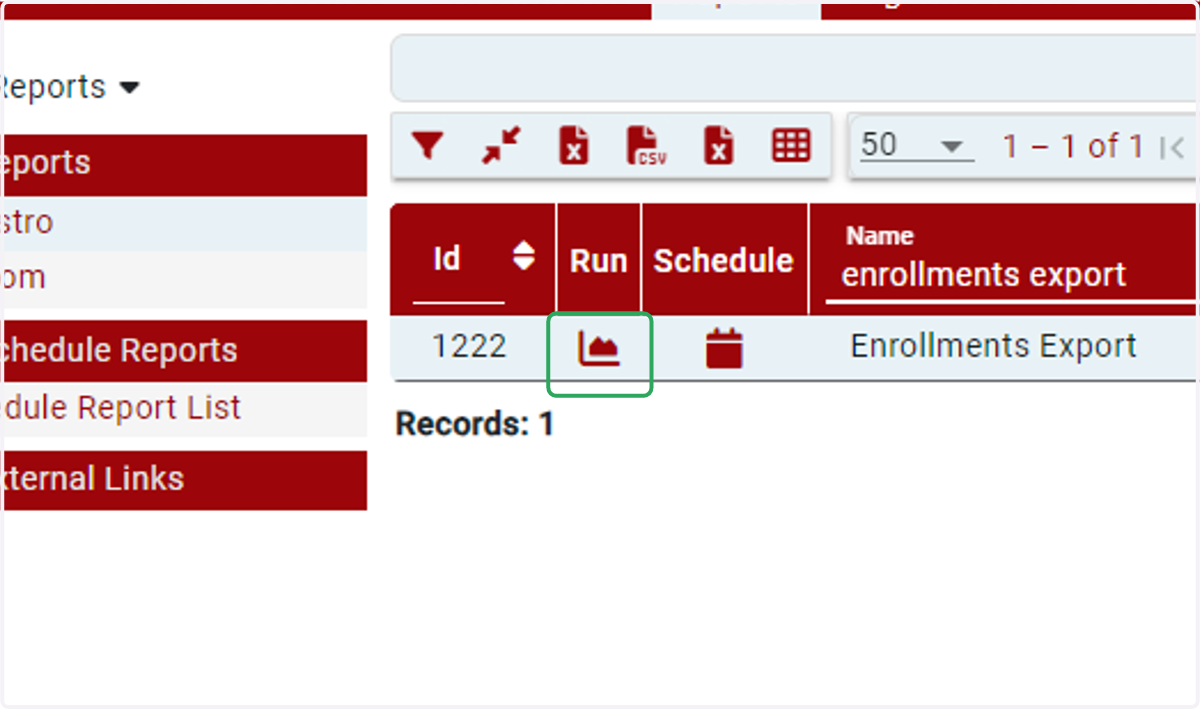
3. Click Run to open the report
4. Scroll to the right to review Last Login, Grade to Date, and Total Time in Course
HINT: You can Personalize Columns (blue circle) to display only the columns you want to view.
5. You can download the report as an Excel or .csv file