Registrar - How to deny a student submitted course drop request
IVSA Registrars can deny student drop requests.
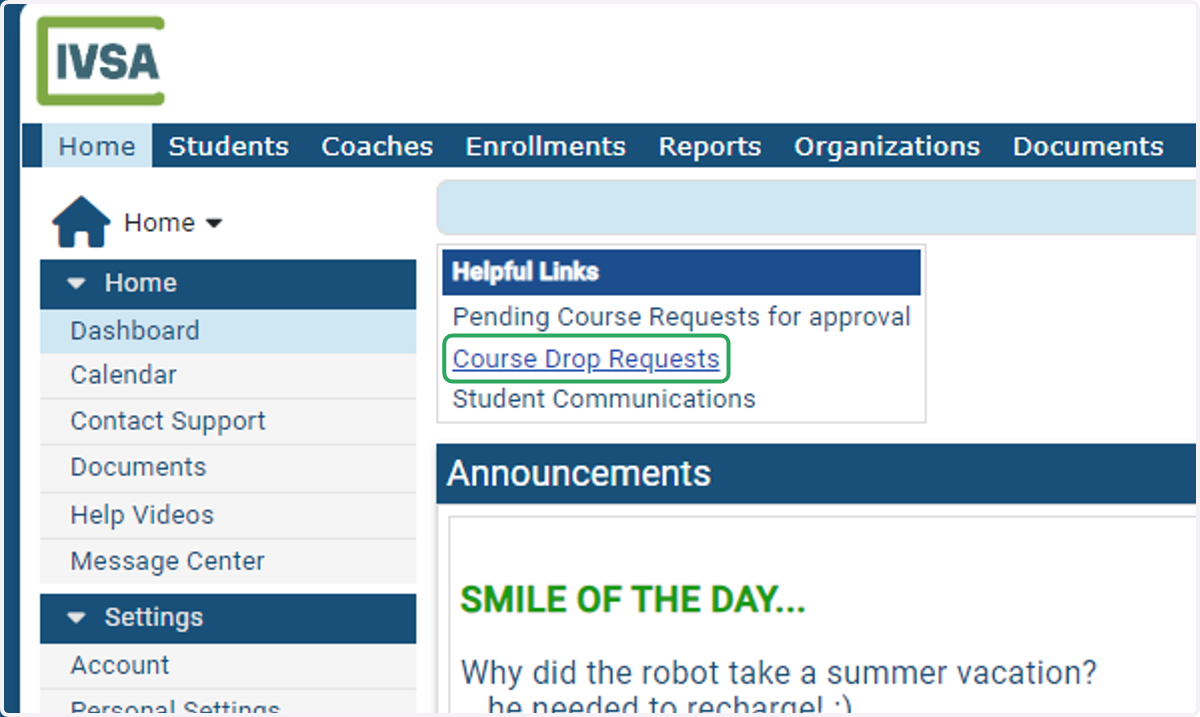
1. On the IVSA Registrar dashboard, click Course Drop Requests under Helpful Links.
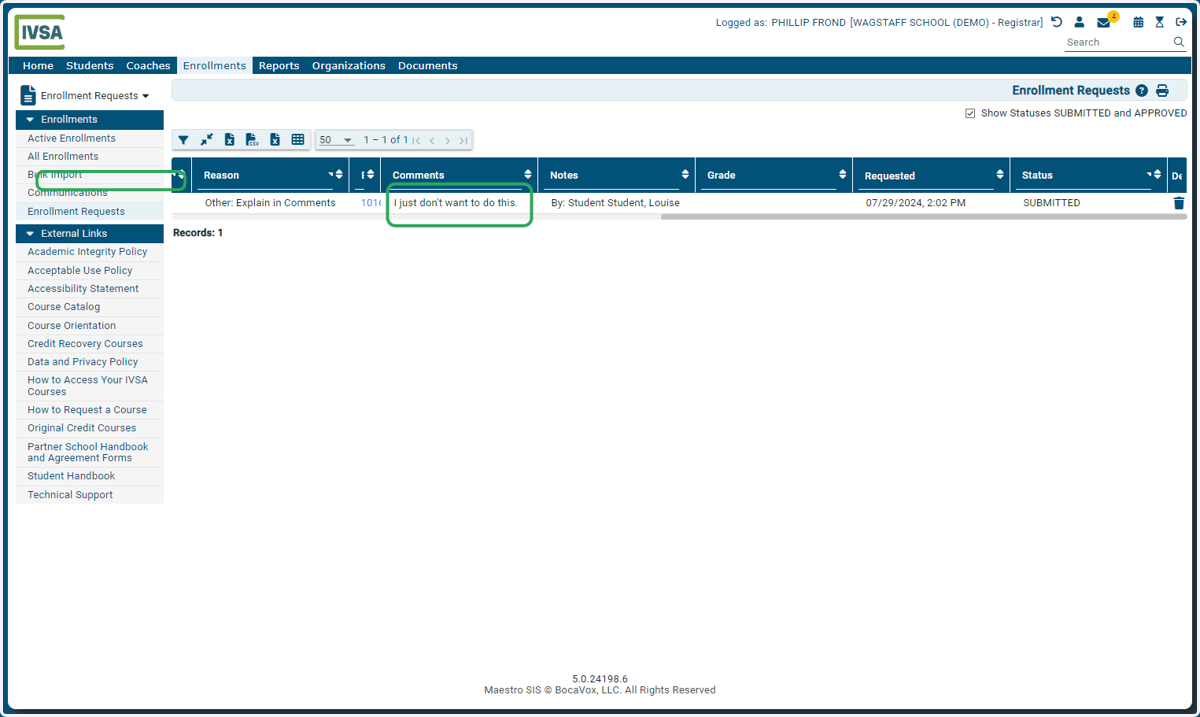
2. You can scroll to the right to review the student's included comments
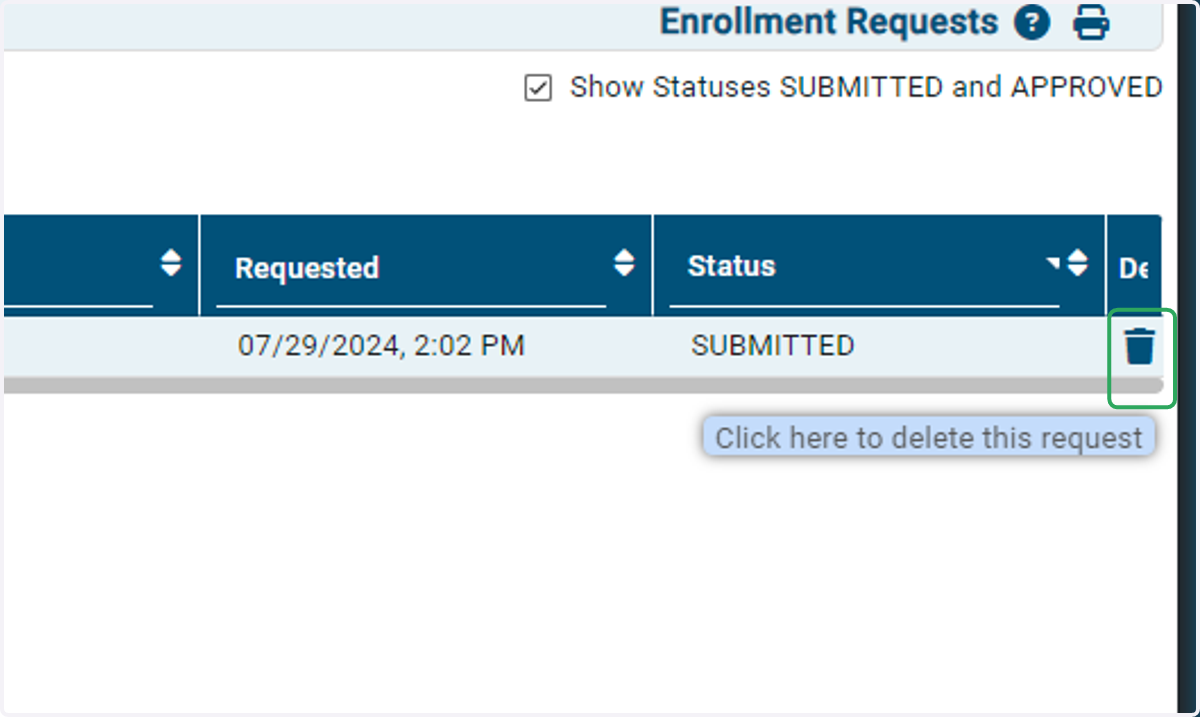
3. Click the trash can icon to delete the drop request.
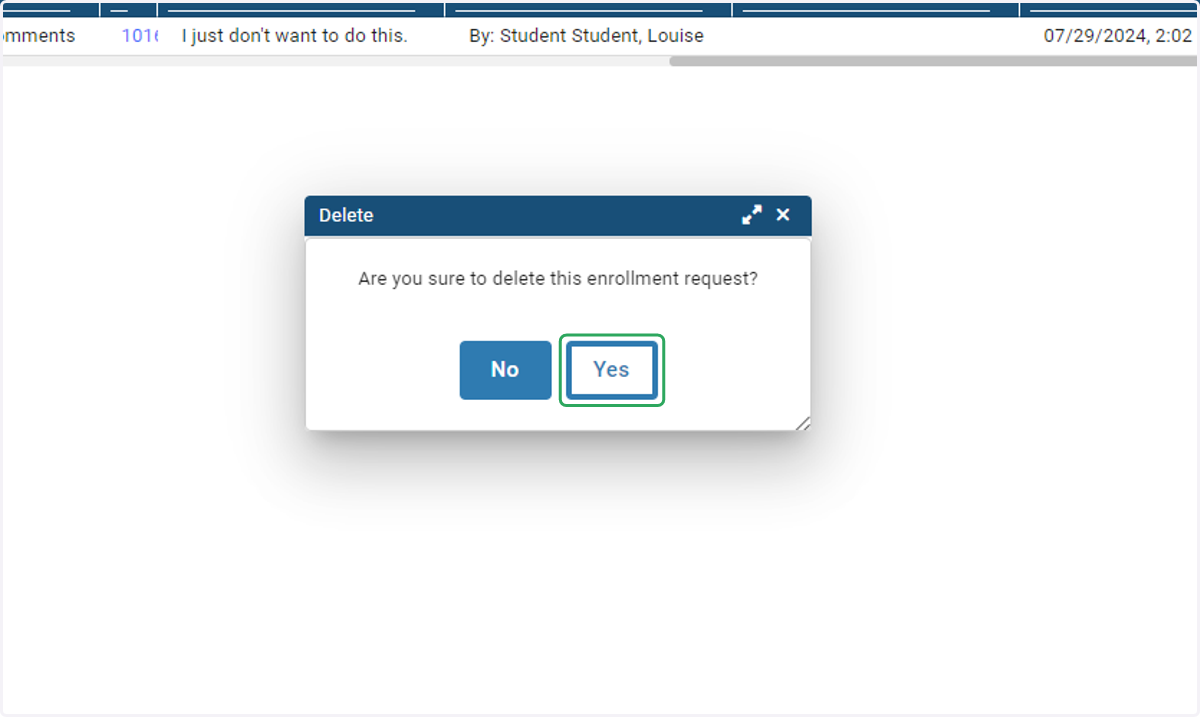
4. Click on Yes to confirm your action.
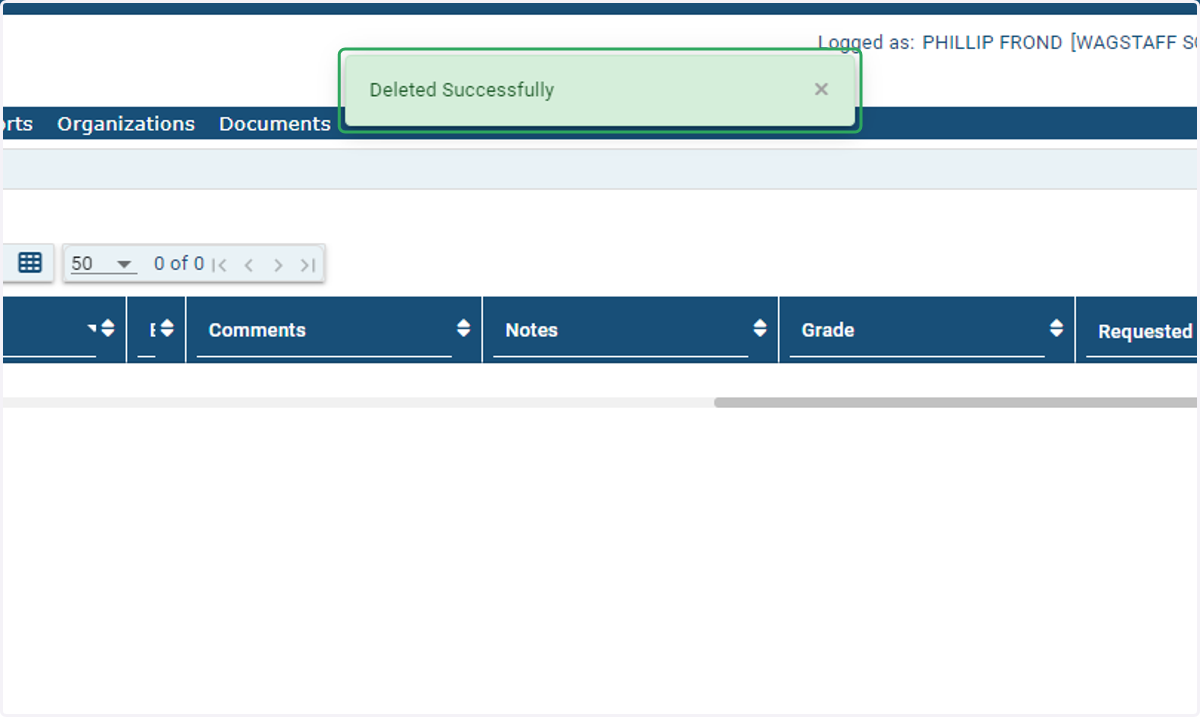
5. Success! A green dialogue box will appear confirming the request was successfully deleted.
An email will be sent to the student and family notifying them that the drop request was denied.
If you receive an error or need further assistance, please contact us at info@ivsaschool.org.