Registrar - How approve multiple students' requests for the same course
If there are course requests from multiple students for the same course, IVSA Registrars can approve all the requests together.
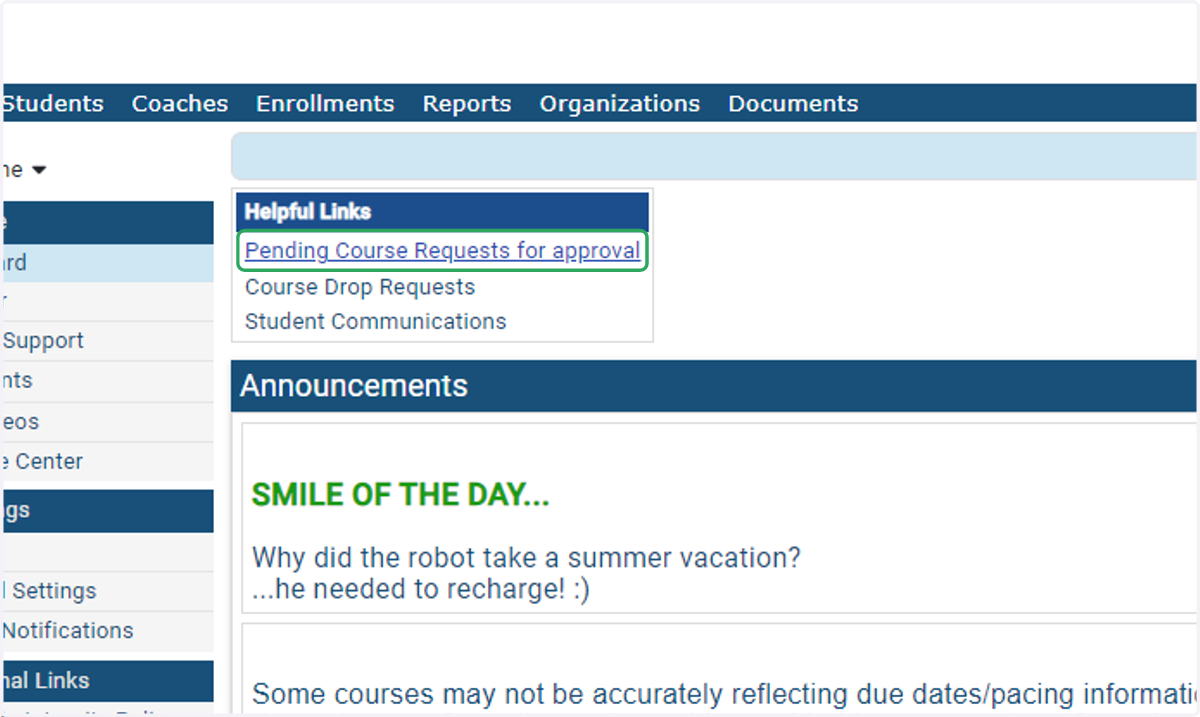
1. On the IVSA Registrar dashboard, click on Pending Course Requests for approval.
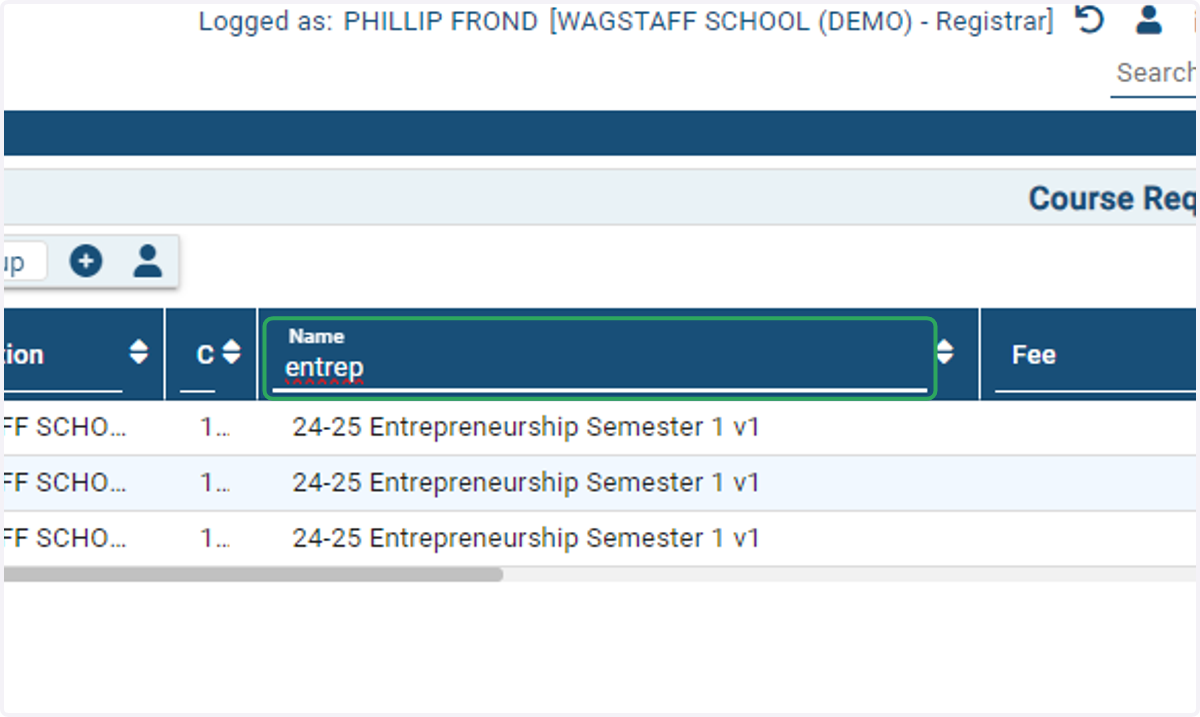
2. In the Name field type the first few letters of the name of the course and all requests for that course will populate in the table.
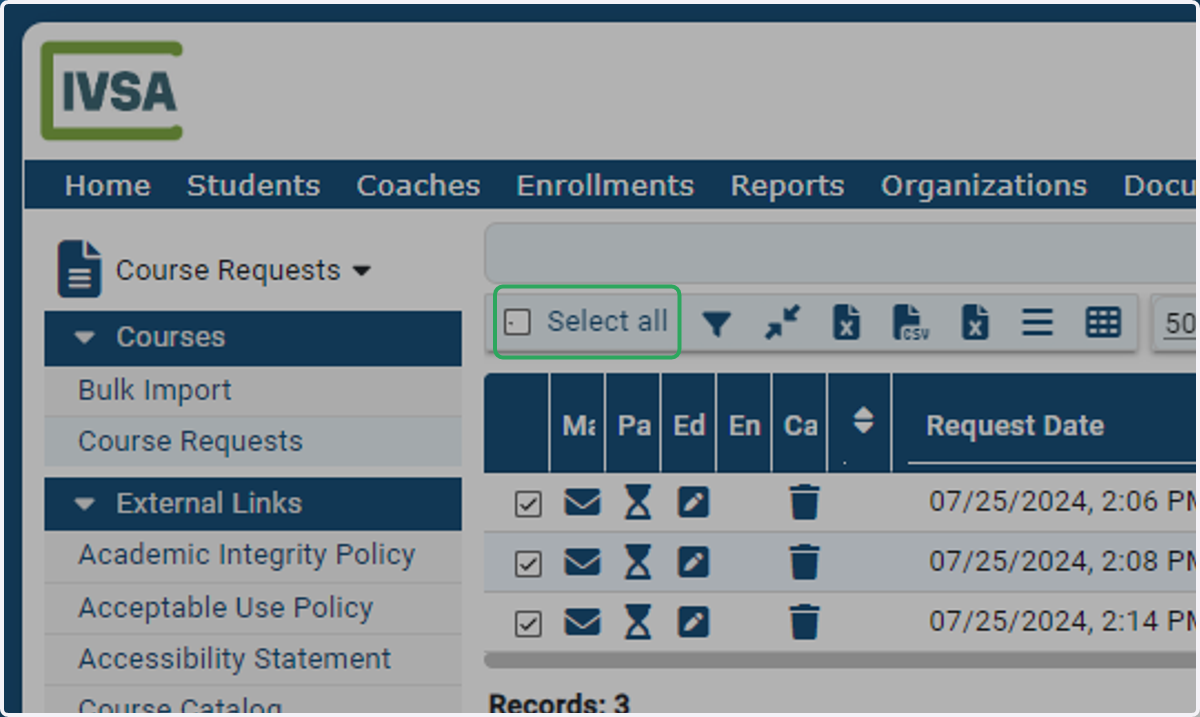
3. Check Select all.
You can manually check the students you want to select, or you can Select All.
4. Open the Bulk Action Console
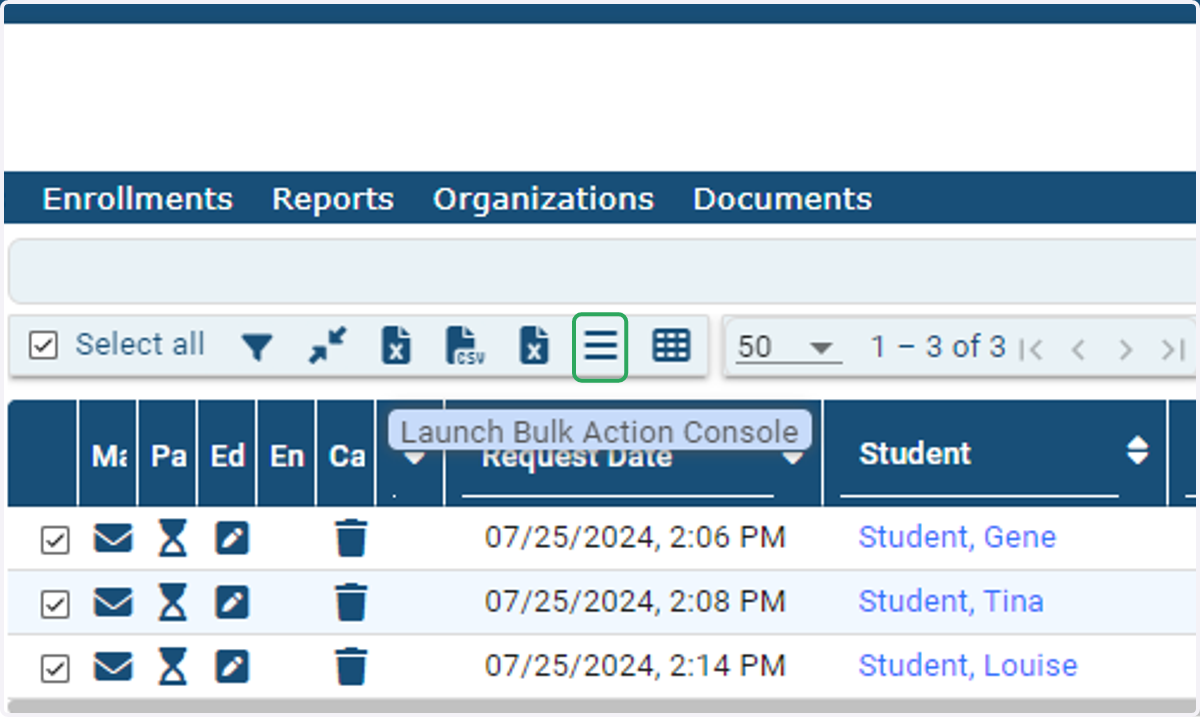
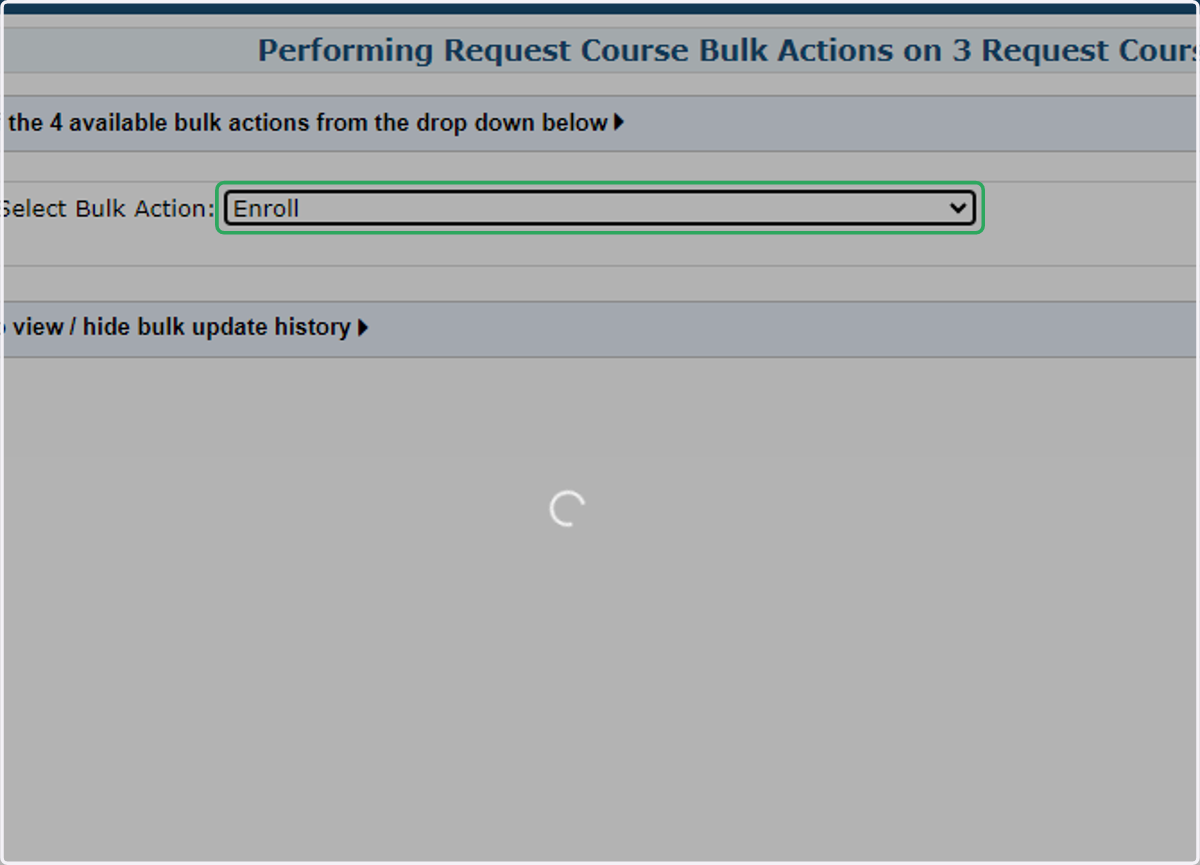
5. Select Enroll from the drop-down menu.
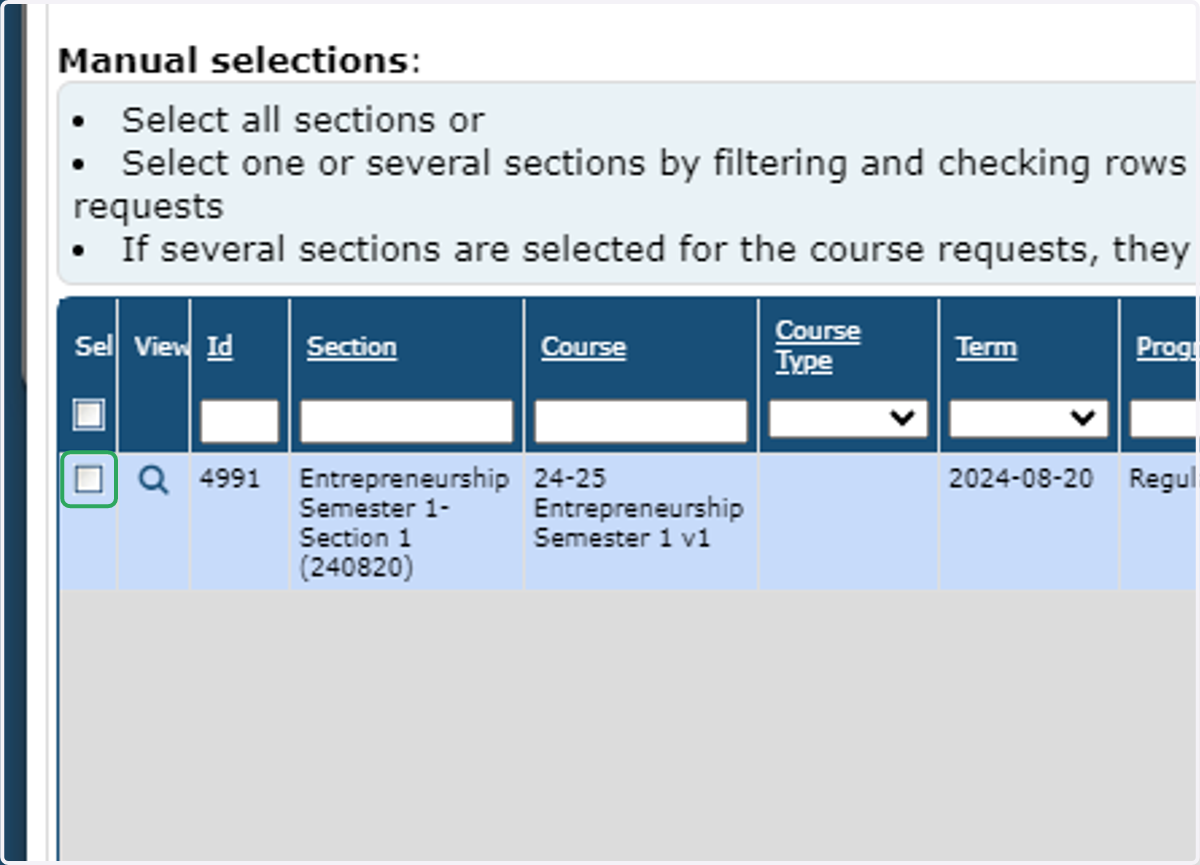
6. Check the box next to the section in which you want to enroll the students.
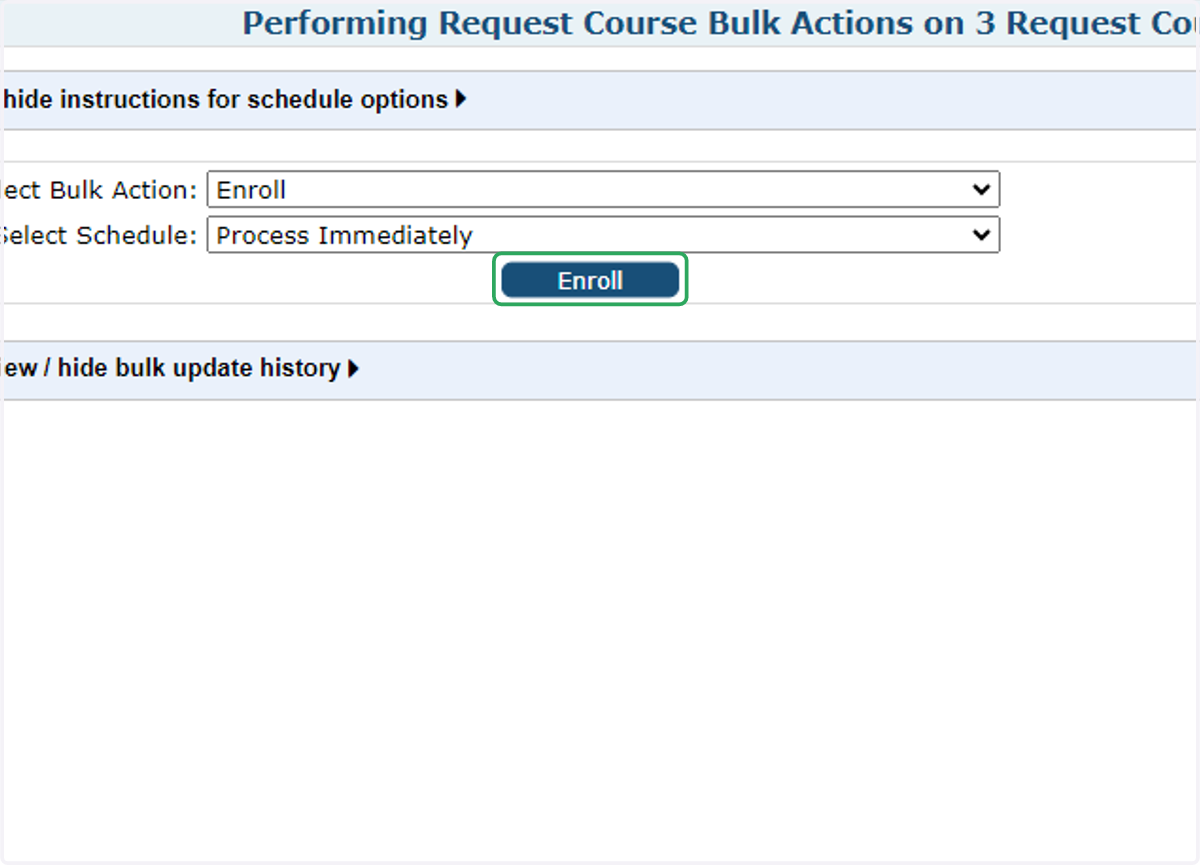
7. Click on Enroll
8. Check the box to agree to IVSA Terms.
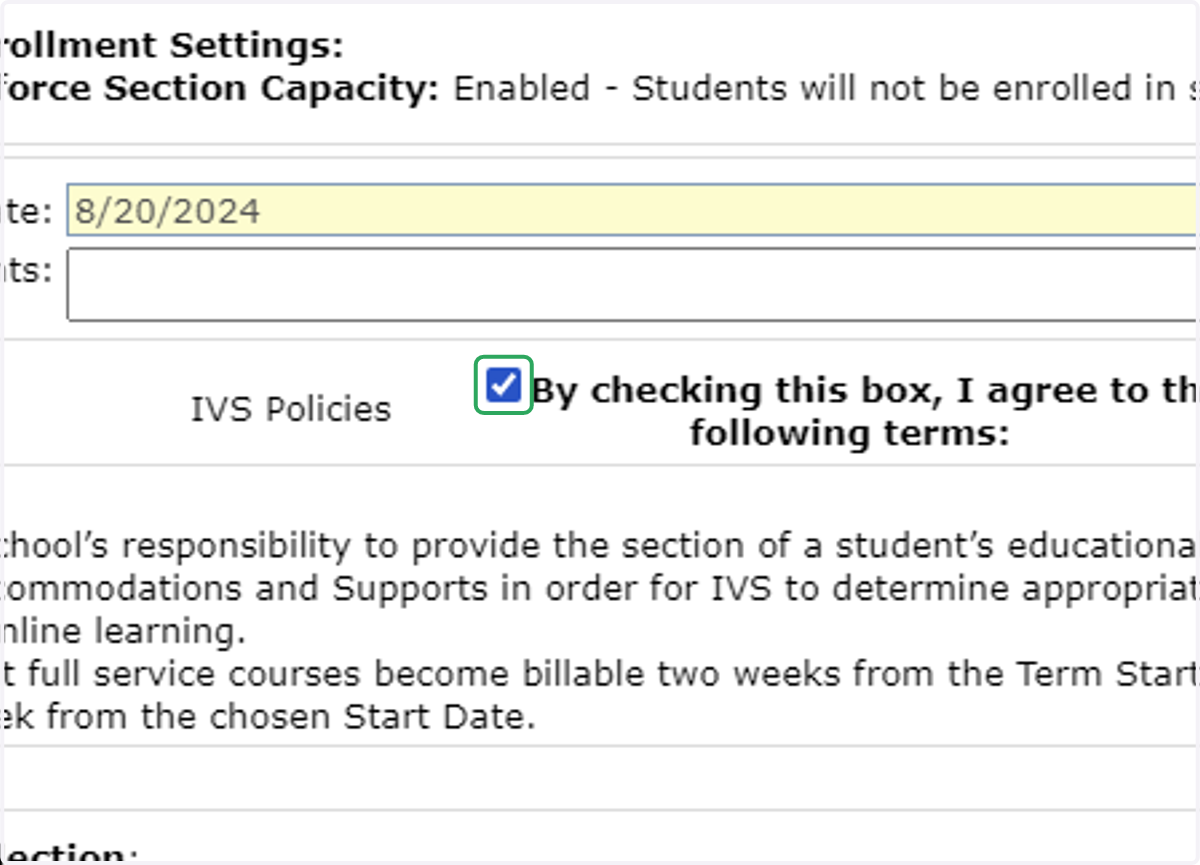
9. Scroll down and click Enroll
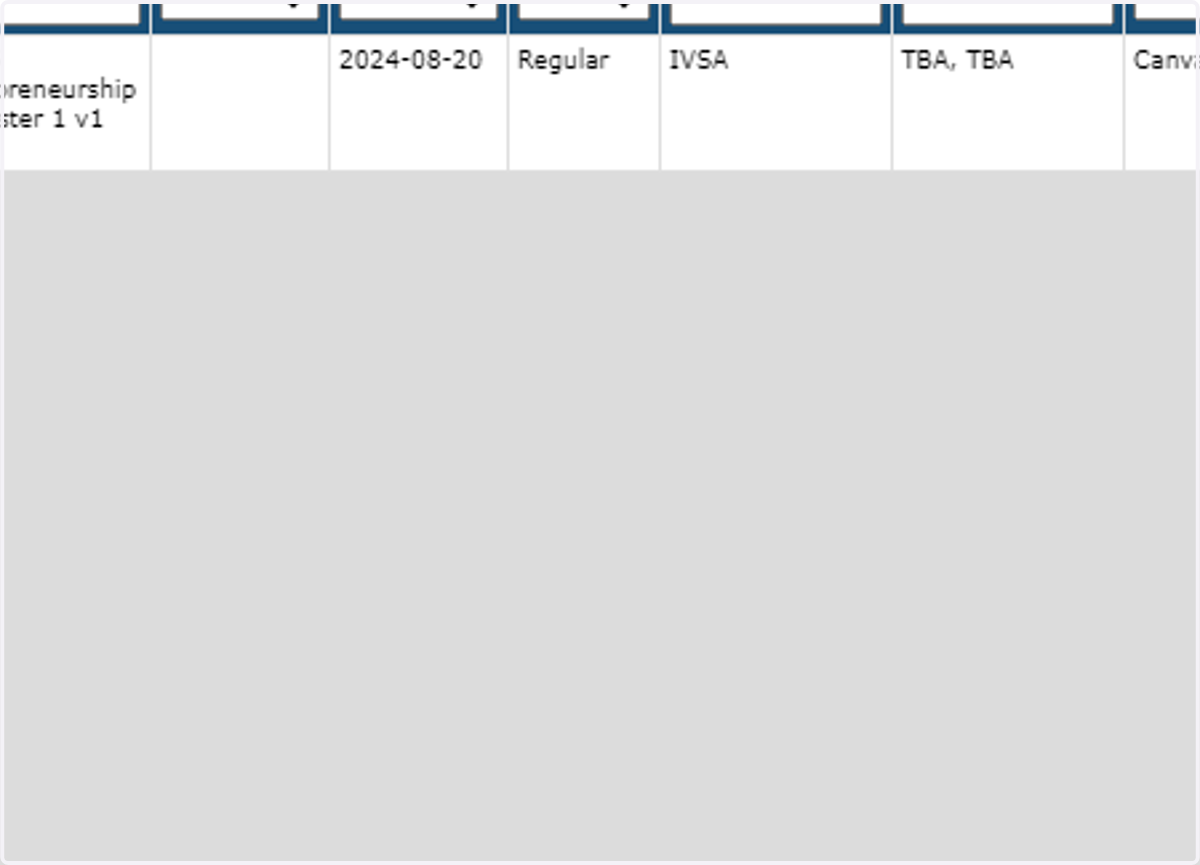
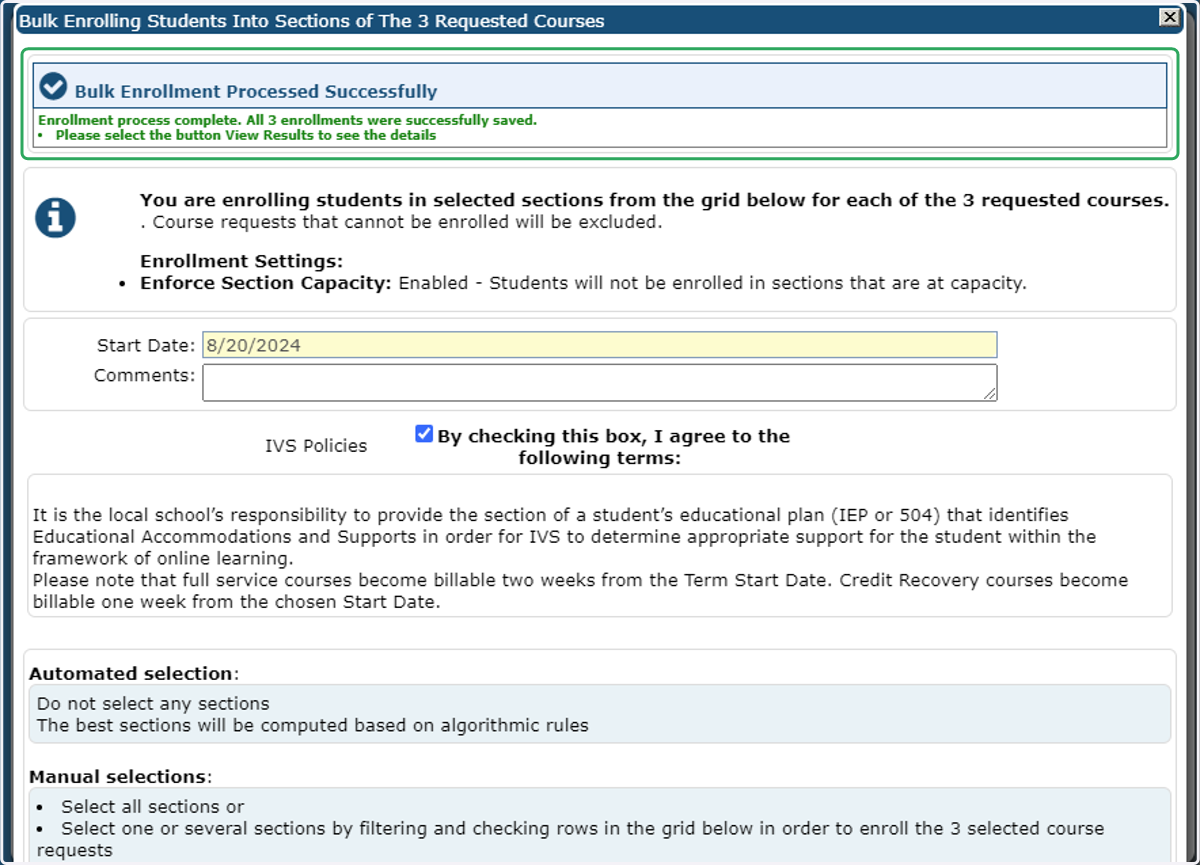
10. Success! An enrollment confirmation will appear at the top of the window in green text.
If you receive an error, you may want to check your enrollments tab to confirm none of the students are already enrolled in the section.
If you need additional assistance, please contact us at info@ivsaschool.org.