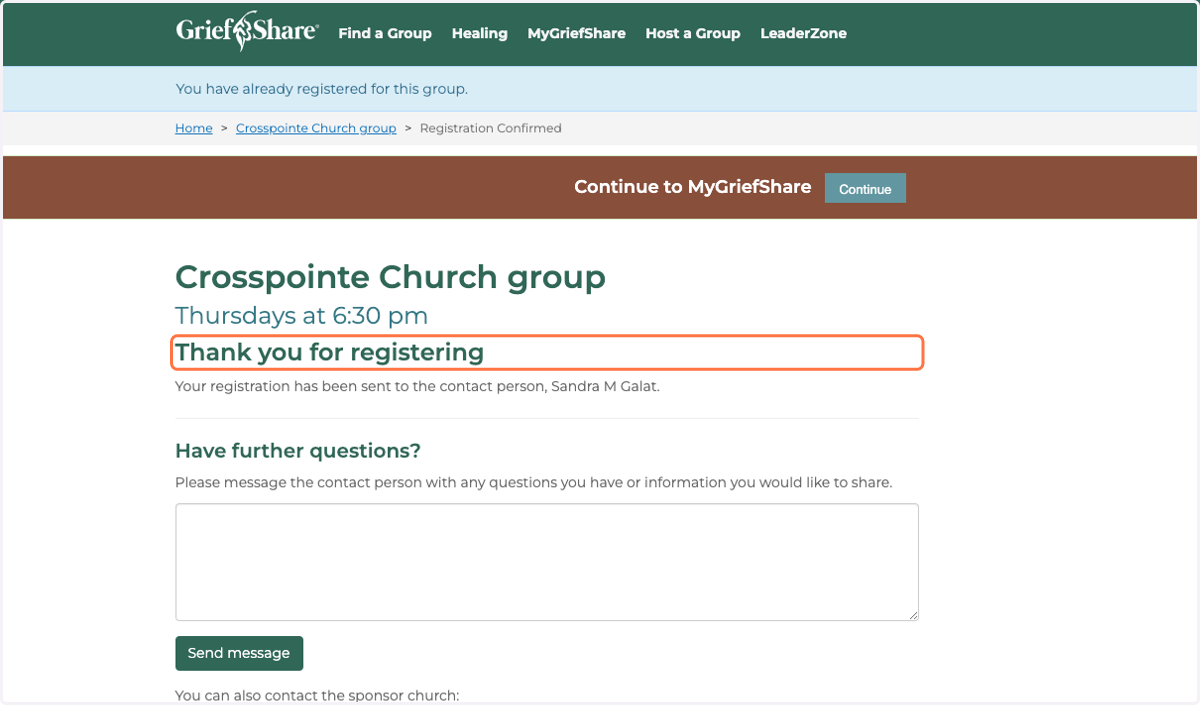
Registering for GriefShare: Step-by-Step Registration Process
Crosspointe | GriefShare Ministry
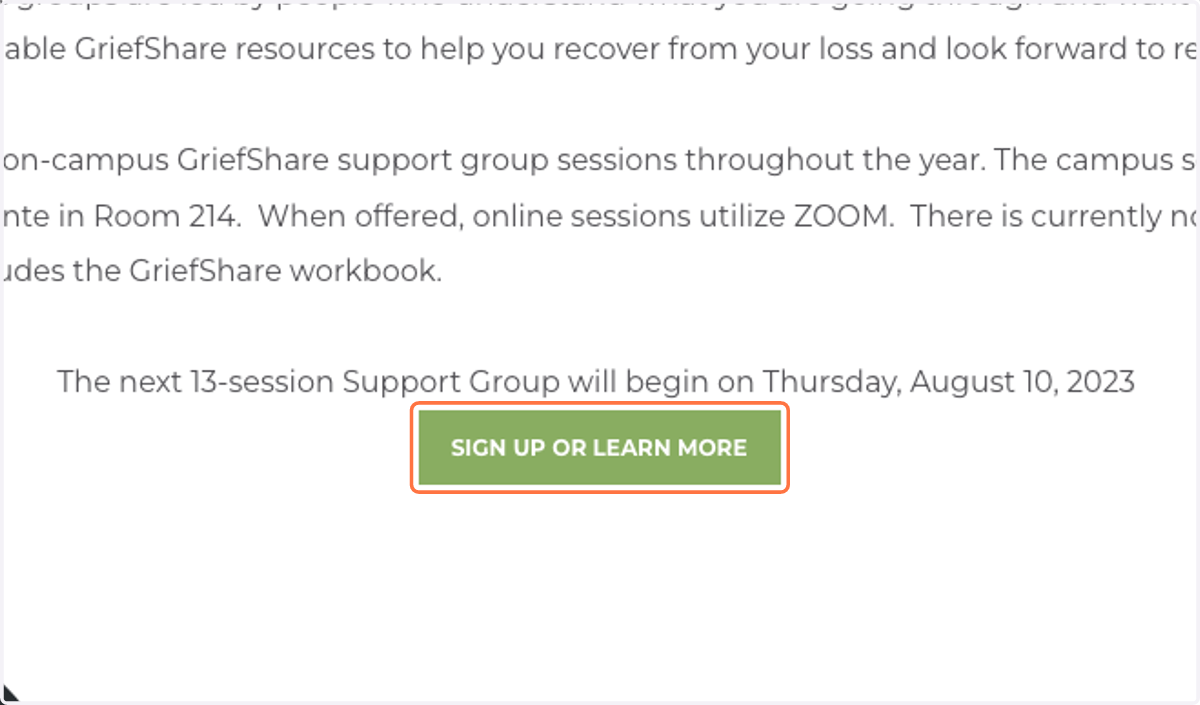
1. Click on SIGN UP OR LEARN MORE
Crosspointe Church group - GriefShare
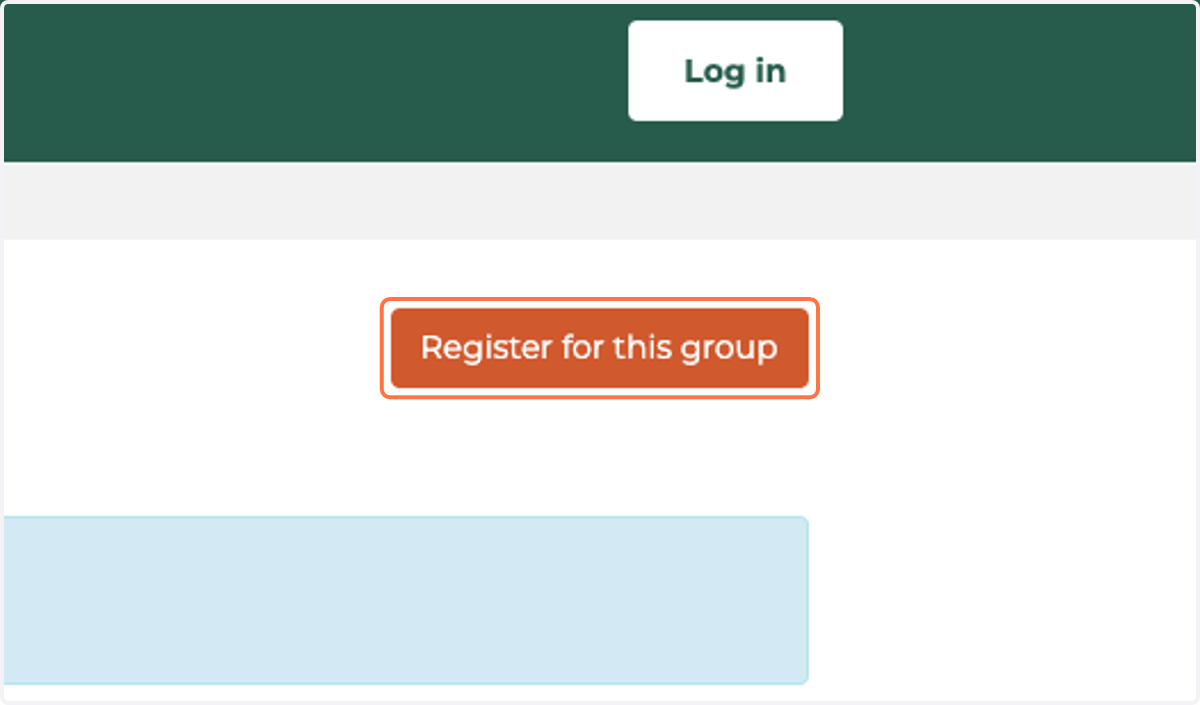
2. Click on Register for this group
3. Type in your email address
This step is to create a new account. Use this if you've never logged into GriefShare before. If you already have an account scroll down to "If you already have an account"
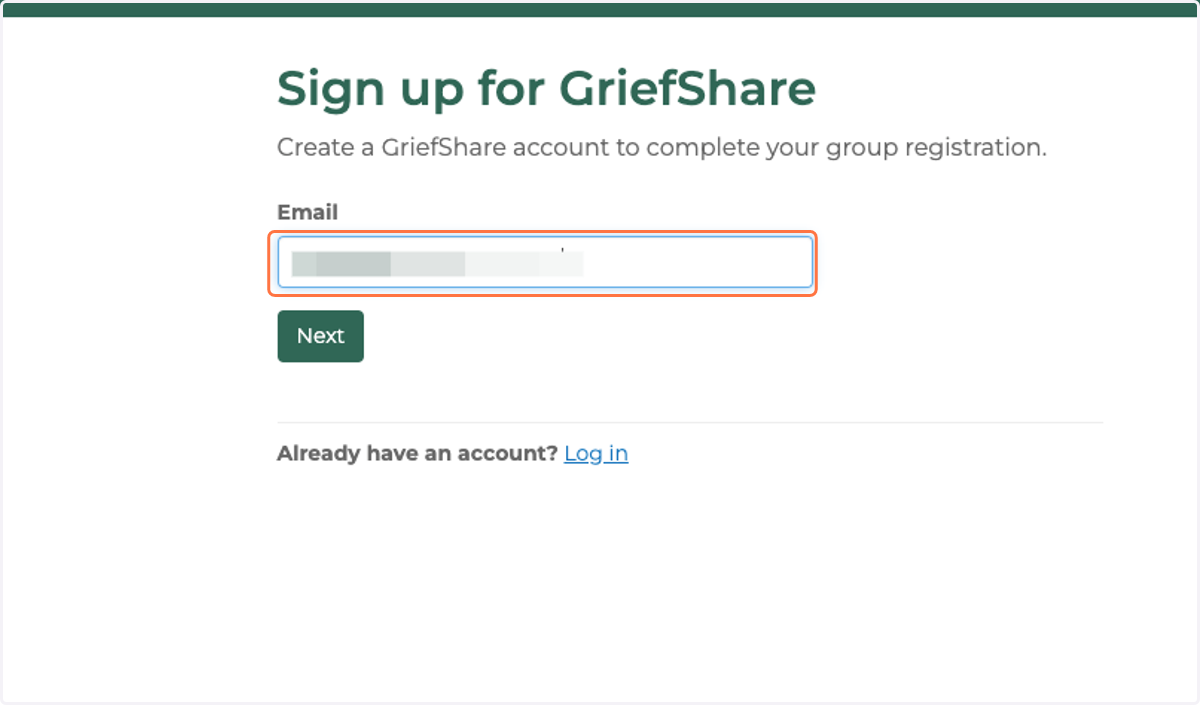
4. Click on Next
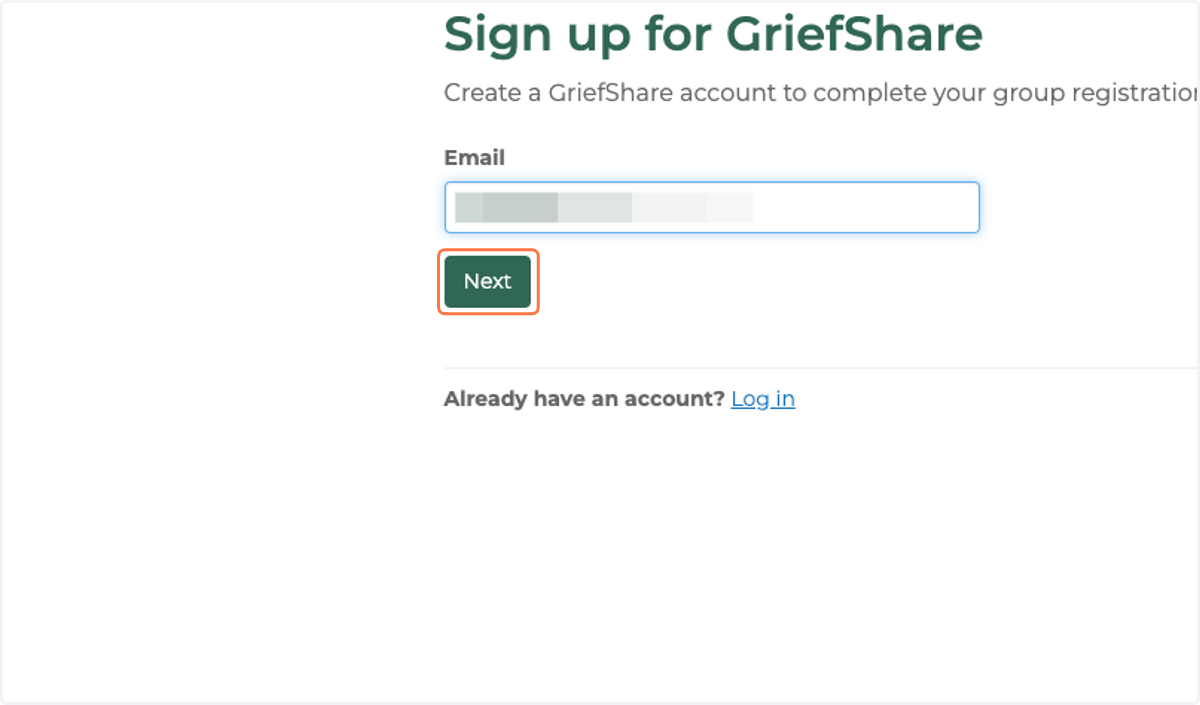
5. Type First Name
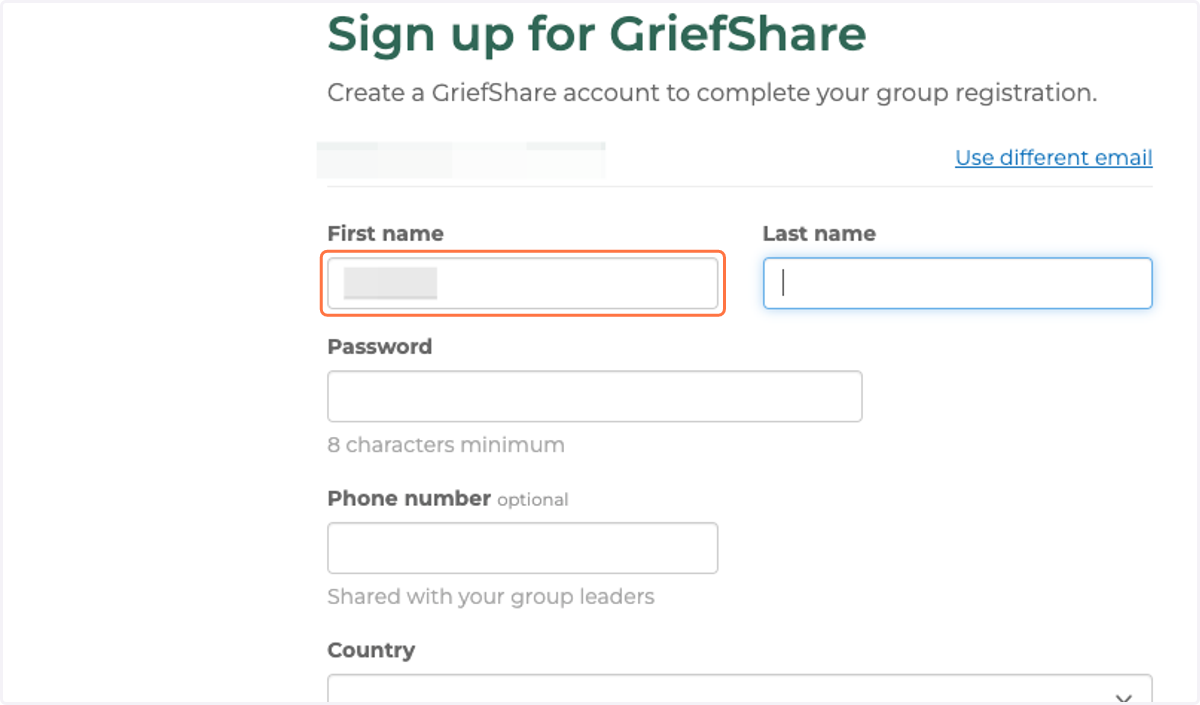
6. Type Last Name
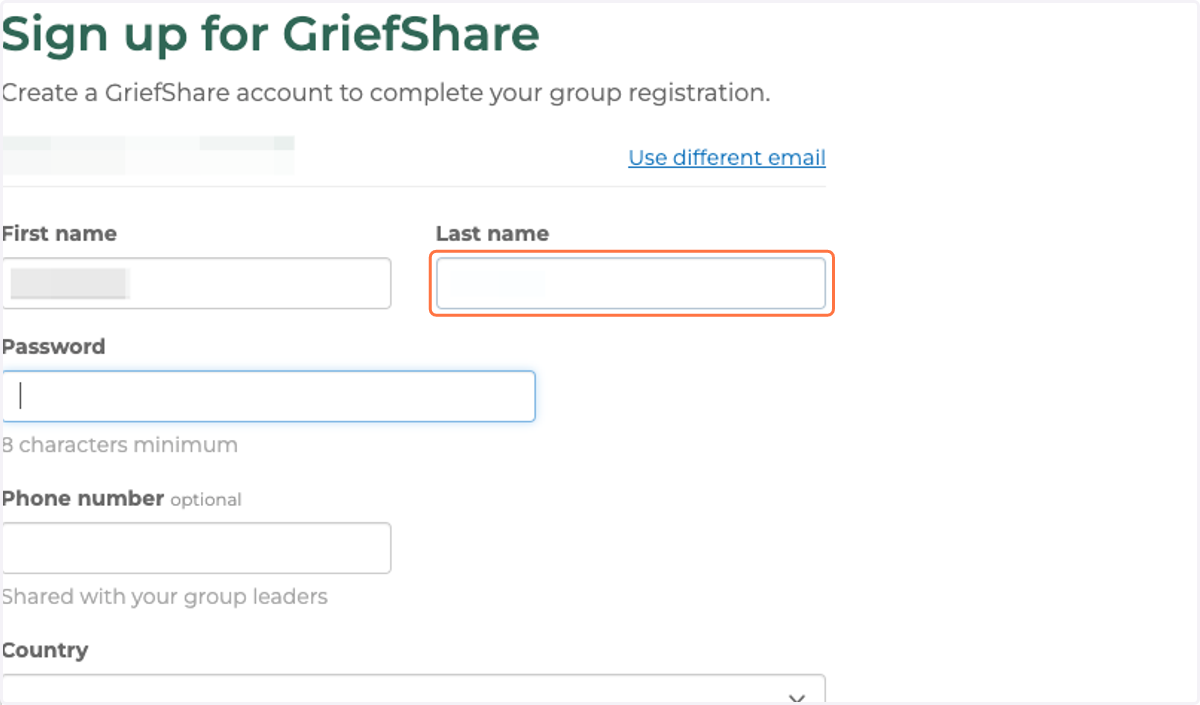
7. Create password
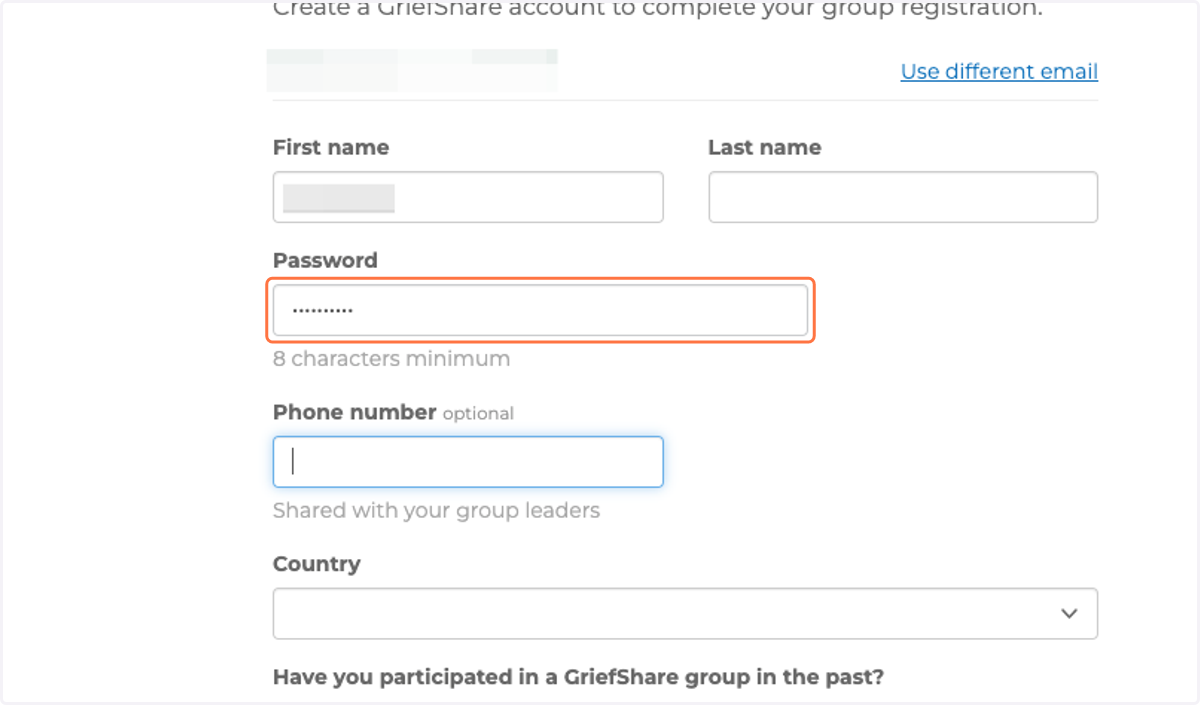
8. Type Phone Number
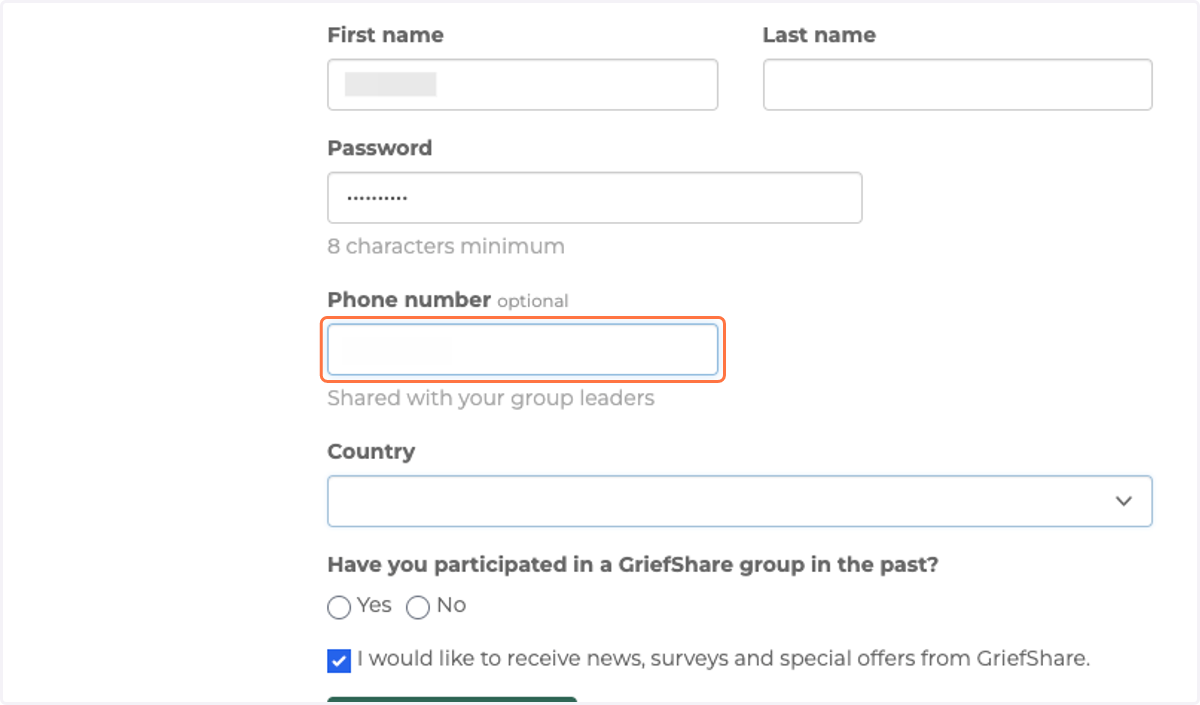
9. Select United States of America from Country
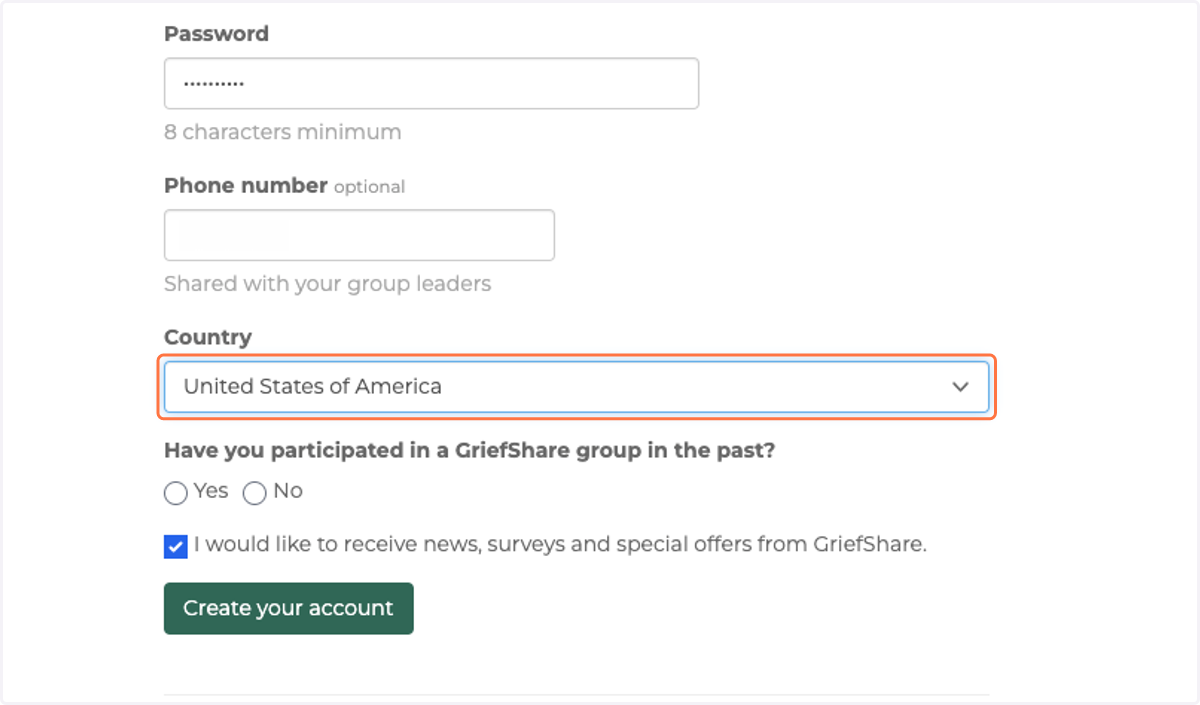
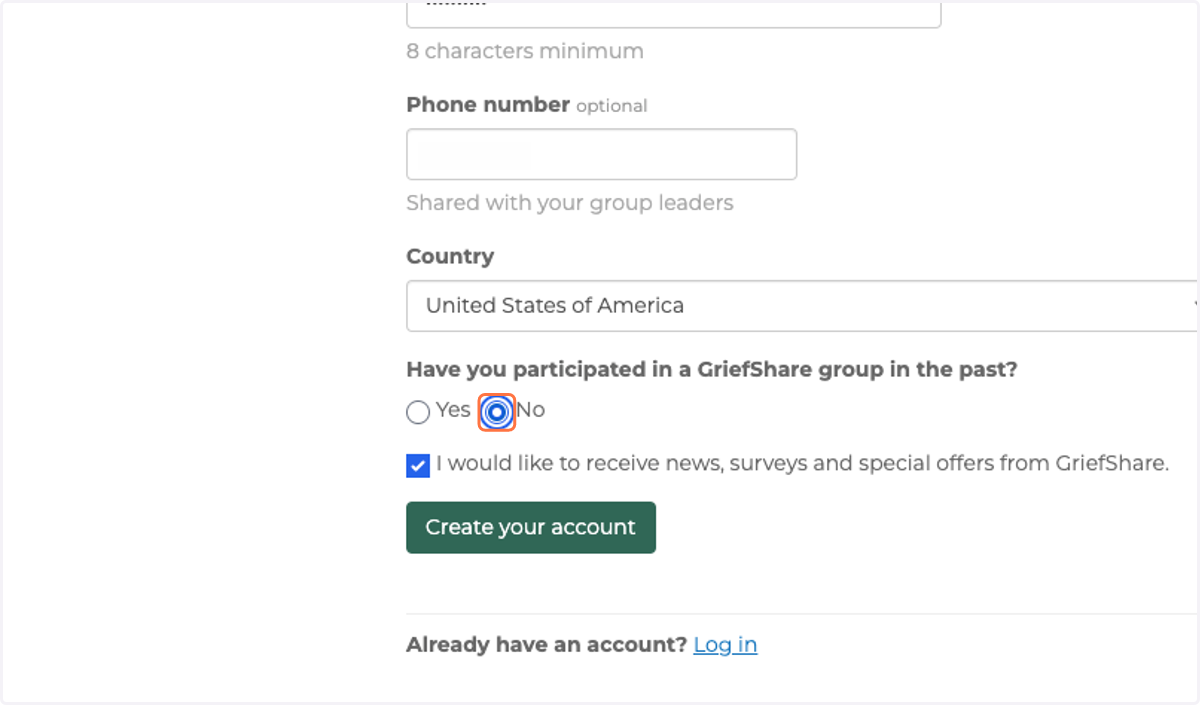
10. Select Yes or No
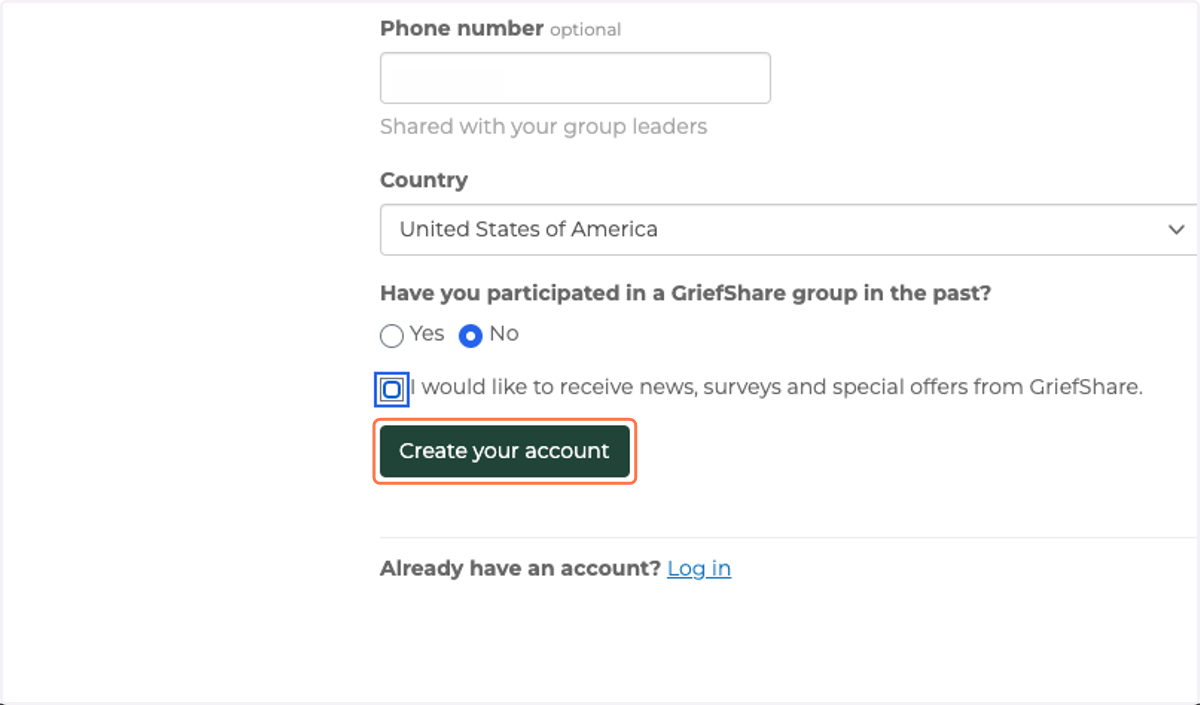
11. Click on Create your account
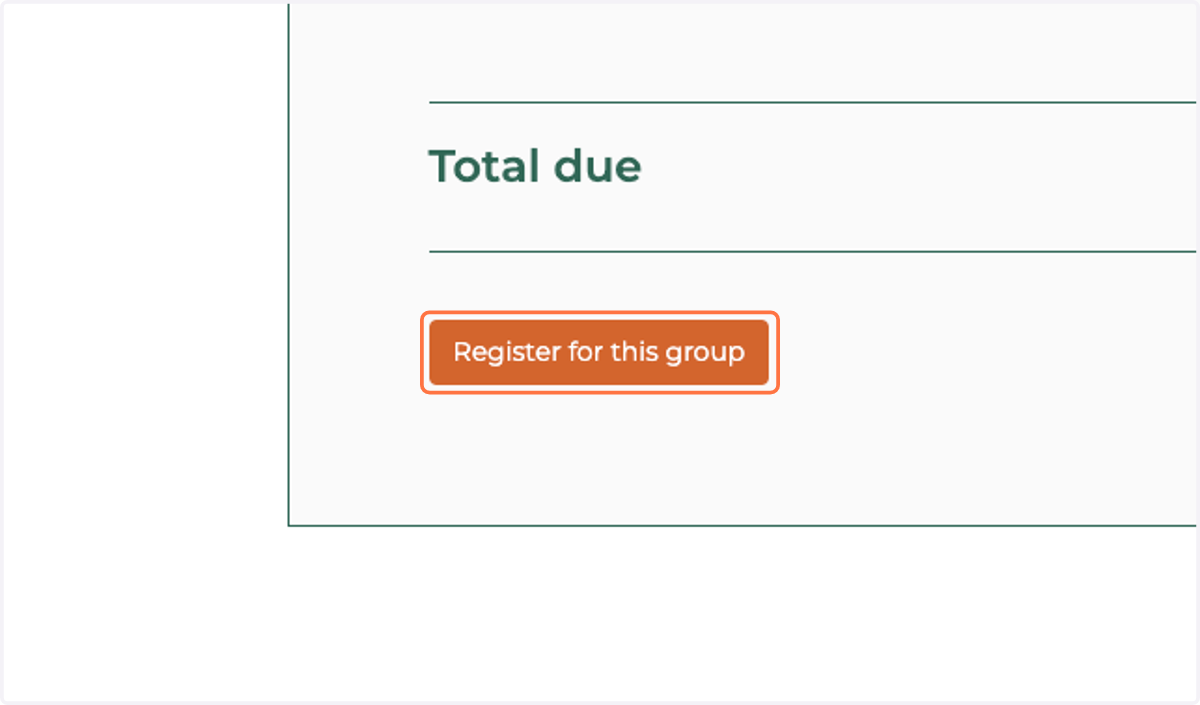
12. Scroll to bottom of page and click on Register for this group
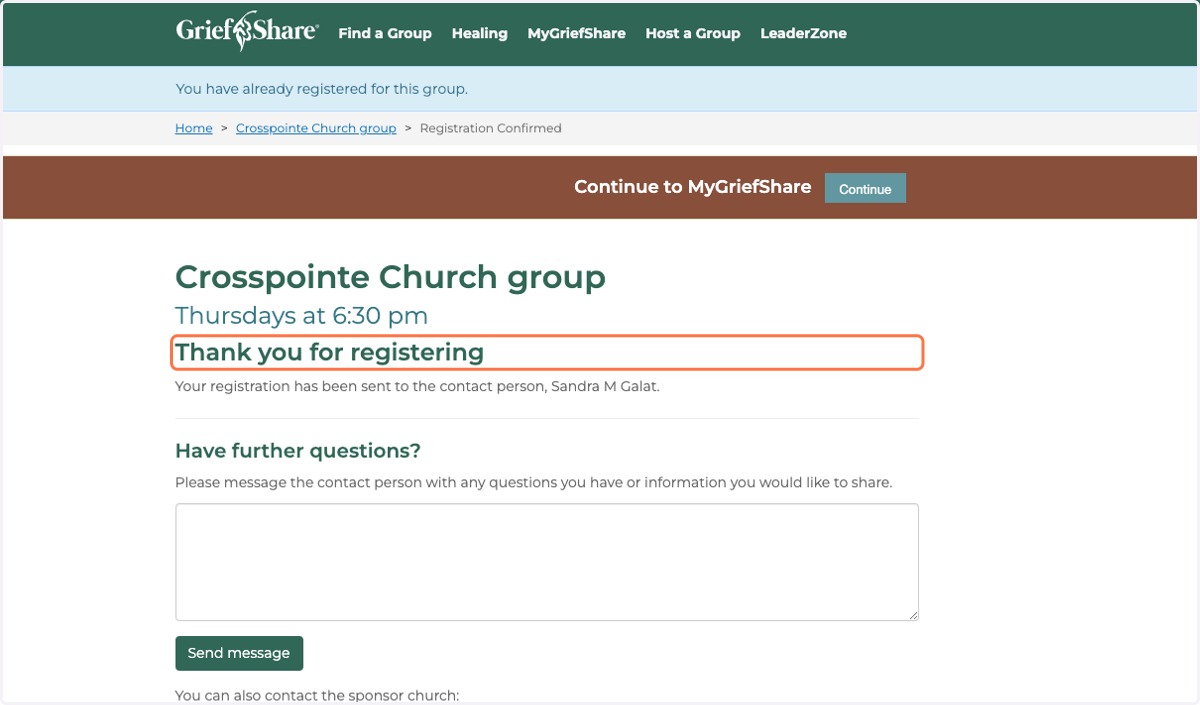
13. Thank you for registering!
Registration complete
If you already have a GriefShare account
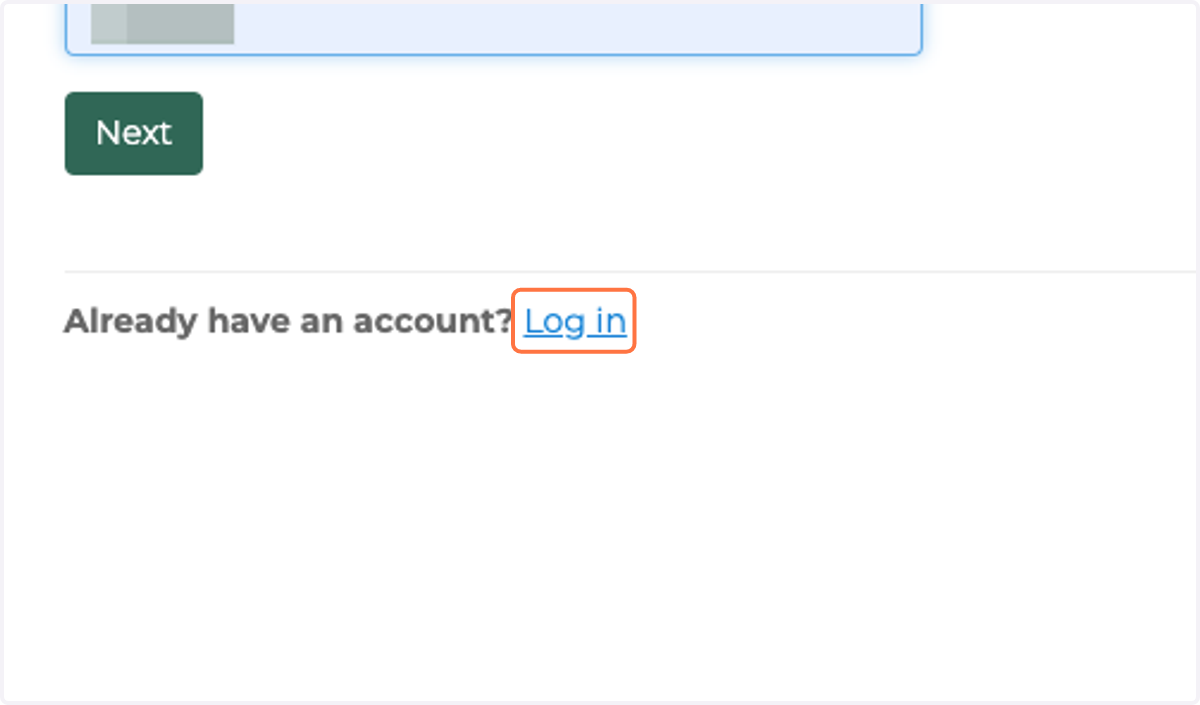
14. Click on Log in
15. Type your email address
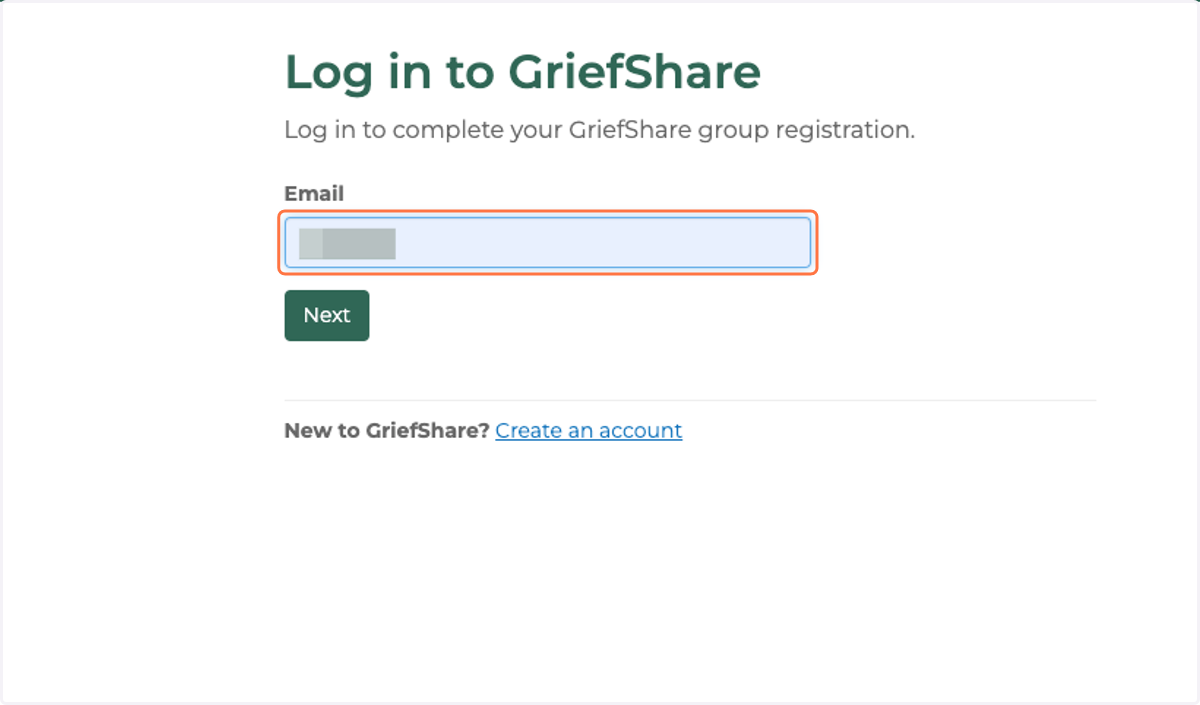
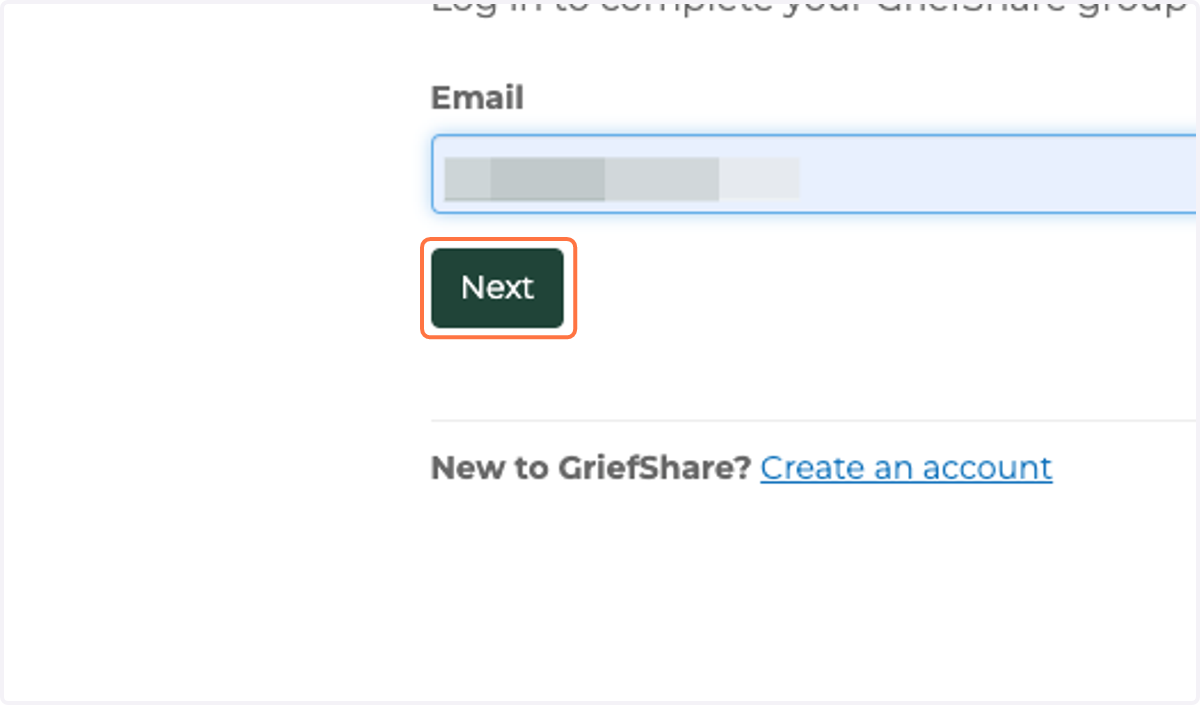
16. Click on next
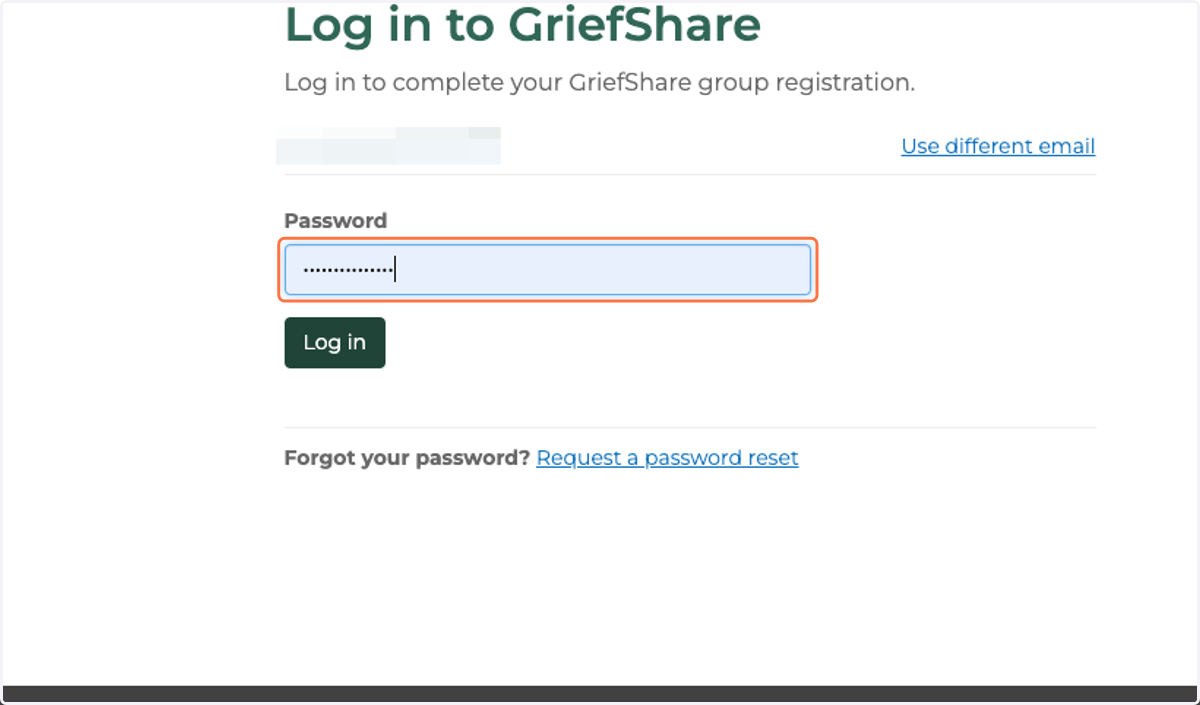
17. Type your password
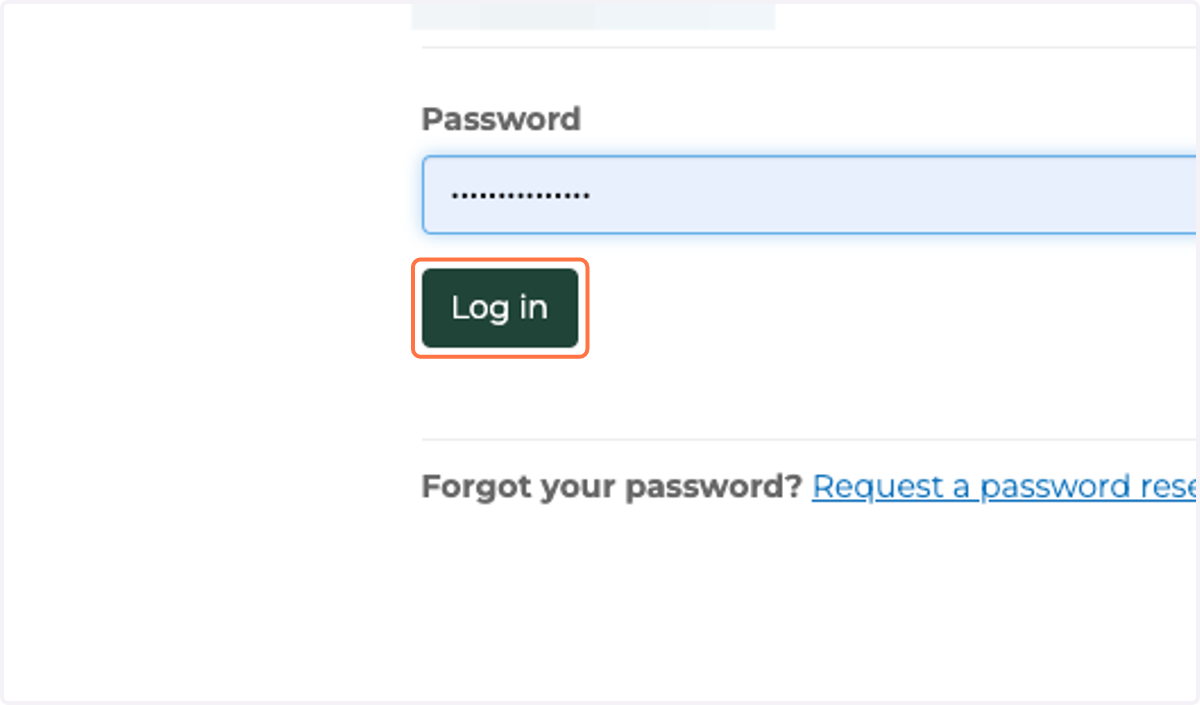
18. Click on Log in
19. Thank you for registering!
Registration complete