Register for a meet
All meets are listed on the Sport:80 website.
Local meets can be:
On-Platform - register on Sport:80
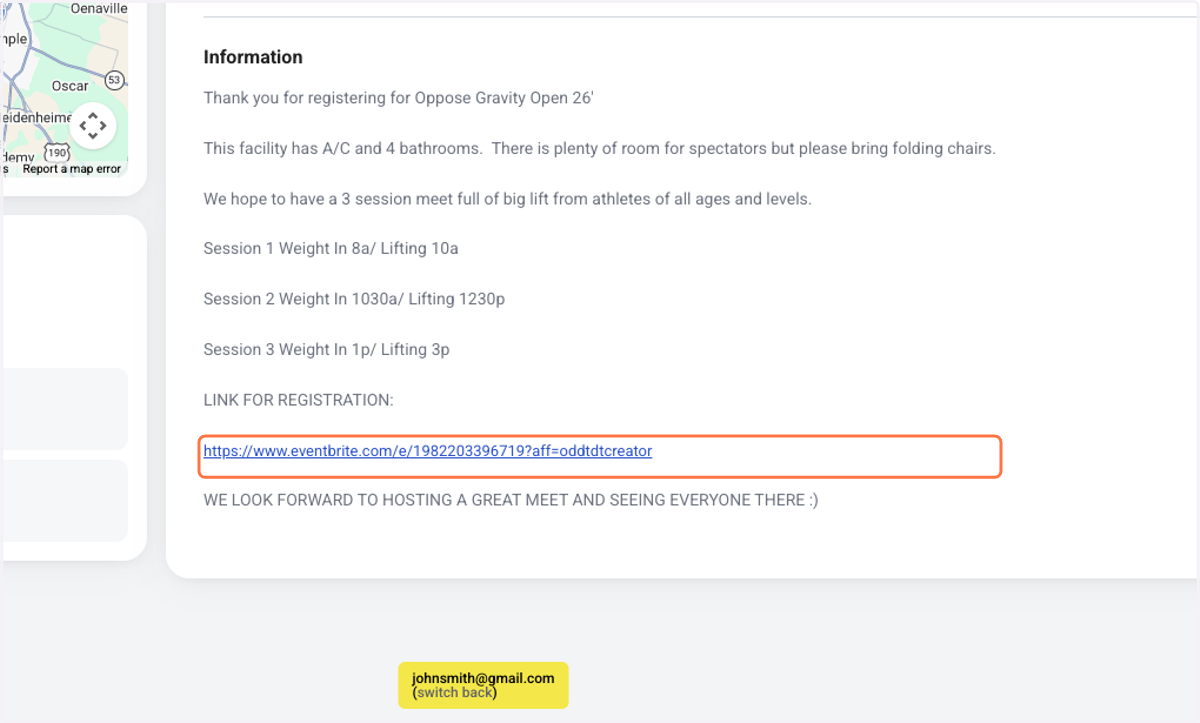
Off-Platform - register through the link on the meet page
National Events: require a qualifying total from a local meet
Login to your Sport:80 profile
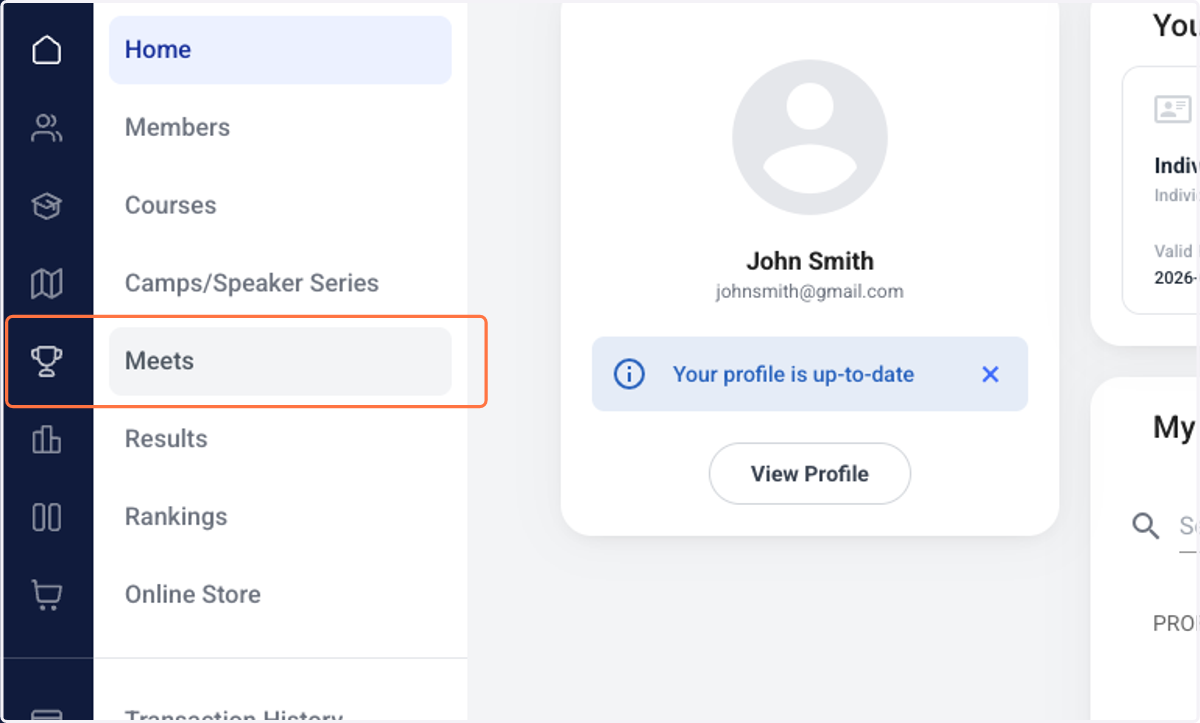
1. Click on Meets
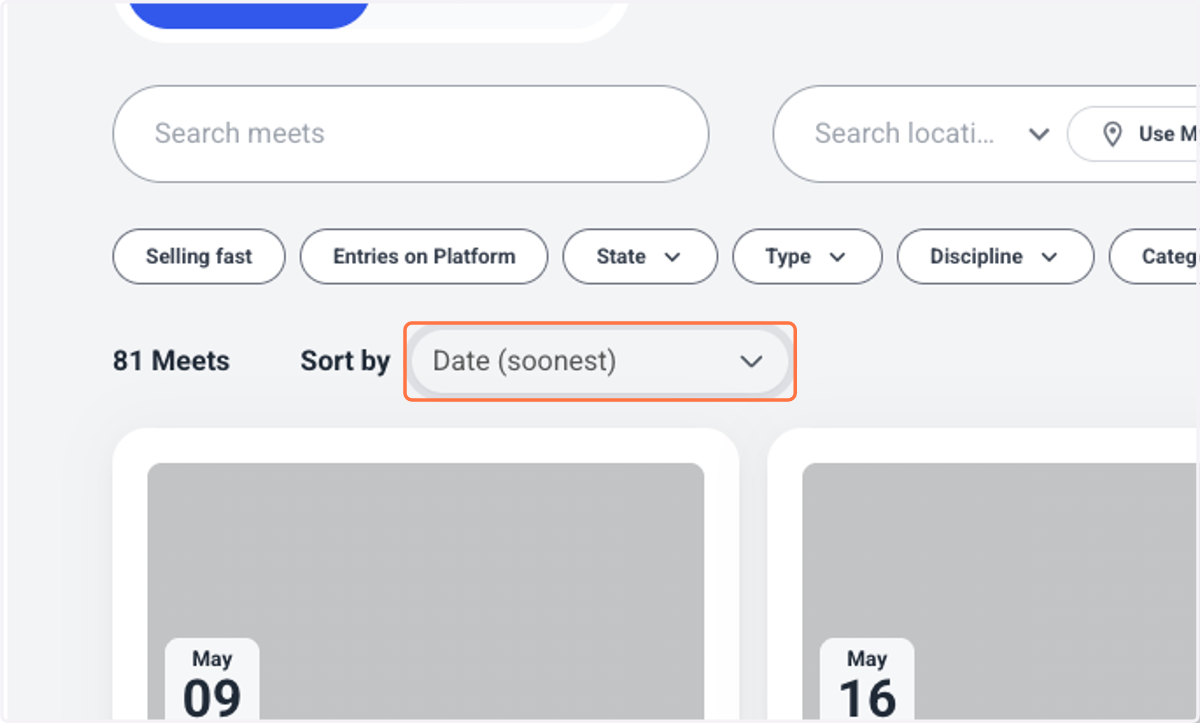
2. Select Sort by to filter the list of meets in different ways
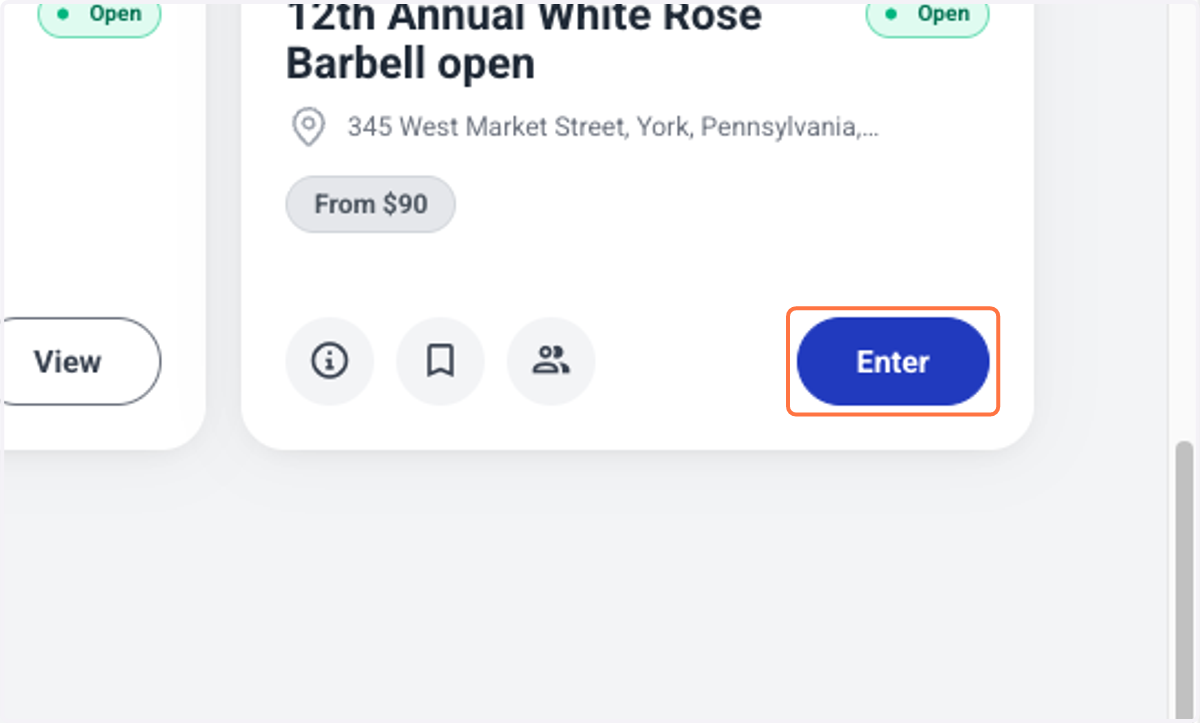
3. Click on Enter
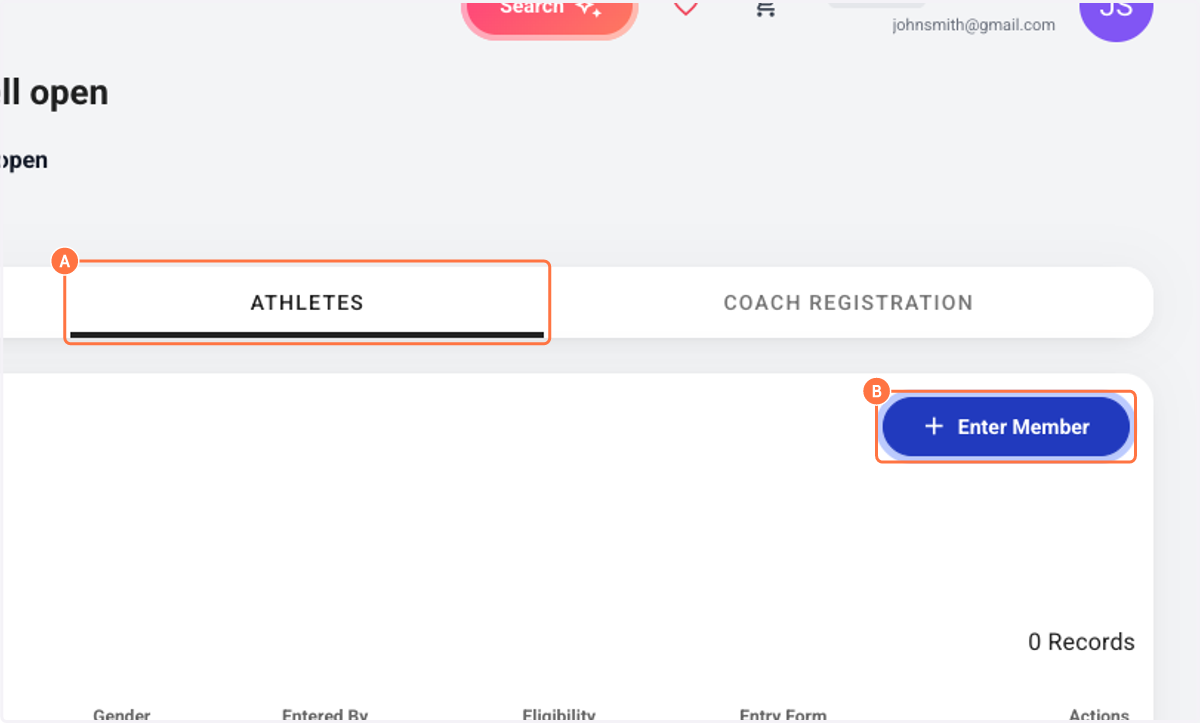
4. A. Click on ATHLETES
4. B. Click on Enter Member
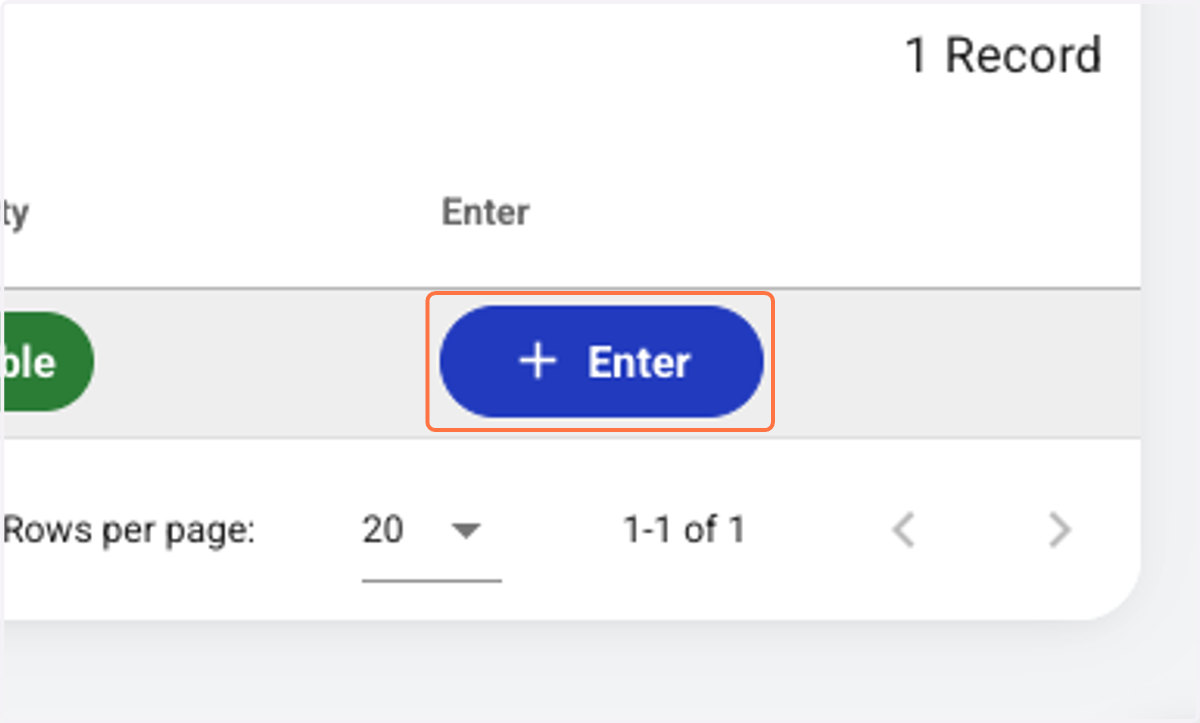
5. Click on Enter
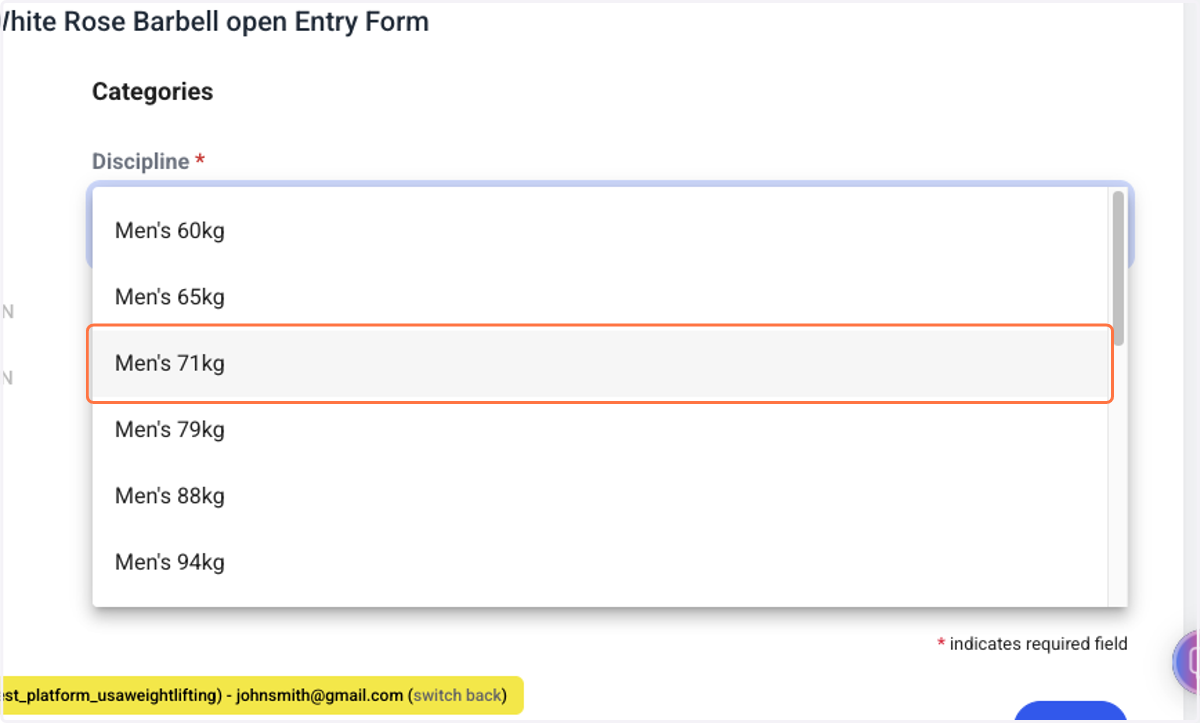
6. Select your weight category
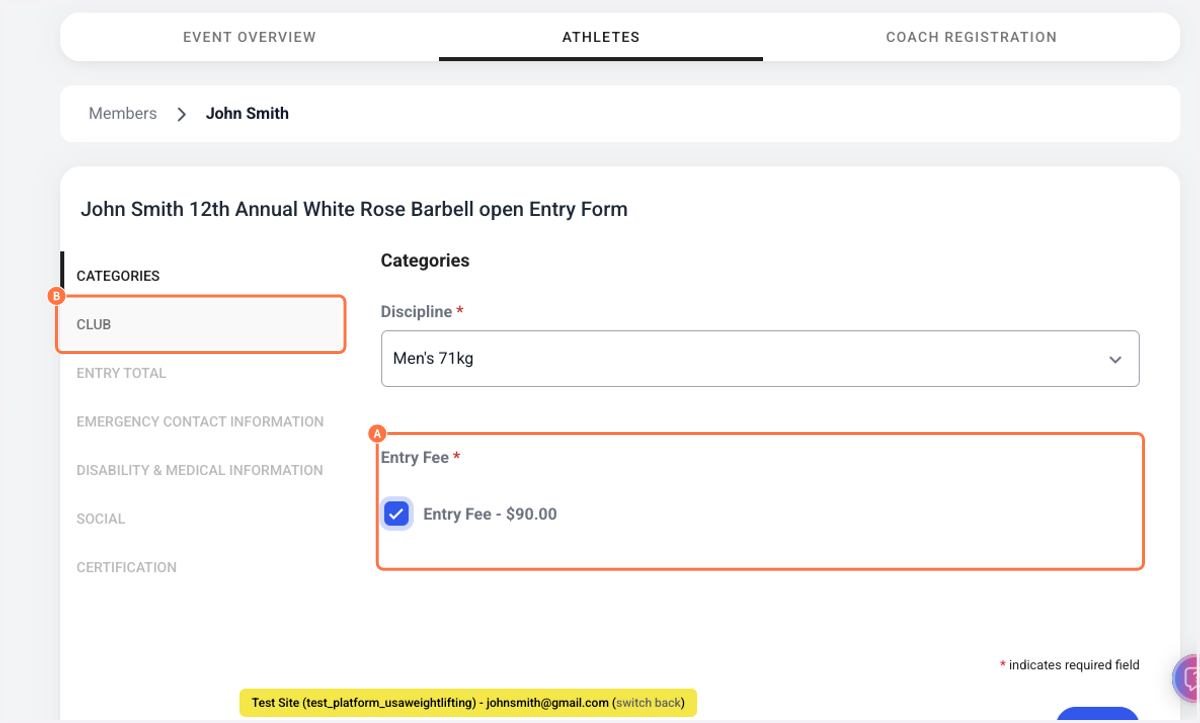
7. A. Select Entry Fee
7. B. Flow through the rest of the registration form
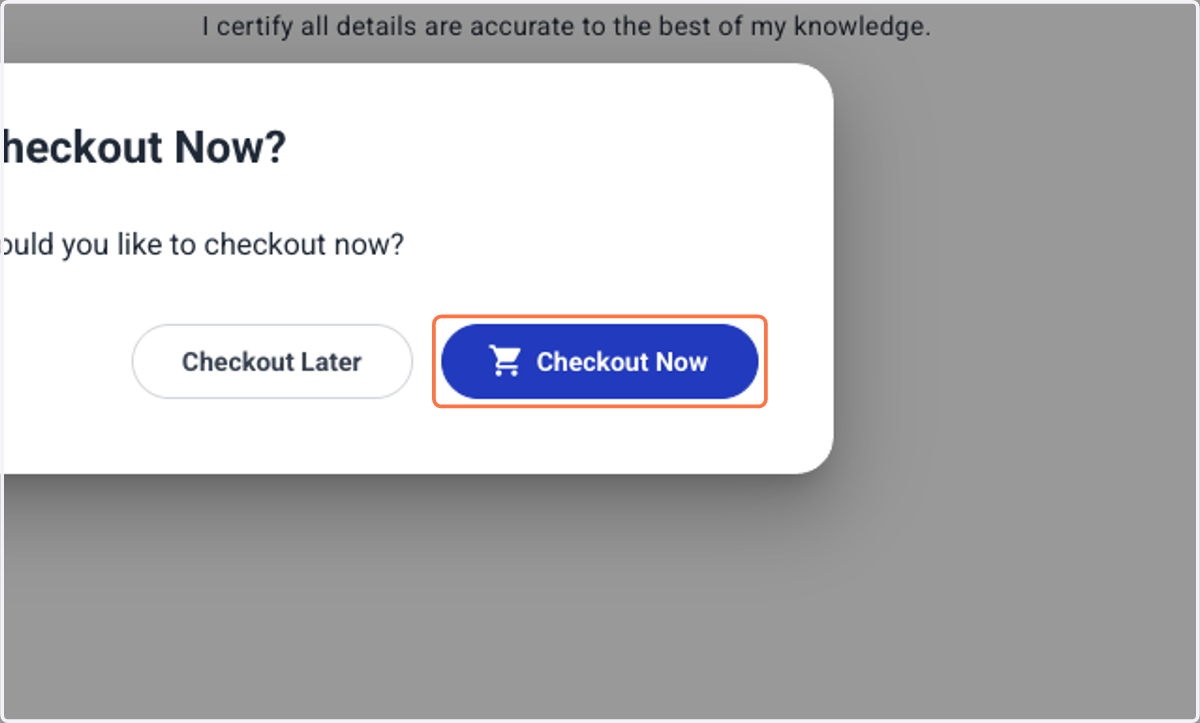
8. Click on Checkout Now
9. Meets with registration off-platform will have a "View" button instead of an "Enter" button
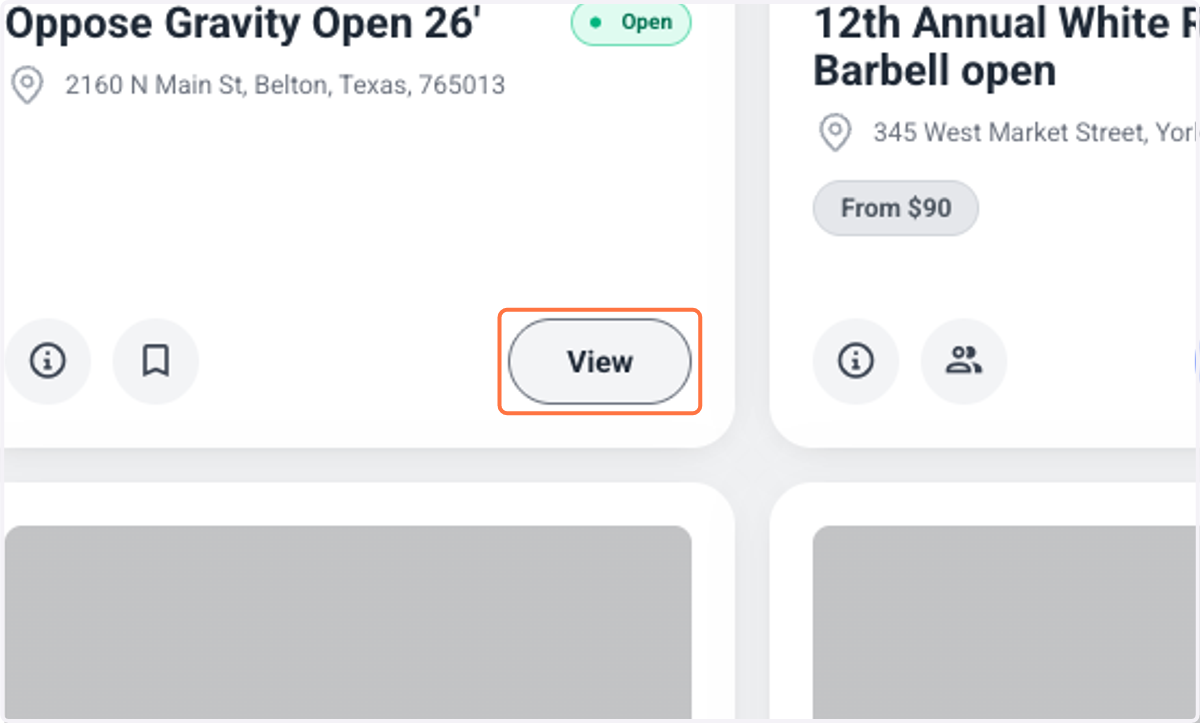
10. Find the link in the meet description and register!
All meets, regardless of how registration is taken will upload results to Sport:80 at the conclusion of the event.