Register for Summer School Camps in Infinite Campus
Student Profile | Home | Infinite Campus
1. Click on Home…
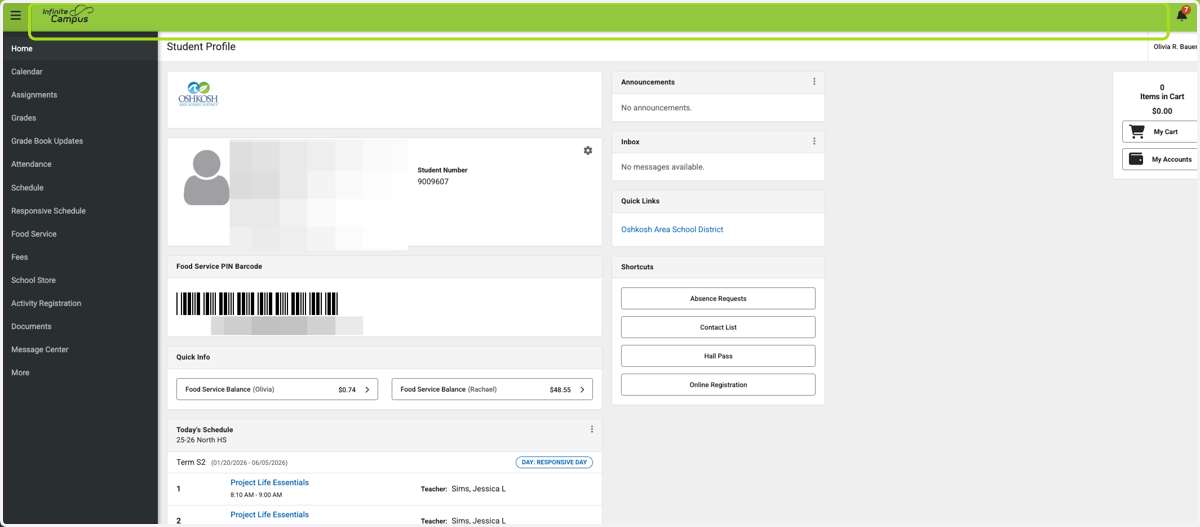
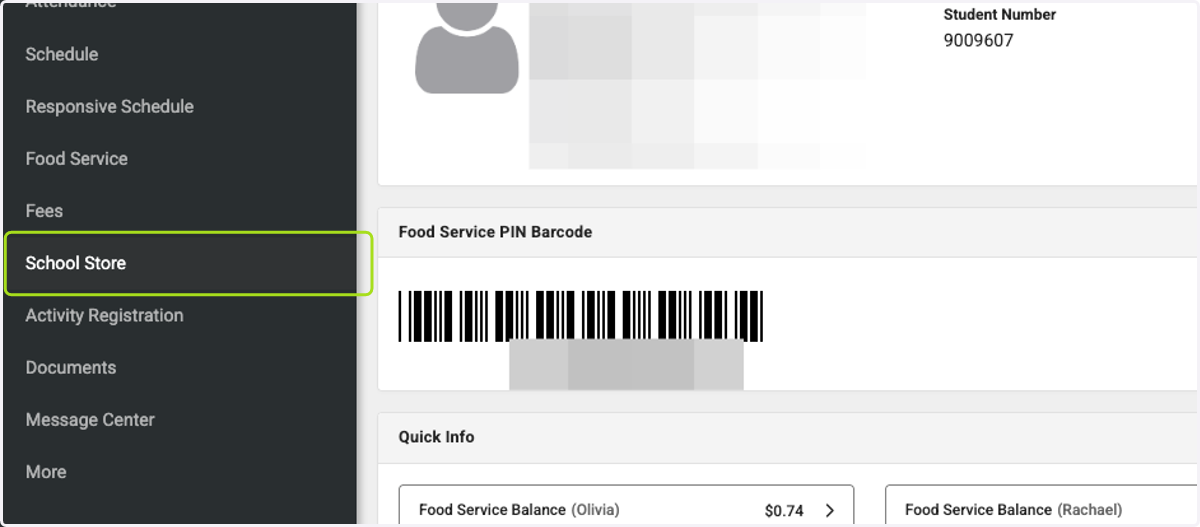
2. Click on School Store
3. Click on Summer School…
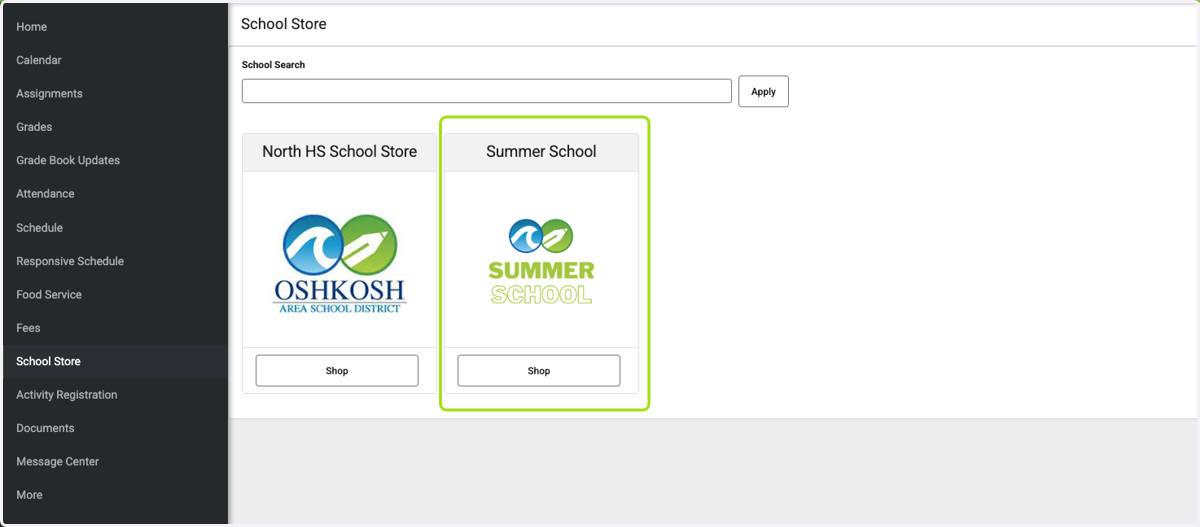
4. Click on Shop

5. Click on K-12 Summer School Camps
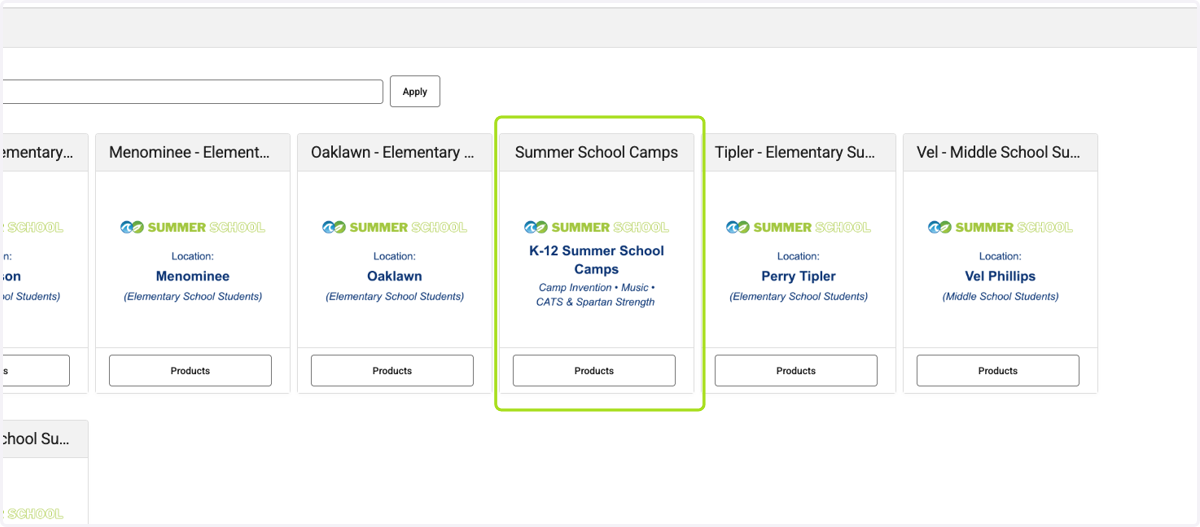
6. Click on Products
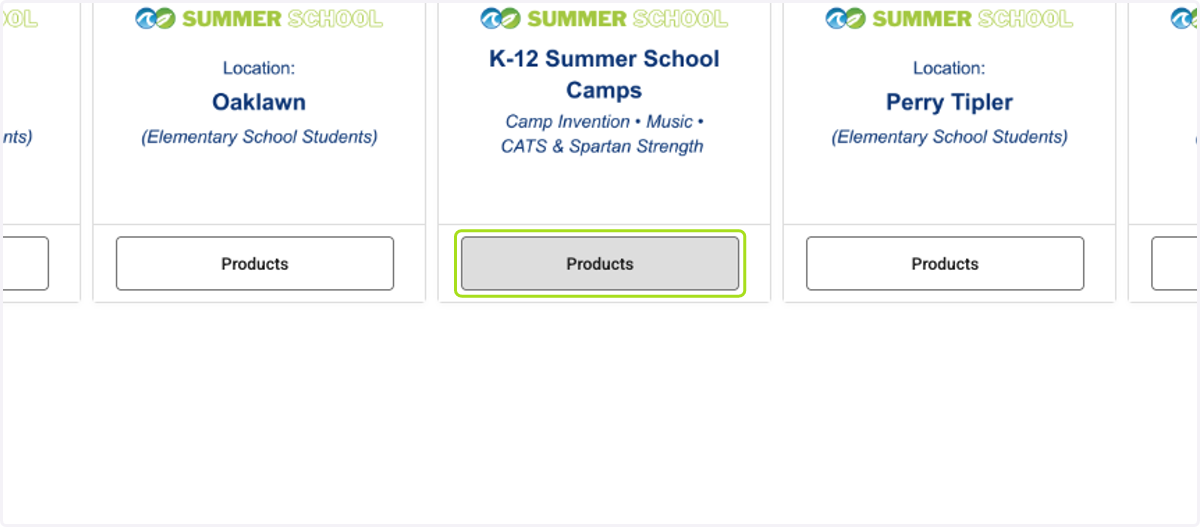
7. Click on the camp you would like to register your child for
This is where you can sign-up for CATS, Spartan Strength, Music, and Camp Invention camps. All other summer-time activity camps will be available for sign-up later.
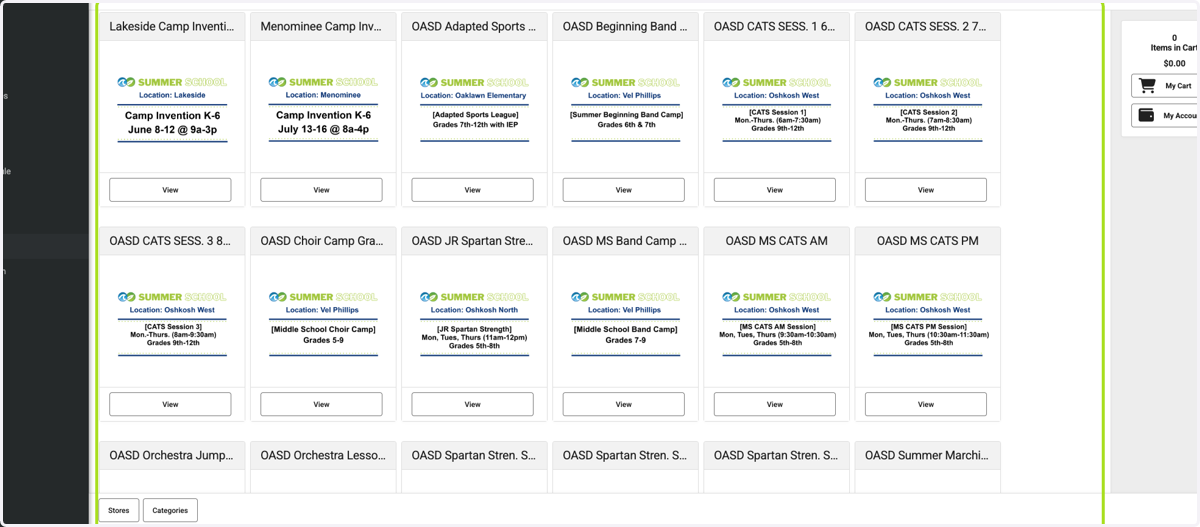
8. Click on View
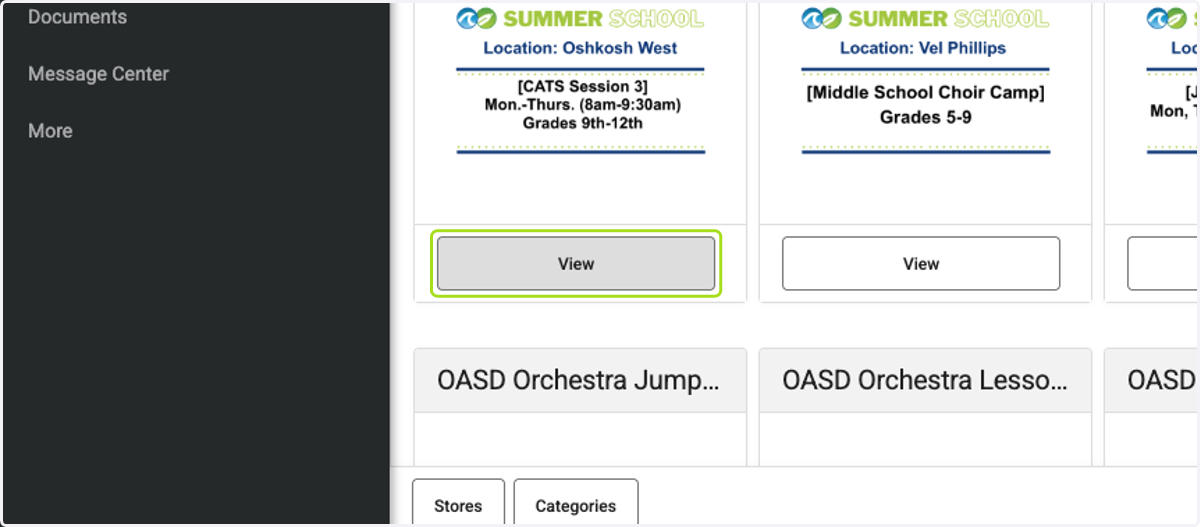
9. Click on Recipient: (Required)
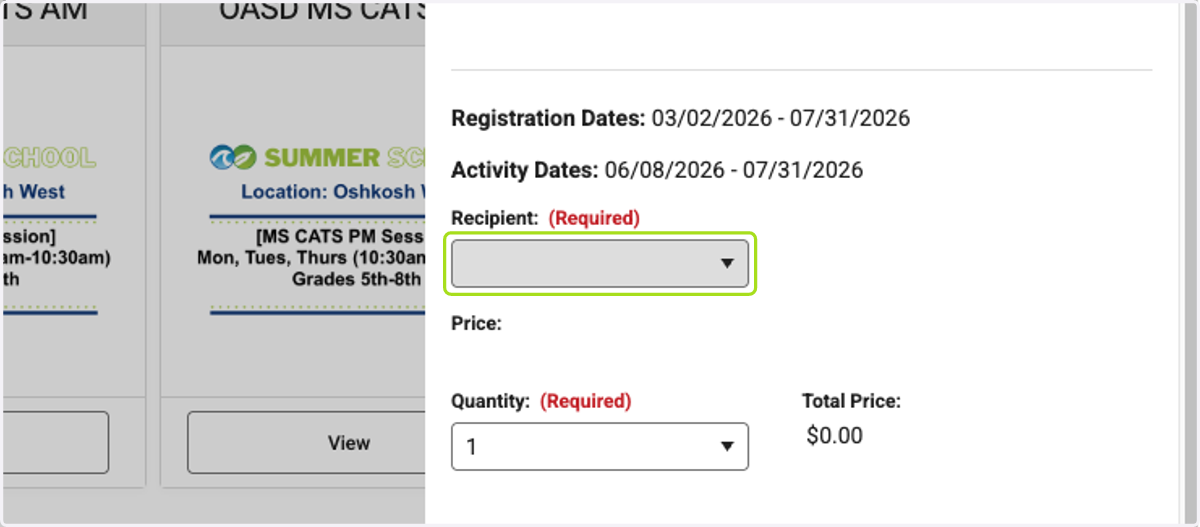
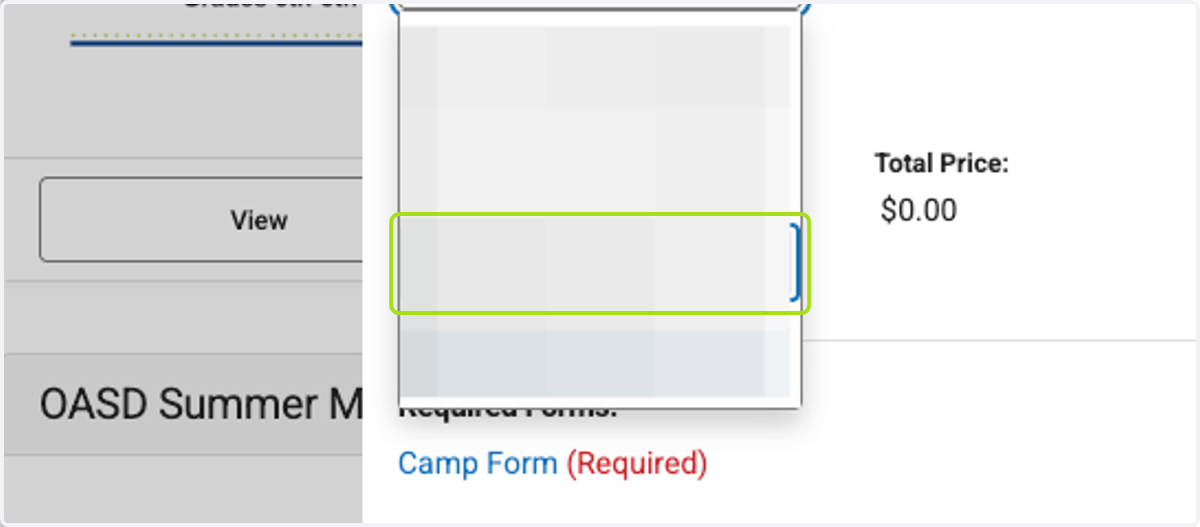
10. Click on your child's name your are registering
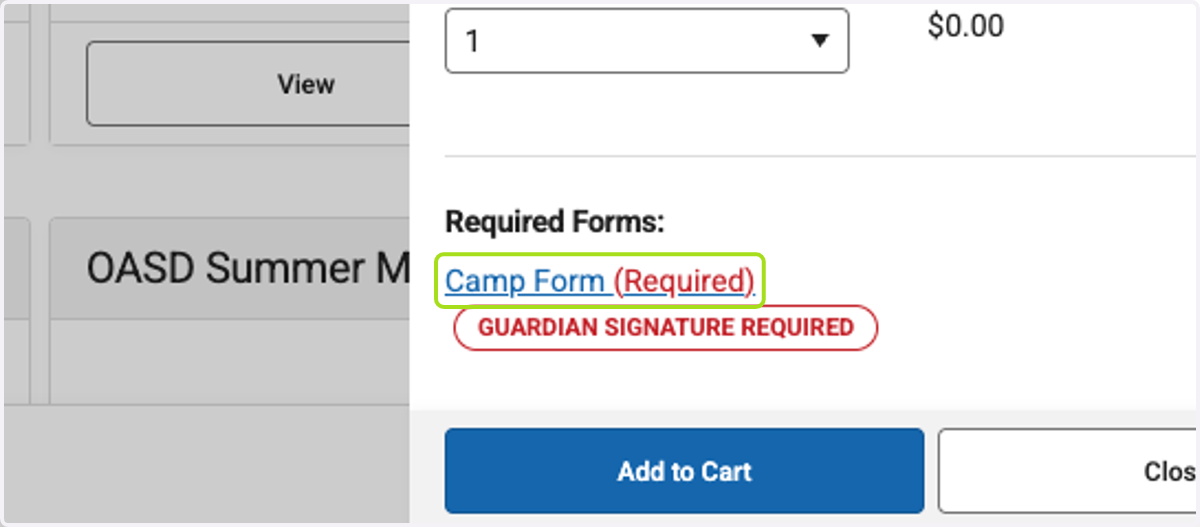
11. Click on Camp Form (Required)
NOTE: This will only appear for athletic camps and Camp Invention, which require guardians to sign a form. If a camp you are signing up for does not require a form, skip to Step 18.
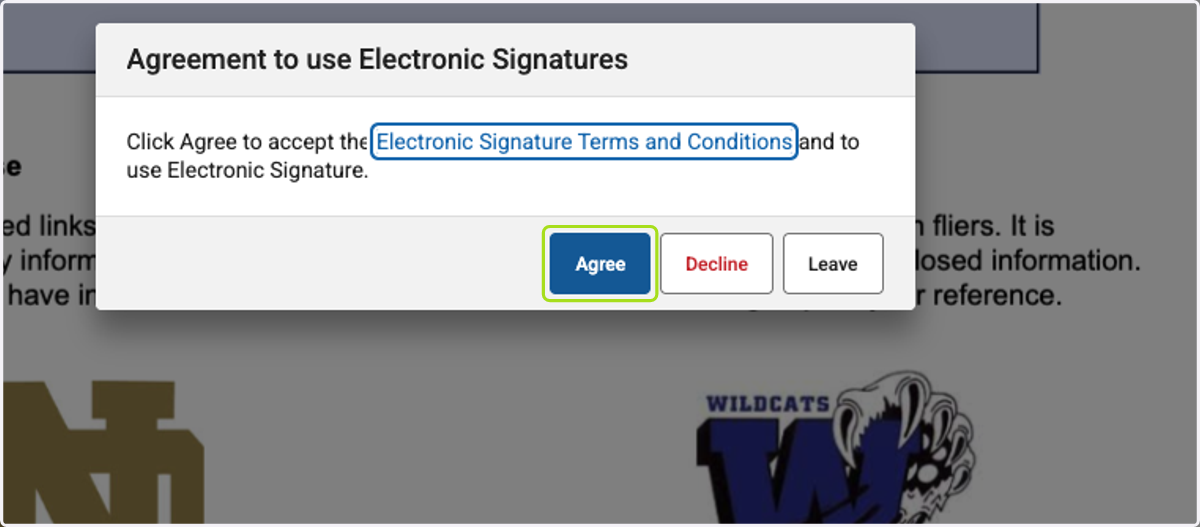
12. Click on Agree
K-12 Summer Camps: If you want to register for a K-12 Summer Camp you will need to click on the "Categories" button to navigate back to the School Store site listing and select "K-12 Summer Camps".
13. Complete the form
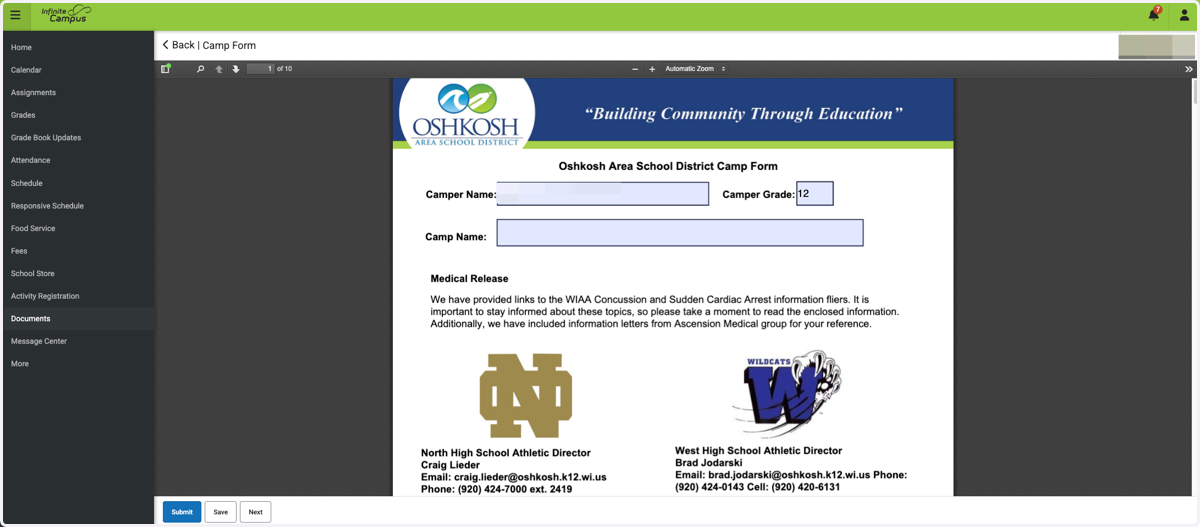
14. Click on This electronic signature, for all purposes of legal documents, is the same as a pen-and-paper signature or initial.…
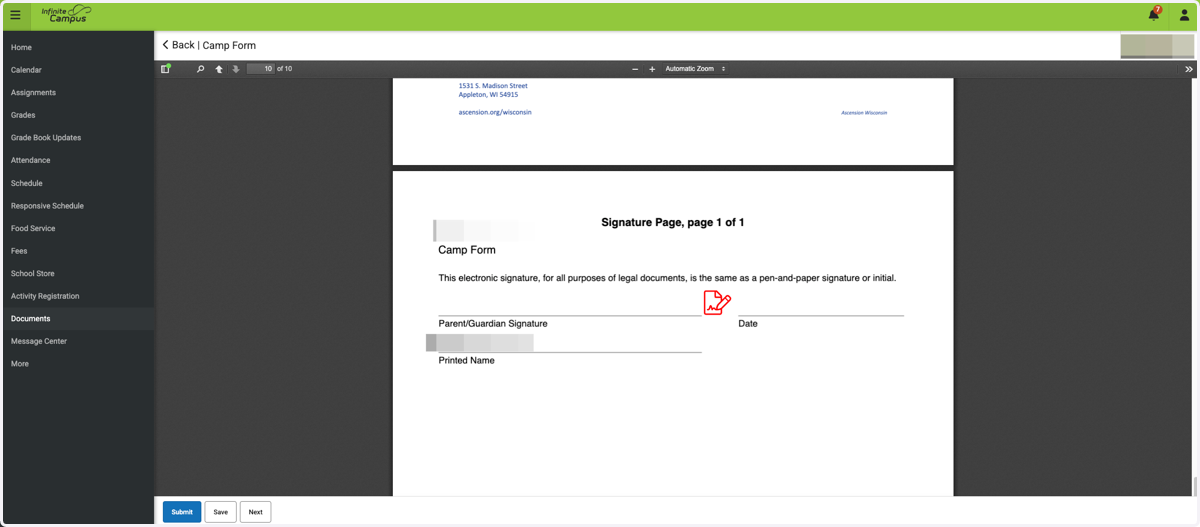
15. Click on Click here to sign
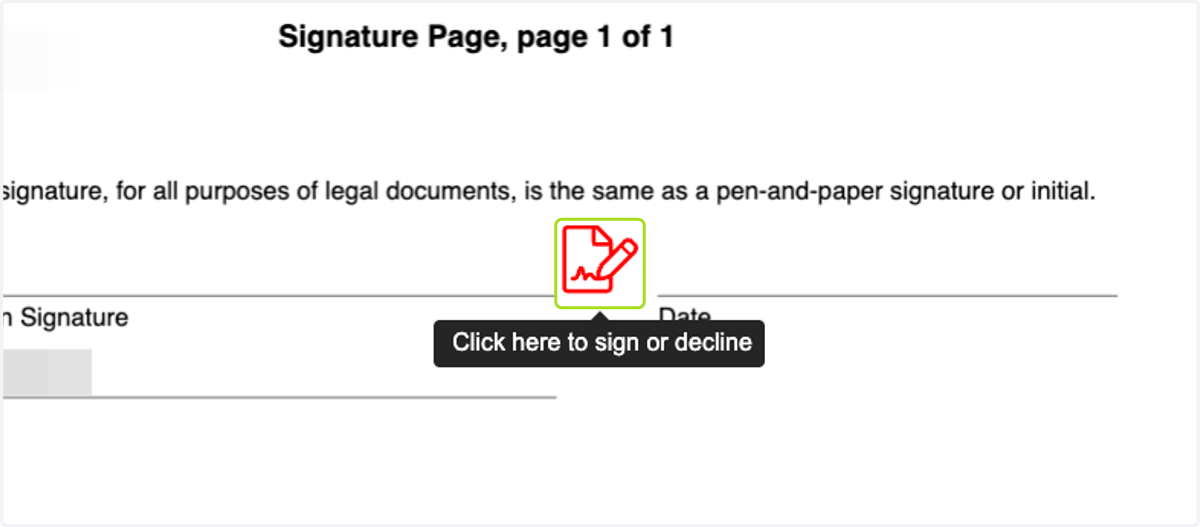
16. Click on Sign
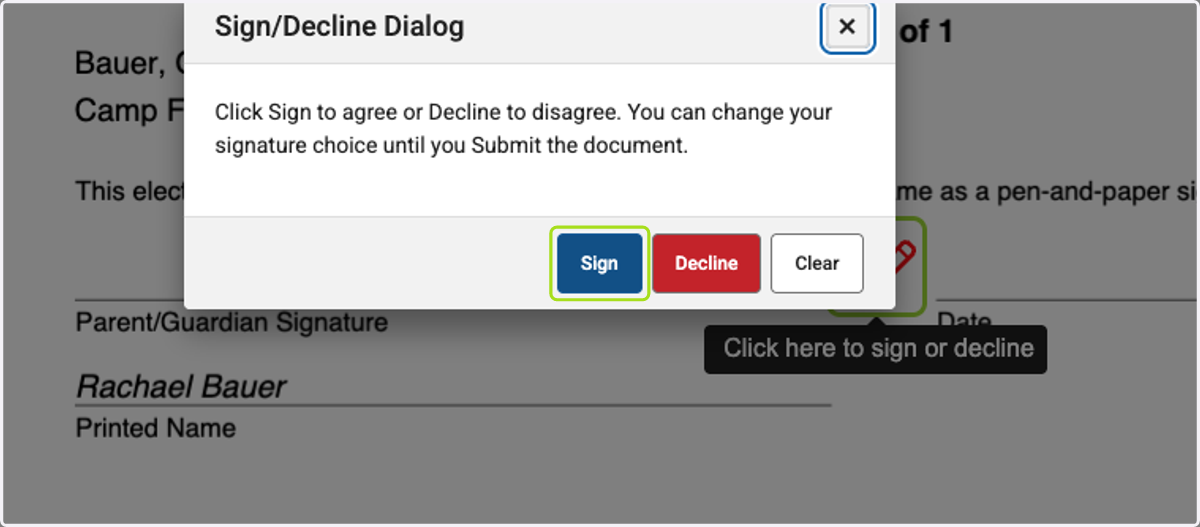
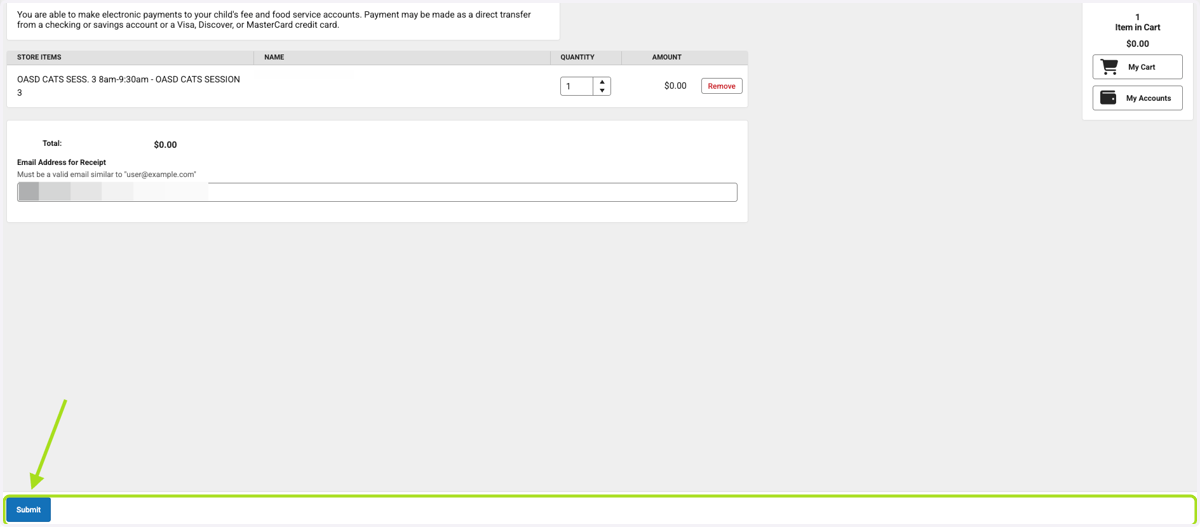
17. Click on Submit

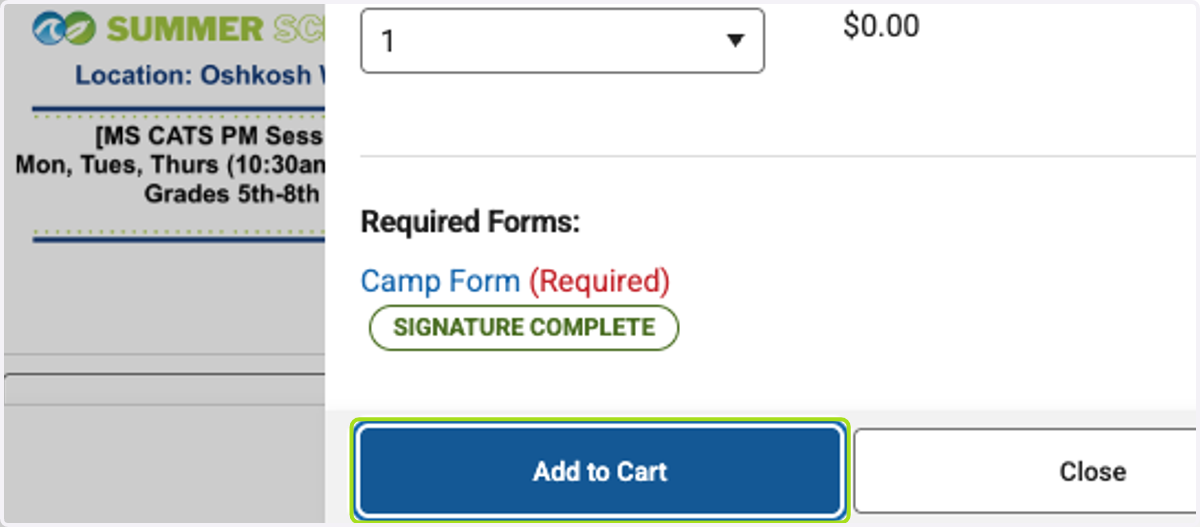
18. Click on Add to Cart
19. Click on My Cart
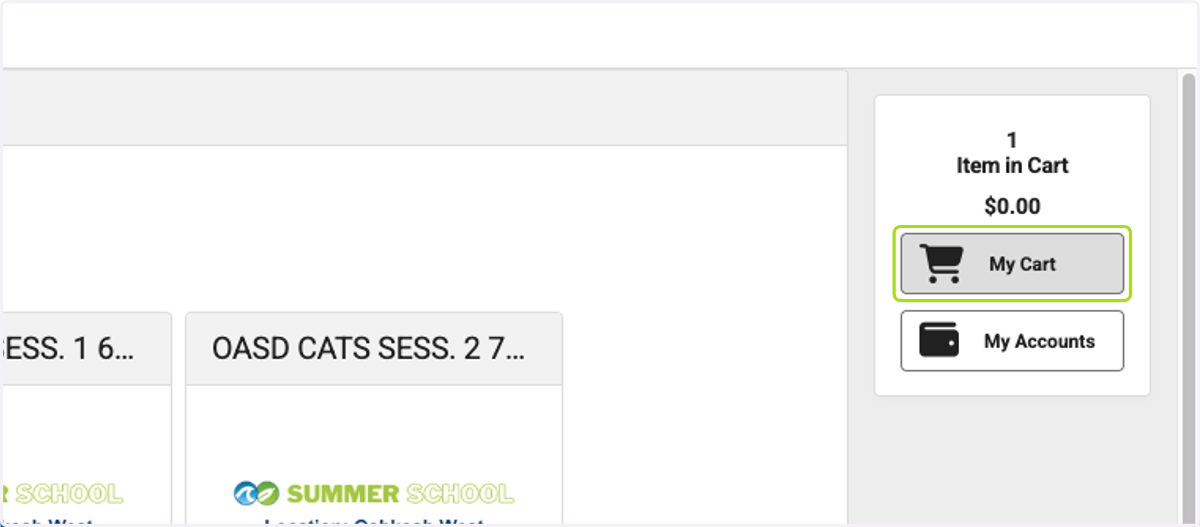
20. Click on Item in Cart…
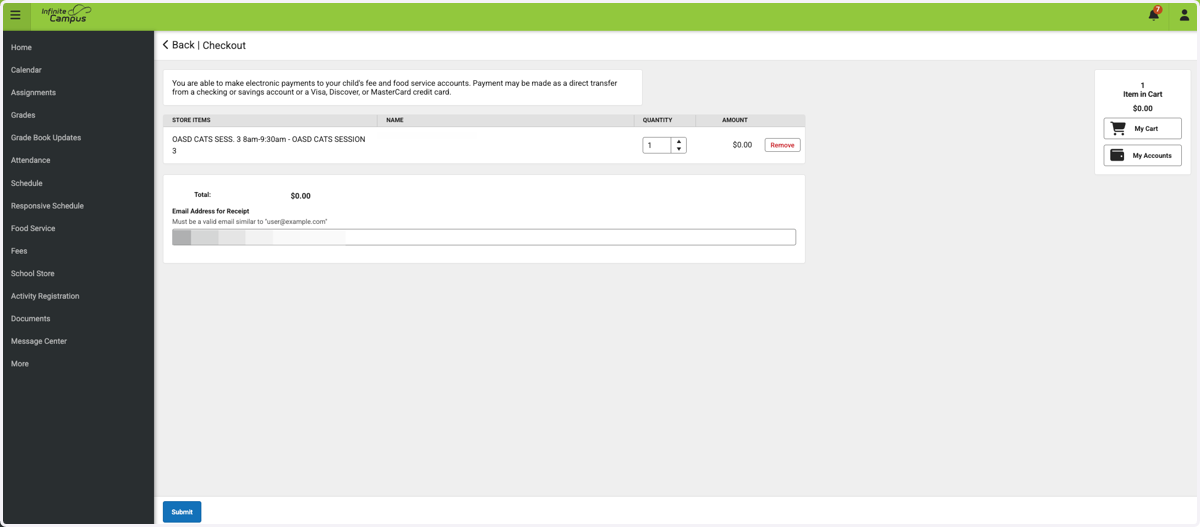
21. Click on Submit