Register doctor in Injectablesbooking
This tutorial was created using screenshots taken with Google Translate. Our Dutch and German websites were translated this way to give you a clear idea in English. As a result, some images may differ from the original. However, the steps remain the same.
Injectablesbooking.de - Compare all clinics
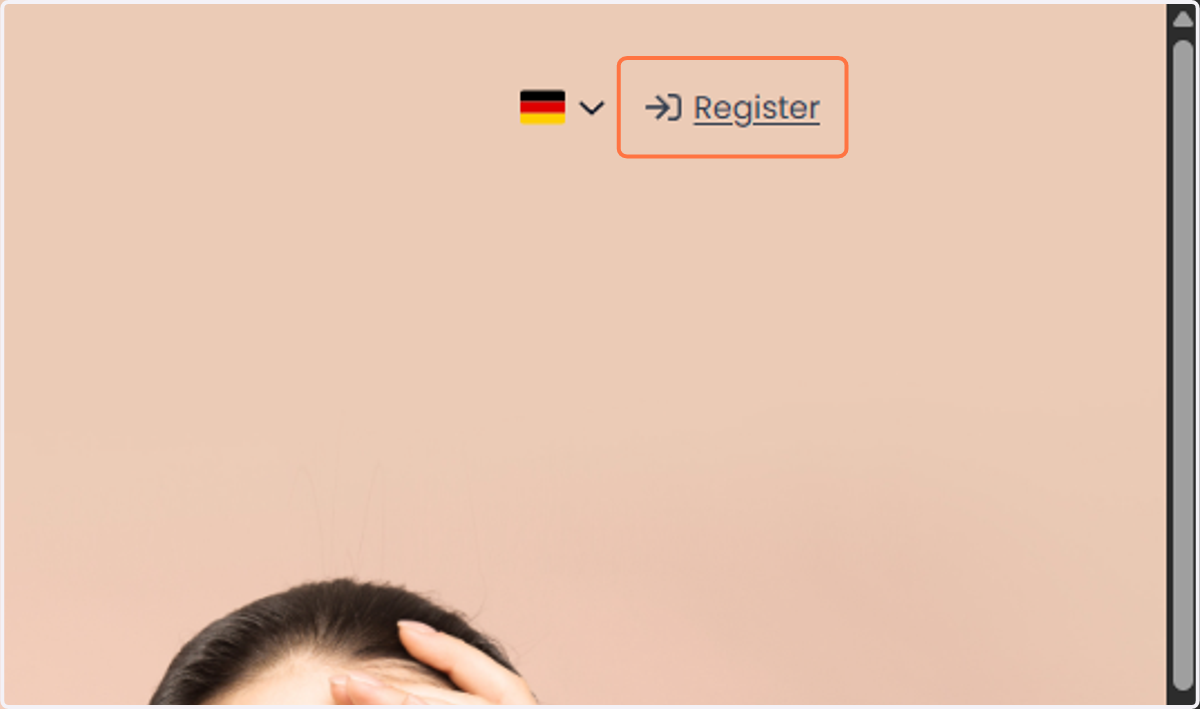
1. Go to the Injectablesbooking website. Ga naar de website Injectablesbooking
And click on 'Register'.
En klik op 'Registreren'
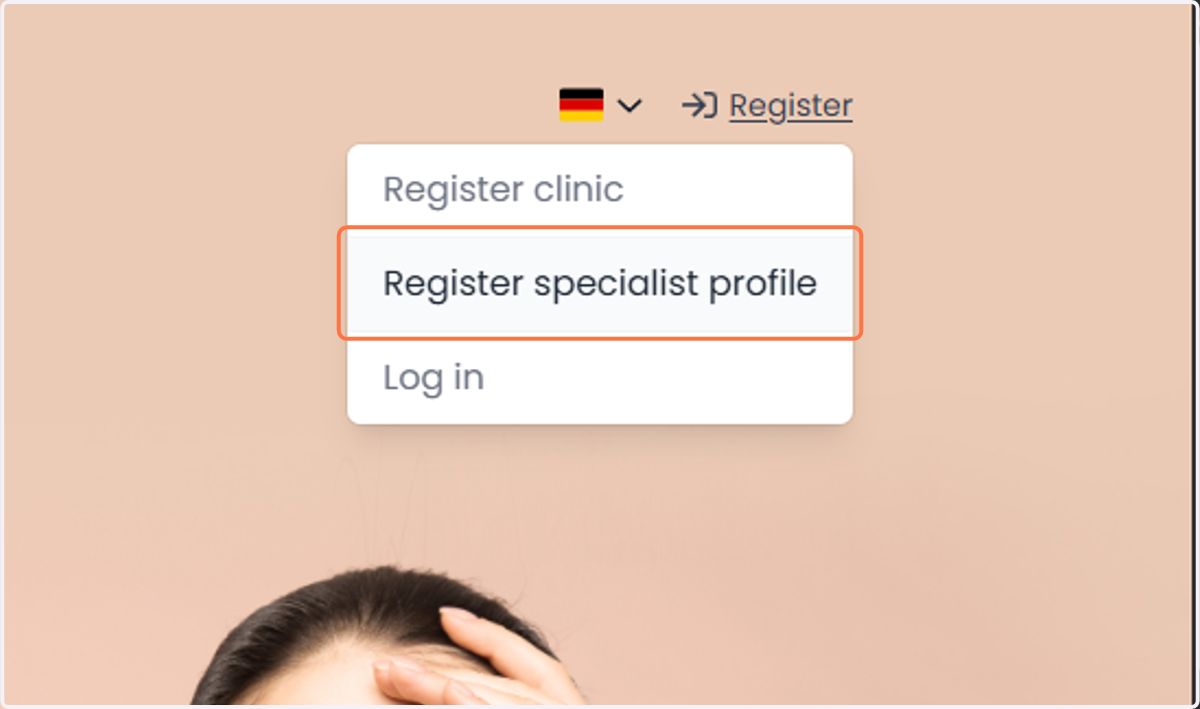
2. Next, Vervolgens,
Click on 'Register specialist profile'.
Klik op 'Specialistenprofiel registreren
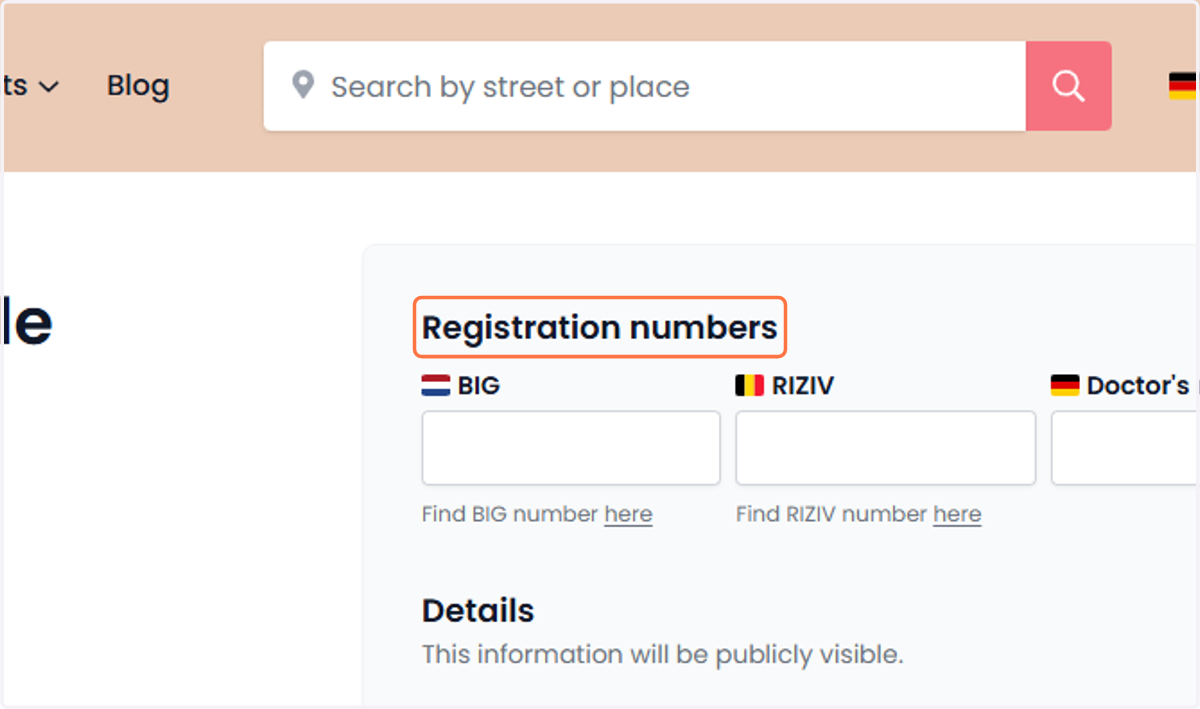
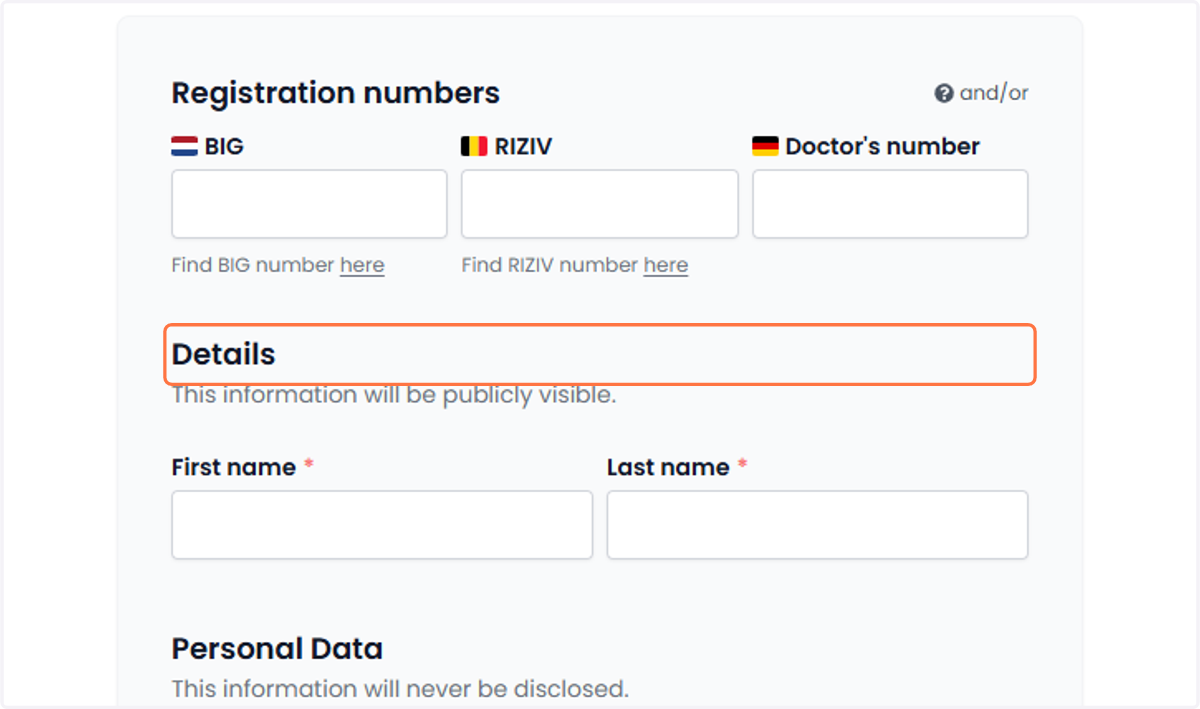
3. Registration numbers Registratienummers
Go to 'Registration numbers' and enter the doctor's official registration number.
Ga naar 'Registratienummers' en vul het officiële registratienummer van de arts in.
4. For personal information Voor persoonlijke gegevens
In the 'Personal information' section, enter the doctor's first and last name as they should appear on the profile.
Vul in de sectie 'Persoonlijke gegevens' de voornaam en achternaam van de arts in, zoals deze op het profiel moeten verschijnen.
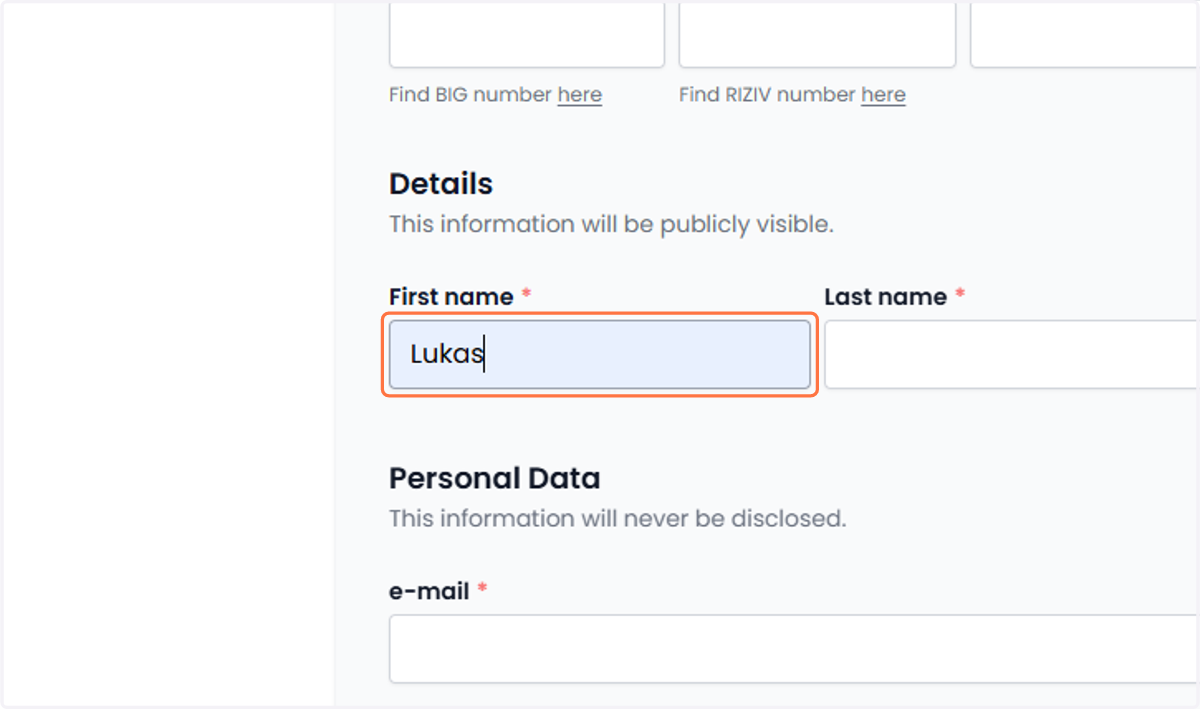
5. For personal information Voor persoonlijke gegevens
Enter the doctor's official first name.
Vul de officiële voornaam van de arts in.
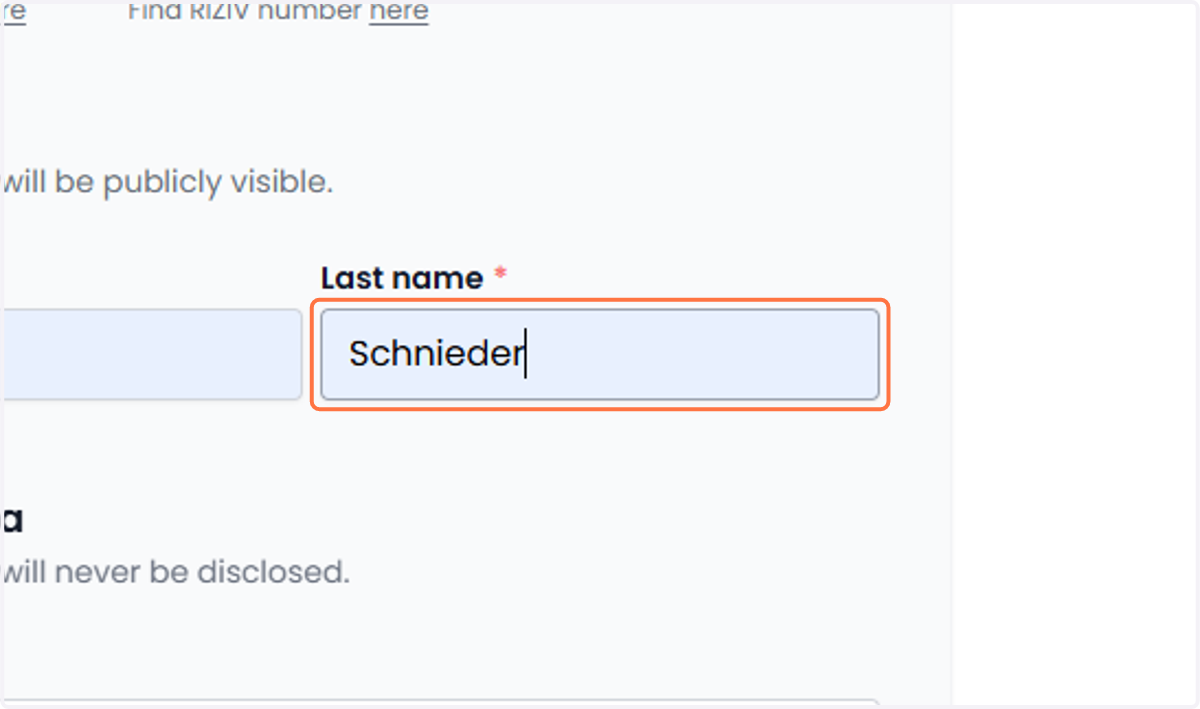
6. For personal information Voor persoonlijke gegevens
Enter the doctor's official last name.
Vul de officiële achternaam van de arts in.
7. Go to 'Personal details'. Ga naar 'Persoonsgegevens'
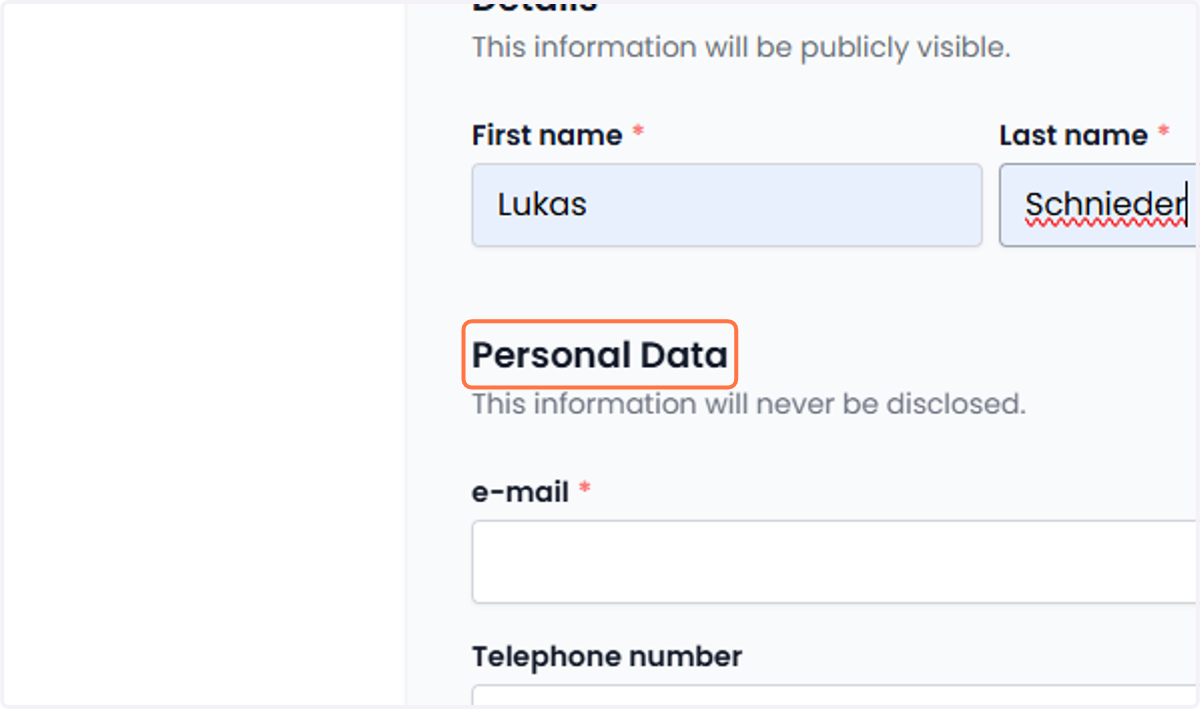
8. Go to 'Personal details'. Ga naar 'Persoonsgegevens'
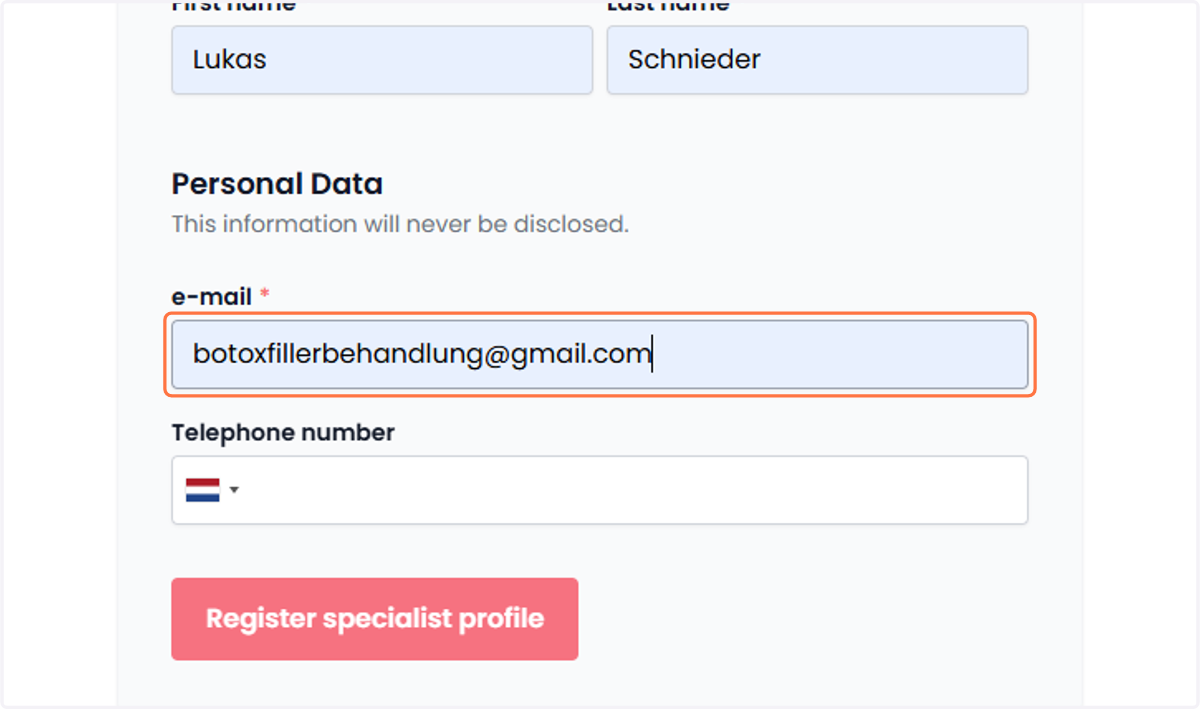
Enter the doctor's active email address and phone number for communication purposes.
Vul het actieve e-mailadres en telefoonnummer van de arts in voor communicatiedoeleinden.
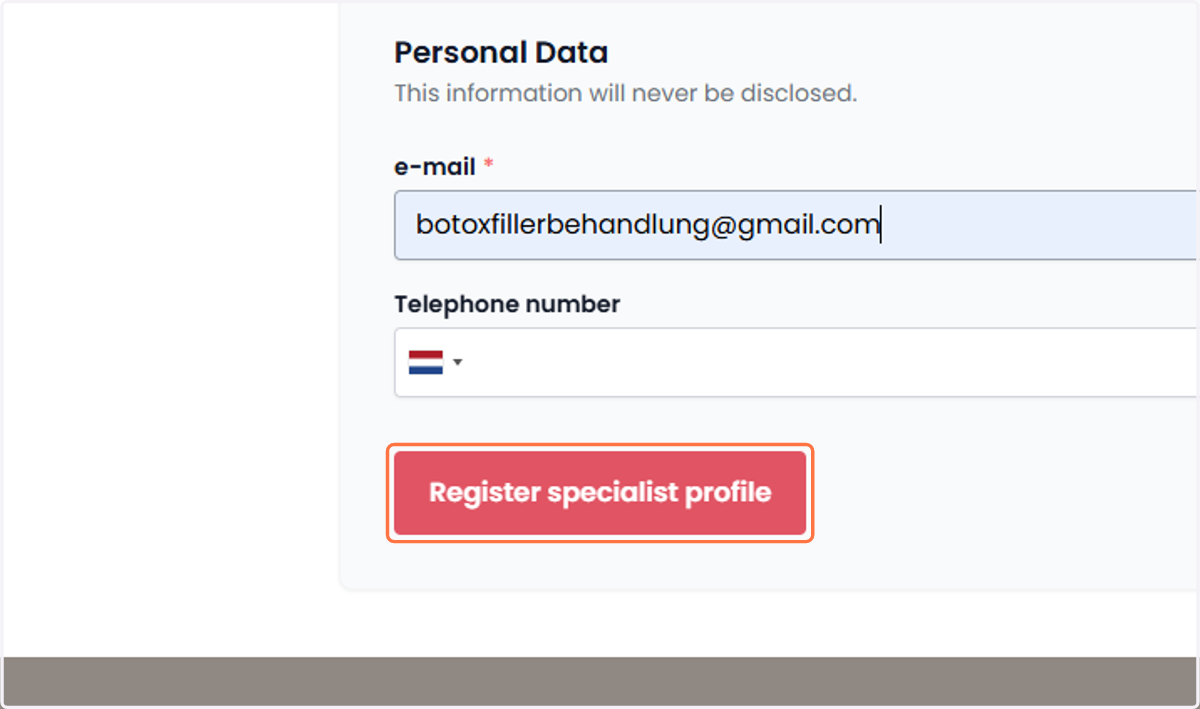
9. Click on 'Register specialist profile'. Klik op 'Specialistenprofiel registreren'
Once all required information has been filled in, select 'Register specialist profile' to complete the registration.
Wanneer alle vereiste gegevens zijn ingevuld, selecteer 'Specialistenprofiel registreren' om de registratie te voltooien.
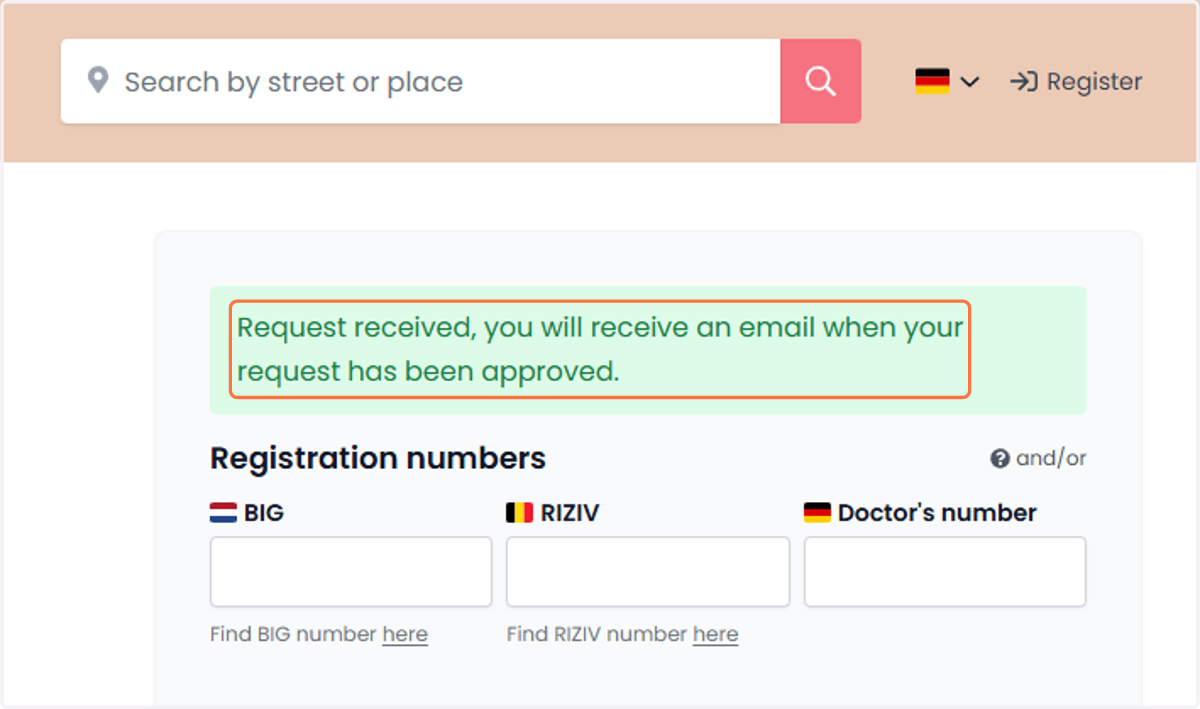
10. Your application has been received. You will be notified by email once it has been reviewed and approved. Aanvraag ontvangen. U ontvangt een e-mail zodra uw aanvraag is goedgekeurd.
We must first approve your clinic in our system before we can proceed. Please check your email within 24 hours for further instructions.
We moeten uw kliniek eerst goedkeuren in ons systeem voordat we verder kunnen gaan. Controleer alstublieft binnen 24 uur uw e-mail.
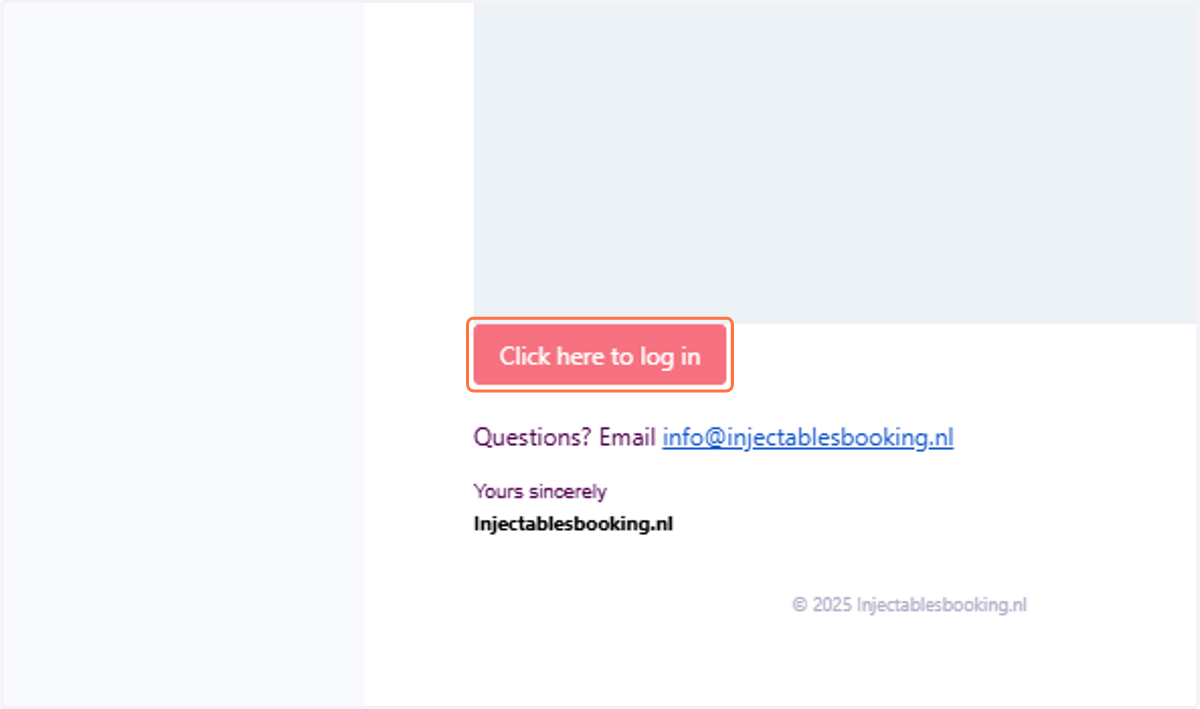
11. Once approved, an email will be sent. Wanneer goedgekeurd, wordt er een e-mail verzonden.
Open the received email and click on 'Click here to log in'.
Open de ontvangen e-mail en klik op 'Klik hier om in te loggen
Injectablesbooking.nl
12. Enter your password Typ het wachtwoord in.
Create a password and re-enter it under 'Confirm password' to verify.
Maak een wachtwoord aan en voer het opnieuw in bij 'Bevestig wachtwoord' om te verifiëren.
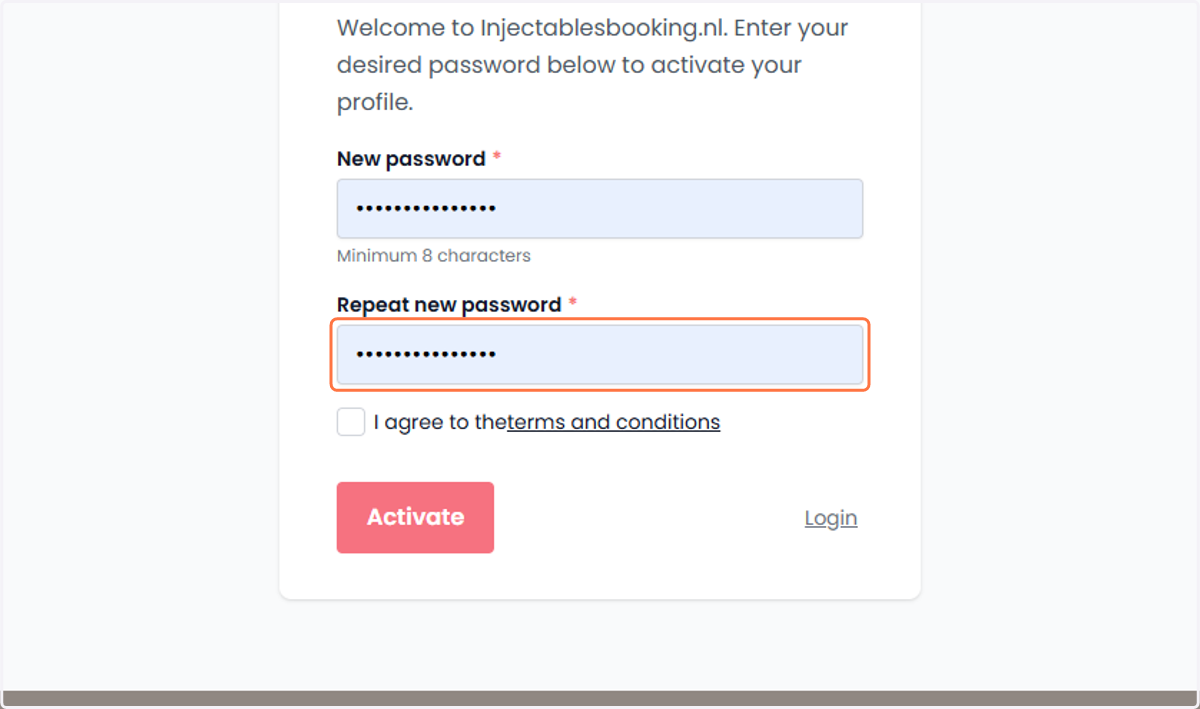
13. Read the terms and conditions. Lees de algemene voorwaarden.
Bevestig de algemene voorwaarden, klik op het selectievakje en ga verder naar de volgende stap.
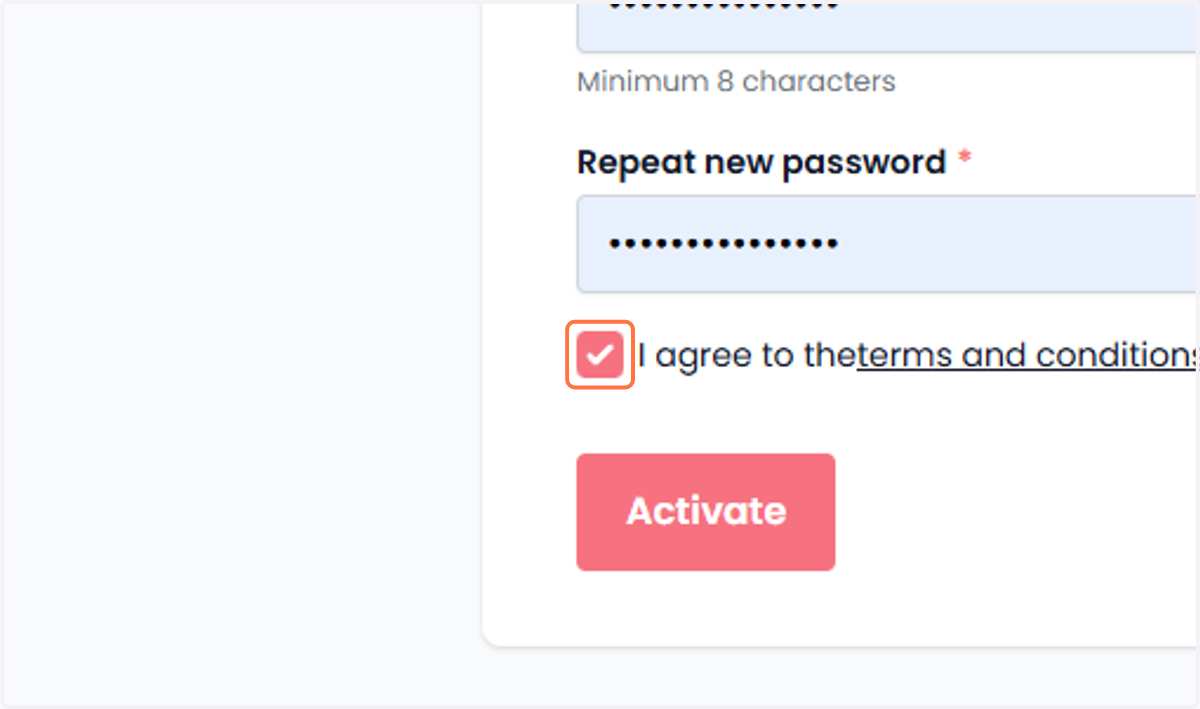
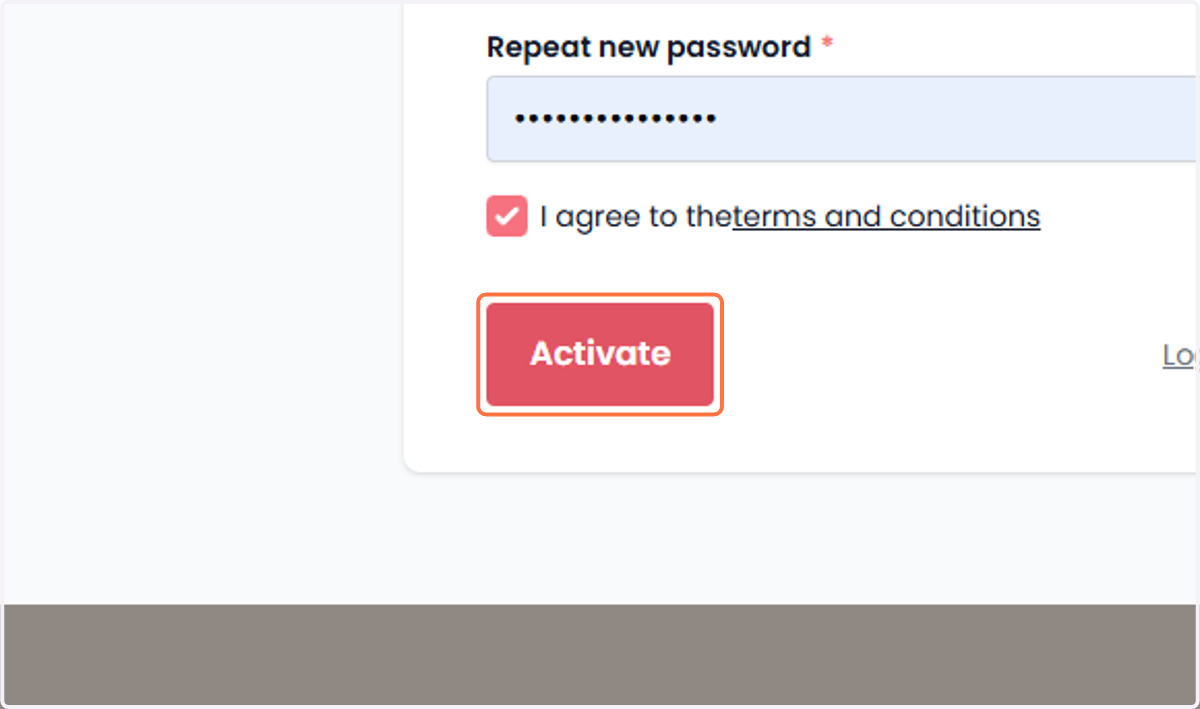
14. Click on 'Activate'. Klik op 'Activeren'.
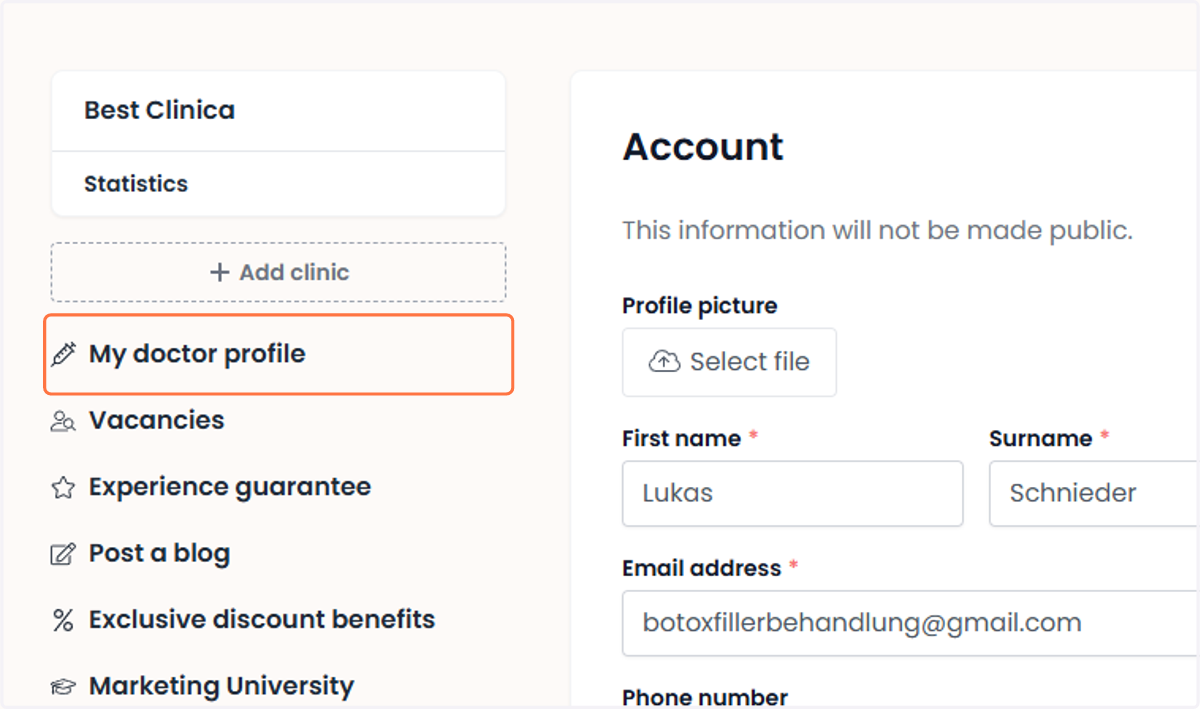
15. Click on 'My doctor profile'. Klik op 'Mijn artsenprofiel'.
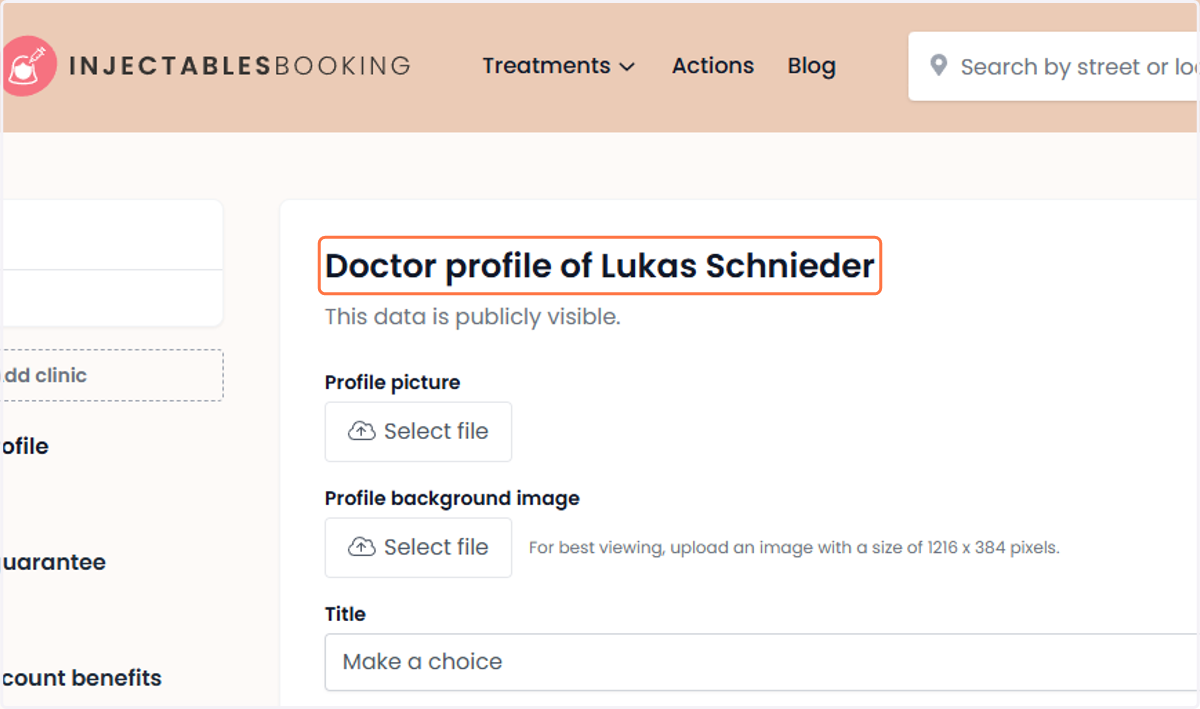
16. Doctor profile Artsenprofiel
Upload a professional profile photo and a suitable background image in the 'Doctor profile' section to create a complete and visually appealing profile. Would you like to learn how to fill out the entire doctor profile? Click here.
Upload in de sectie 'Artsenprofiel' een professionele profielfoto en een geschikte achtergrondafbeelding om een compleet en visueel aantrekkelijk profiel aan te maken. Wil je leren hoe je het volledige artsenprofiel invult? Klik hier.