Register Membership in StrikeForce
Start on the StrikeForce Home Page
1. Click on MEMBERSHIP
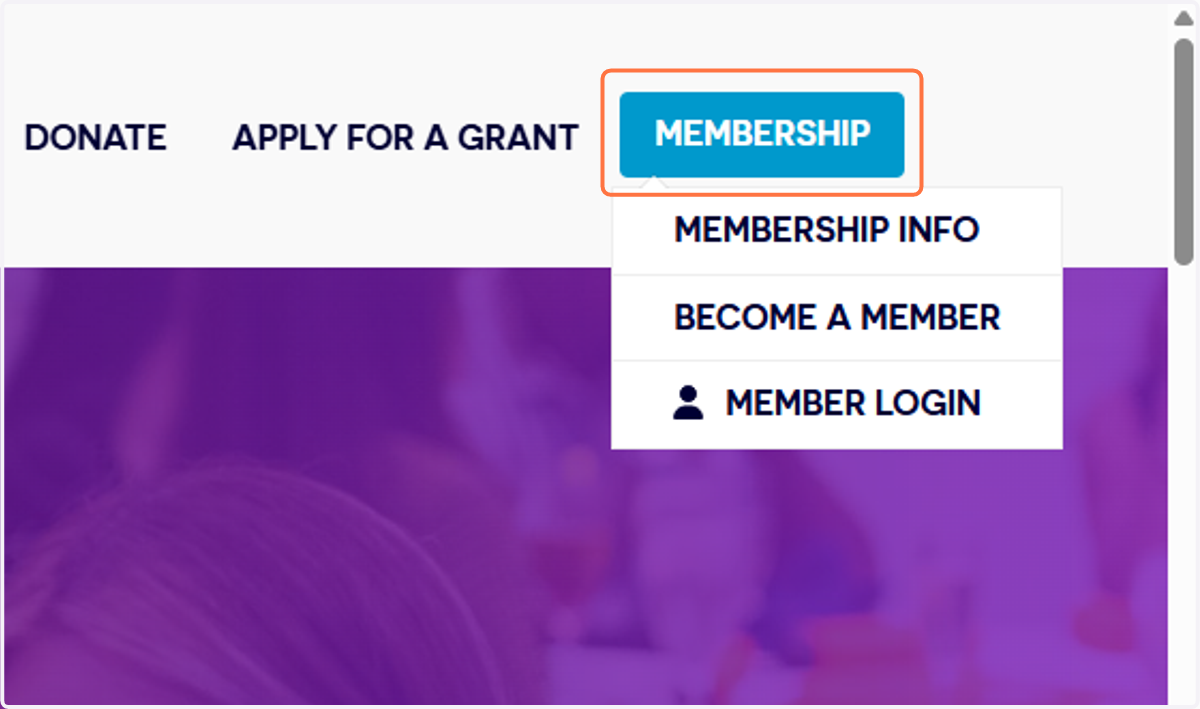
2. Click on BECOME A MEMBER

StrikeForce
3. Type your email address
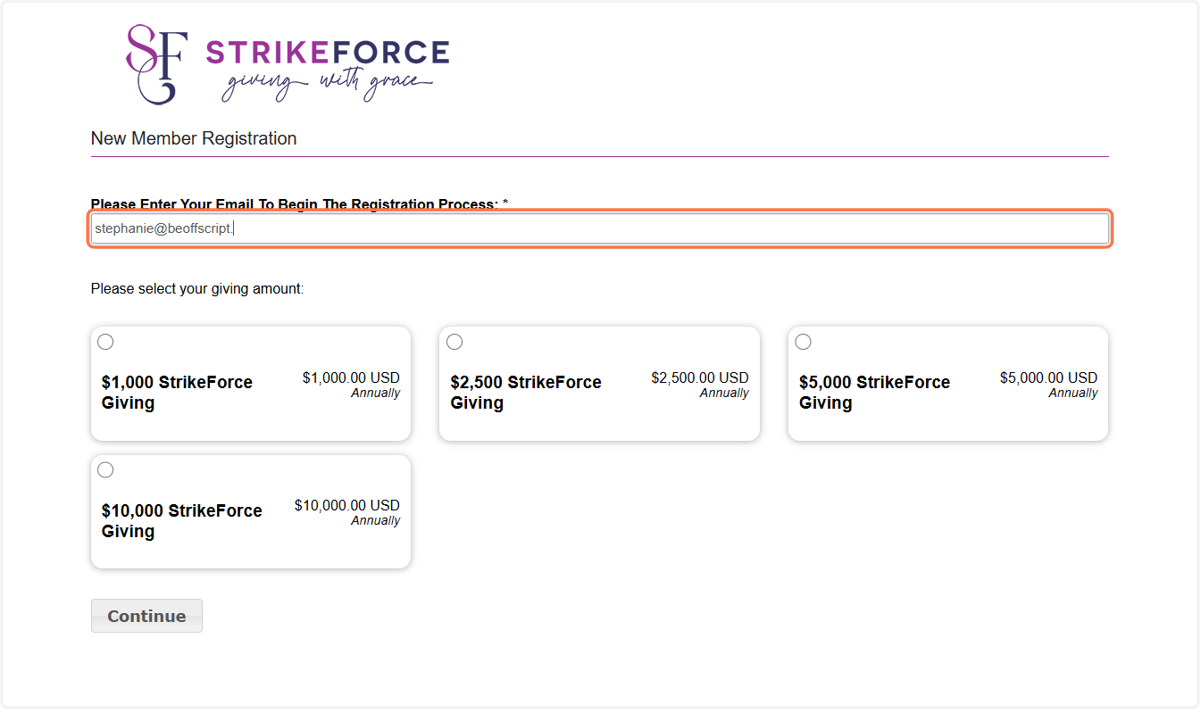
4. Select membership-plan-card
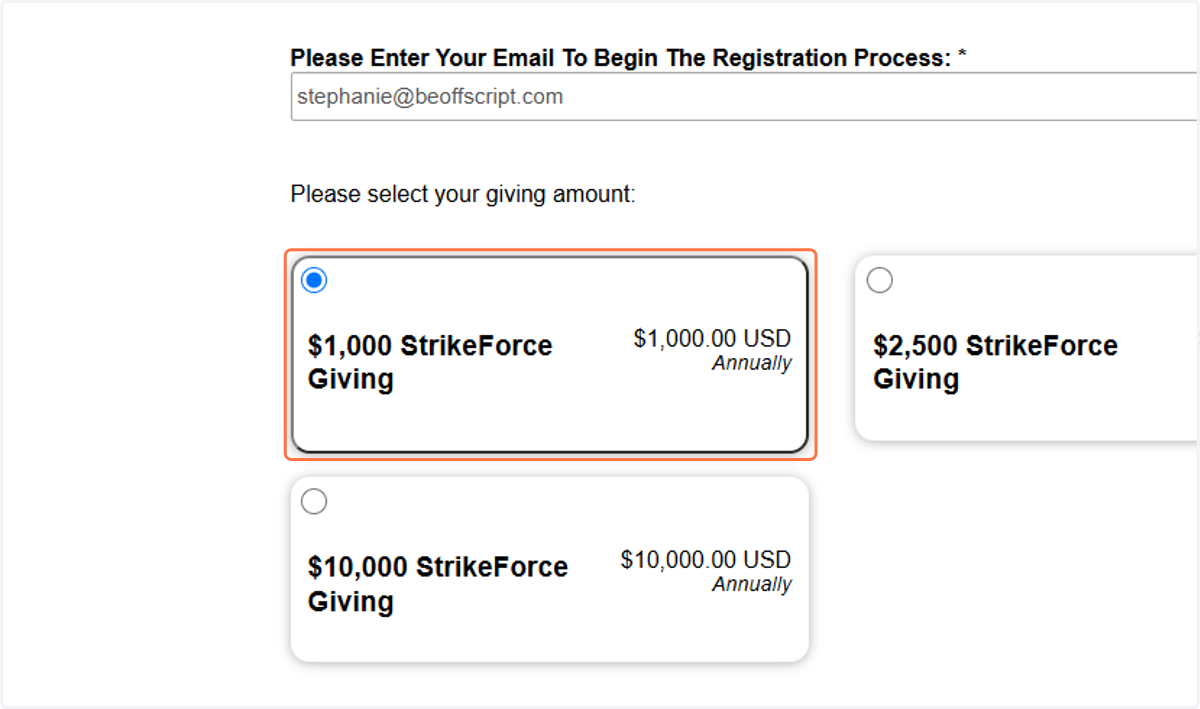
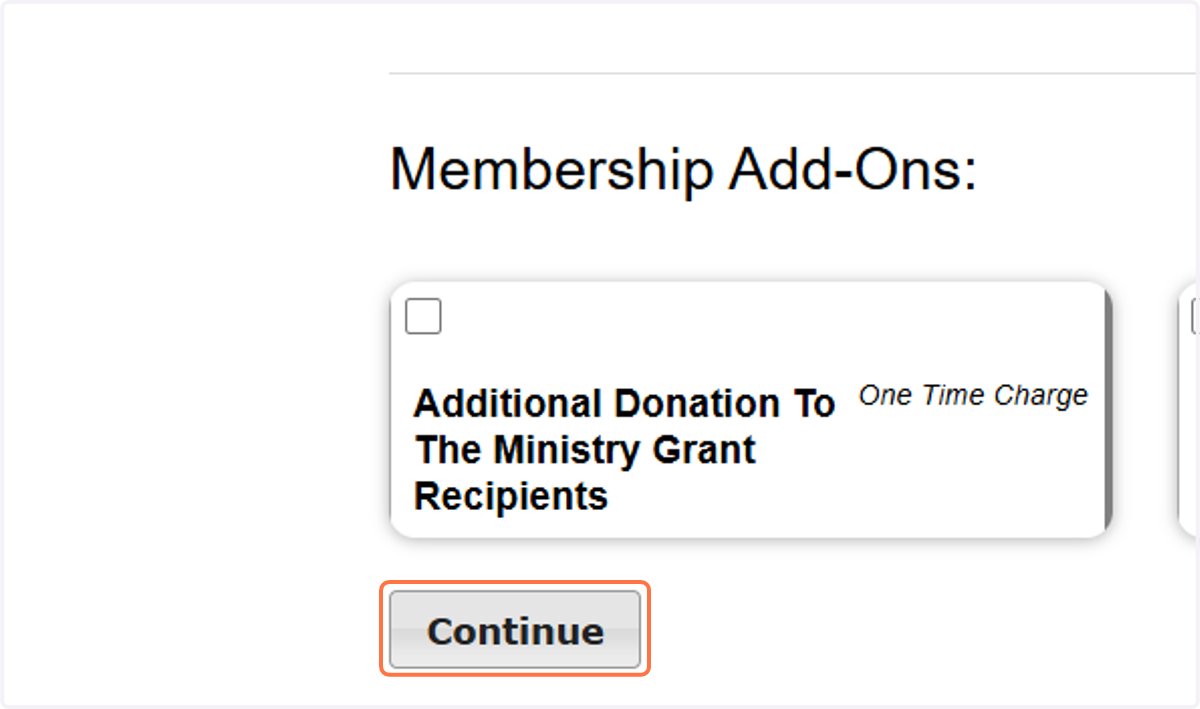
5. Select optional Add-Ons or click Continue
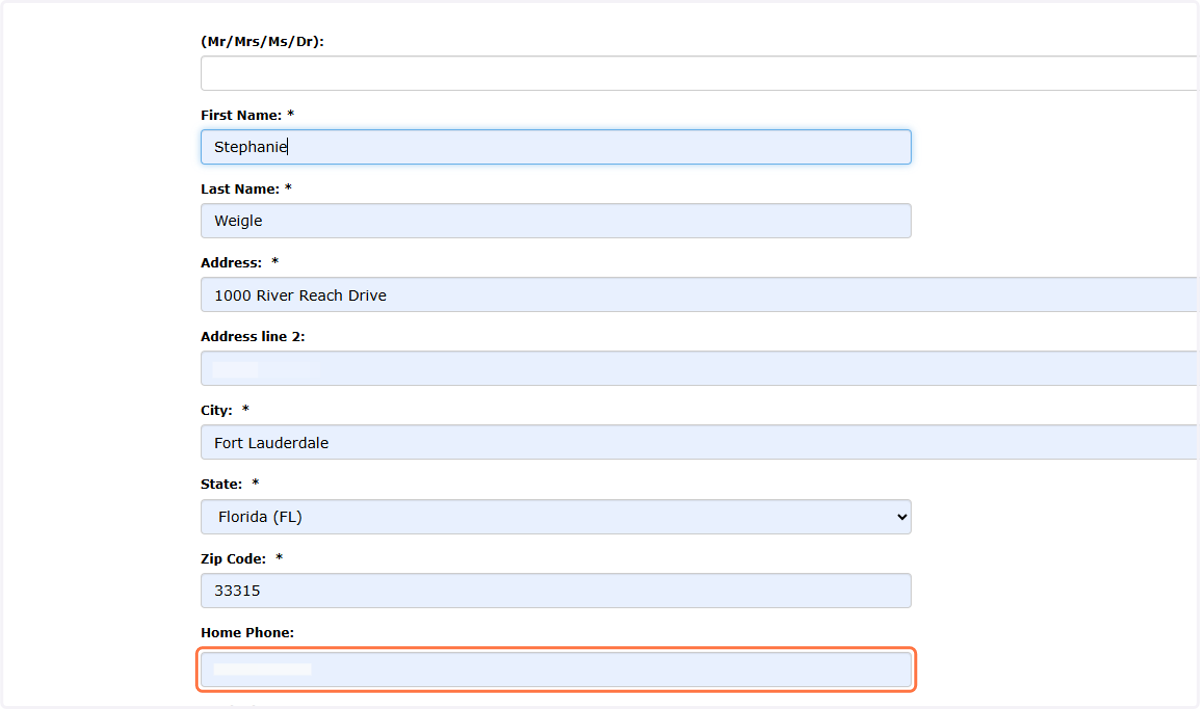
6. Enter your personal information
7. Click on Continue >>
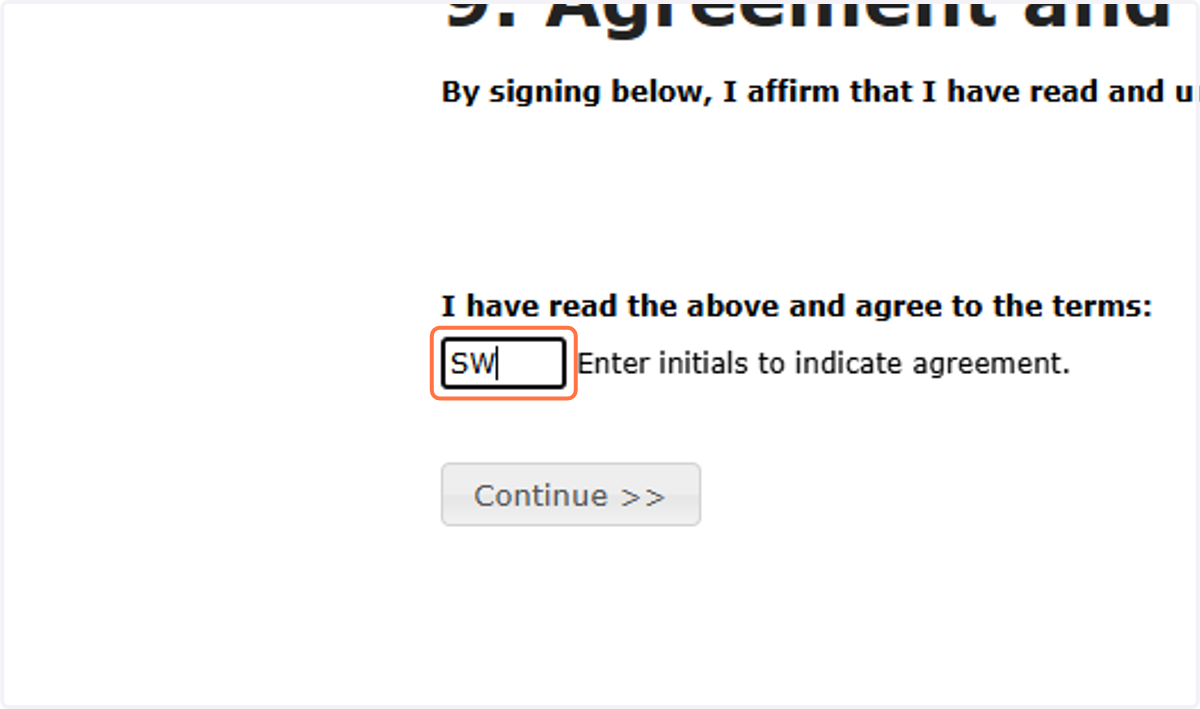
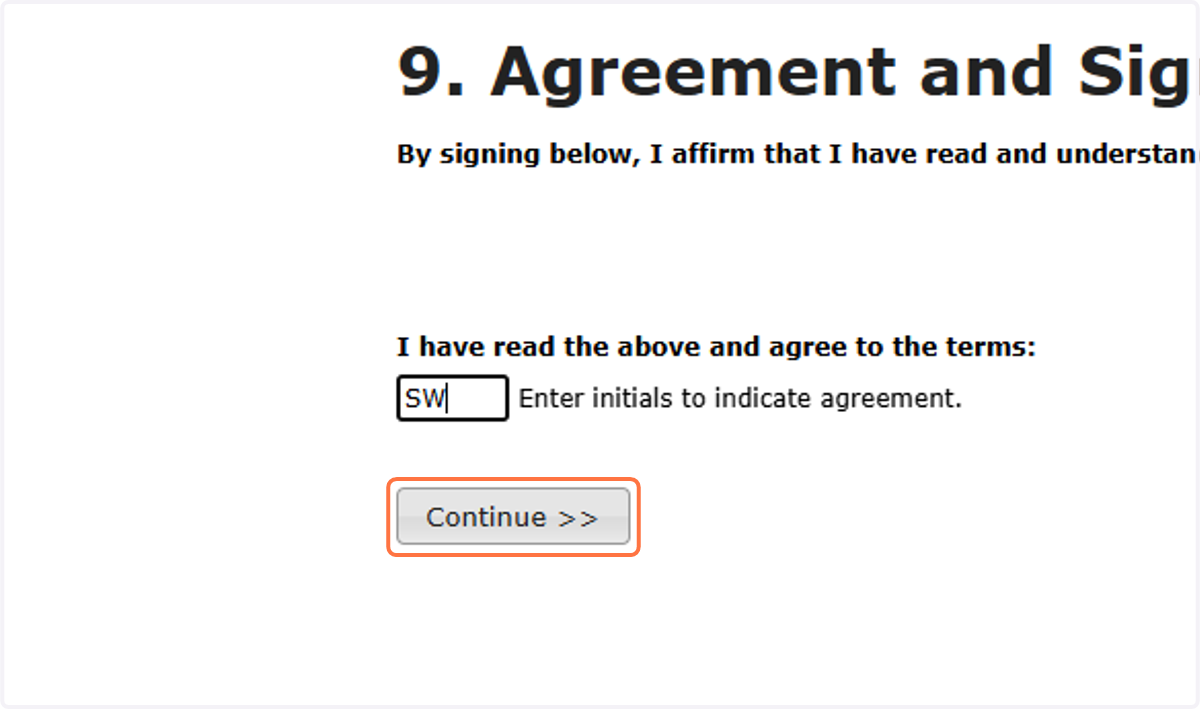
8. Type your initials to agree to the Membership Agreement
9. Click on Continue >>
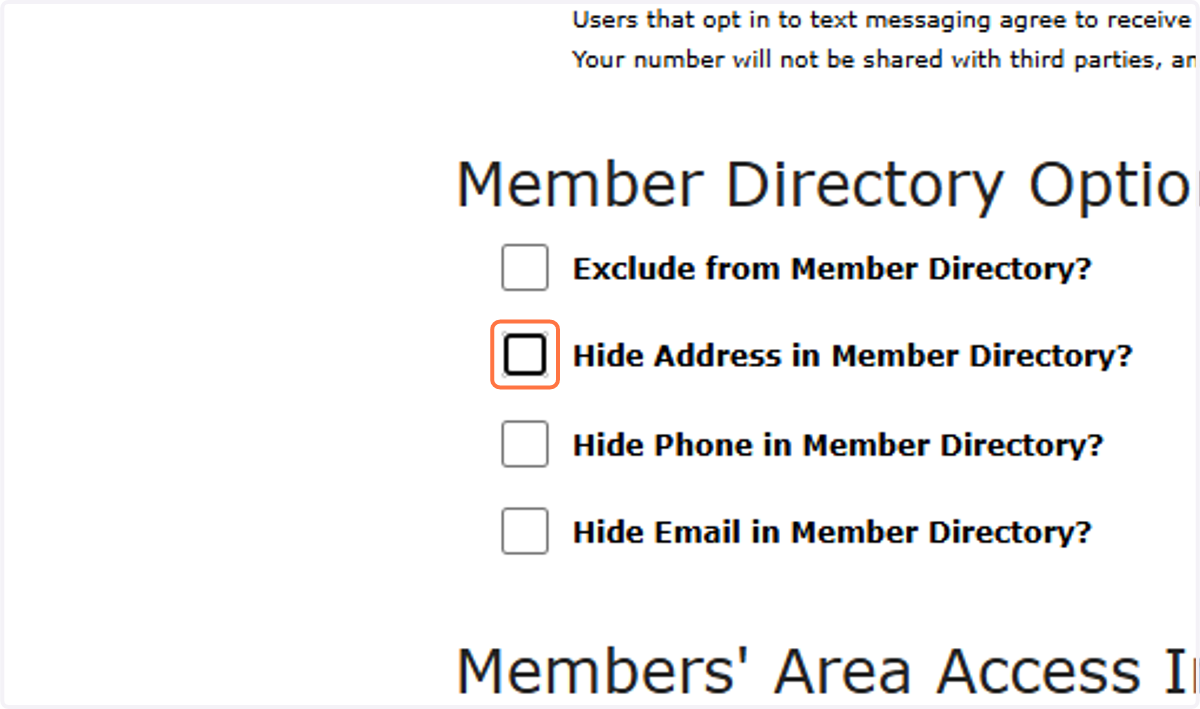
10. Check or uncheck your Directory Access preferences
Click on the check boxes if you would like to be excluded from the Member Directory entirely, or if you would like to appear in the Directory but keep your address, phone, or email hidden.
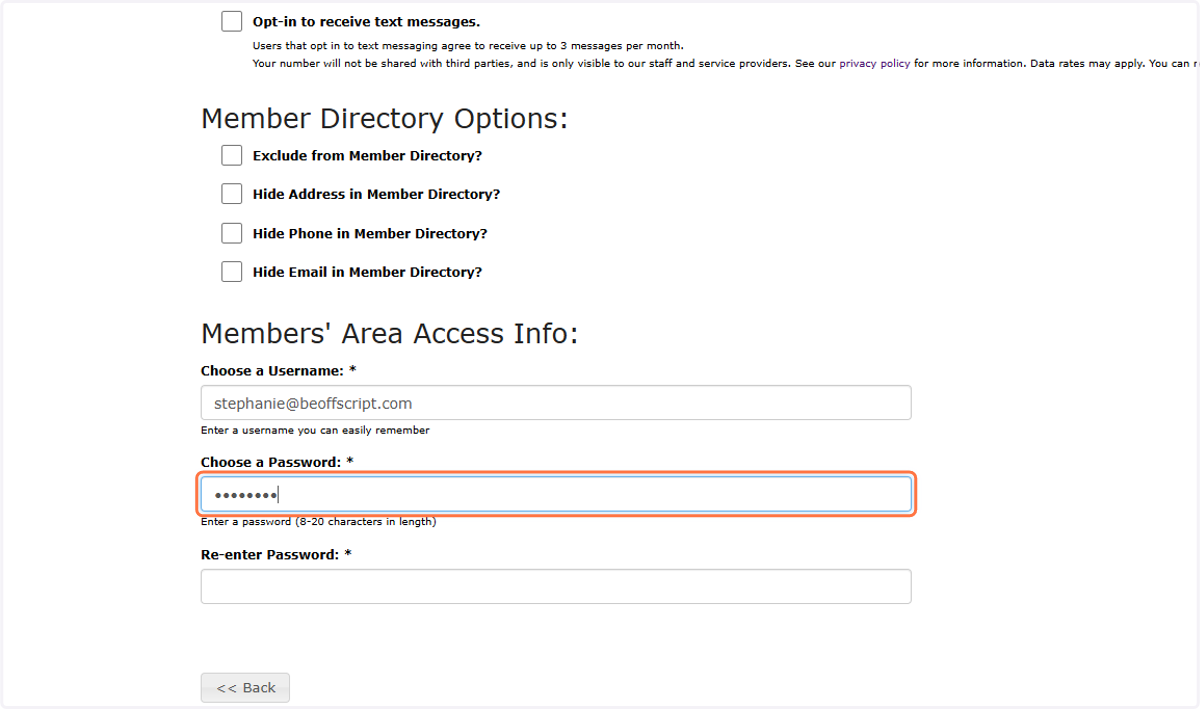
11. Choose a username and password
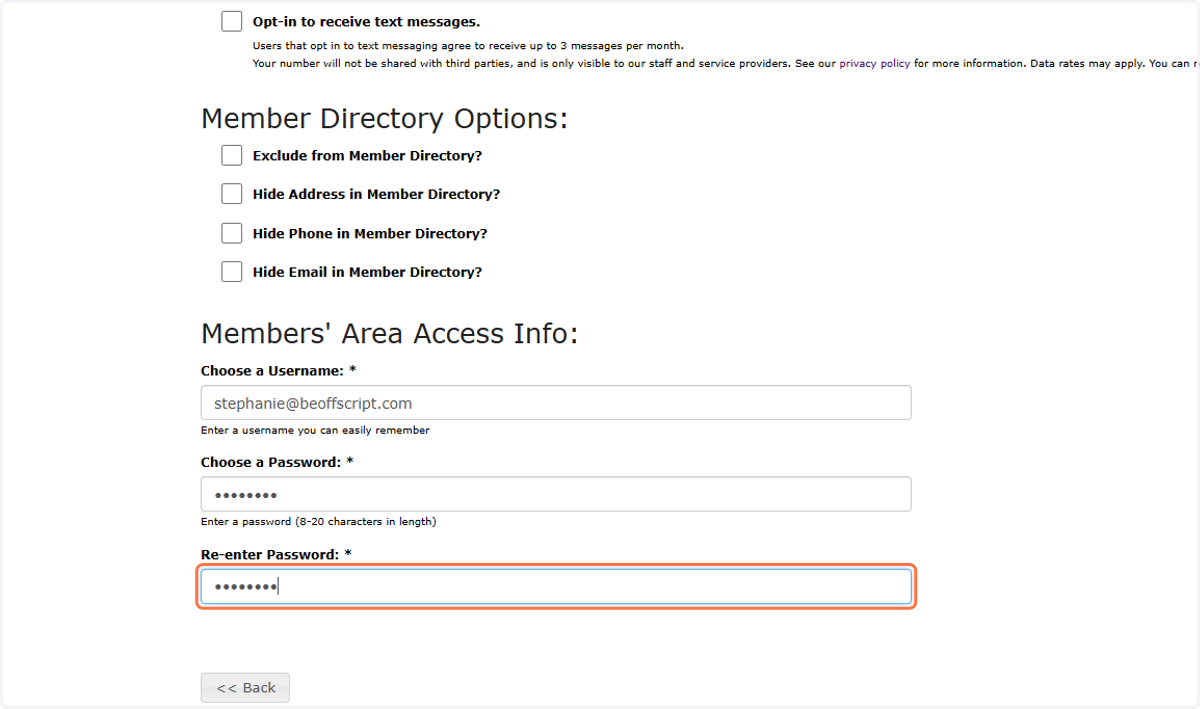
12. Re-enter password to confirm
13. Click on Continue >>
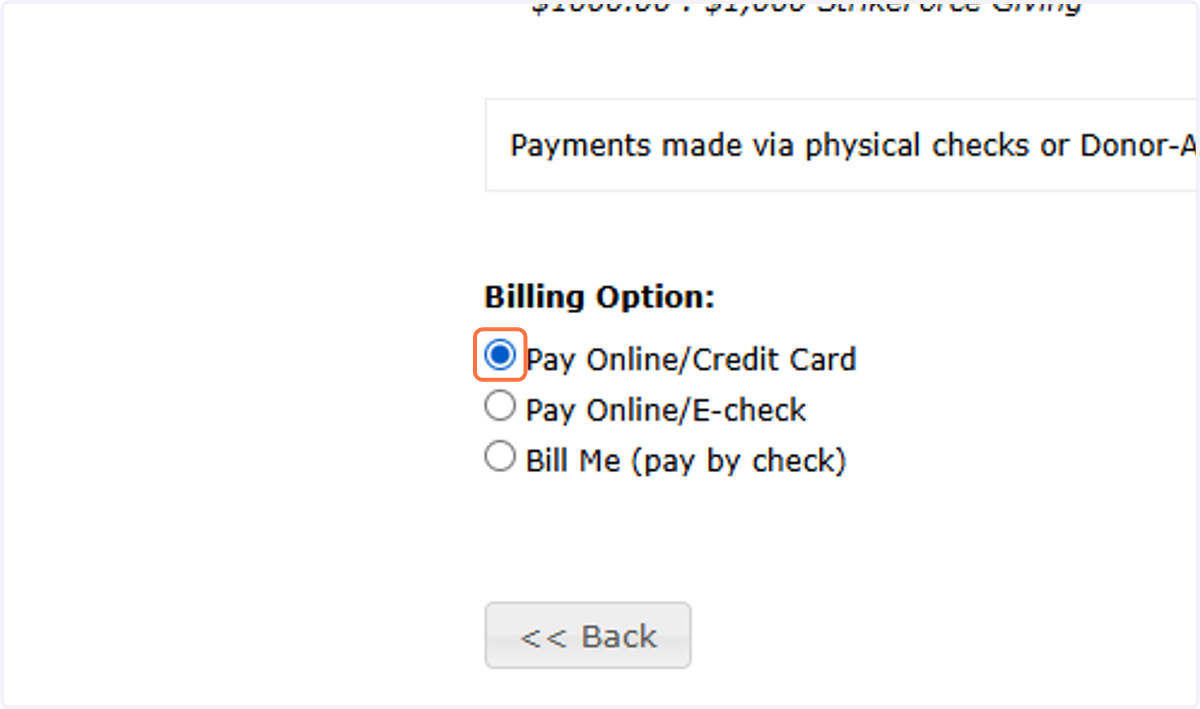
14. Select how you'd like to pay
15. Click on Complete your Registration >>
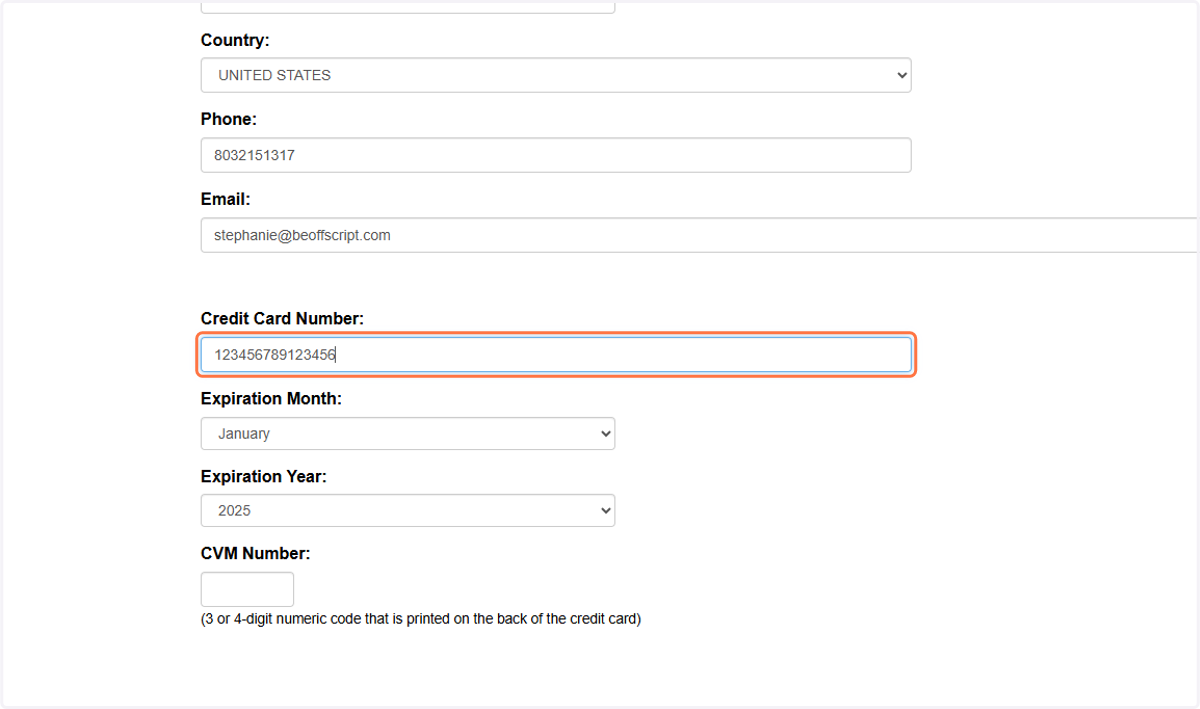
16. Type your card information
17. Click on Complete Payment >>