Register HUBZone Conference Exhibit Booth Staff
HUBZone Contractors National Council - 2026 National HUBZone Conference
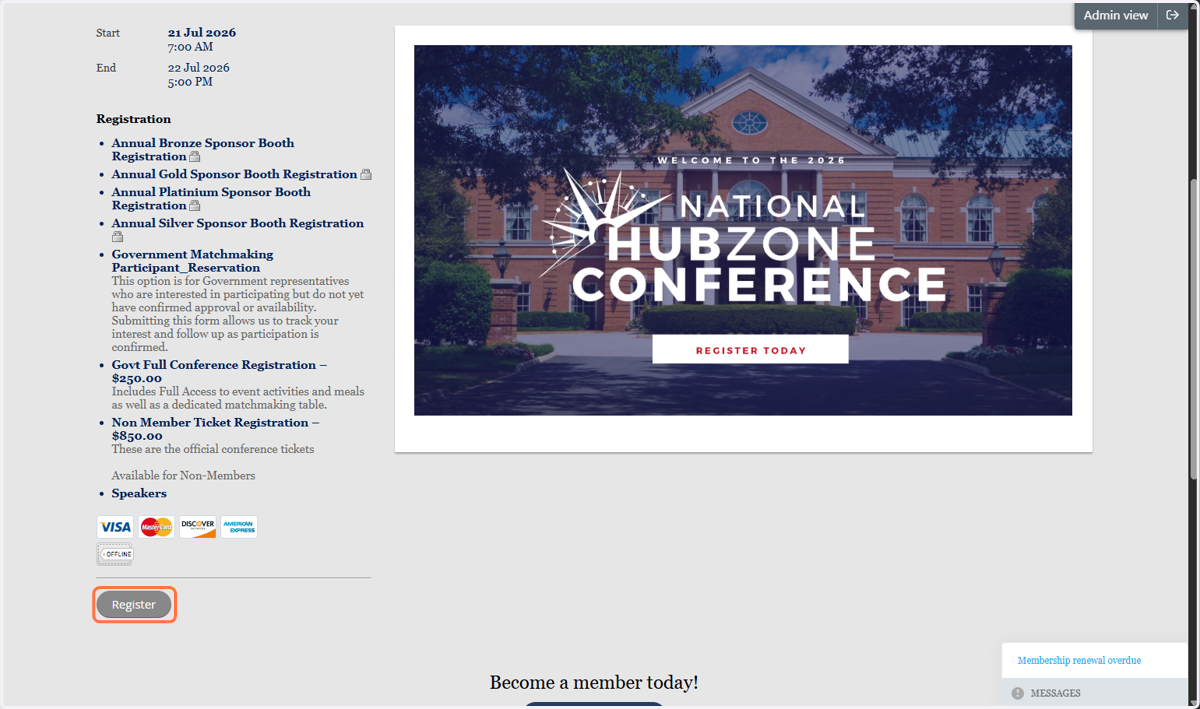
1. Click on Register
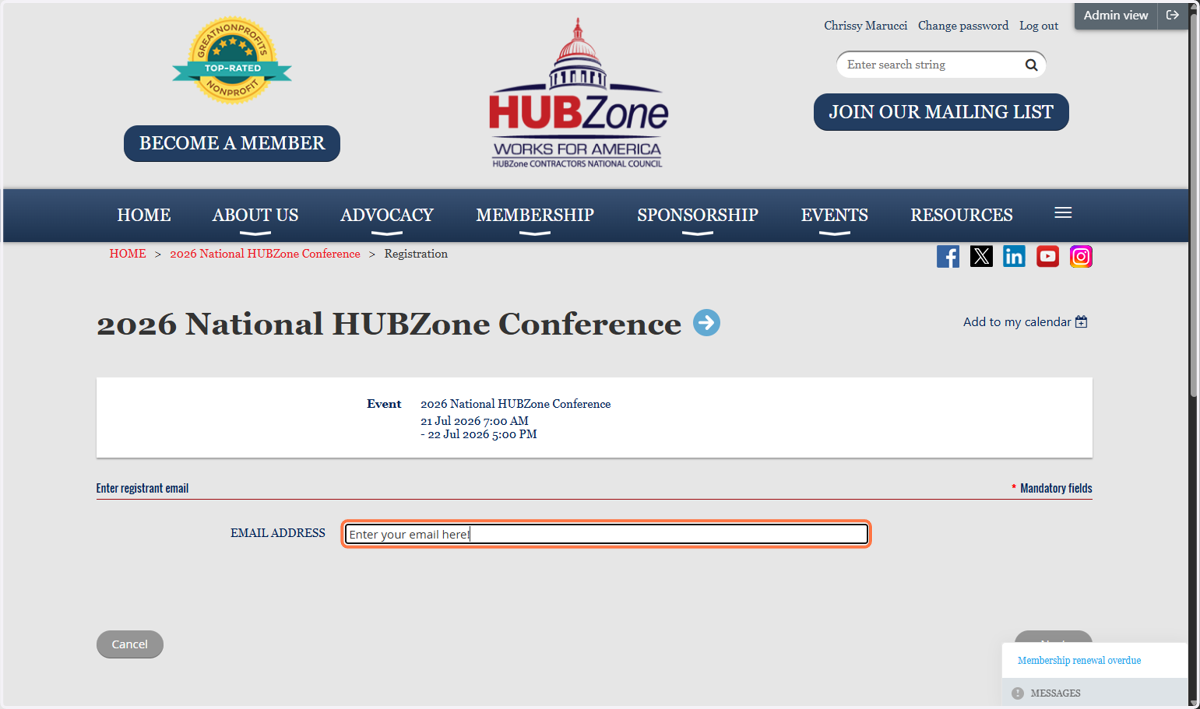
2. Enter your EMAIL ADDRESS
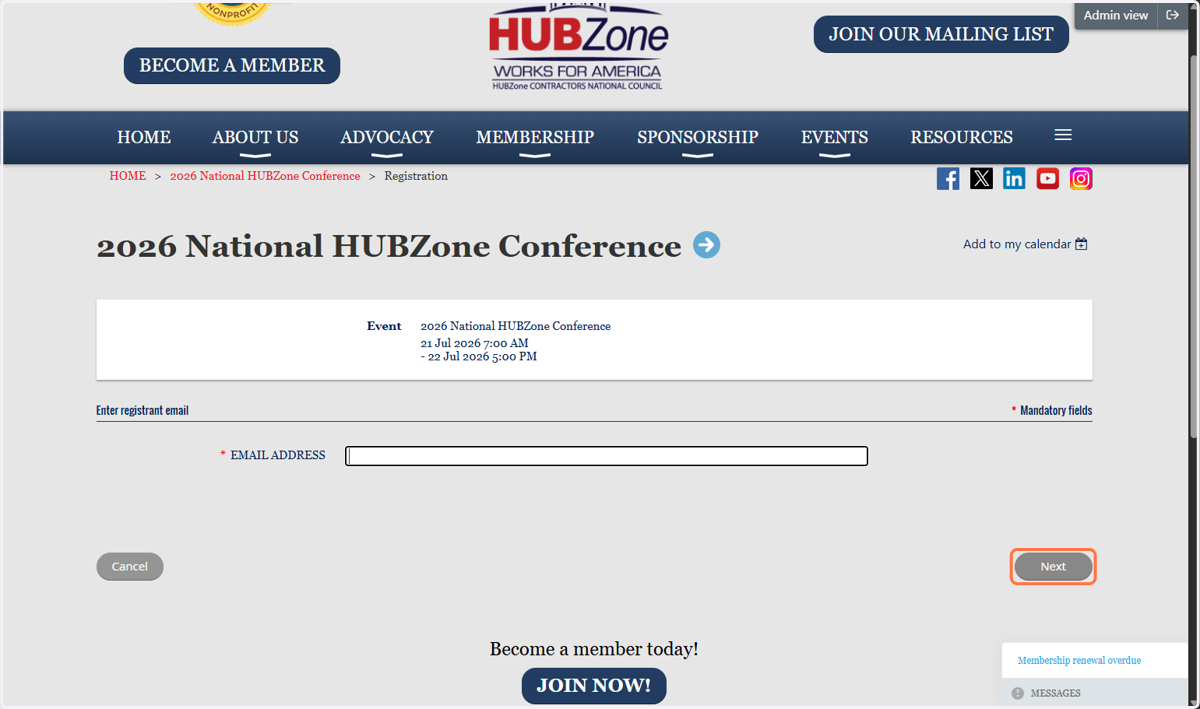
3. Click NEXT
4. Select the "Annual Sponsor Level" for your company
Bronze, Silver, Gold, Platinum
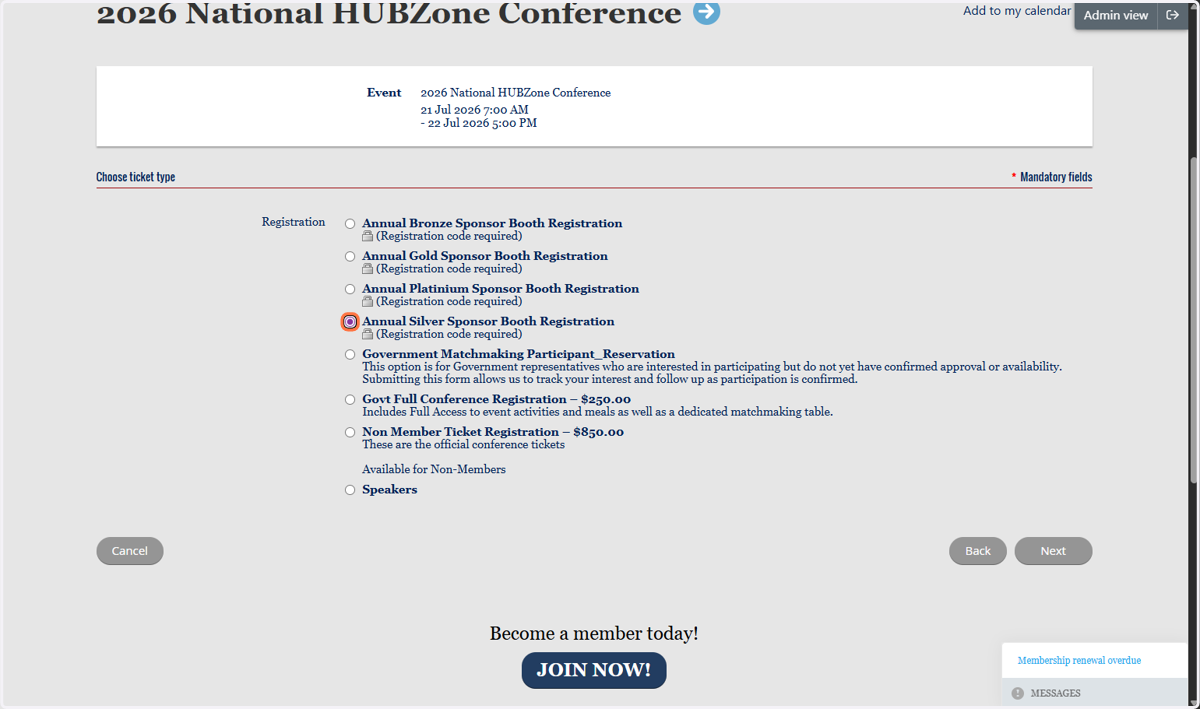
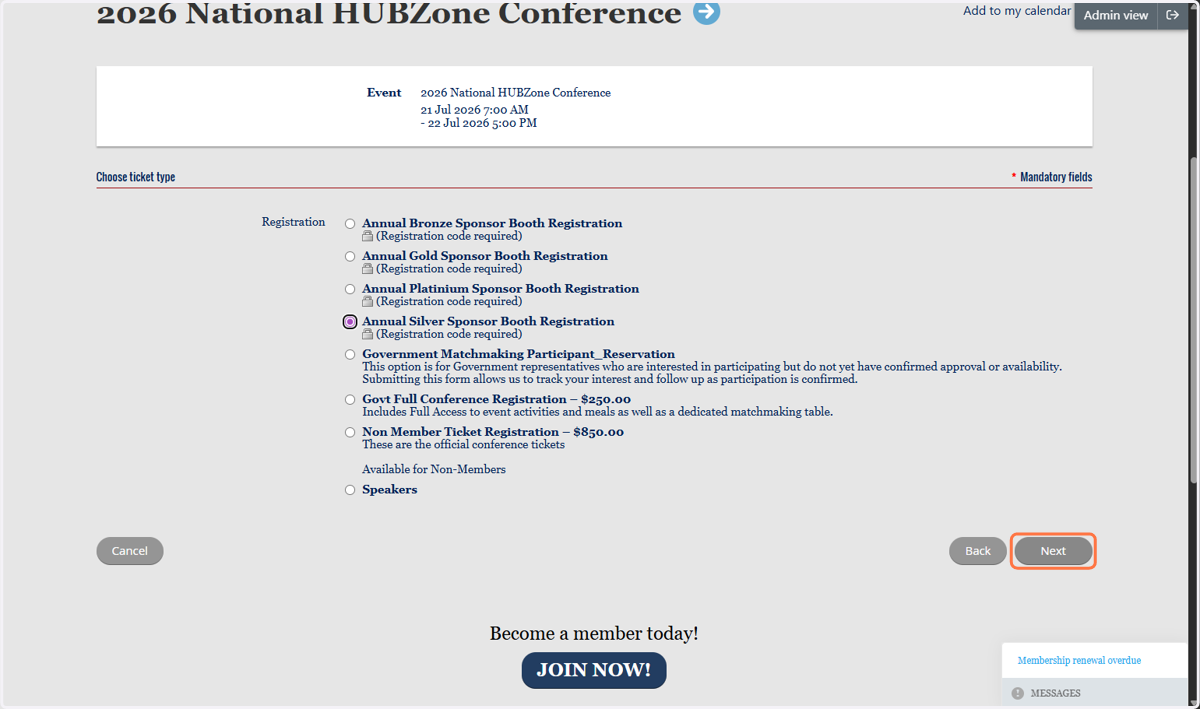
5. Click on Next
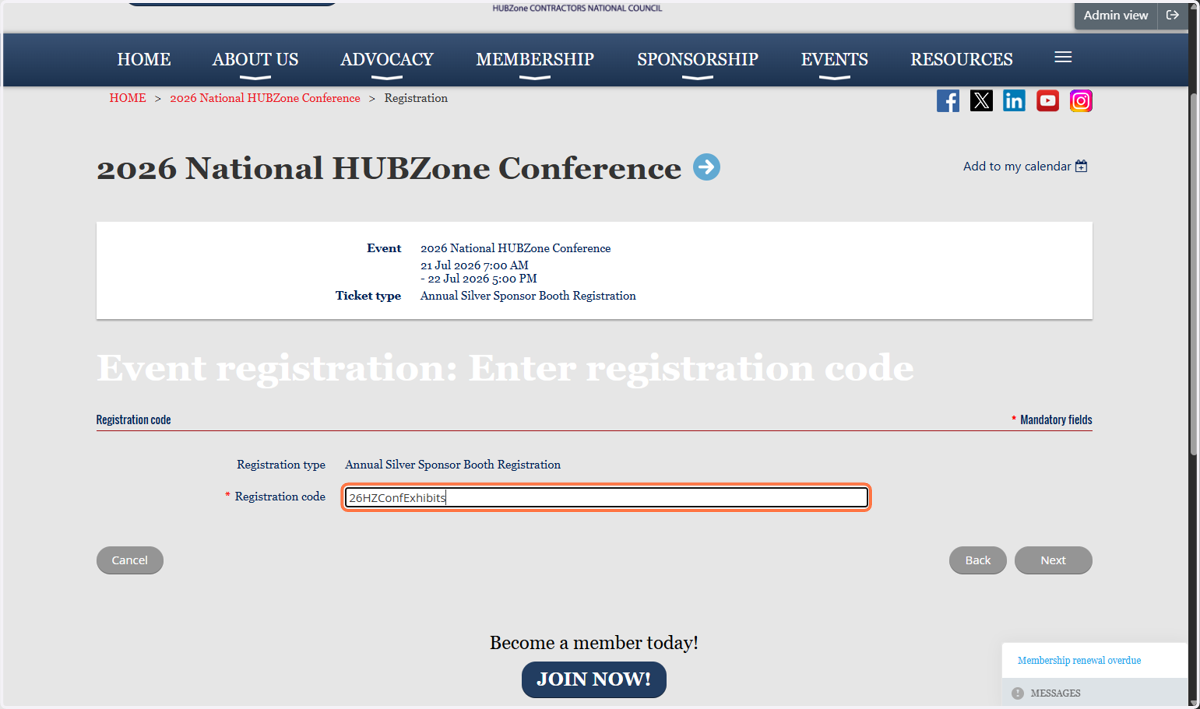
6. Enter your registration code:
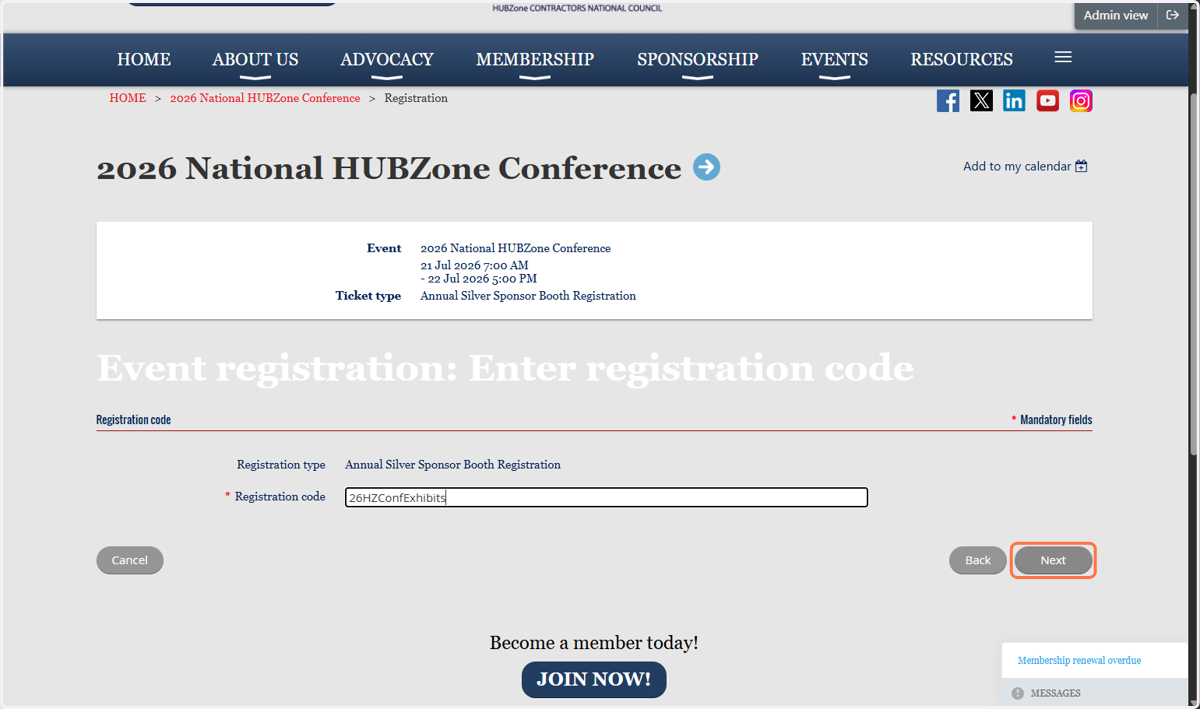
7. Click on Next
8. Click on Add guest to add your Booth Staff
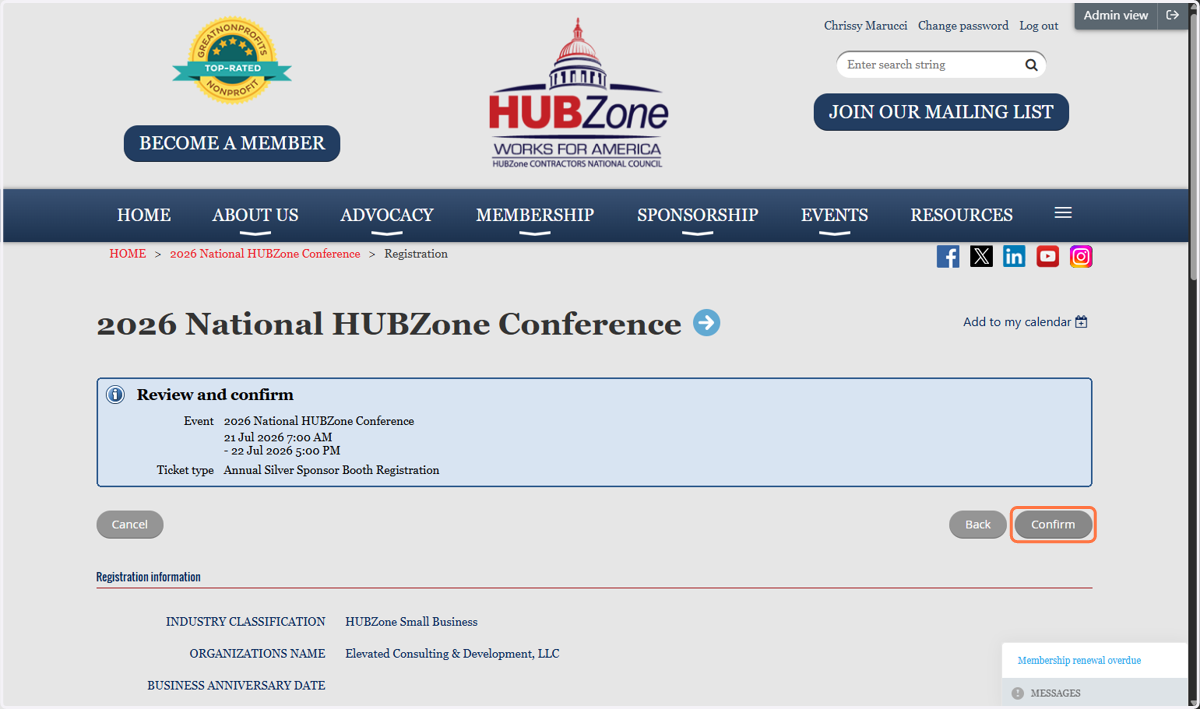
The number of included Conference Registrations is dependent on your Sponsorship level
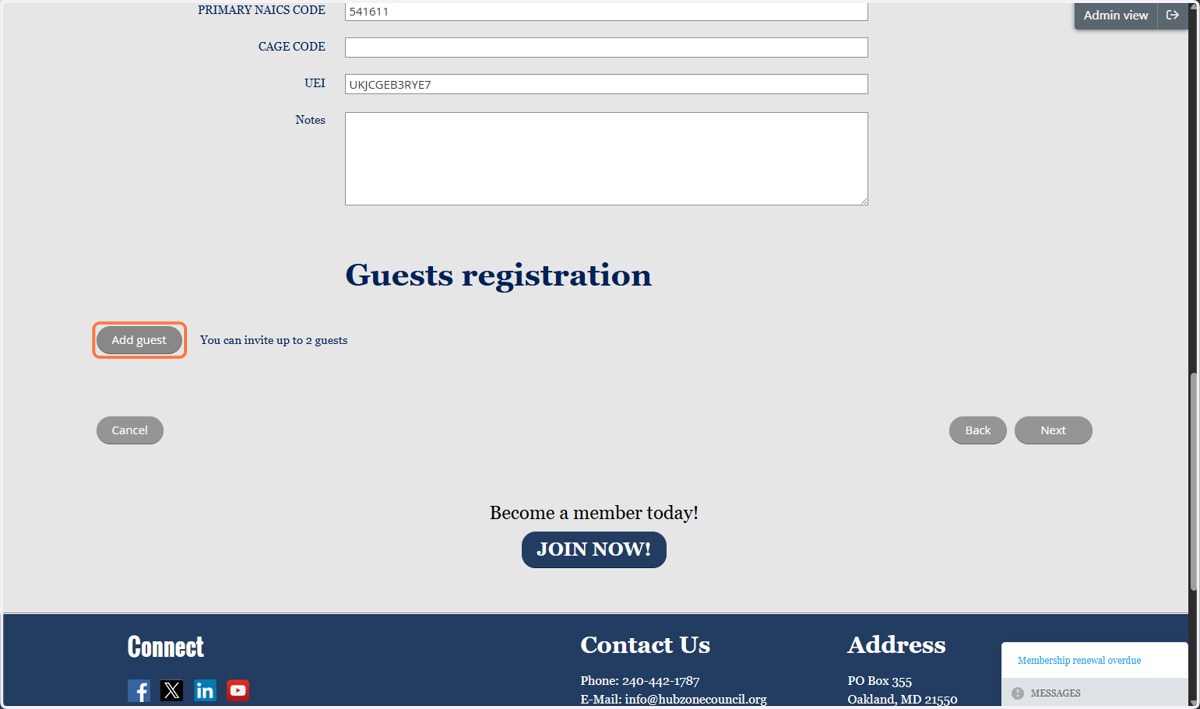
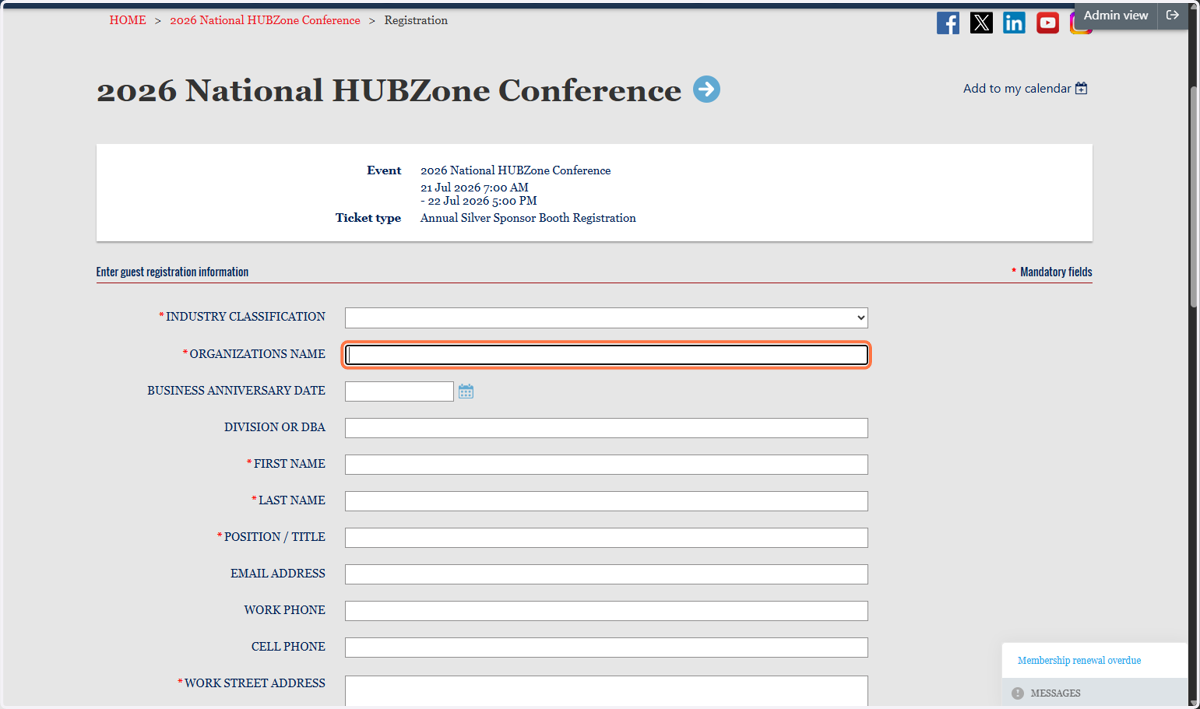
9. Complete all registration information for all Booth Registrants.
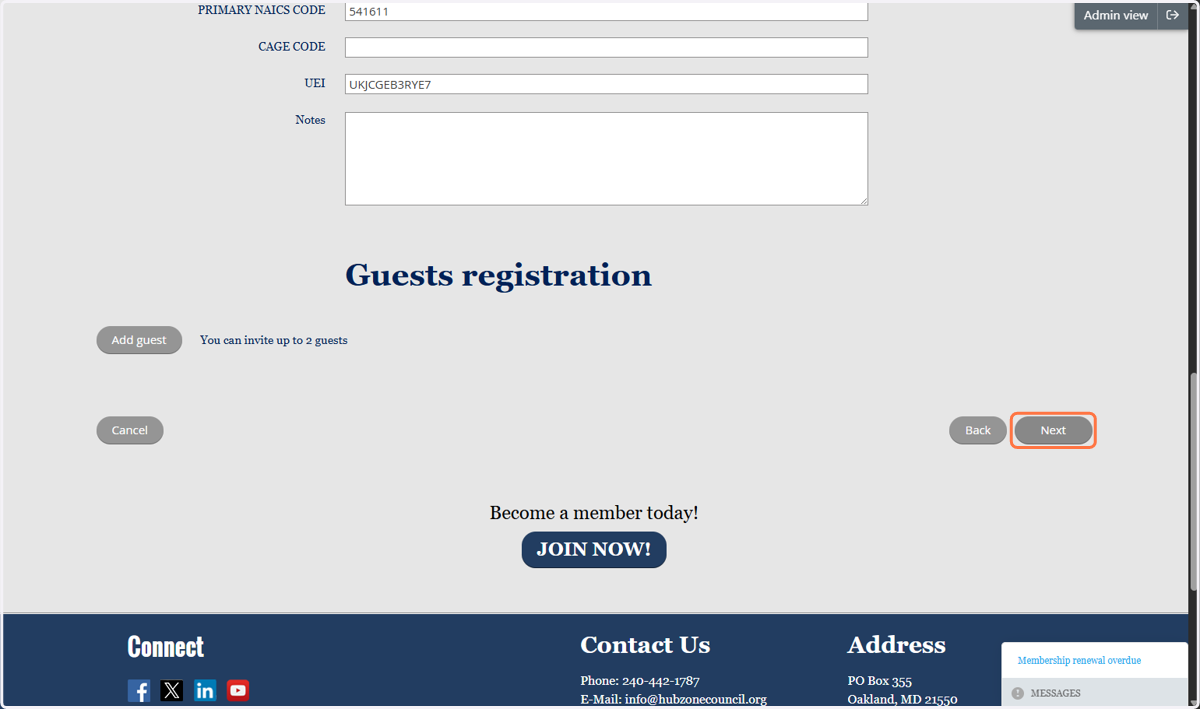
10. Once you have added all your allotted Registrations, click Next
11. Review your registration information and then click Confirm (or Back to make corrections)