Recruiting for Search Committee Members
Workday has a distinct process on the coordination of applicants. This document will help Search Committee Members find a candidate's profile for review. Connect to Workday from the Google Apps icon within Email or Calendar.
If you need assistance, contact your Talent Acquisition Partner or the Facilitator.
Home - Workday
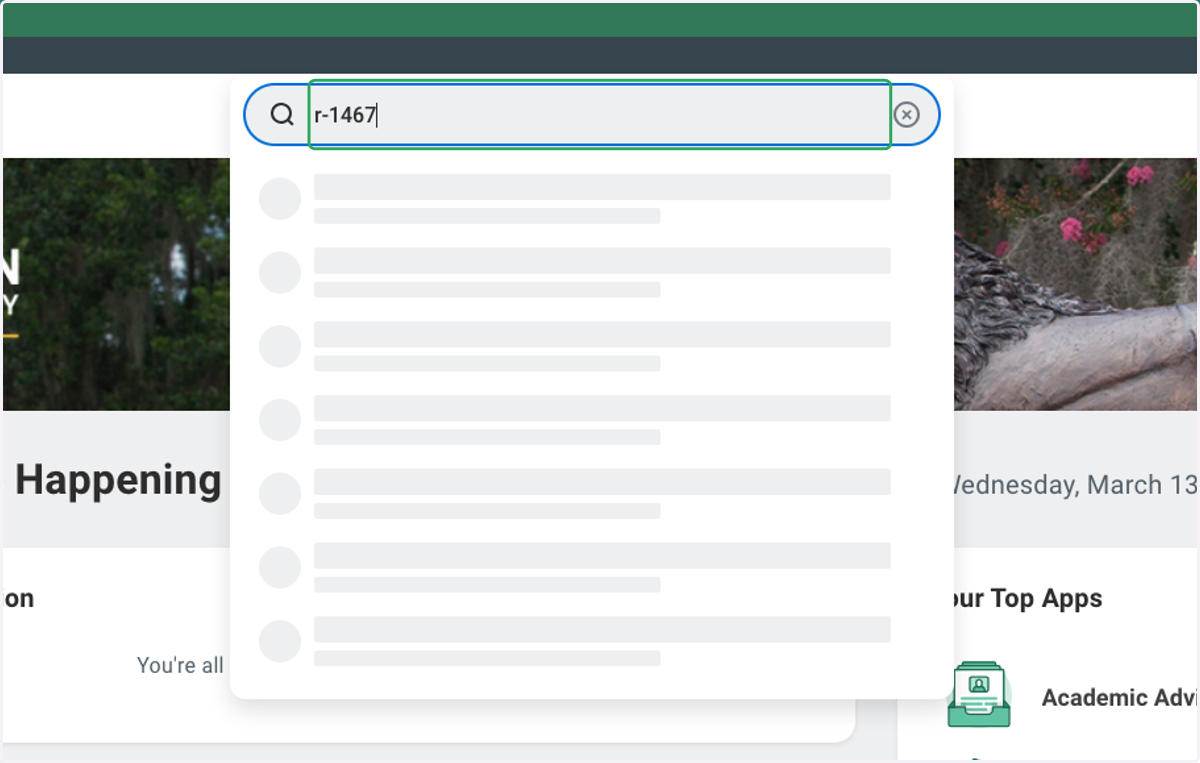
1. Type the Job Requisition Number
Go to your search bar and type the Job Requisition number that was given to you by the Facilitator. Note: The "R-" must be typed in the search bar.
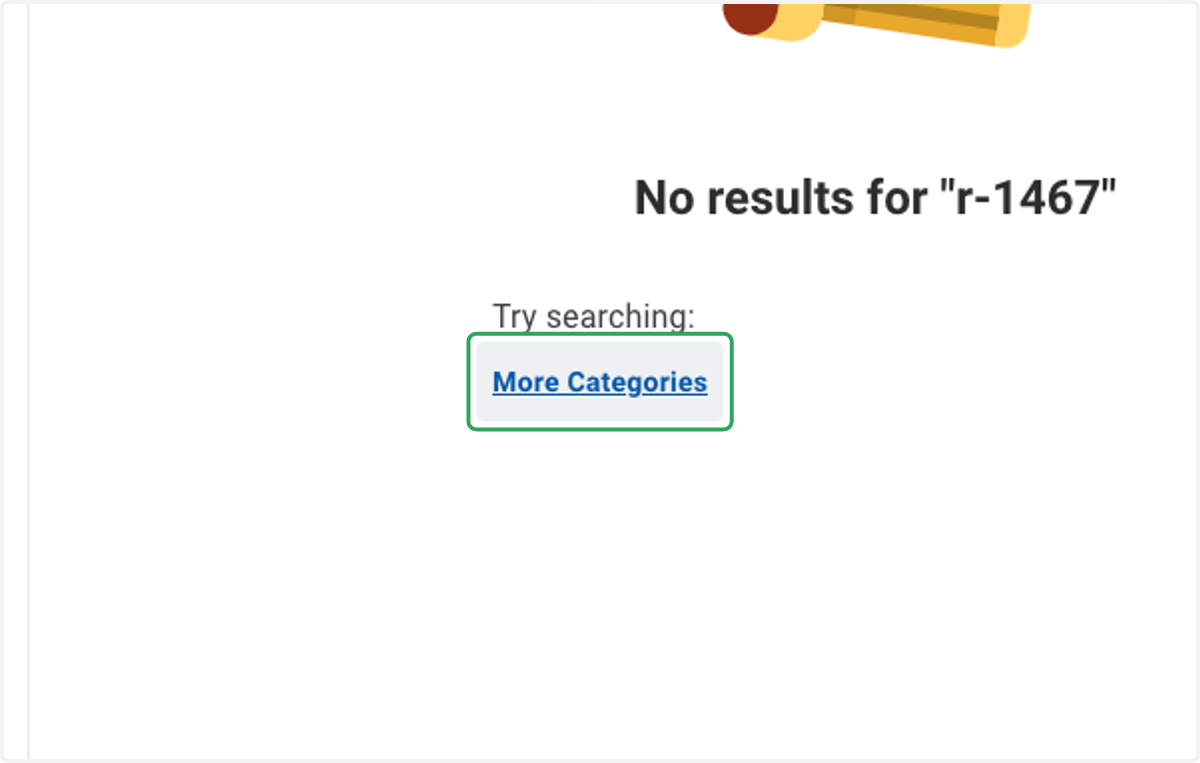
2. If nothing appears in your search, select More Categories.
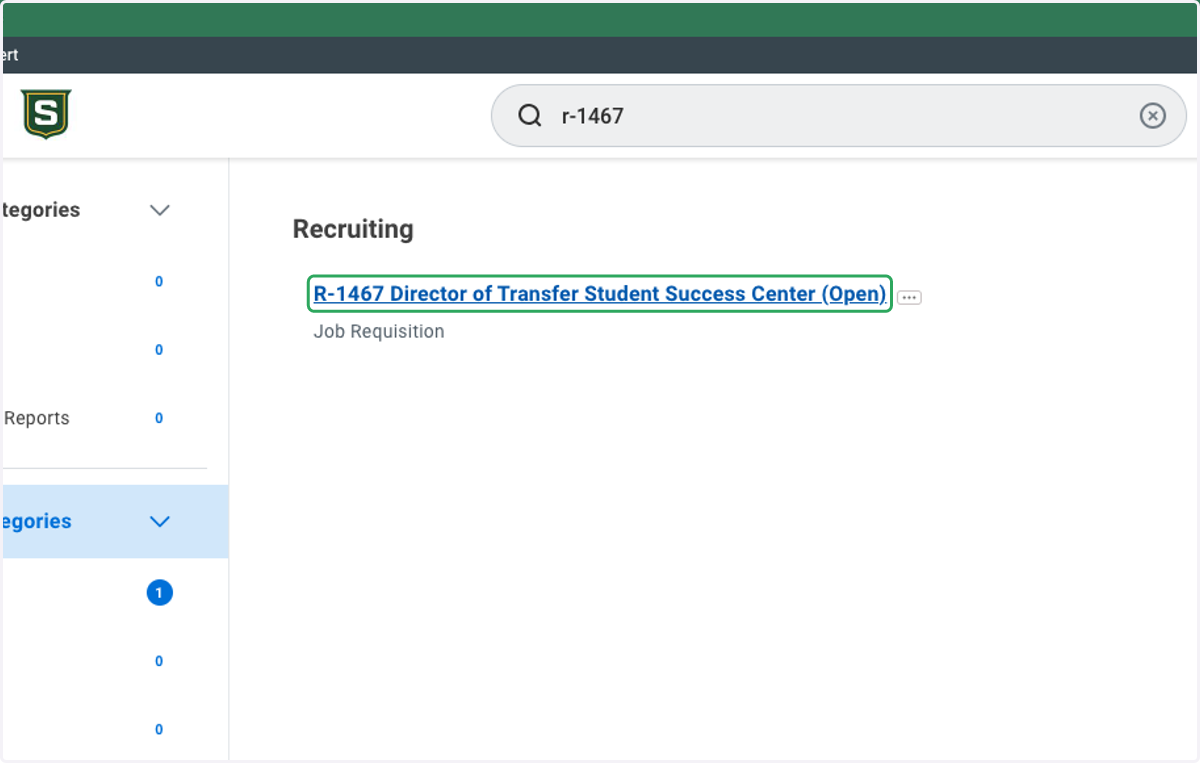
3. Select the Job Requisition number and navigate to the candidate tab.
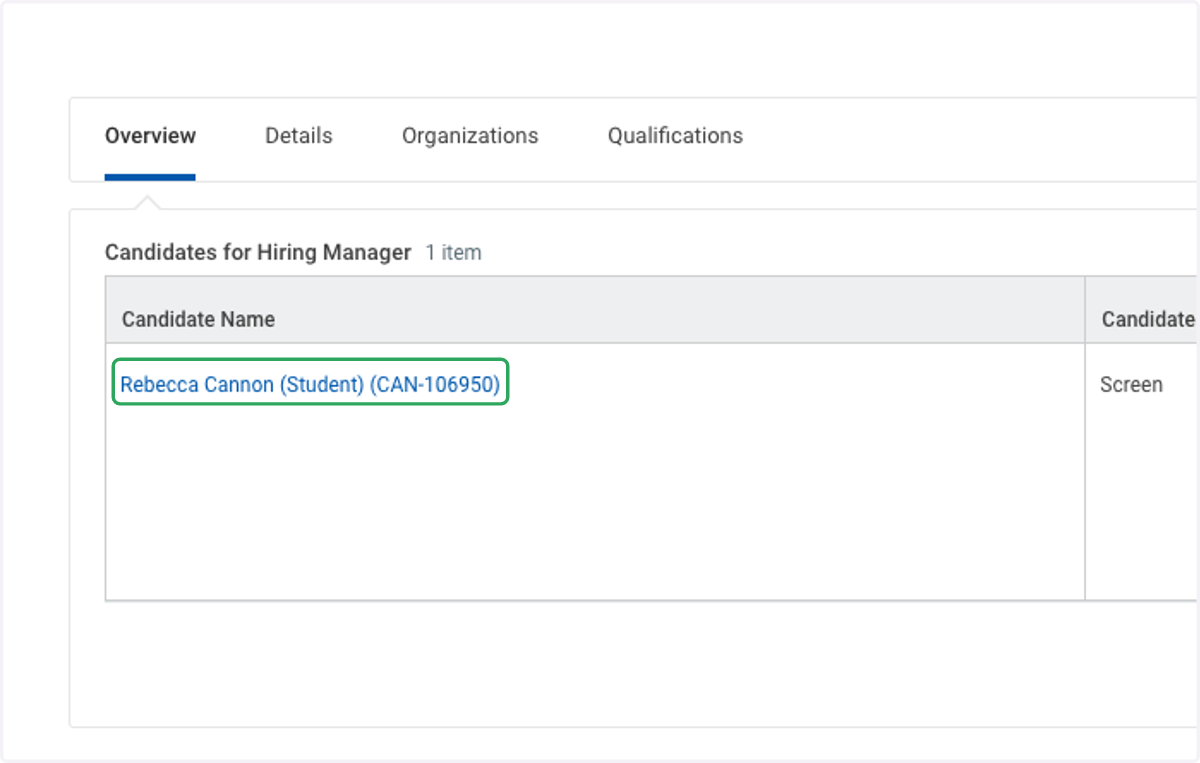
4. Select the candidate's name to view their candidate profile.
After reviewing all of the candidates, select the name(s) you wish to interview and inform the Facilitator of your decision.