ROLES – Leader Dashboard
Helps the leader define which roles are needed to execute the strategy, set clear expectations, and assign ownership. Each role is linked to 12-month KPI targets to ensure accountability.
Creating a team roles list.
The first task is for the leader to think through which roles are needed in the team to achieve the desired goals — to win the game.
To do this, the leader takes the following steps:
Create the role
Define the role’s mission — how this role creates value for the customer
Select the right person for the role
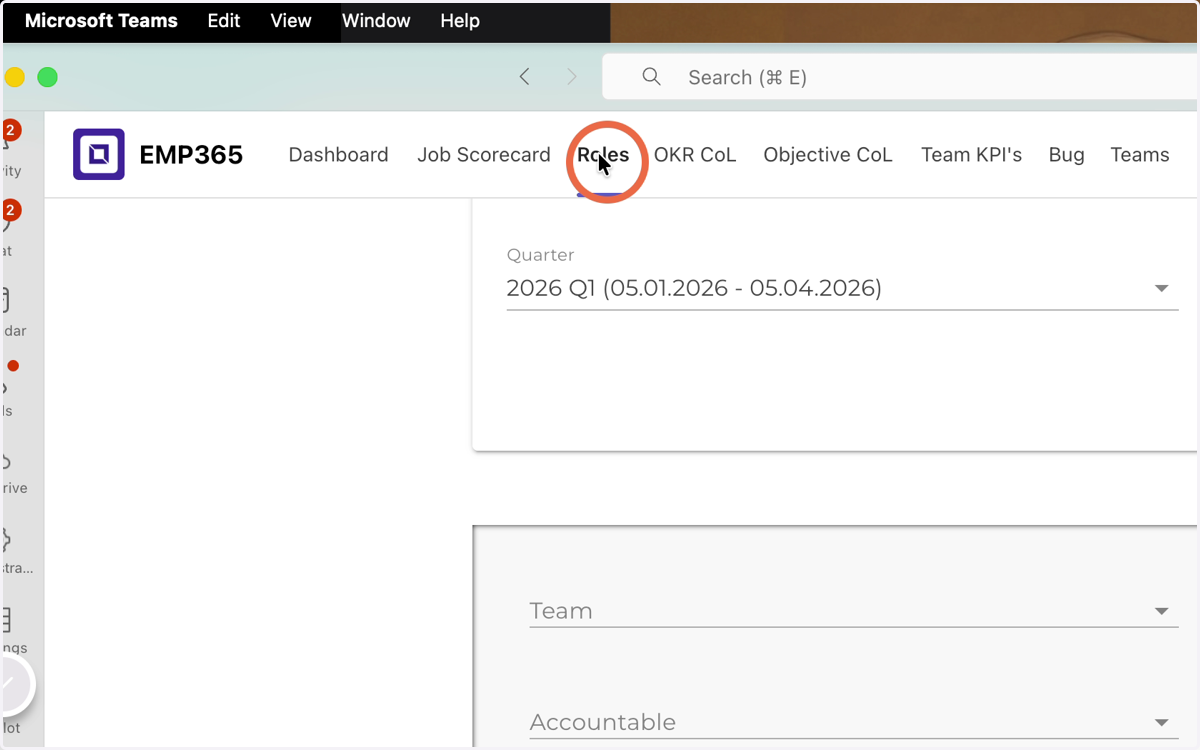
1. Click Roles
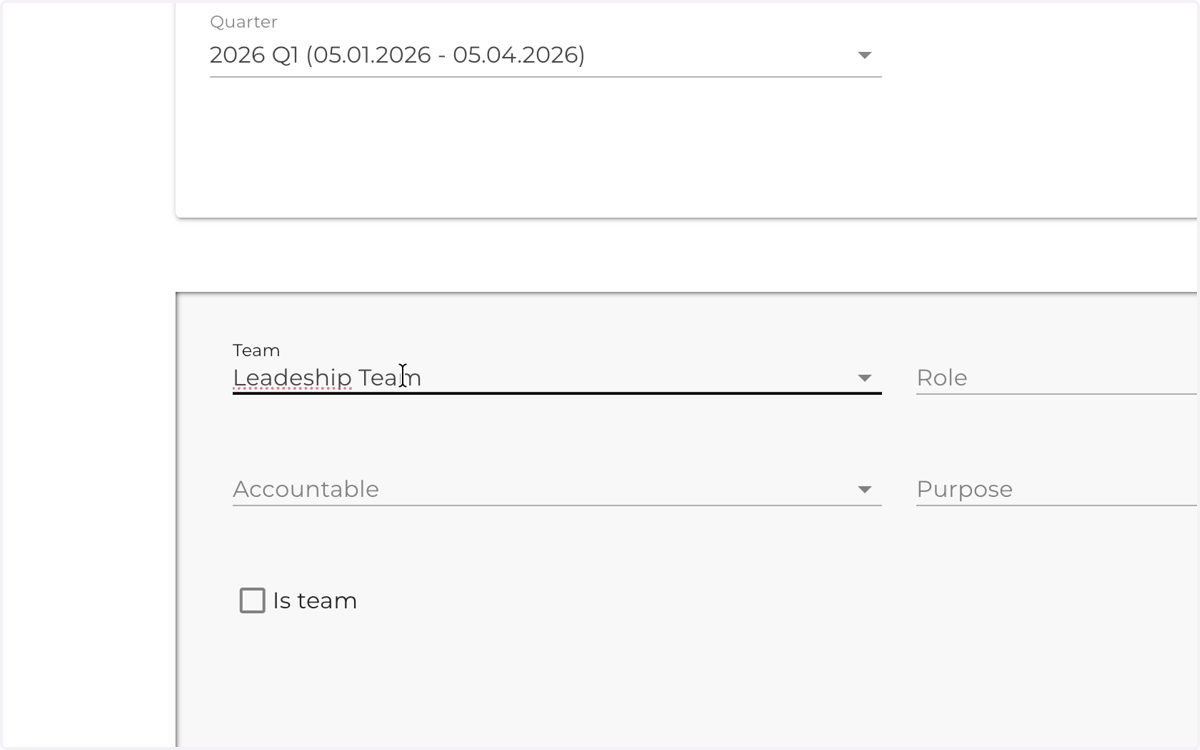
2. Insert team name
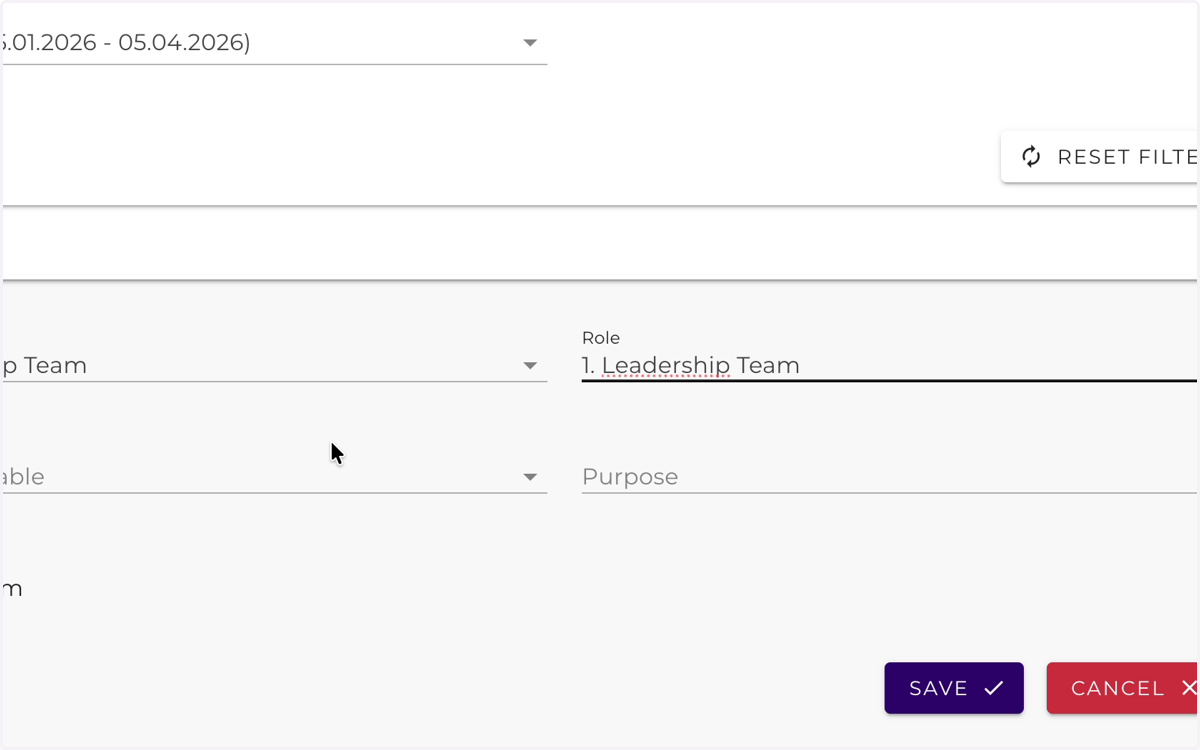
3. Insert Role name
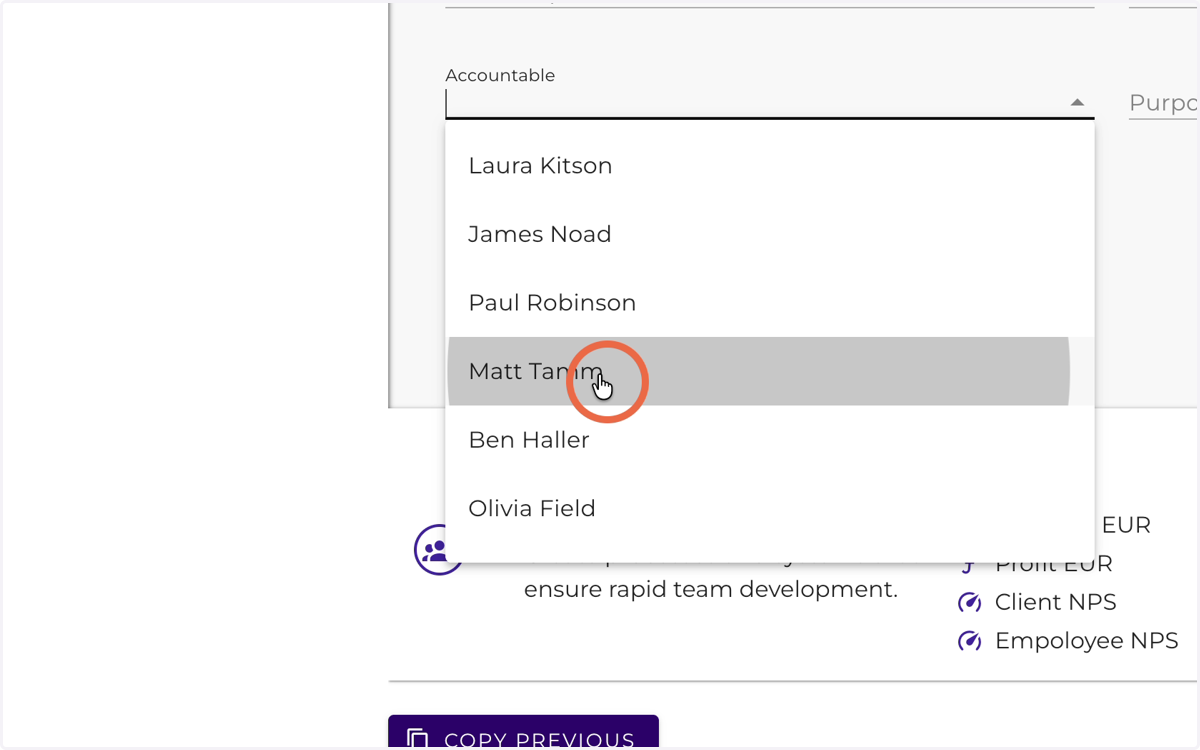
4. Select Accountable
5. Insert Purpose
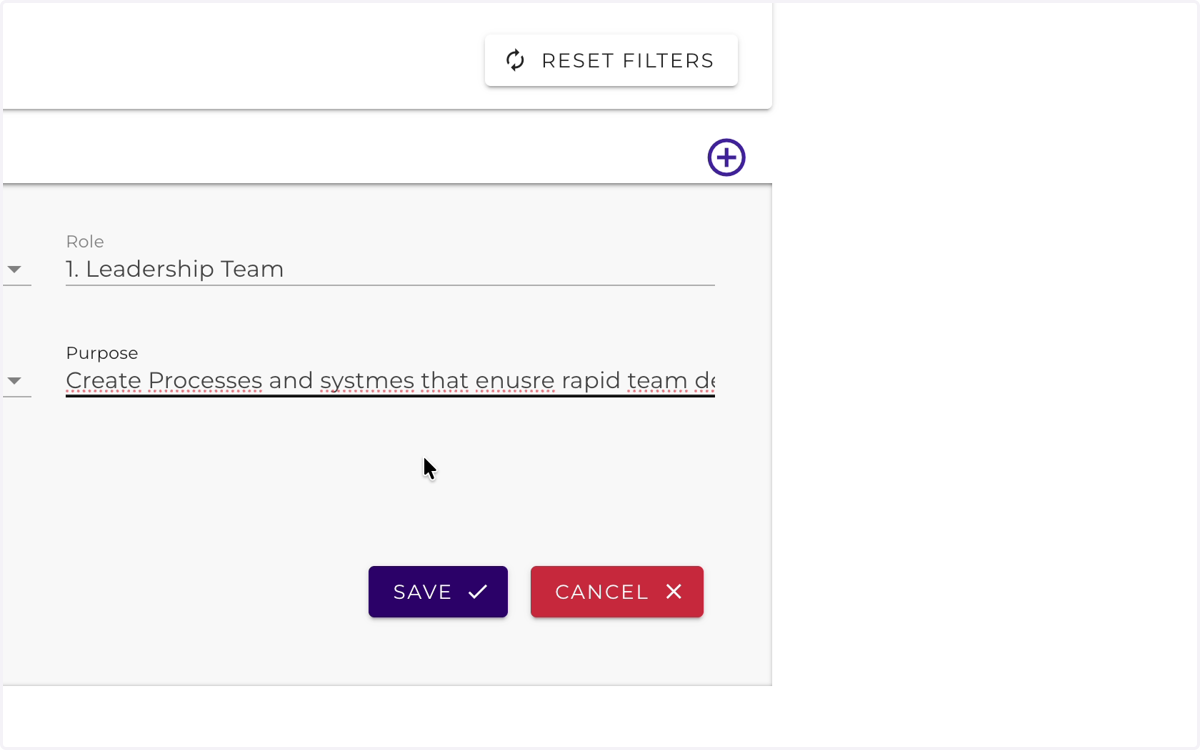
6. Click Save
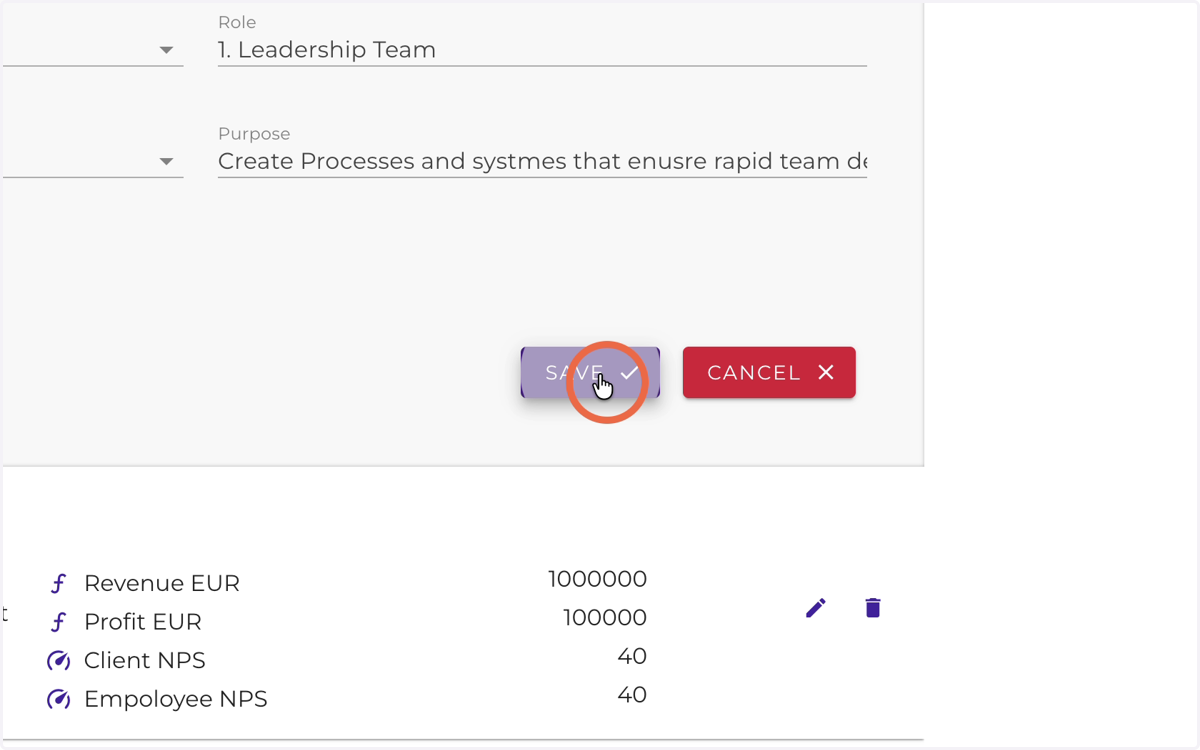
7. Click here
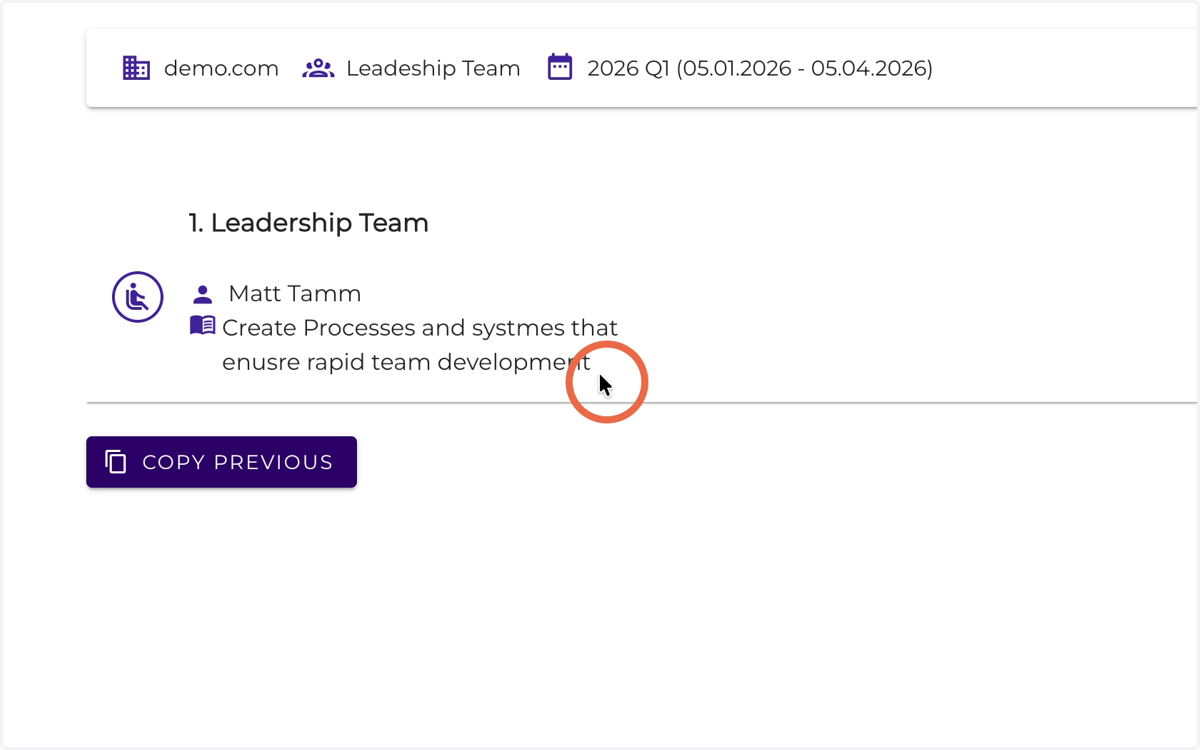
8. Start creating a new role - Click Add role
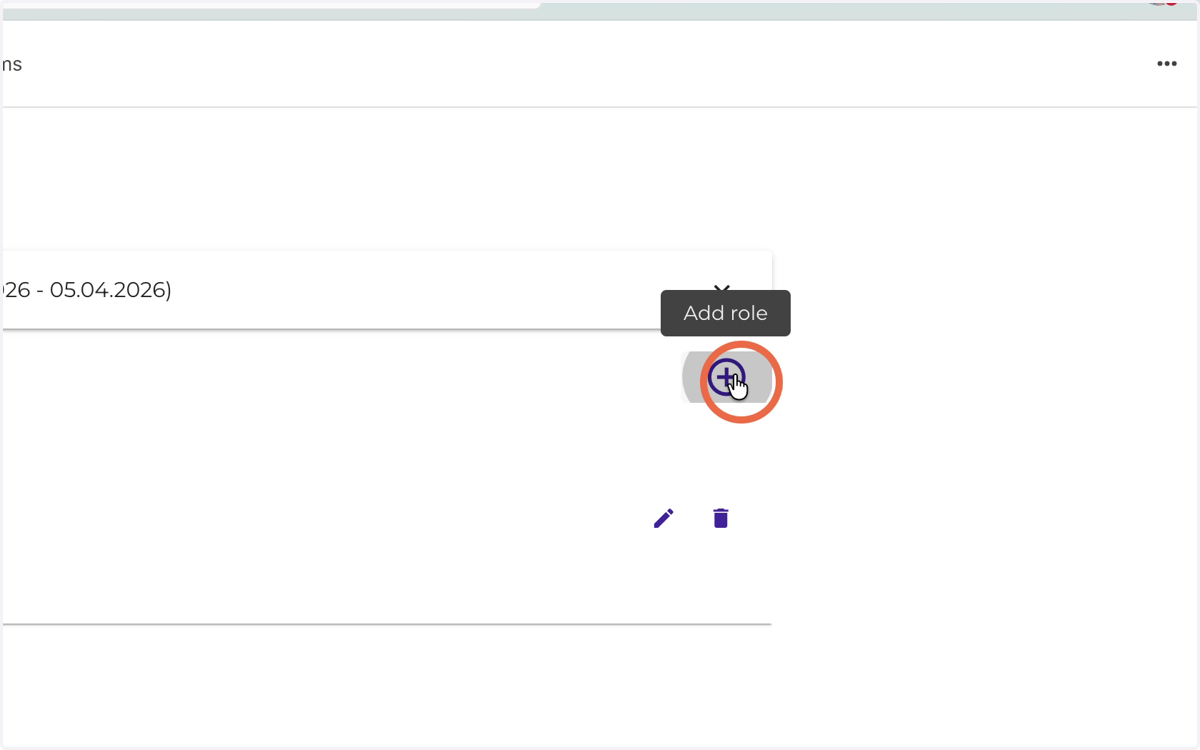
9. Select a team from the list
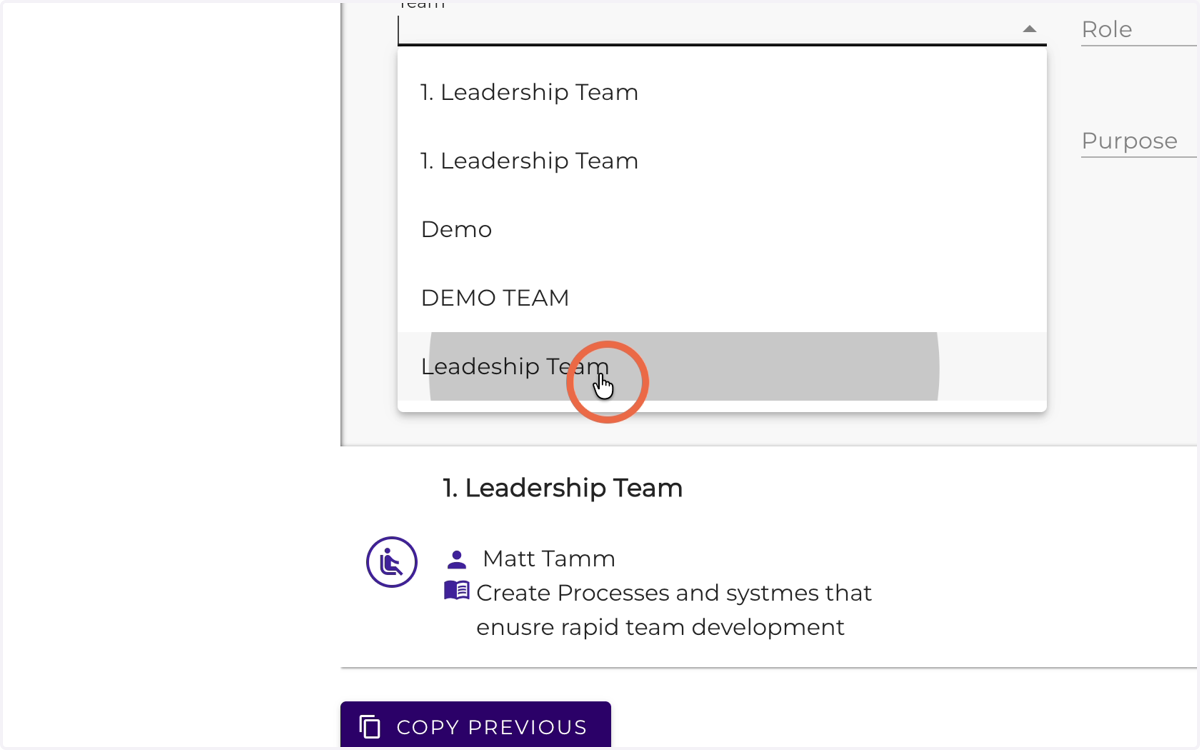
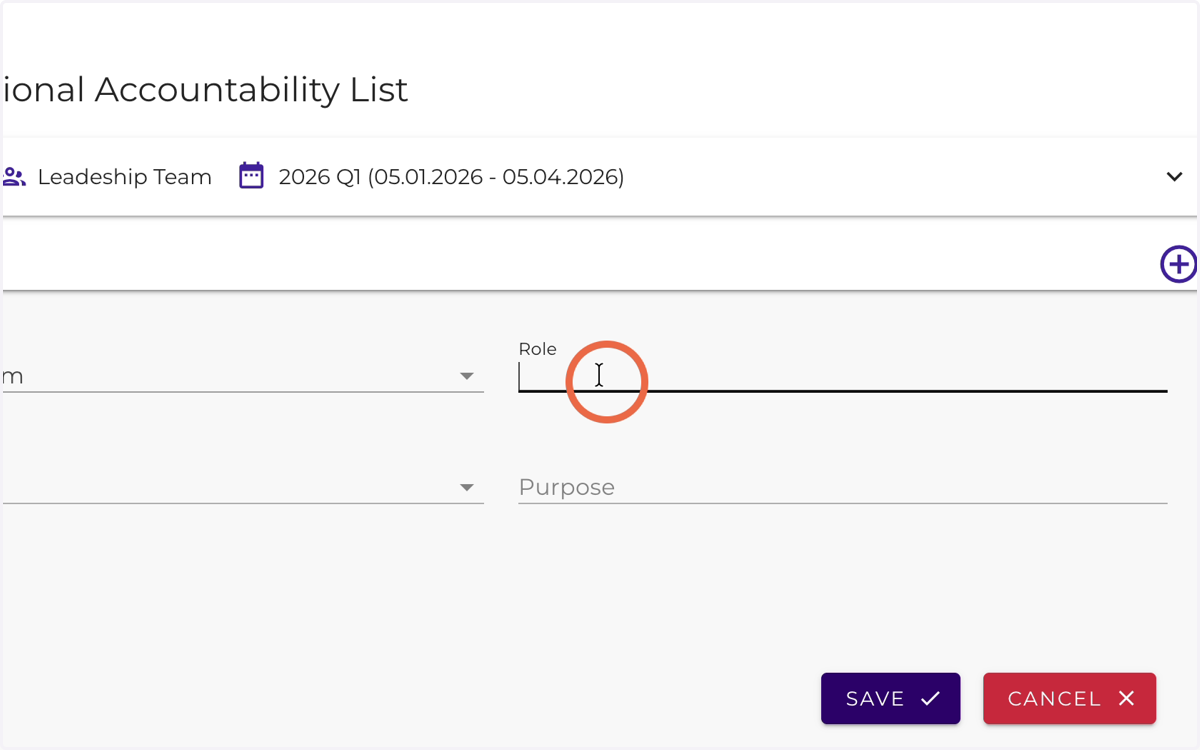
10. Insert the next role name
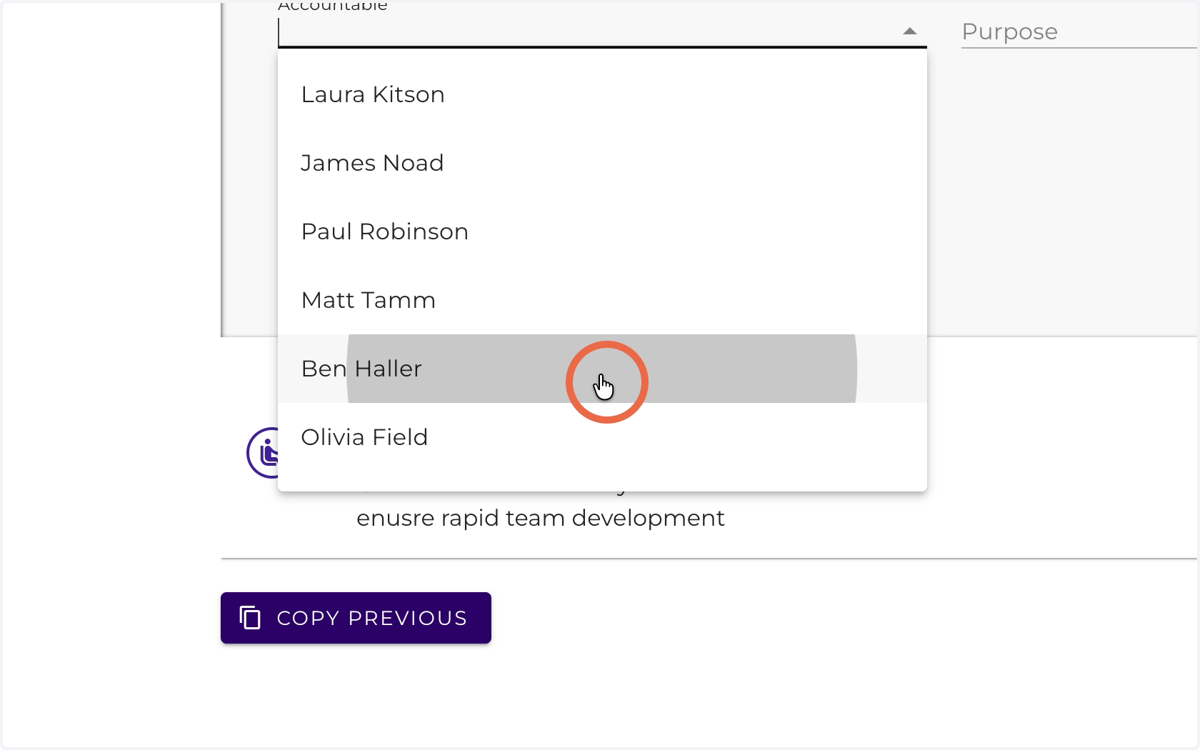
11. Select Accountable
12. Click here
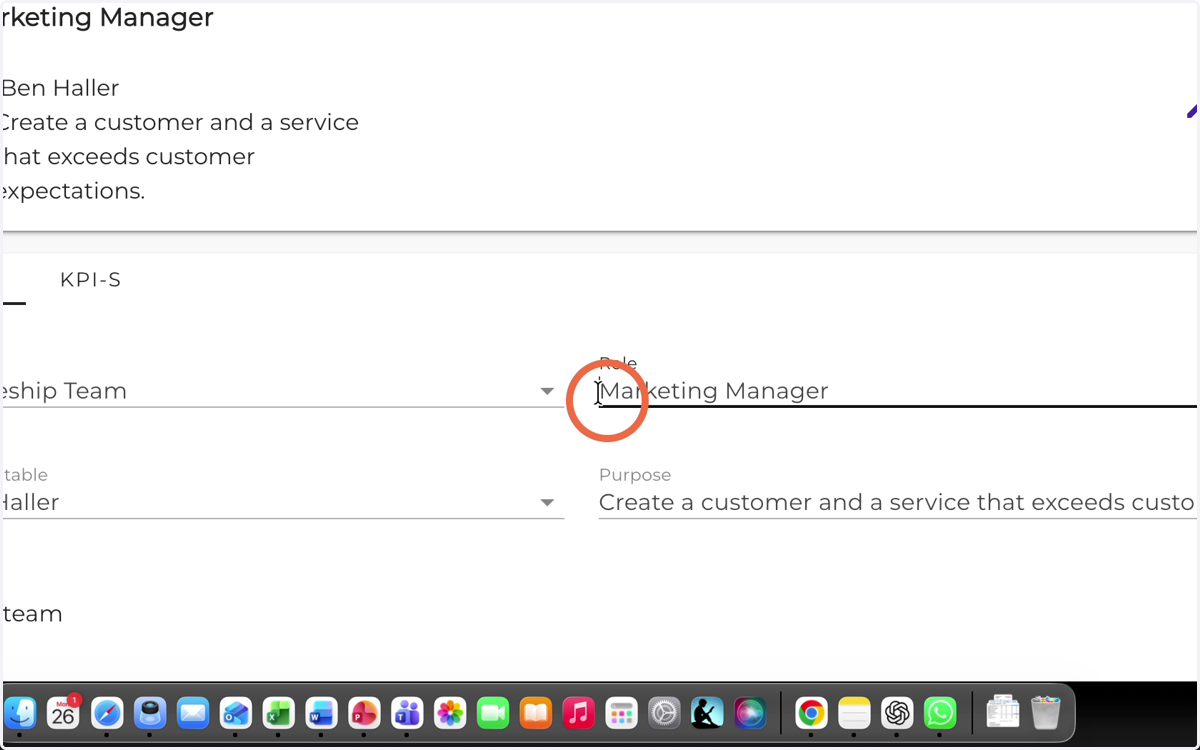
13. Click here
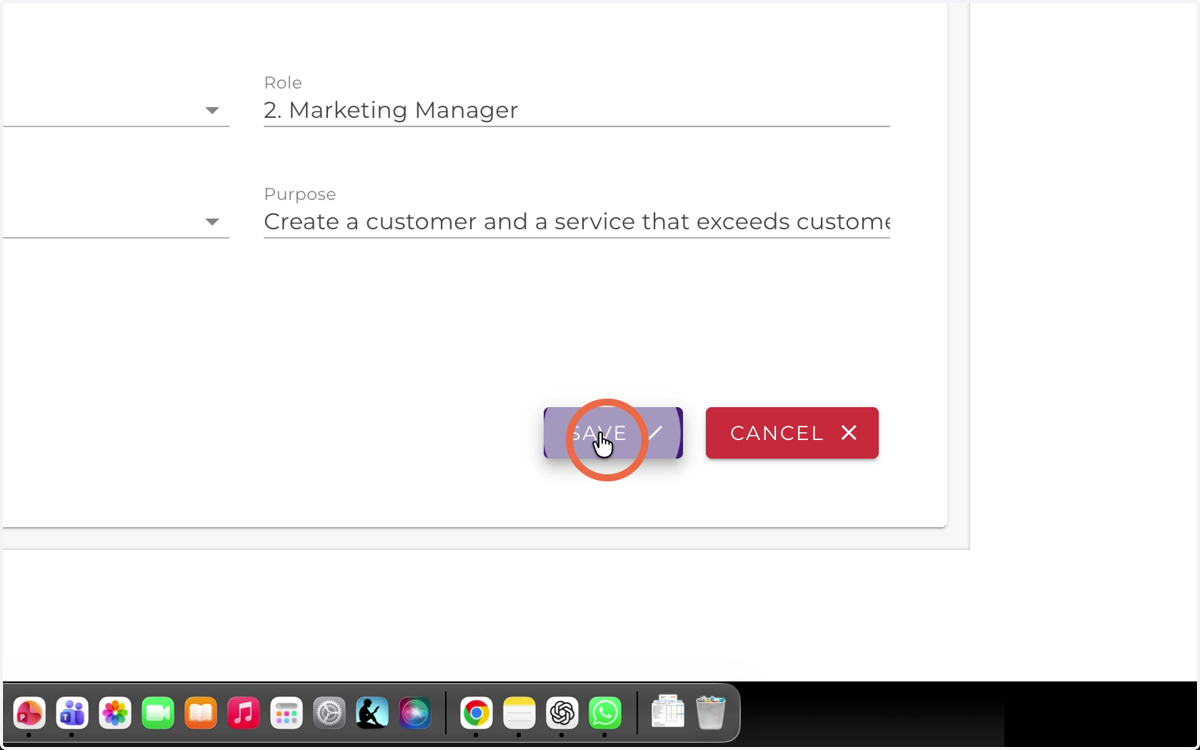
14. Click here
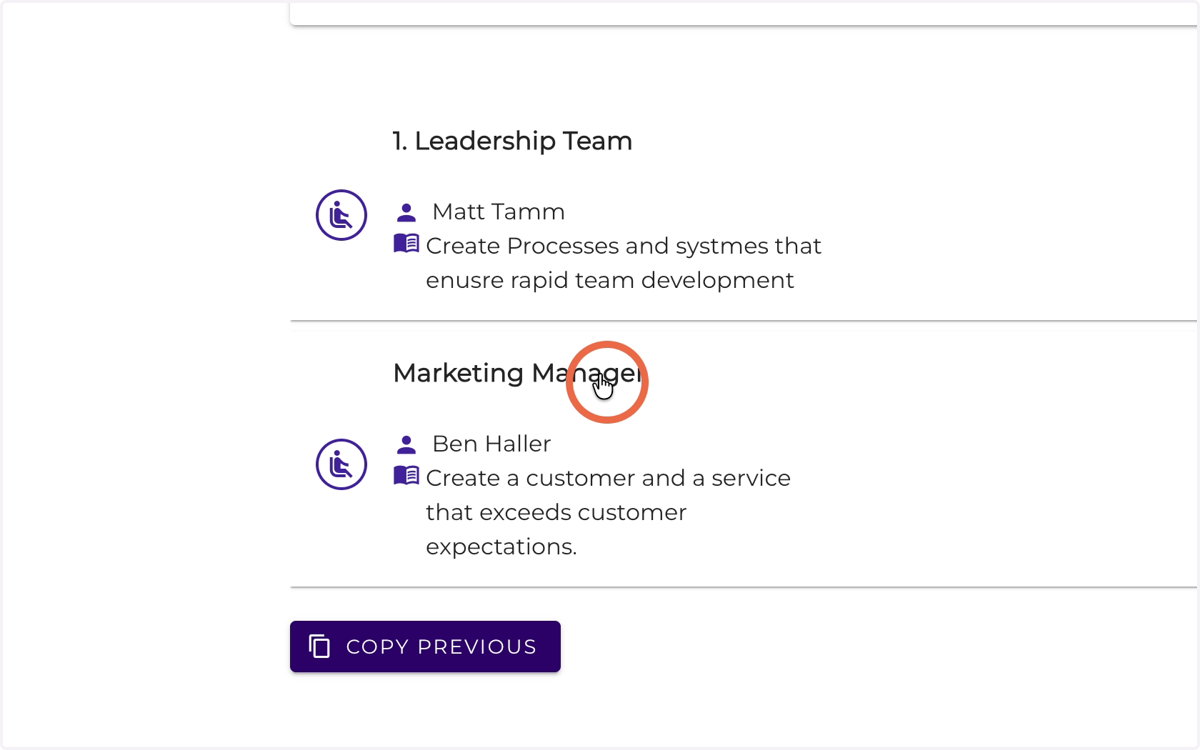
15. Create all team roles based on these examples.
To keep the organization and the team aligned, the best leaders ask themselves the following question at the beginning of every new quarter:
“Which roles do I need in my team, and who in the team is best suited to be the owner of each role?”
This exercise may also reveal that:
some roles do not yet have the right person assigned, and
in some roles, ownership needs to be reassigned.