RDCRS - Student Transportation Registration Process
Welcome! Please follow this step-by-step guide to register your child(ren) for busing for the upcoming school year. Completing these steps accurately ensures your student is assigned a seat before the first day of school.
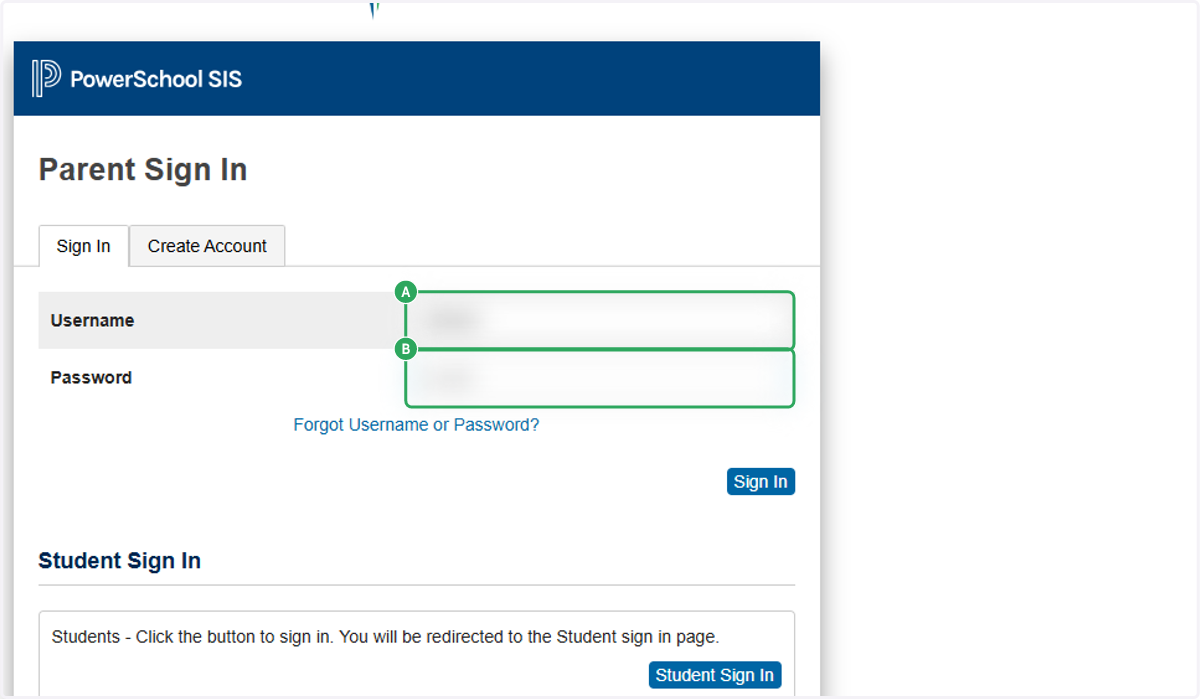
PowerSchool Parent Sign In
1. A. Type Username
1. B. Type password
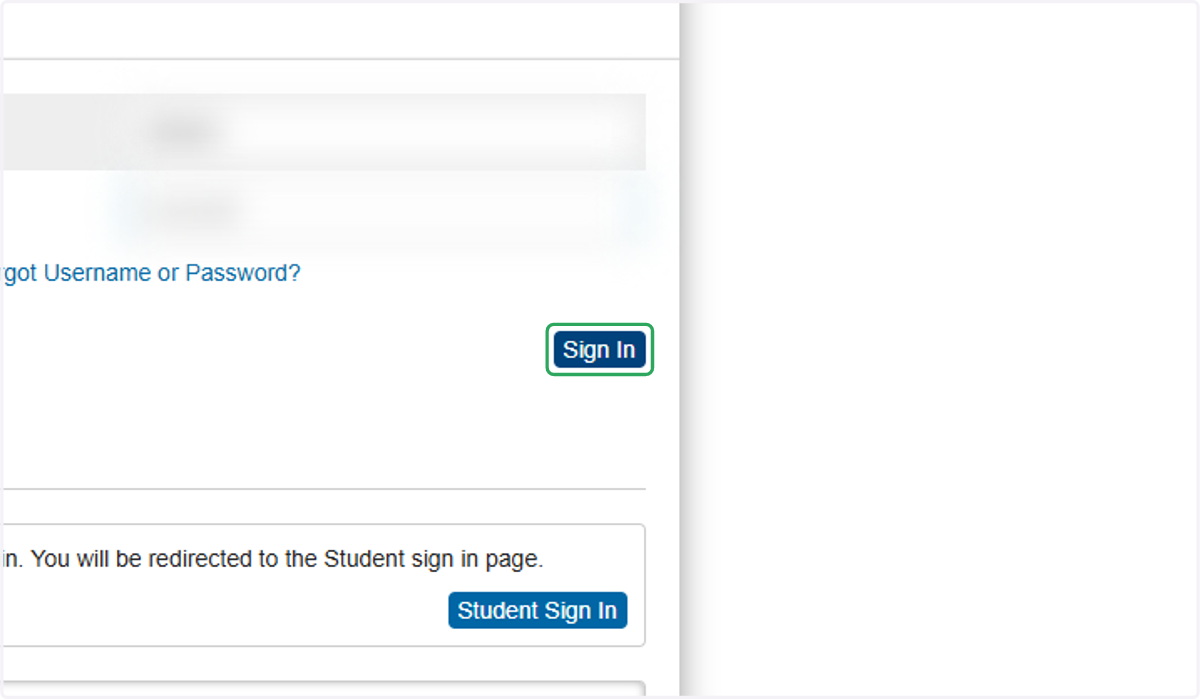
2. Click on Sign In
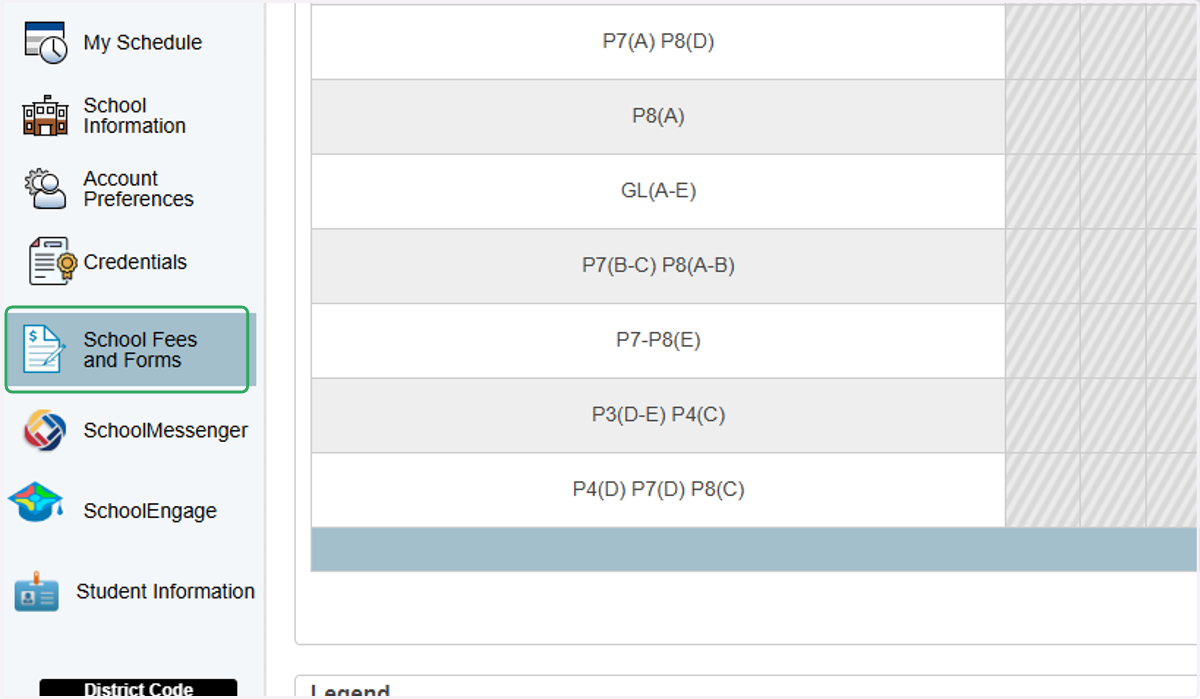
3. Click on School Fees and Forms
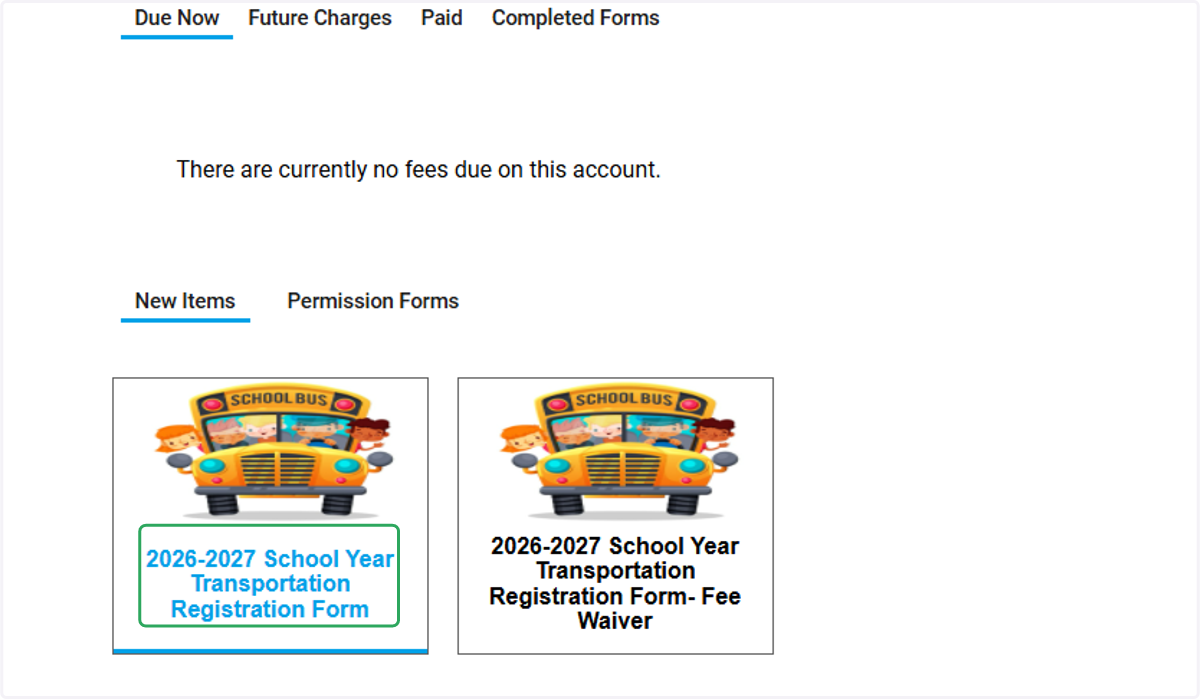
4. Click on 2026-2027 School Year Transportation Registration Form
Familes with multiple students only need to fill out the form once.
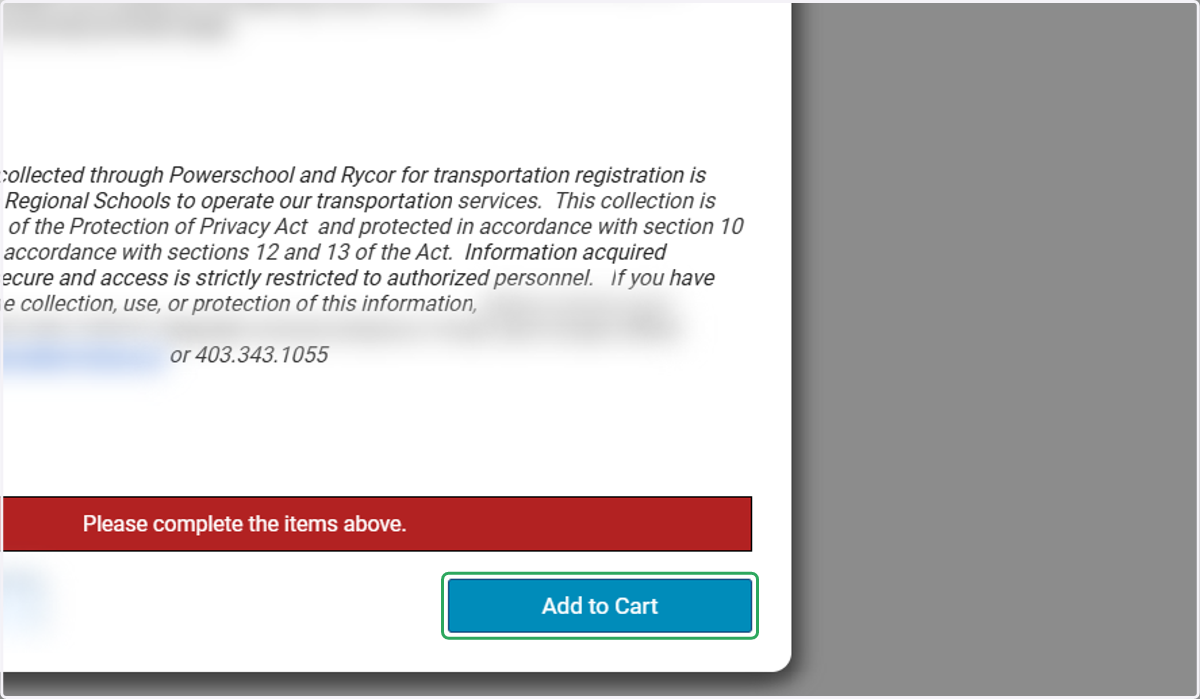
5. Once all required fields have been filled out, select "Add to Cart"
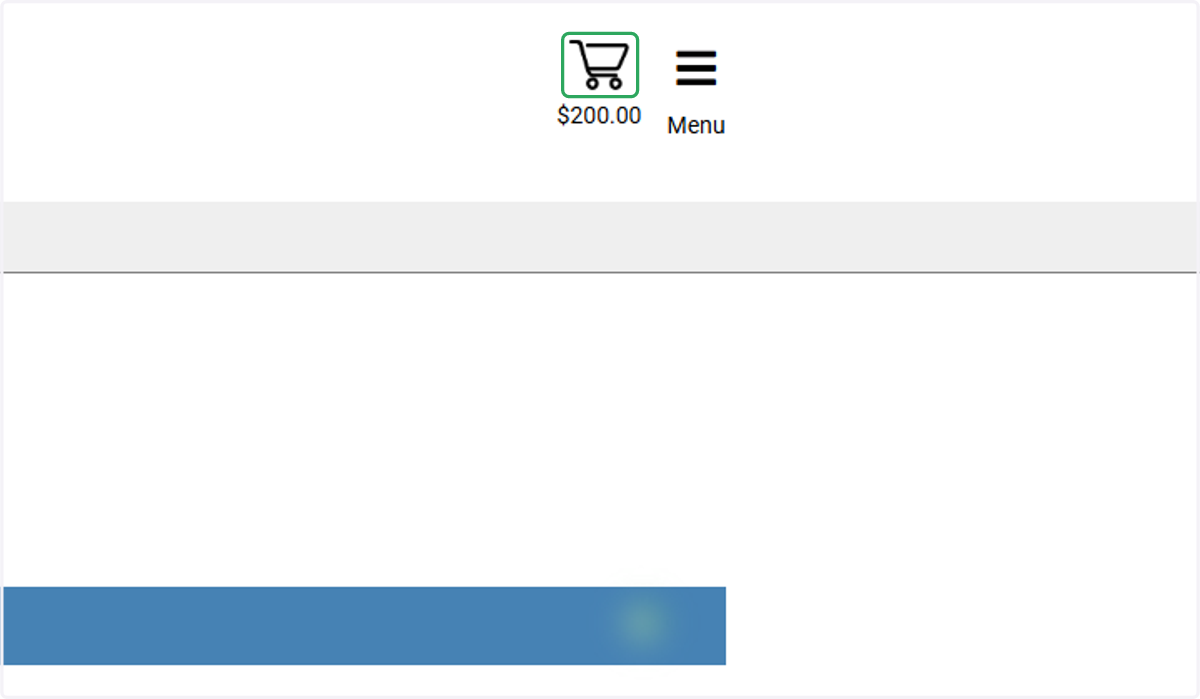
6. Click on Your Cart
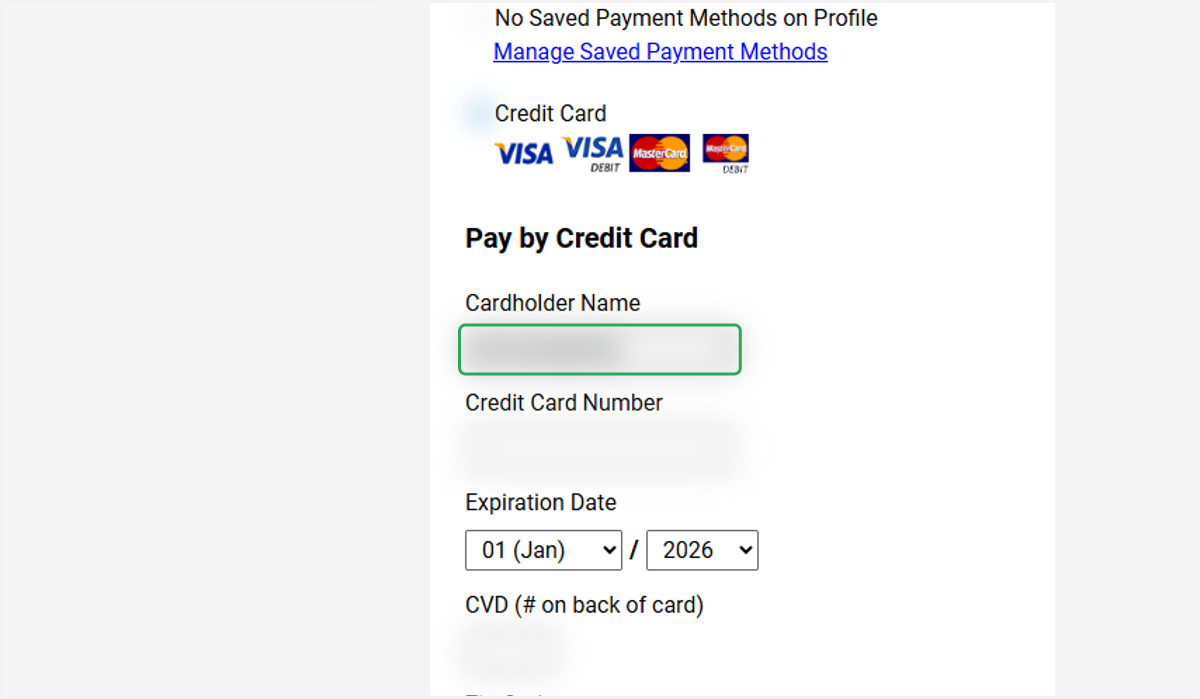
7. Enter in the credit card information
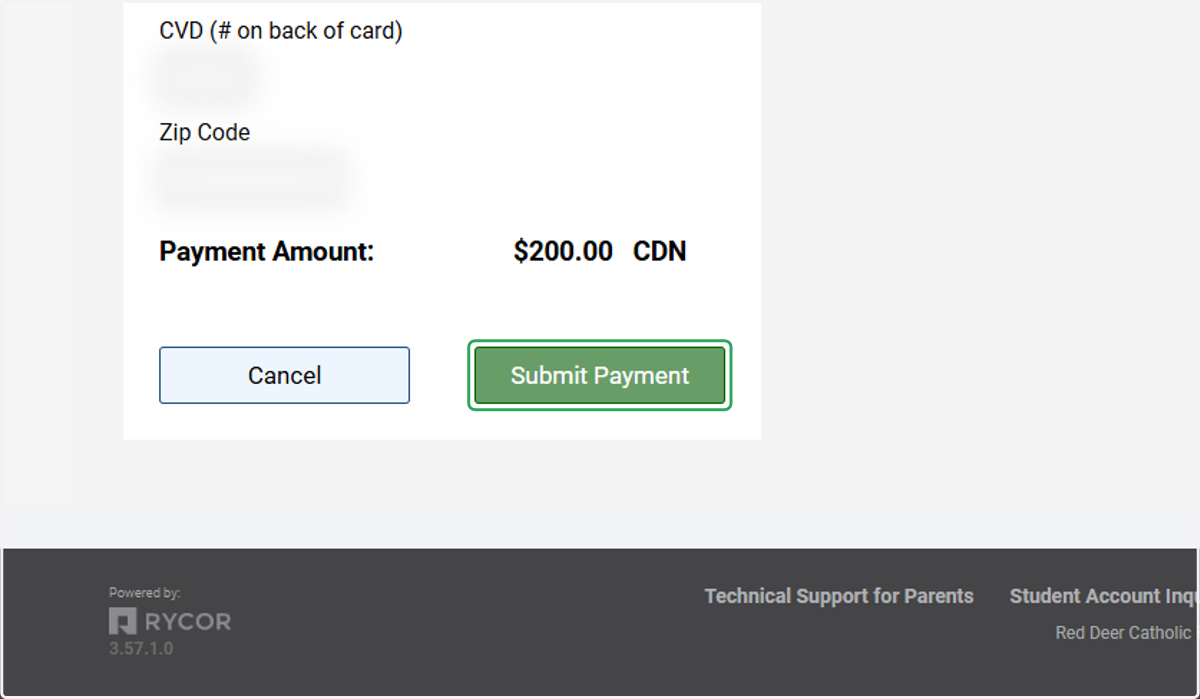
8. Click on Submit Payment
The form will be submitted once the payment has been submitted.