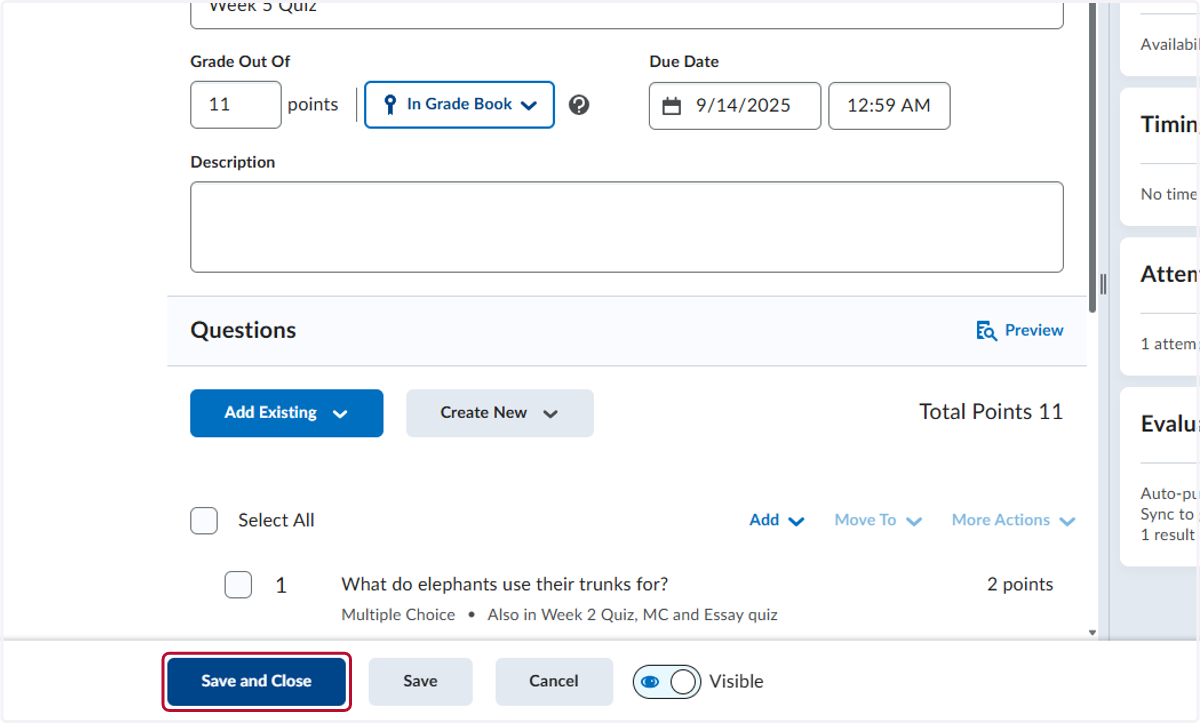
Quiz and Gradebook Totals Match
This tutorial will show you how to check to see if your quiz or test total matches the total points for the questions. Both should match.
Start Here - Patti - Practice as Instructor
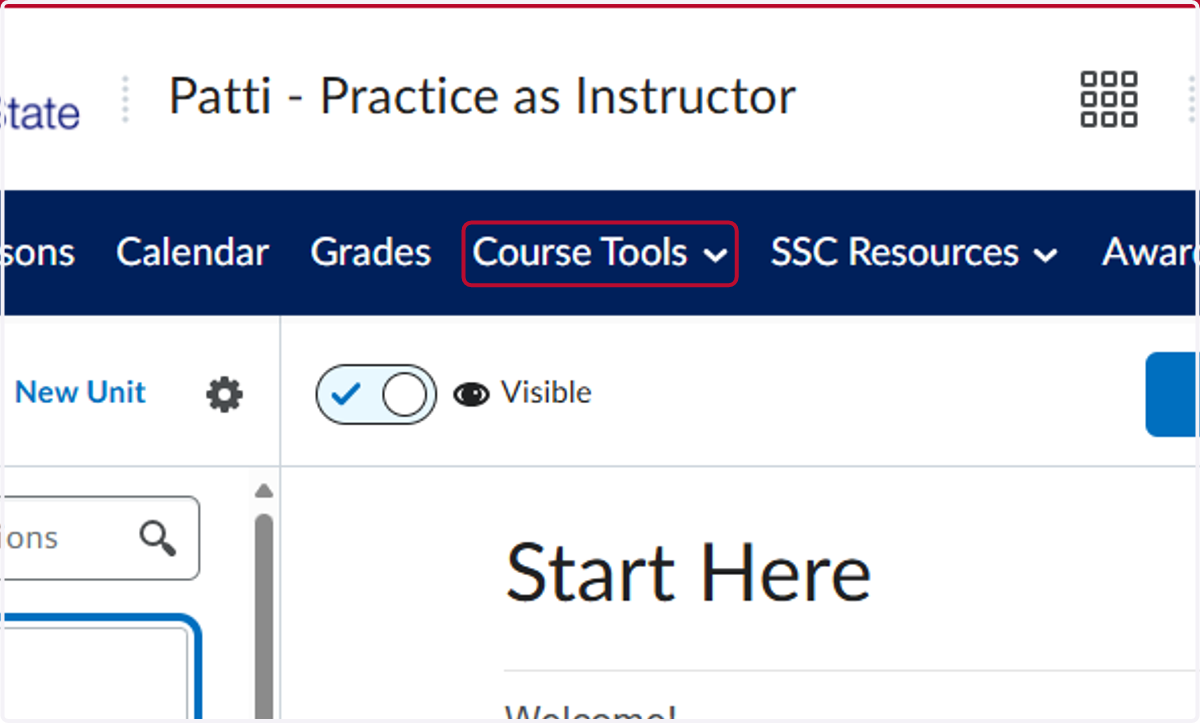
1. Click on Course Tools
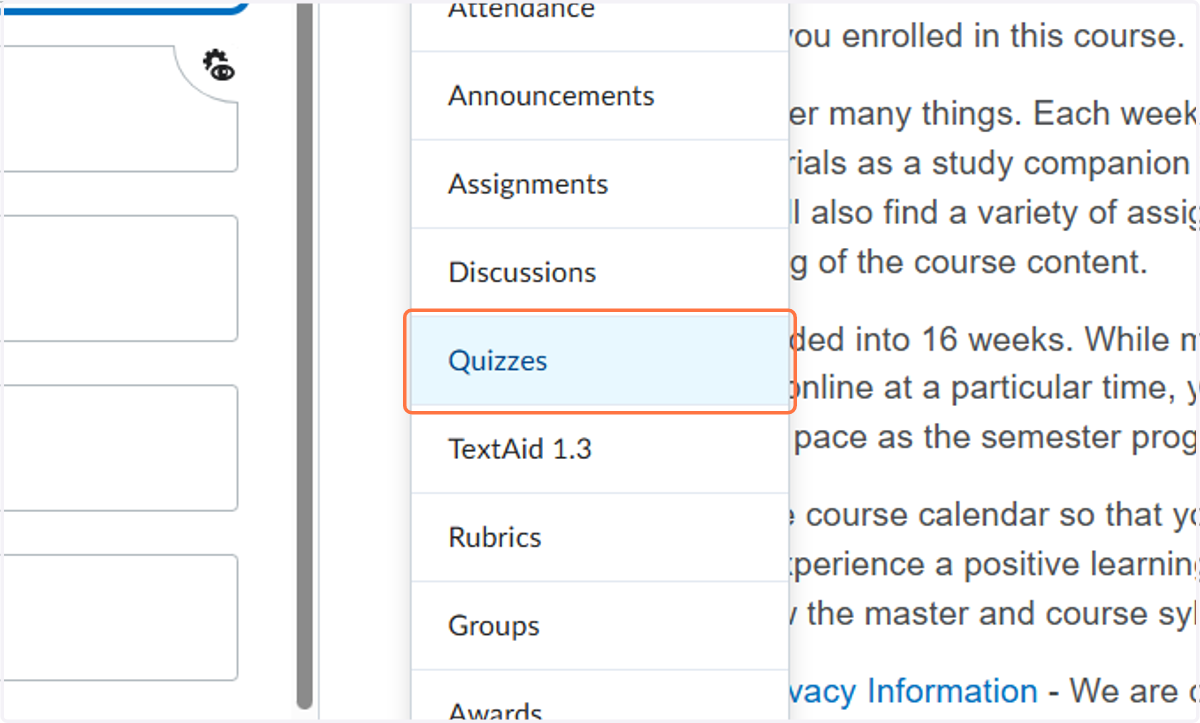
2. Click on Quizzes
3. Click the down arrow on the test or quiz you want to check and then click Edit
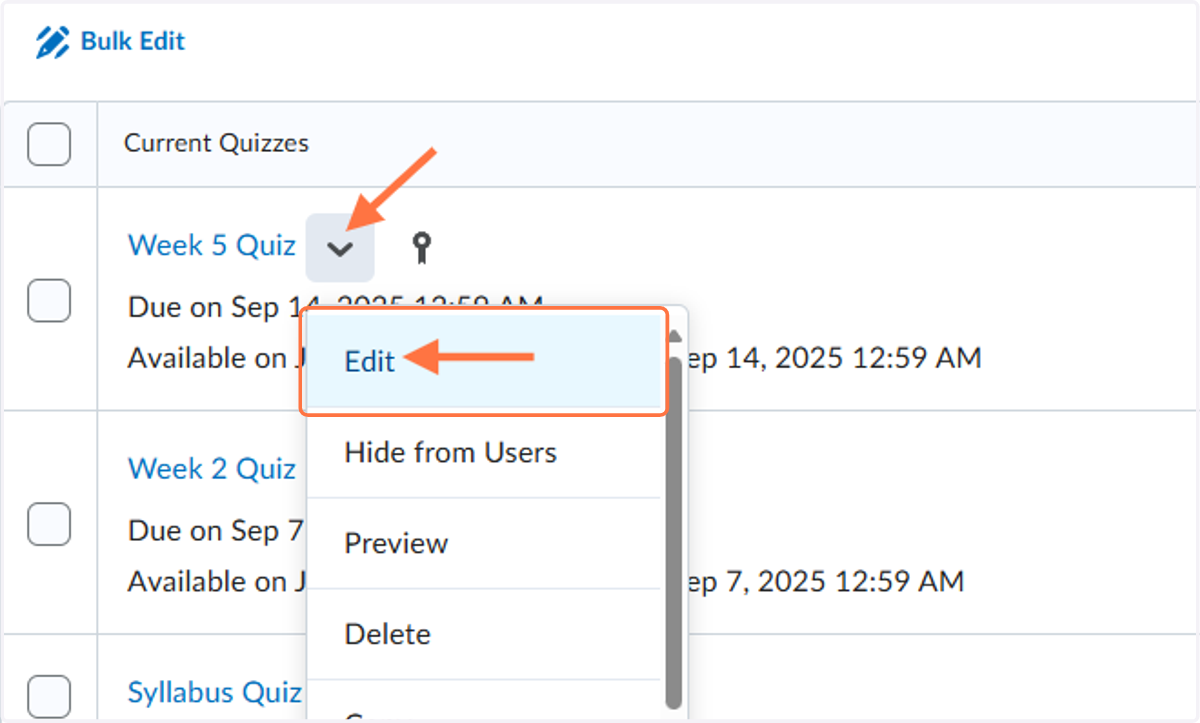
4. Click on Week 5 Quiz
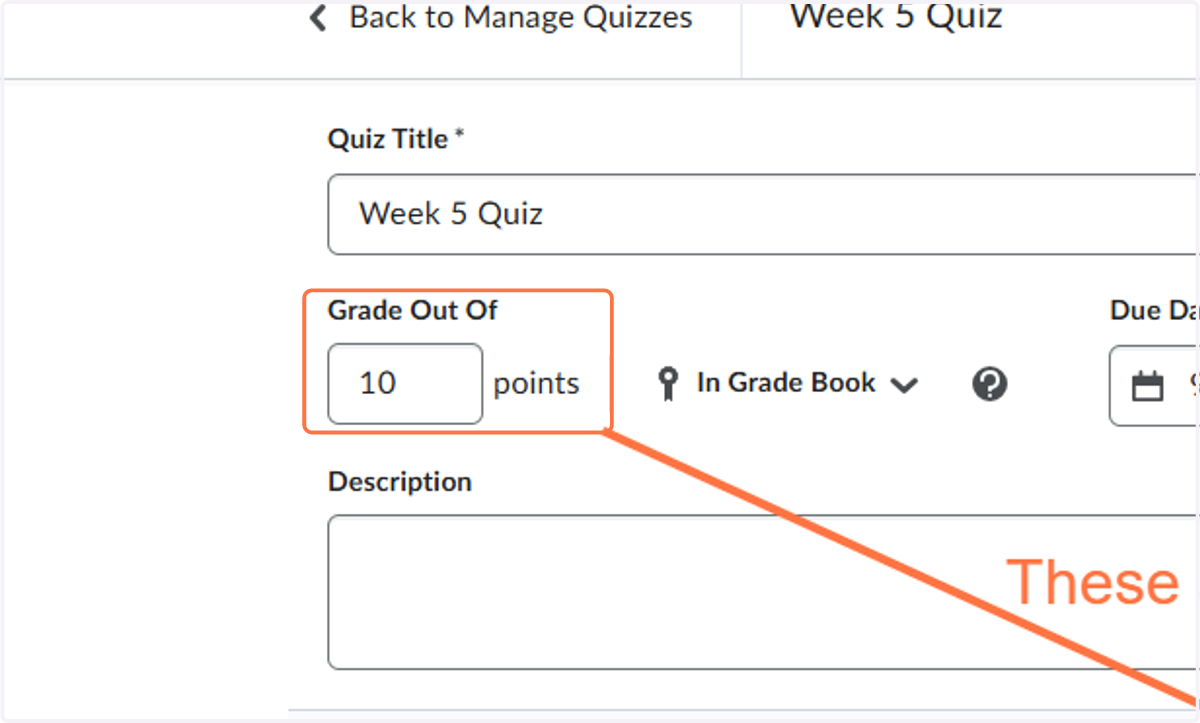
5. To match Type "11" in the Grade Out of points
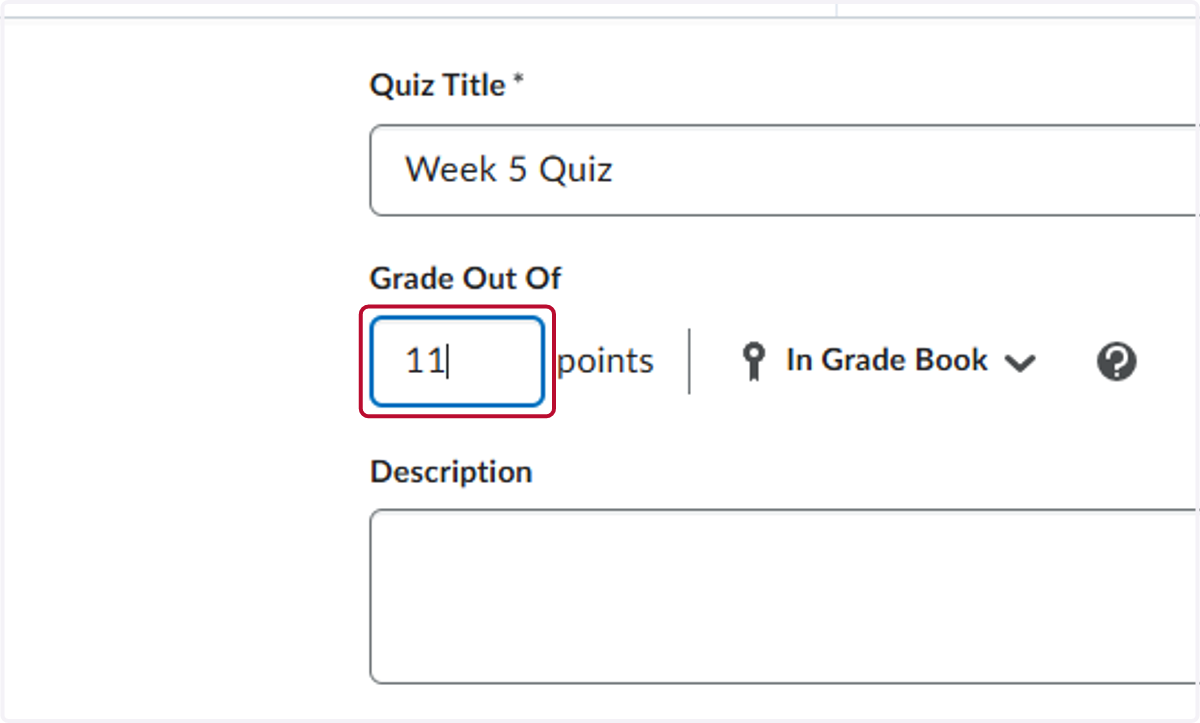
6. Click Save and Close. This will update the grade book as well.