Purchase a Destination Imagination team number in Shop
Destination Imagination
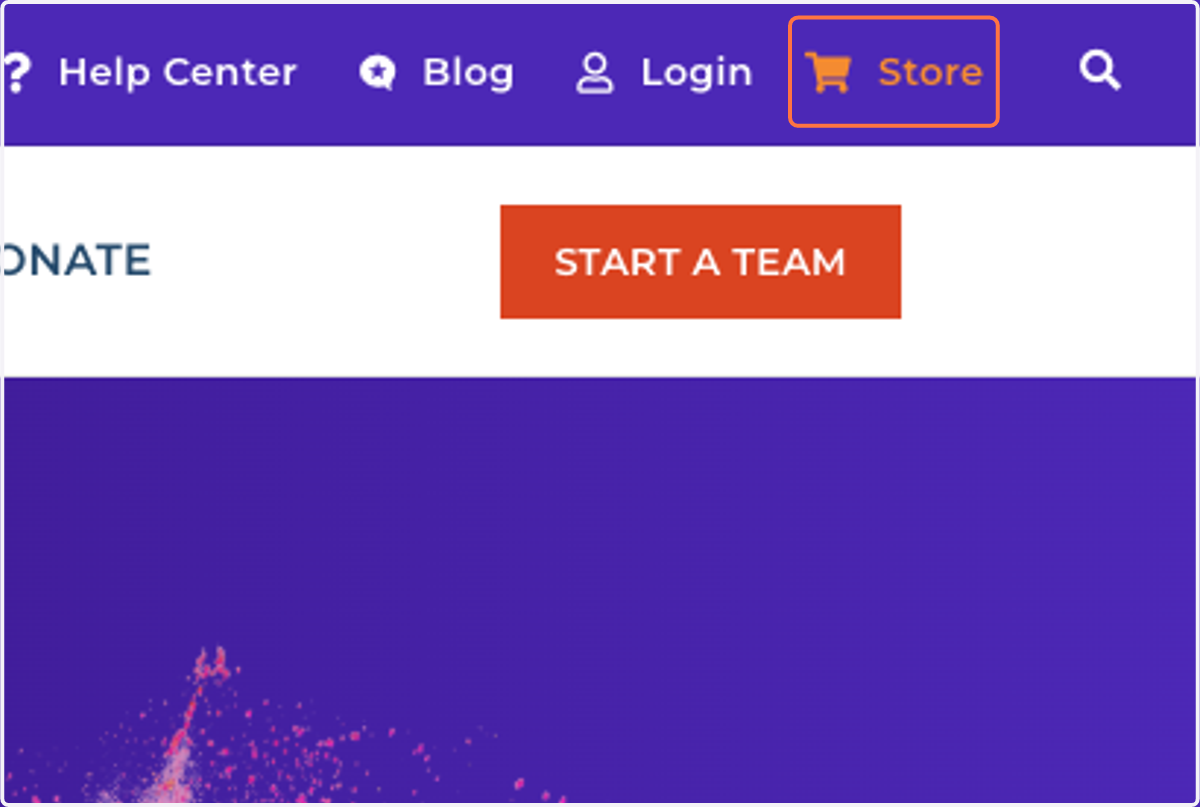
1. Click on Store
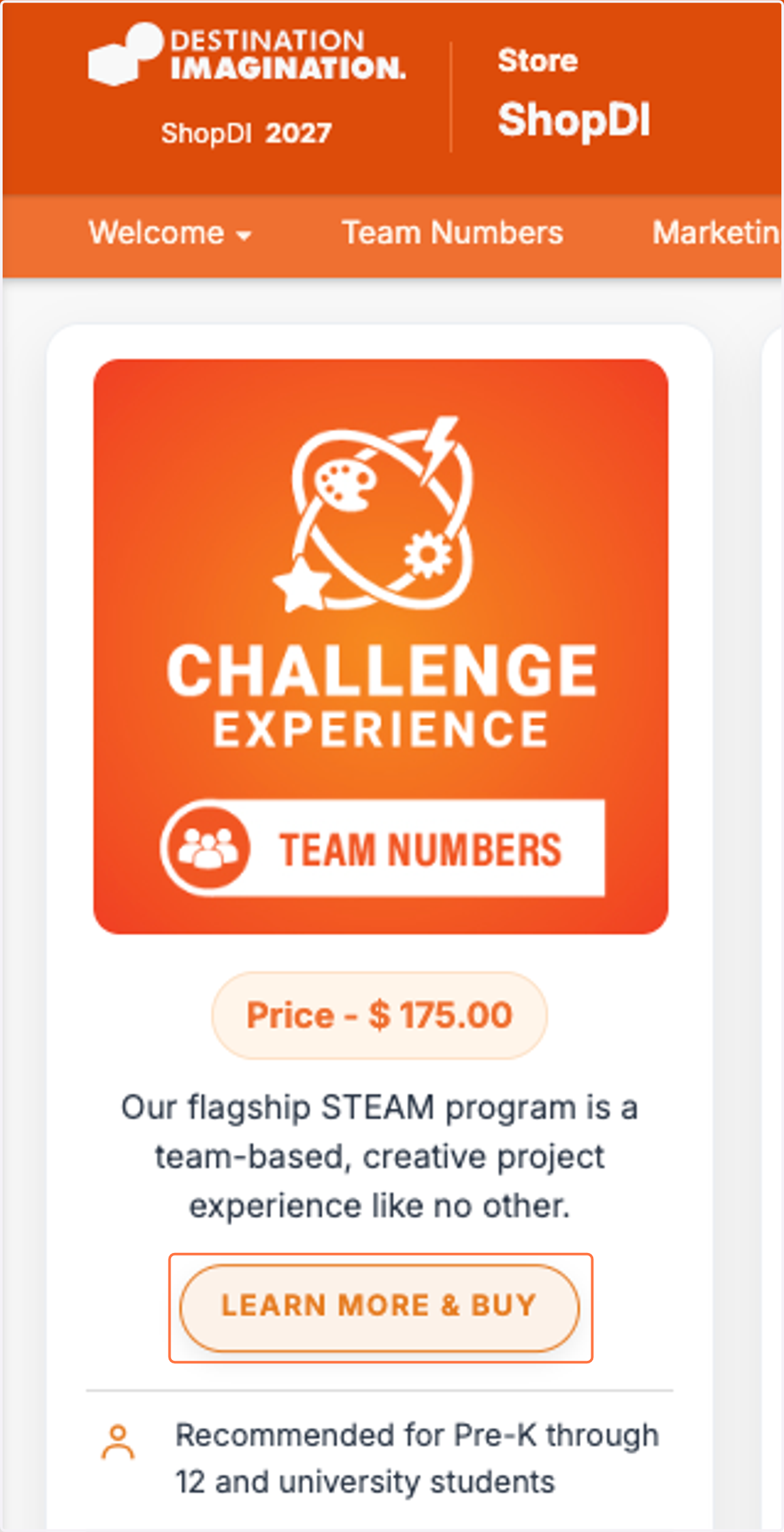
2. Click on LEARN MORE & BUY
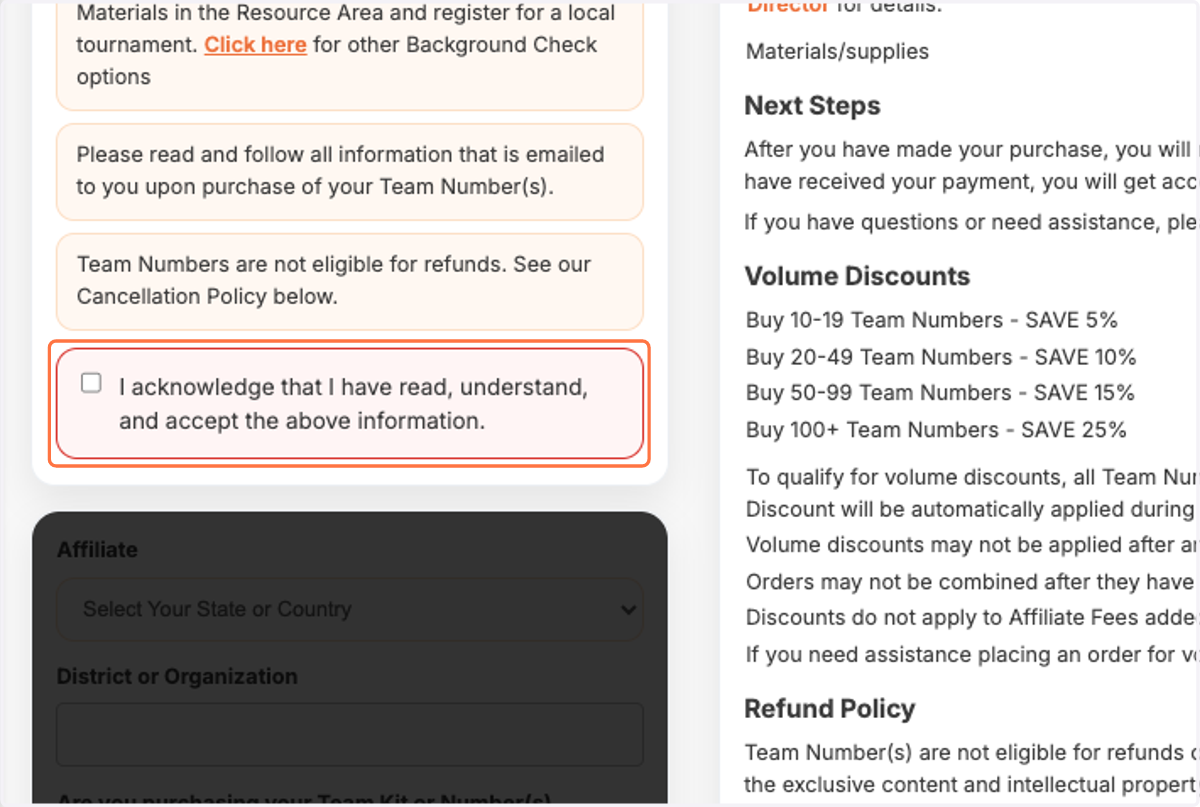
3. Review the Important Information
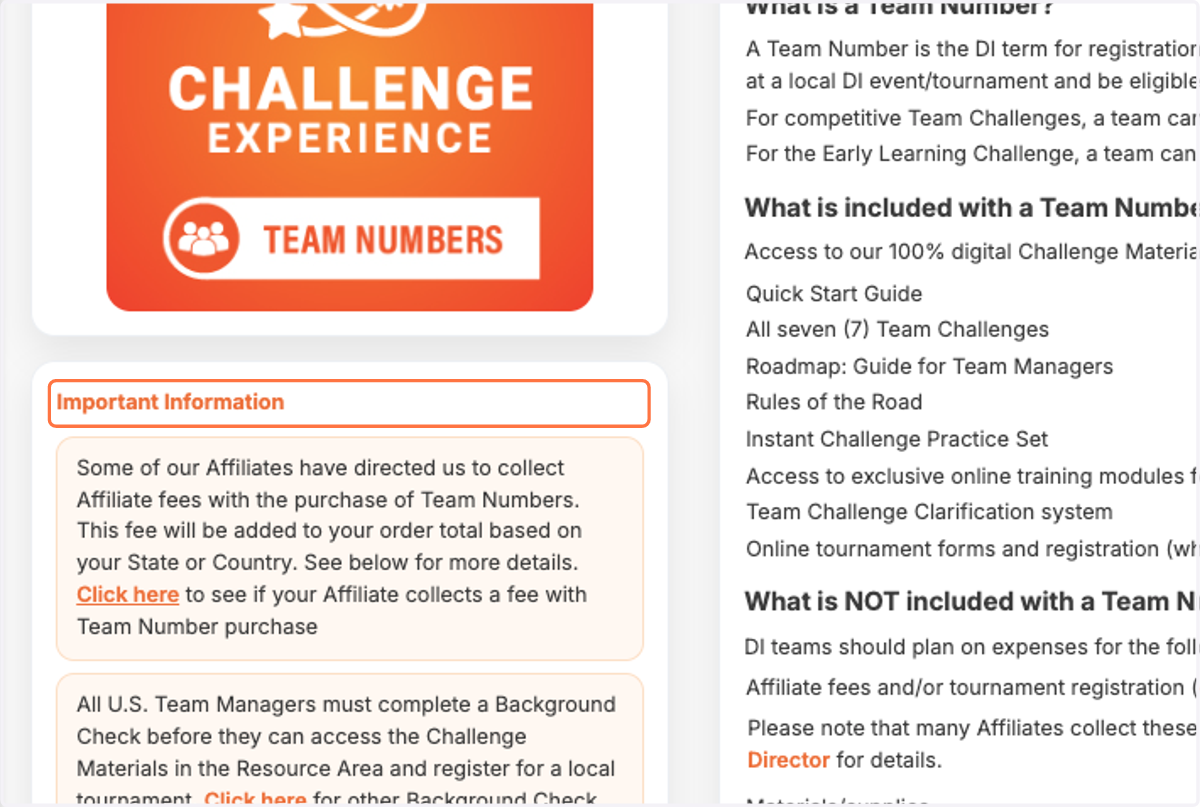
4. Click on I acknowledge that I have read, understand, and accept the above information.
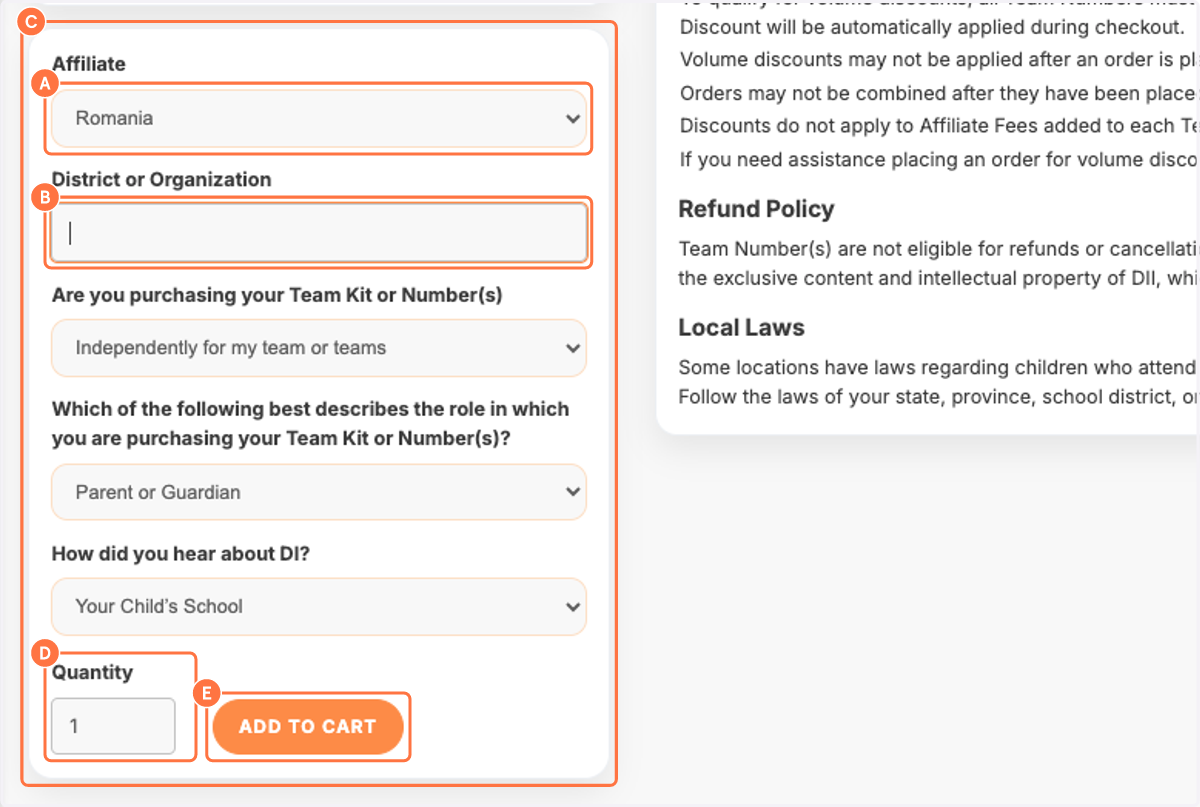
5. A. Select Affiliate
5. B. Fill in your Organization name
5. C. Answer the three questions
5. D. Indicate how many team numbers you need
5. E. Click on ADD TO CART
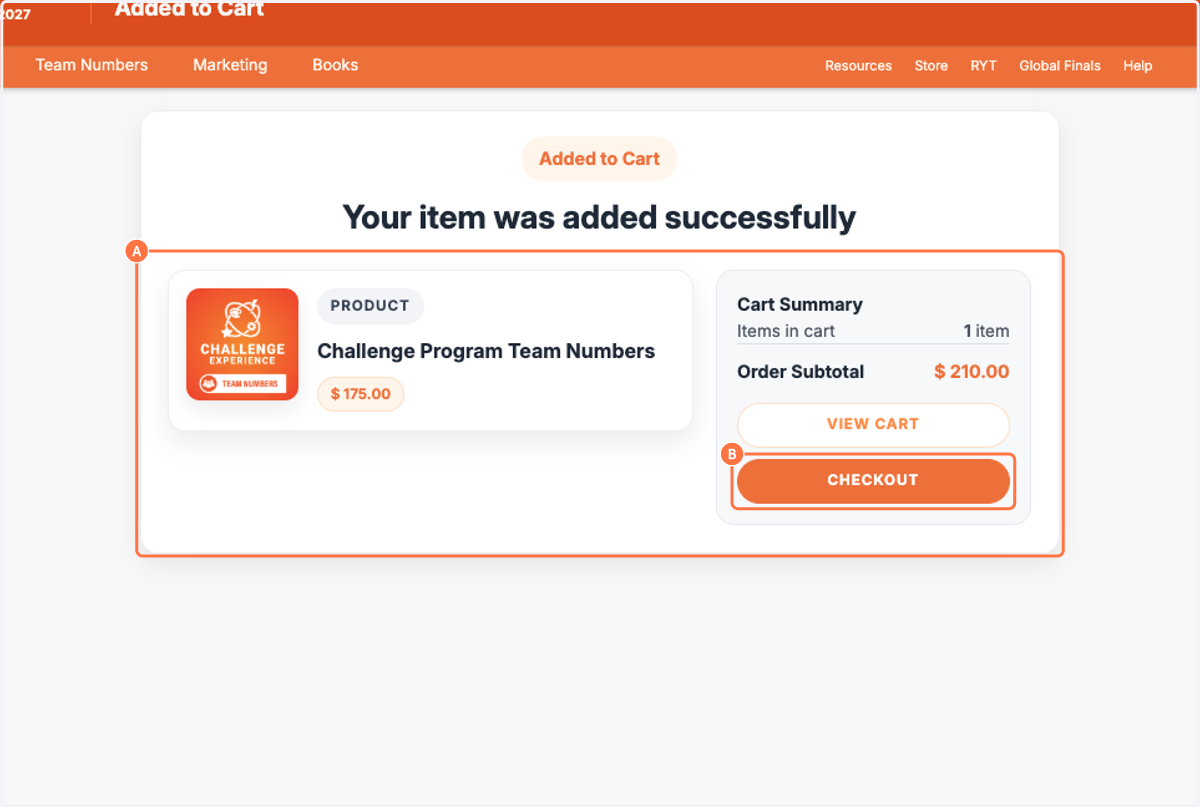
6. A. This page shows your order
6. B. Click on CHECKOUT
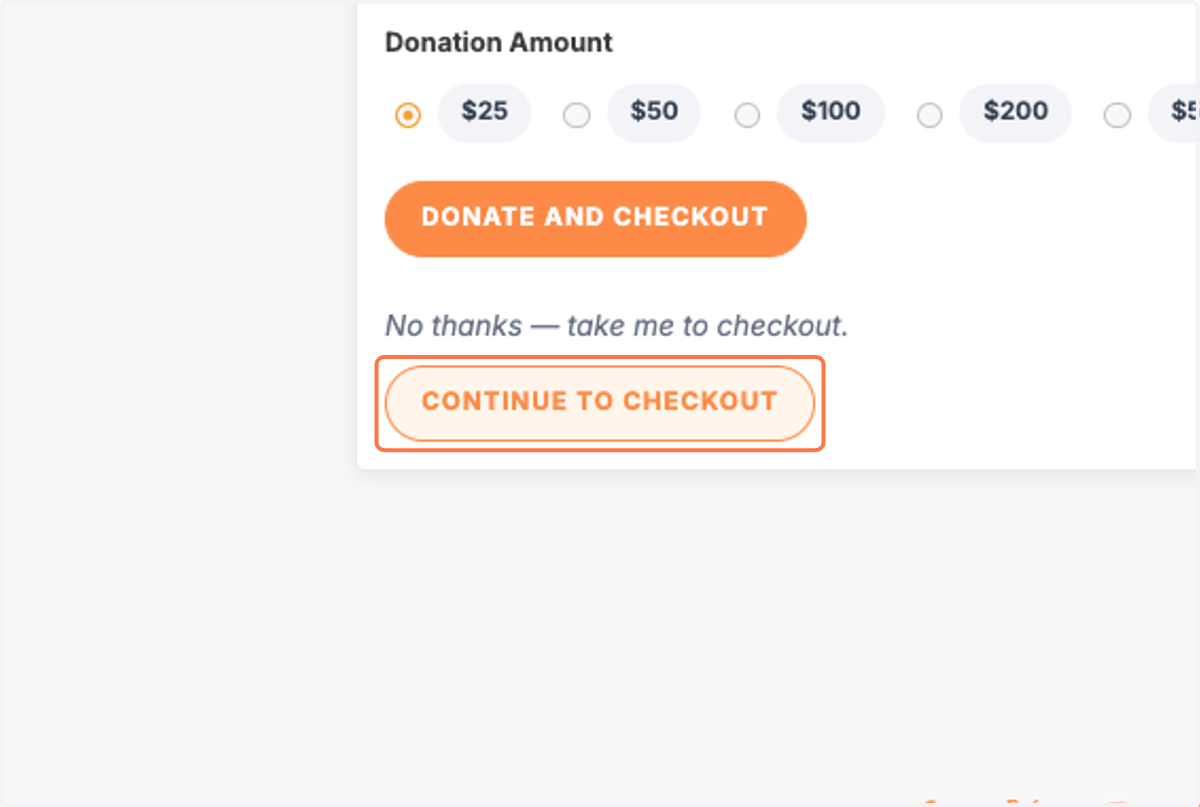
7. Click on CONTINUE TO CHECKOUT
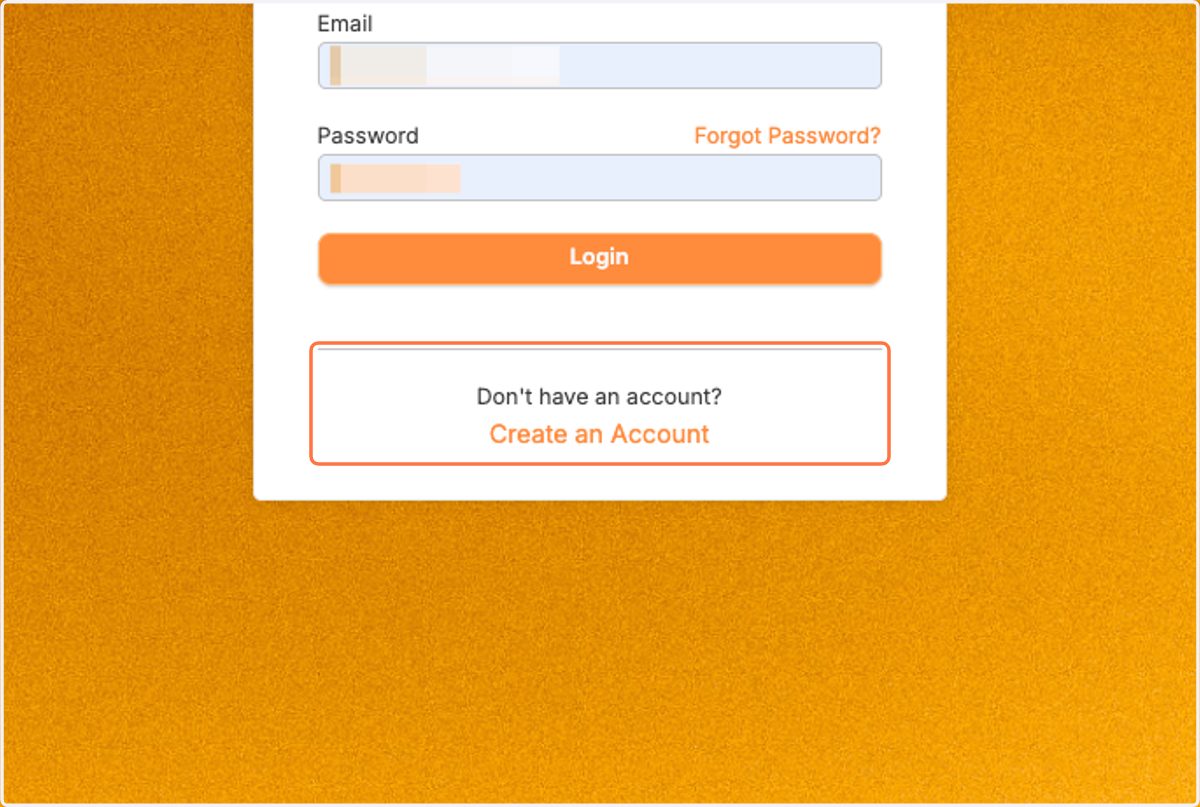
8. Click on Create an Account
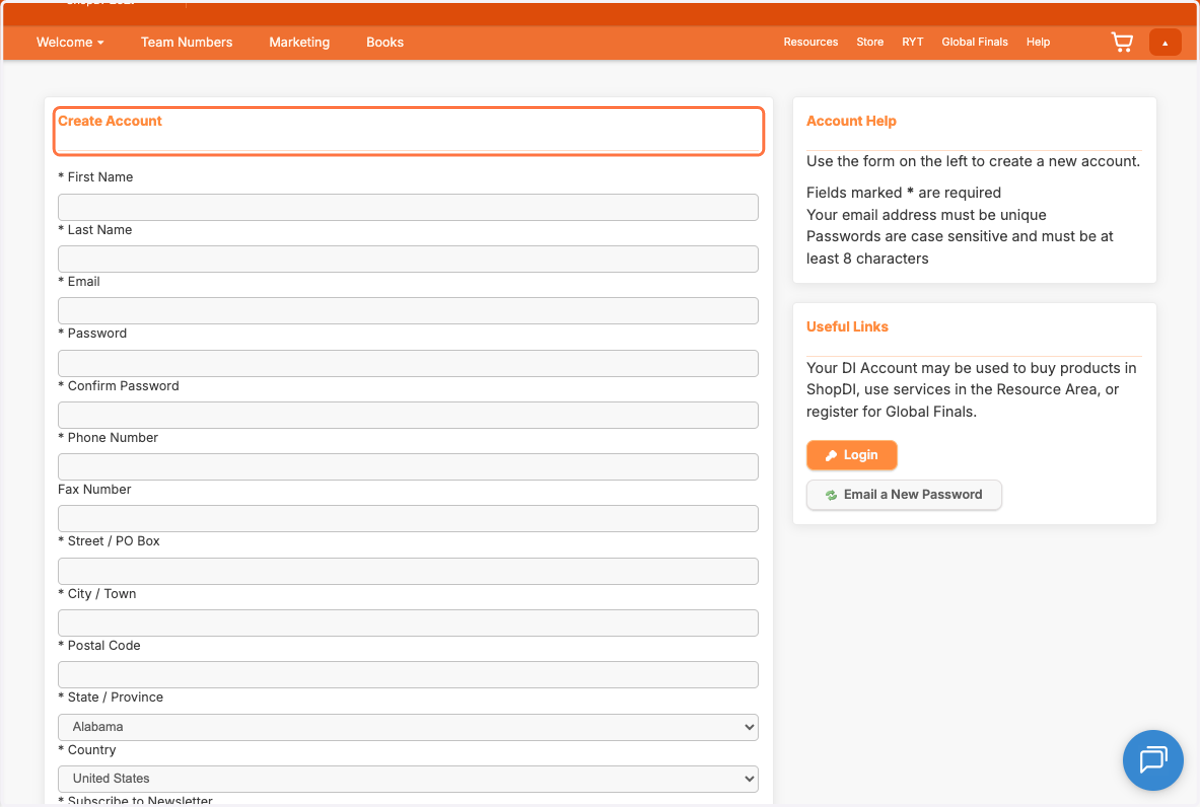
9. Fill in the requested information down through the Postal Code
You can place the info of your school if you prefer.
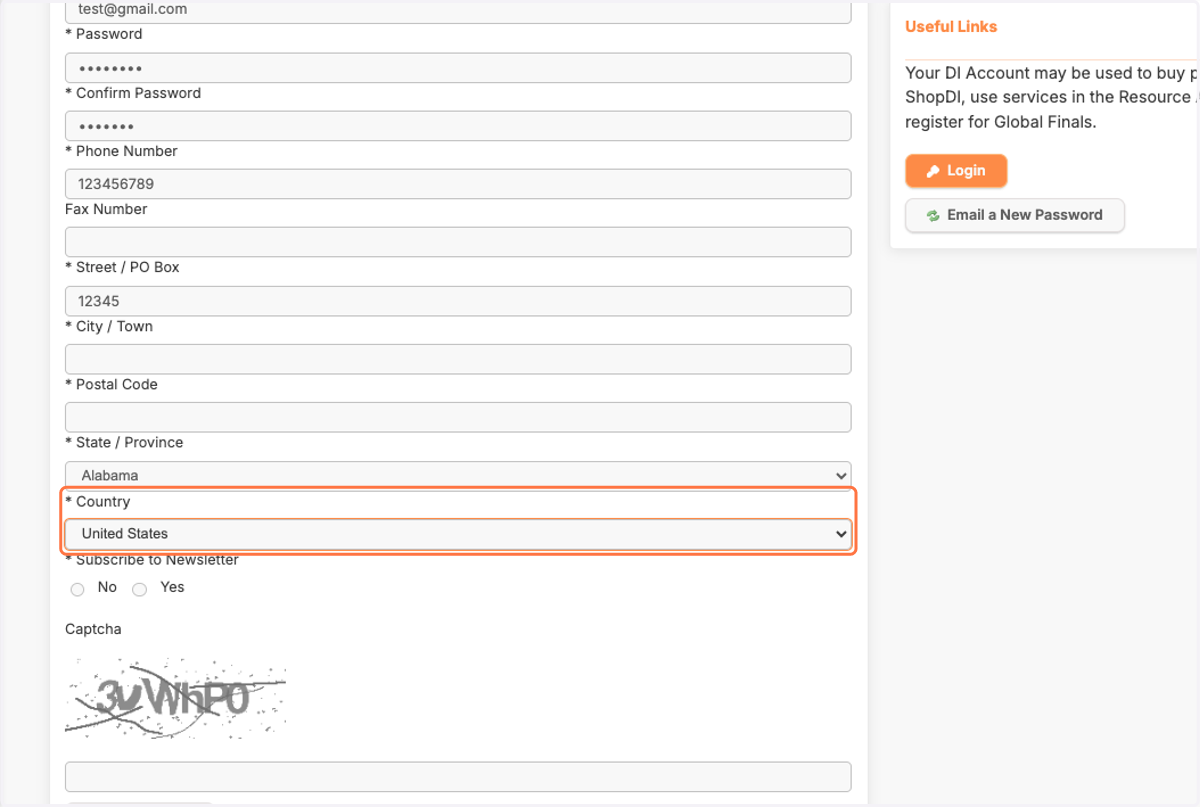
10. Then skip the State/Province and choose your Country...
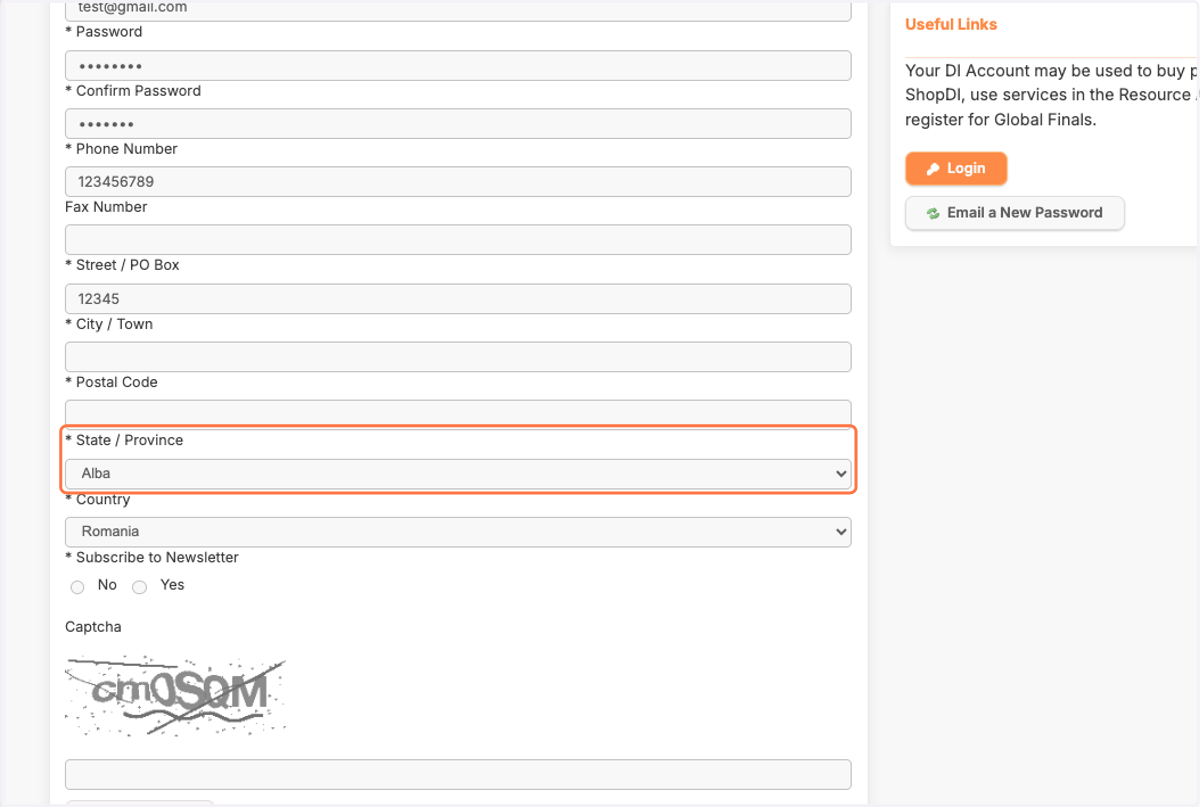
11. Then choose your State / Province…
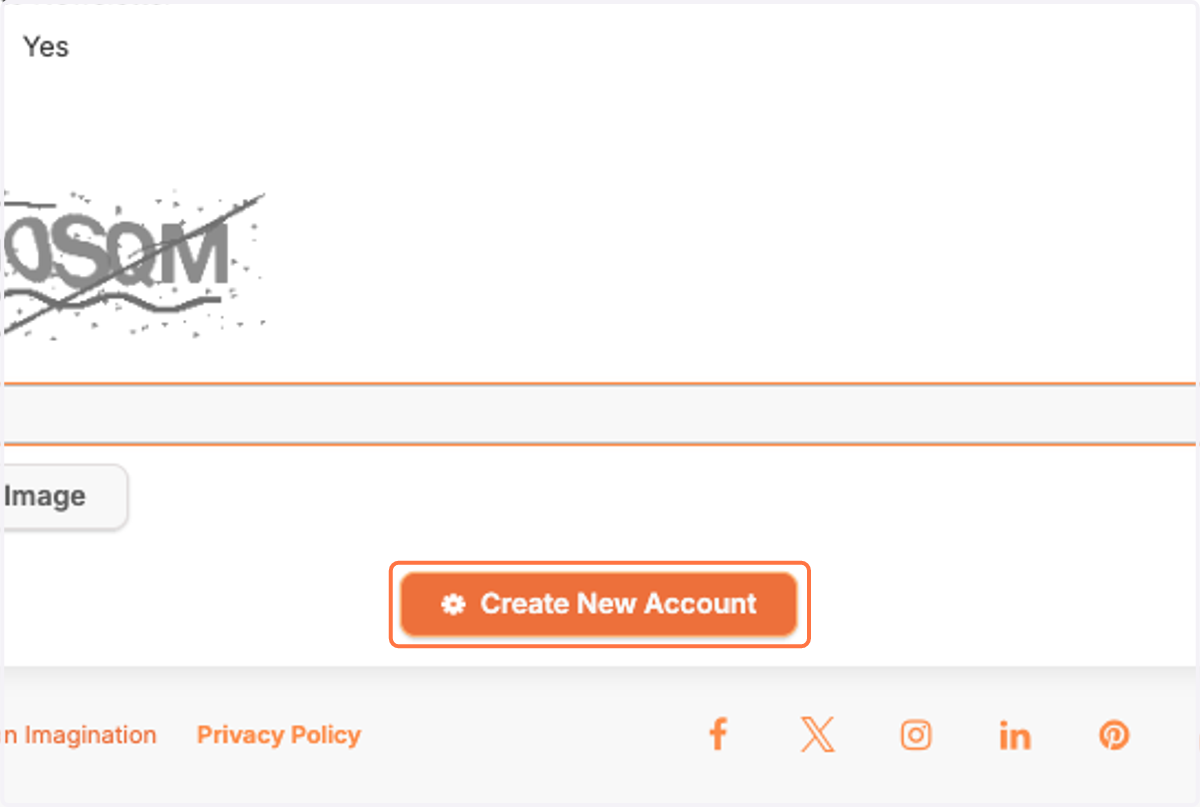
12. Click on Create New Account
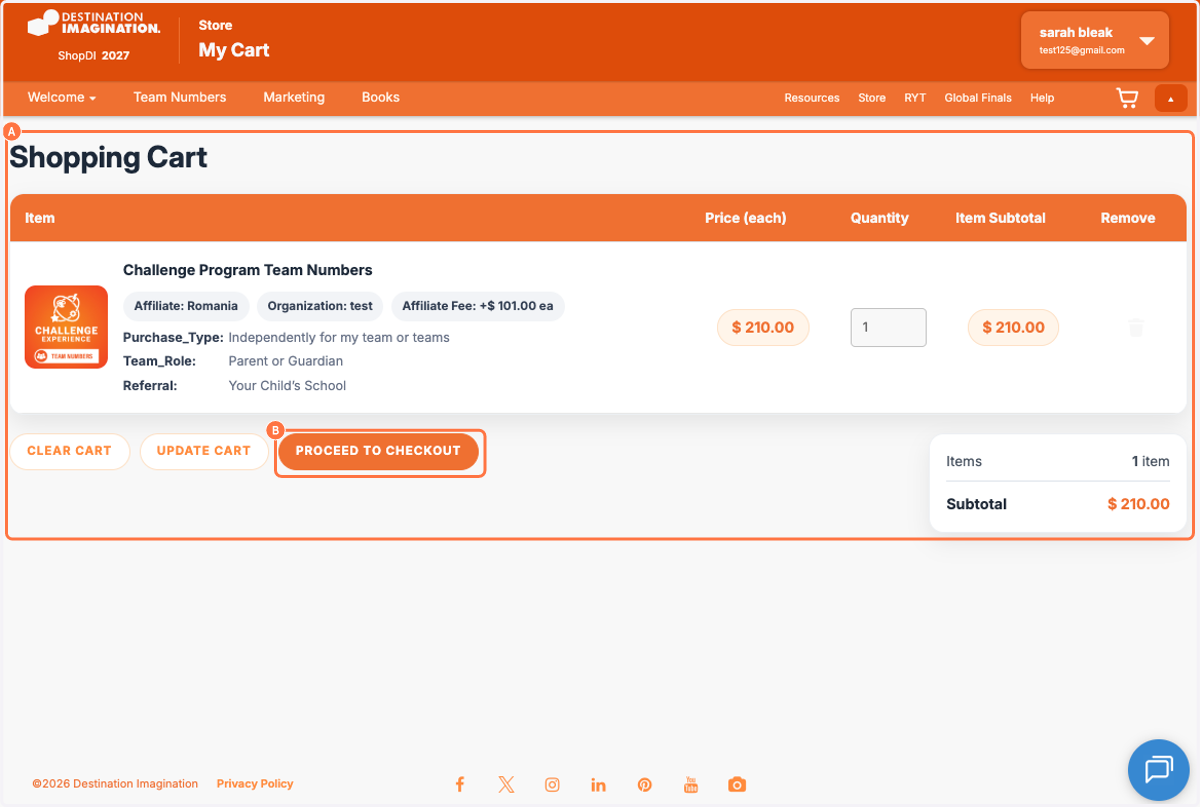
13. A. You will return to your shopping cart
13. B. Click on PROCEED TO CHECKOUT
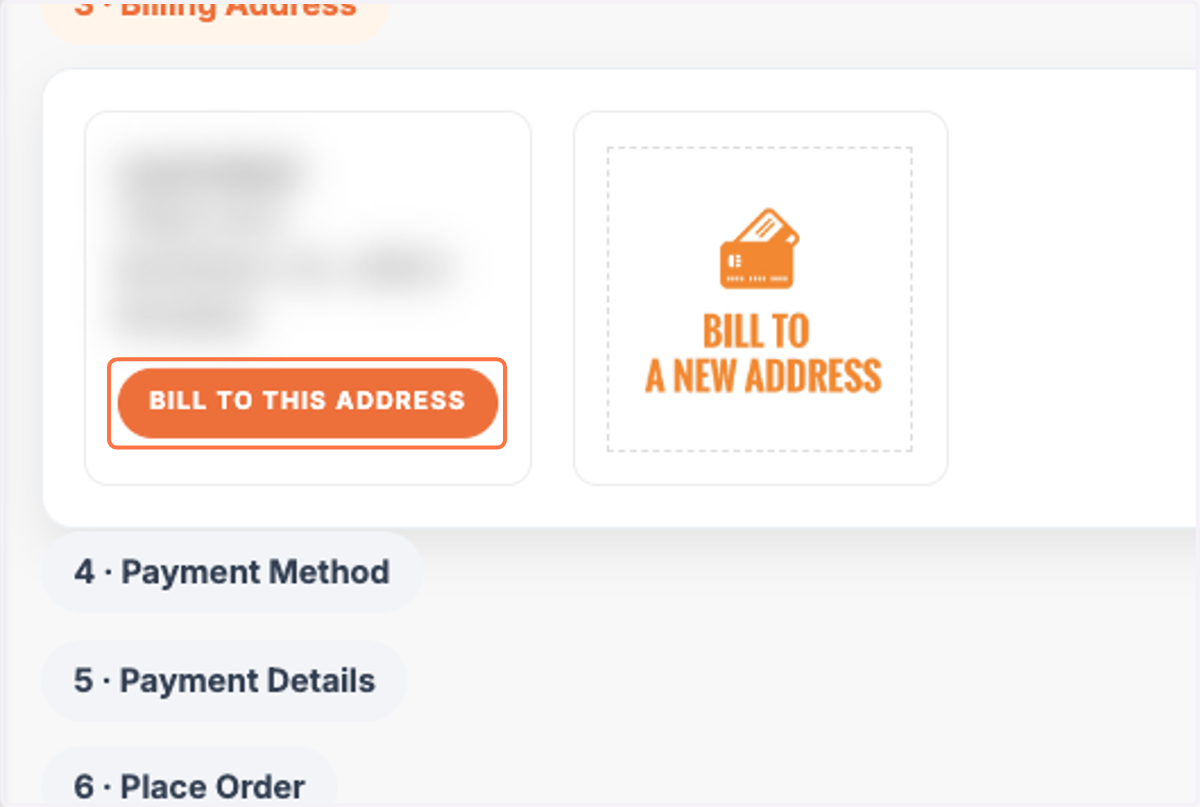
14. Click on BILL TO THIS ADDRESS
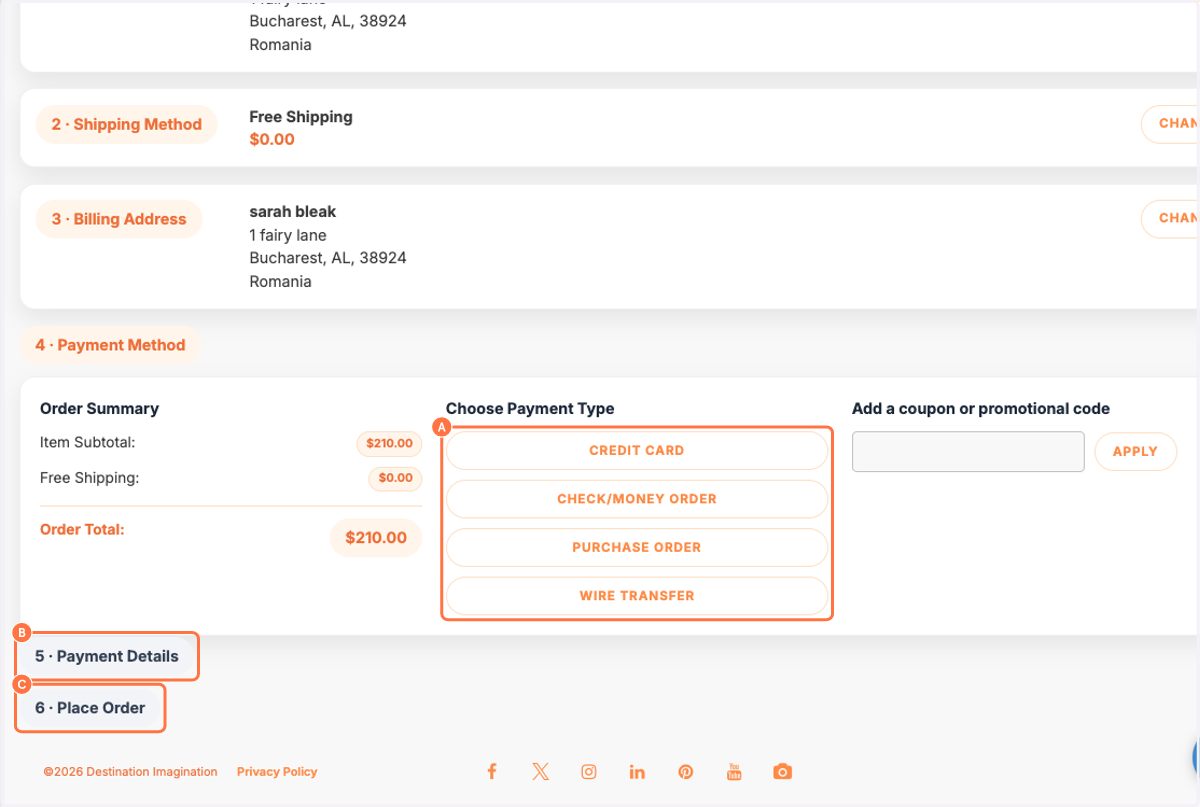
15. A. Choose your payment method
15. B. Click on 5 · Payment Details and enter your email
15. C. Click on 6 · Place Order
For international purchase, you can choose to pay by credit card or make a wire transfer.