Pull from Shelf Request
CC OneSearch - cindy sherman
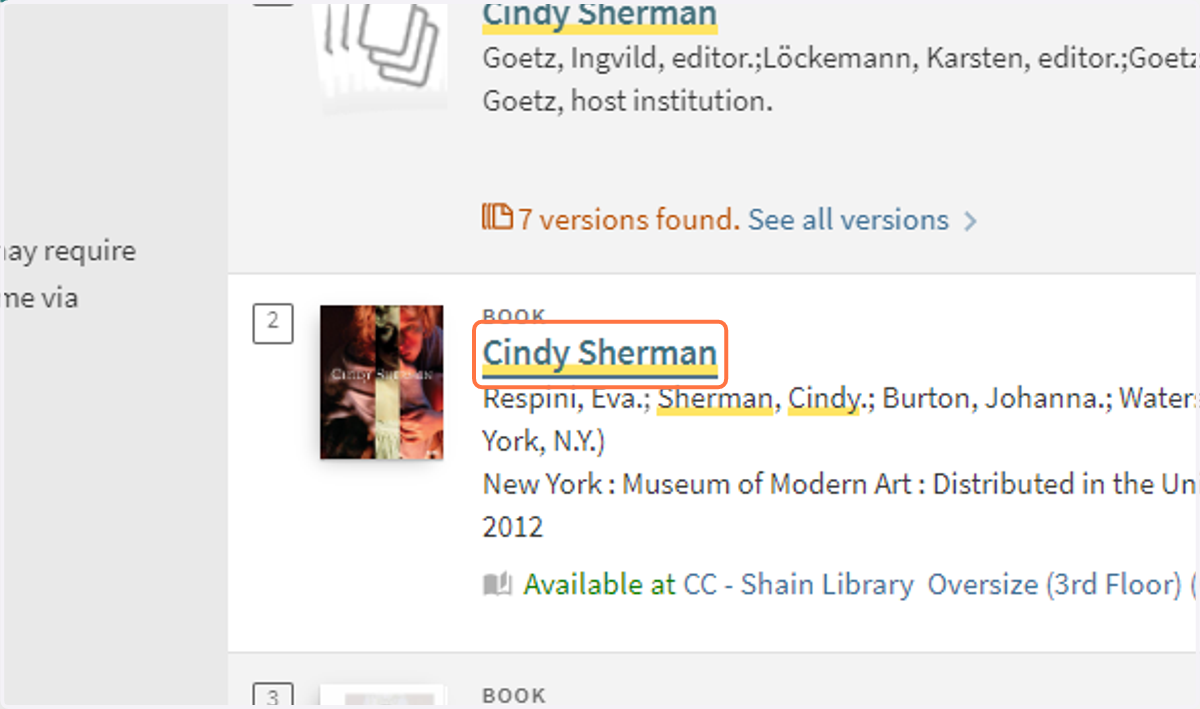
1. Click on title you'd like to request
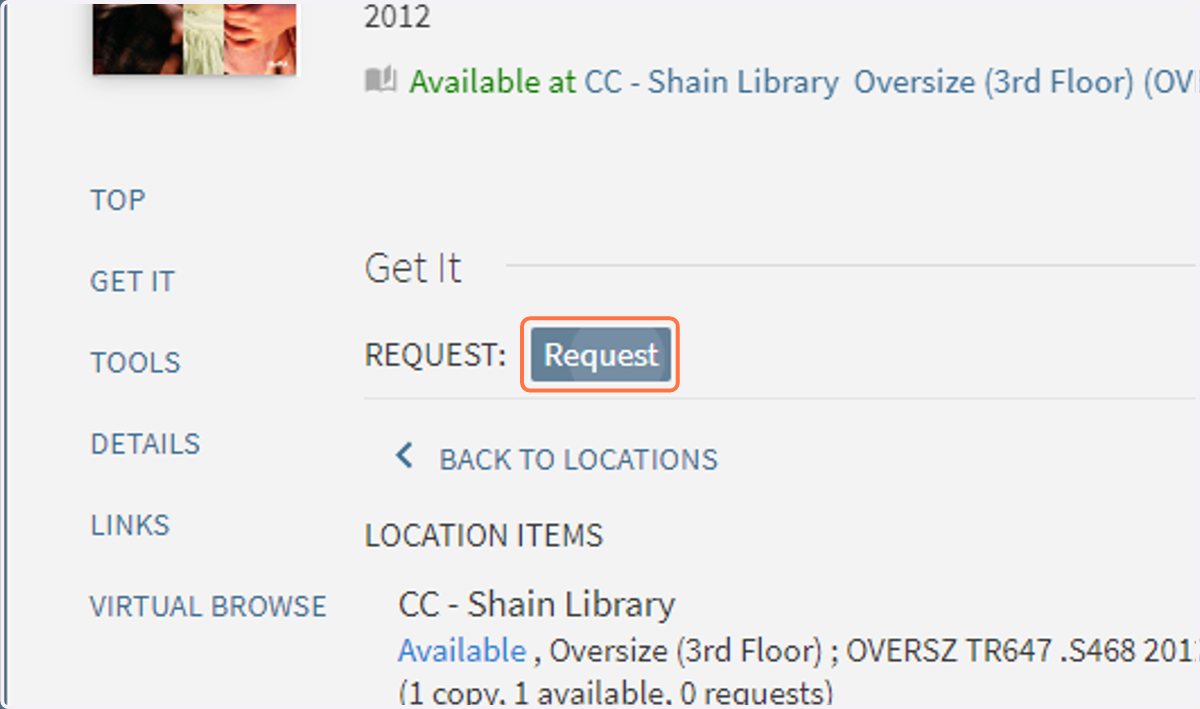
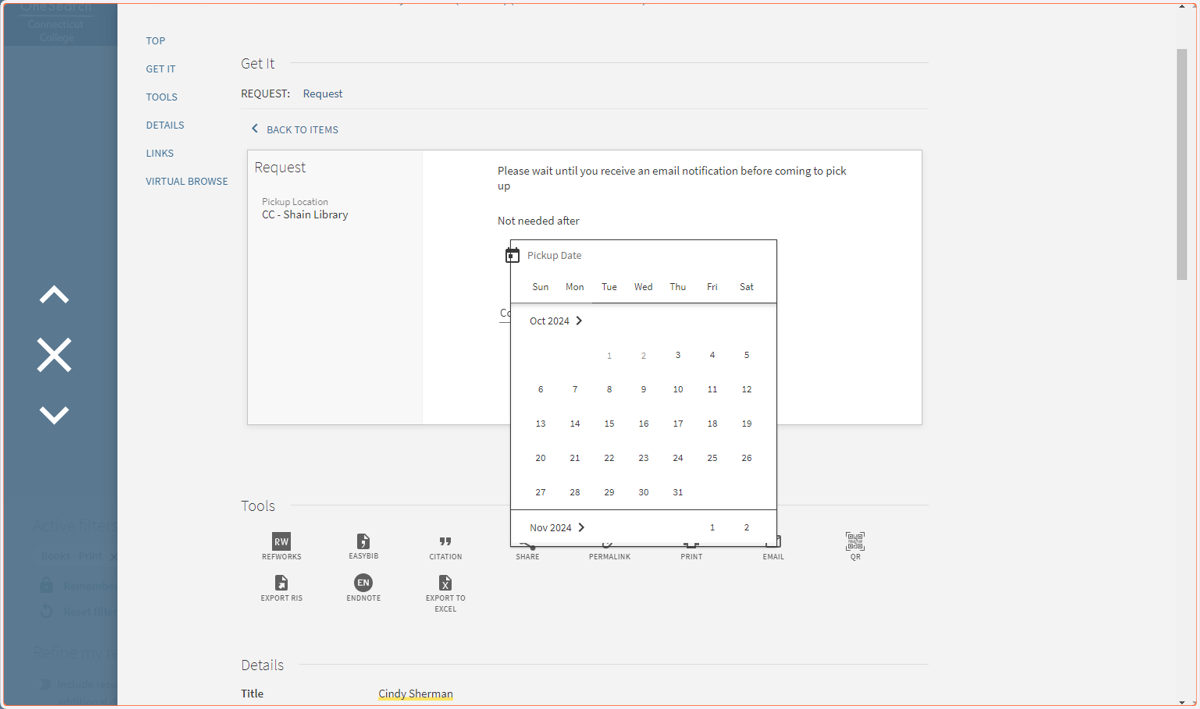
2. Click on Request below "Get It"
You must be signed in to see the Request button.
3. OPTIONAL
Add a date that the item is NOT needed after. This is not required to submit the request. You may also add a comment library staff will receive with your request.
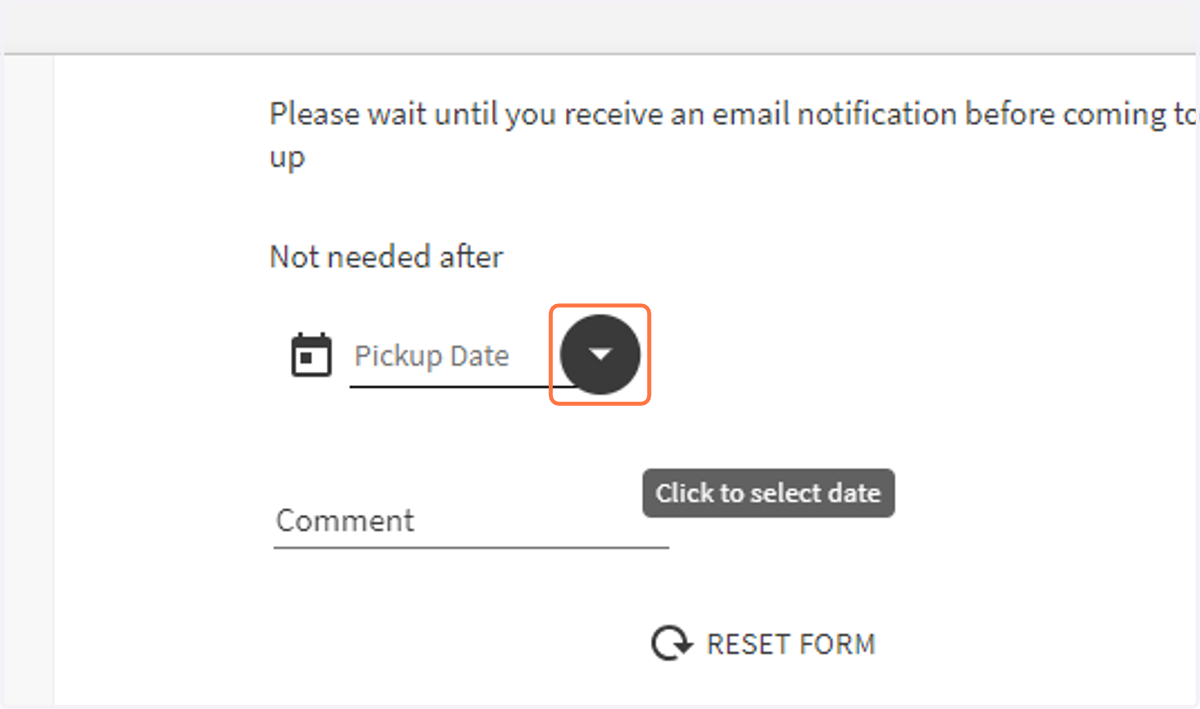
4. OPTIONAL: Select "not needed after" date on calendar
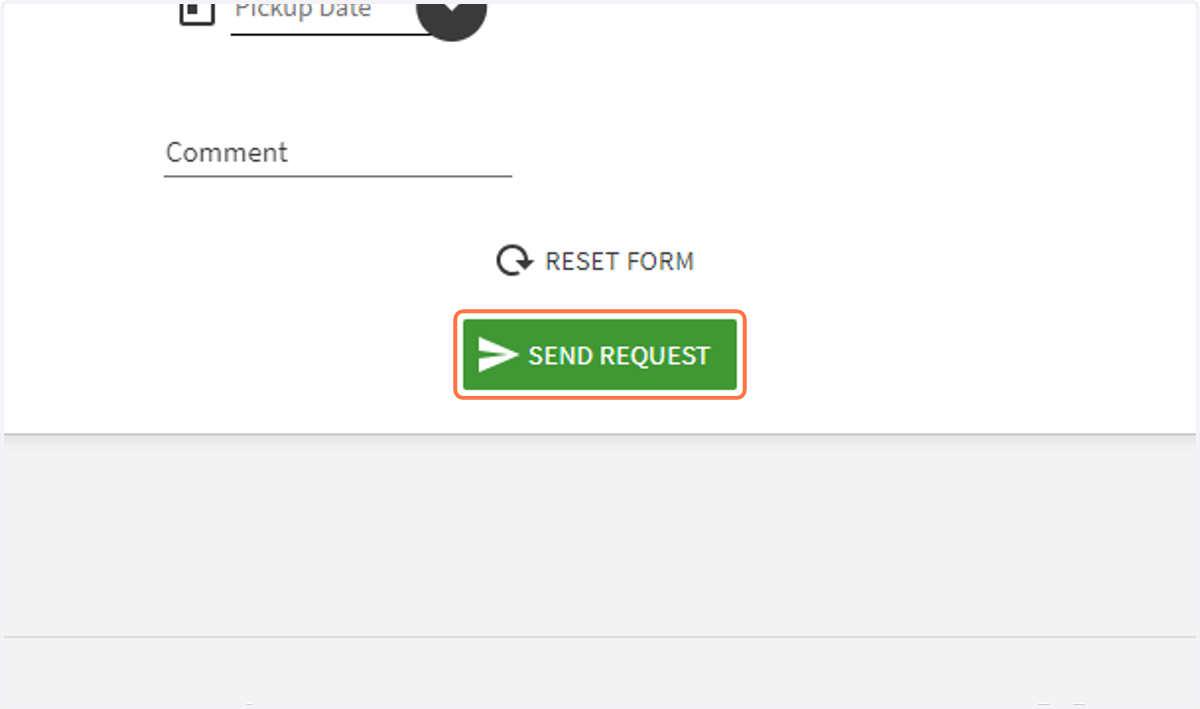
5. Click on SEND REQUEST
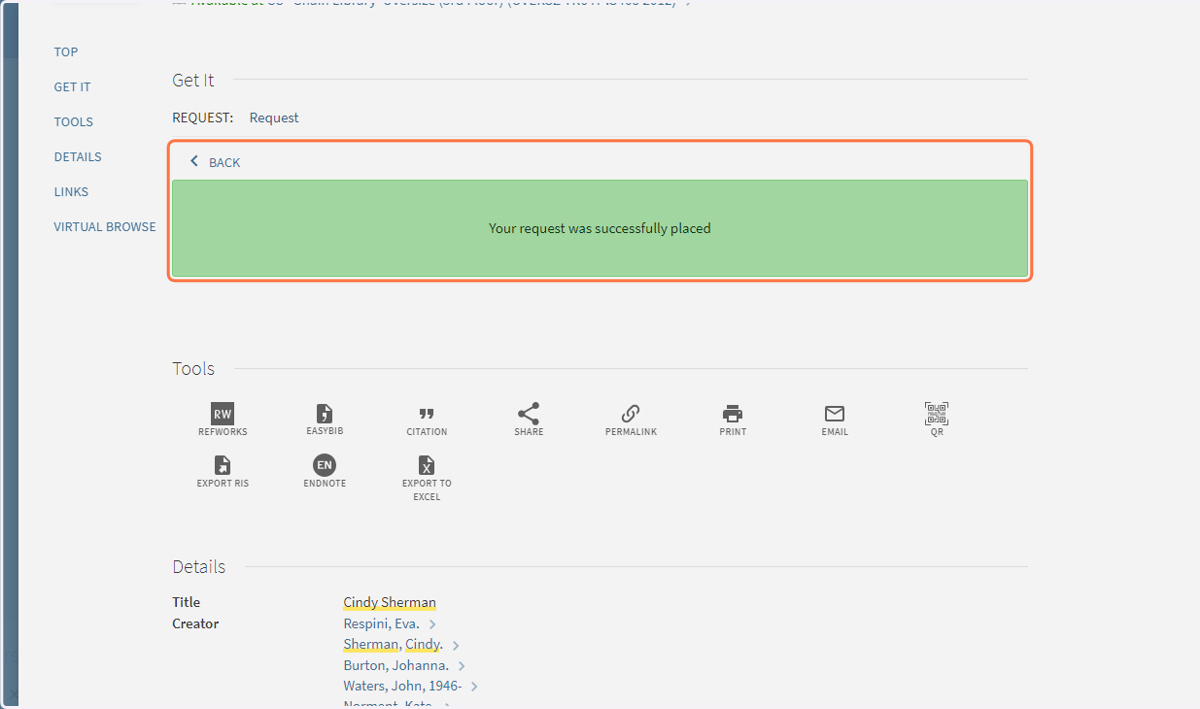
6. Confirmation