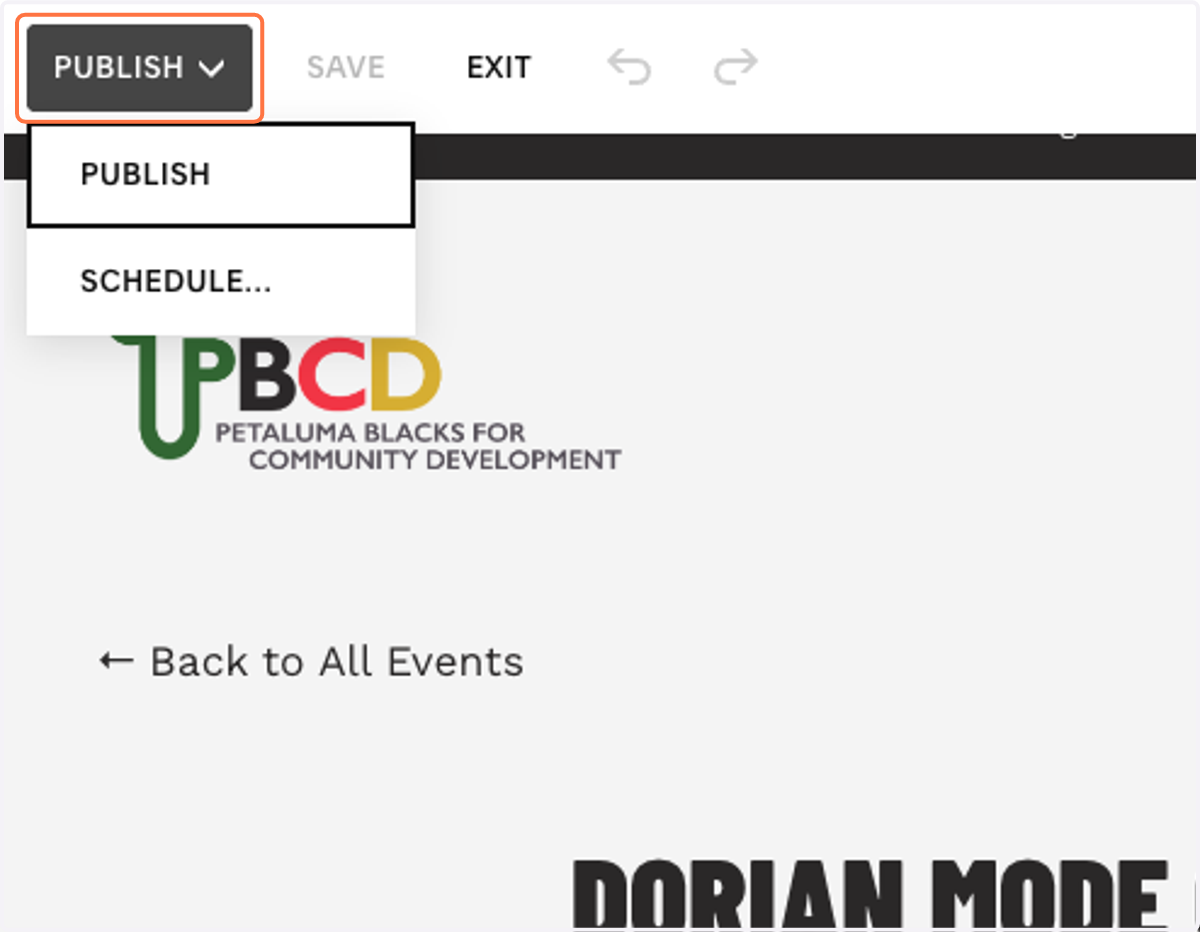
Publish Events
PLEASE NOTE: All events should be posted as a calendar event AND as a blog post
Navigate to Squarespace — Account Dashboard.
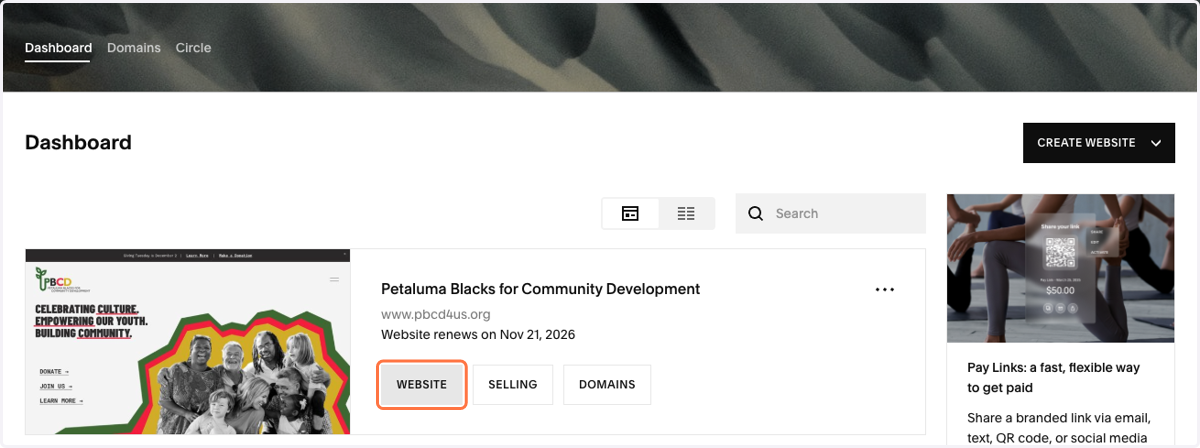
1. Click on WEBSITE.
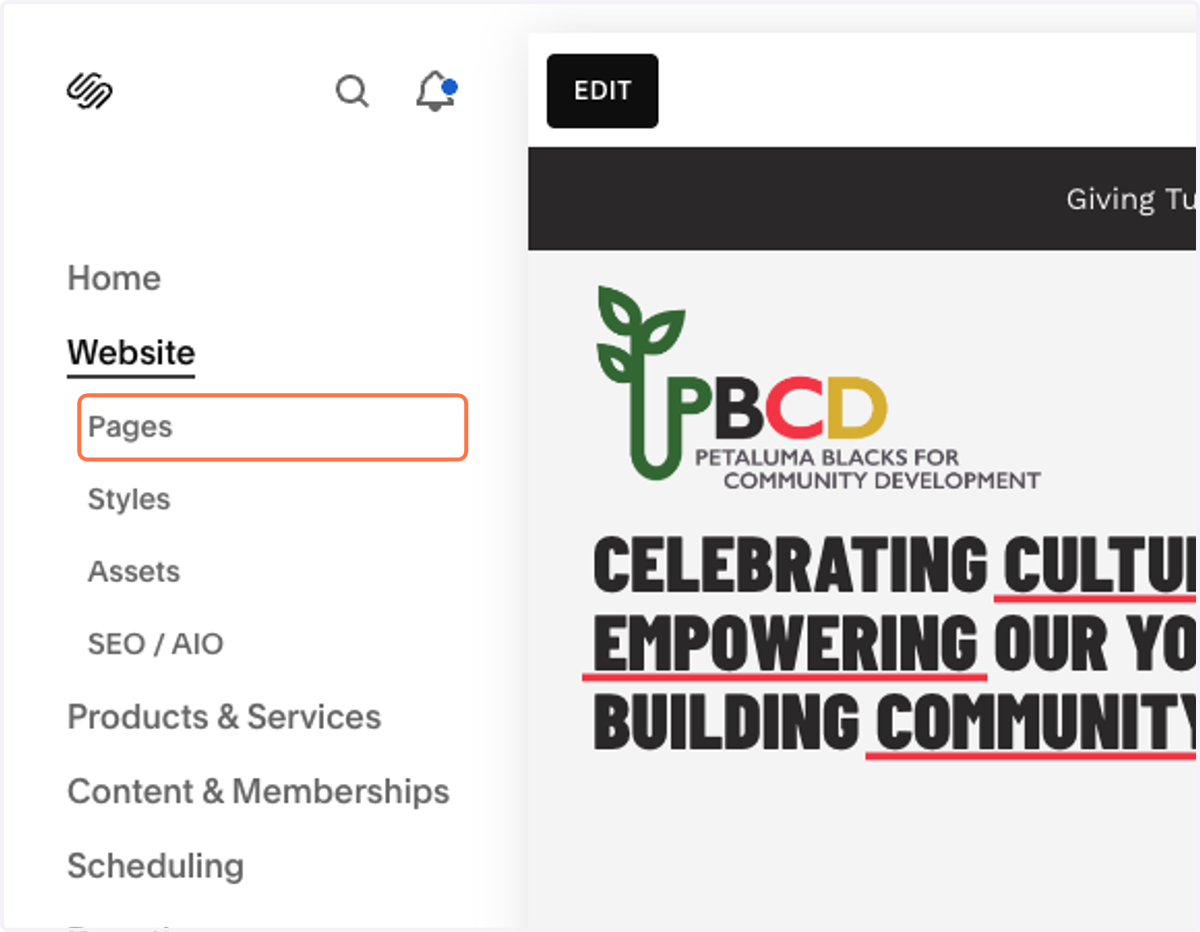
2. Under Website. Click on Pages.
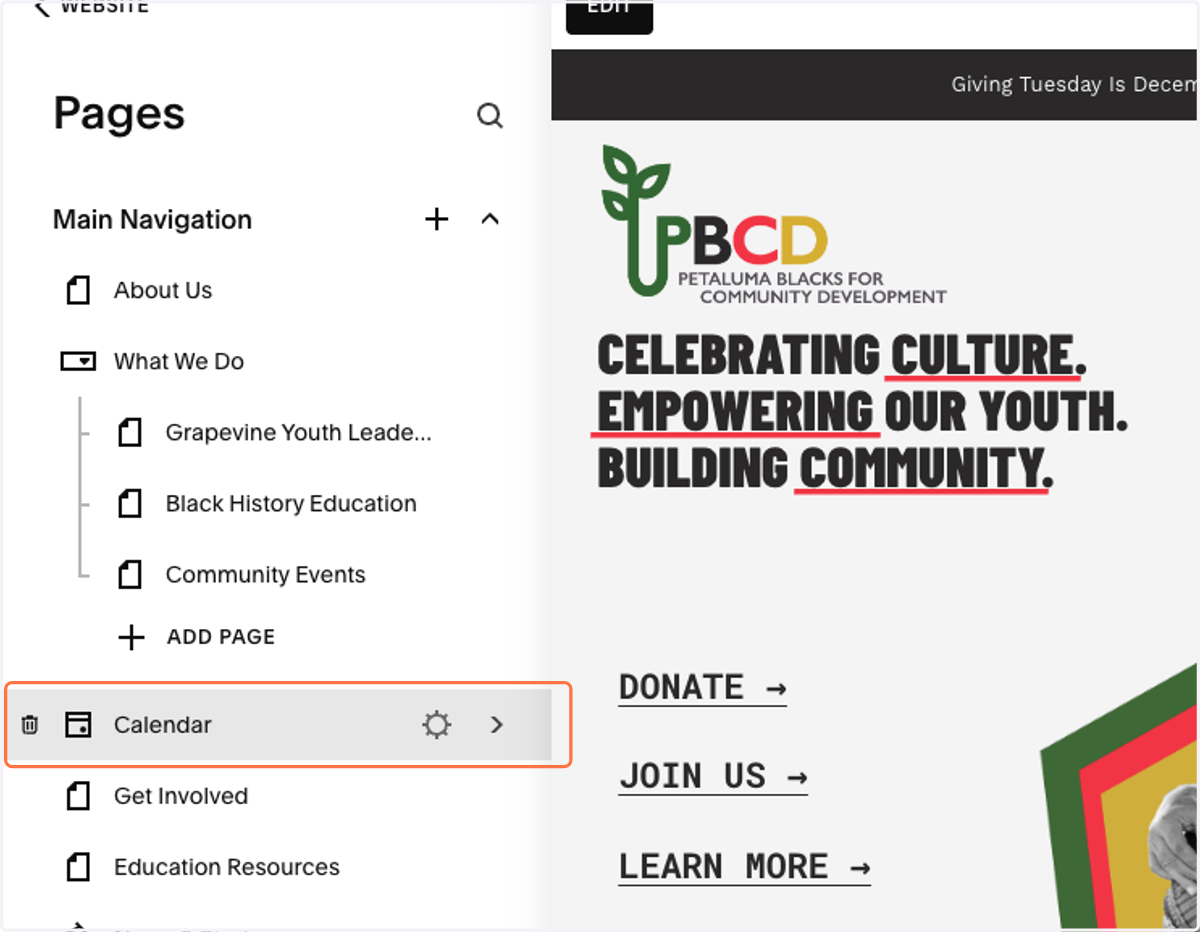
3. Click on Calendar.
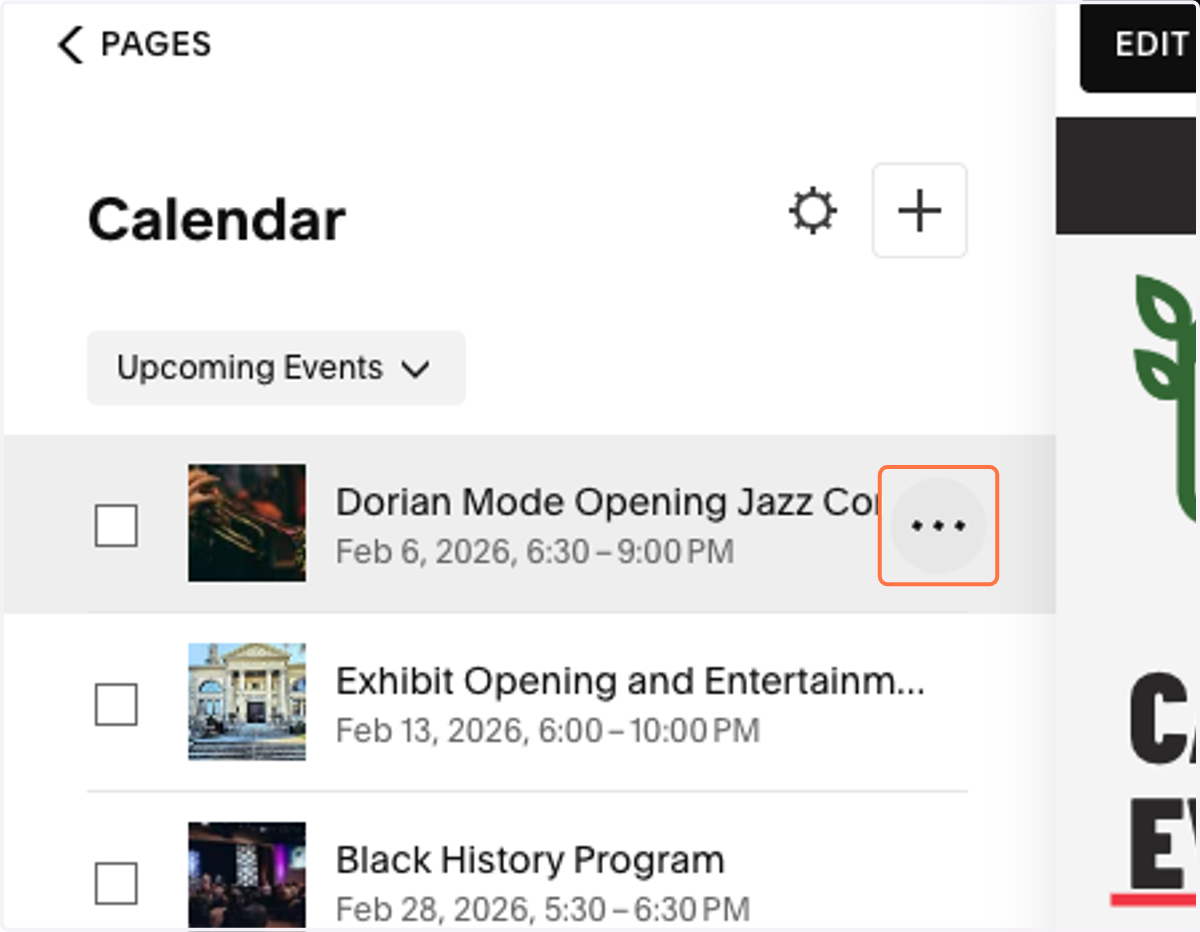
4. Click on the three dots of any event. If there is an event that you'd like to repeat, click on that event's three dots.
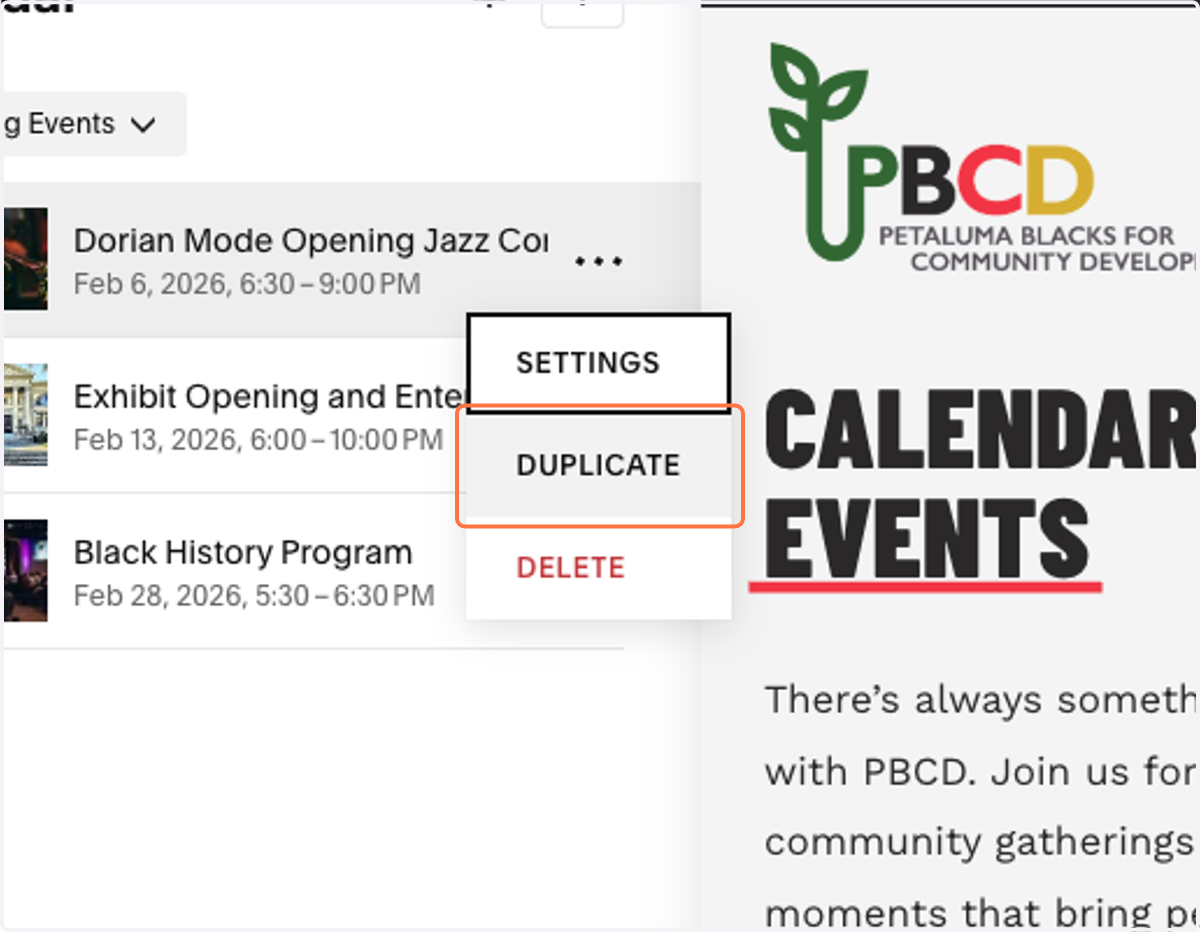
5. Click on DUPLICATE.
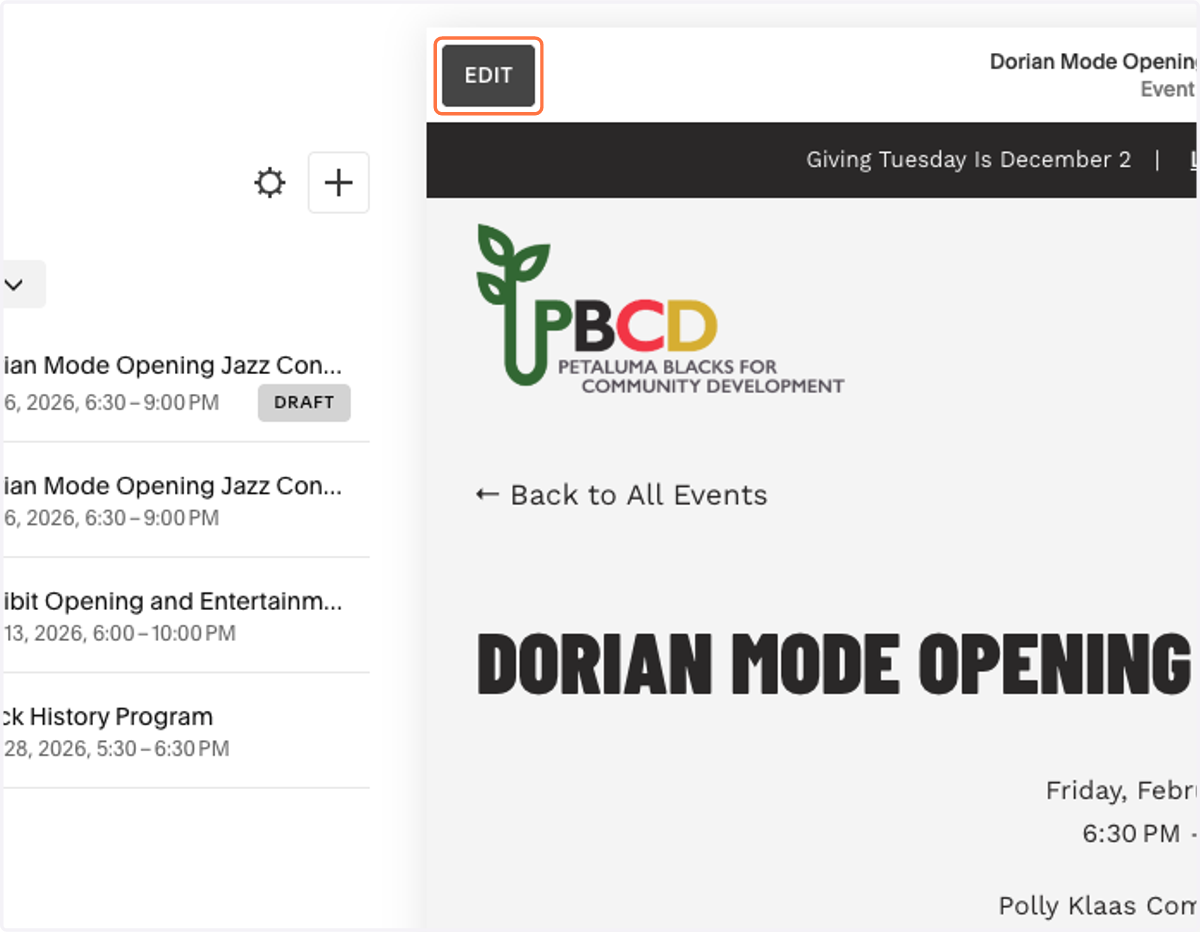
6. Click on EDIT.
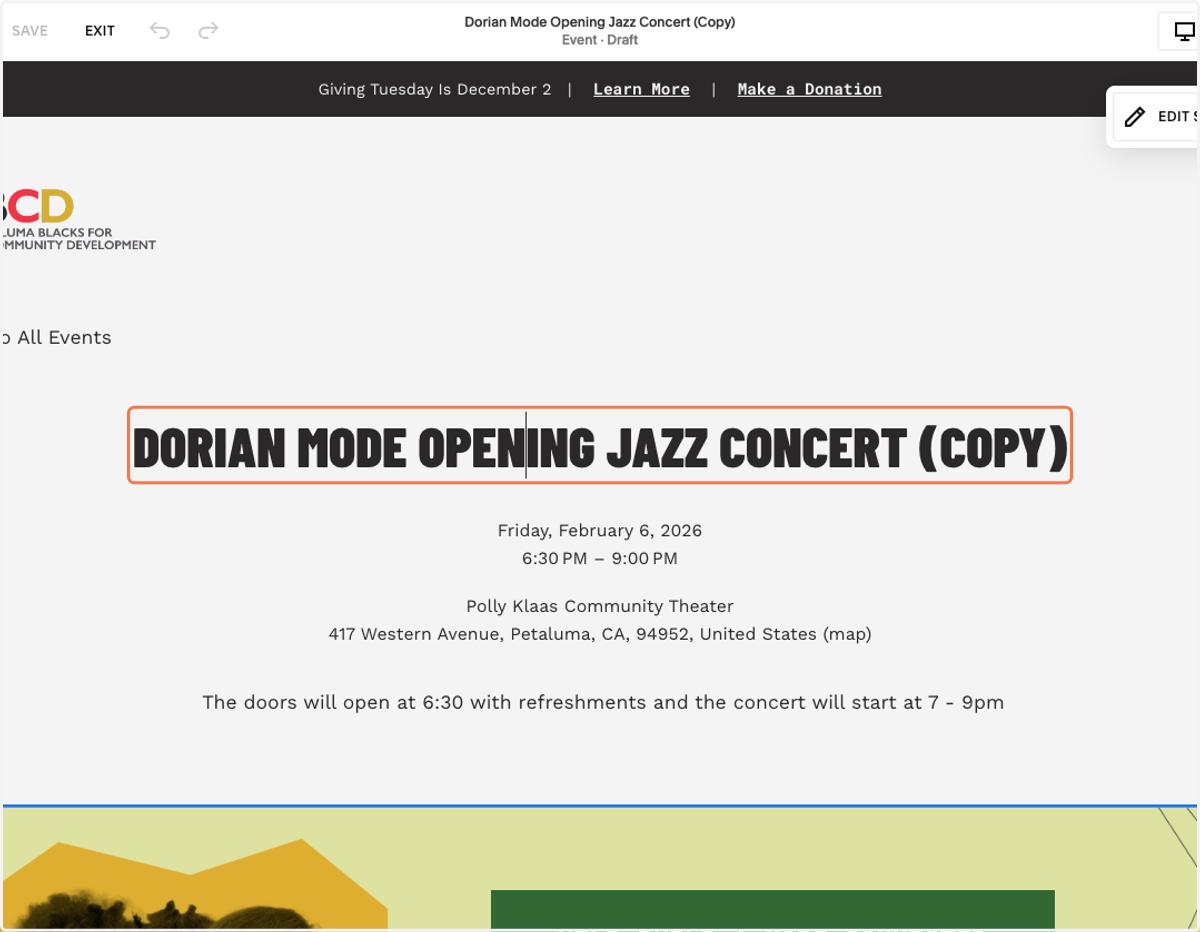
7. Update the Event Title by typing into the text box.
8. Click on the date.
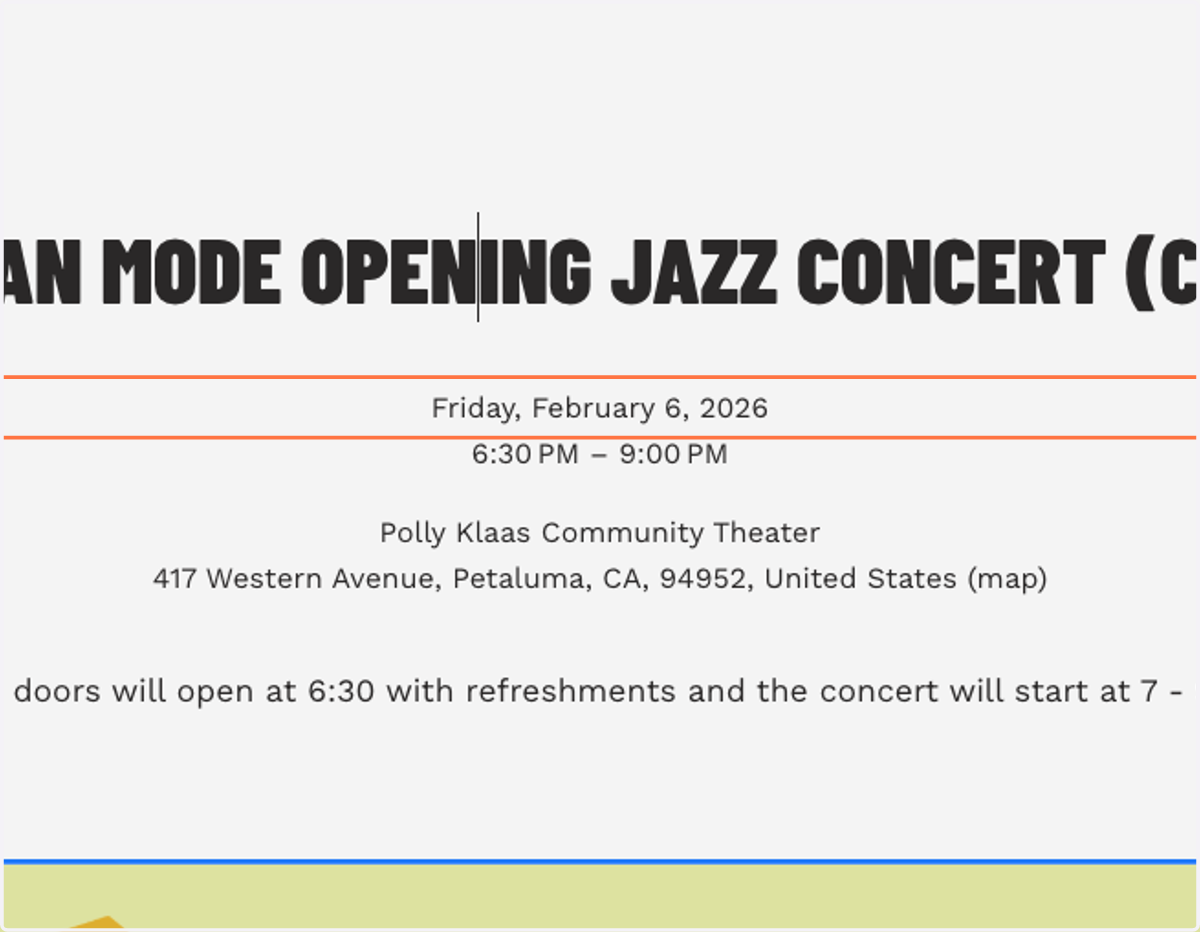
9. It will open the Event Settings panel. Click on Date and Time.
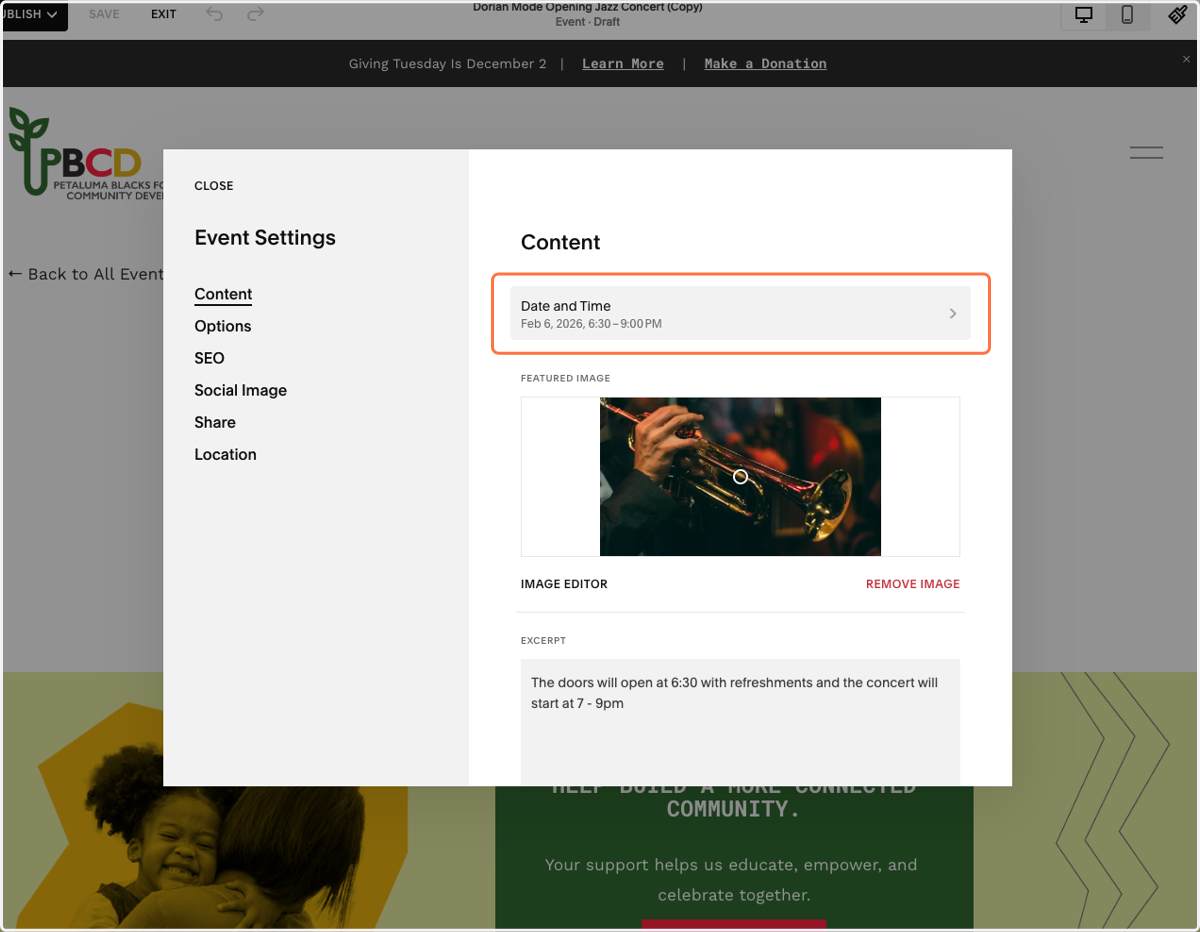
10. Add the Event Start and Event End.

11. Click on BACK
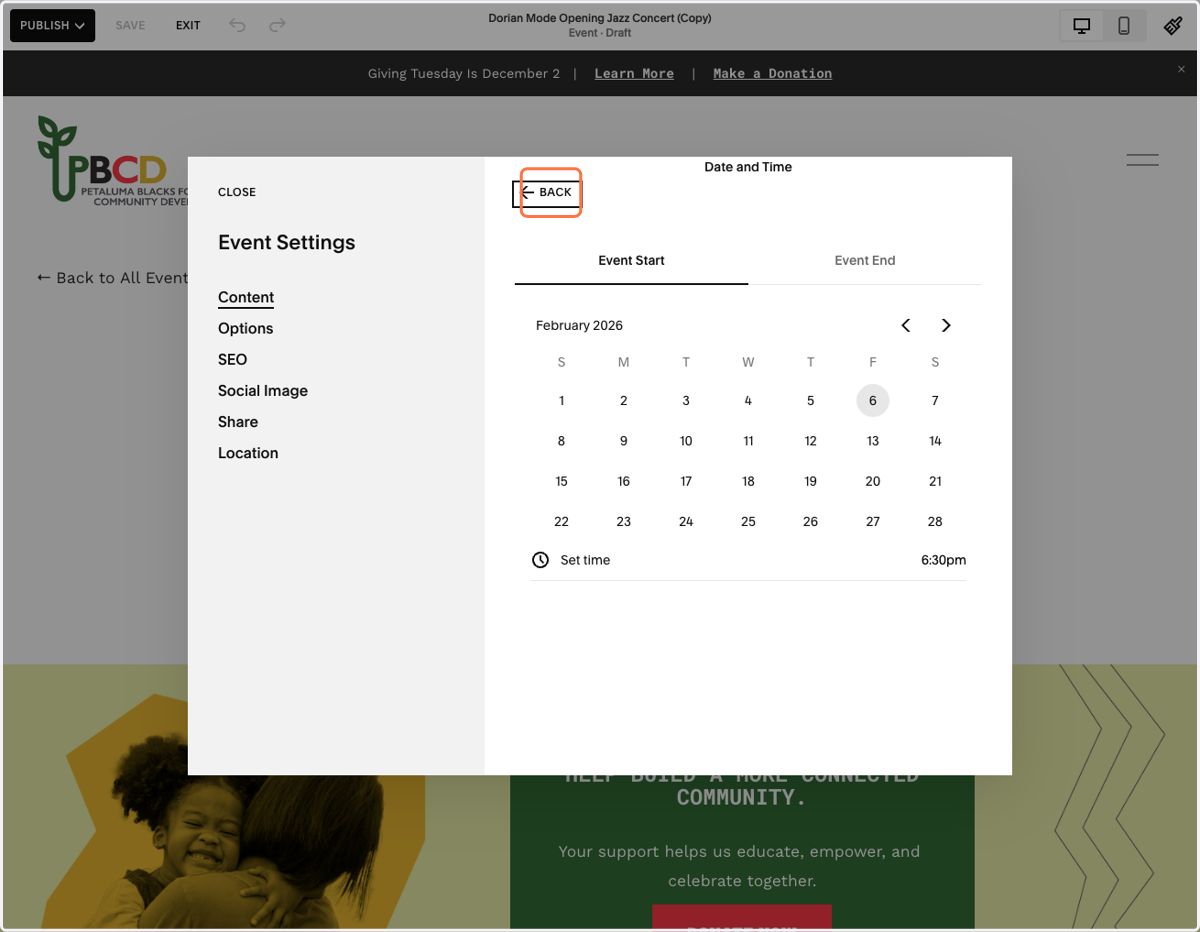
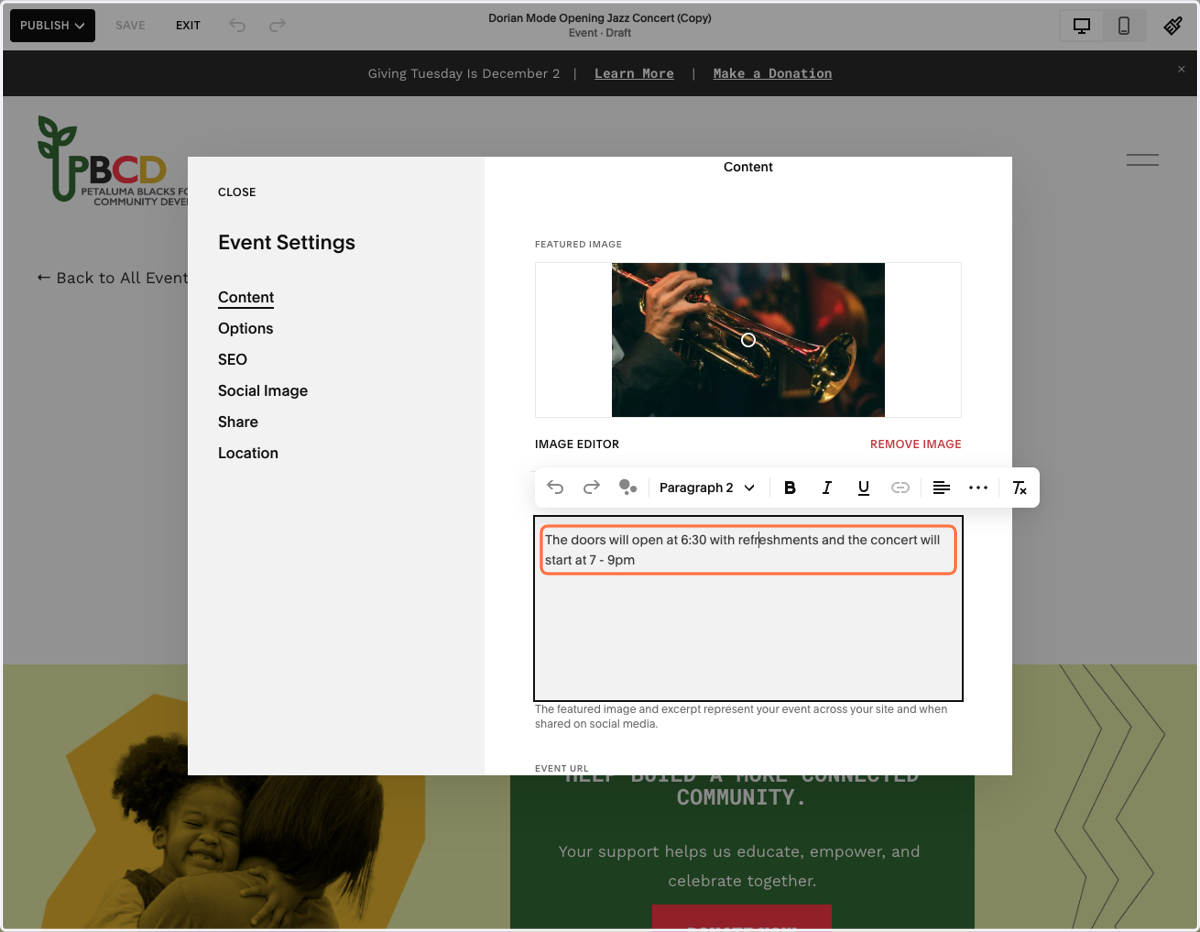
12. Update the Featured Image.
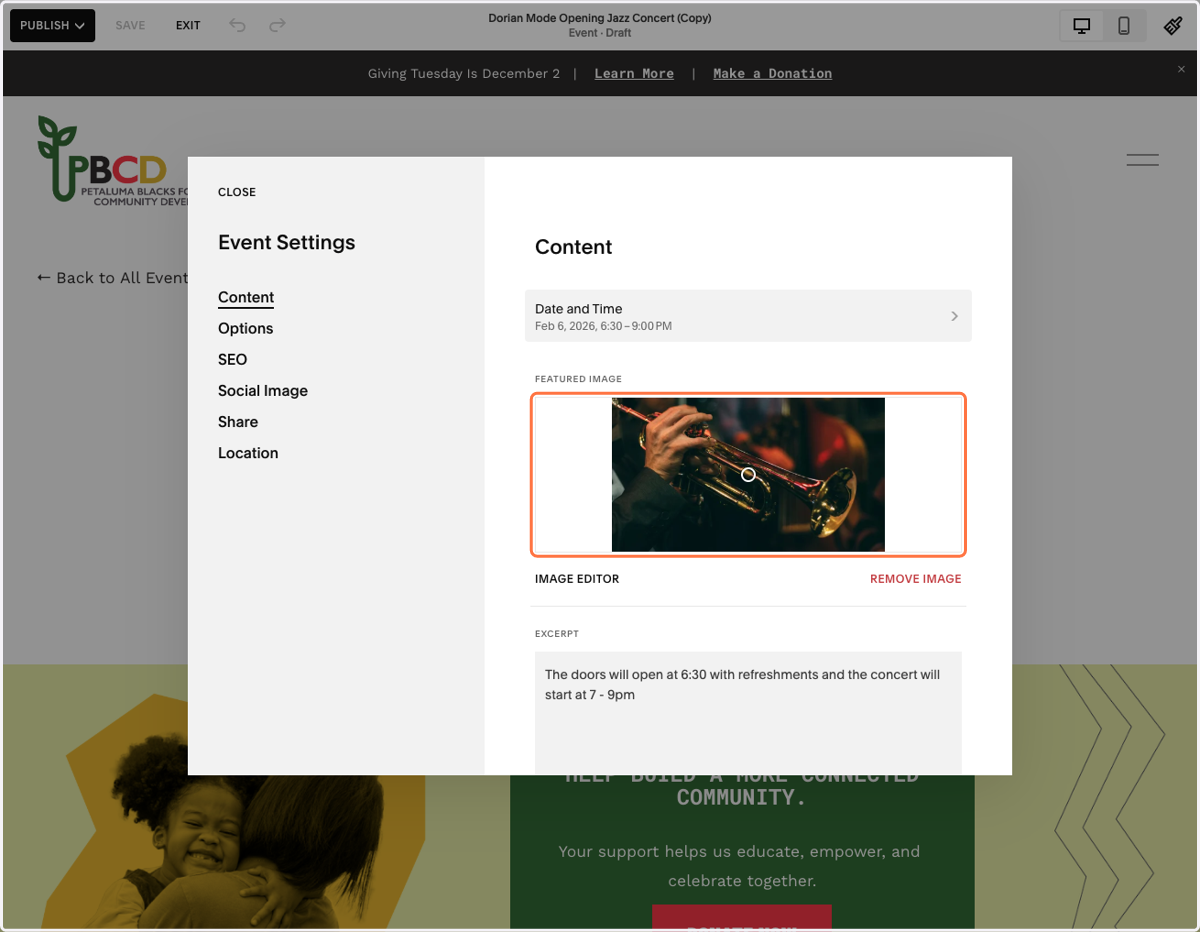
13. Update the Excerpt.
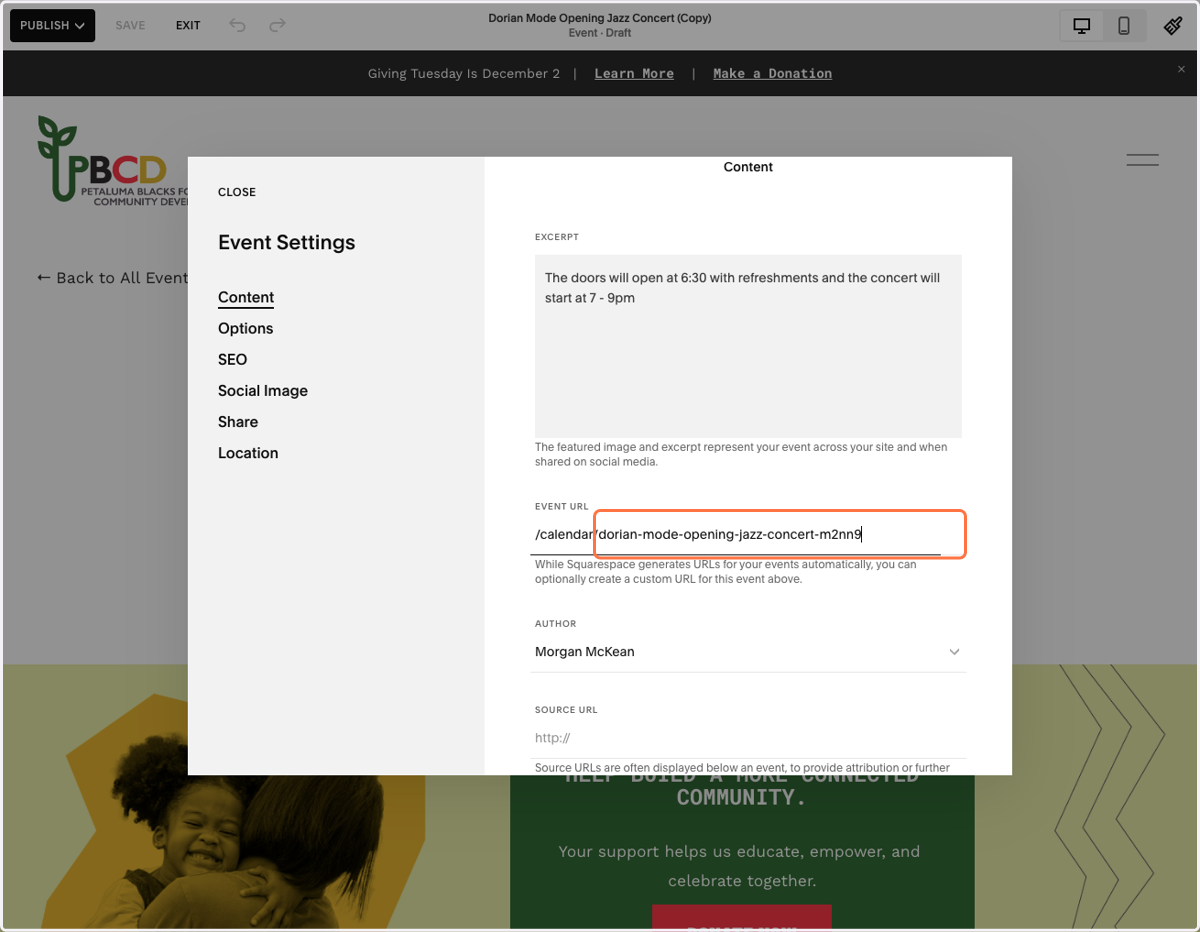
14. Update Event URL.
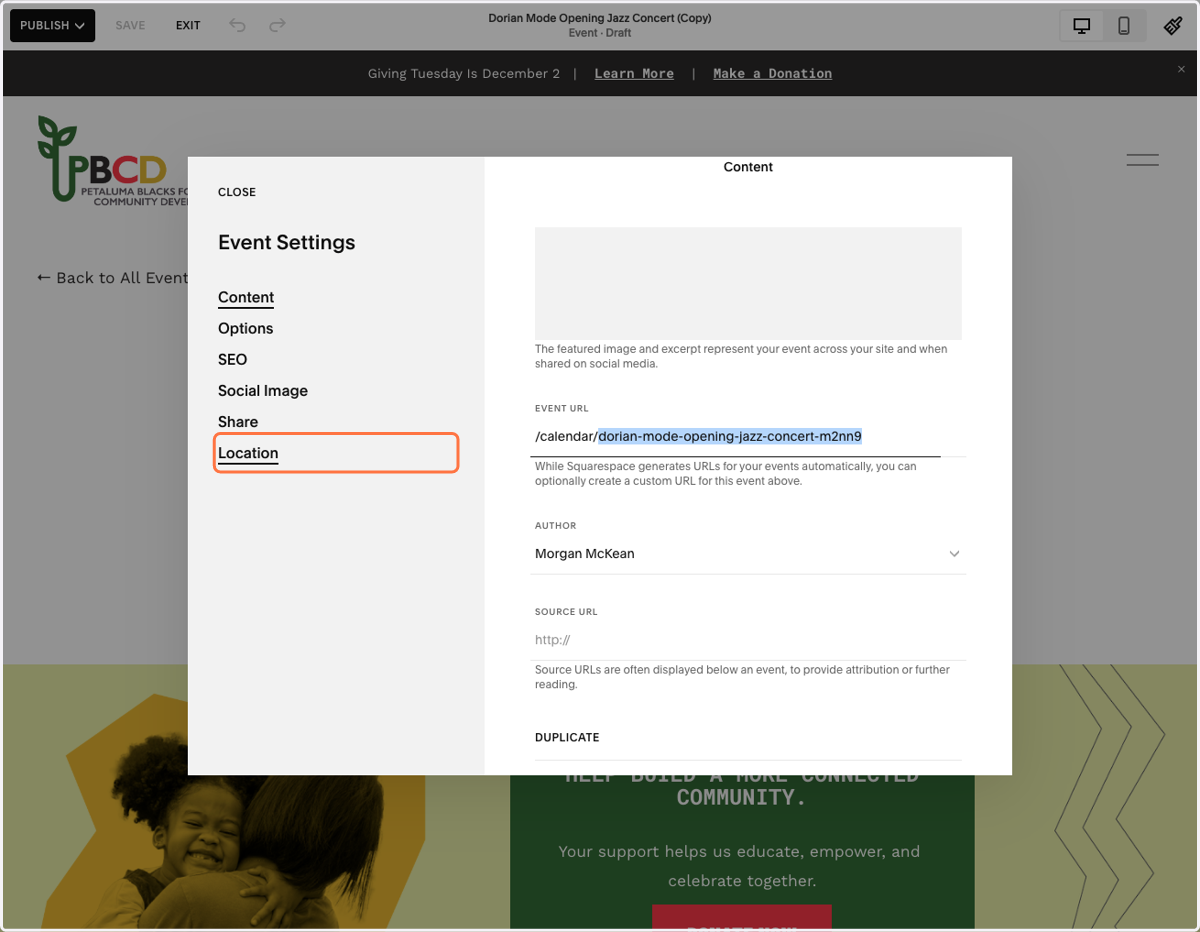
15. On the left, click on Location.
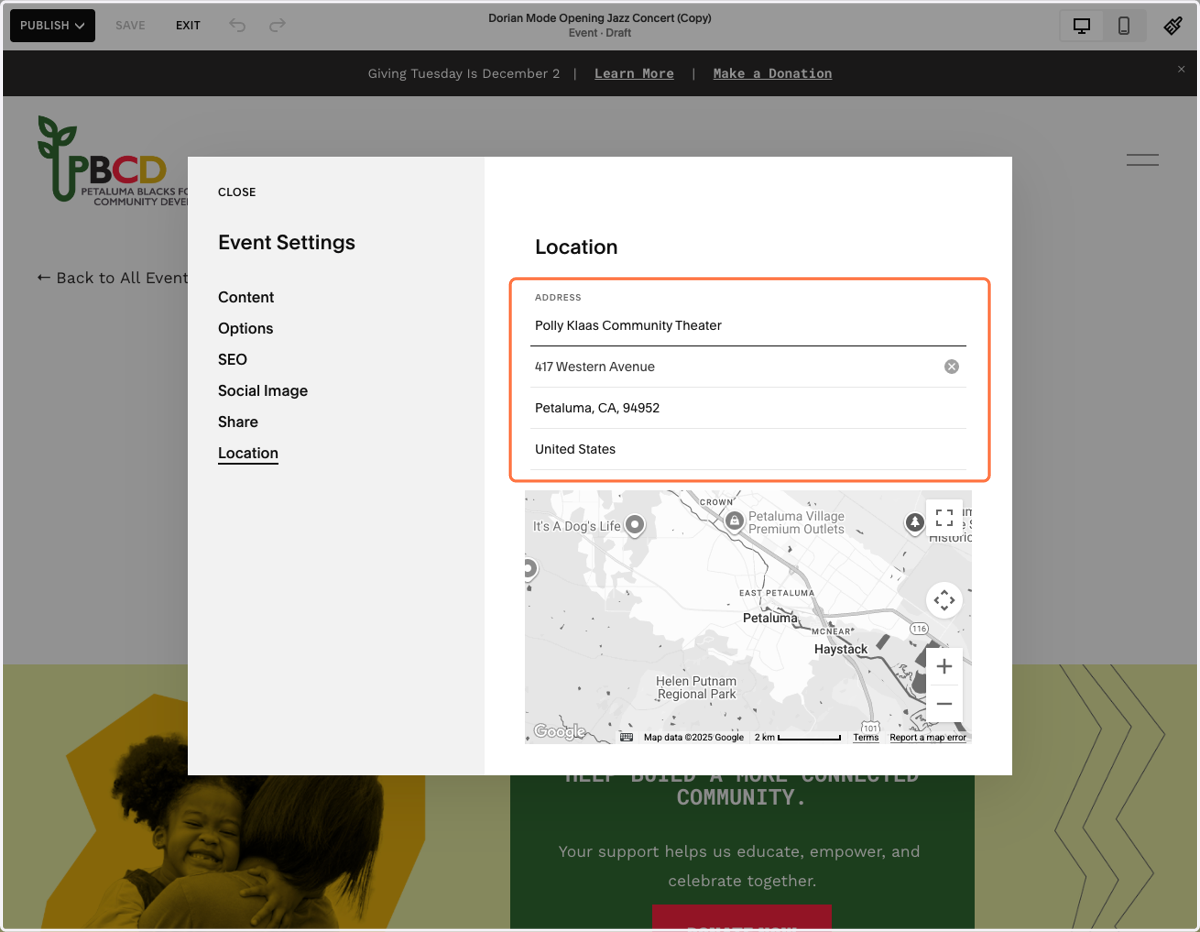
16. Update the Location
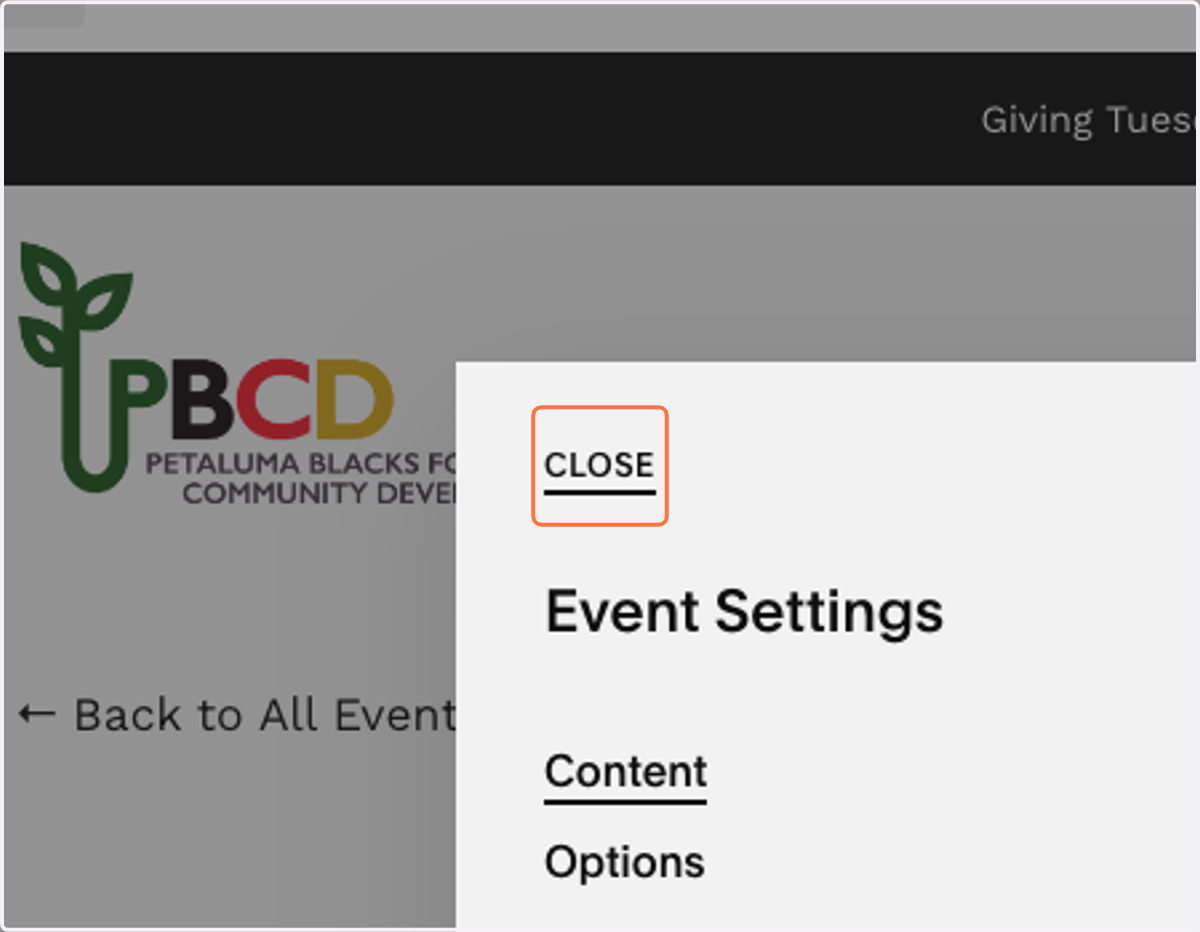
17. Click on CLOSE
18. You're back on the Event page.
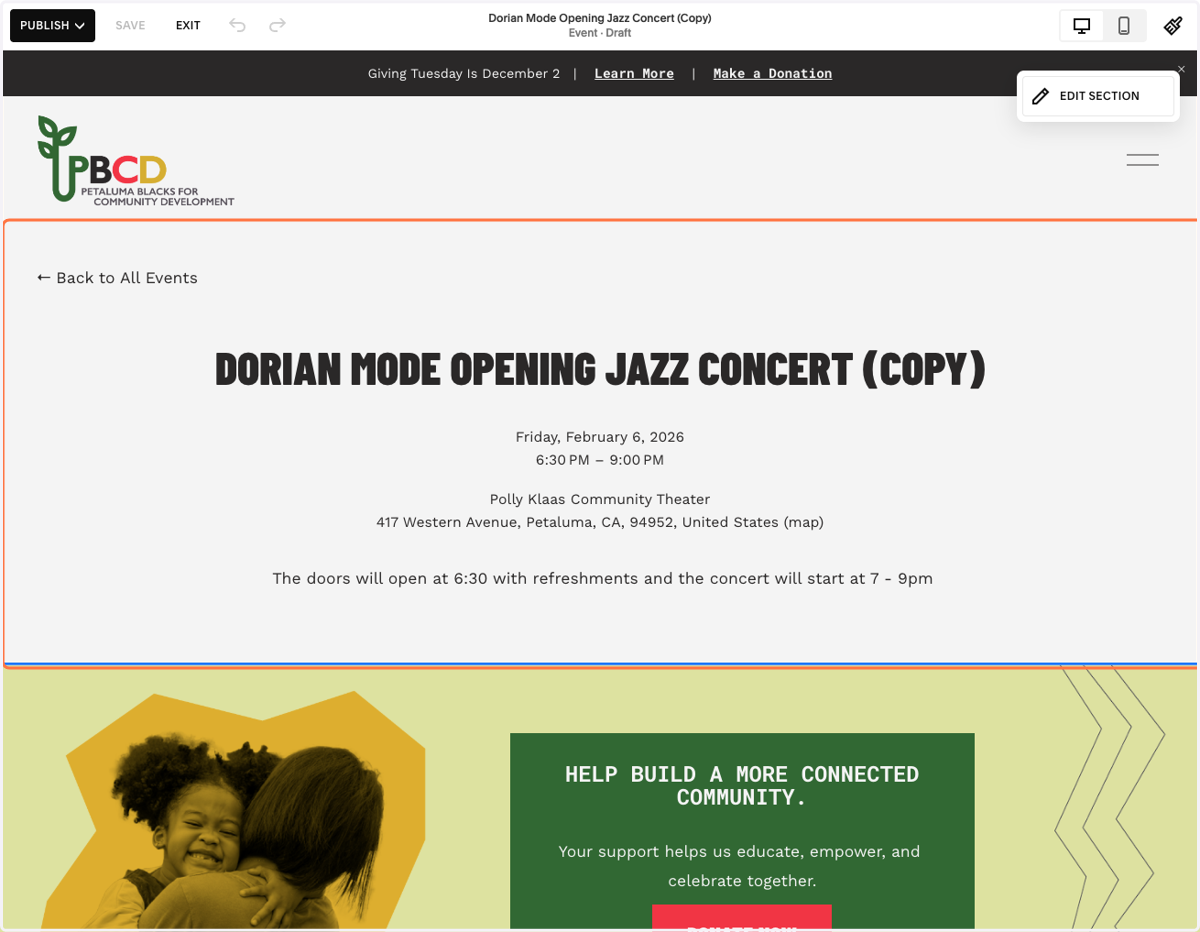
19. Click on the text box beneath the location and add in the events detials.
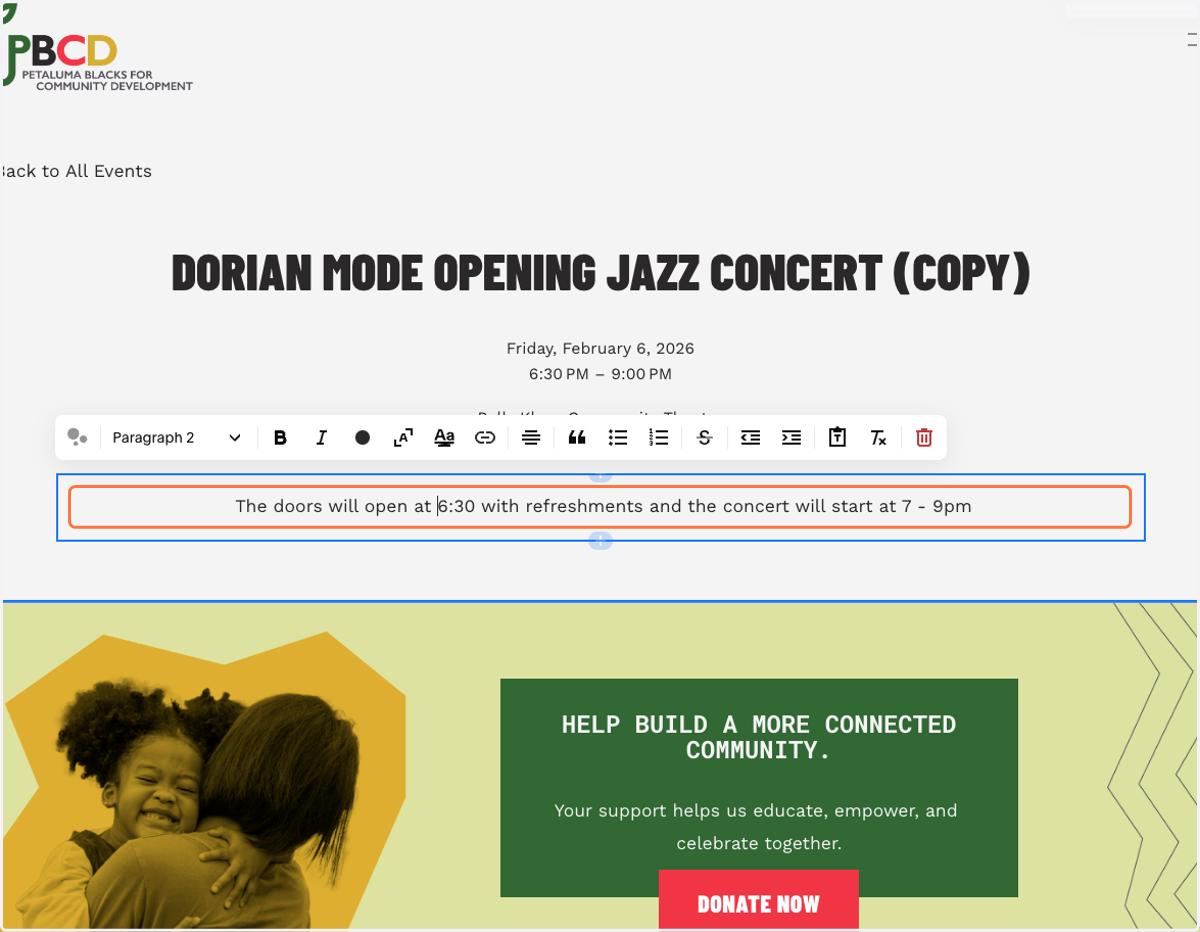
20. In the top left corner, you have options to Publish or Schedule.