Provide evidence of completion for approved Pre-Approval Activity
After completing all of the work needed for an approved Pre-Approval Activity, you must upload evidence of that work, including a log of hours. We highly encourage you to turn everything into one or multiple PDFs (reading logs, chapter summaries, slide decks, a log of hours, etc.) You can do that by printing everything and scanning it to yourself or by downloading it as a PDF.
My Dashboard - mySCView
Log into SCView.
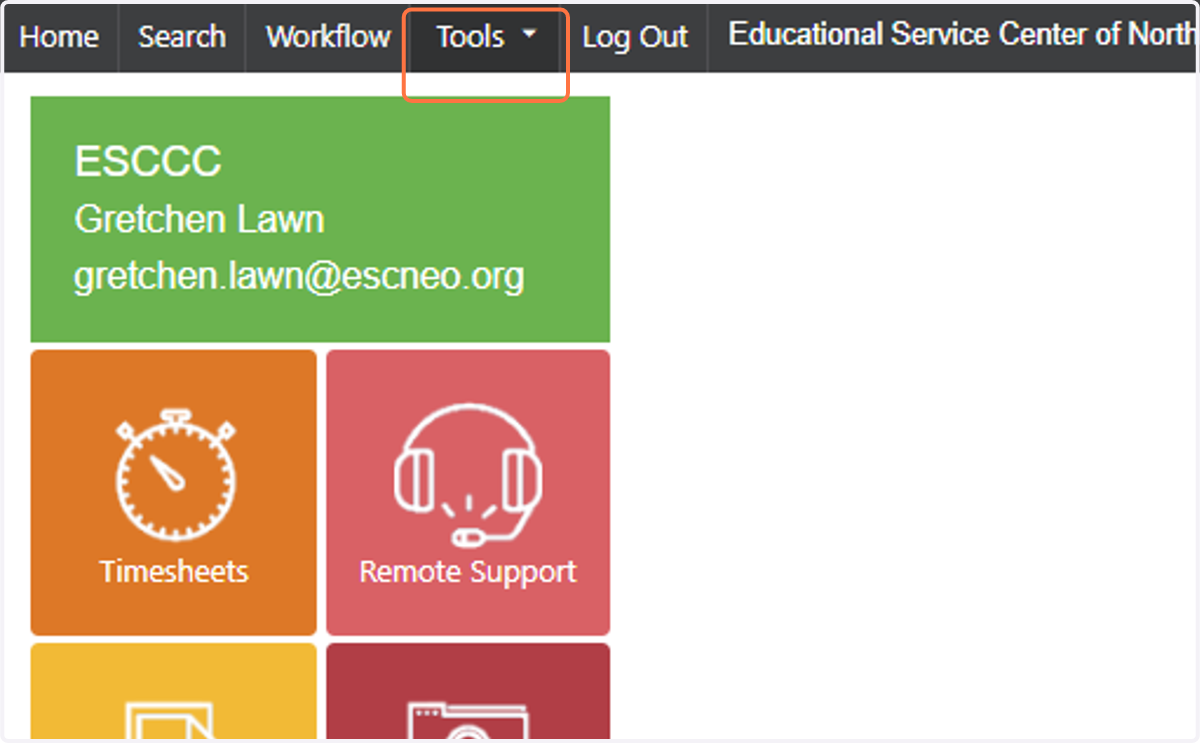
1. Click on Tools
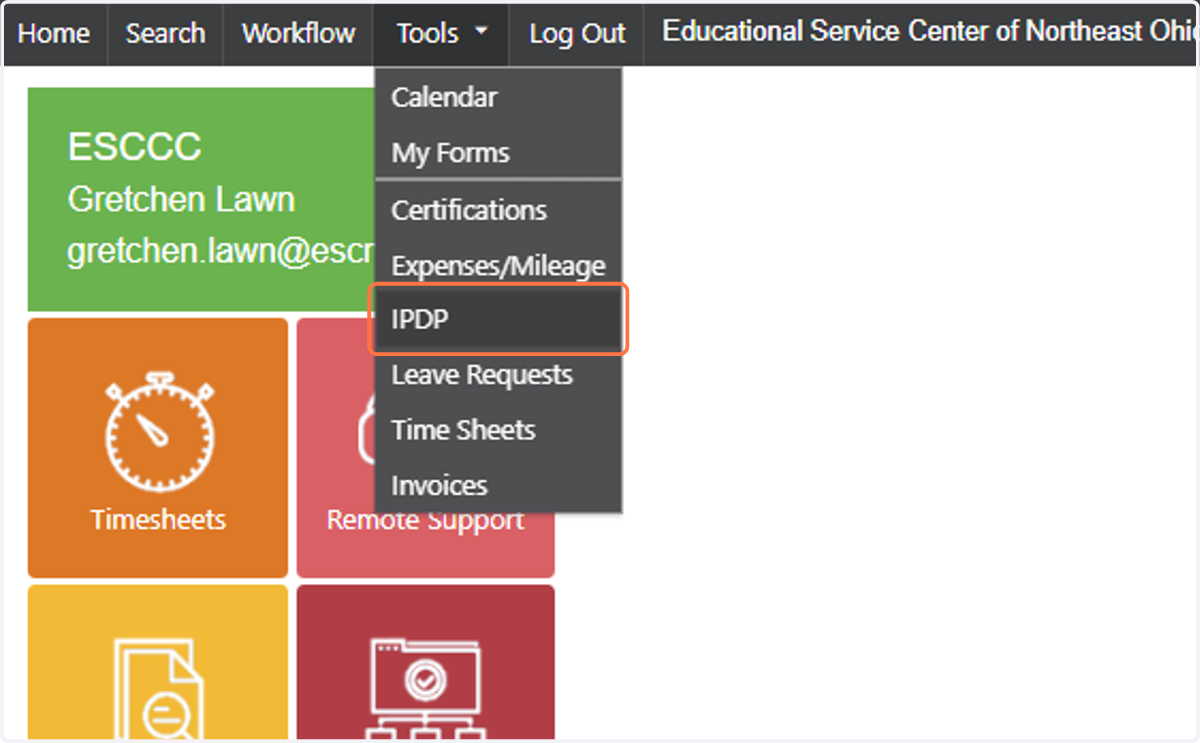
2. Click on IPDP
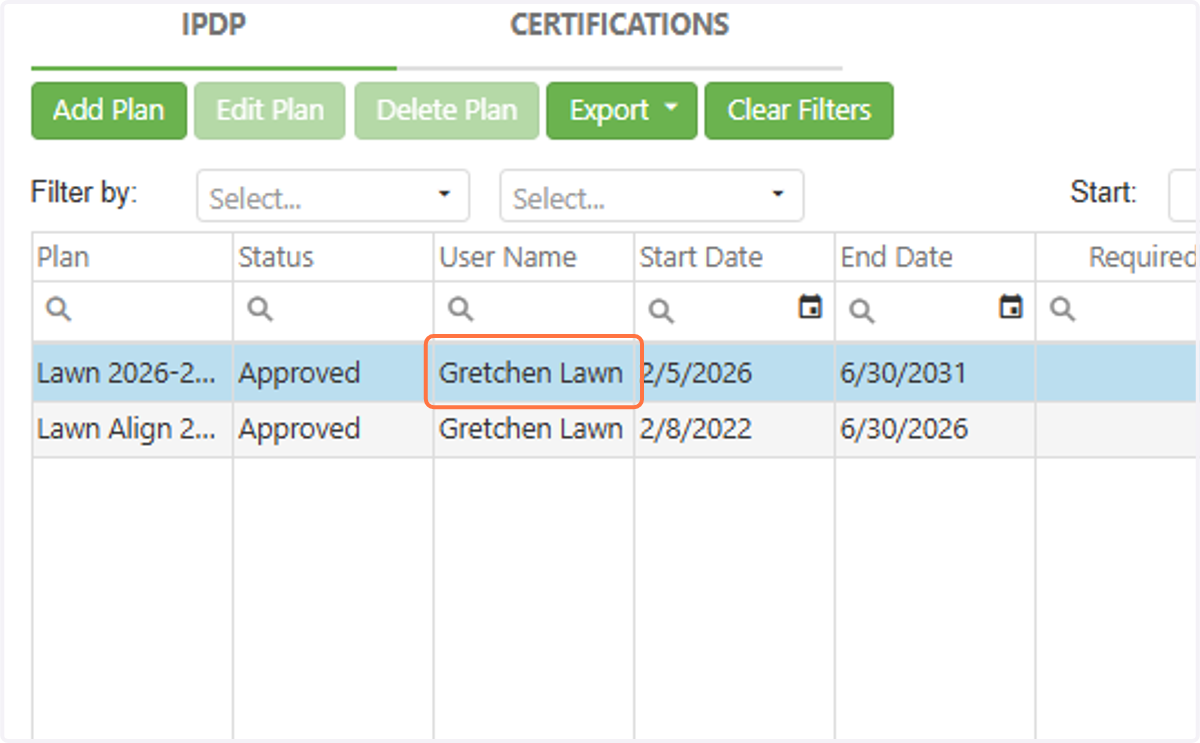
3. Click on your current plan.
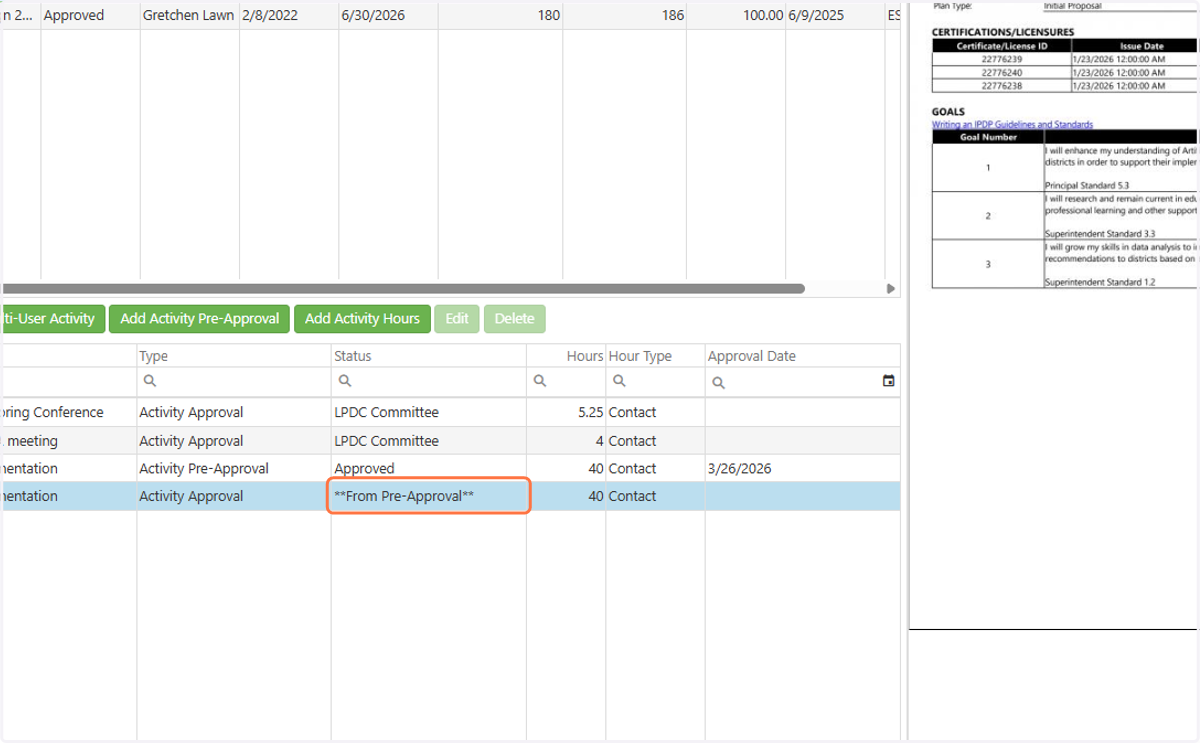
4. If you have an approved Pre-Approval Activity, you will see **From Pre-Approval** If you don't see this, you don't have an an approved Pre-Approval.
If you have more than one Pre-Approval Activity, be sure you are selecting the correct one based on the title. You should see two entries for each Pre-Approval. One is the approved request (which will have the date of approval) and the second is where you upload evidence and earn hours towards license renewal.
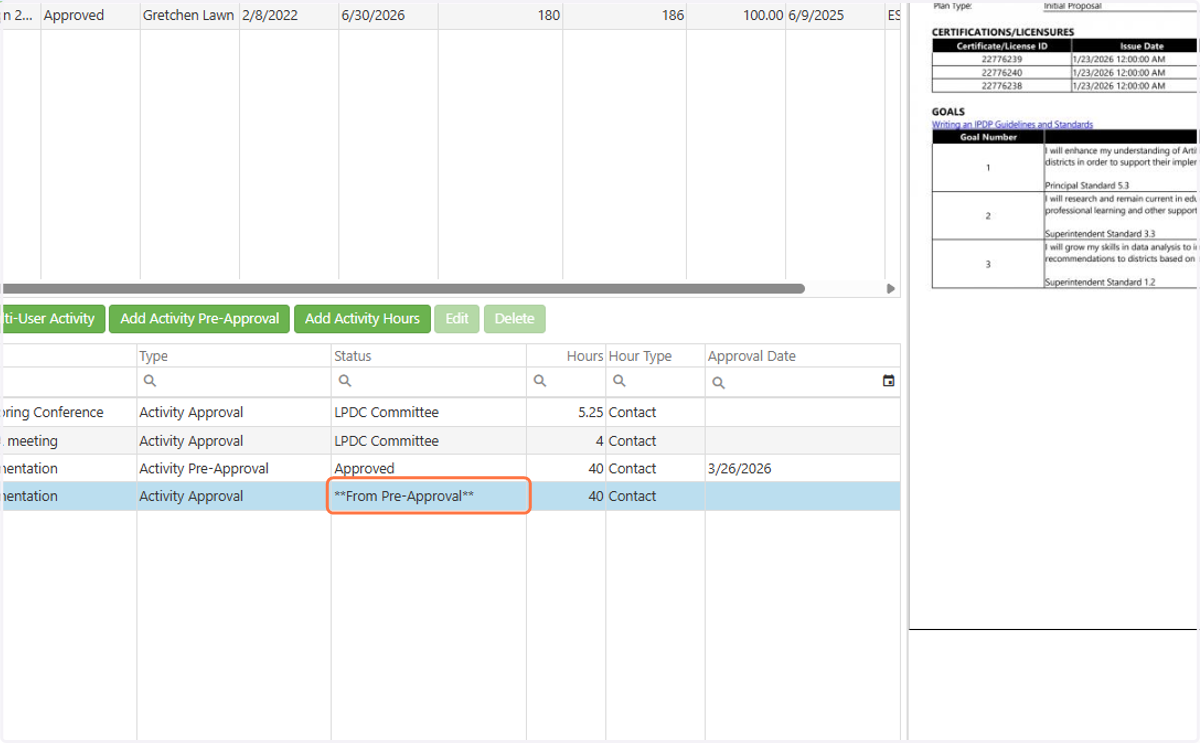
5. Click on **From Pre-Approval** when you have completed all of your work and are ready to upload evidence.
A log of hours must be part of the evidence provided.
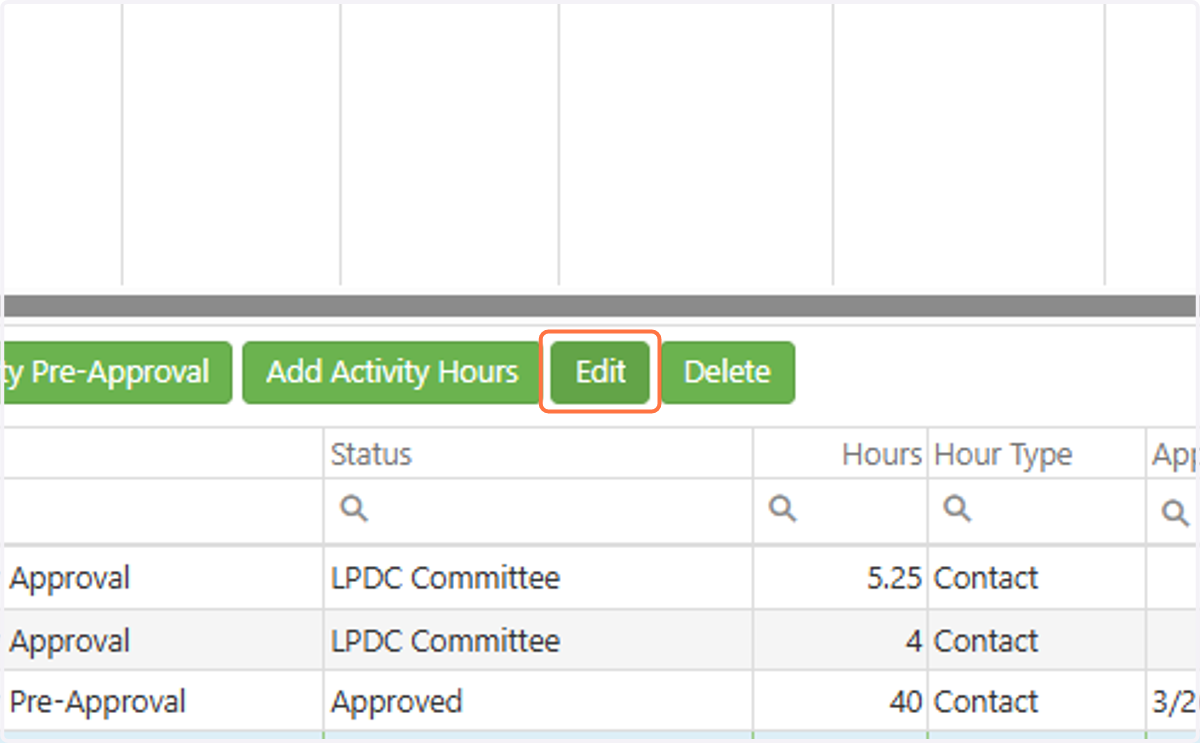
6. Click on Edit
7. Upload the evidence of completion as one PDF.
Be sure to include everything tht
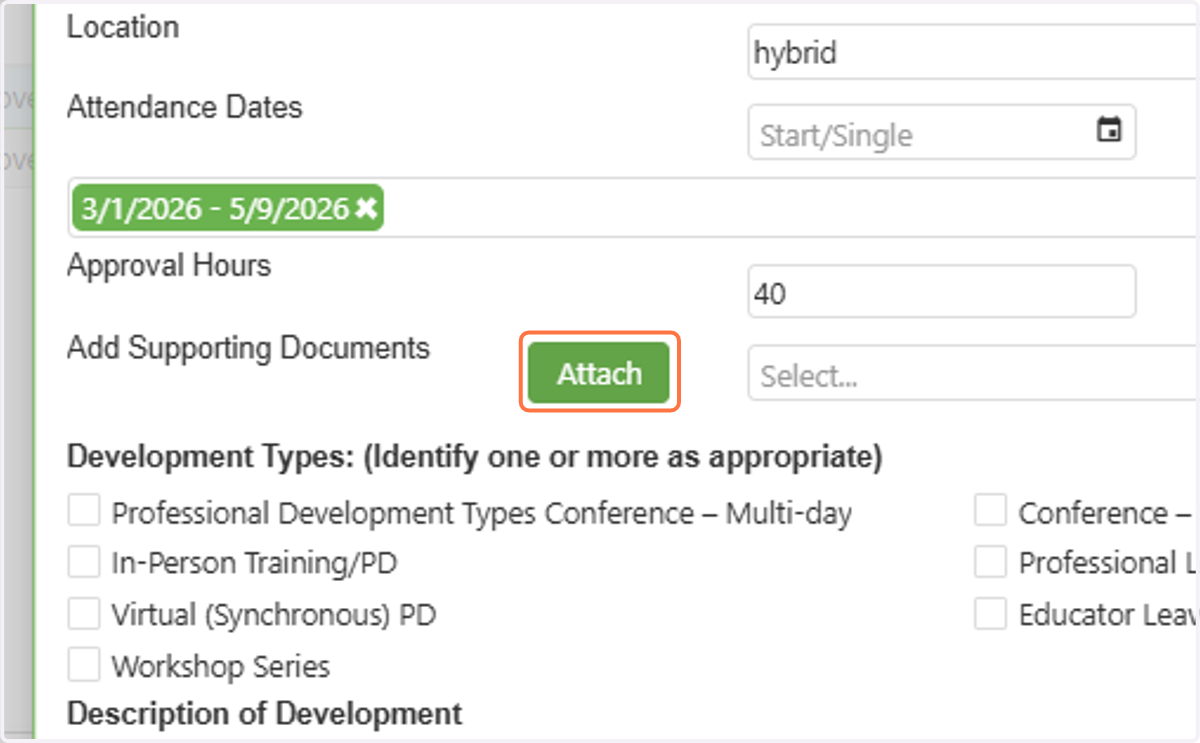
8. If you did not spend the entire requested amount of hours on the activity, you will need to reduce the hours based on your evidence.
If you spent more, we cannot give you more than you requested and we approved.
9. Click on Save
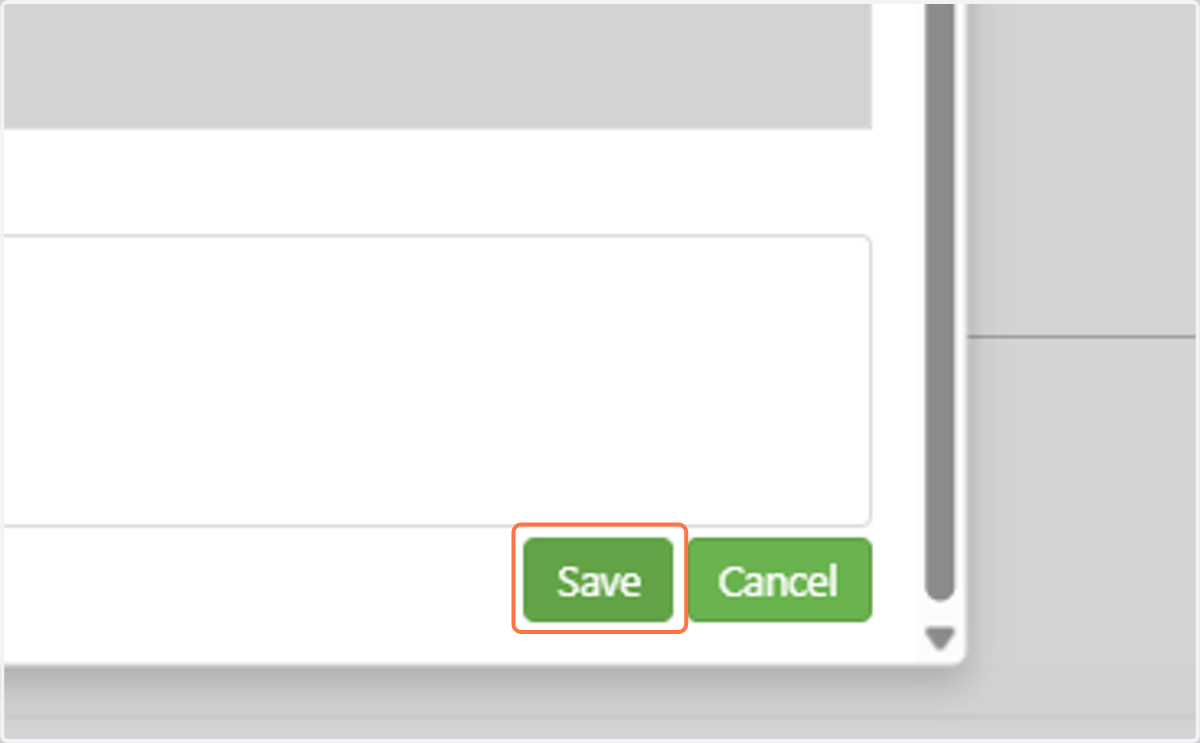
10. At that point, it will go to the LPDC Committee for approval. Once approved, the hours should be reflected in your license renewal total.