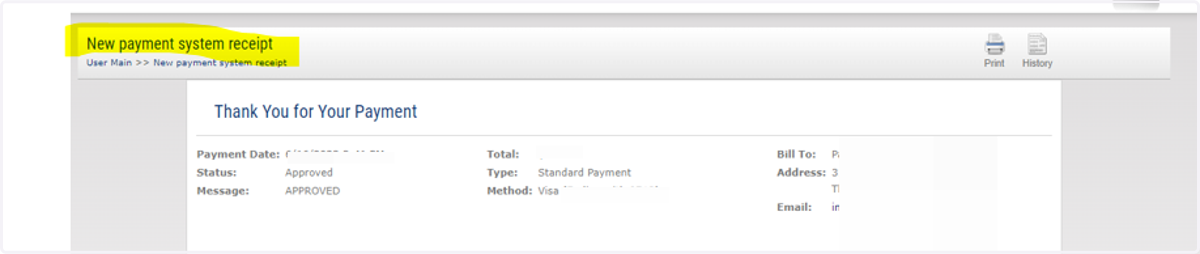
Process Payments as a Registered User Dr Arora
1. Visit site and Login
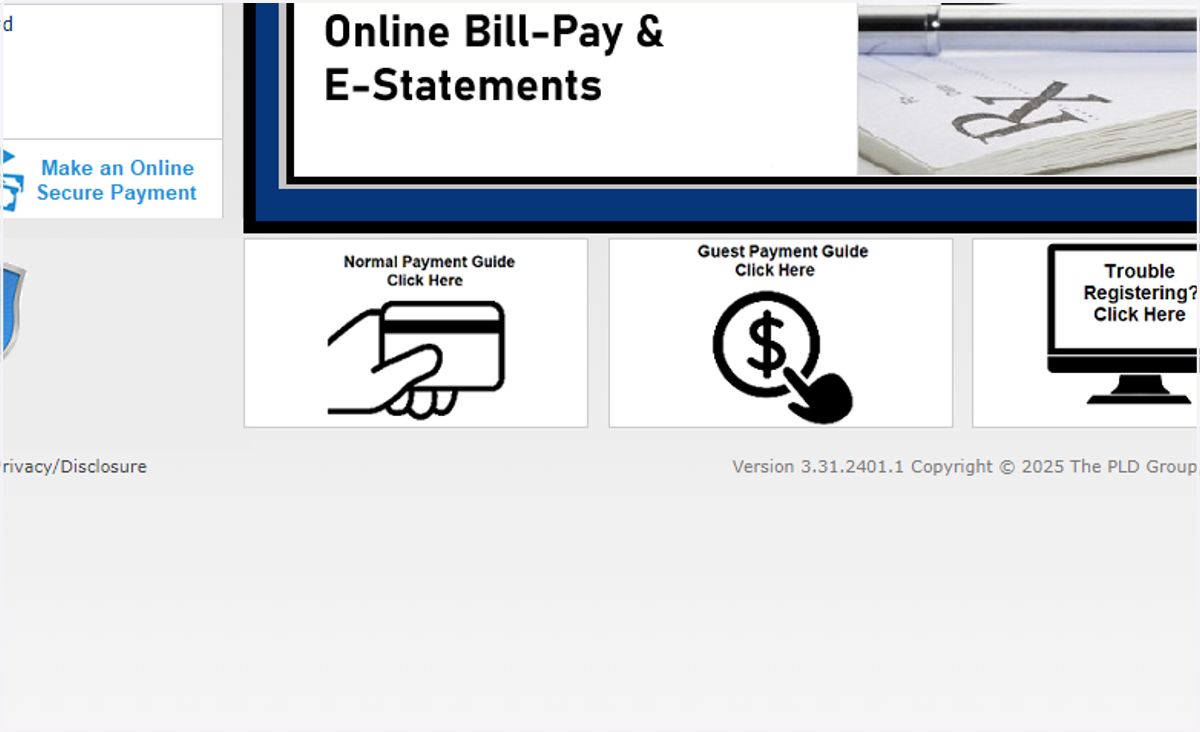
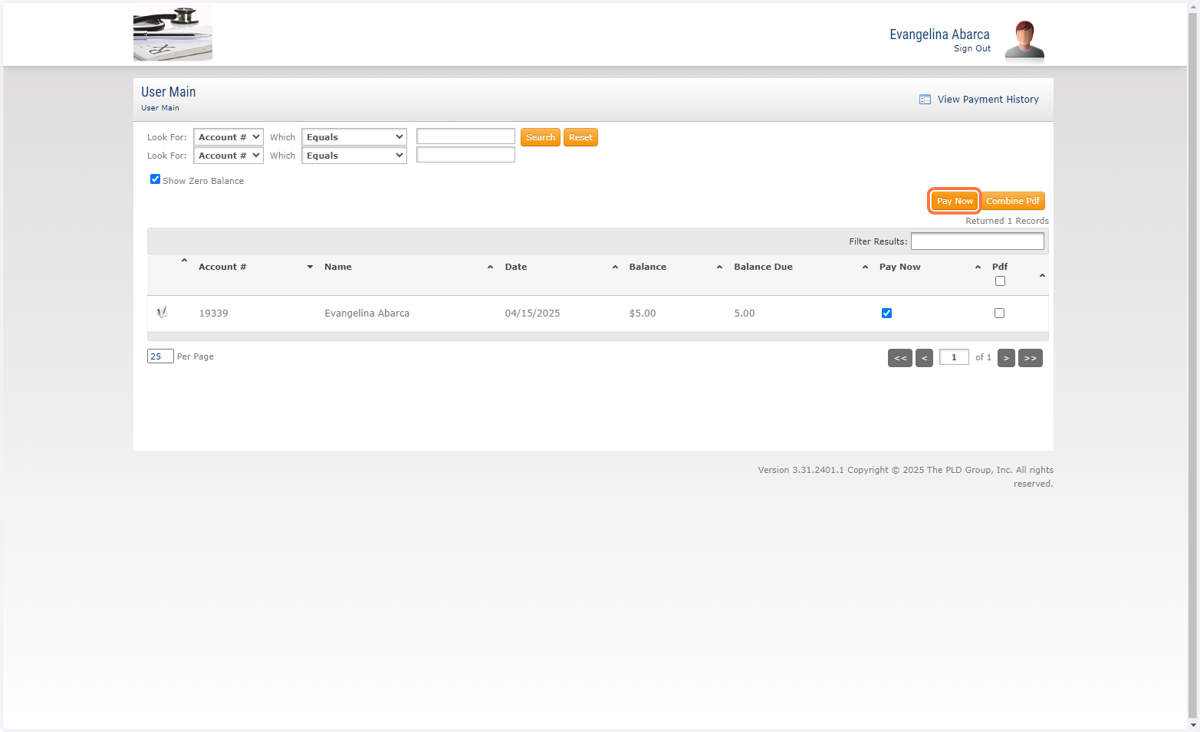
2. Click Pay now check box then the Pay now button
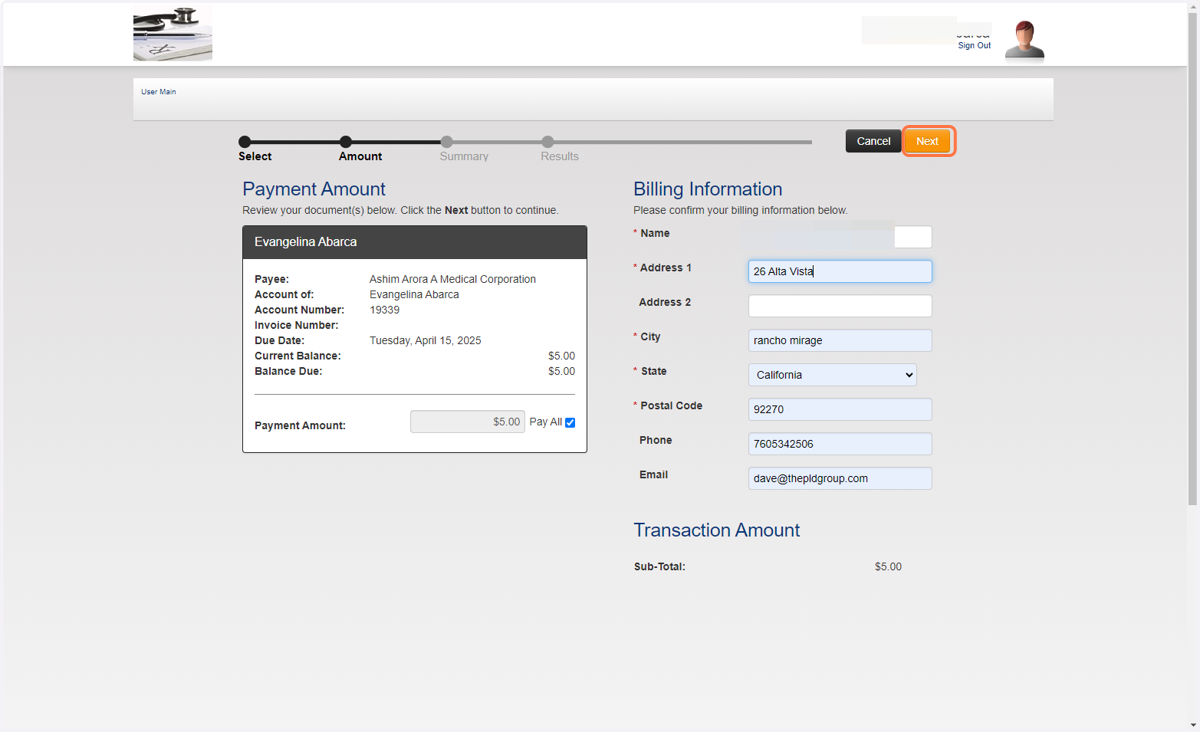
3. Enter the Billing info for the Credit Card
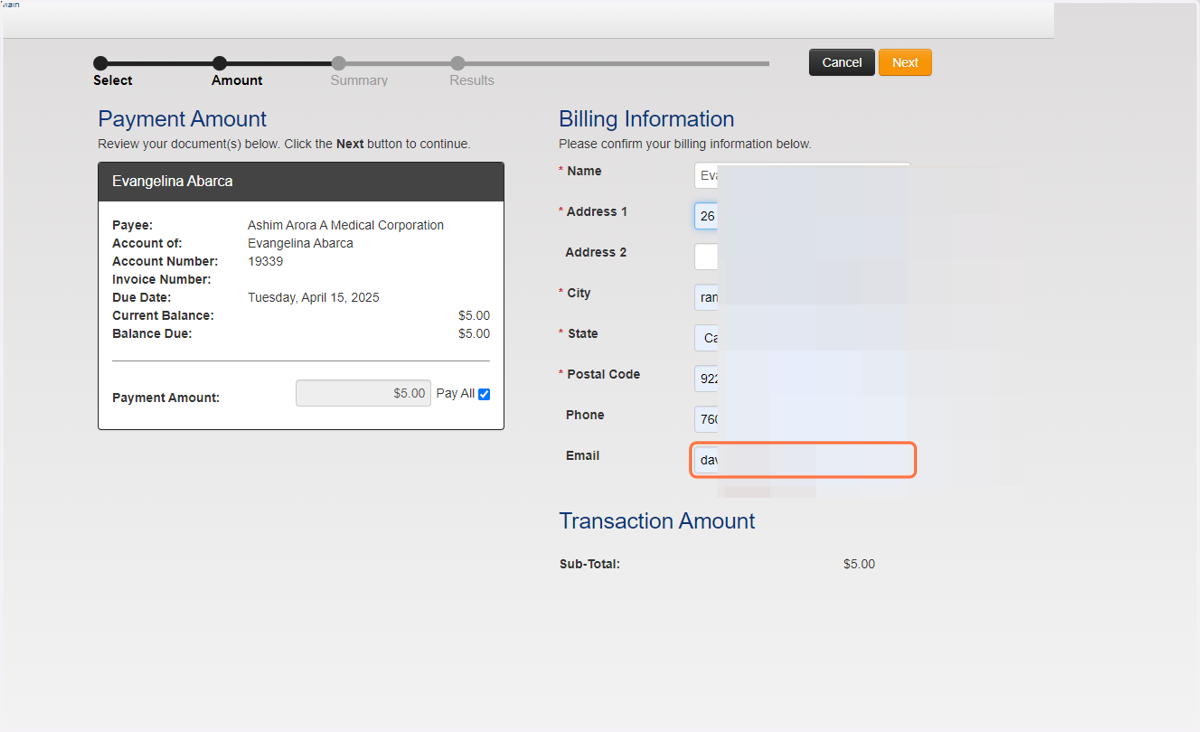
4. Click on Next
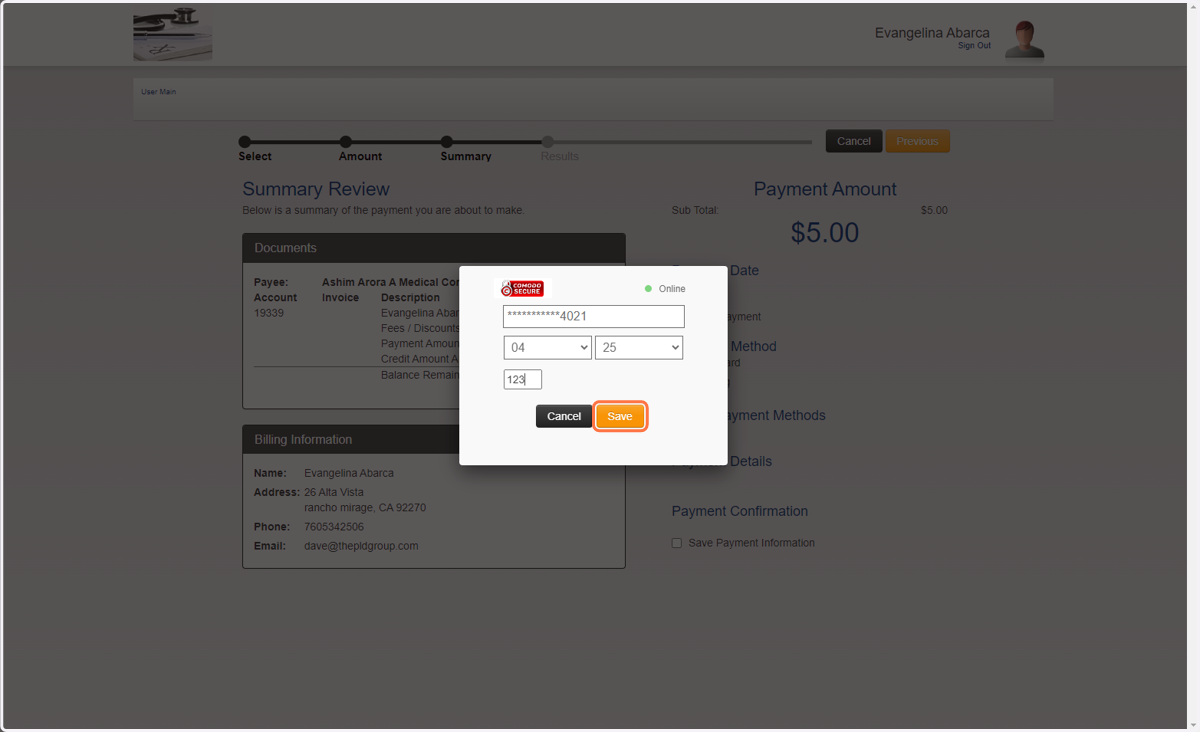
5. Enter Credit Card number and ccv then Save
6. Click save payment information. So it wont need to be entered next time
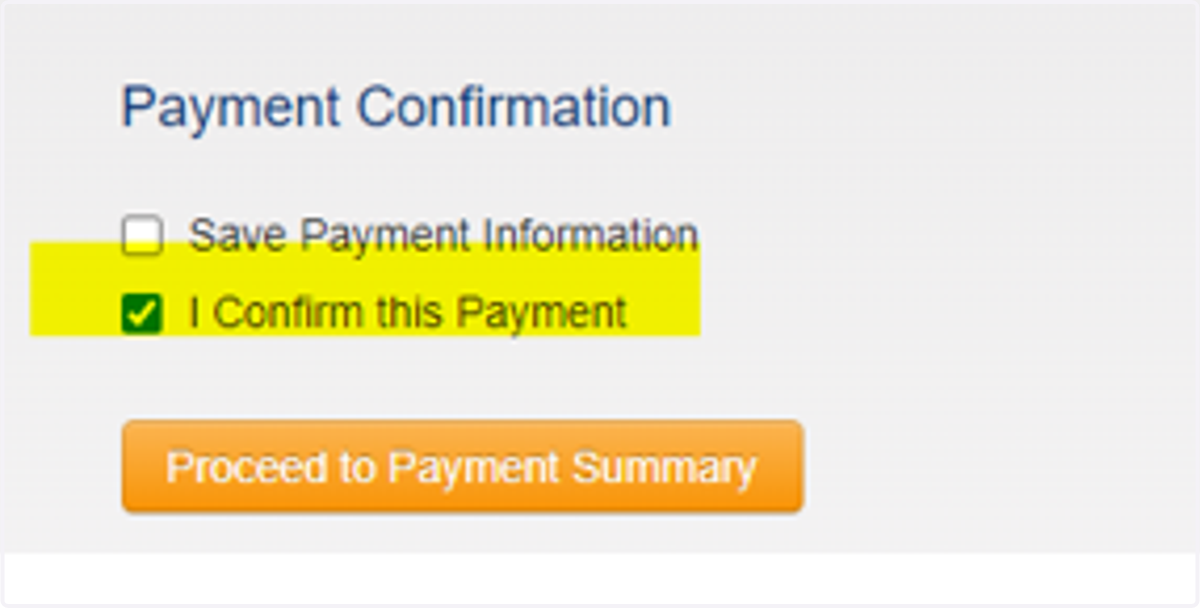
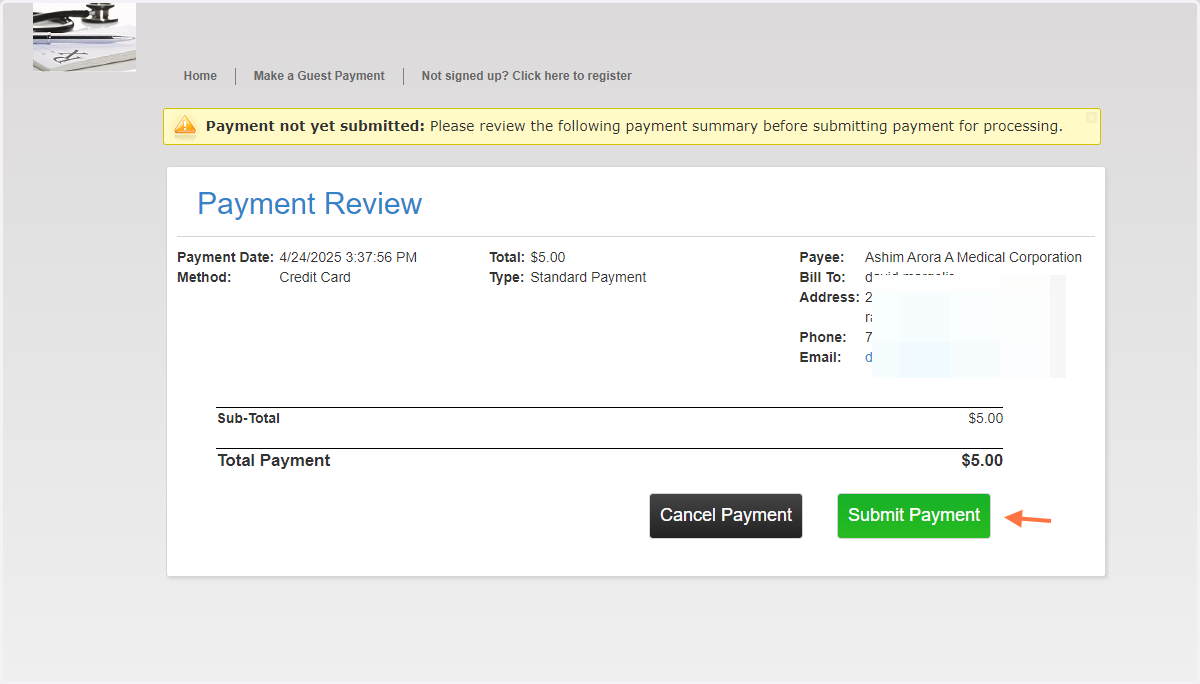
7. Click Confirm then review and submit
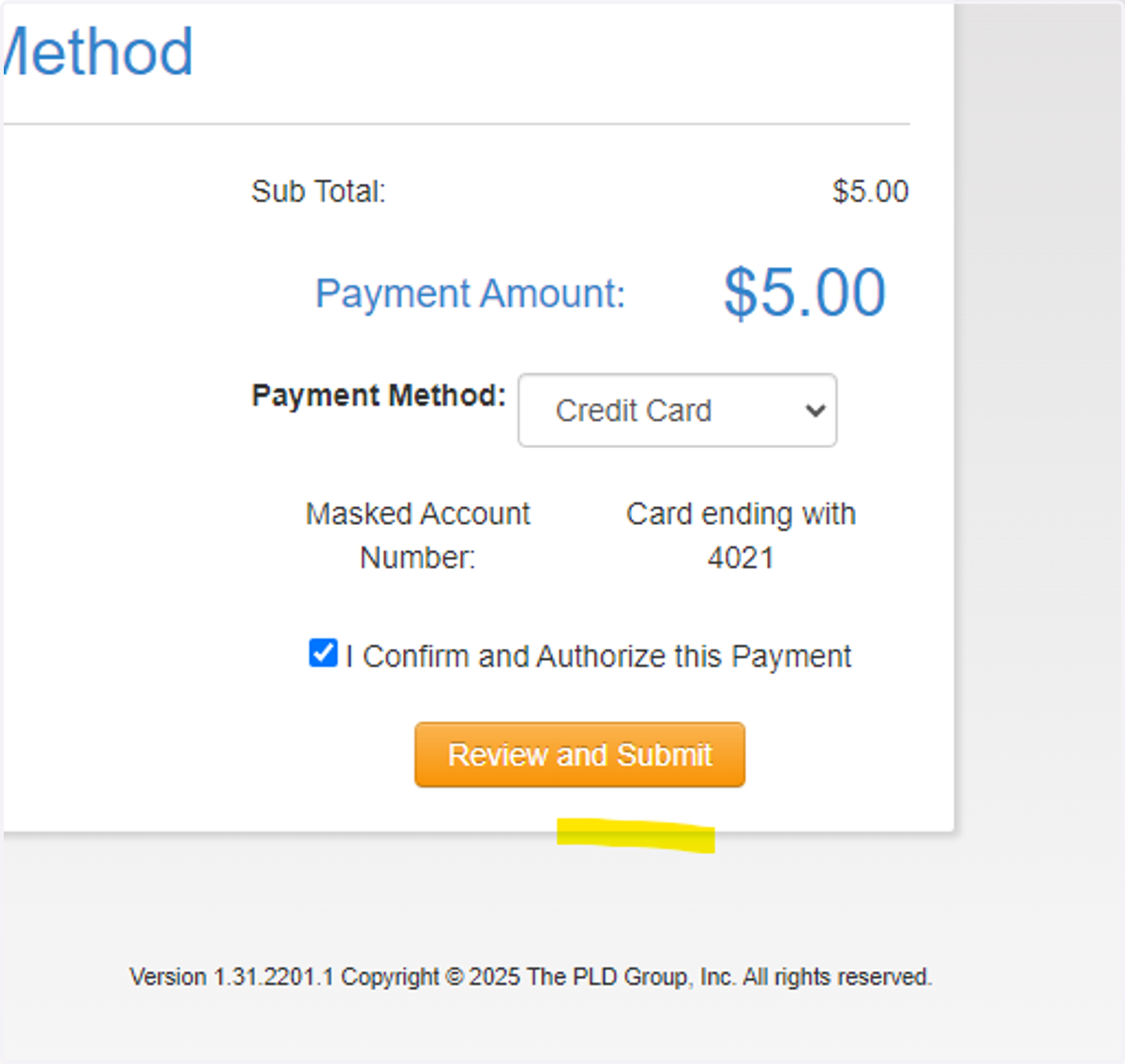
8. If all looks correct click submit payment
9. Payment Approved and your receipt will be emailed