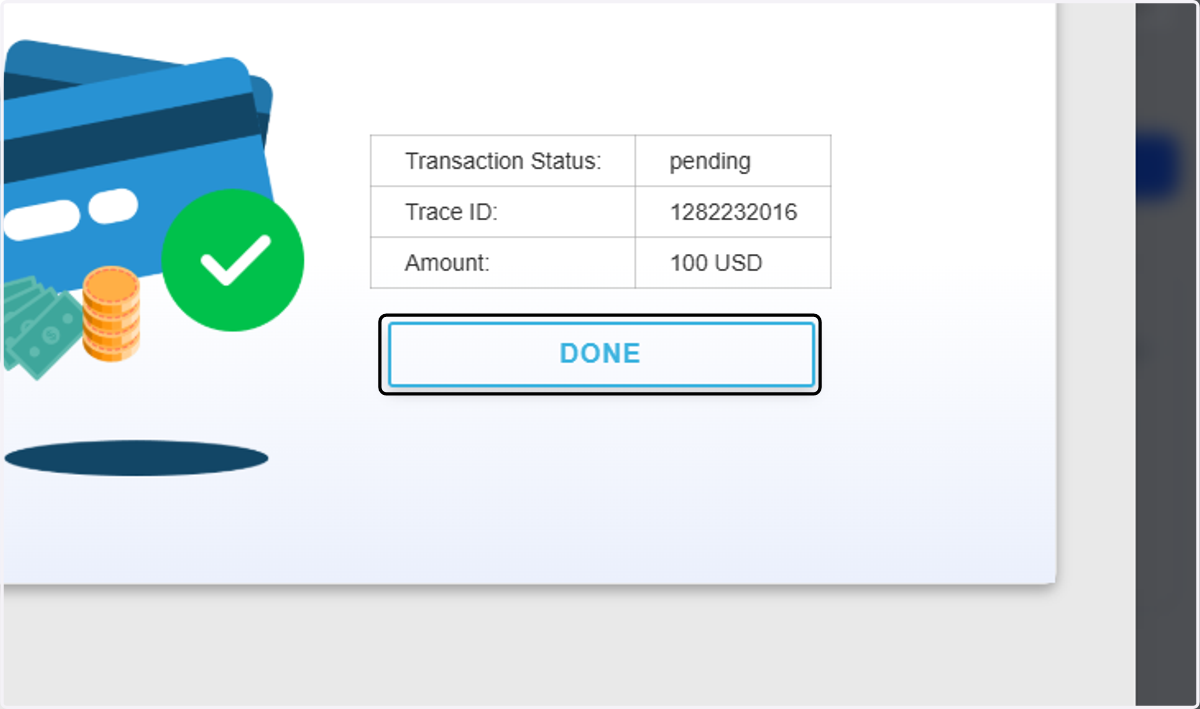
Process Deposits via Local E-Wallet and Bank PHP
Blueberry
1. Click on Deposit now
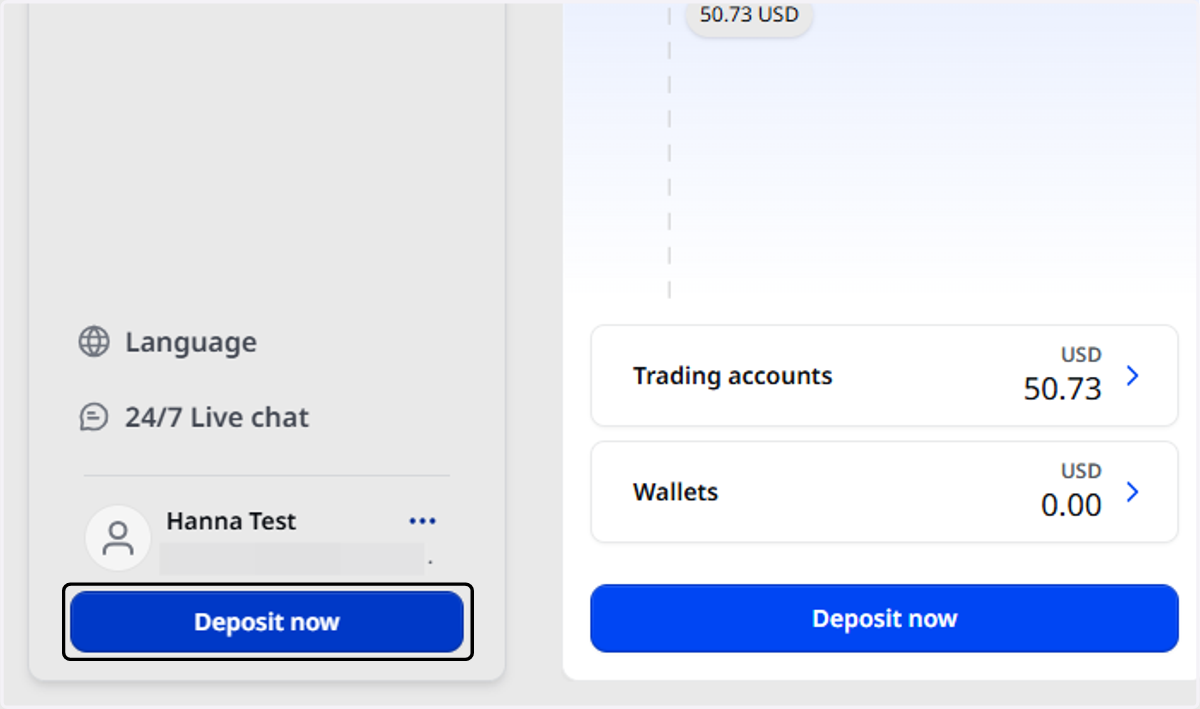
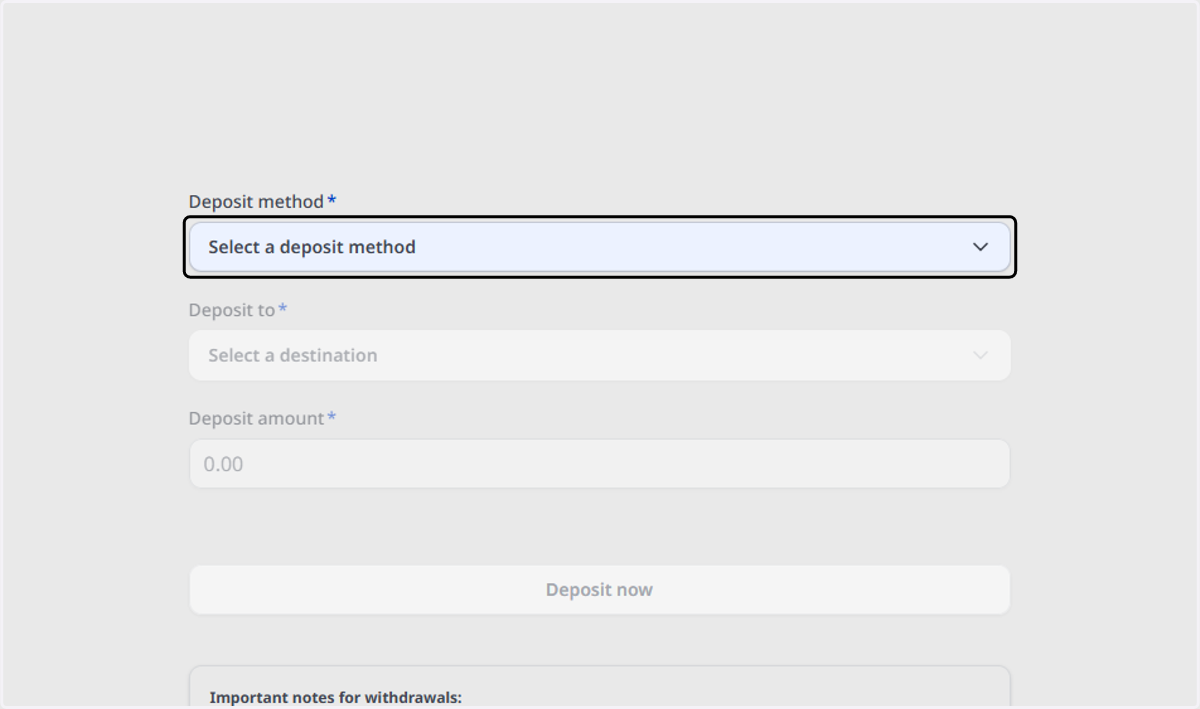
2. Click on Select a deposit method
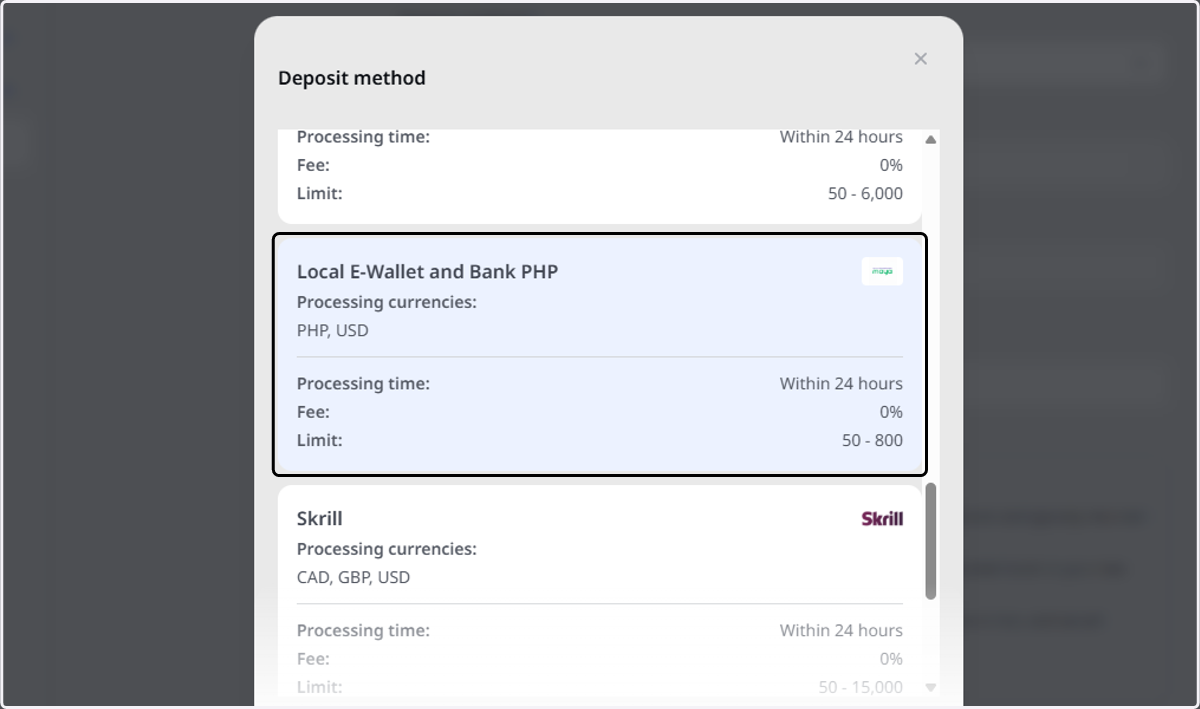
3. Click on Local E-Wallet and Bank PHP…
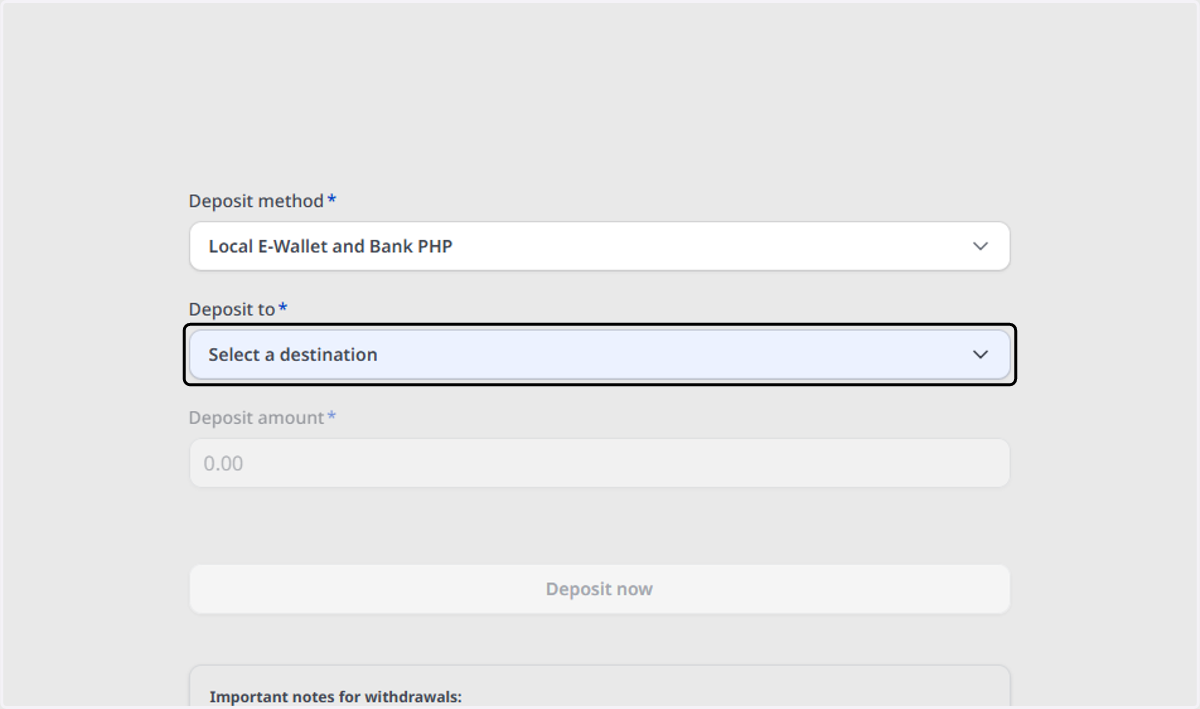
4. Click on Select a destination
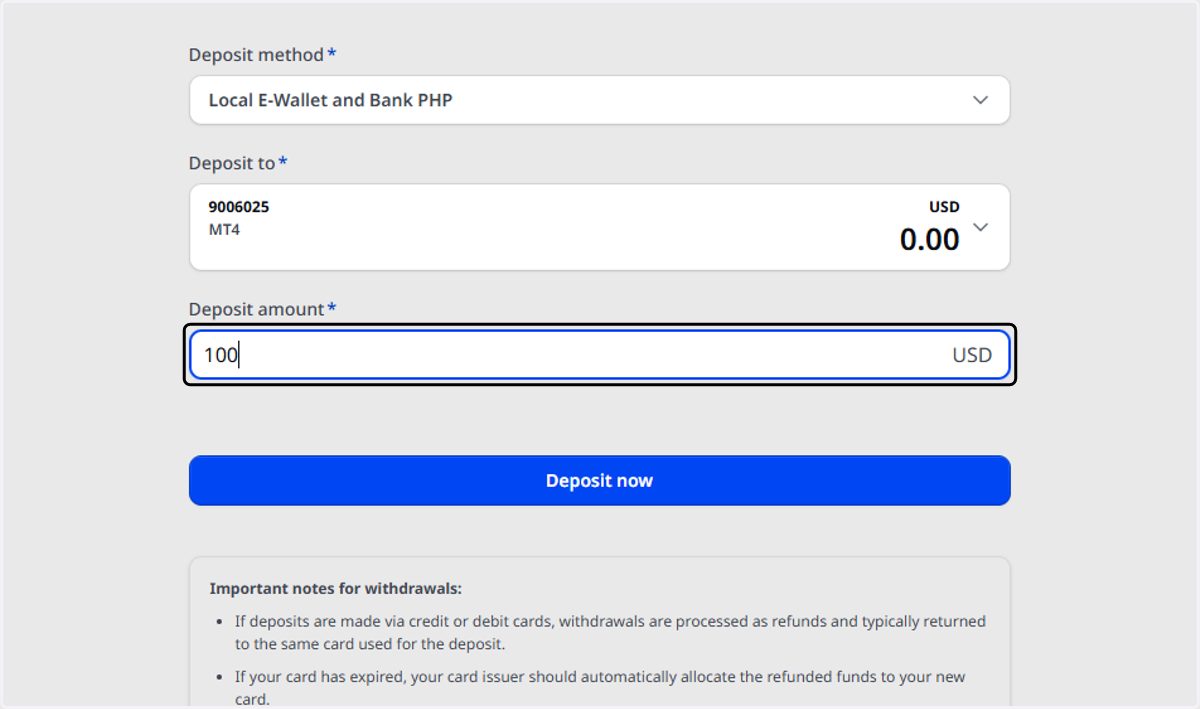
5. Type the deposit amount
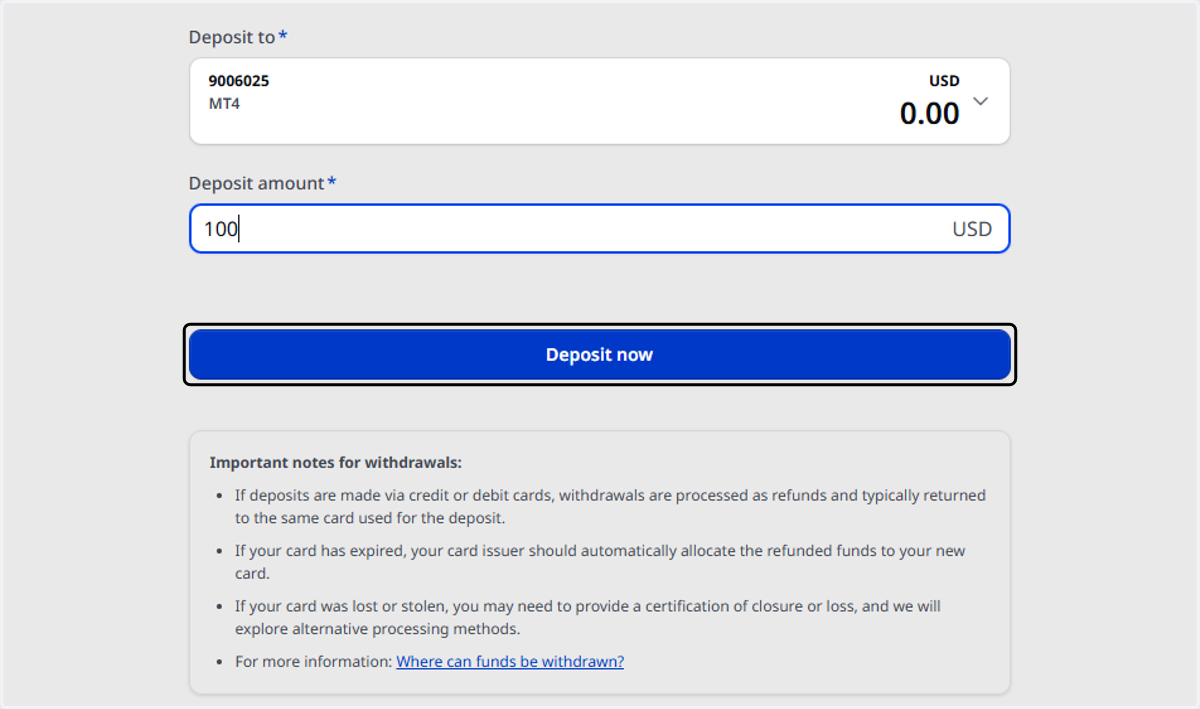
6. Click on Deposit now
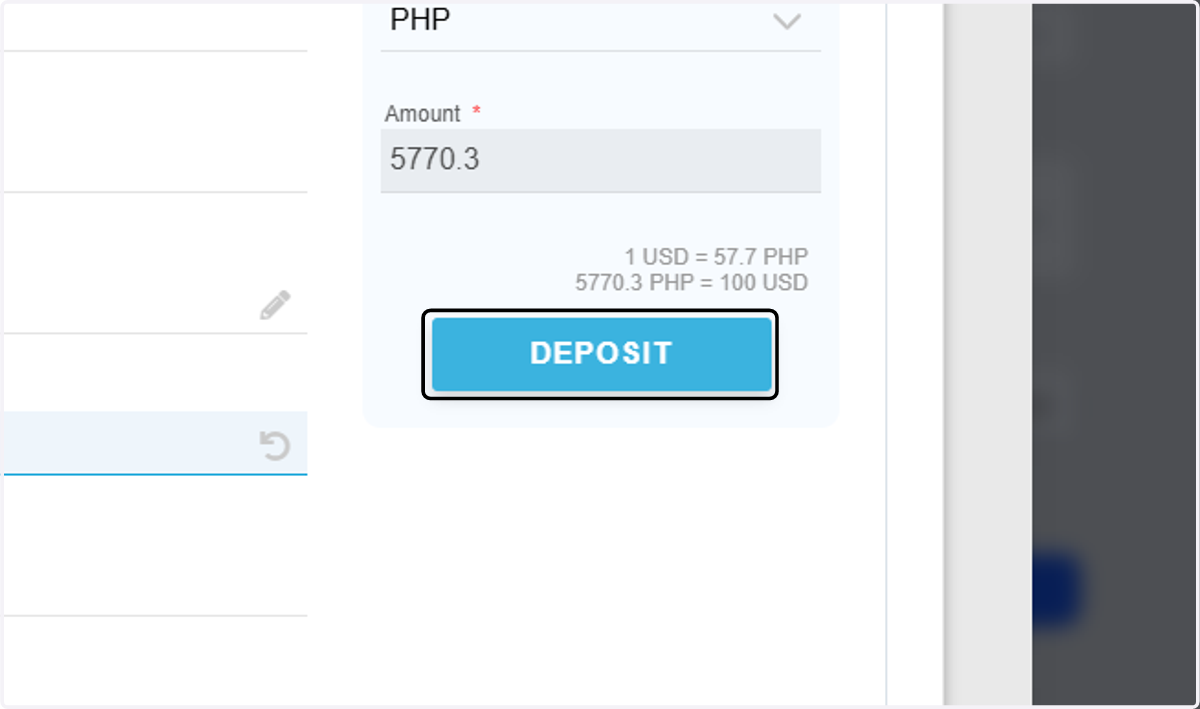
7. Click on DEPOSIT
8. Select your payment method.
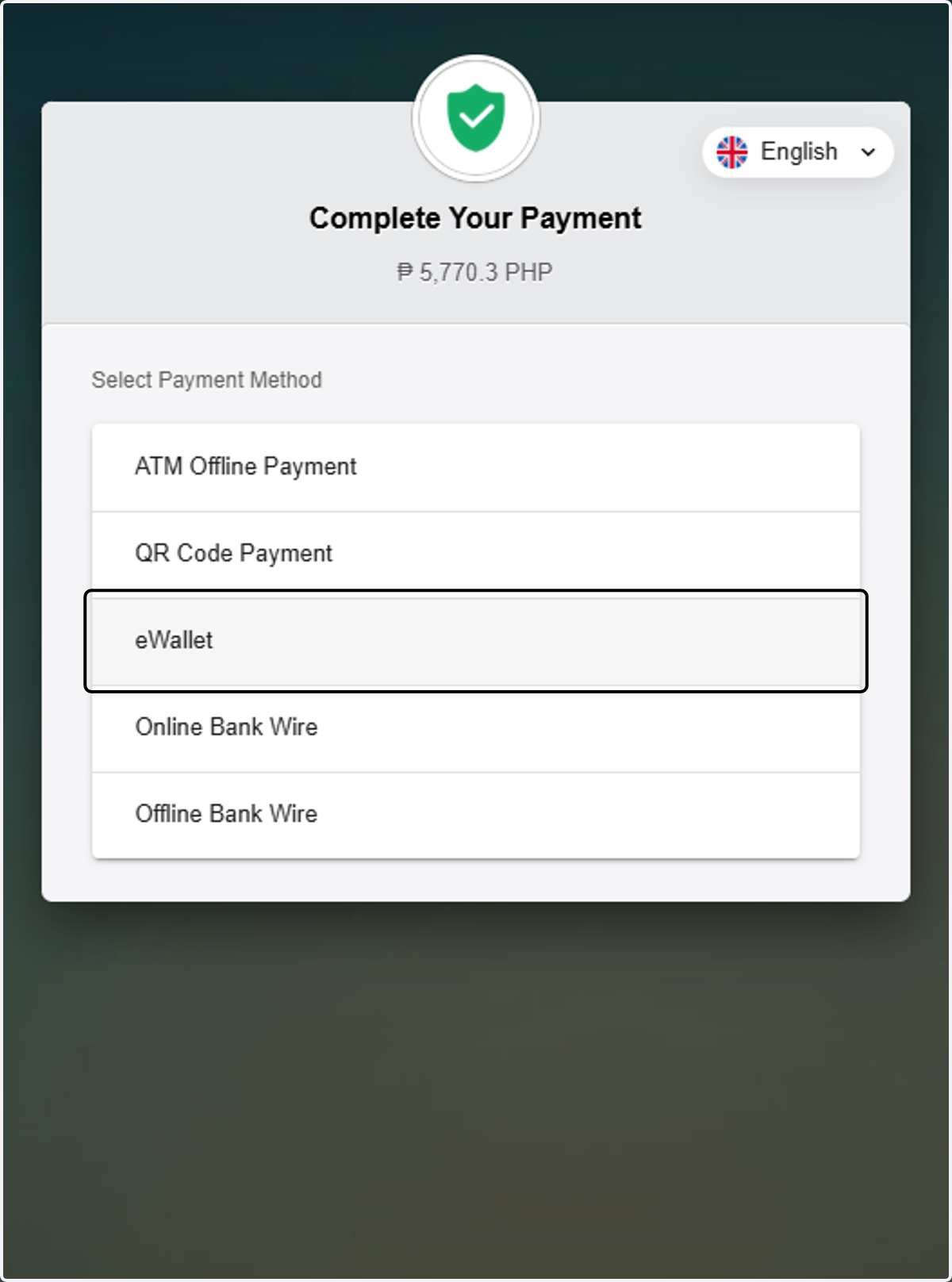
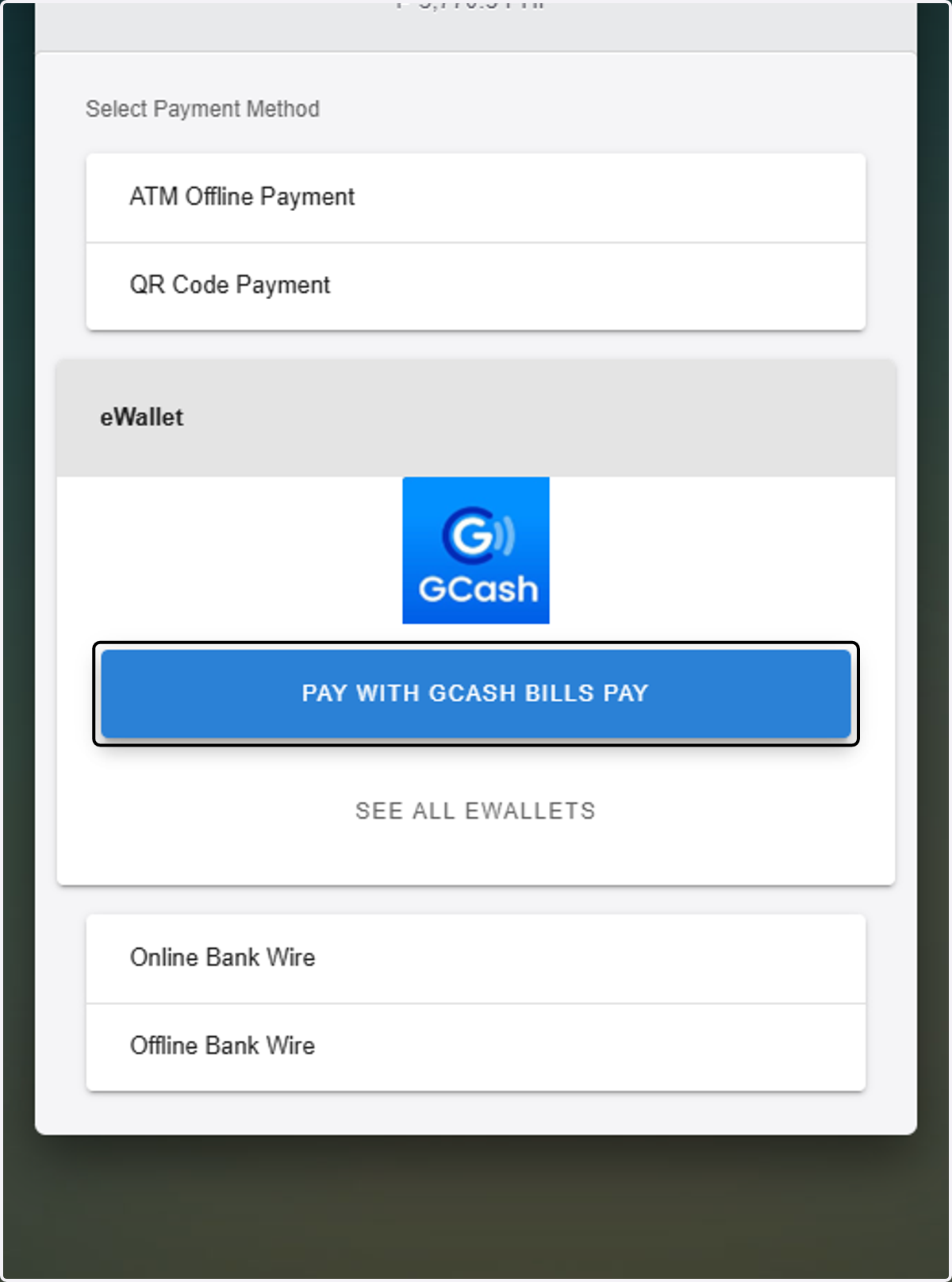
9. Select your preferred bank/e-wallet.

10. Follow the prompts and complete the transaction to make the deposit.
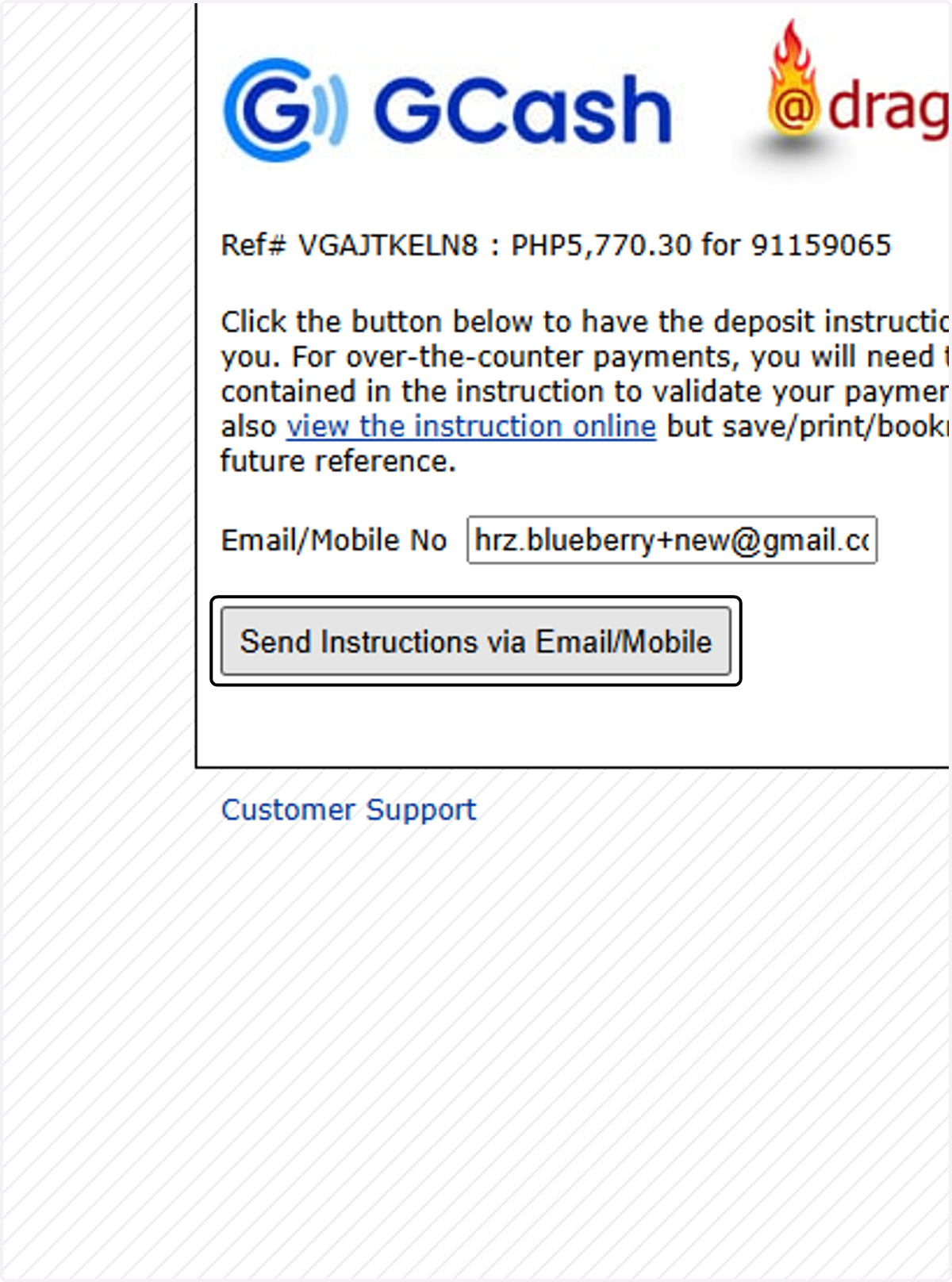
11. Click on Send Instructions via Email/Mobile
12. Click on DONE