Print Test Tickets in Ohio Assessments
Updated October 2025
Teachers and Test Administrators
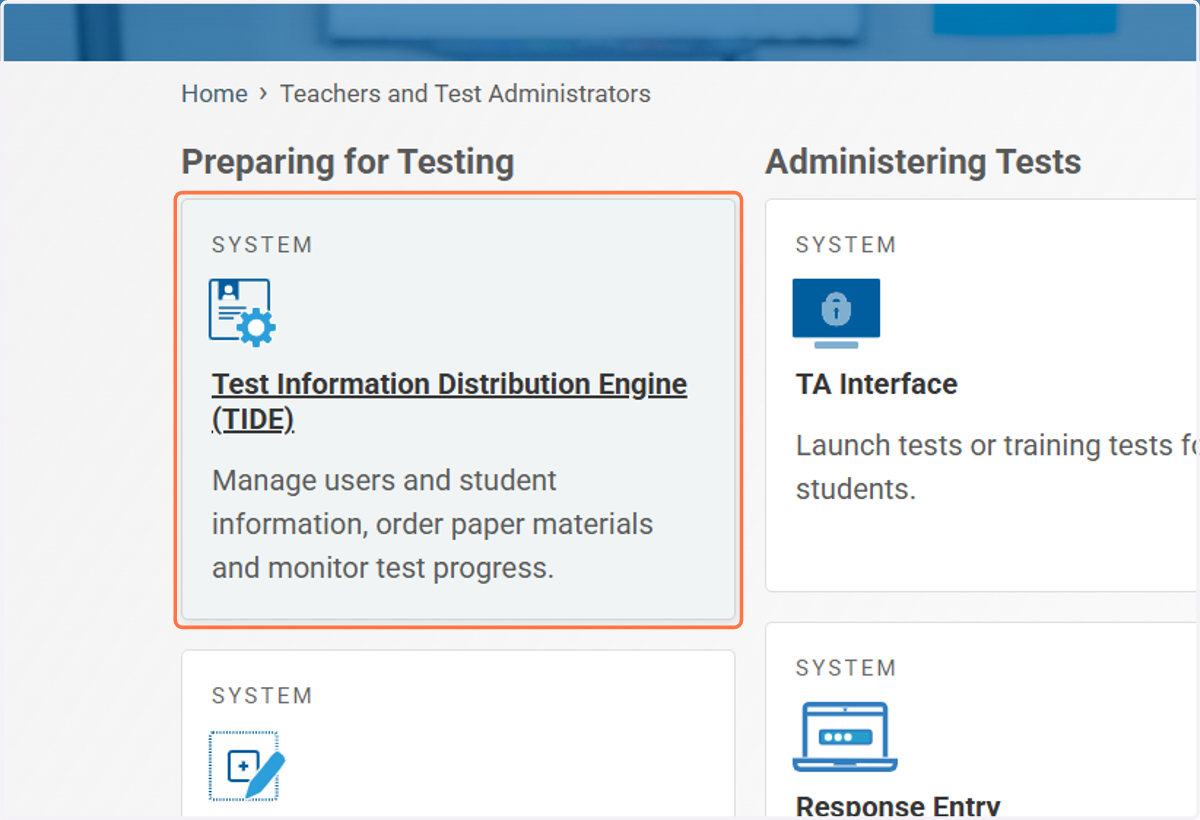
1. Click on Test Information Distribution Engine (TIDE)
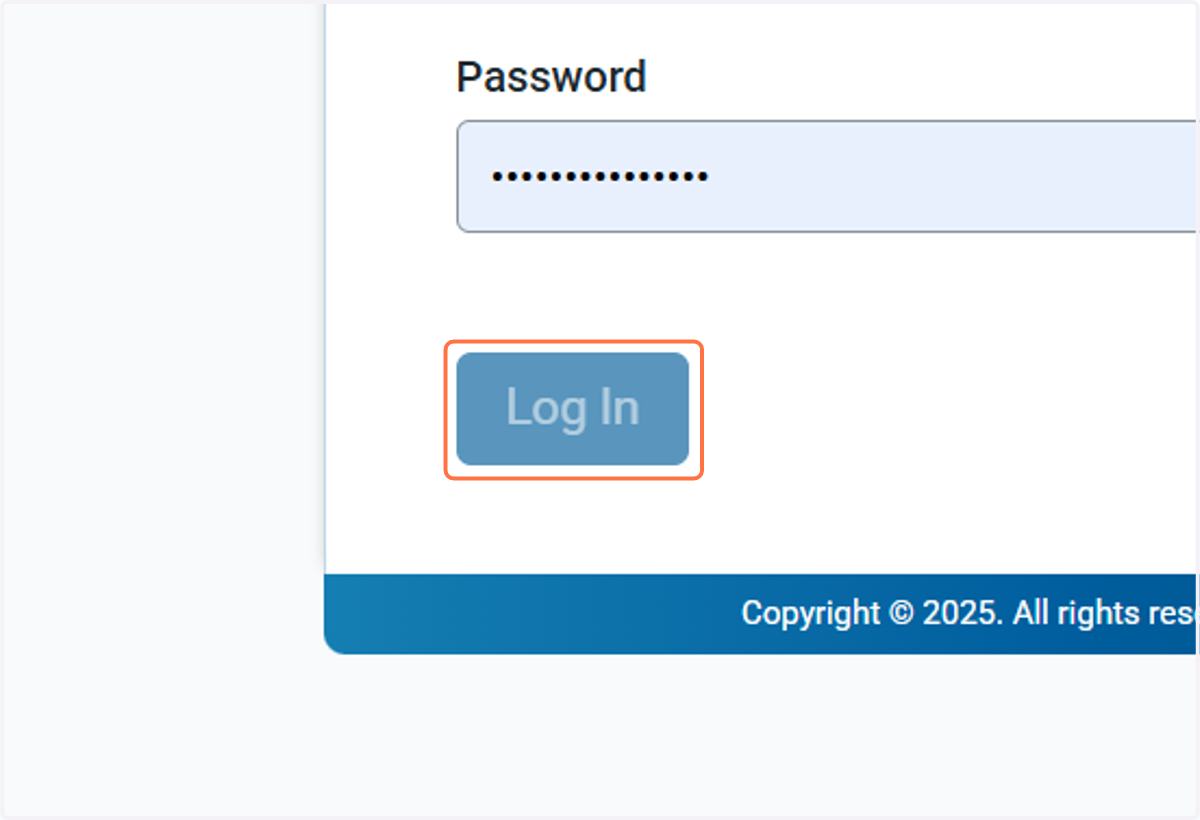
2. Log in
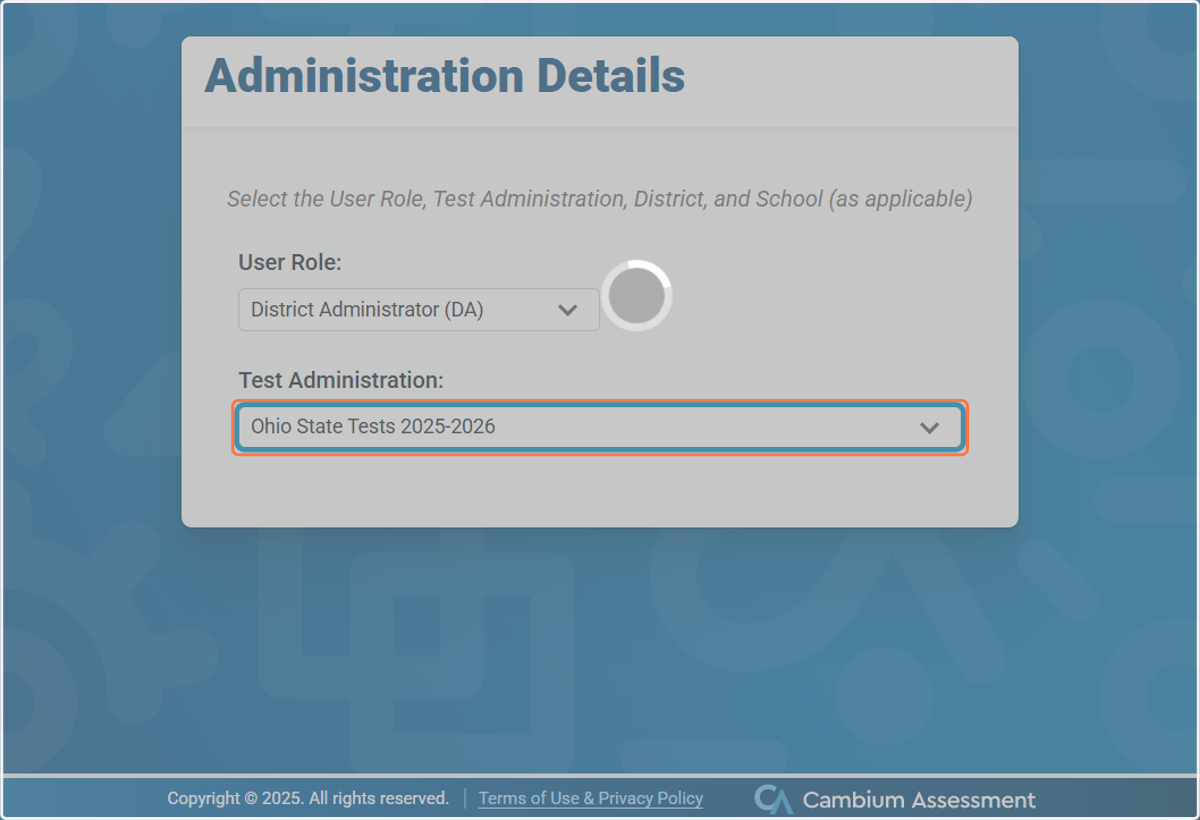
3. Select your Role & the Test Administration: Ohio State Tests 2025-2026 from Test Administration
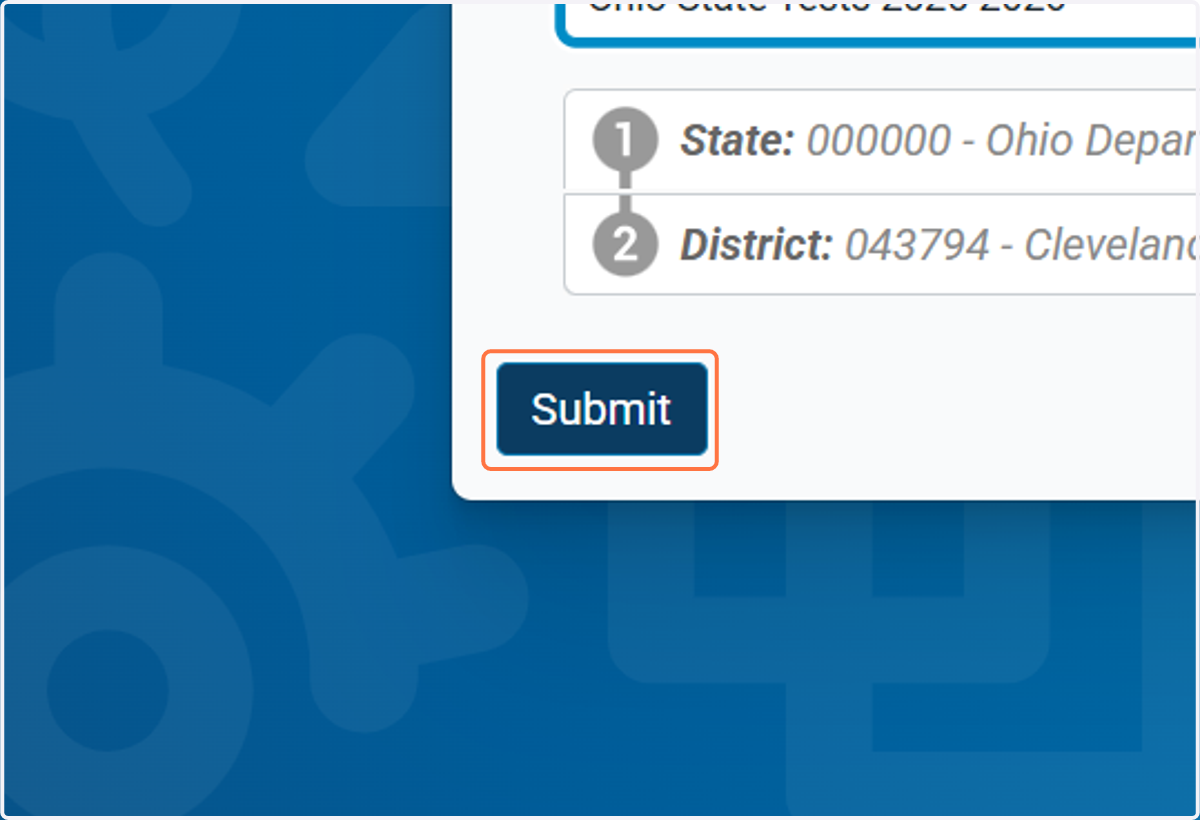
4. Click on Submit
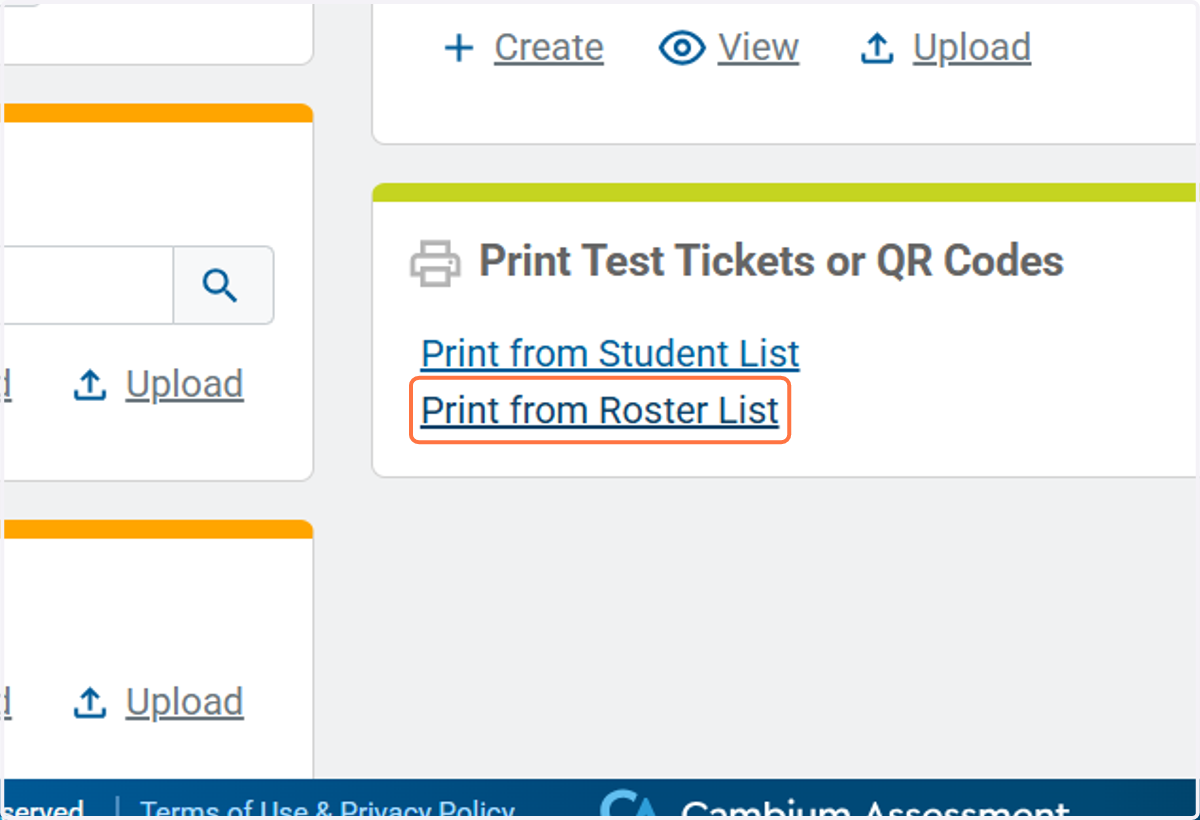
5. Click on Print from Roster List
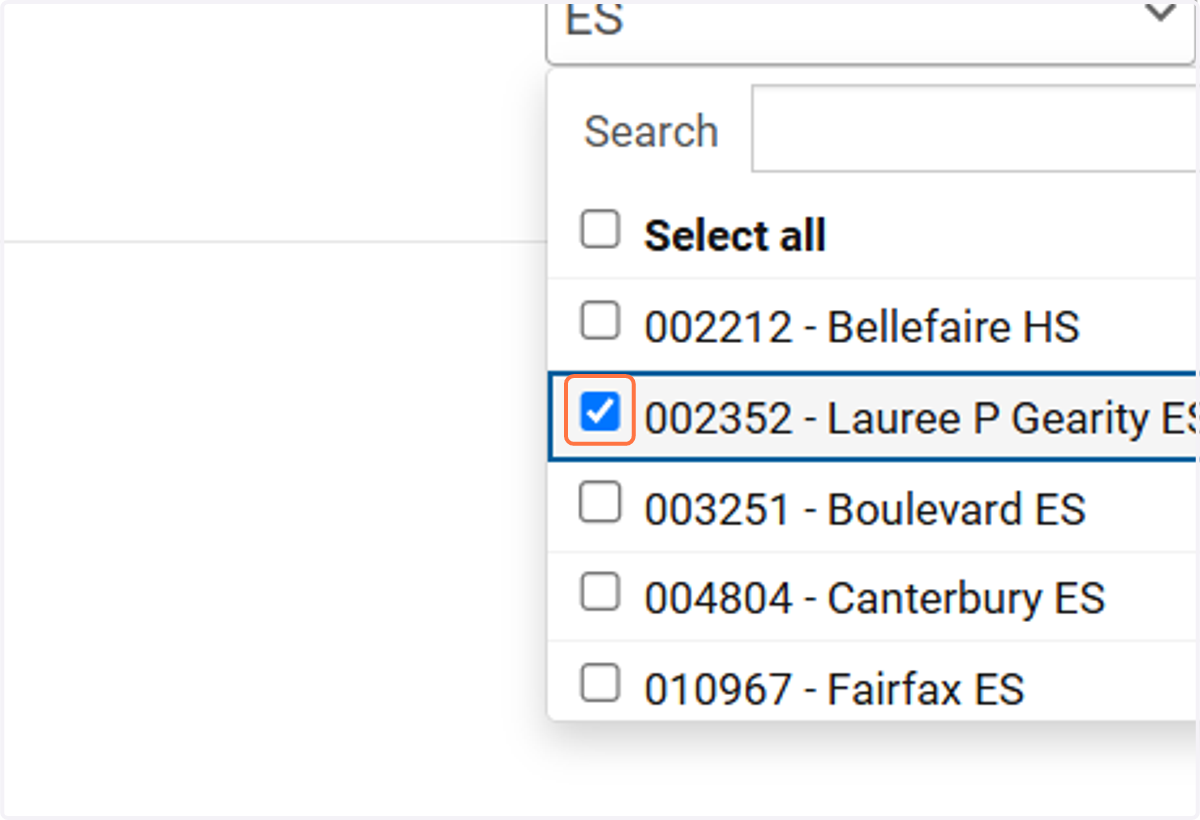
6. Select your school
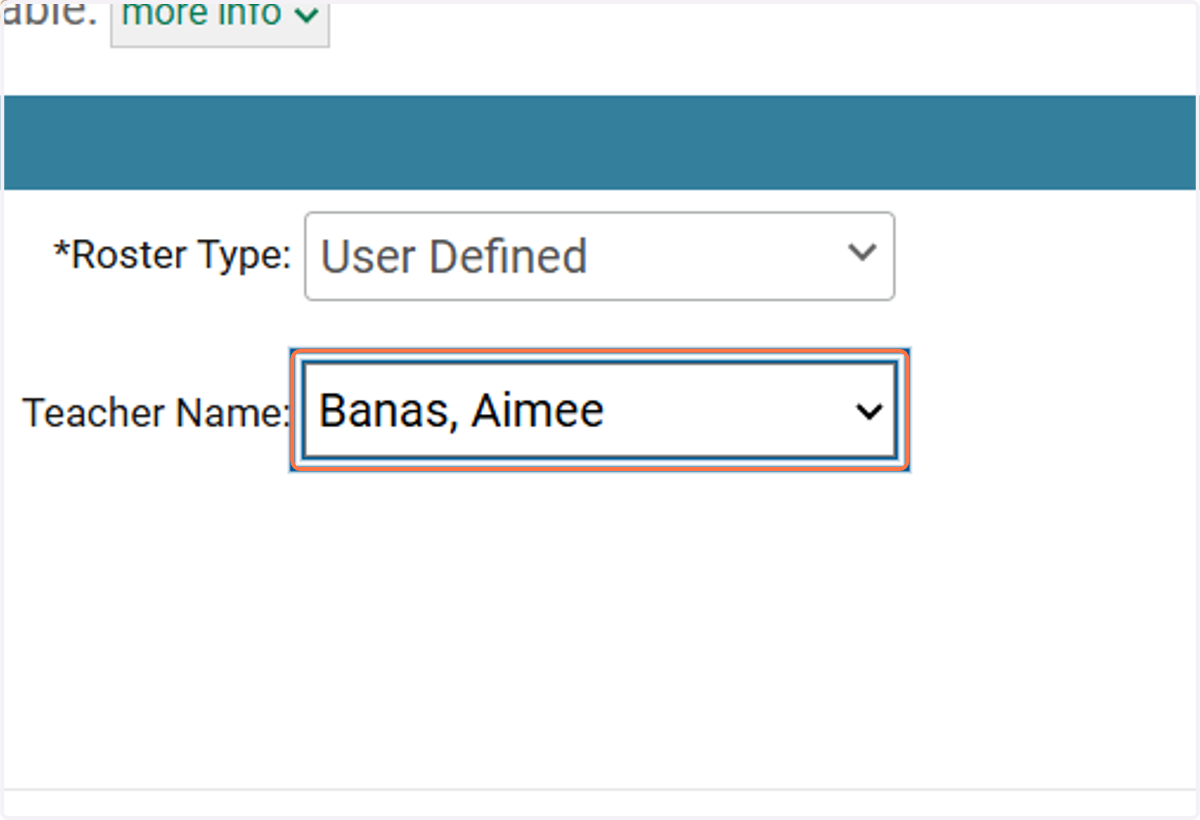
7. Select the Teacher
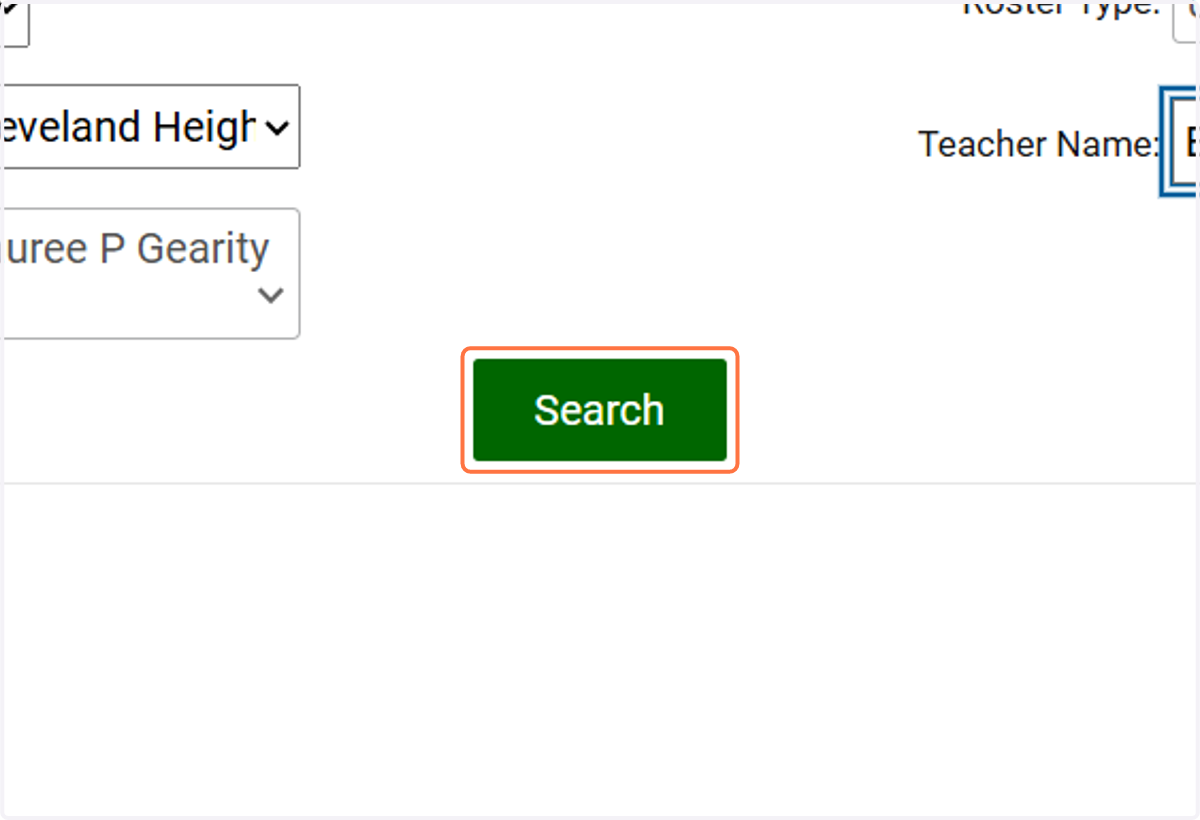
8. Click on Search
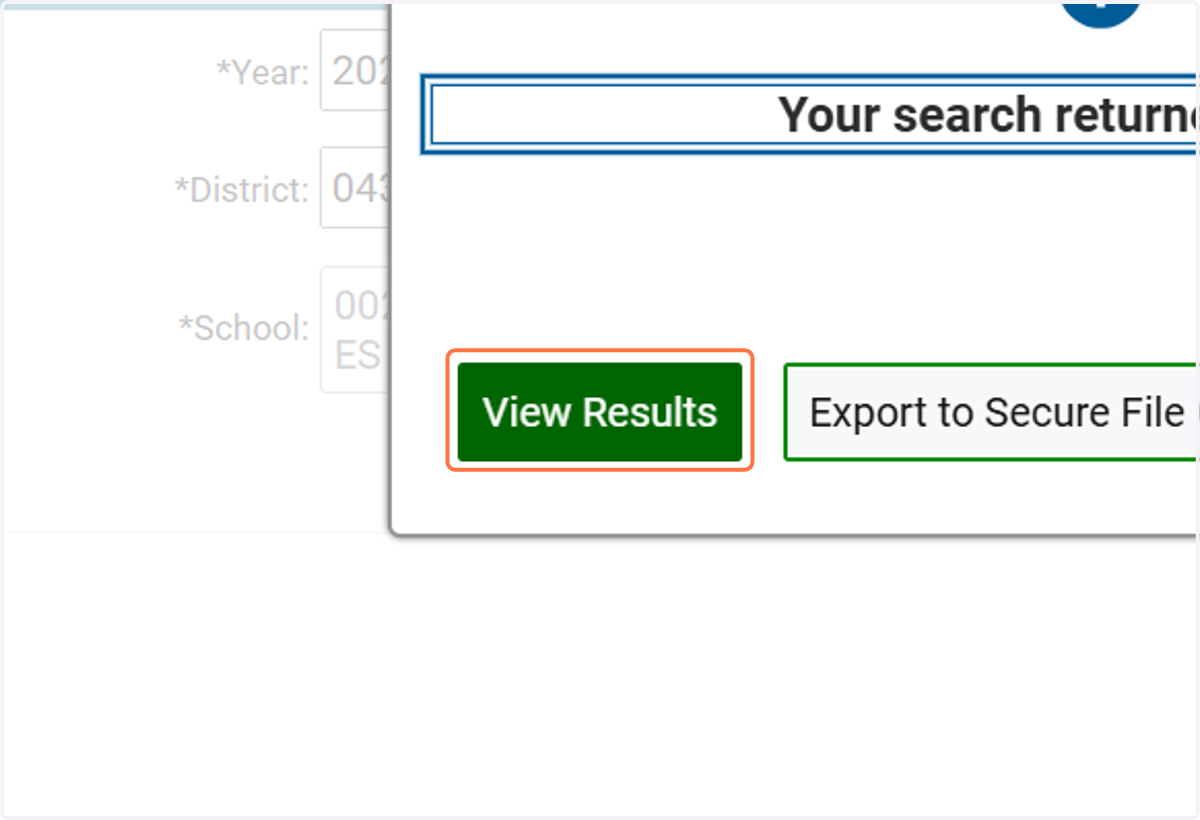
9. Click on View Results
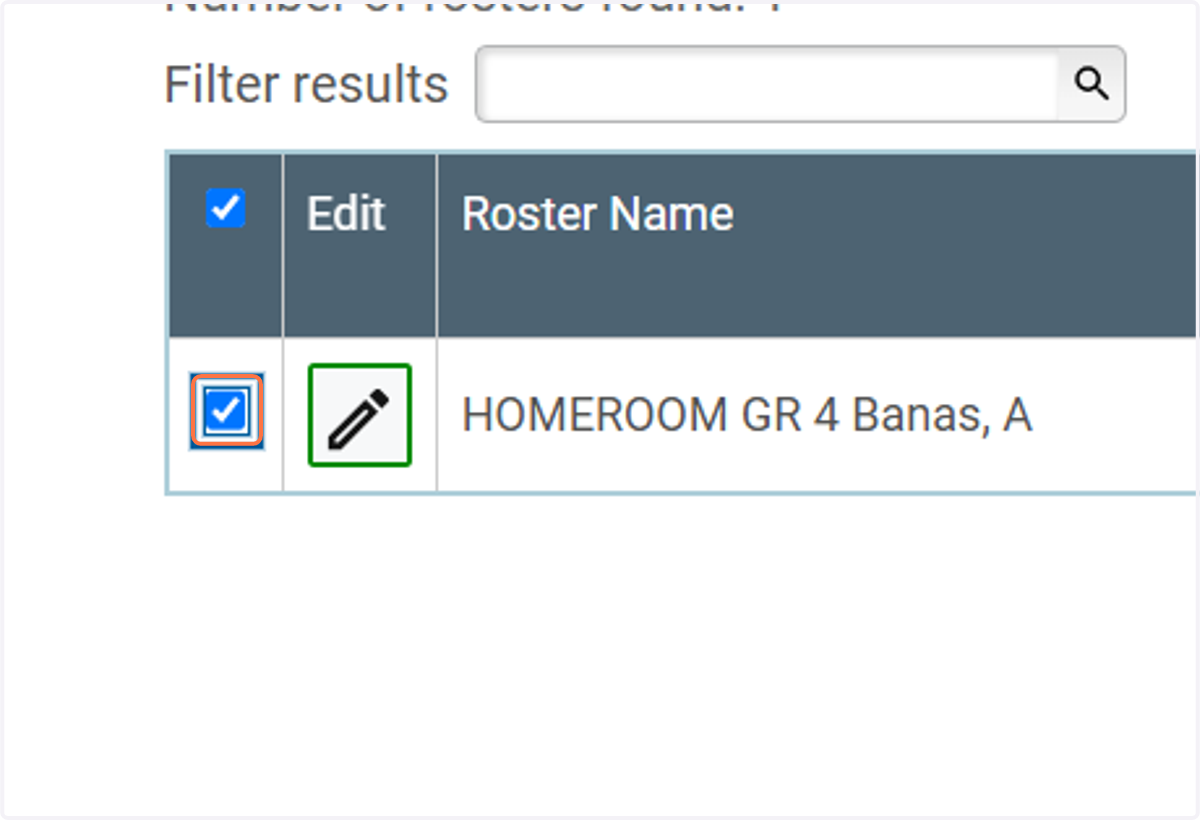
10. Check Row
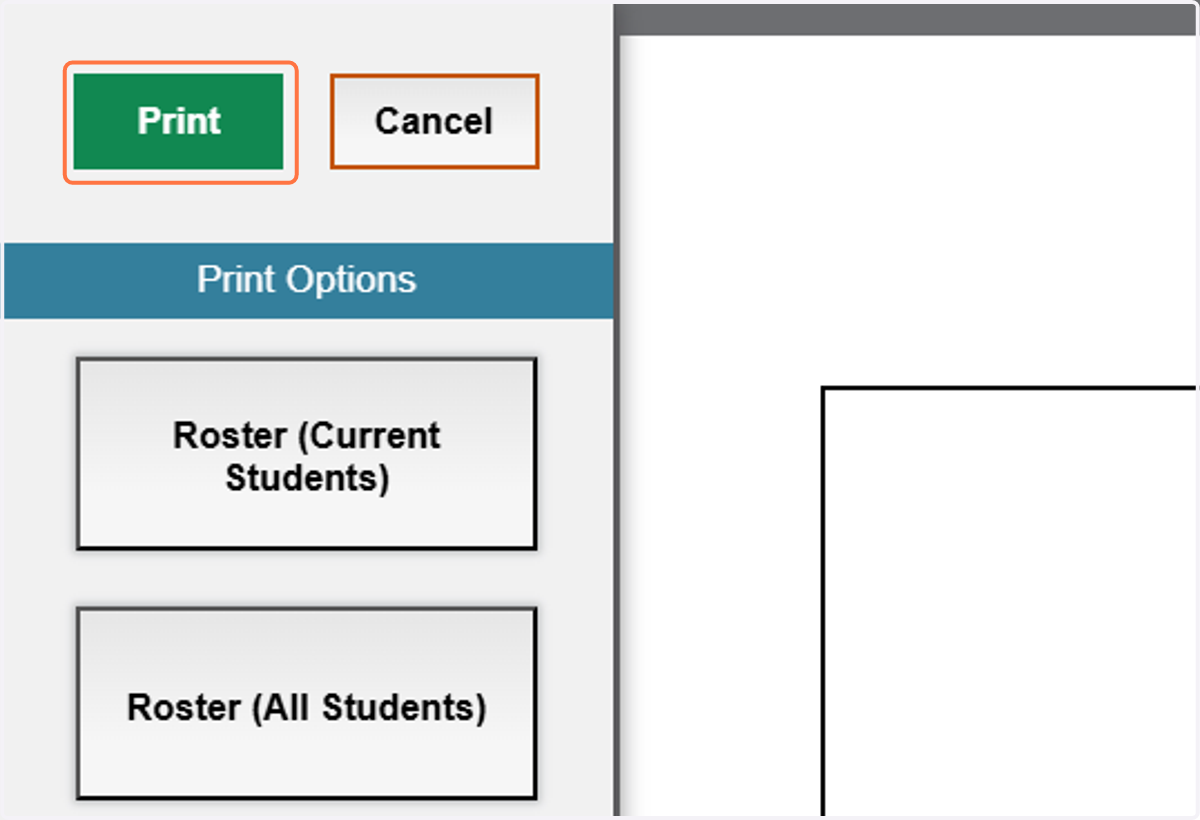
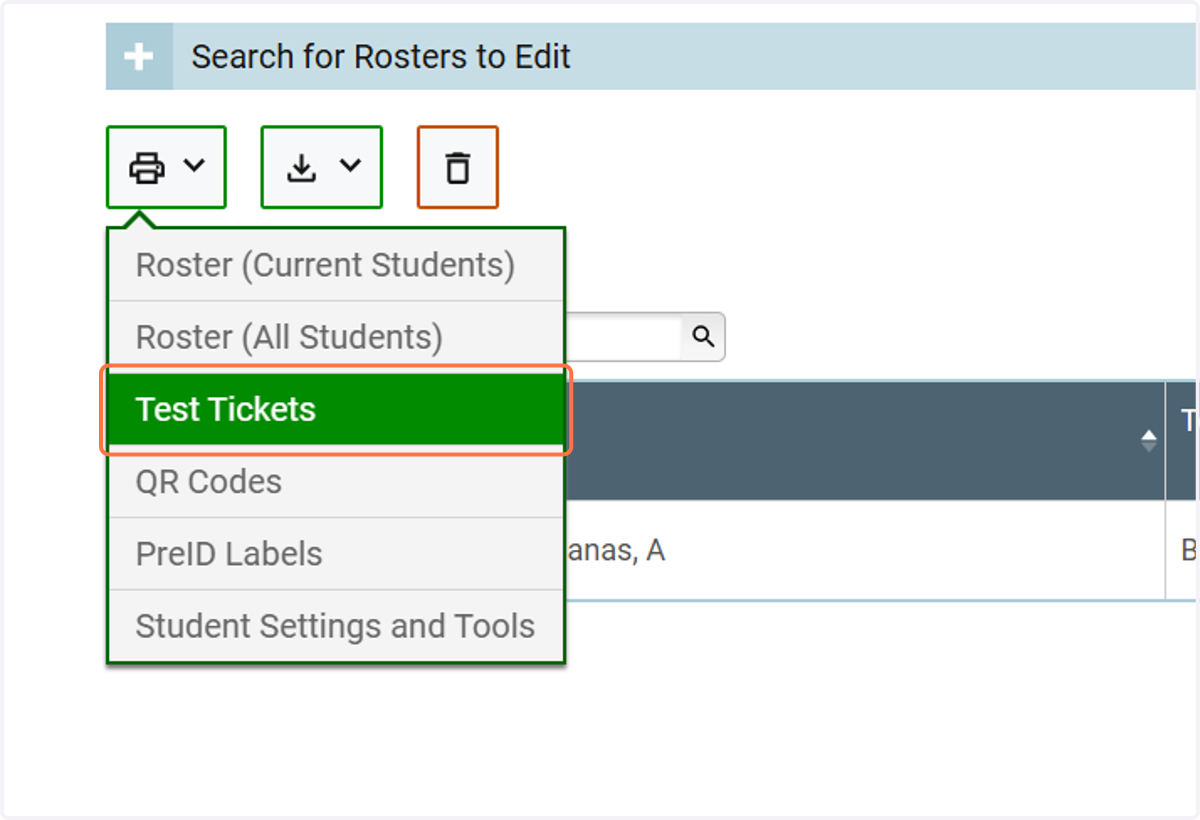
11. Select which type of ticket you'd like to print
12. Click on Print and PDF will download and save to your computer