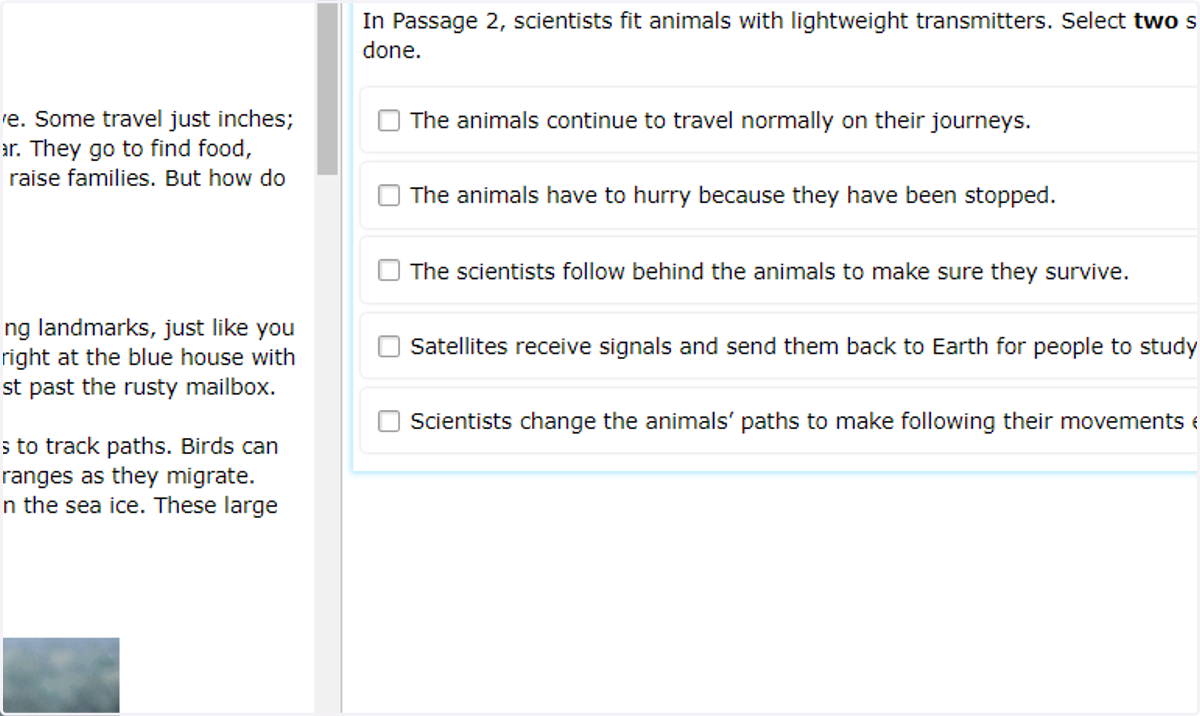
Previewing Questions on the Interim Assessments
Cleveland Heights-University Heights City School District
1. Click on Clever
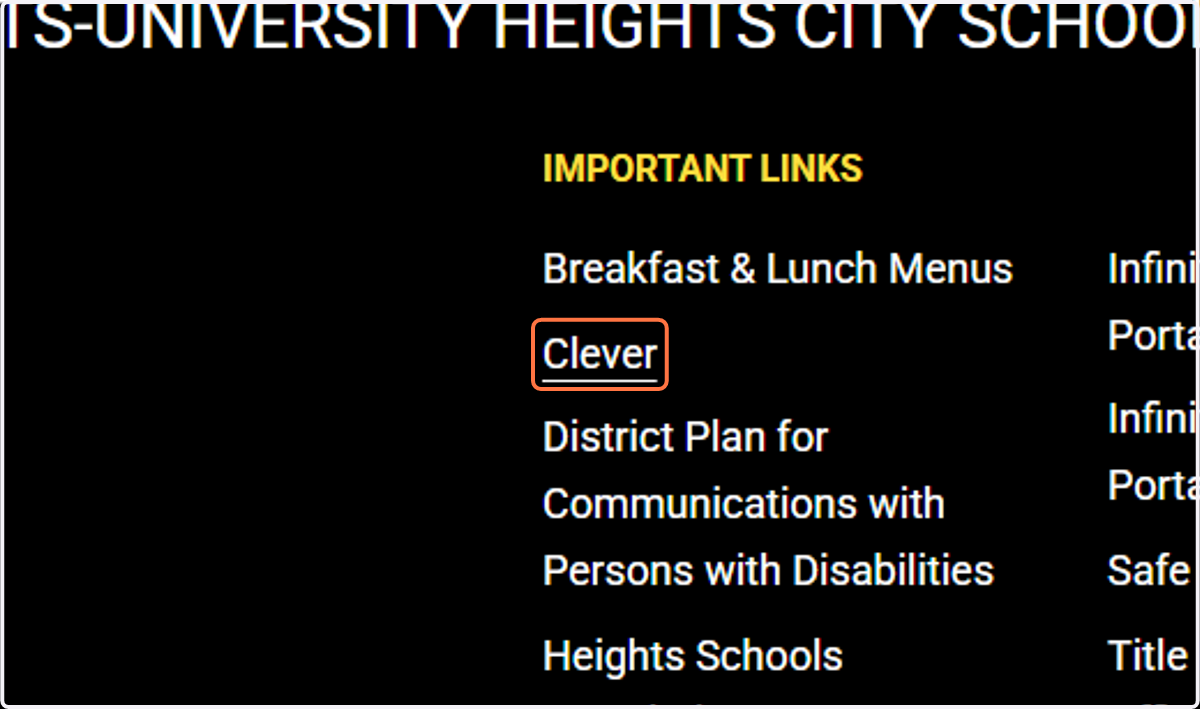
Resources
2. Click on Teachers/Test Admins
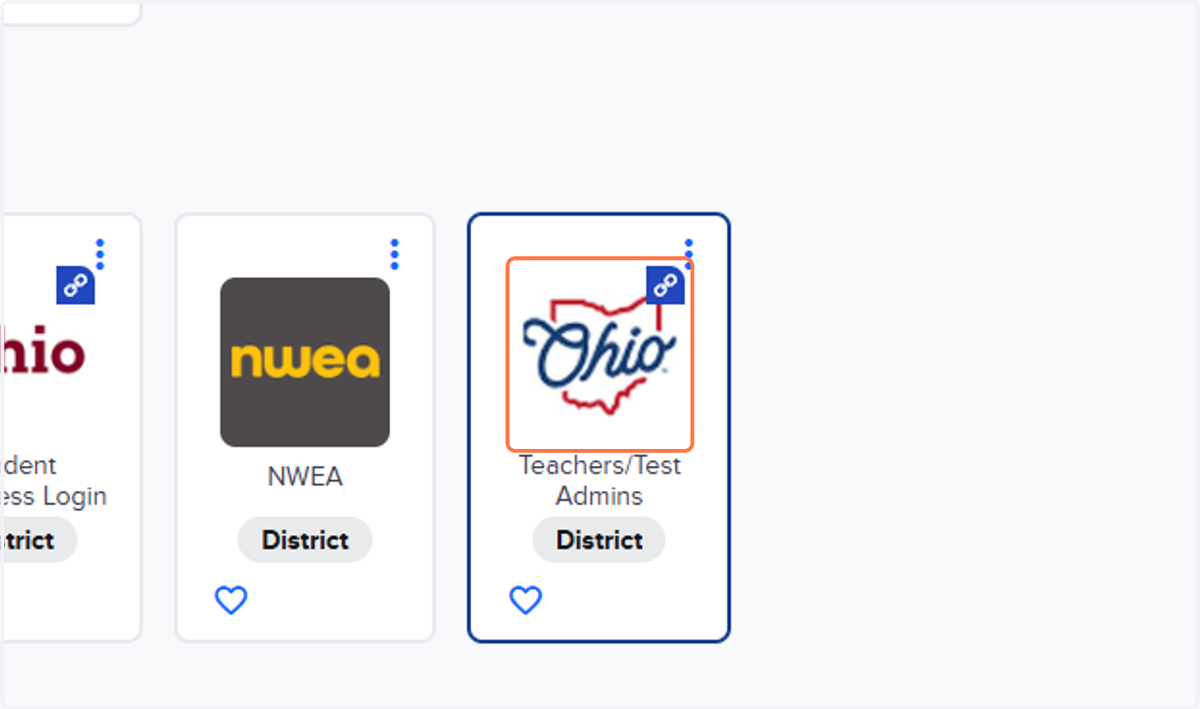
Teachers and Test Administrators
3. Click on Assessment Authoring
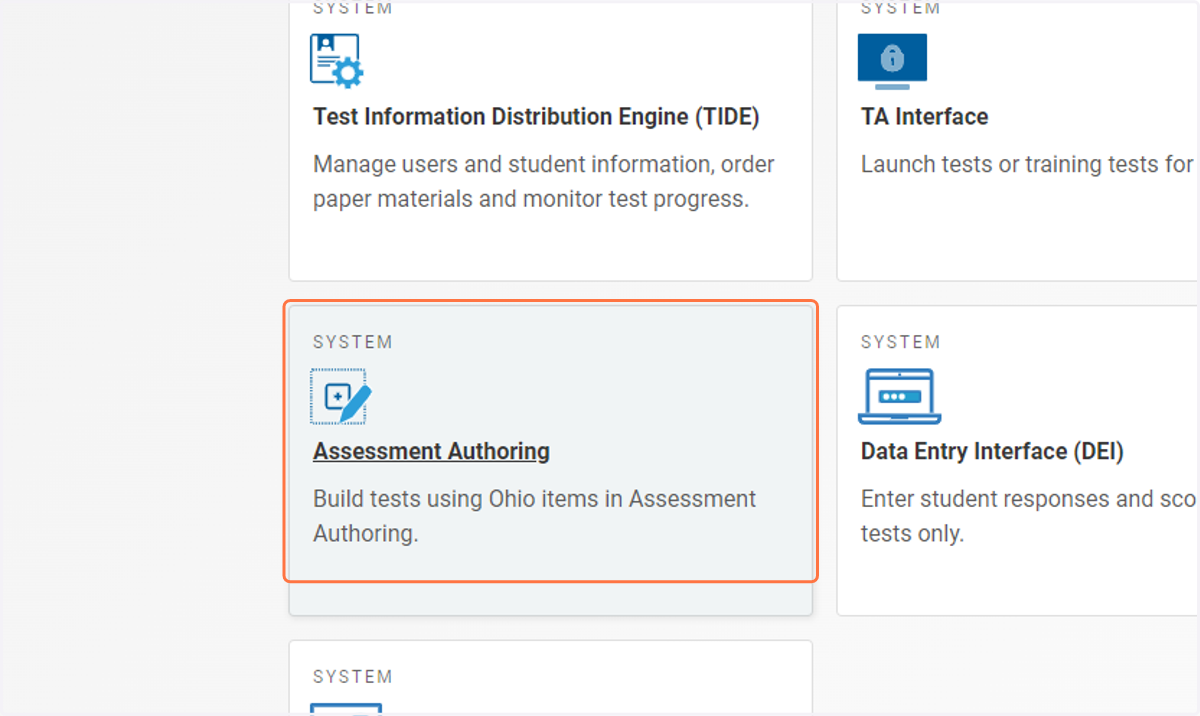
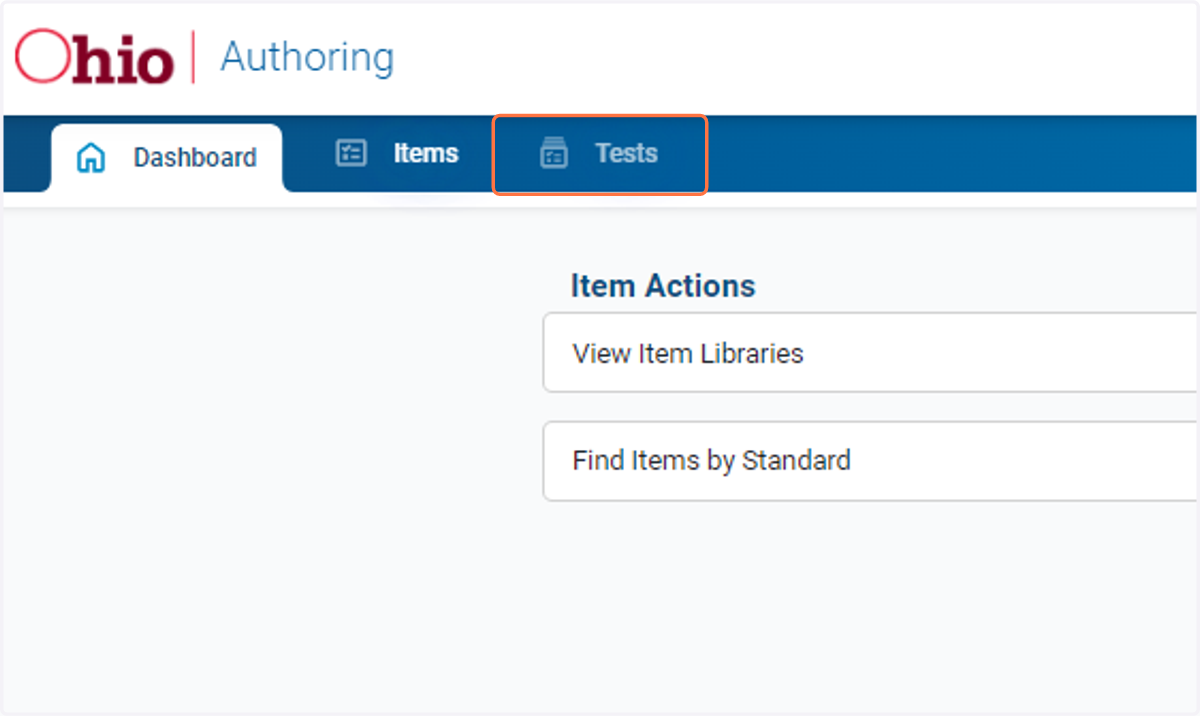
4. Click on Tests
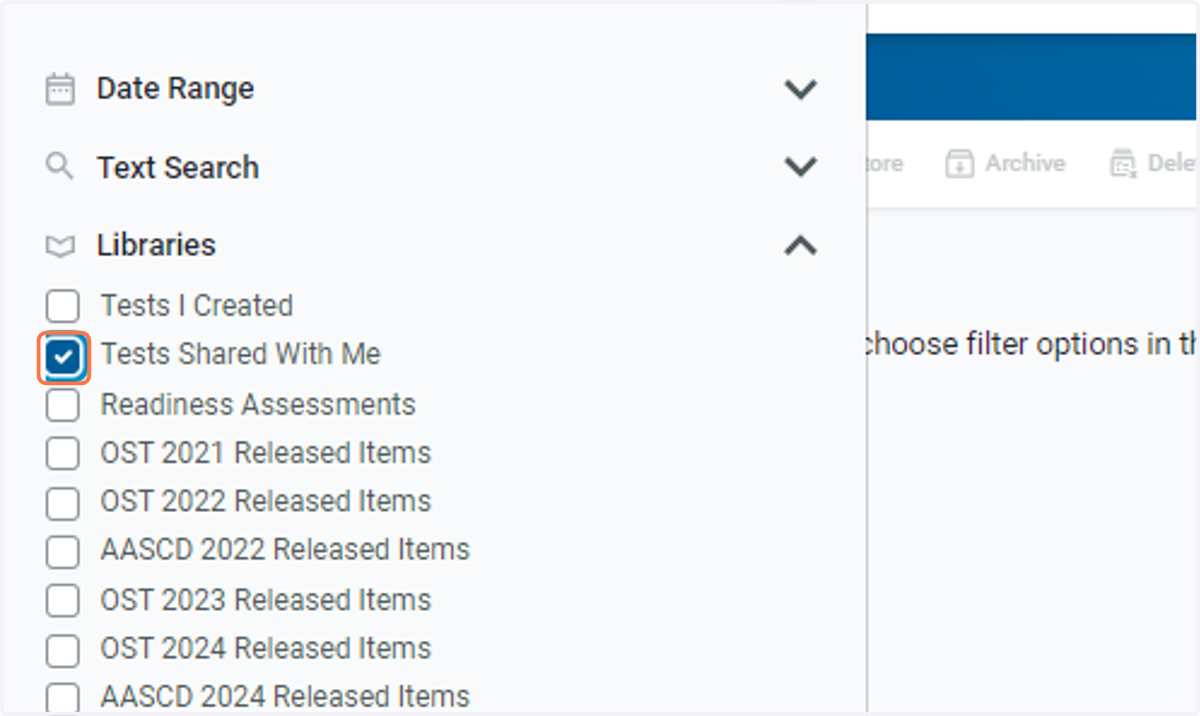
5. Check Tests Shared With Me
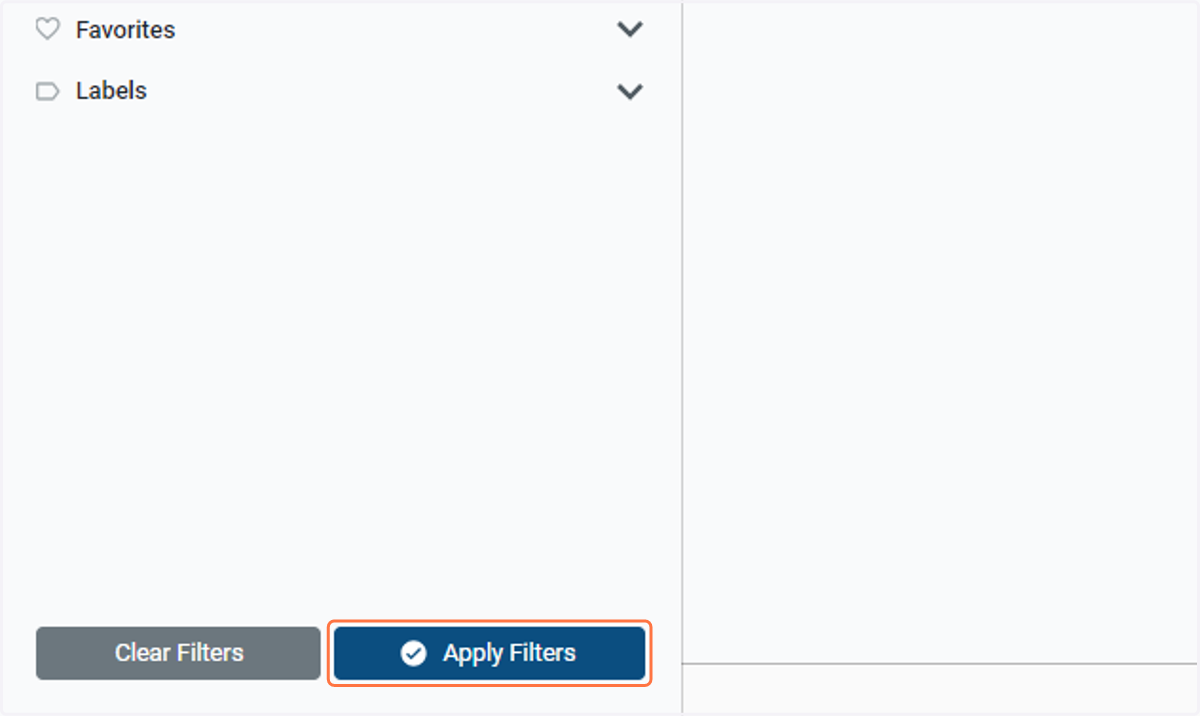
6. Click on Apply Filters
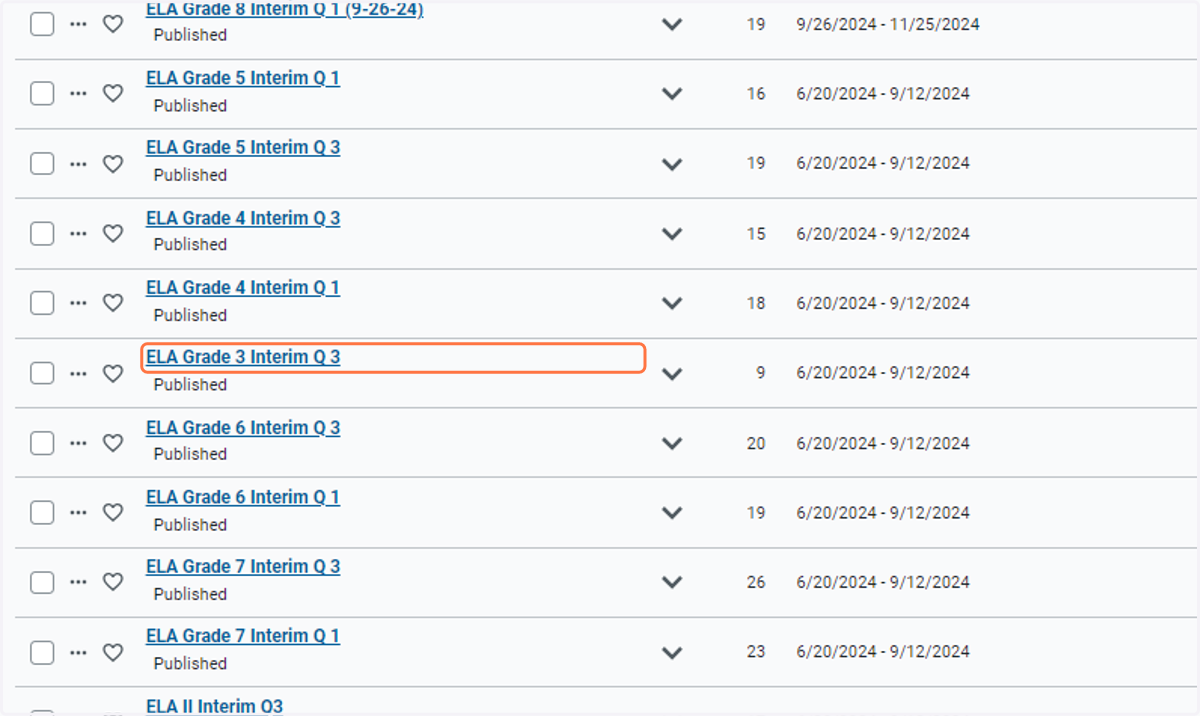
7. Click on the name of the assessment you'd like to preview
8. Click on the number of question or the Next button to see the next question in the test.
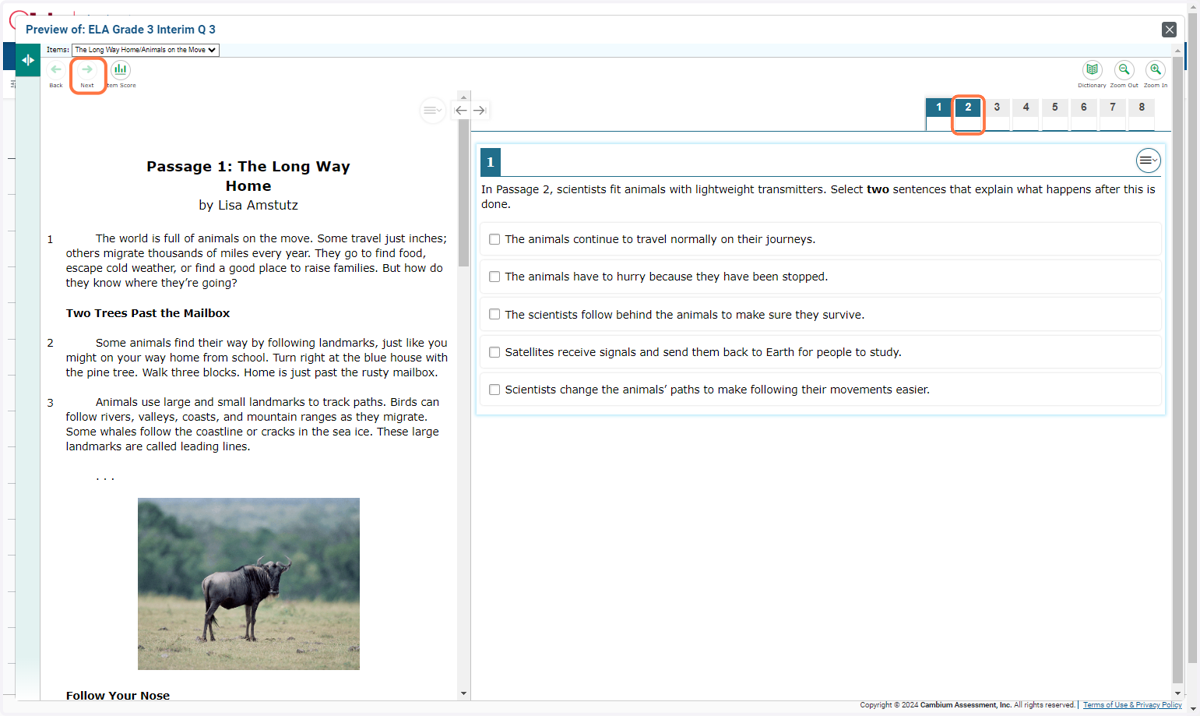
9. Click on Item Score to check your answer.