PowerSchool ActivitiesPayment
1. Login to PowerSchool
www.Stillwater.PowerSchool.com
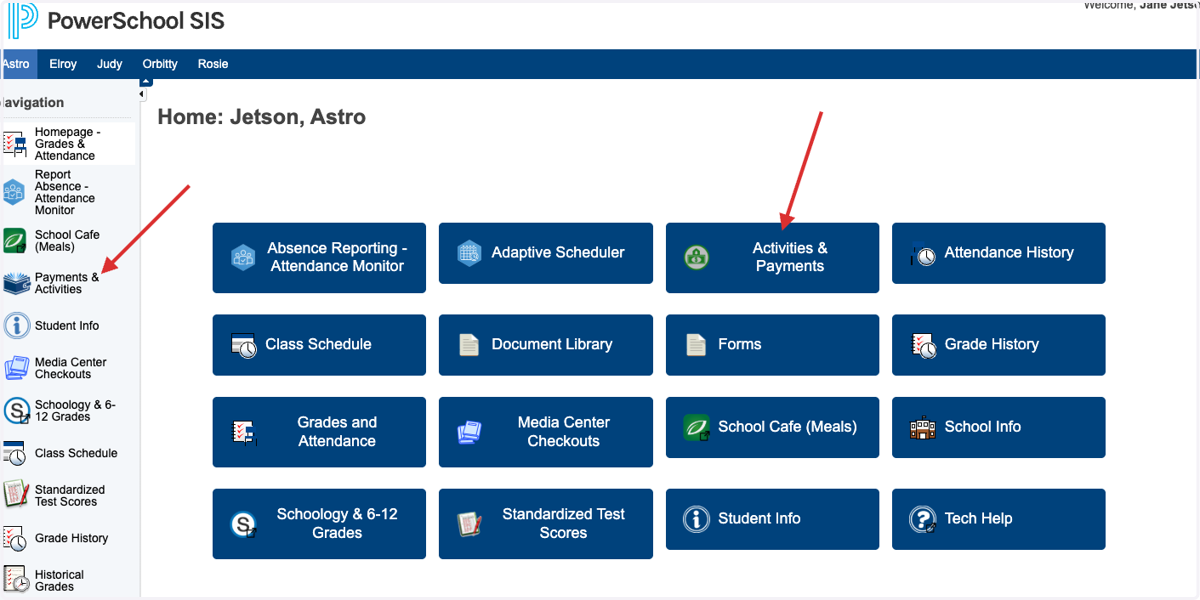
2. Navigate to the Activities and Payment area:
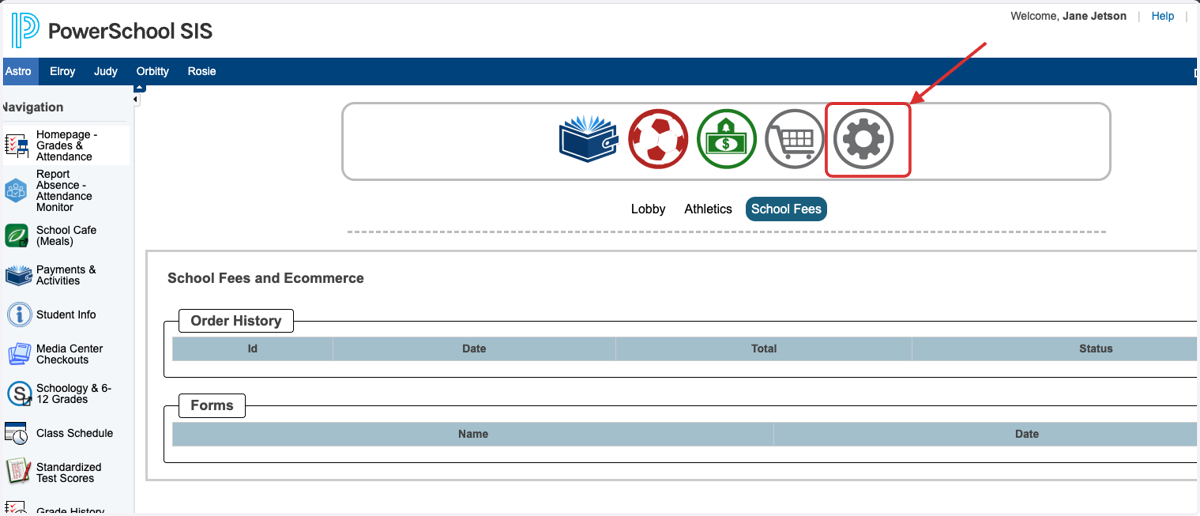
3. Once in that area select the Gear icon:
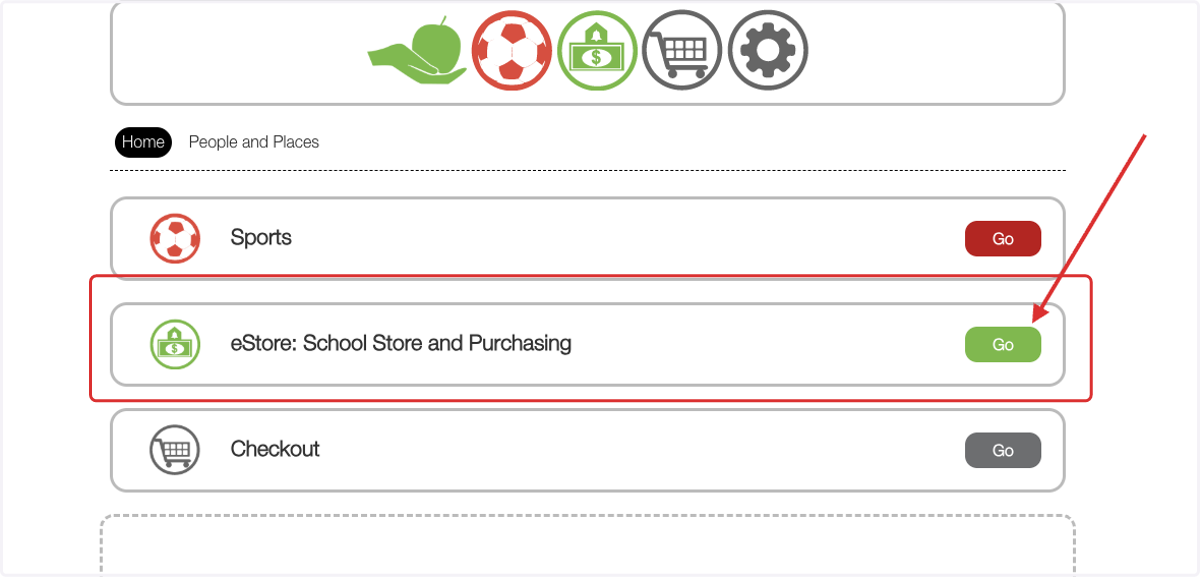
4. Select eStore: School Store and Purchasing
5. Scroll down the left hand navigation buttons until you find Band/Orchestra School Instrument
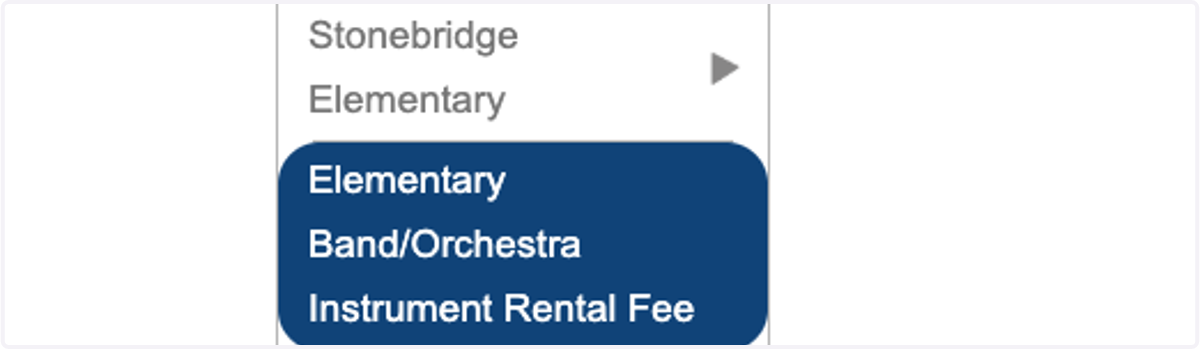
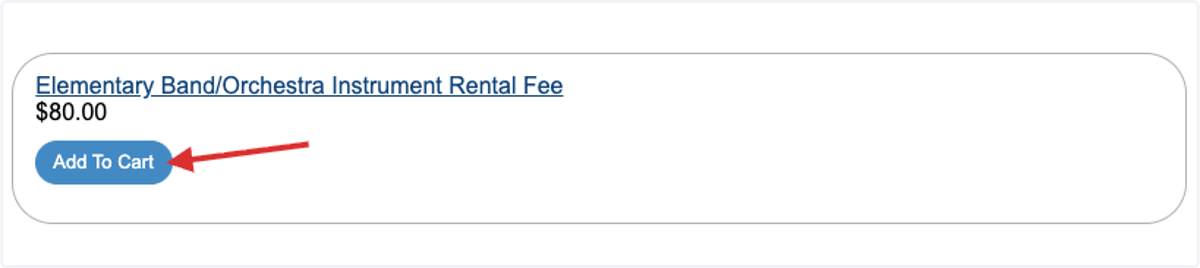
6. Select add to Cart
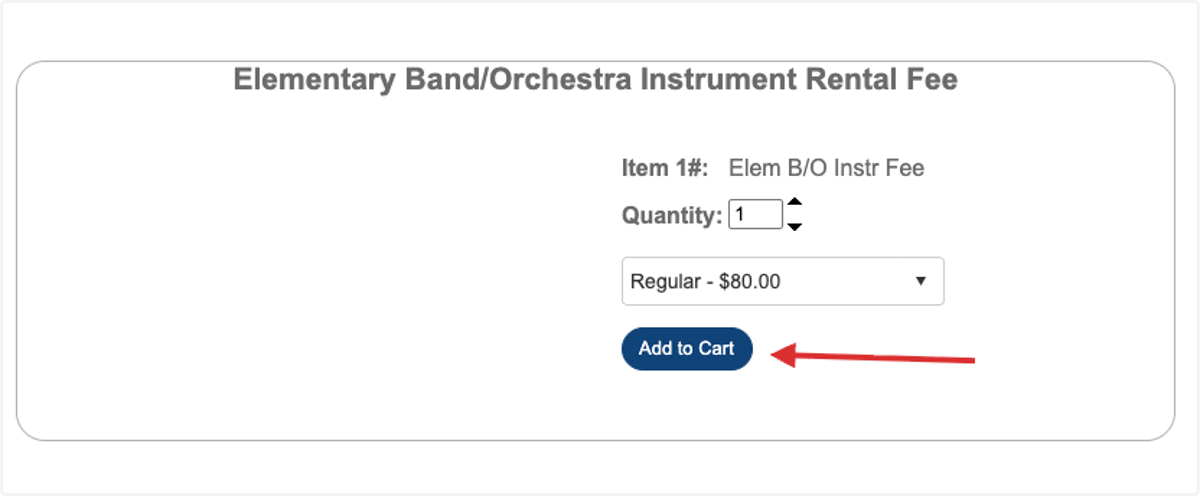
7. Add to cart again:
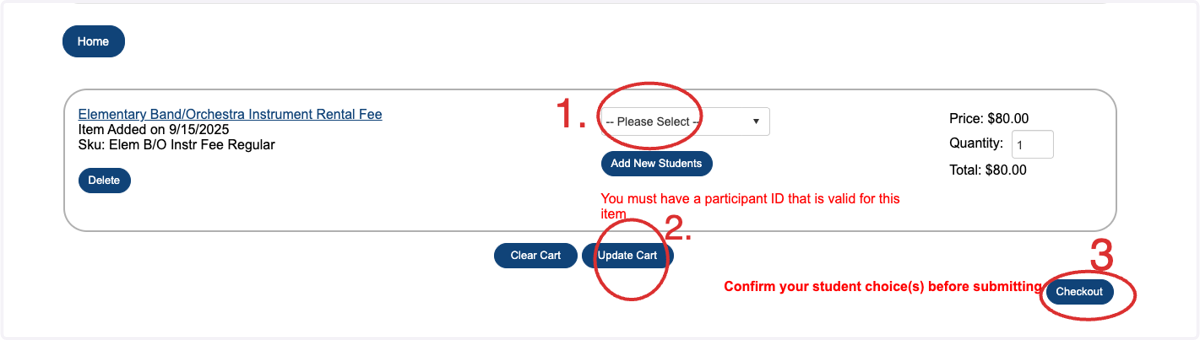
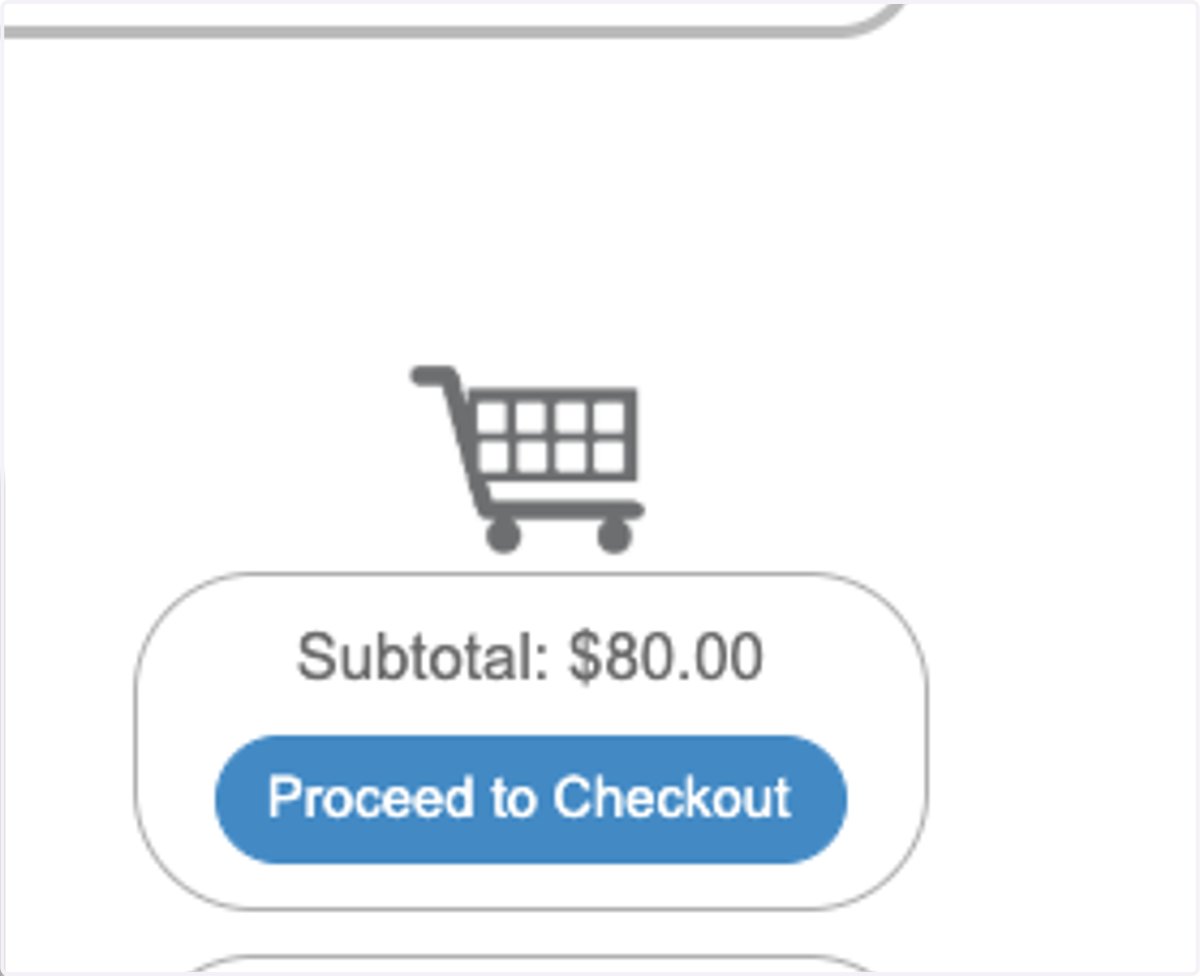
8. Select proceed to check out
9. 1.Select the student that is receiving the Band/Orchestra School Instrument 2. update cart and check out