Post a Video Link to a Discussion
Copy the link for your video.
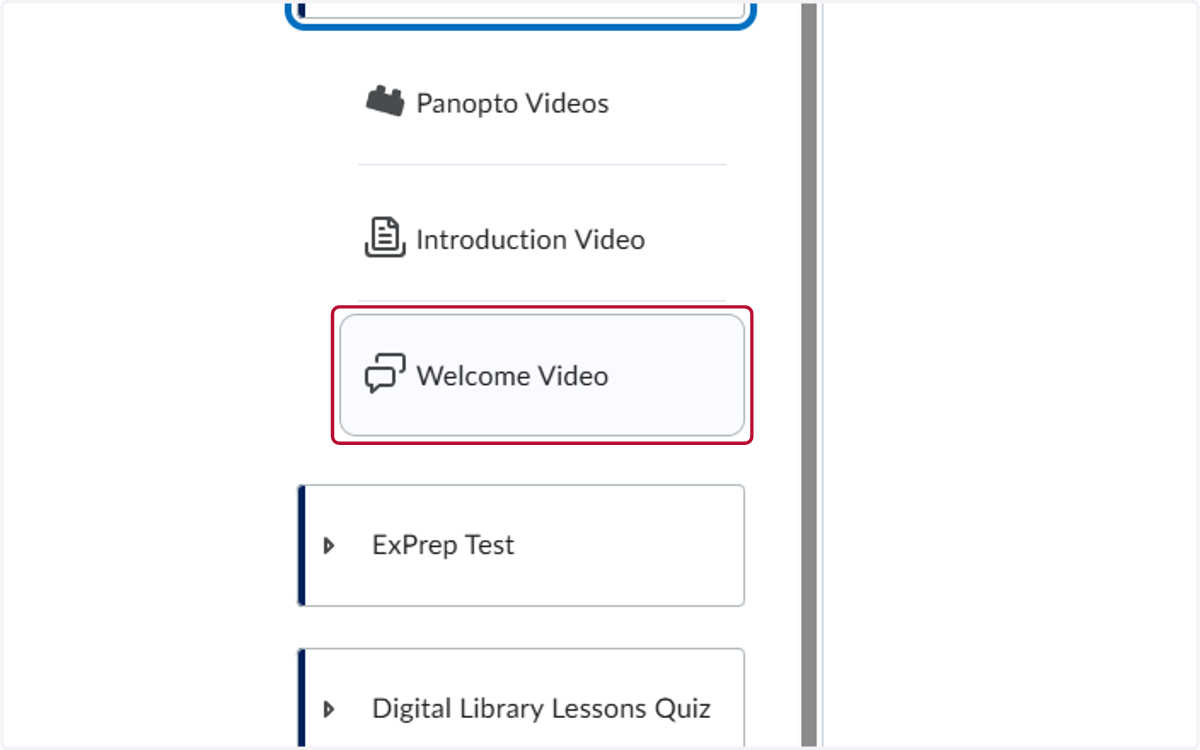
1. Click on the discussion
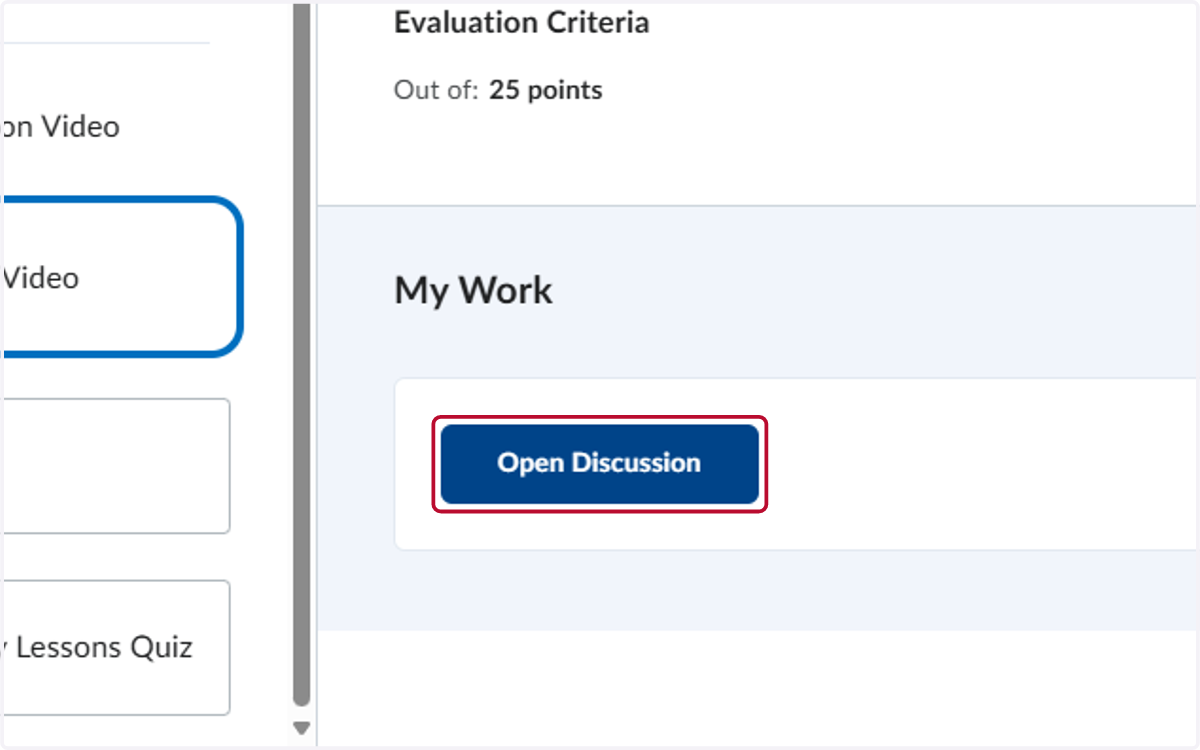
2. Click on Open Discussion
3. Click on Start a New Thread

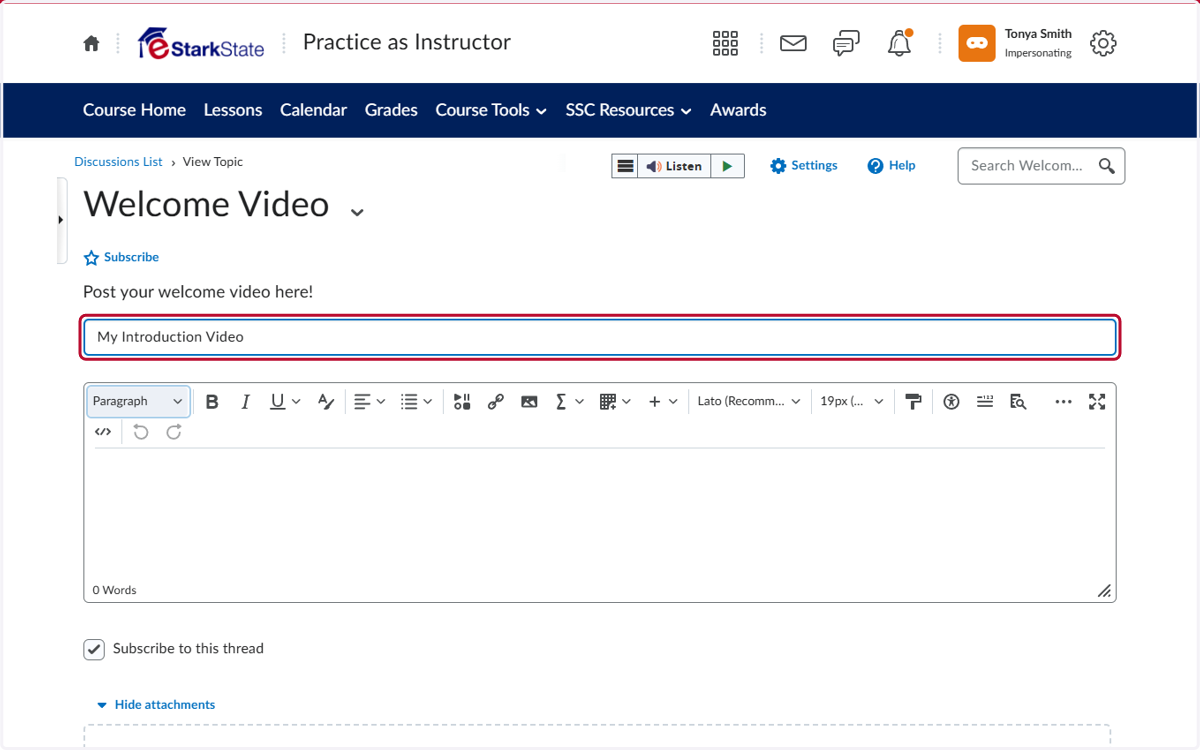
4. Add a title
5. In the Comments section, add the text you want to link the video to
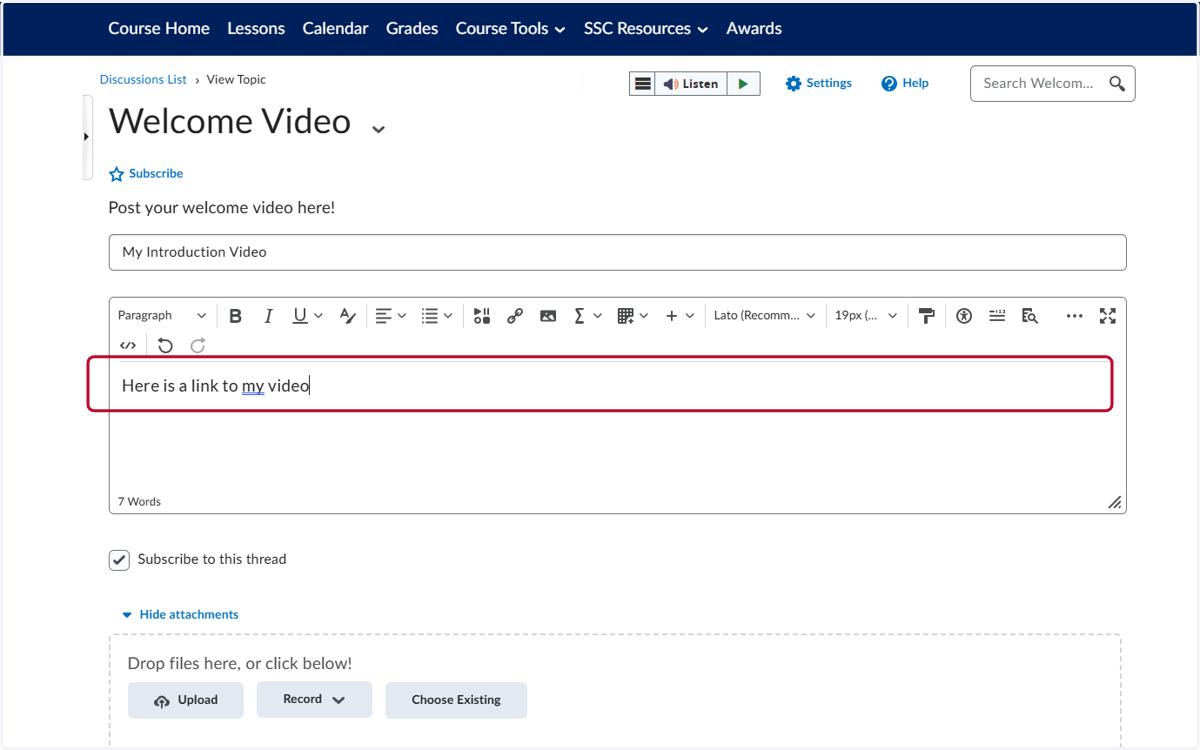
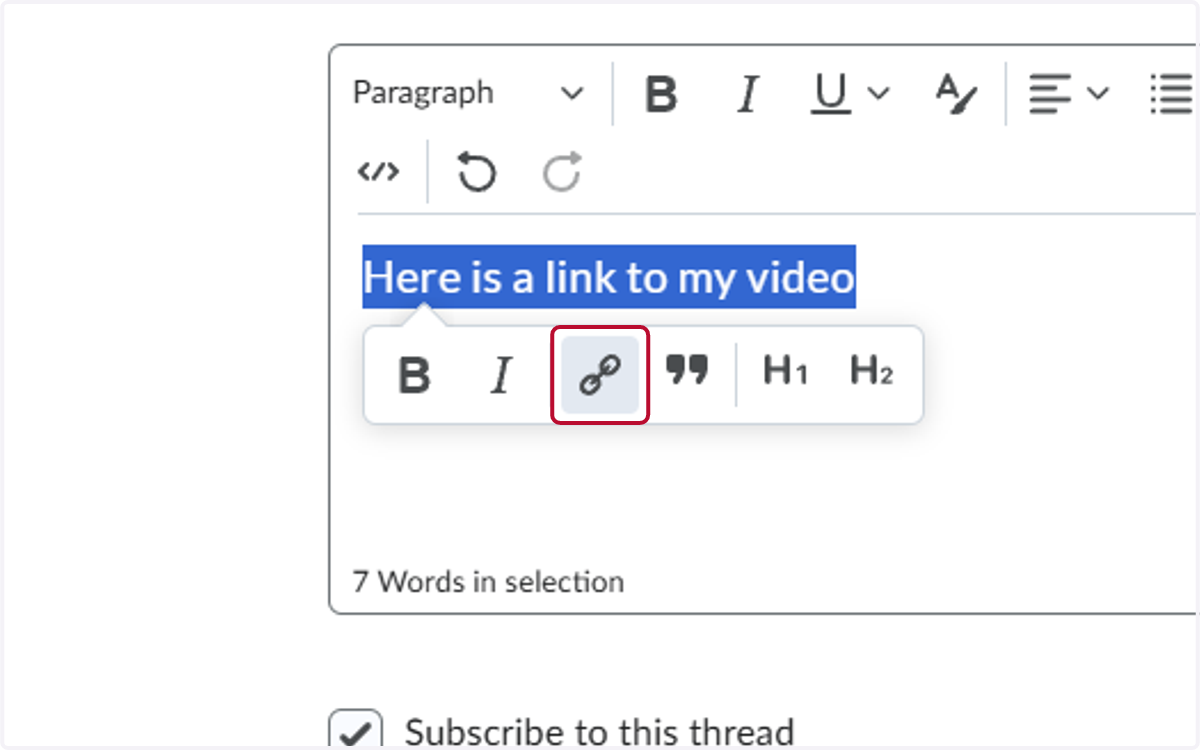
6. Highlight the text and click on Add/Edit Link
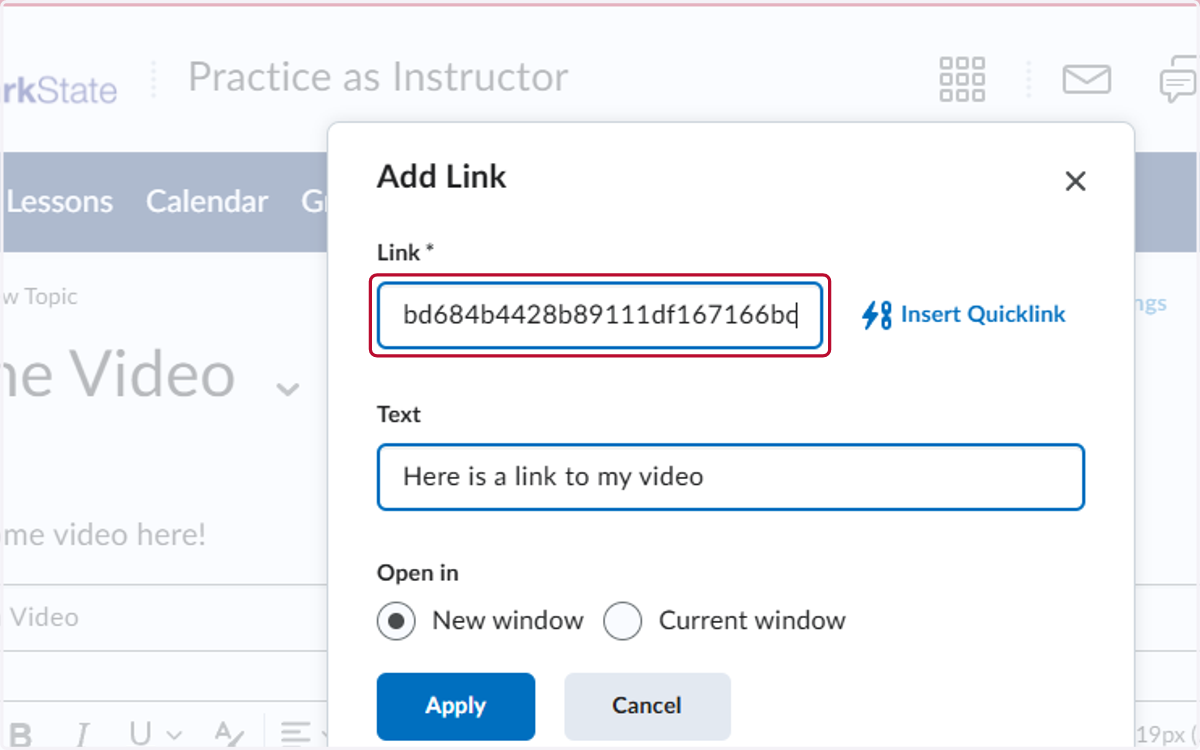
7. Paste selected text into input
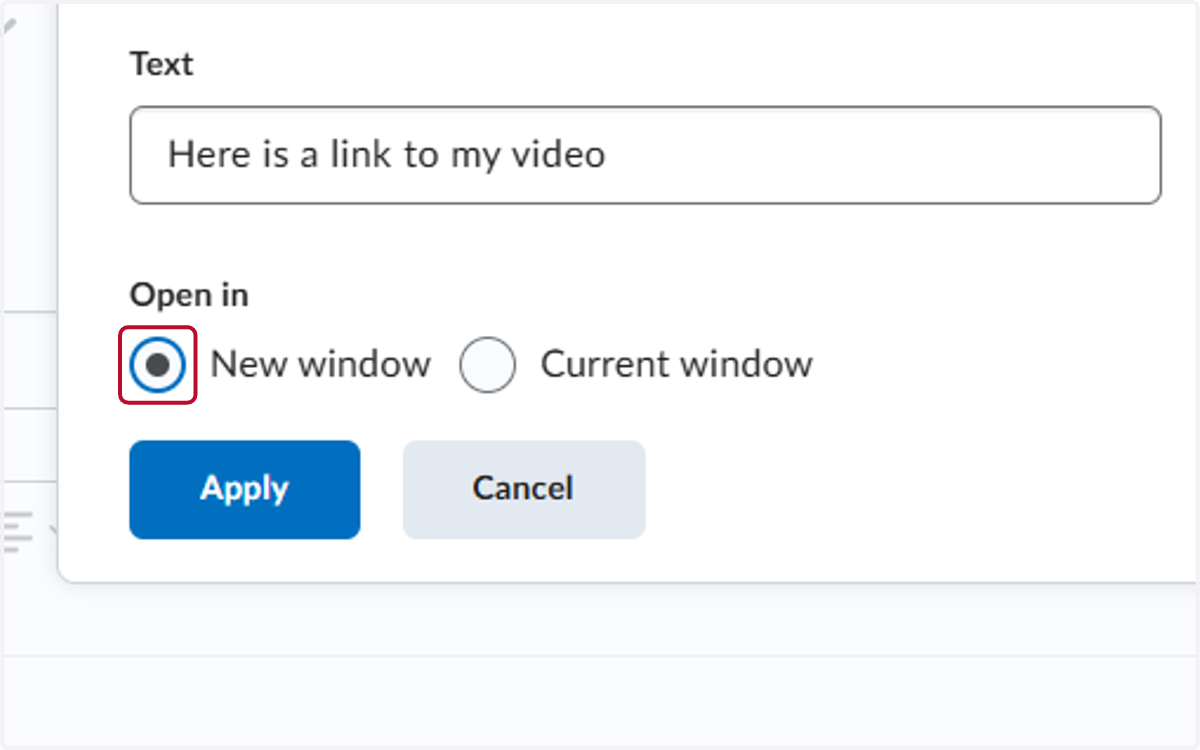
8. Select New window
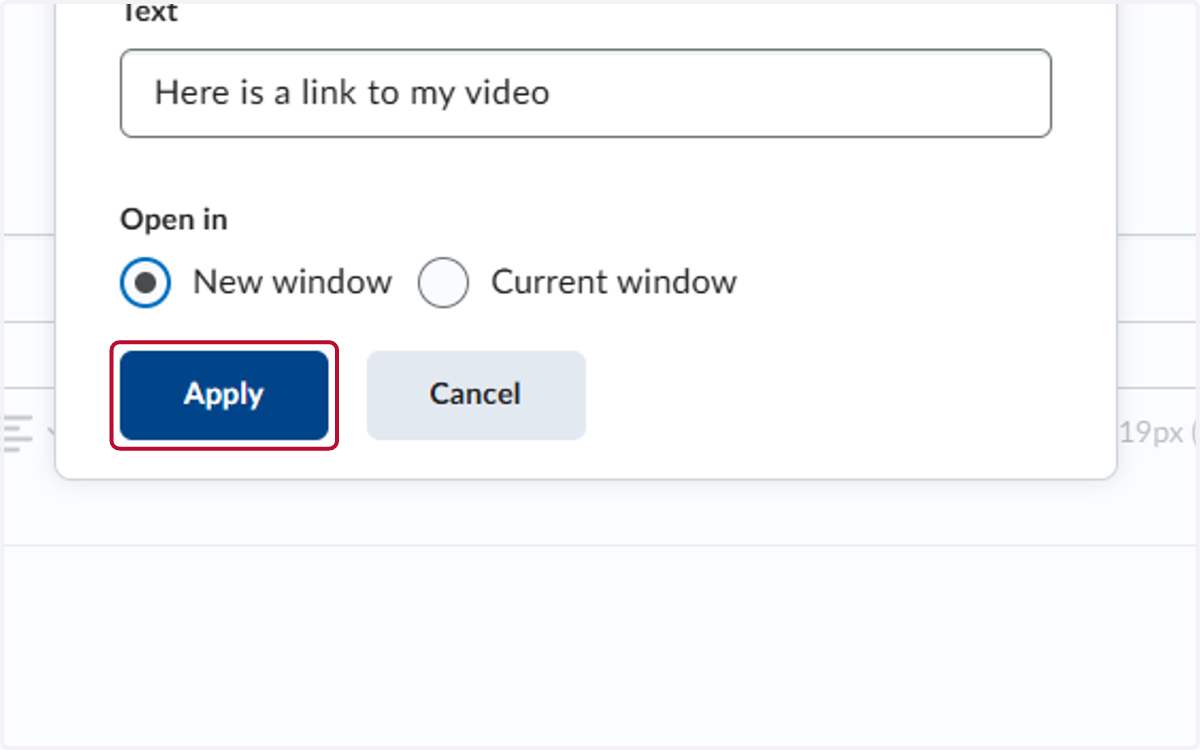
9. Click on Apply
10. Click on Post