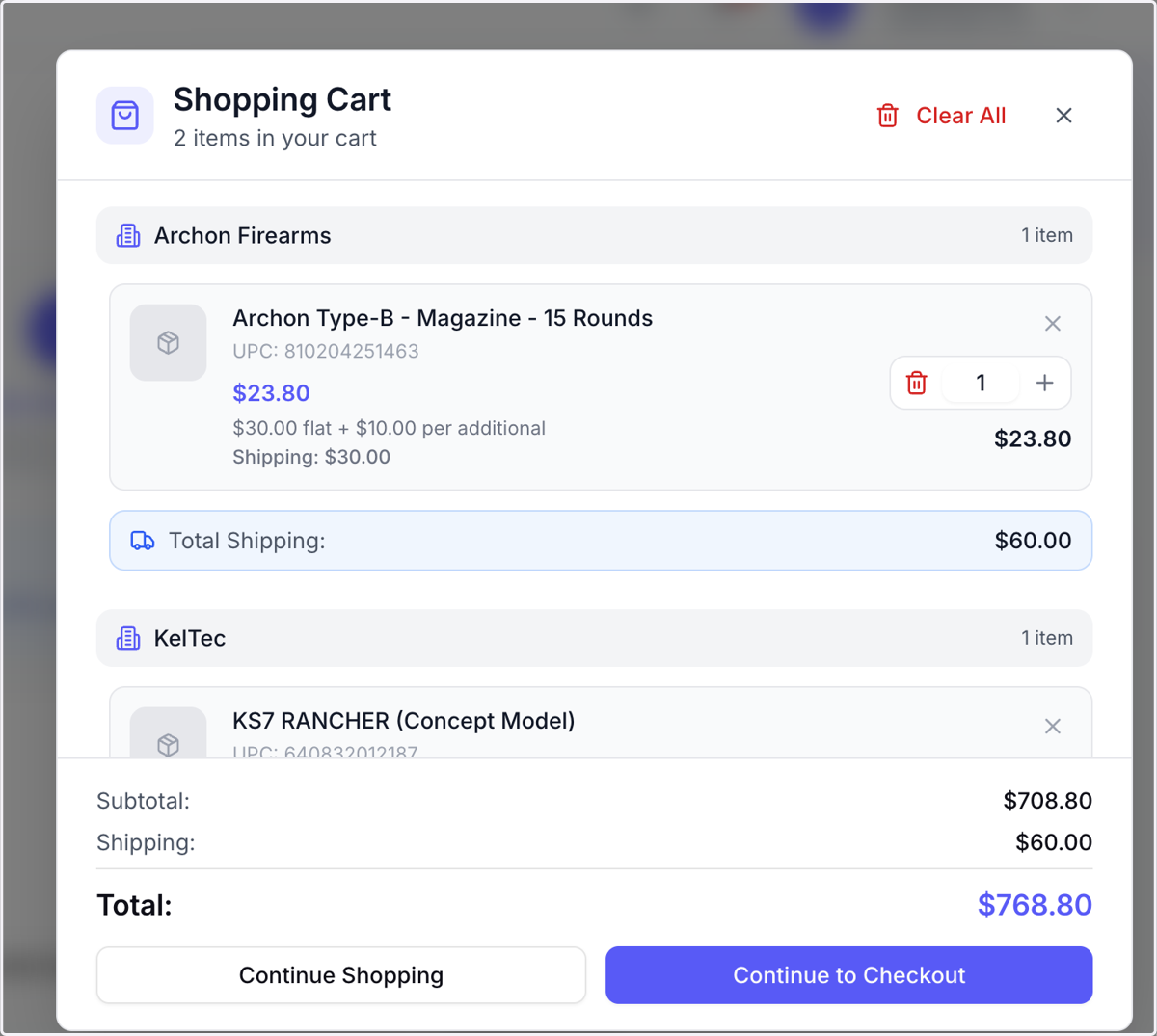
Place and Checkout Orders in BFG
BFG : Dashboard
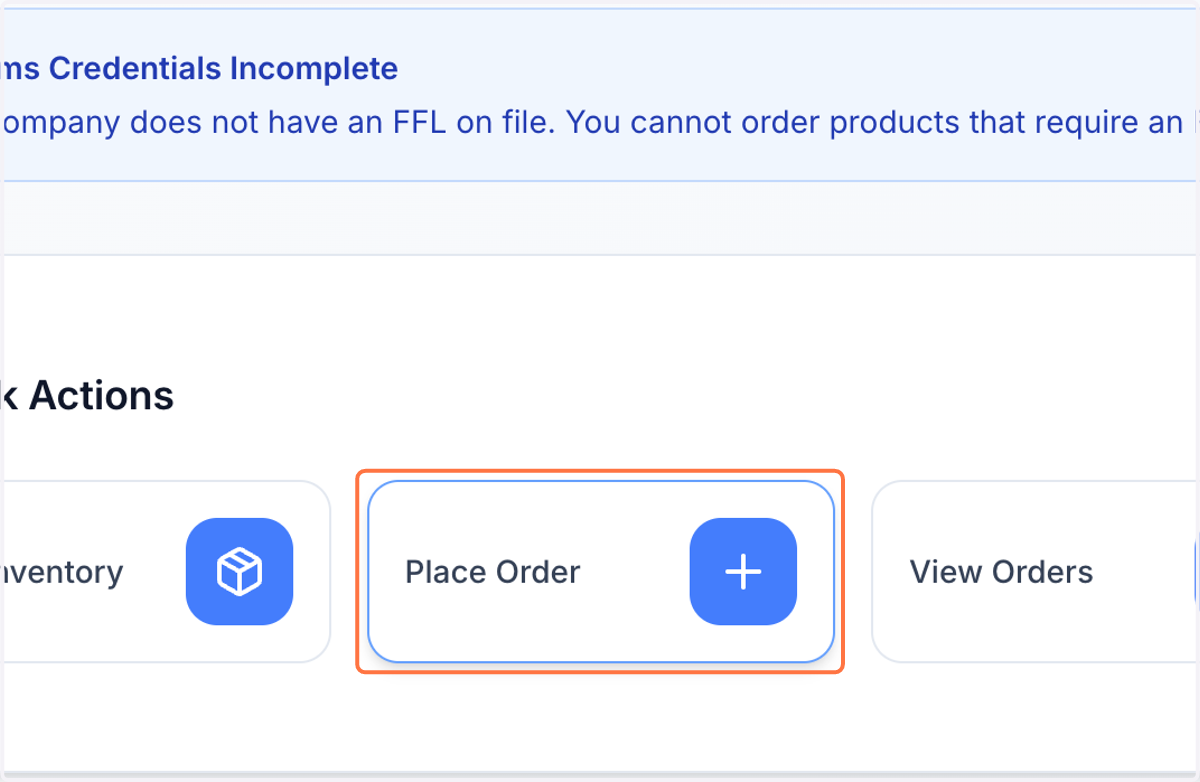
1. Click on Place Order
From your Login page, Click Place order, or from any screen, click "orders" in the sidebar, Placed Orders> Place Order. ( you must have bank account, and FFL verified & Uploaded to place orders).
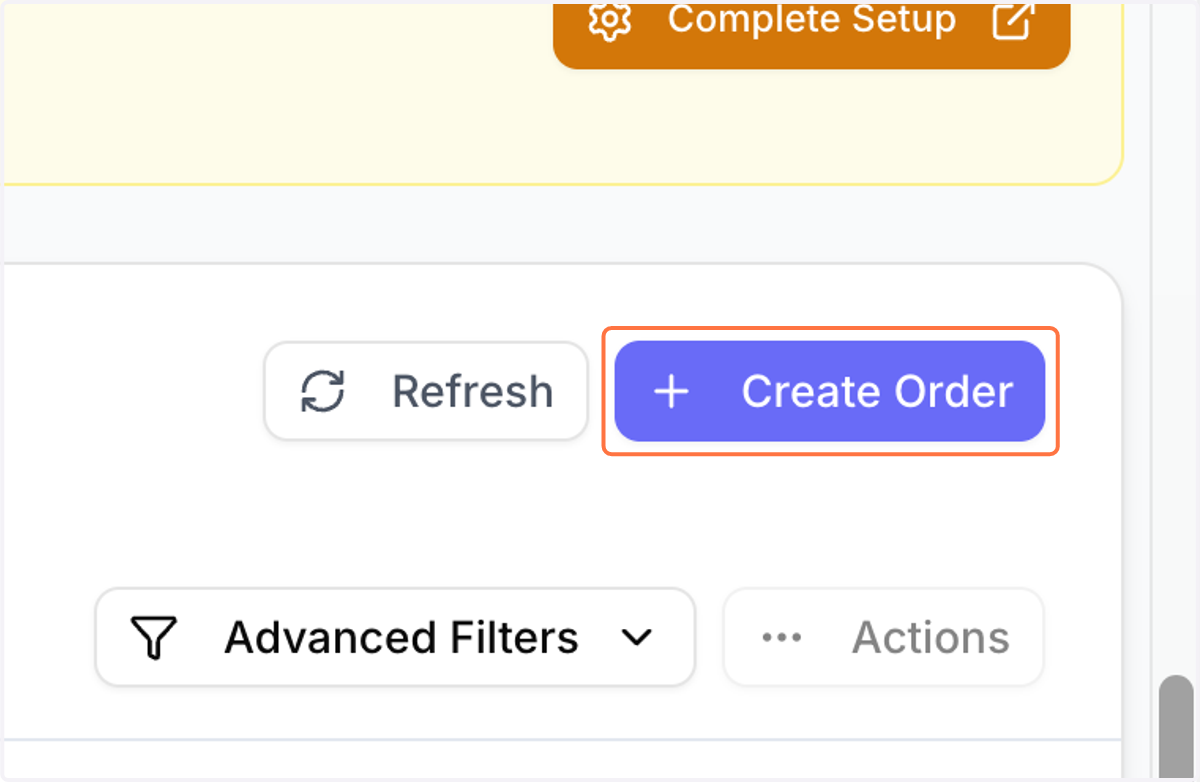
2. Click on Create Order
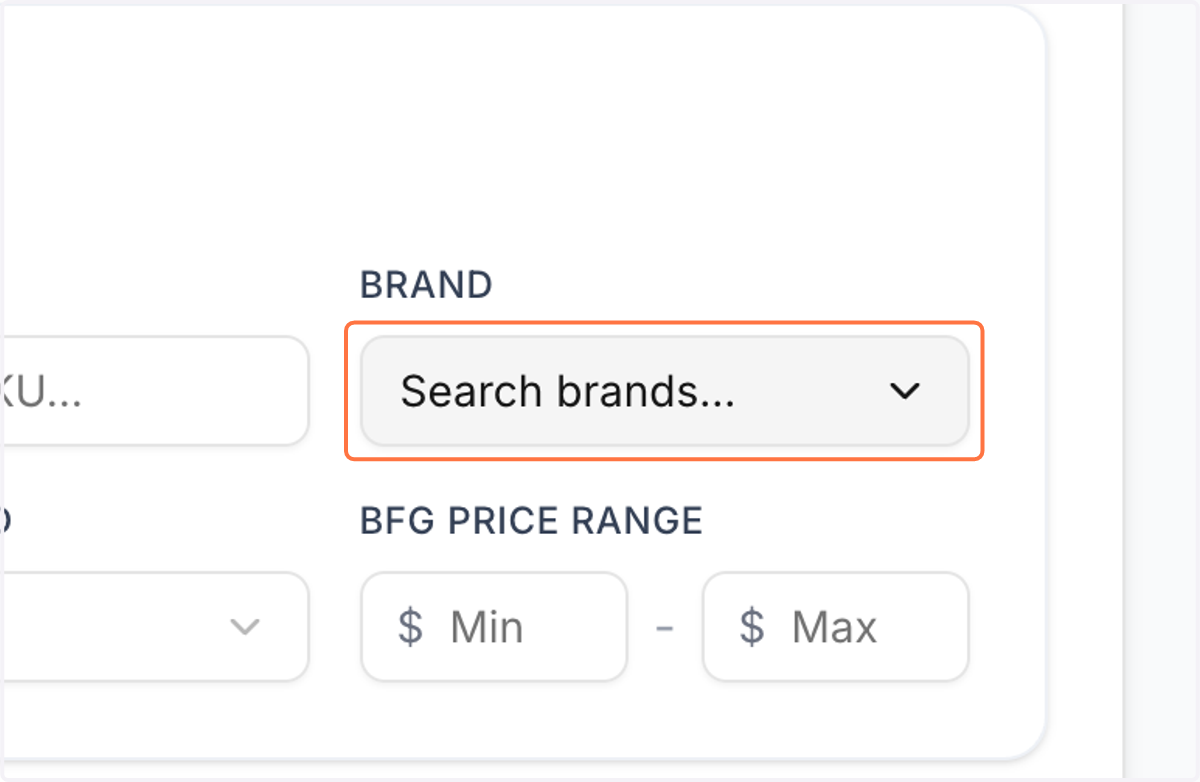
3. Click on Search brands...
4. Click on Desired Brand
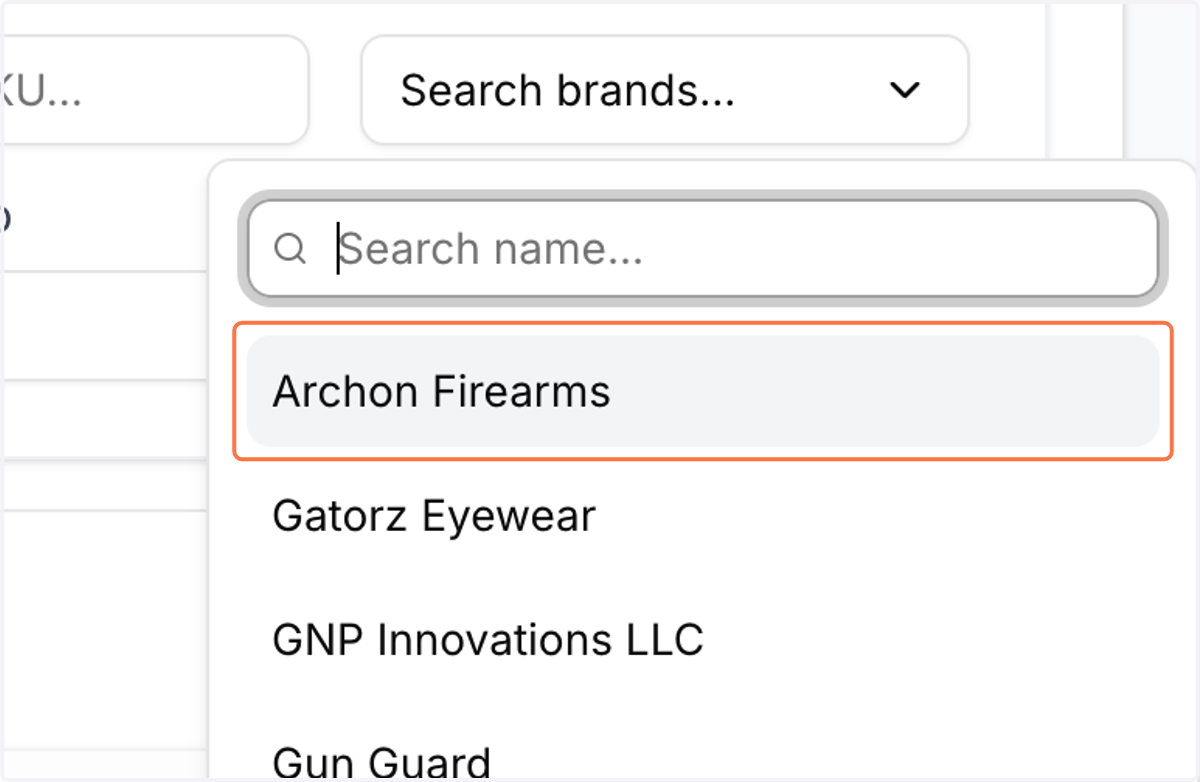
5. Click on Add to Cart (You can shop multiple brands in a single order!) -You will see order minimums that are unique to each brand or product, as well as free shipping thresholds.
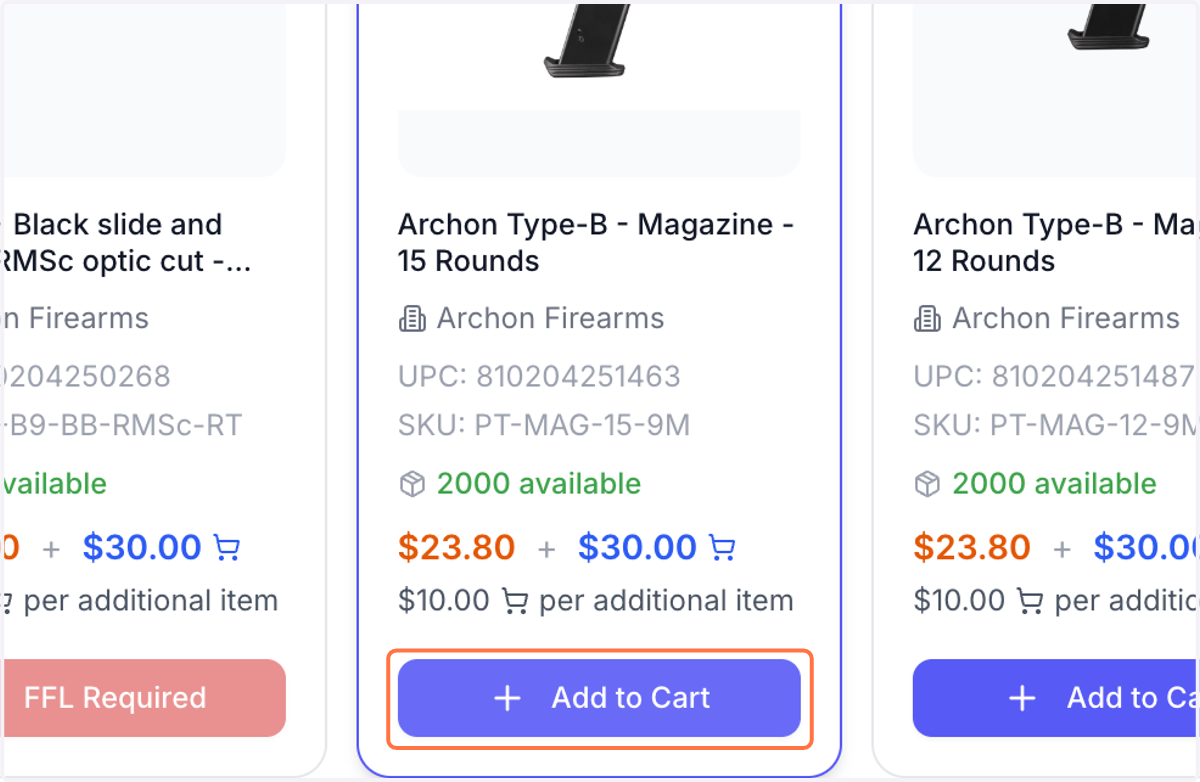
6. Click on Add to Cart
7. Click "Brands" to view more products
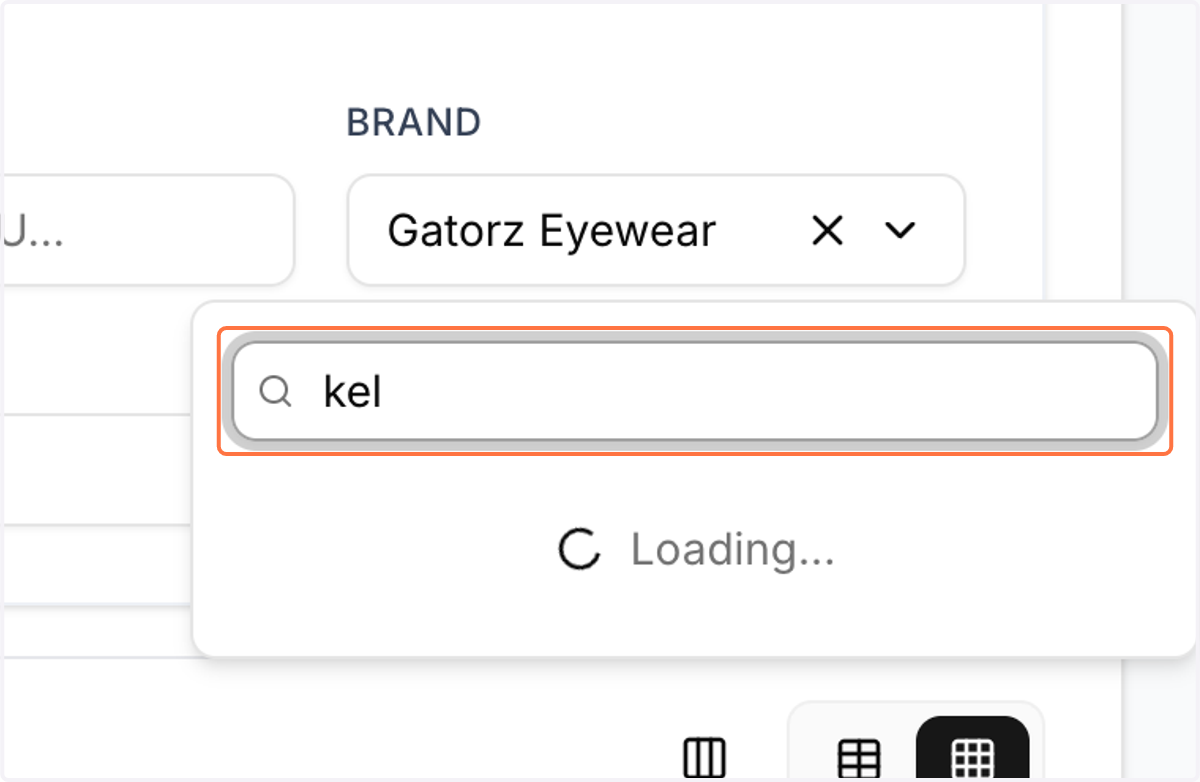
8. Multi-Brand ordering in a single transaction!
Use the drop down to shop different brands. You do not need to place separate orders with each brand.
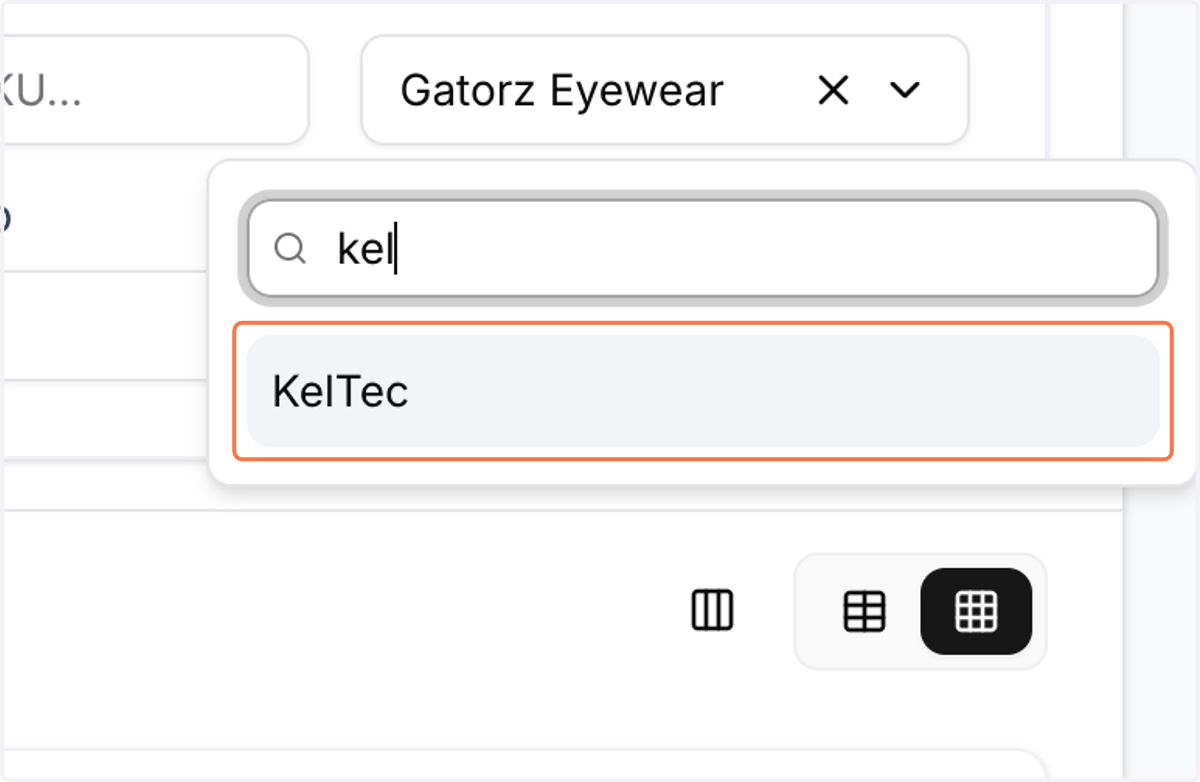
9. Click on Add to Cart
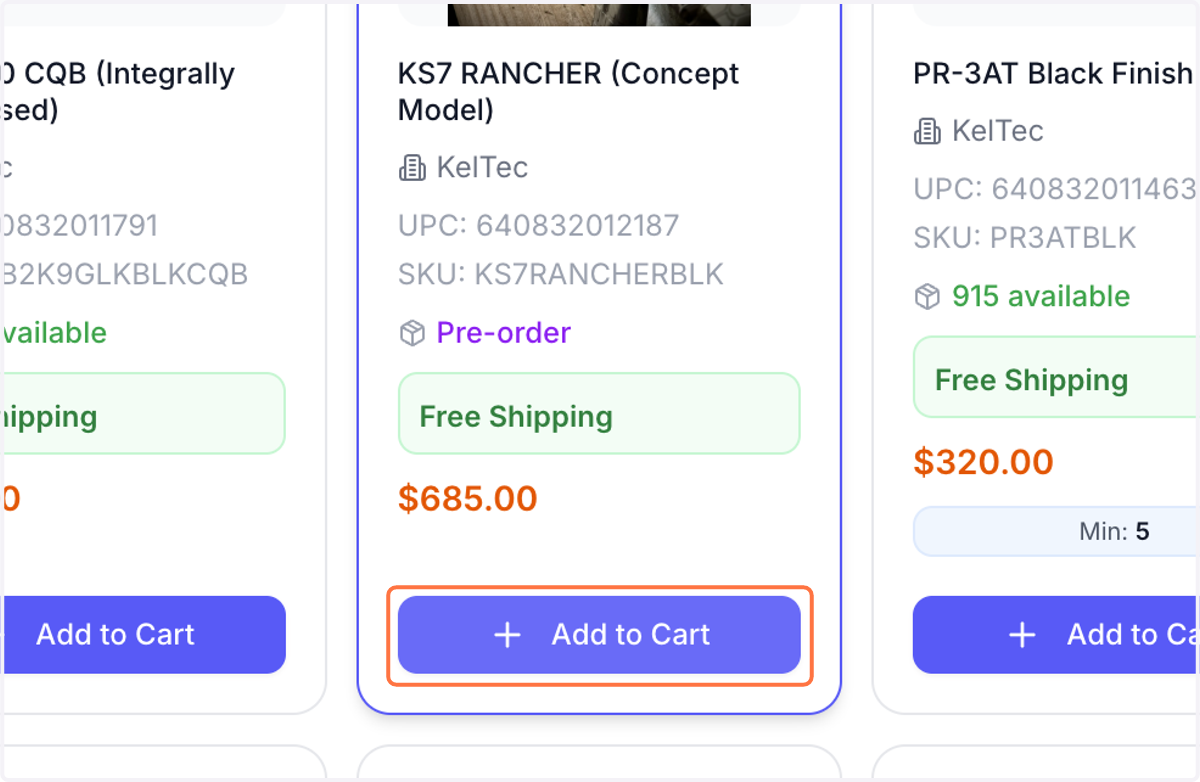
10. Click on Cart to checkout
11. Click on Continue to finalize order
12. Multi-Brand order, Single checkout!
BFG splits out your order to each manufacturer. From here, click continue to confirm and finalize your order! Unless otherwise noted, you will be charged when the order ships.