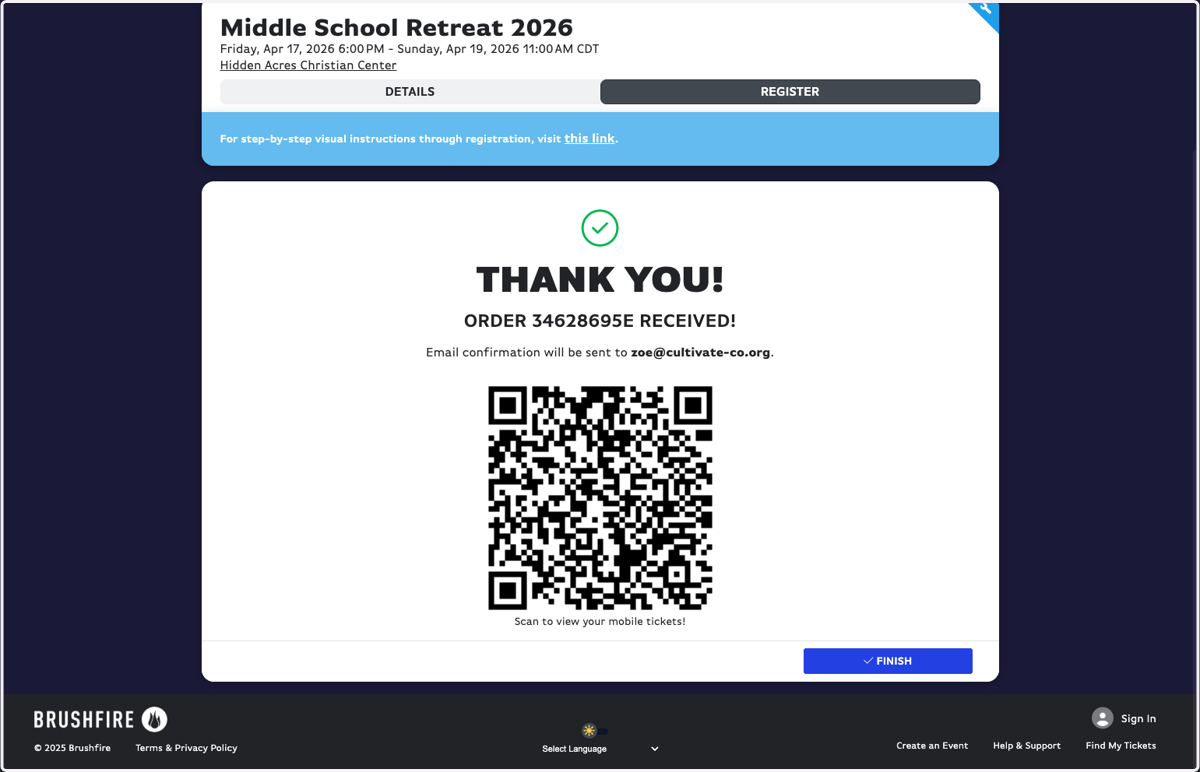
Participant Registration - MSR 2026
Go to cultivate-co.org
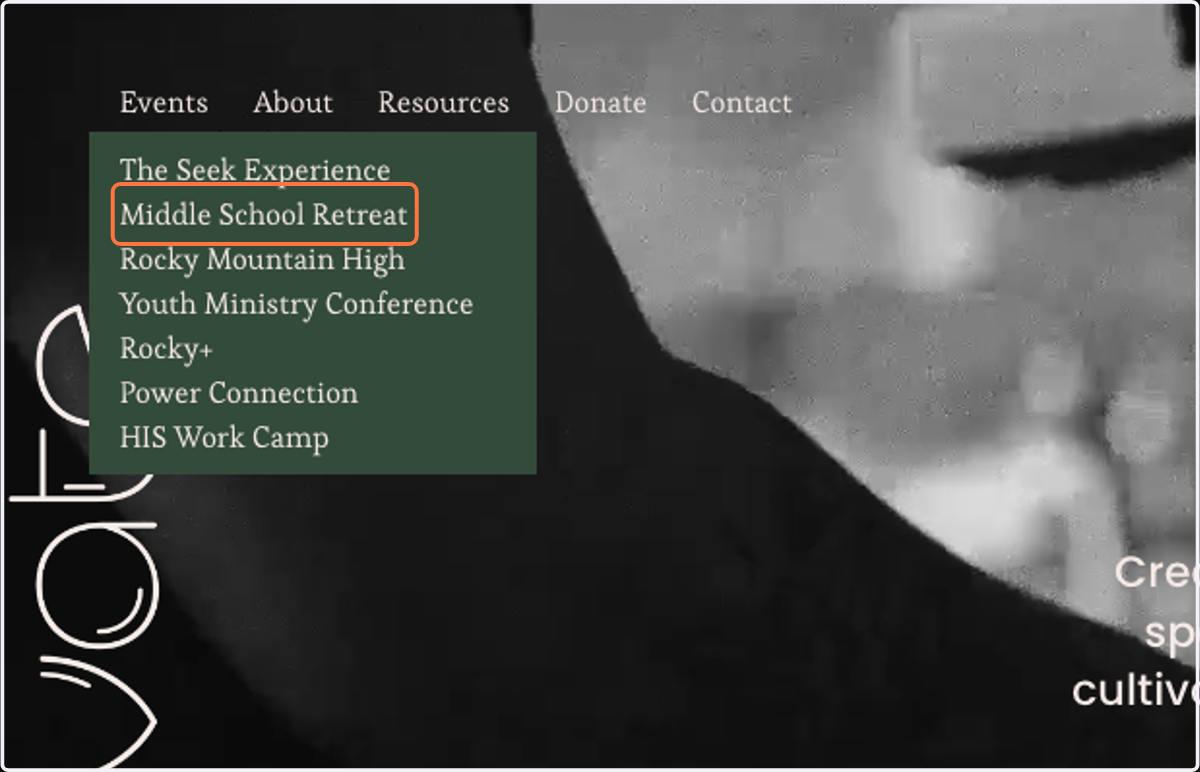
1. Click on Middle School Retreat
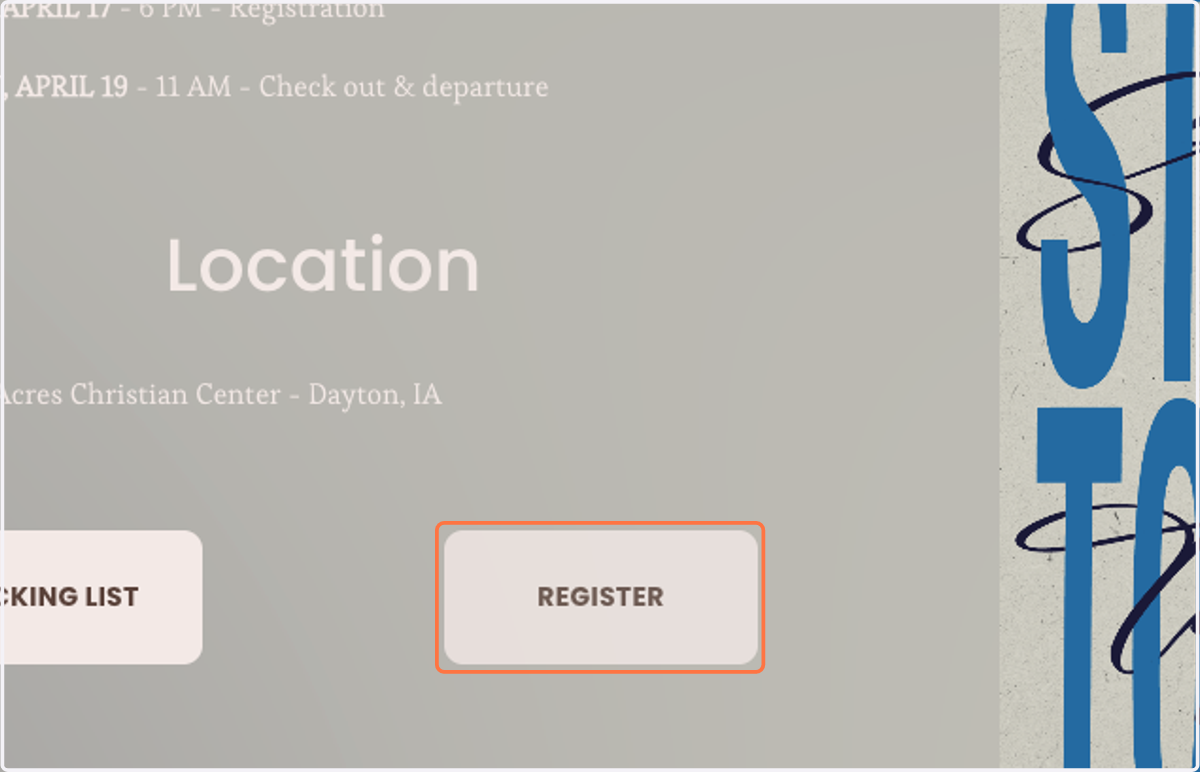
2. Click on REGISTER
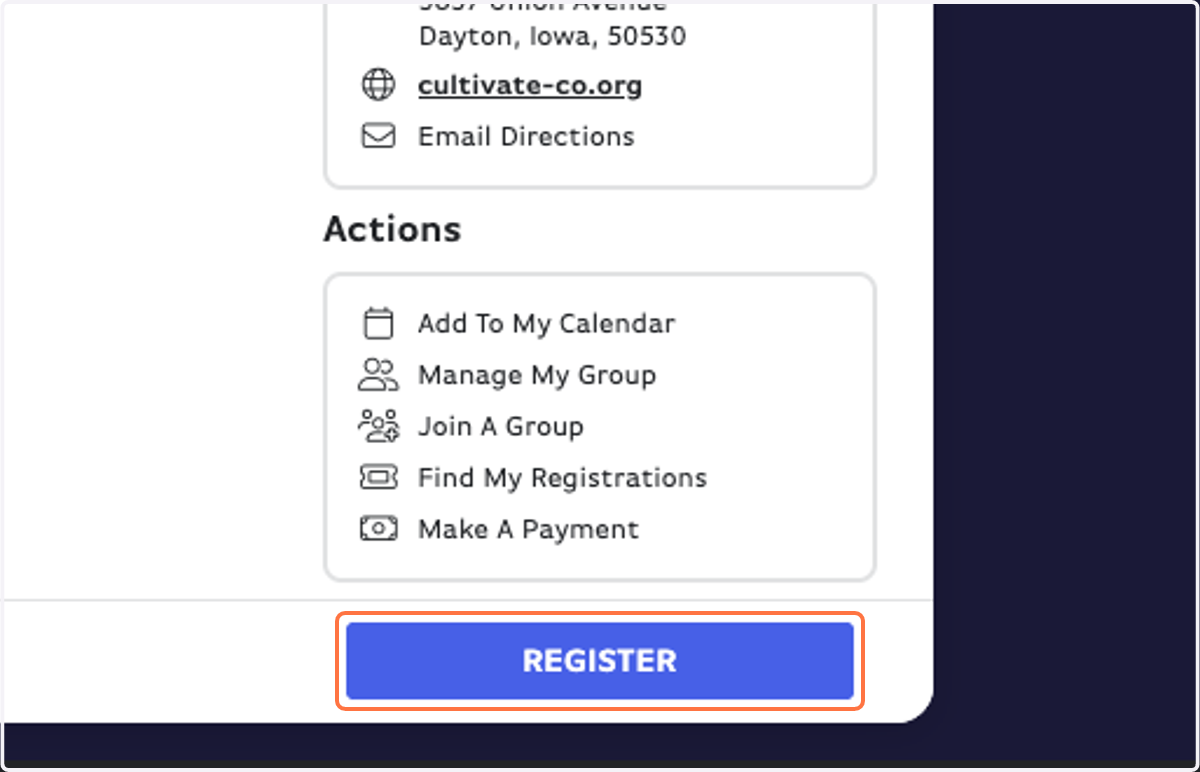
Brushfire Events
3. Click on REGISTER
4. IMPORTANT: Click on Join A Group
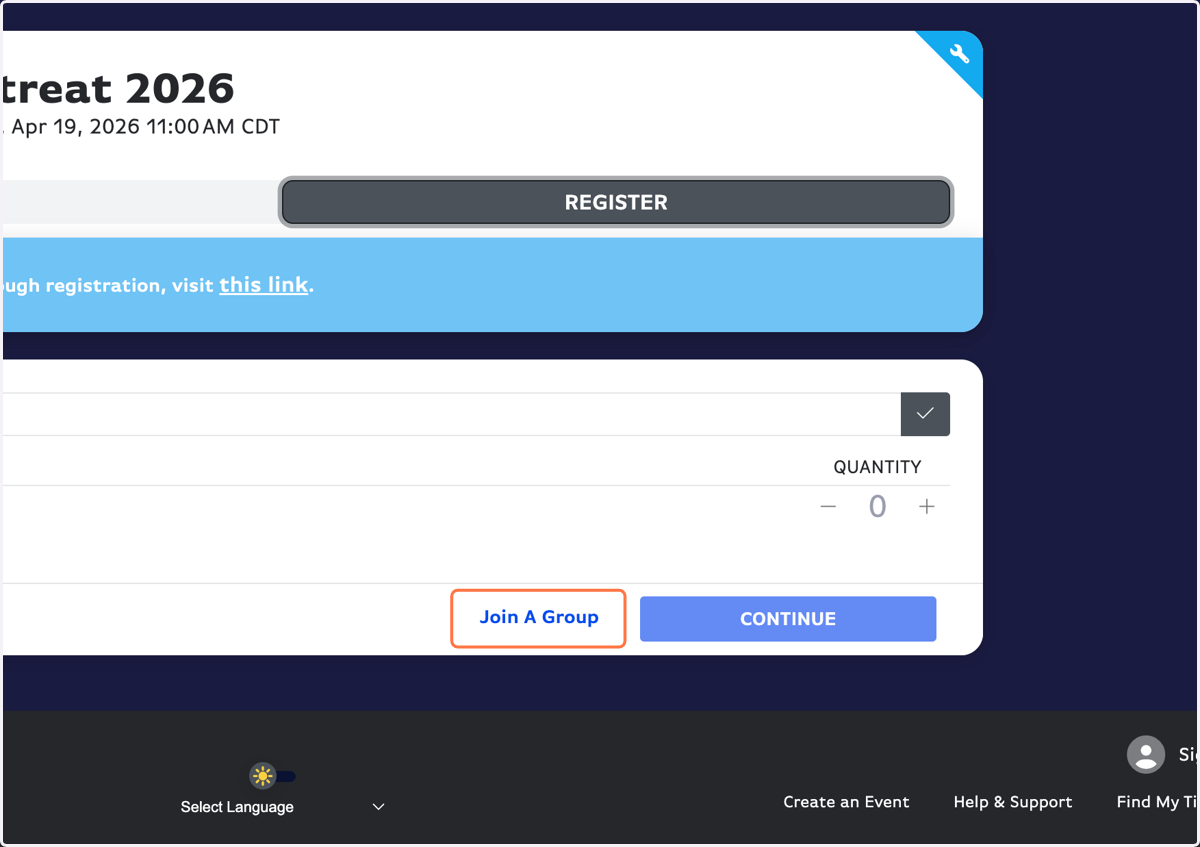
5. Select your group (should be named Church - Town).
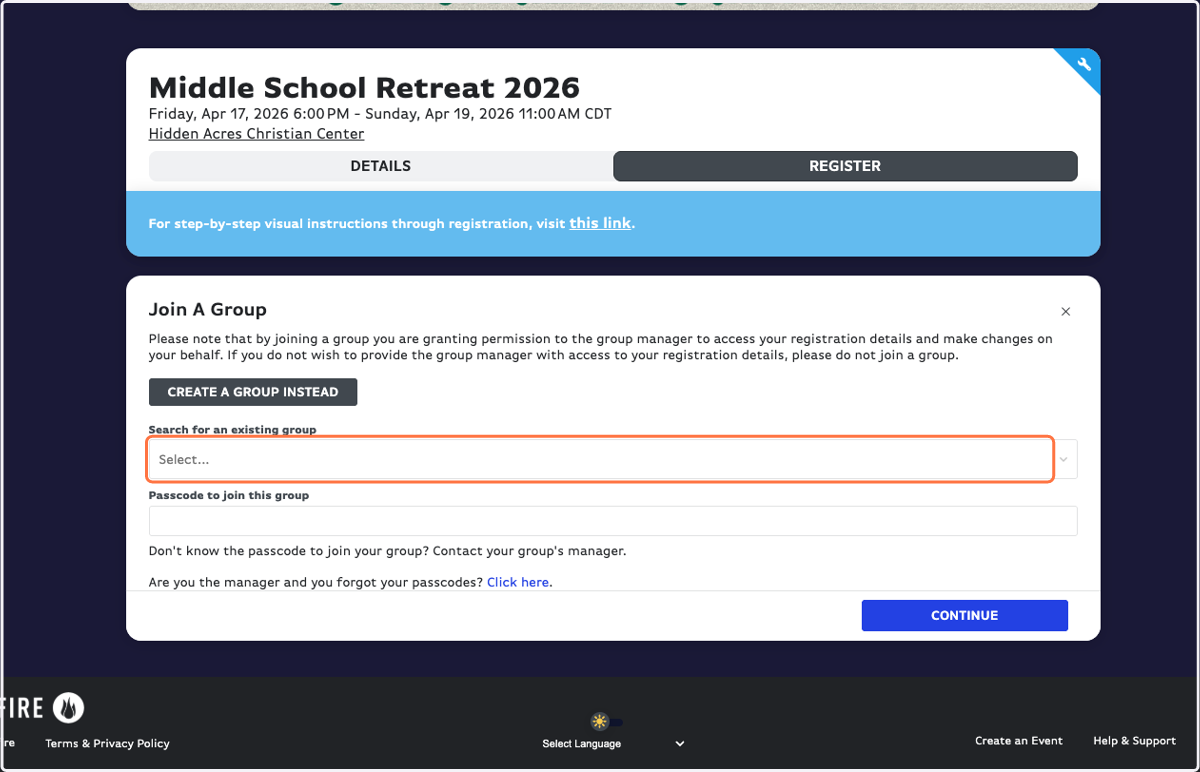
6. Type in the passcode that your youth leader shared with you to join the group.
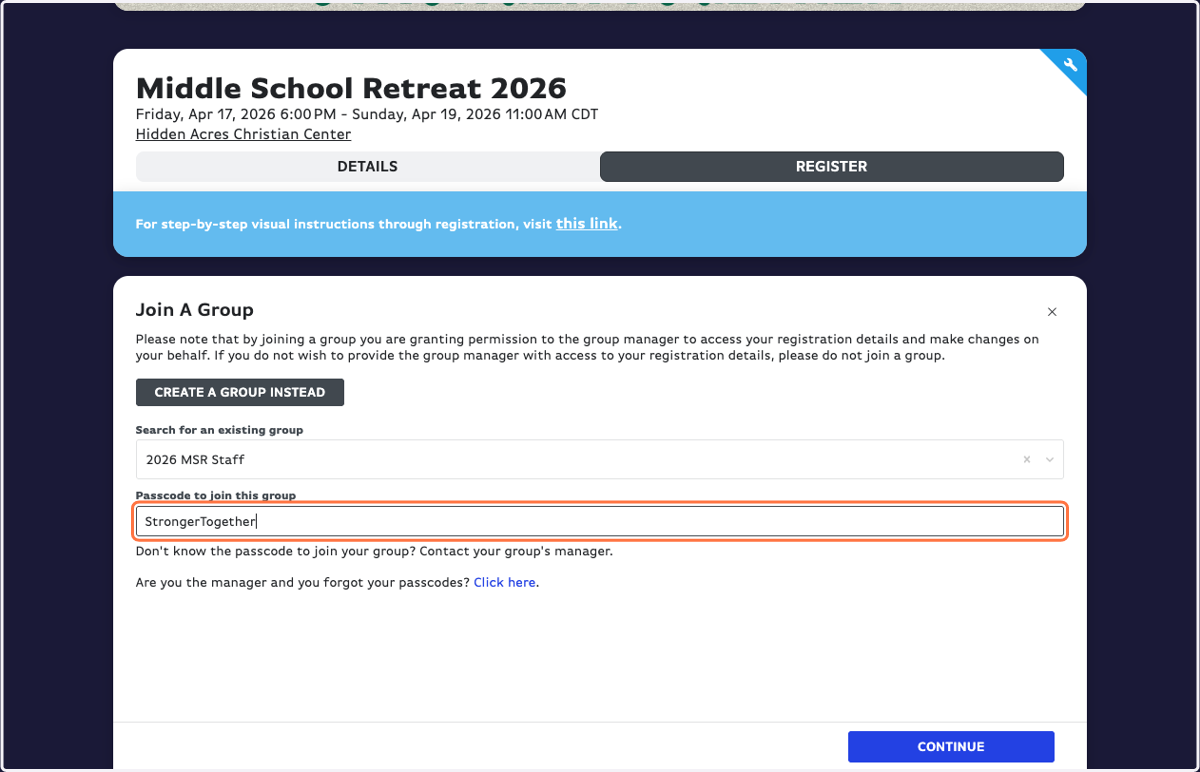
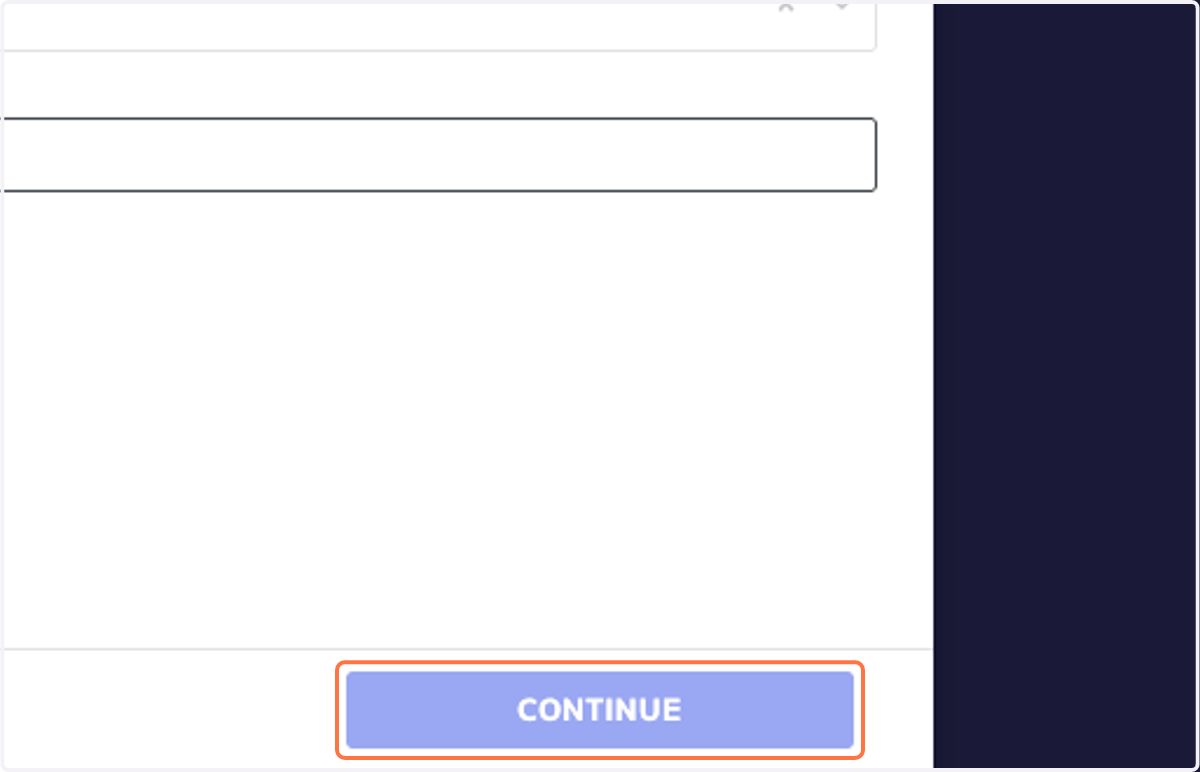
7. Click on CONTINUE
8. PARTNER GROUPS: Type in the Access Code your youth leader told you.
Note: You should only need the Access Code for the first 3 weeks registration is open.
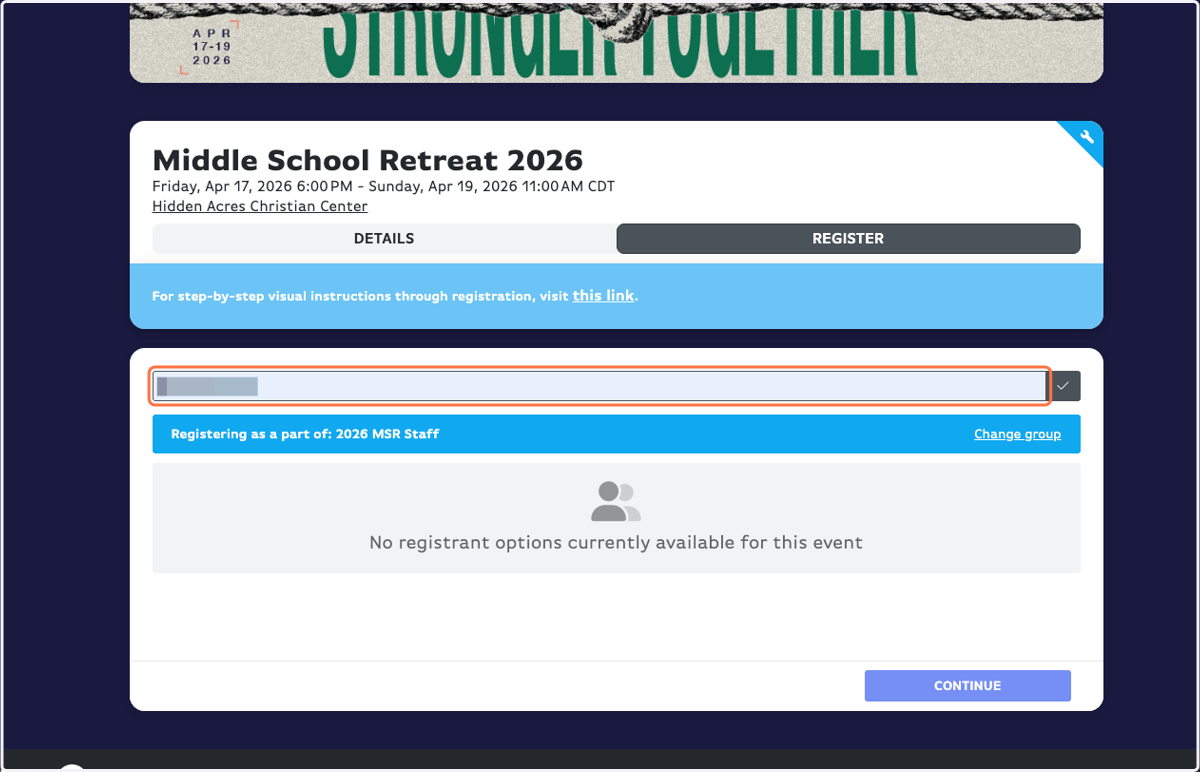
9. Don't forget the little gray check mark button!
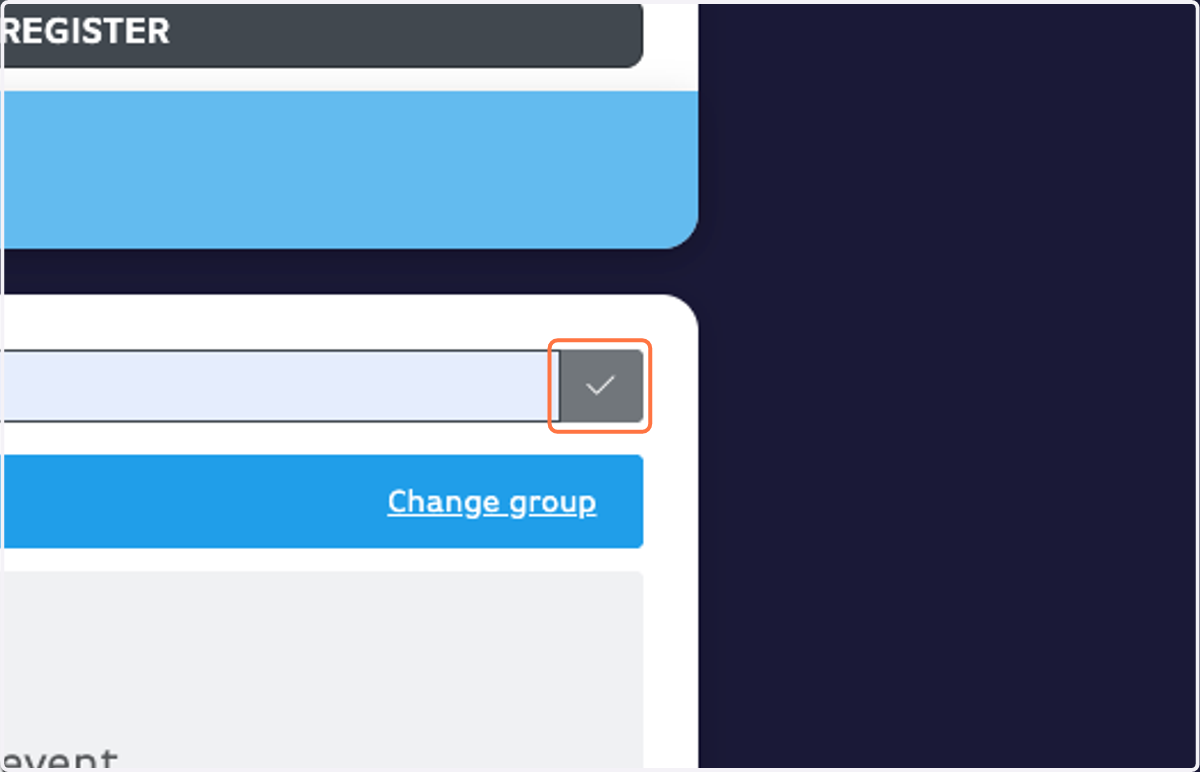
10. IMPORTANT: Choose your payment amount. There are only 3 options for a reason!
Choose $1.00 if: You plan to pay by check OR any amount not designated below. Once you register, you can go back in and make payments for any custom amount.
Choose $154.65 if: You are a partner group (this is your discounted price) and plan to pay the full amount upon registration.
Choose $175.23 if: You are a non-partner group and plan to pay the full amount upon registration.
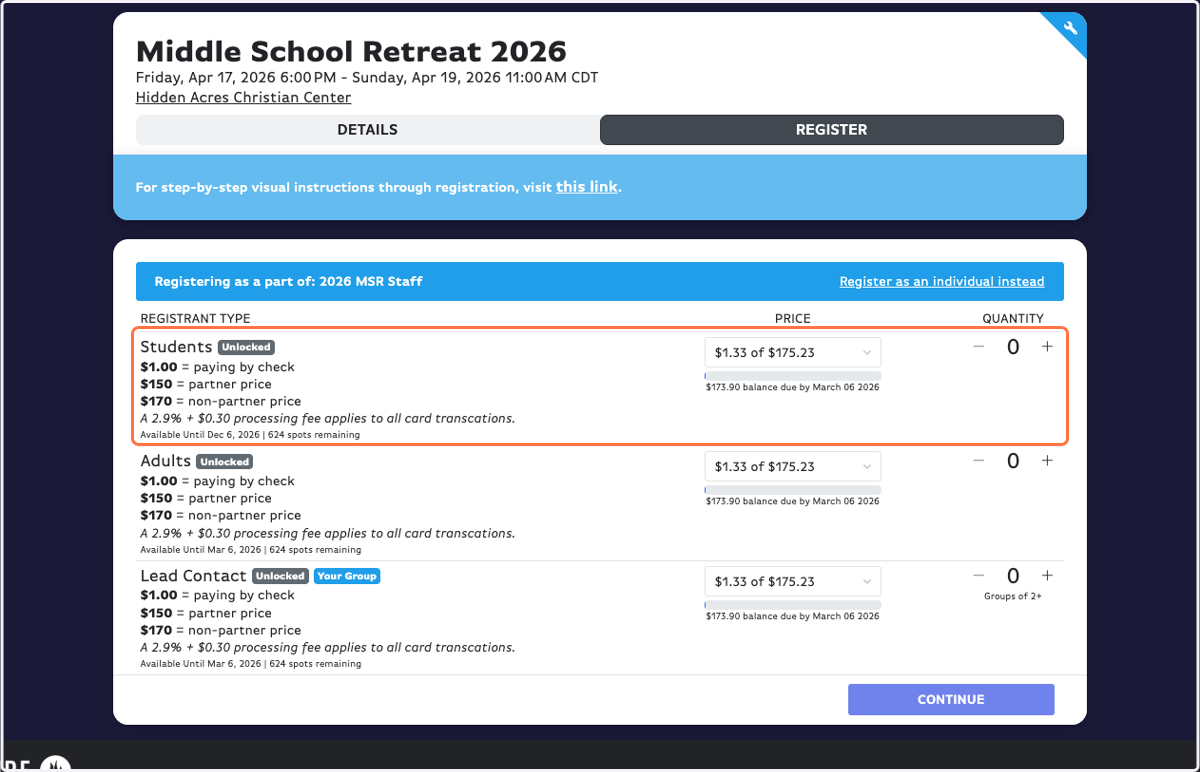
11. Click on Increment Amount for however many people you are registering.
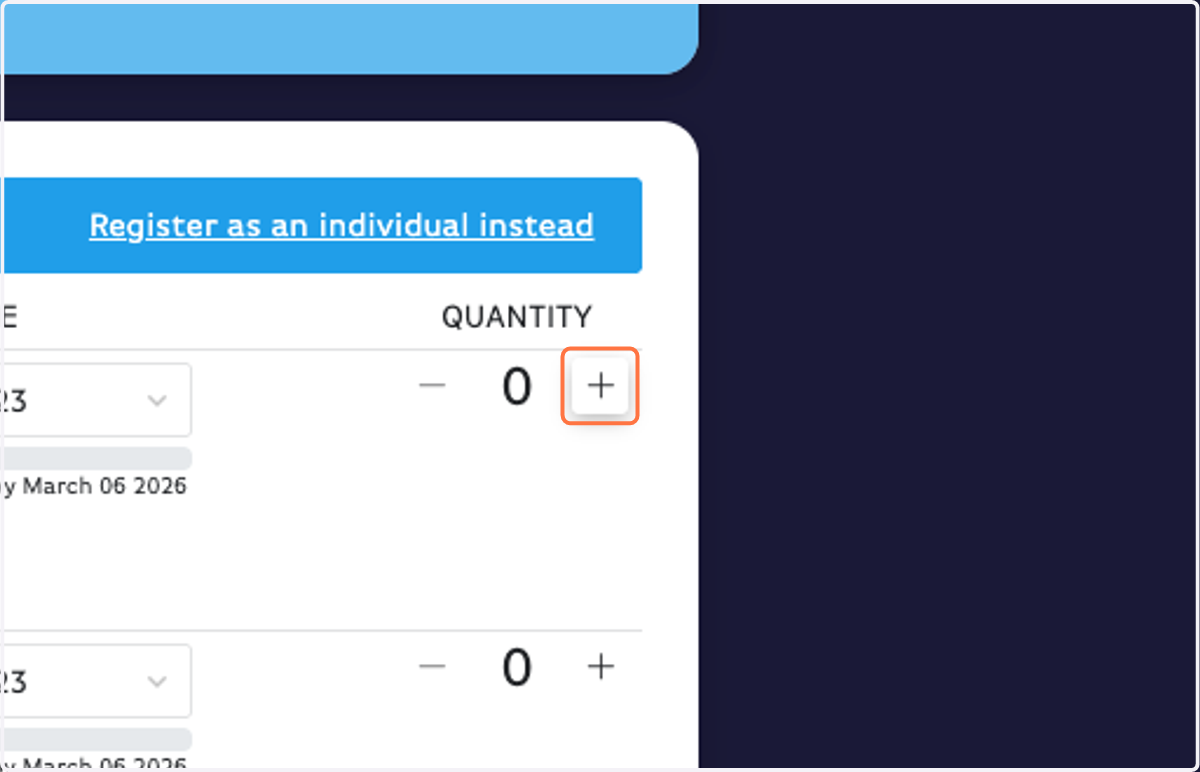
12. Click on CONTINUE
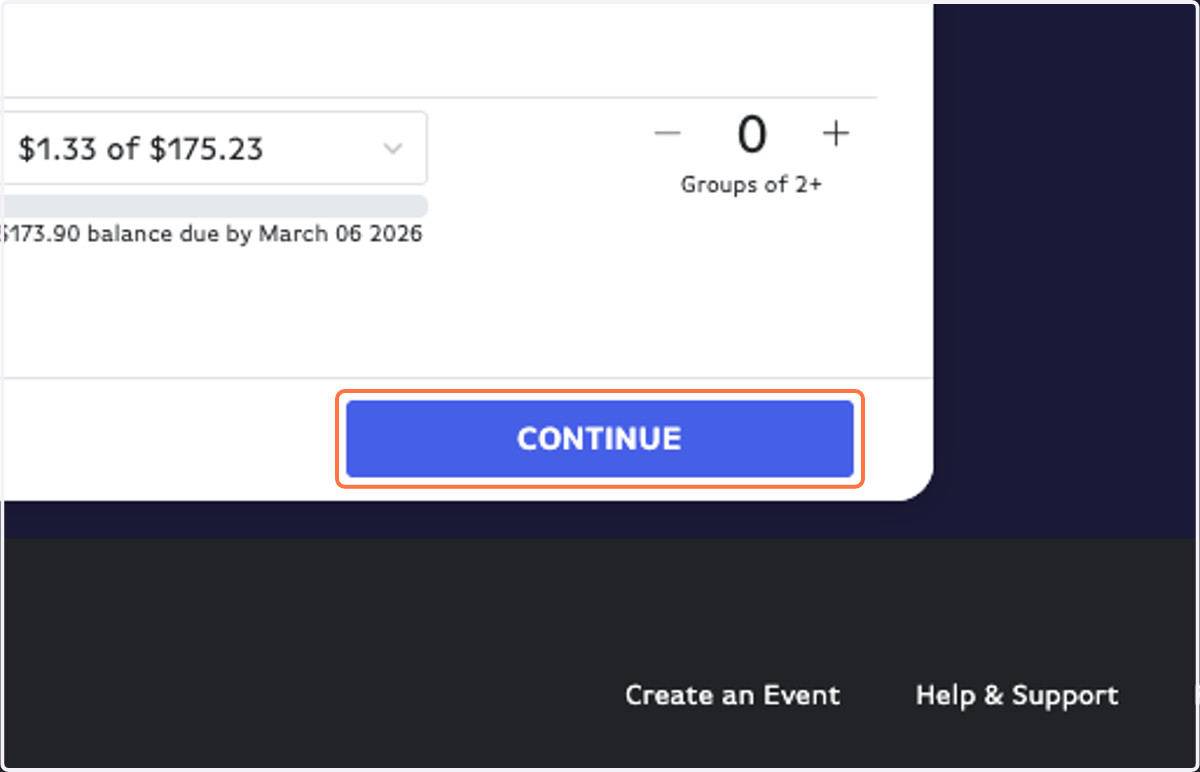
13. Fill out your Personal Information.
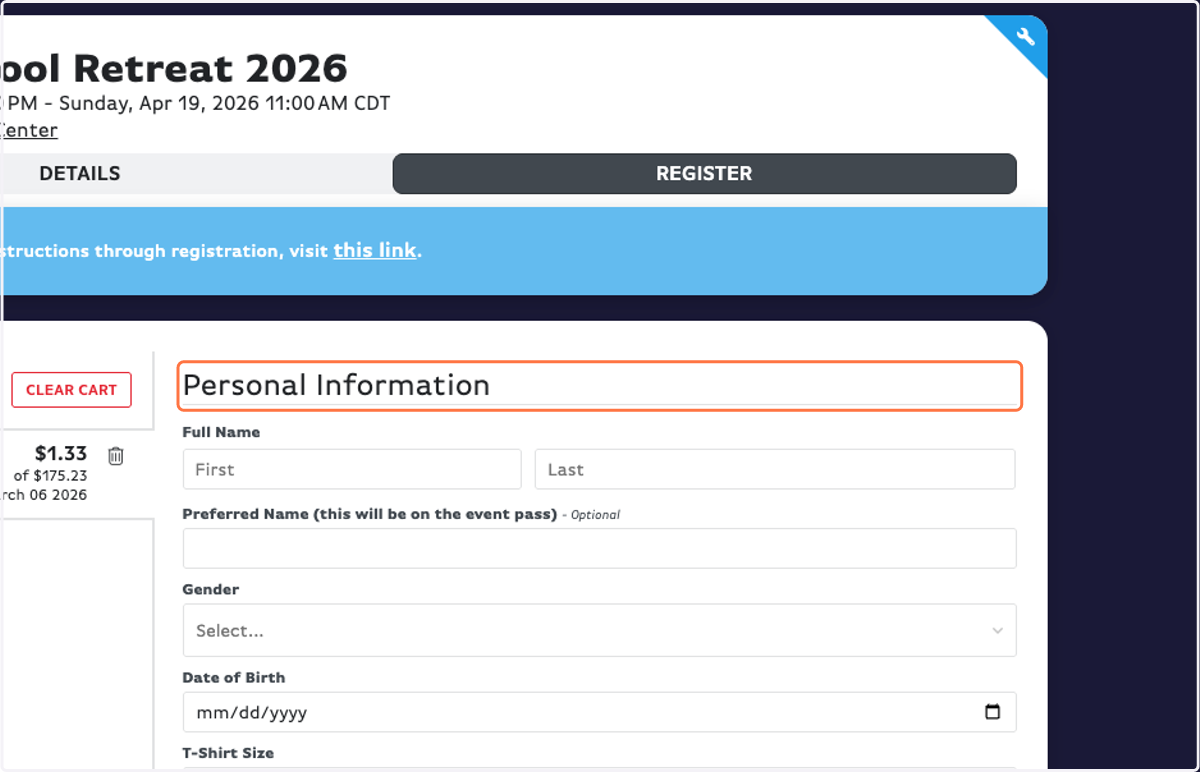
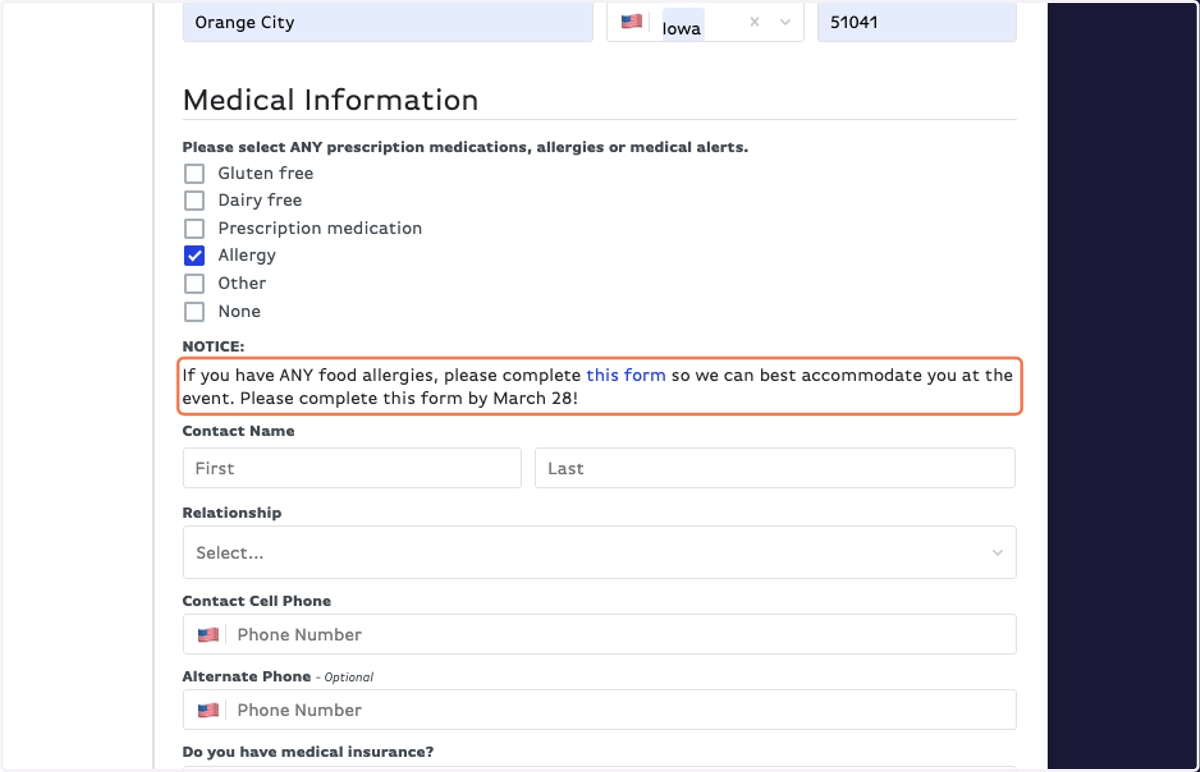
14. IMPORTANT: If you have any food allergies, you NEED to fill out Hidden Acres' online allergy form.
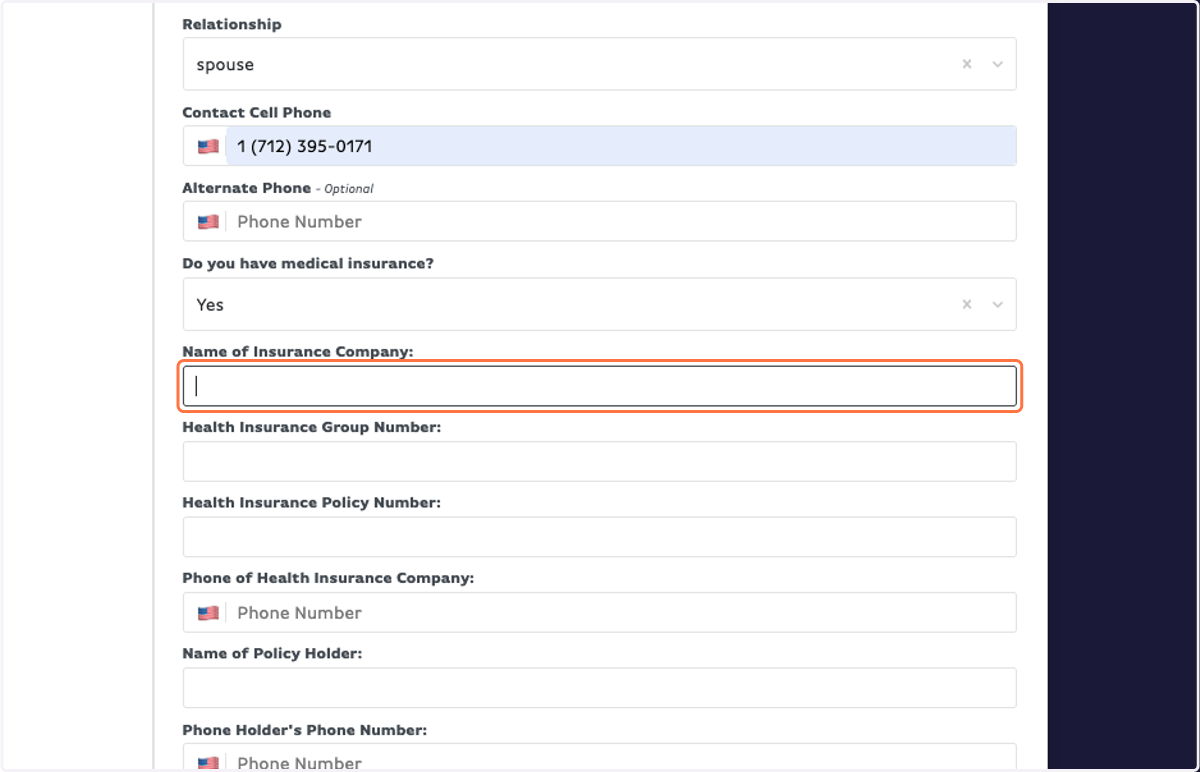
15. NEW THIS YEAR: If you have medical insurance, fill out the information.
Instead of adding an extra (complicated) step of digital signatures + insurance card upload, we are asking you to fill out your medical insurance information right in the form.
16. READ THE AGREEMENT FORM, then type the guardian's full name to act as a digital signature.
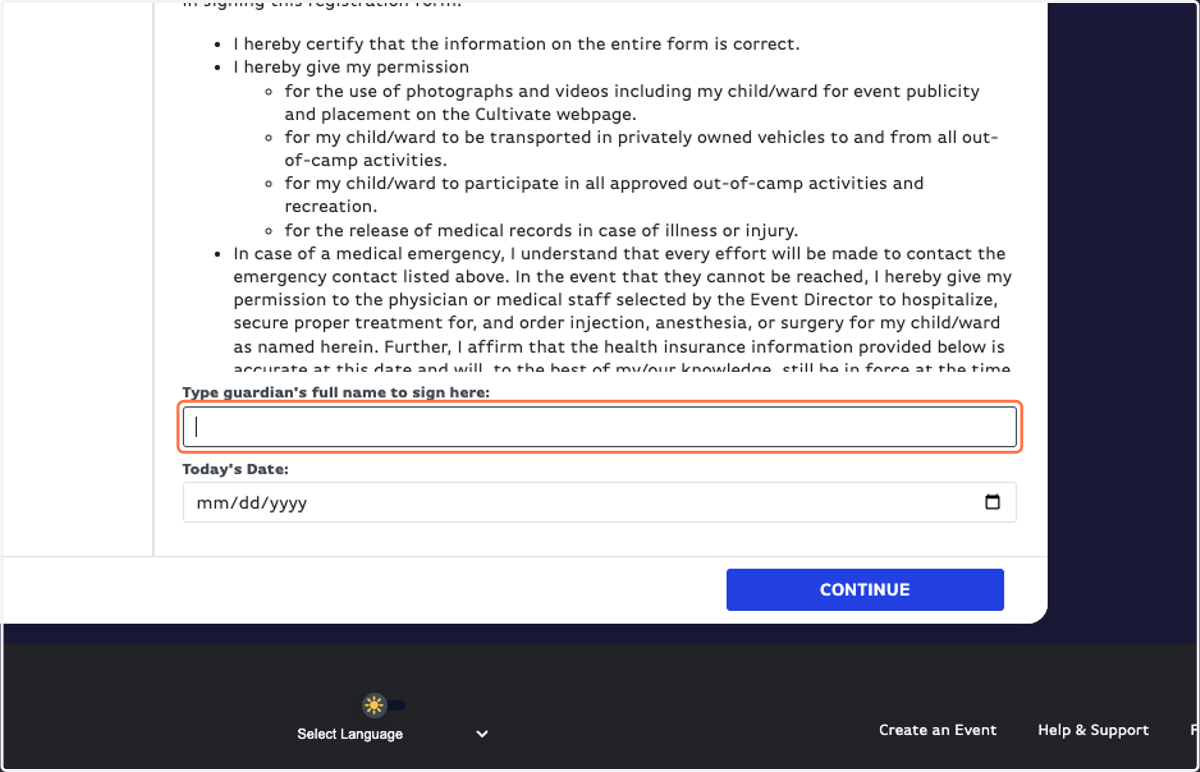
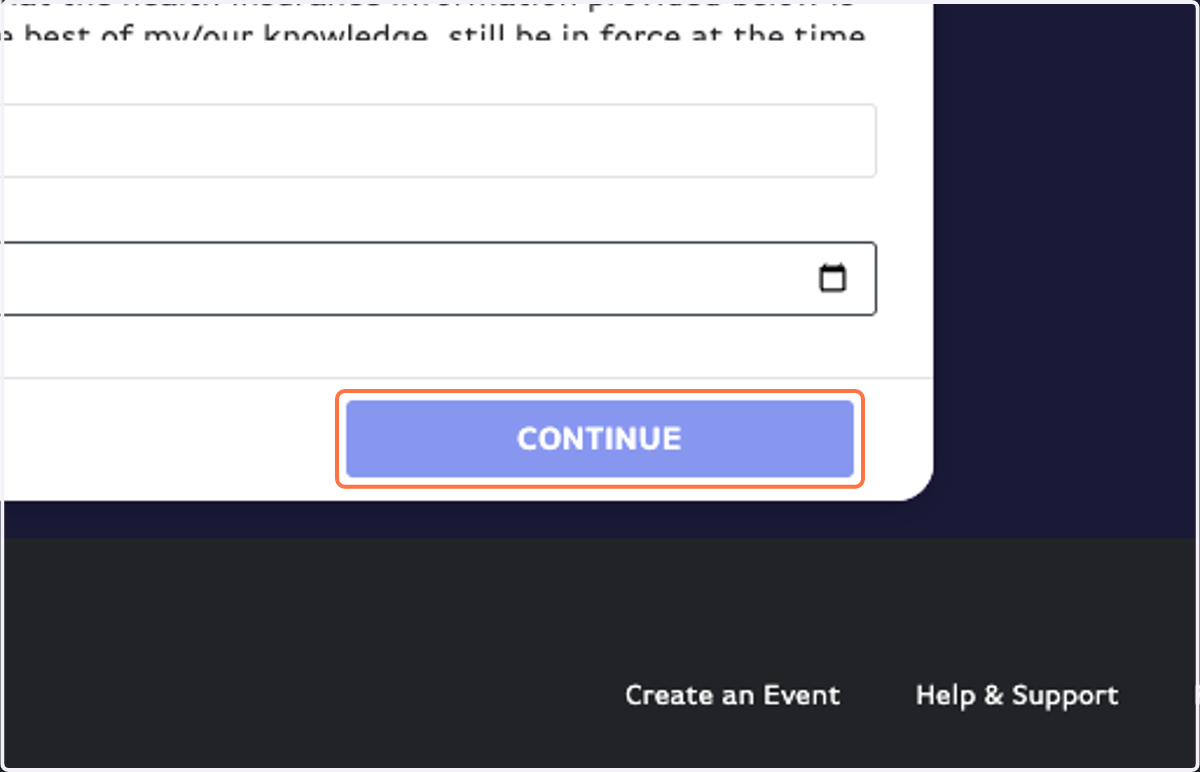
17. Click on CONTINUE
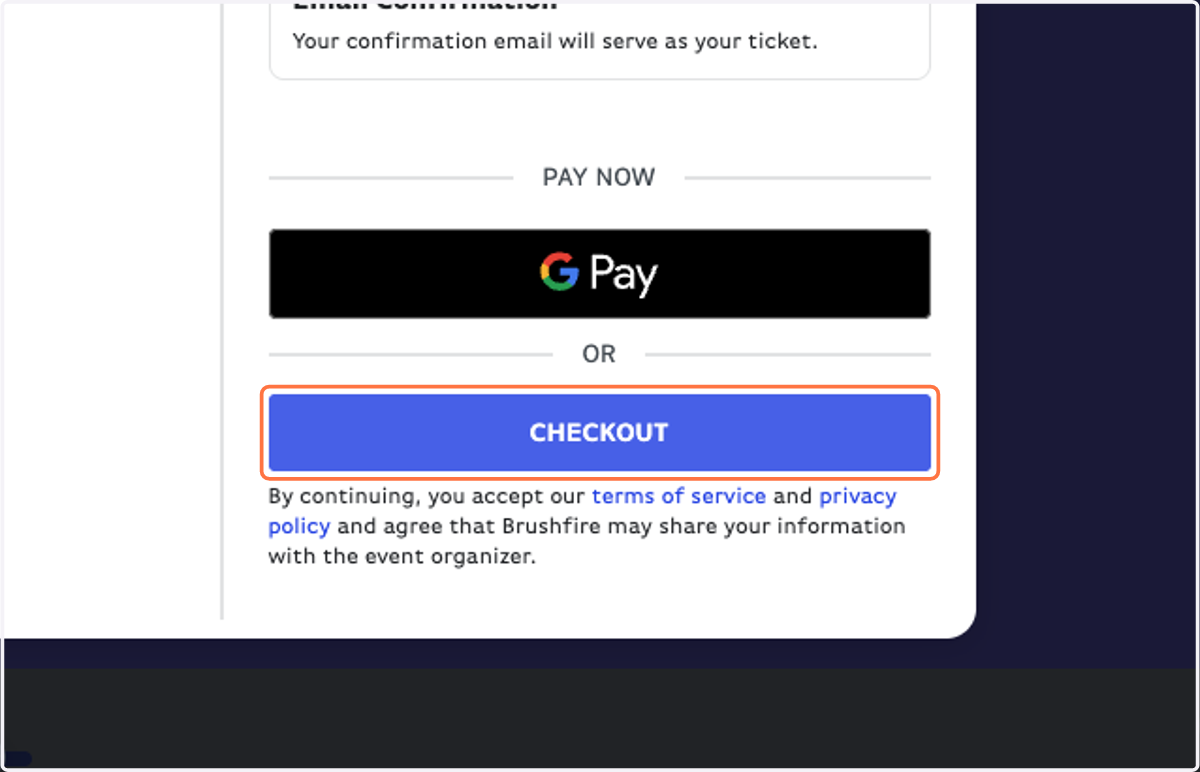
18. Click on CHECKOUT
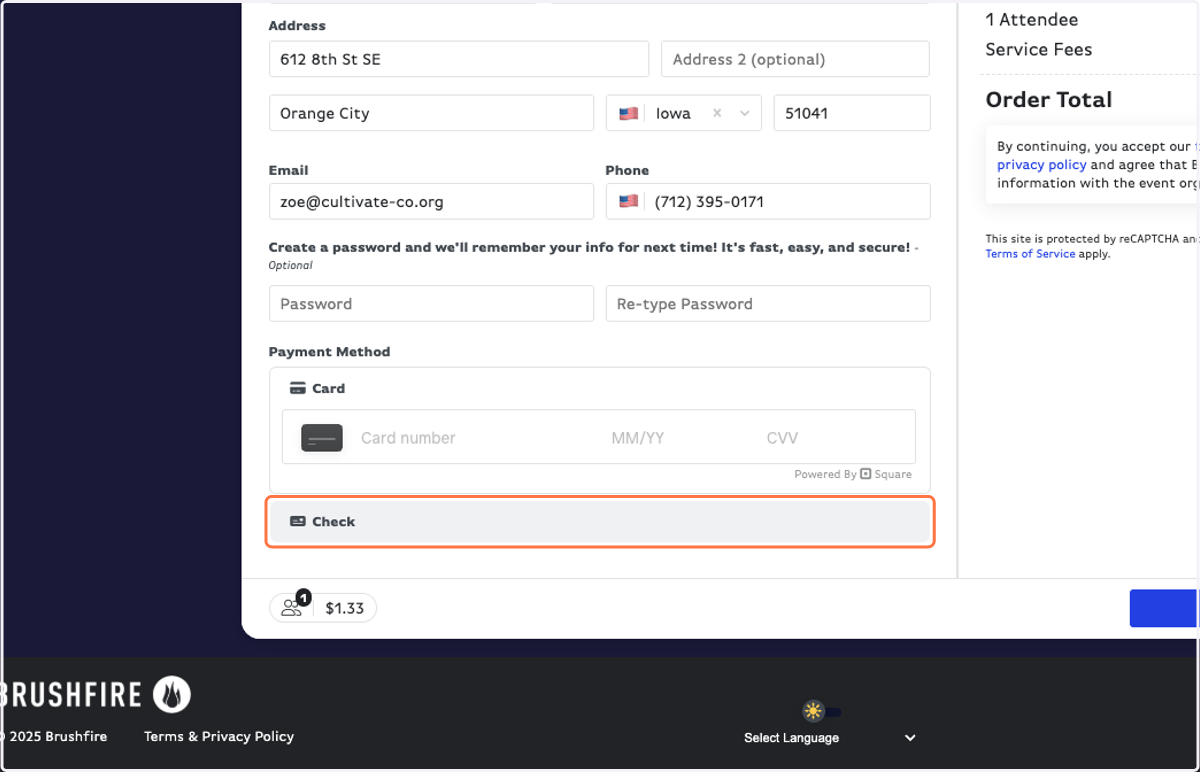
19. Fill out your payment information.
NOTE: Check payments are highly preferred to avoid processing fees!
20. Click on PAY NOW
21. You did it! You're registered for MSR 2026. You should get an email confirming your registration information.