Online Registration Process for non-OASD Students
Initial Setup | Online Registration
1. Click on Online Registration…
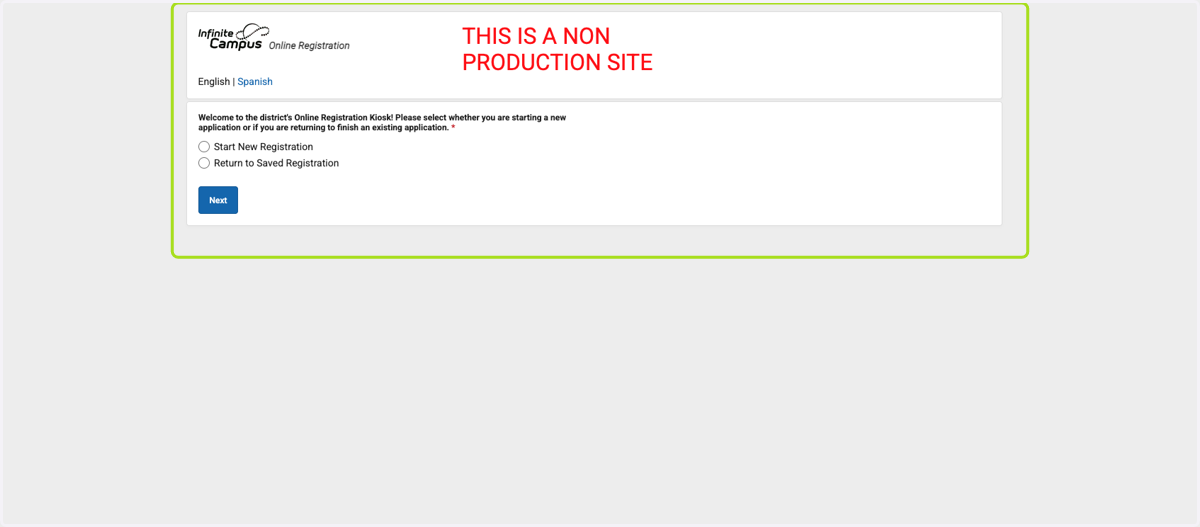
2. Select Start New Registration

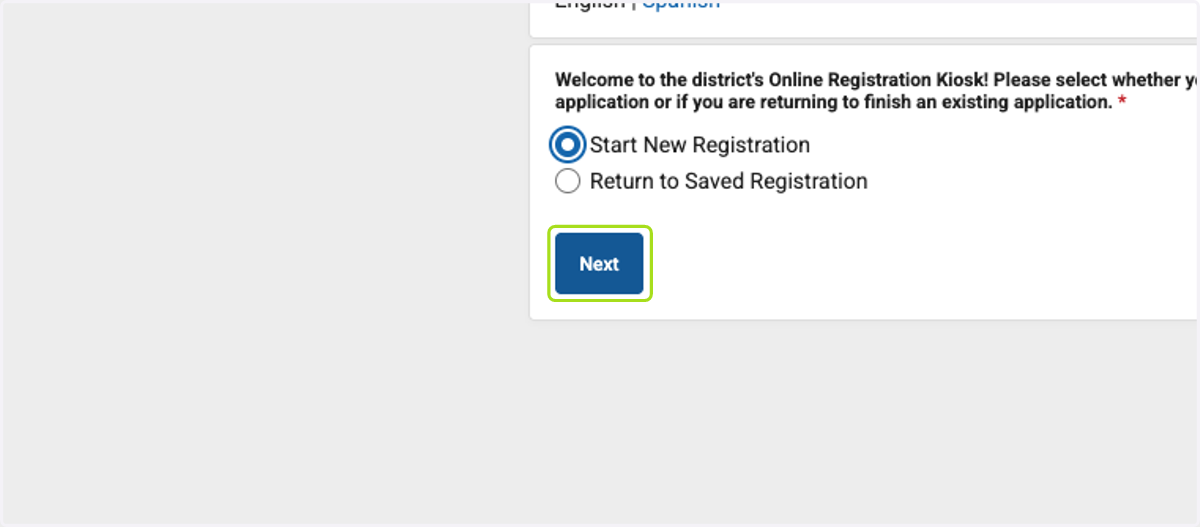
3. Click on Next
4. Enter in all information needed
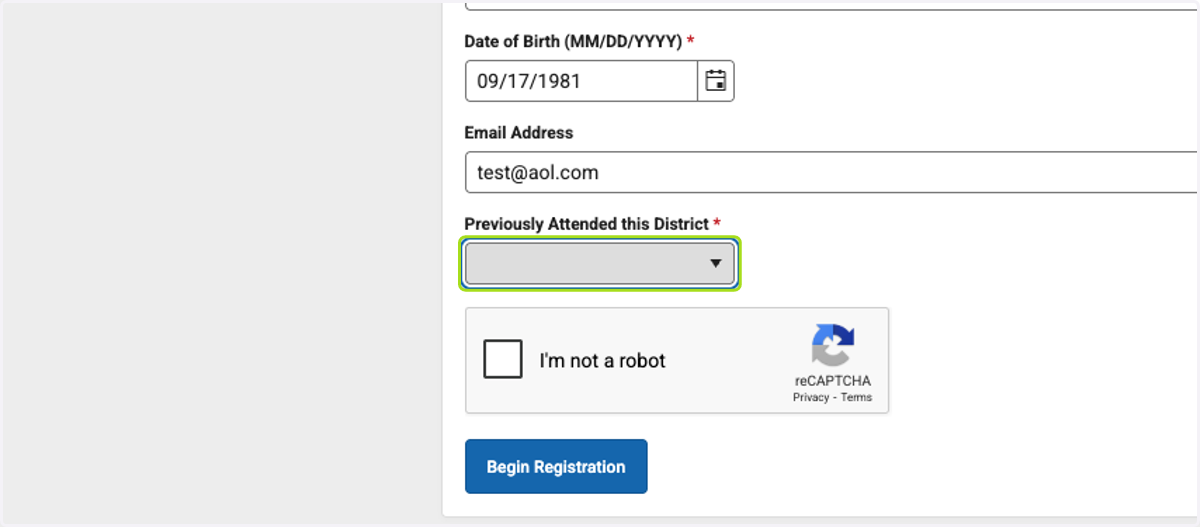
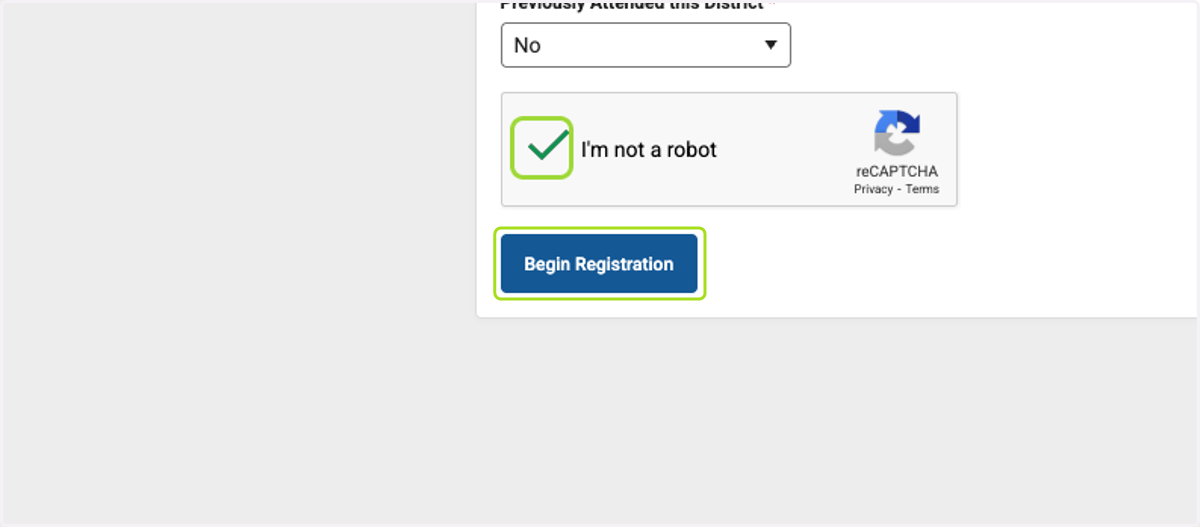
5. Click on I'm not a robot

6. Click on Begin Registration
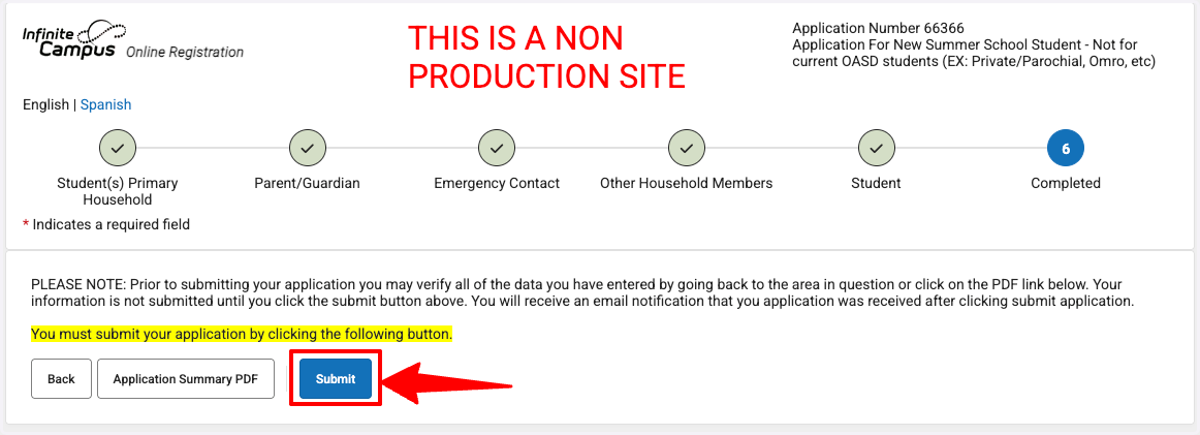
7. After all windows have been completed, submit the form. This will push over to registration, and follow-up emails will auto-send.