Push Notification Settings

Go To app.aroya.io

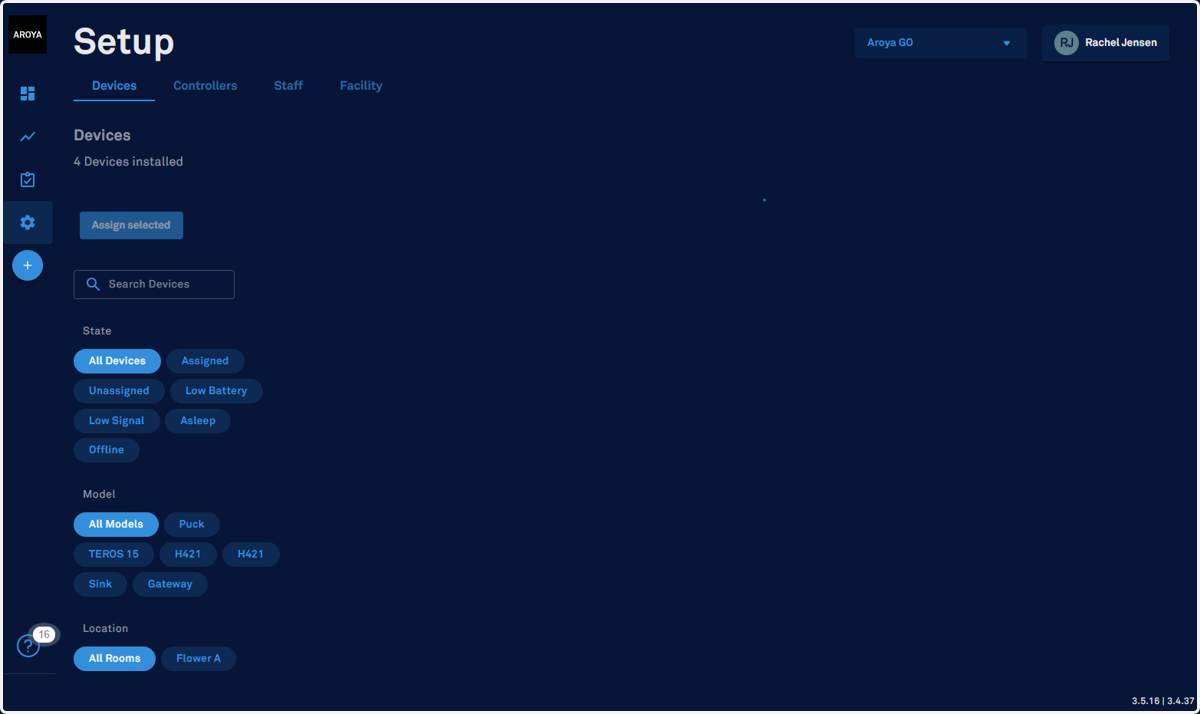
  1. 1. Click on Setup

    Click on Setup
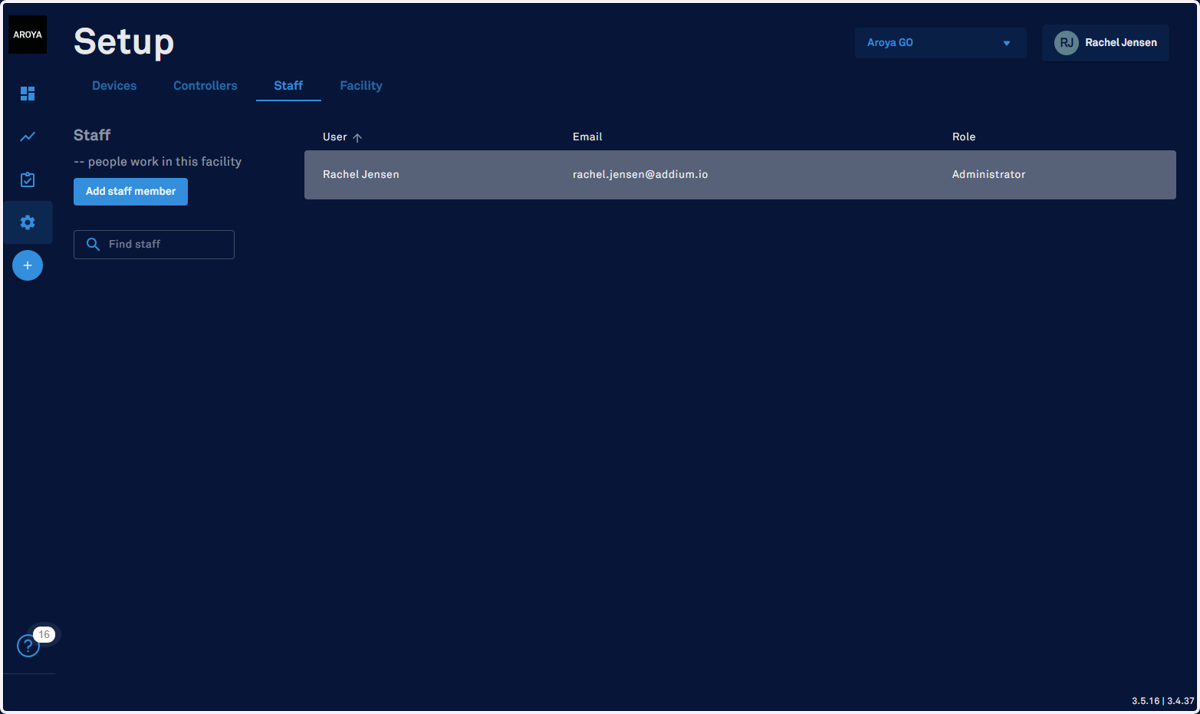
  2. 2. Click on Staff

    Click on Staff
  3. 3. Click on your User name

    Click on your User name
  4. 4. Check the Push that you want alerts for
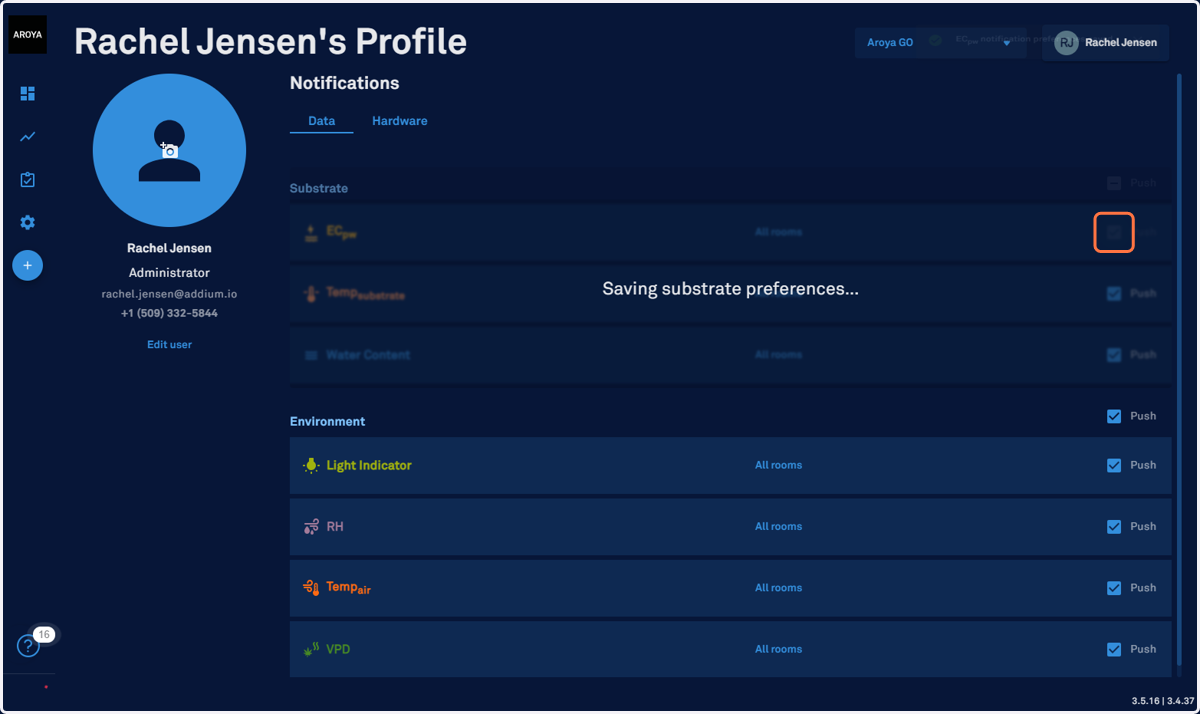
    Check the Push that you want alerts for
  5. 5. Customize the room you get alerts for

    Customize the room you get alerts for
  6. 6. Choose one or mulltiple rooms

    Choose one or mulltiple rooms
  7. 7. Click on Save

    Click on Save
  8. 8. Choose alerts for Devices

    Choose alerts for Devices
  9. 9. Check the Push that you want alerts for

    Check the Push that you want alerts for