New Member: Register for a course and membership
1. Create a USAW profile
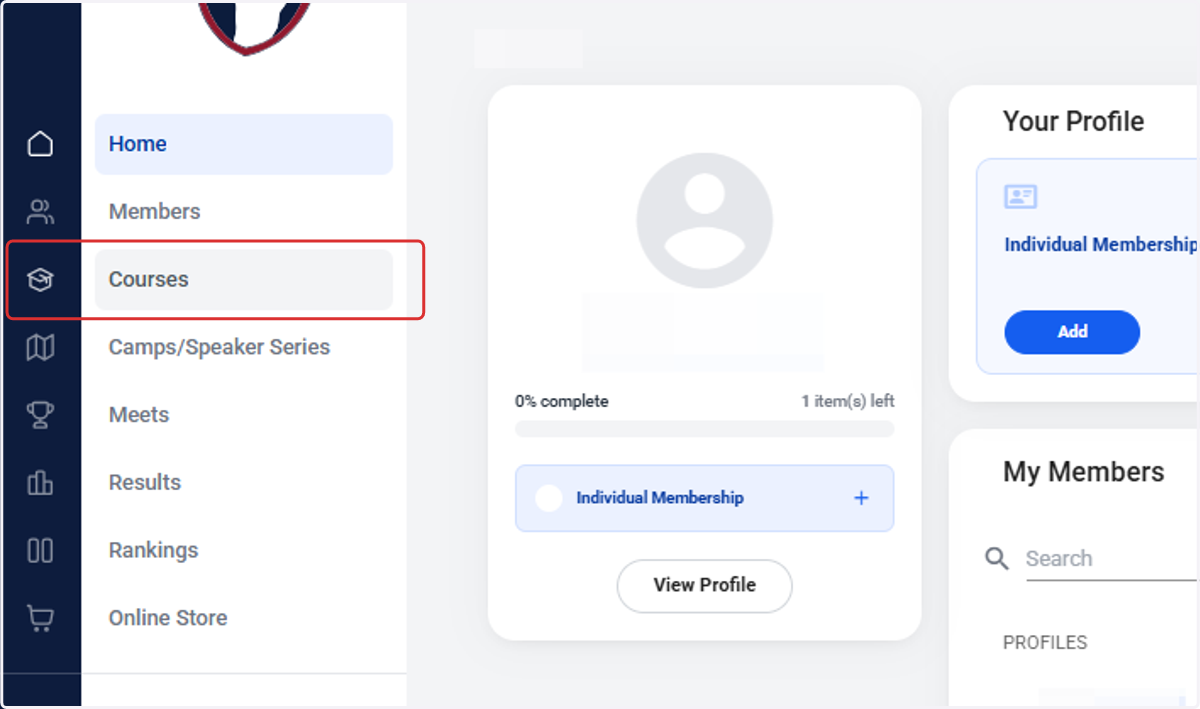
2. Click on Courses
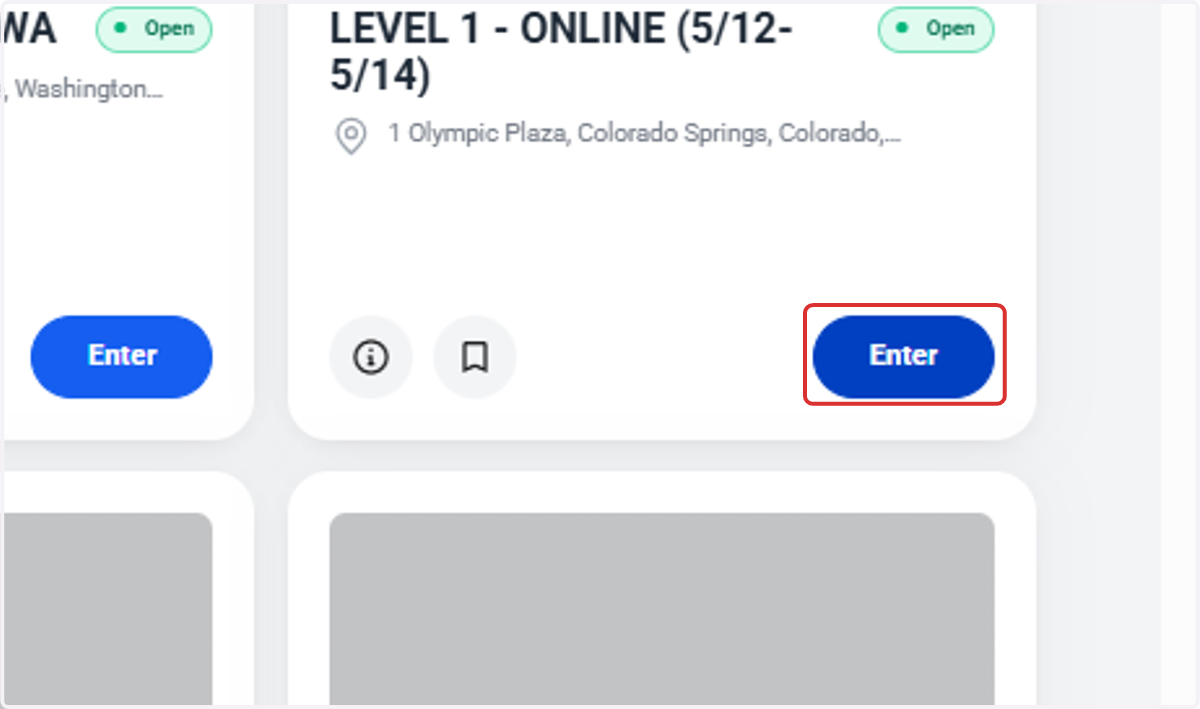
3. Click on Enter
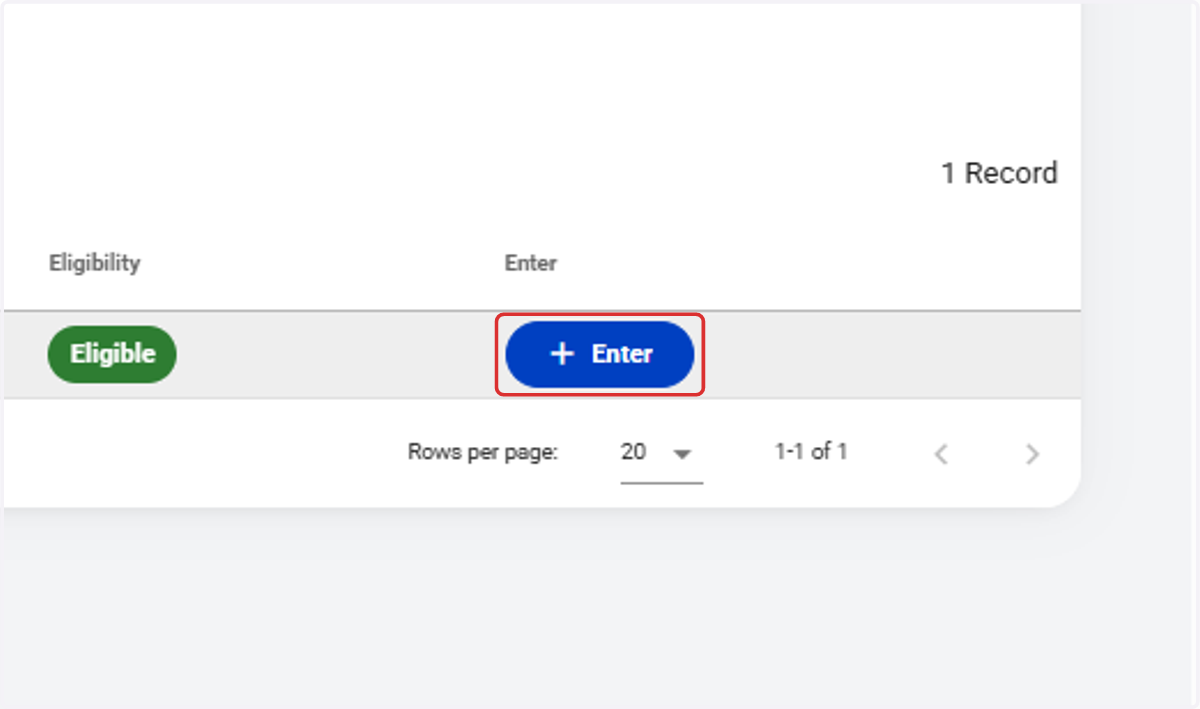
4. Click on Enter
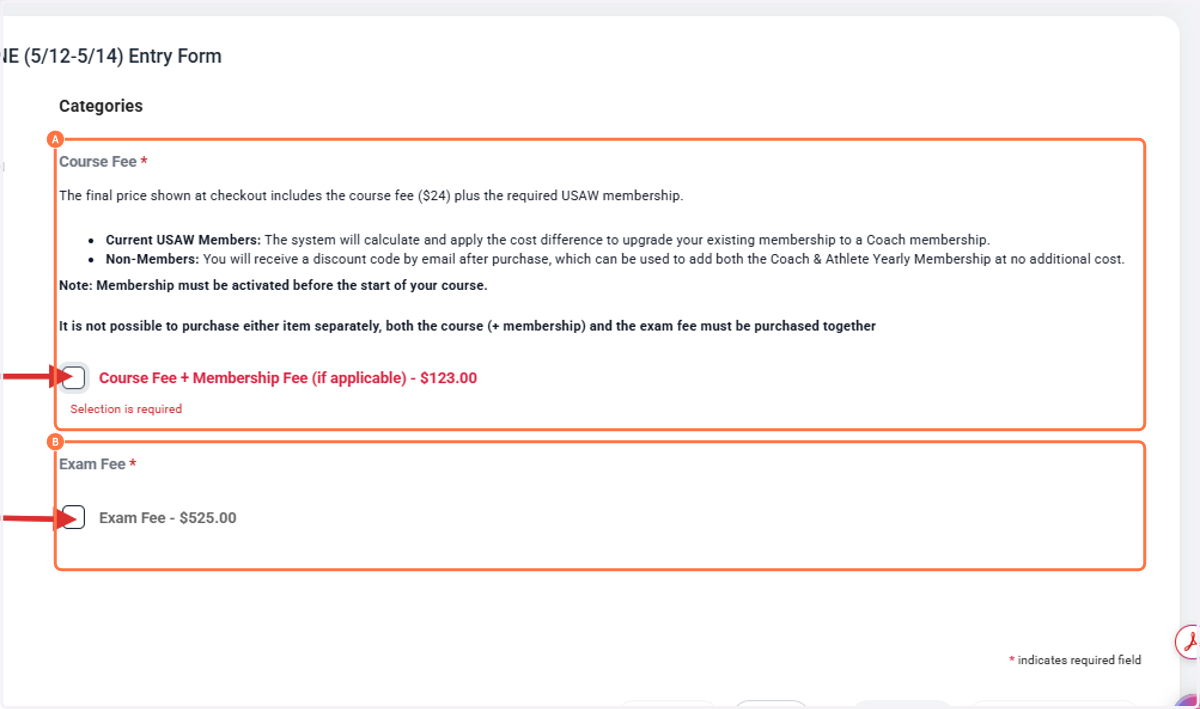
5. A. Select Course Fee
5. B. Select Exam Fee
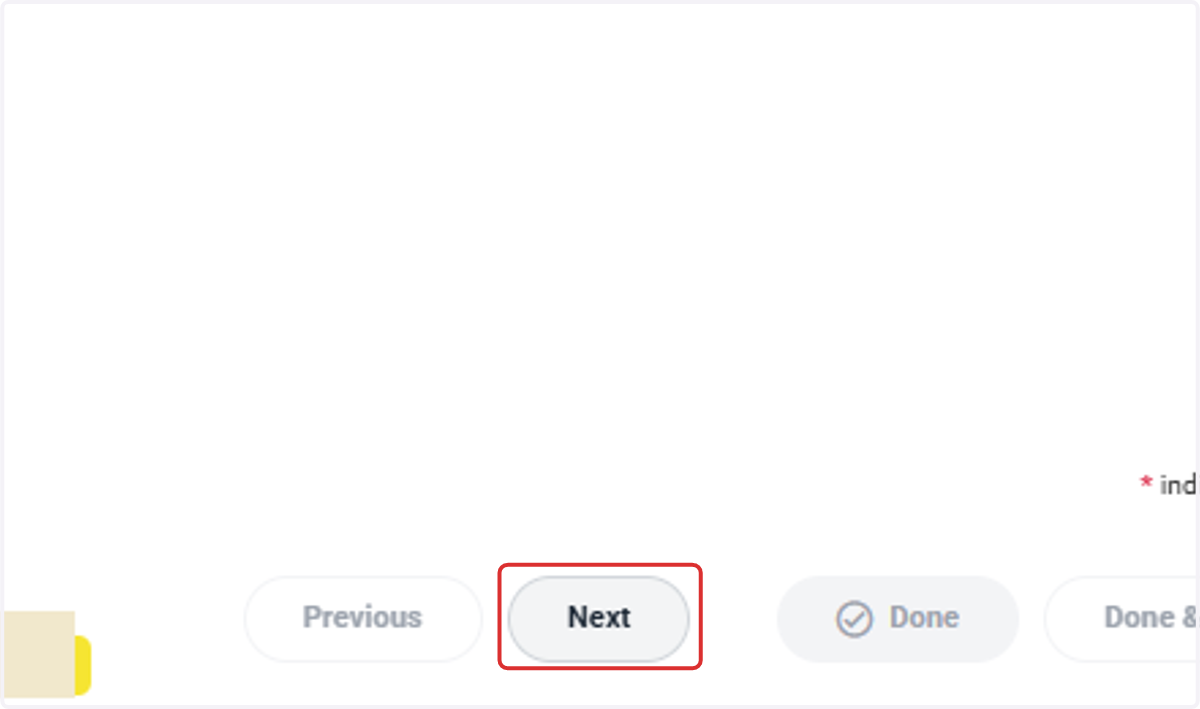
6. Click on Next
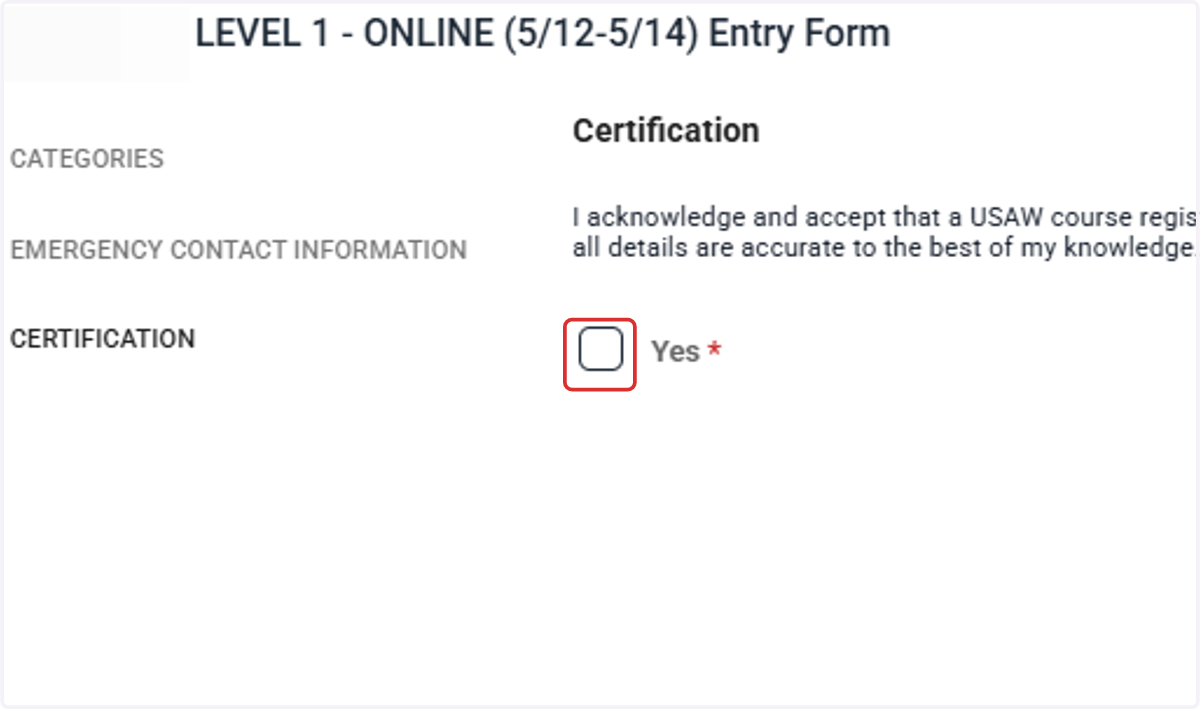
7. Select Yes
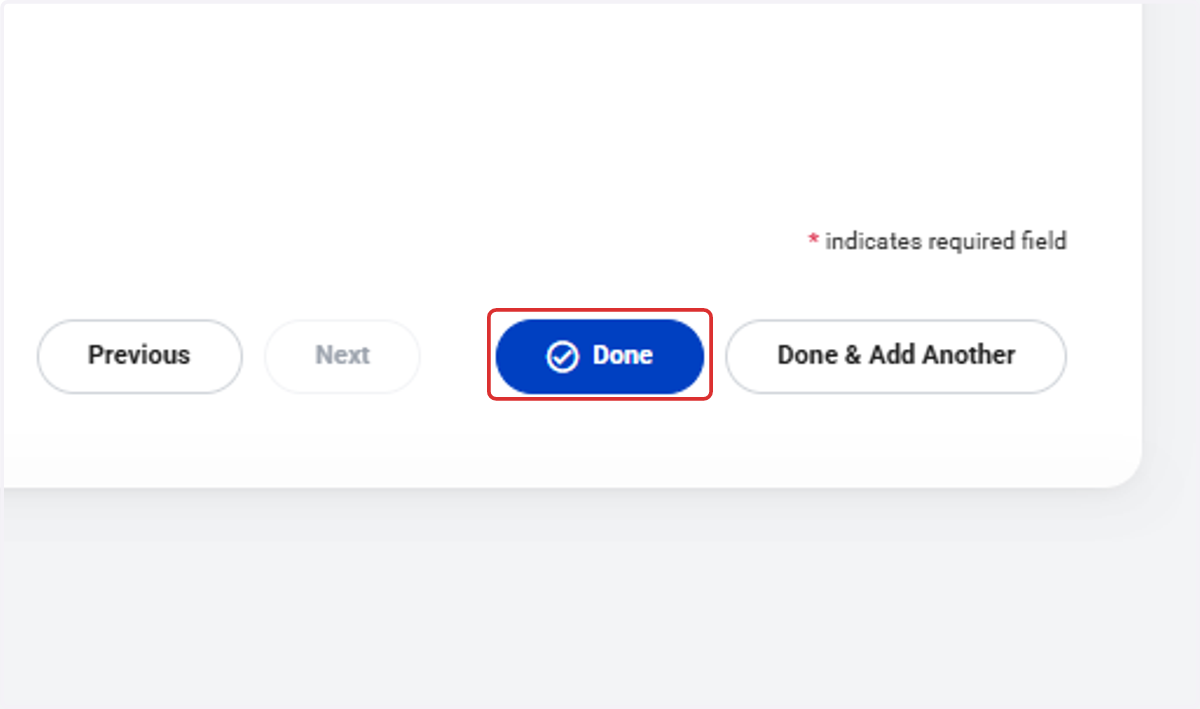
8. Click on Done
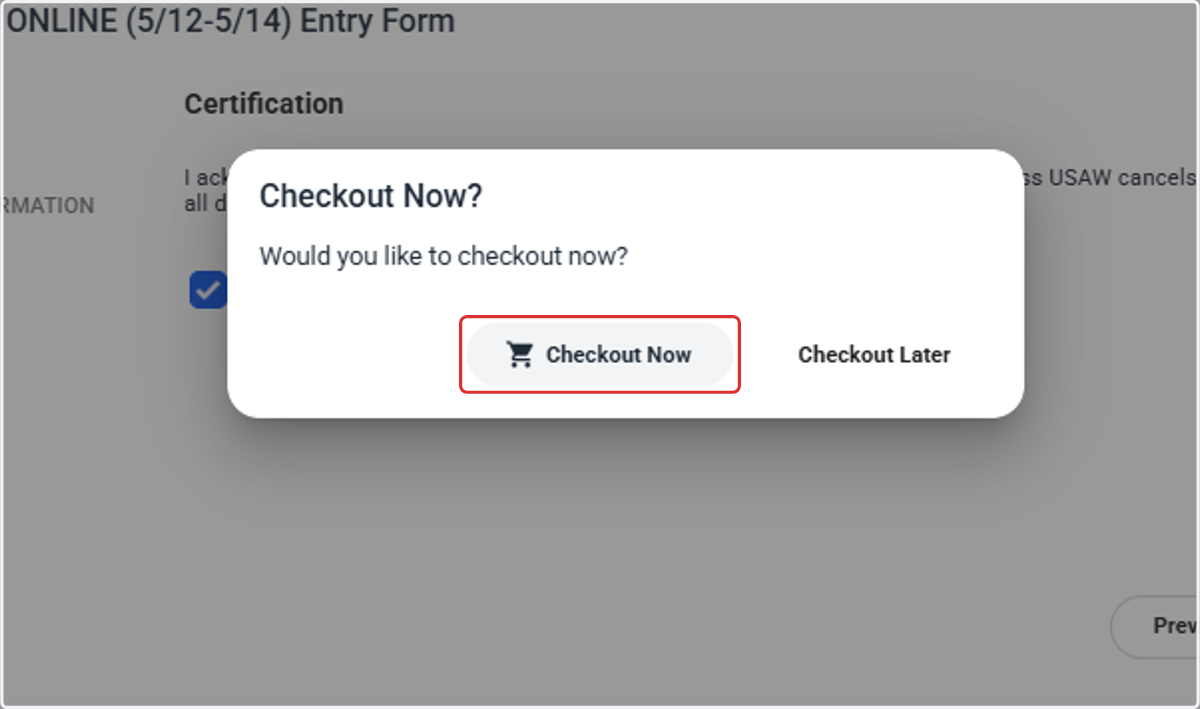
9. Click on Checkout Now
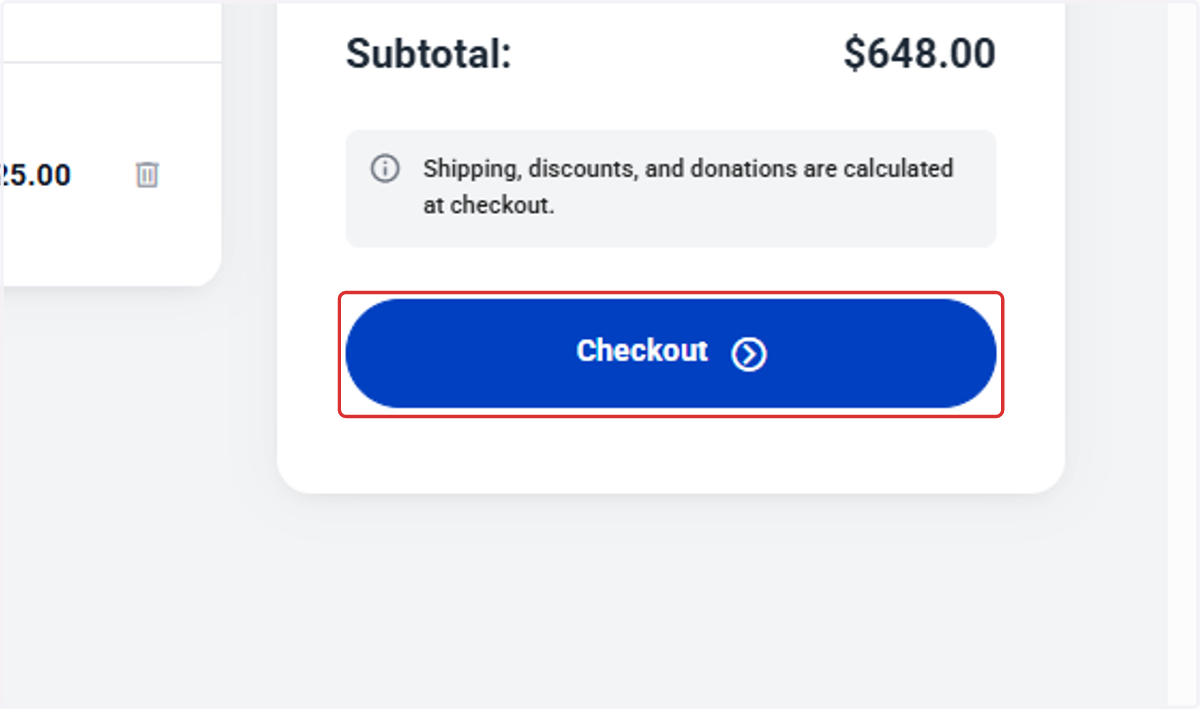
10. Click on Checkout
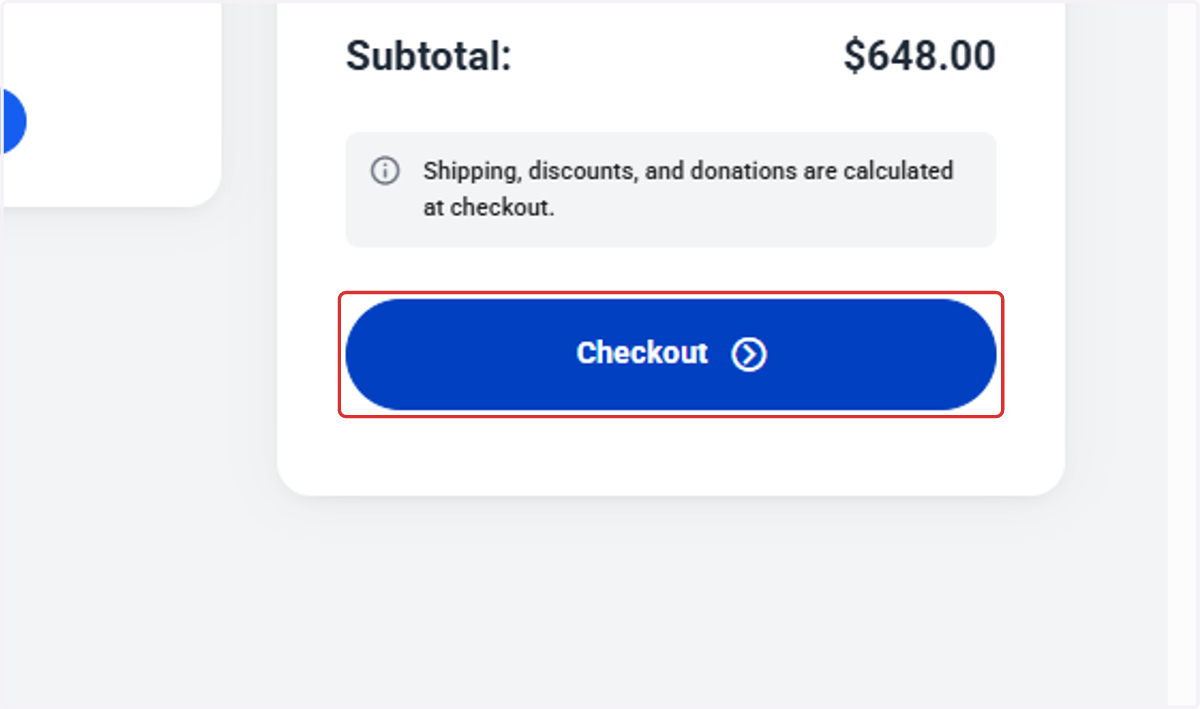
11. Click on Checkout
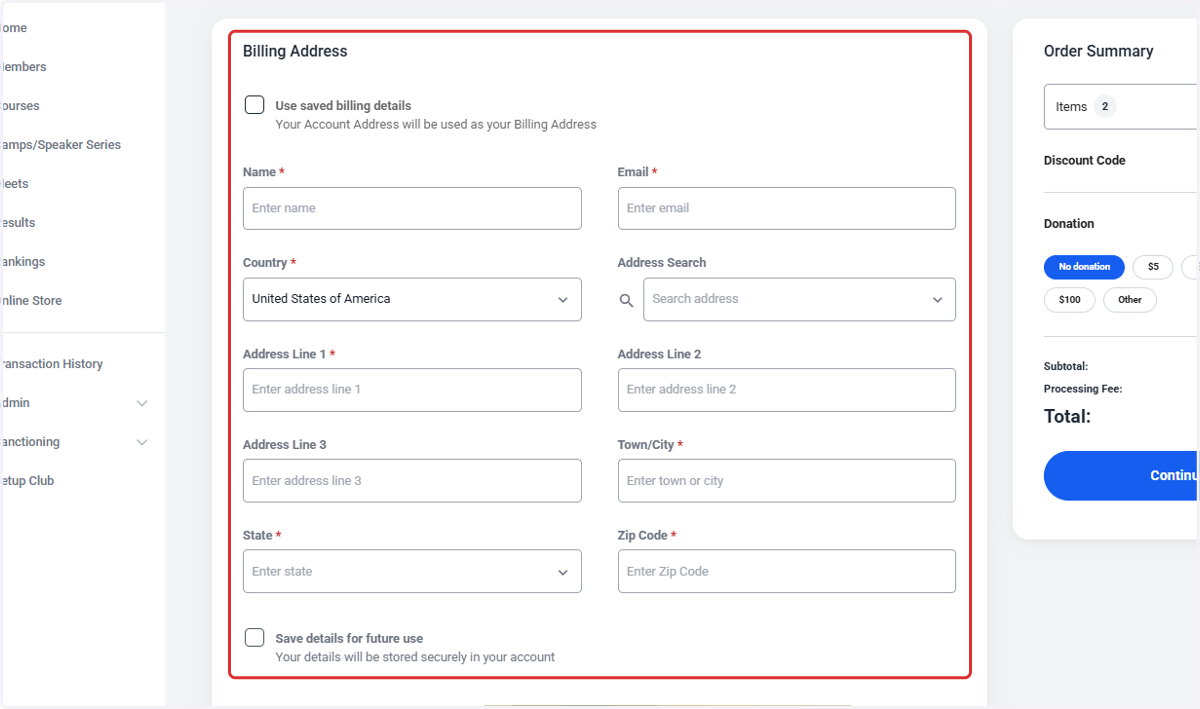
12. Complete billing information
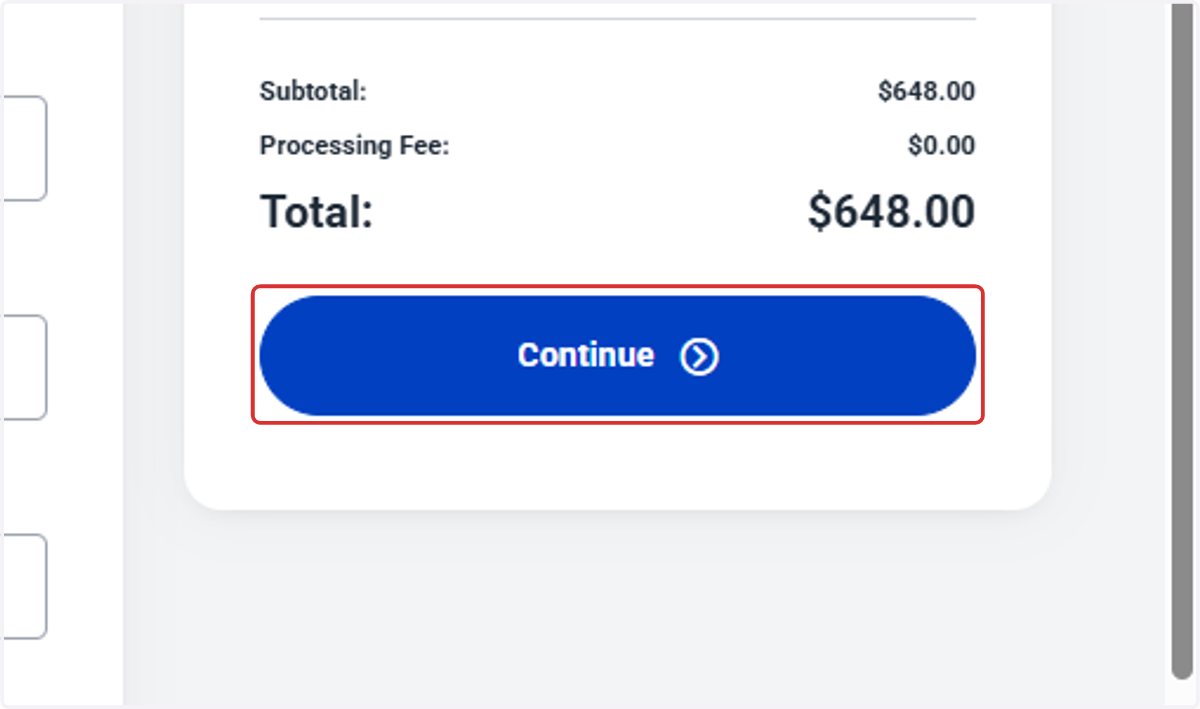
13. Click on Continue
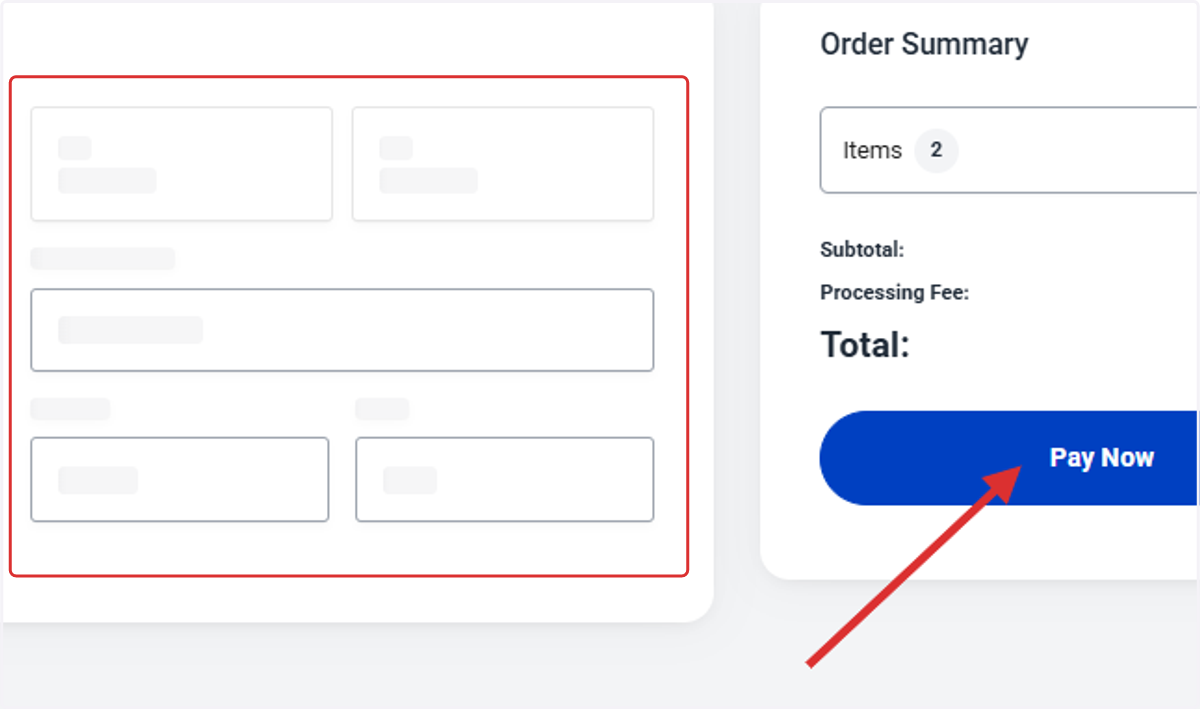
14. Enter payment information and click Pay Now
15. Click on Home
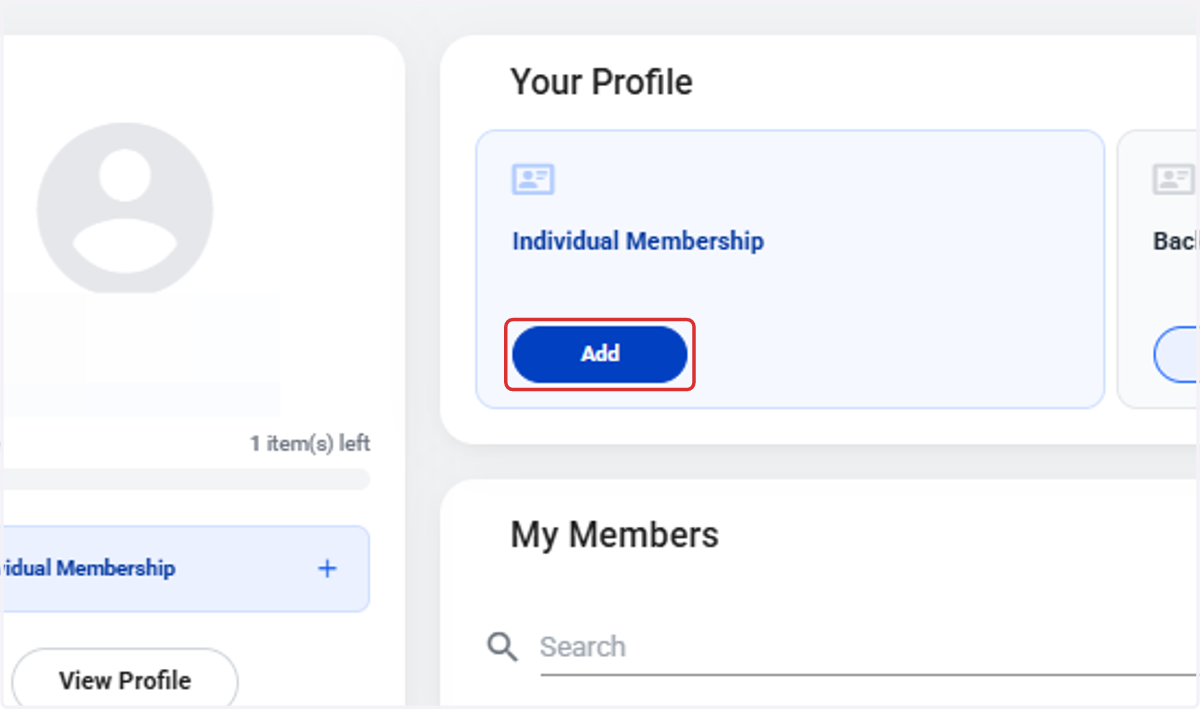
16. Click on Add
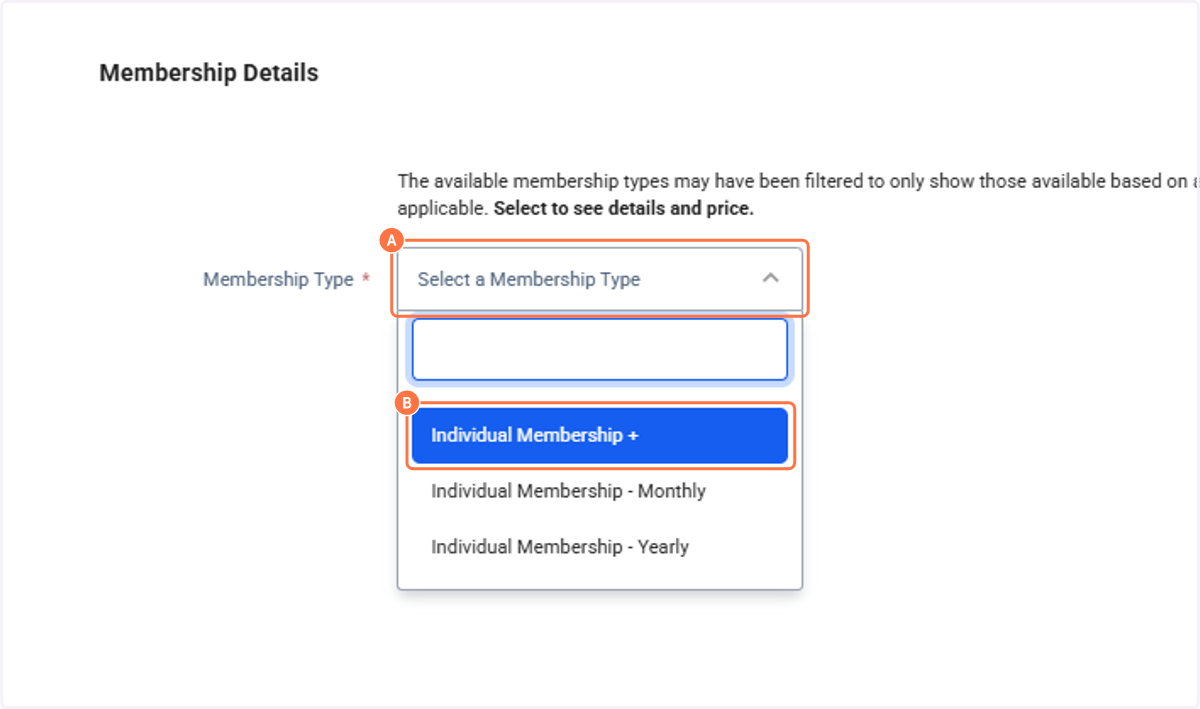
17. A. Click on Select a Membership Type
17. B. Click on Individual Membership +
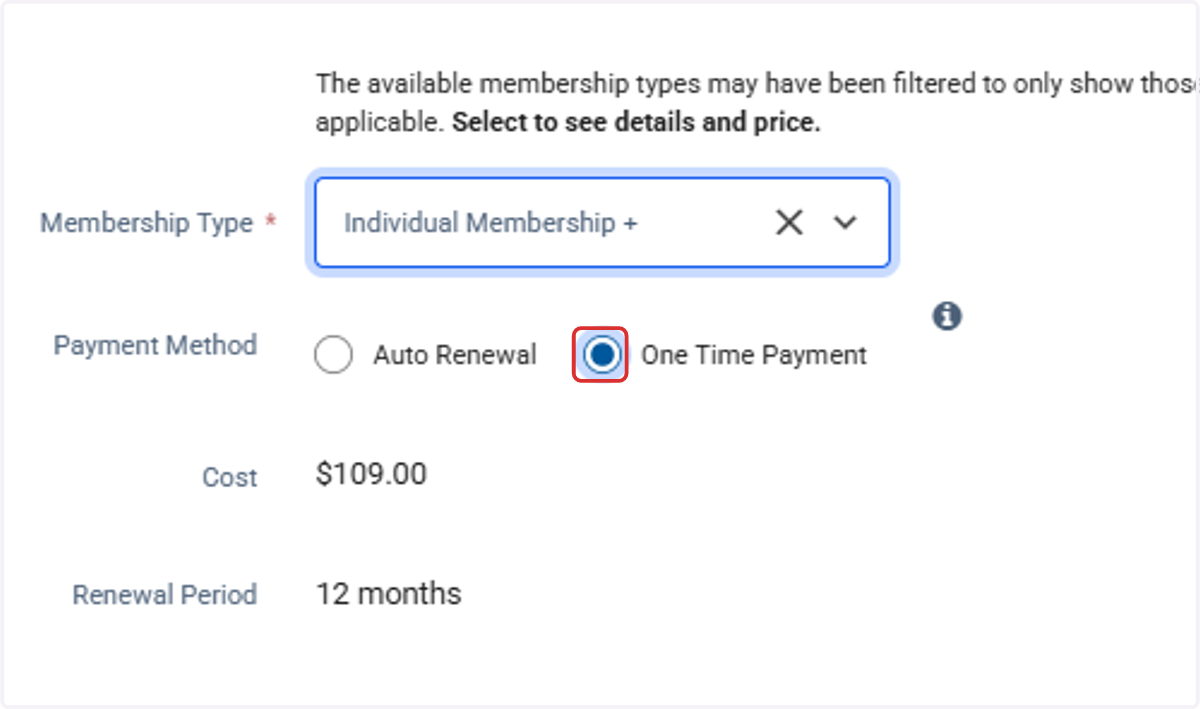
18. Select One Time Payment
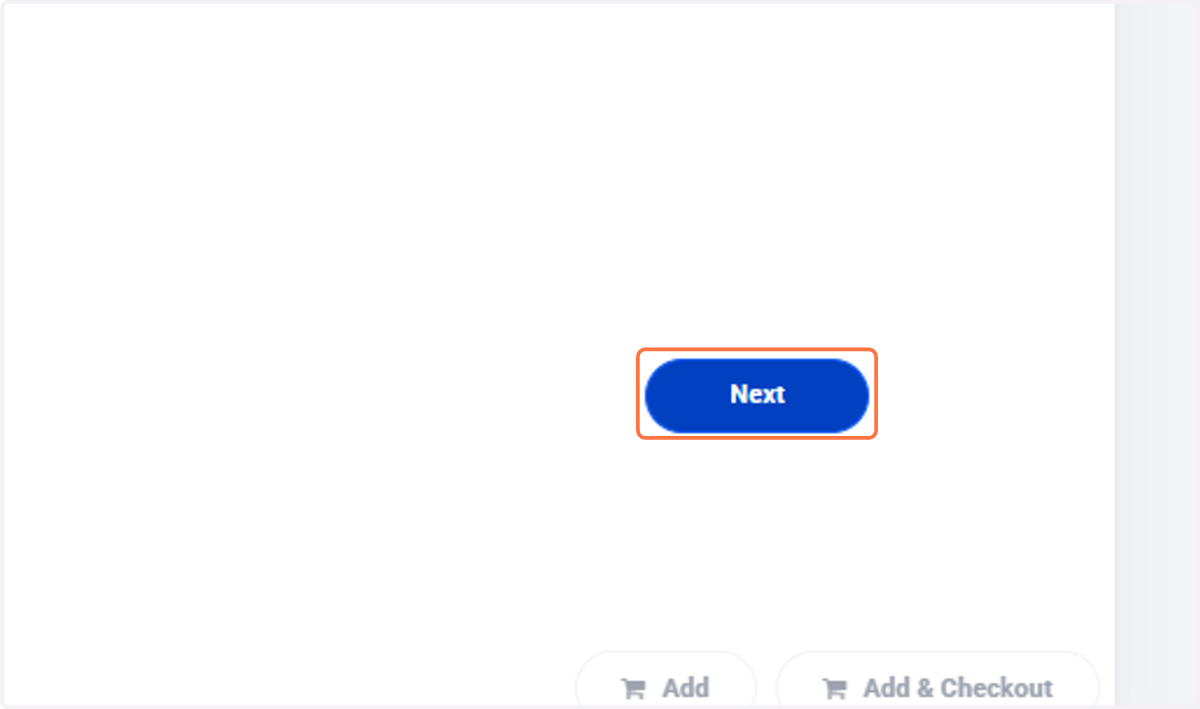
19. Click on Next
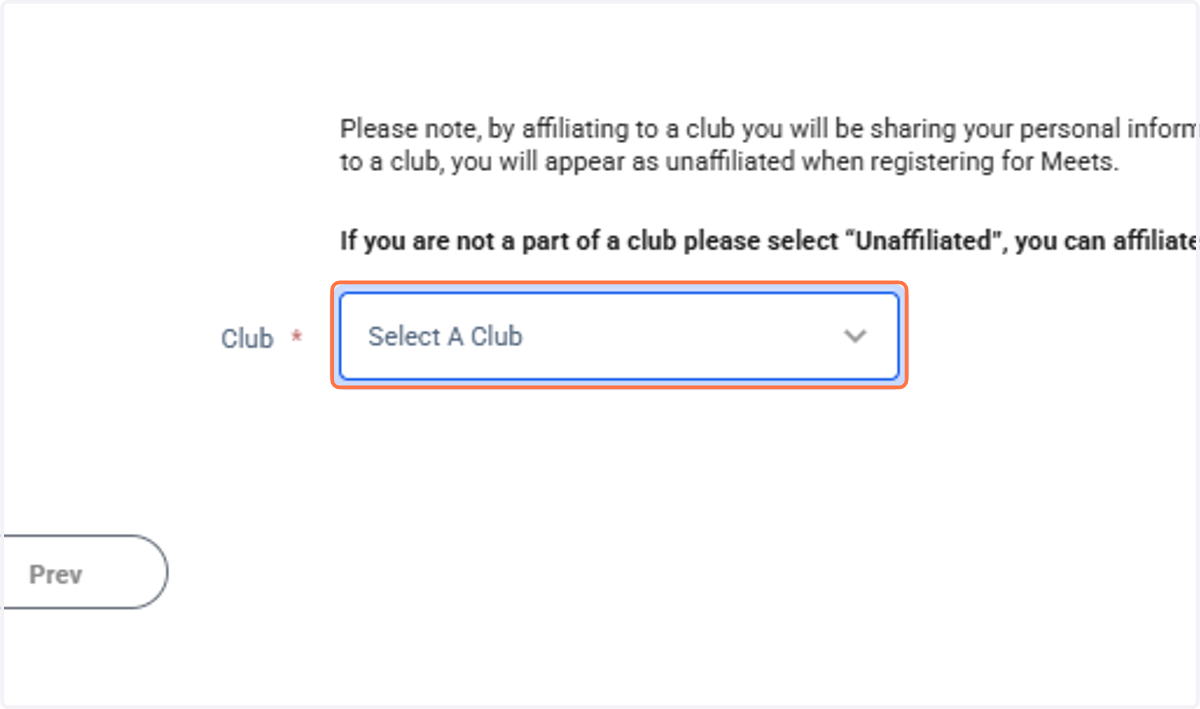
20. Select your club or "Unaffiliated"
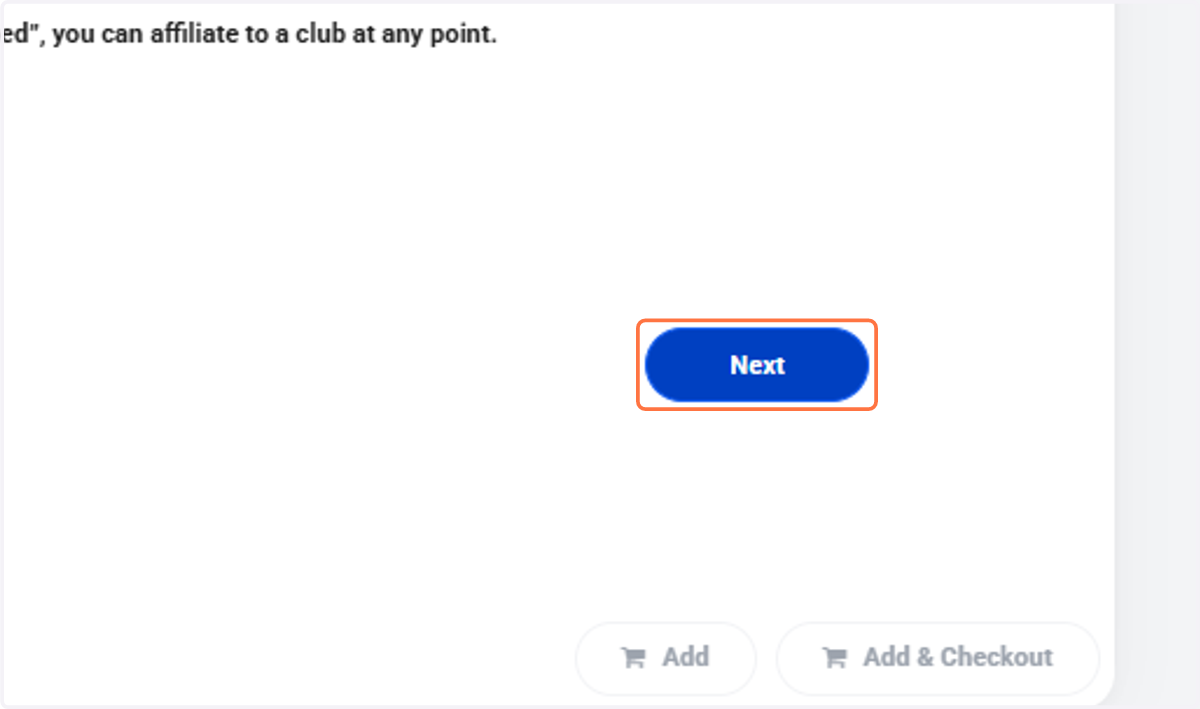
21. Click on Next
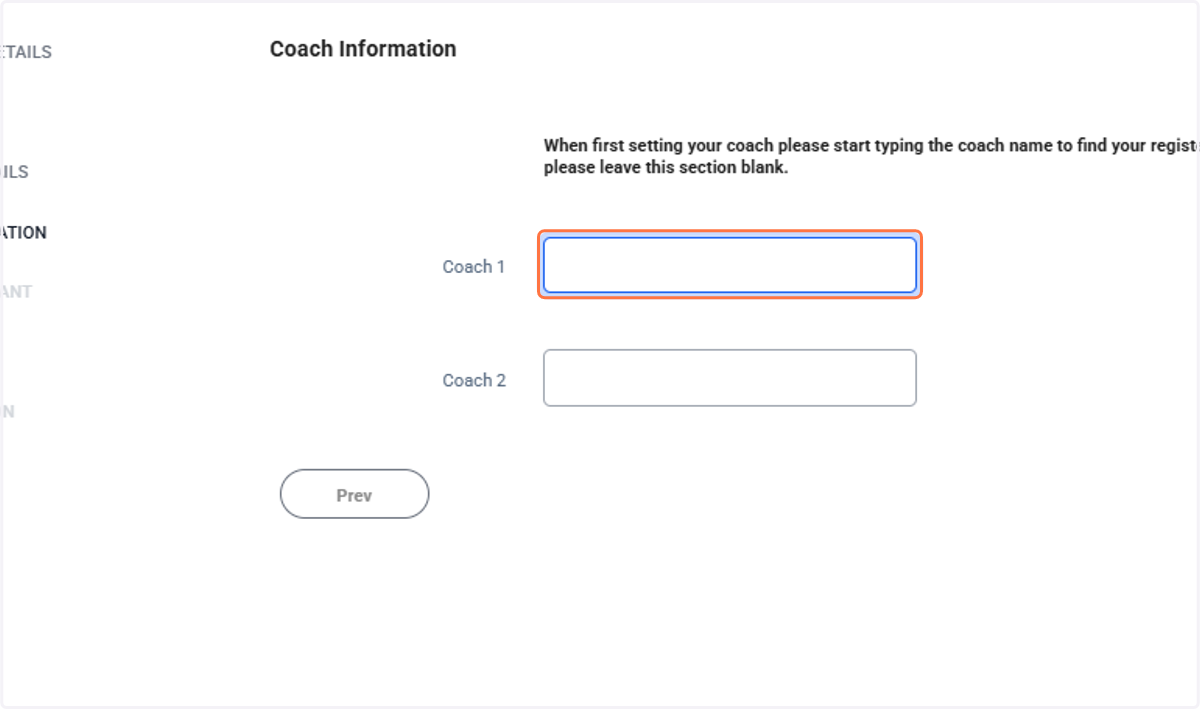
22. Type Coach 1 (optional)
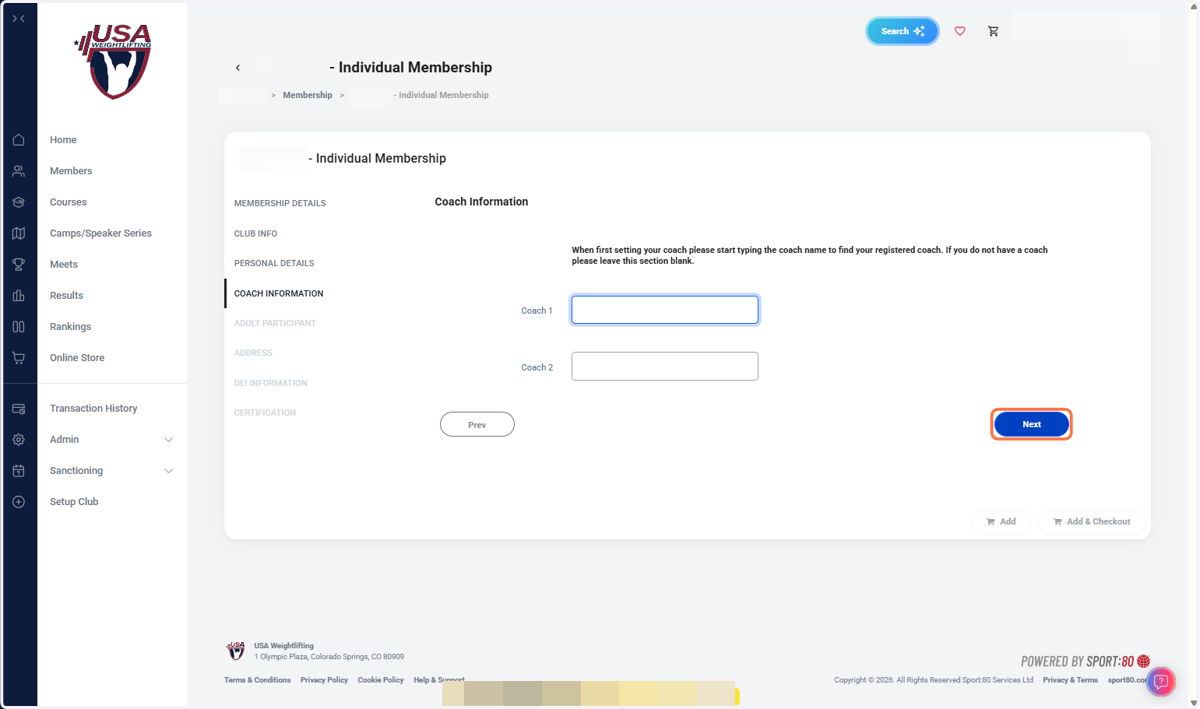
23. Click on Next
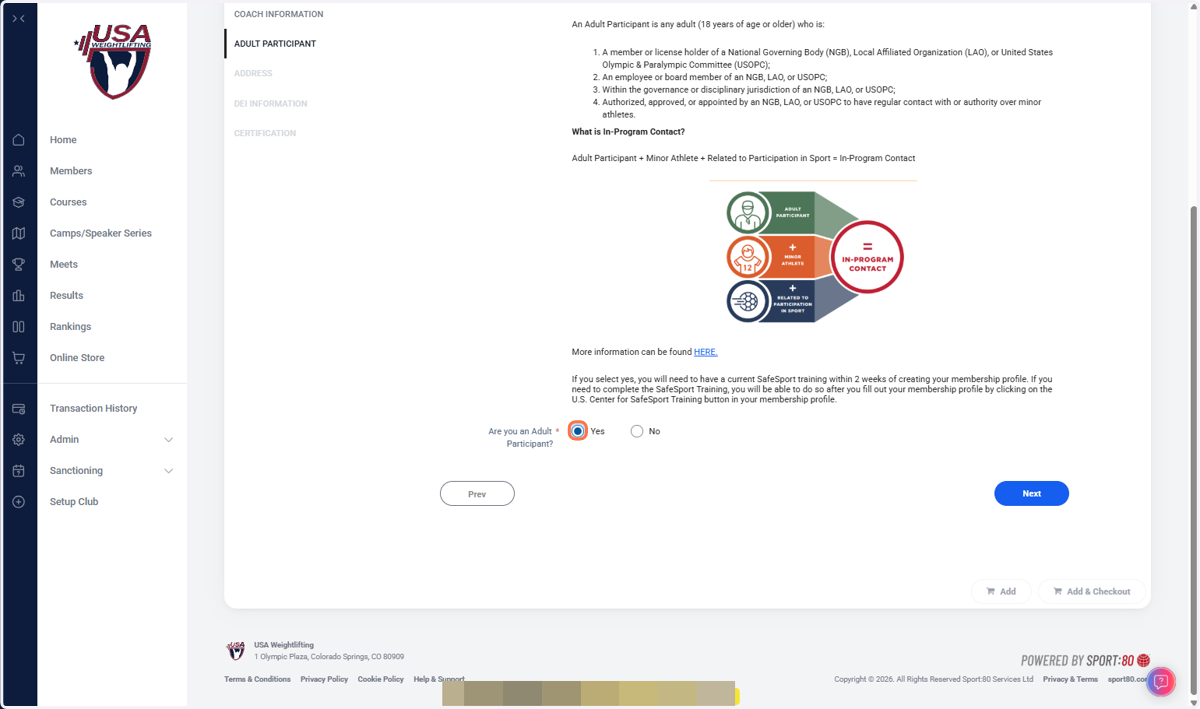
24. Select Yes (if applicable)
25. Click on Next
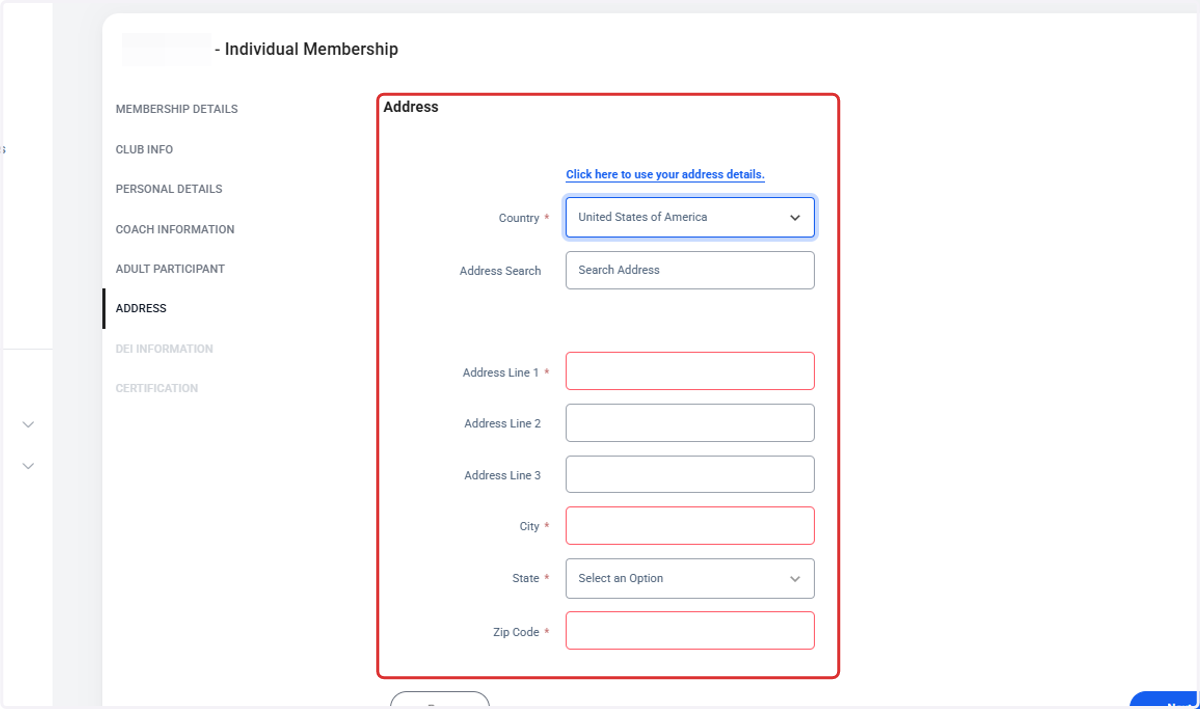
26. Type your address information
27. Click on Next
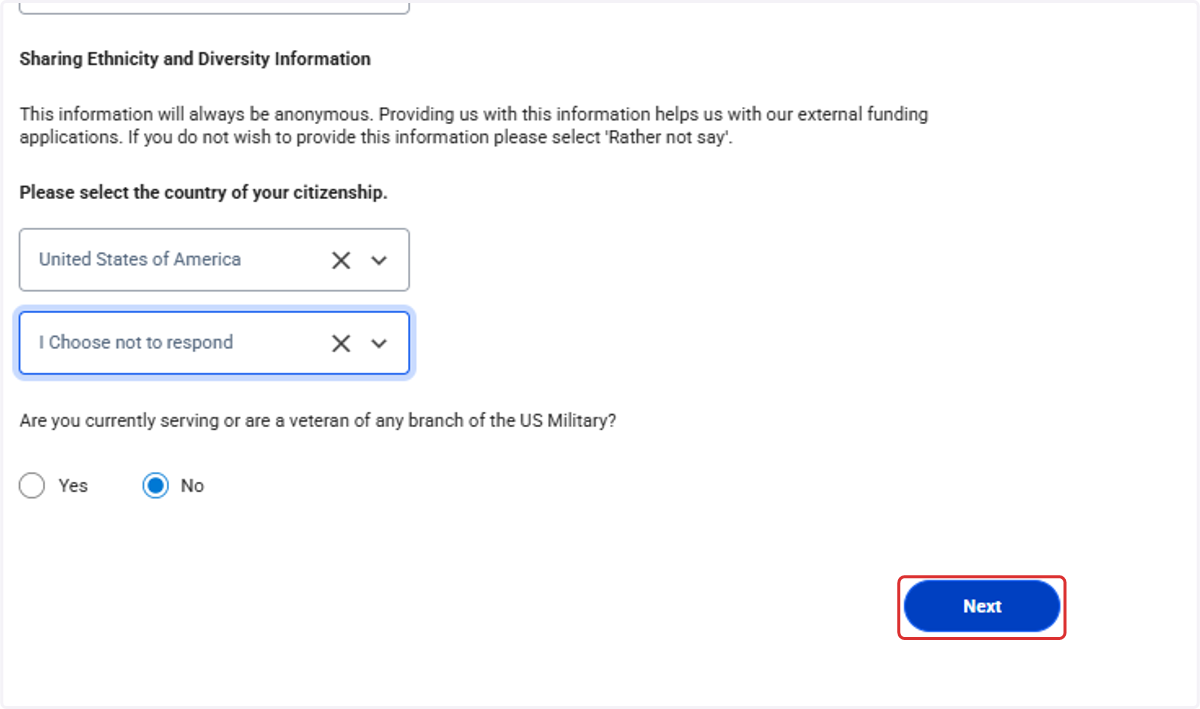
28. Complete DEI Information and Click on Next
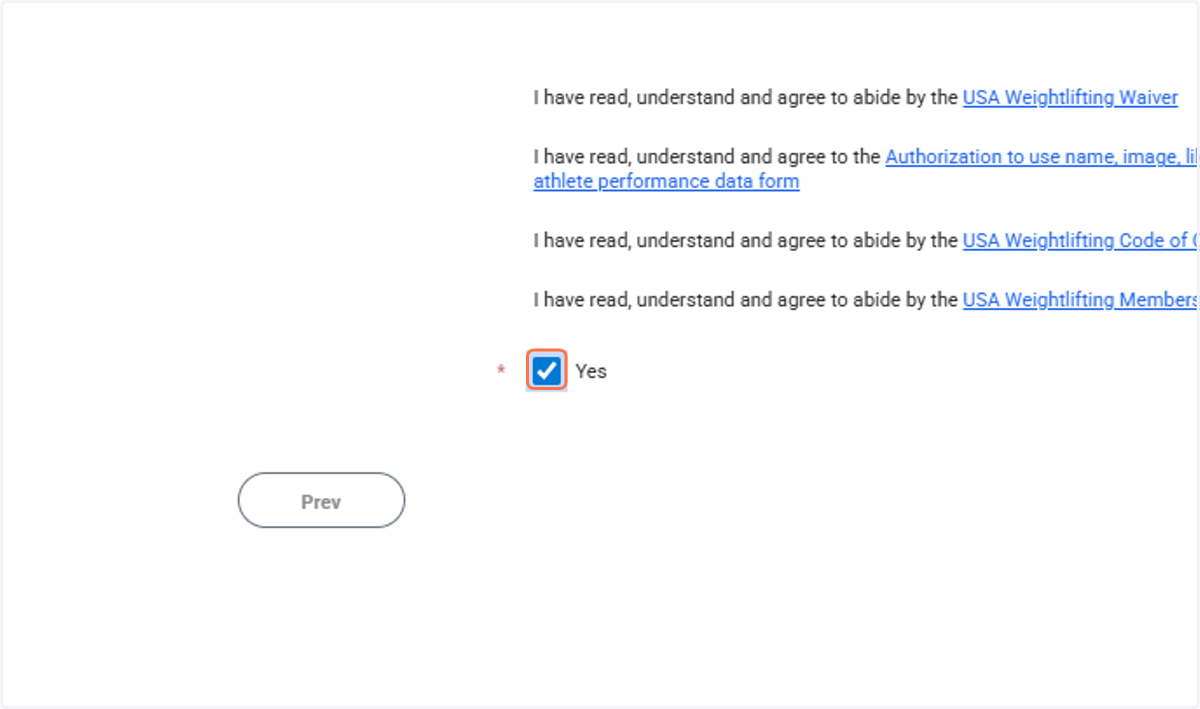
29. Select Yes
30. Click on Add & Checkout
31. Click on Checkout
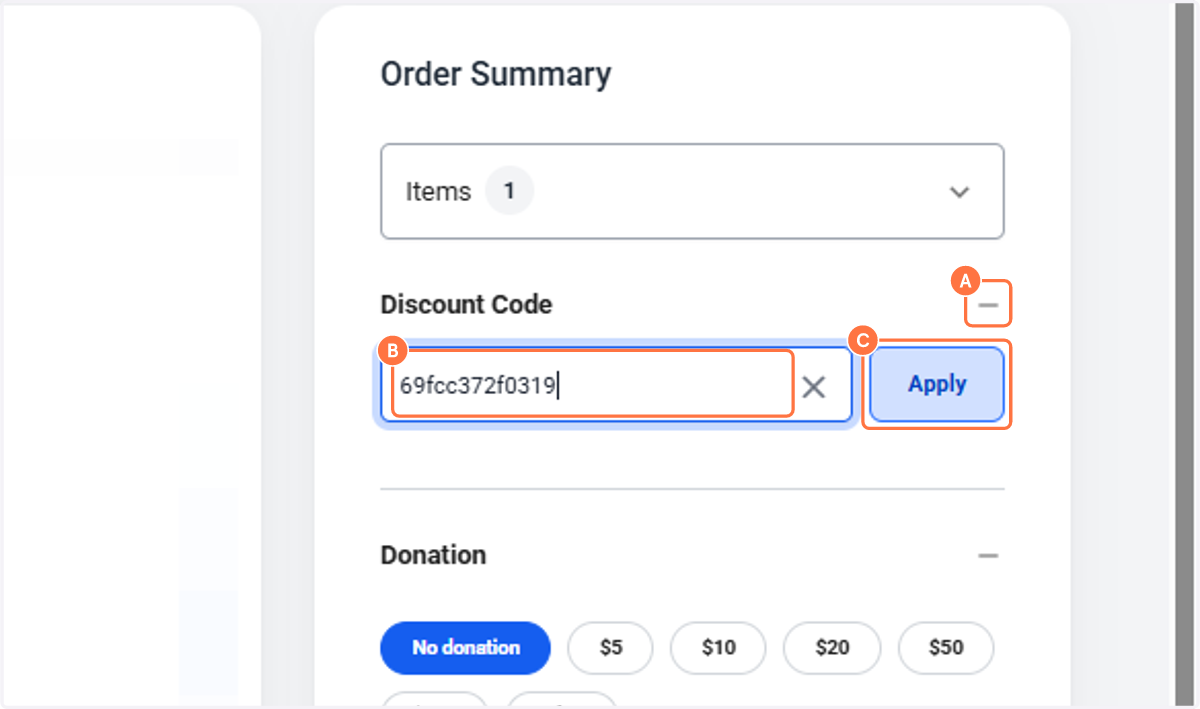
32. A. Click on Discount Code
32. B. Paste your unique discount code from the "discount codes" email
32. C. Click on Apply