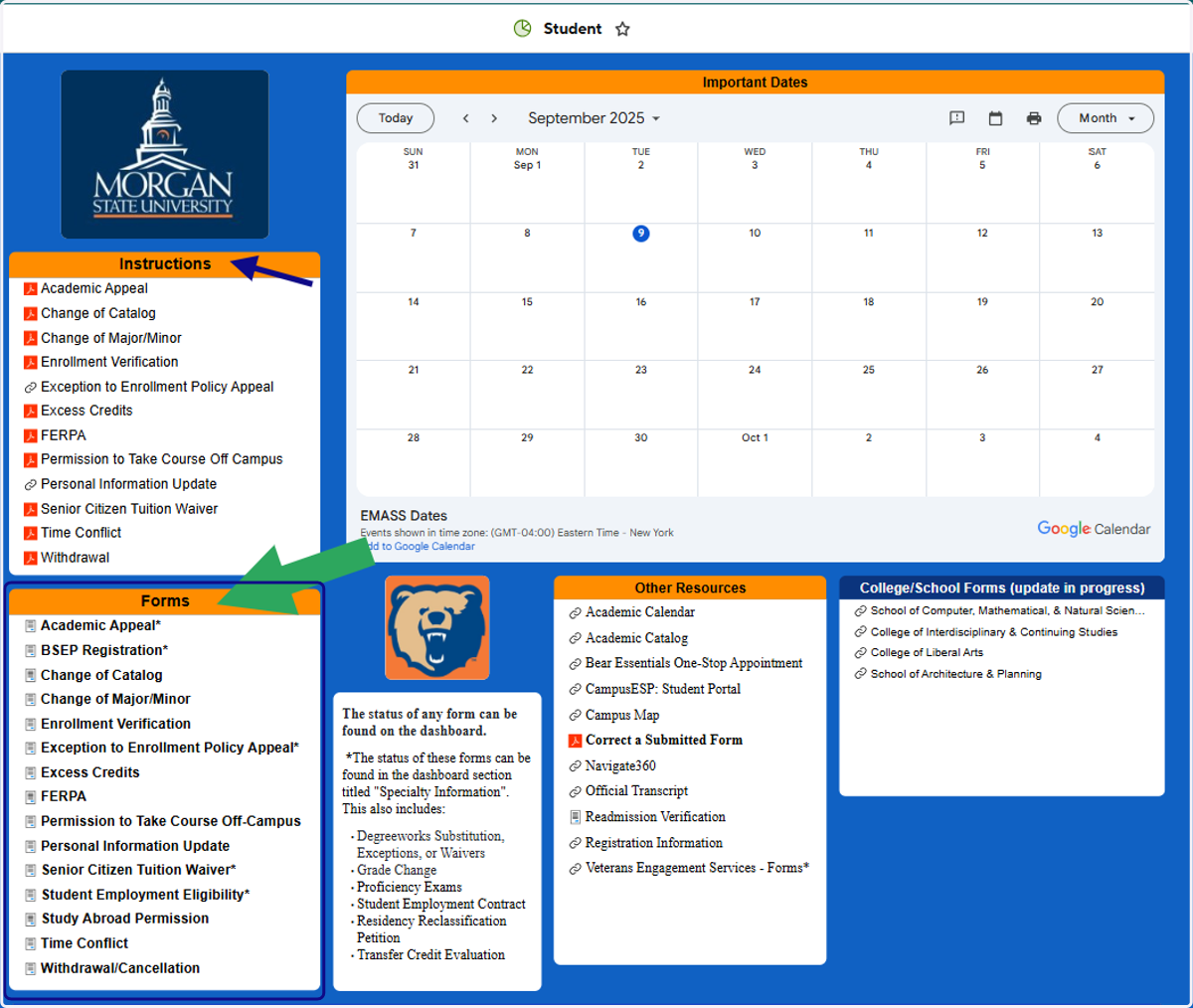
Navigating to Service Requests in Self-Service
myMSU :: Morgan State University
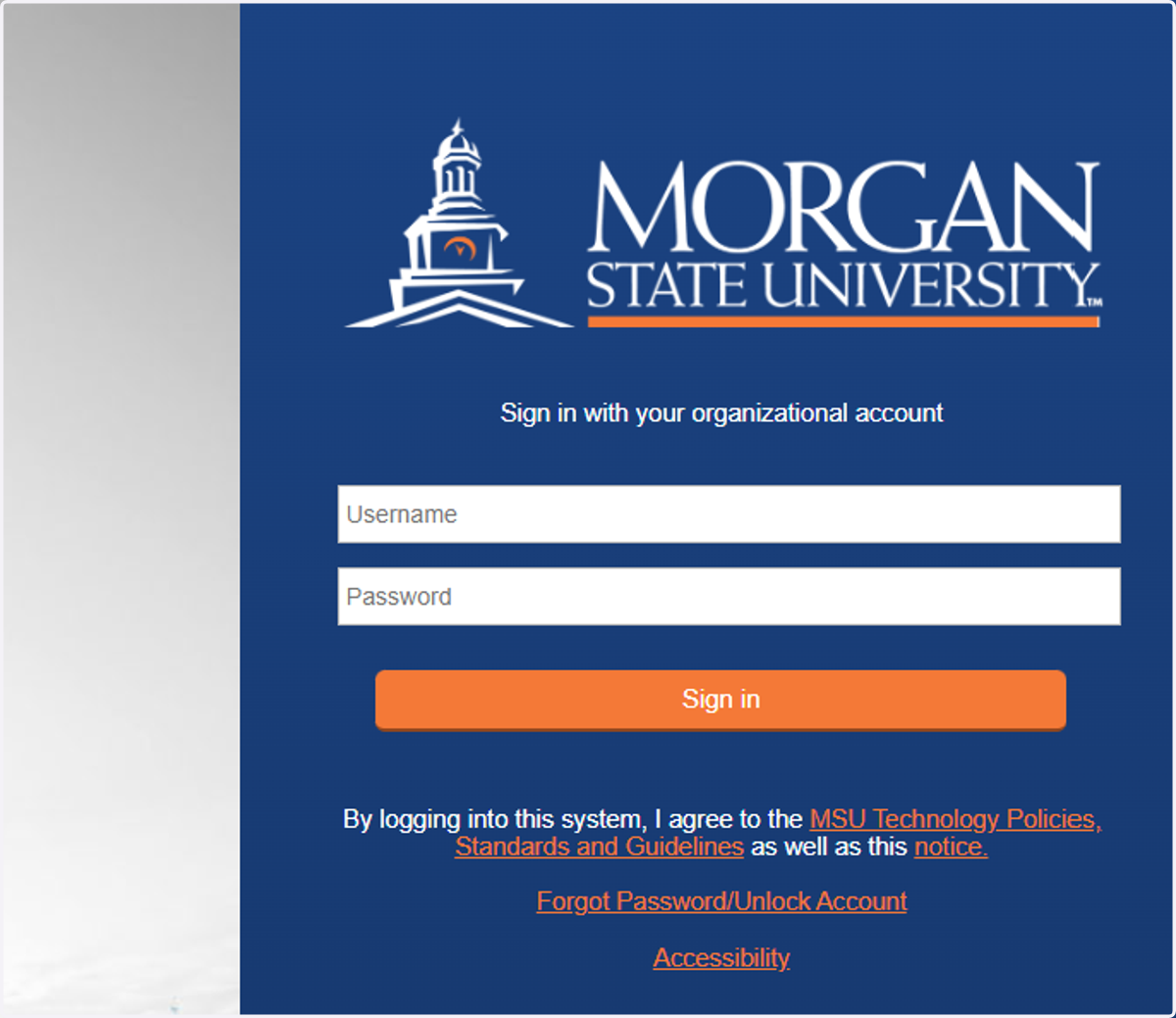
1. Log on! We highly recommend using Chrome on a computer, not a mobile device.
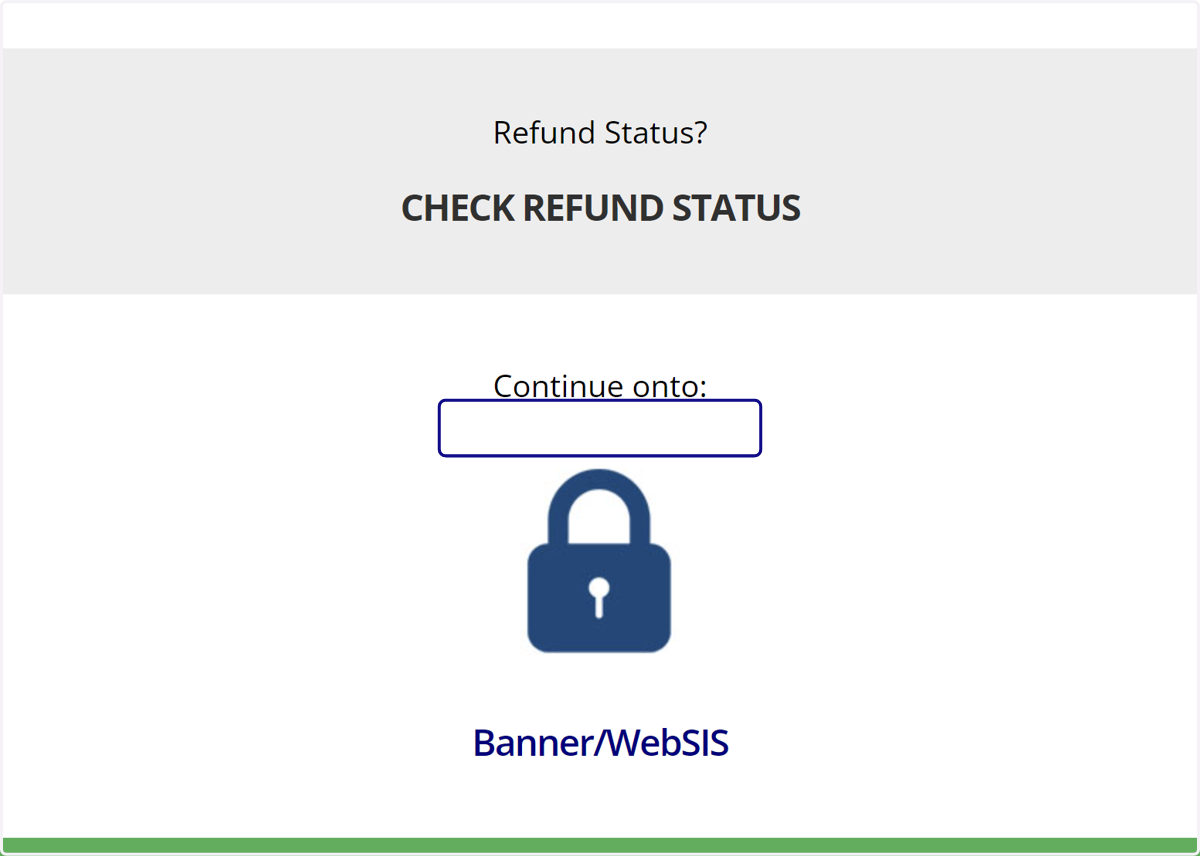
2. Enter your MSU username
Your username is everything before the domain in your email address. DO NOT enter the domain @morgan.edu (For Example- Username: BeBear67 -|- MSU email: BeBear67@morgan.edu)
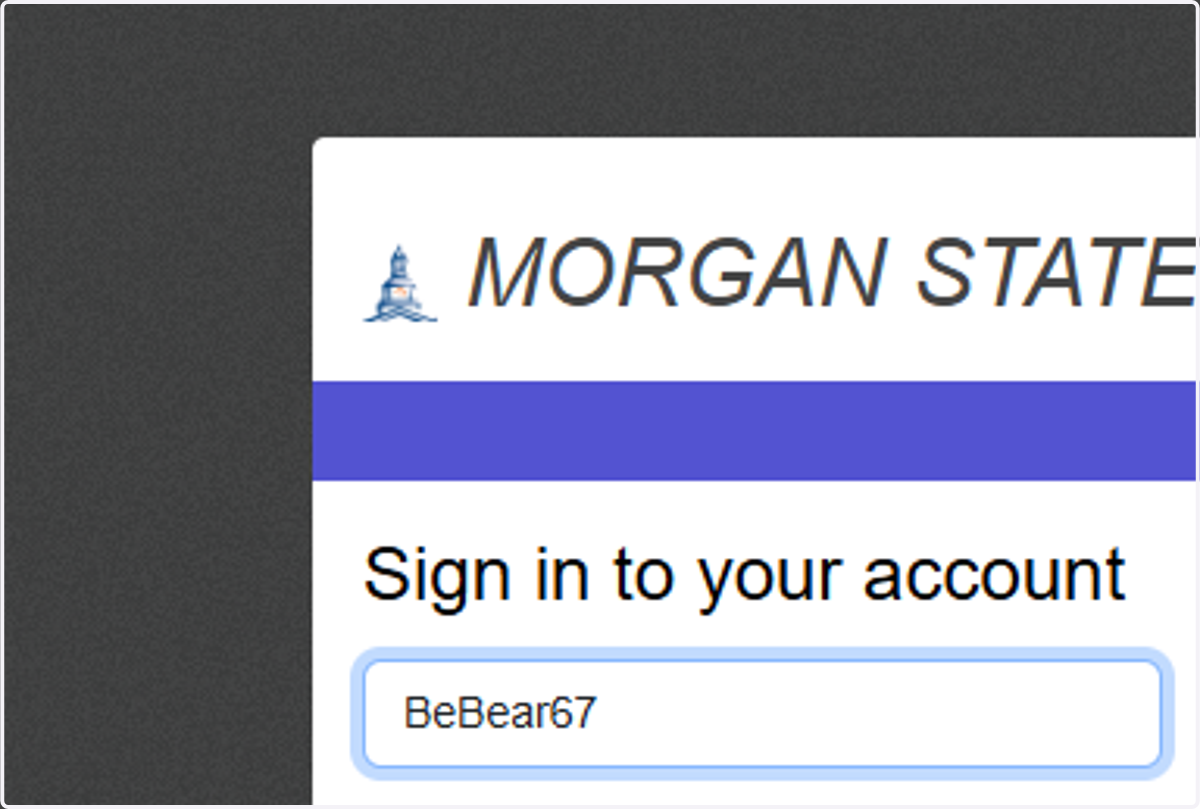
3. Enter your password
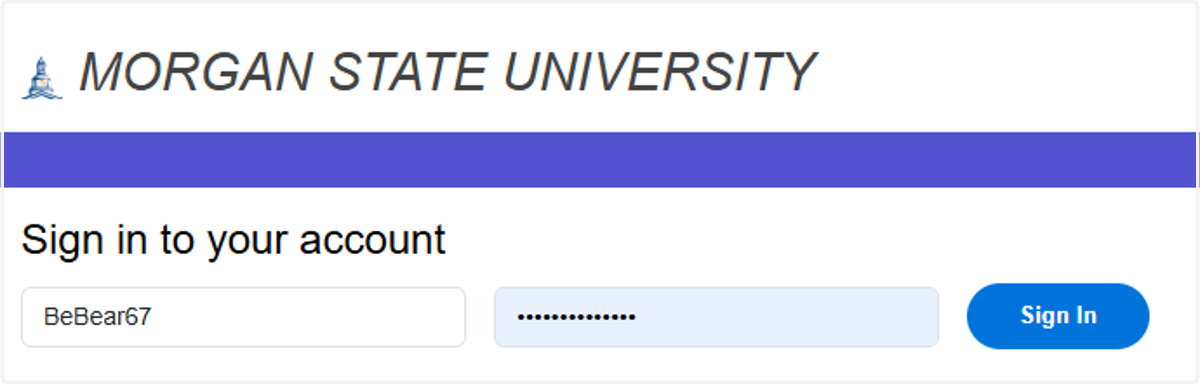
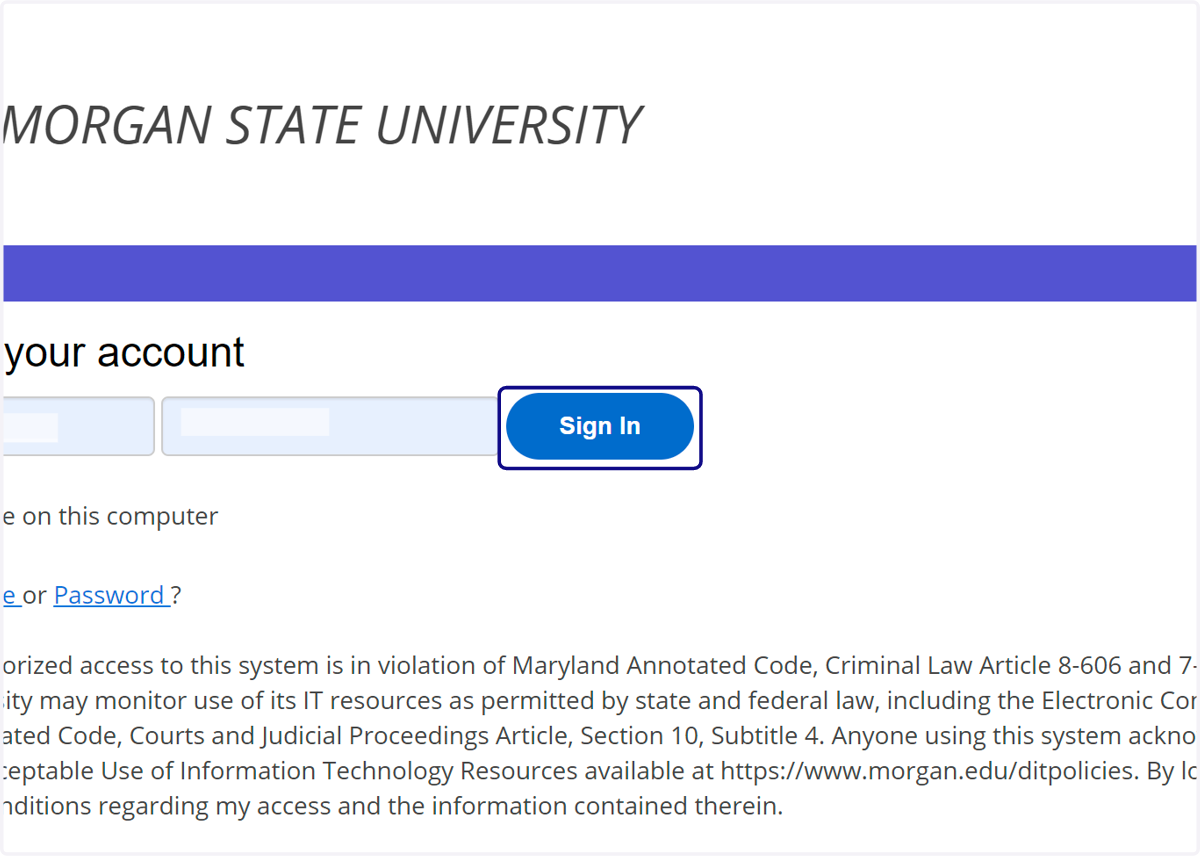
4. Click on Sign In
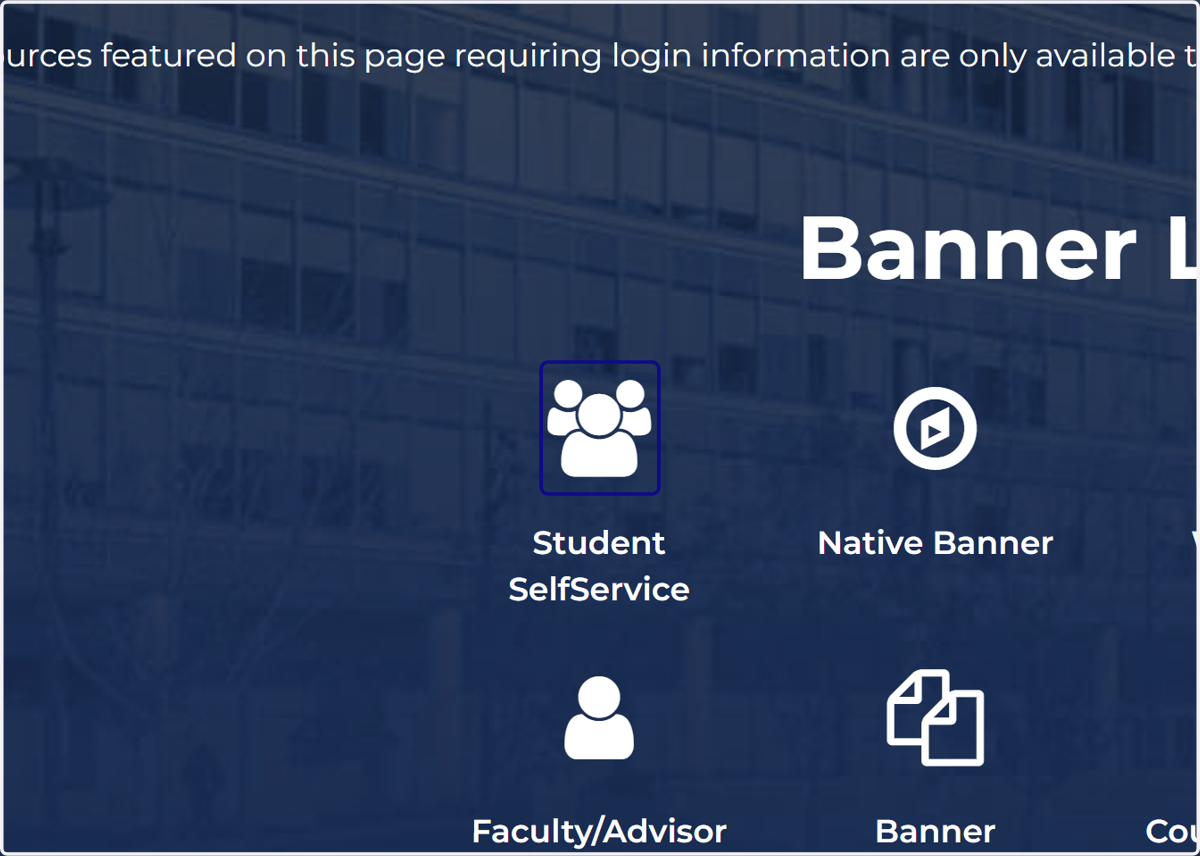
5. Click on SelfService
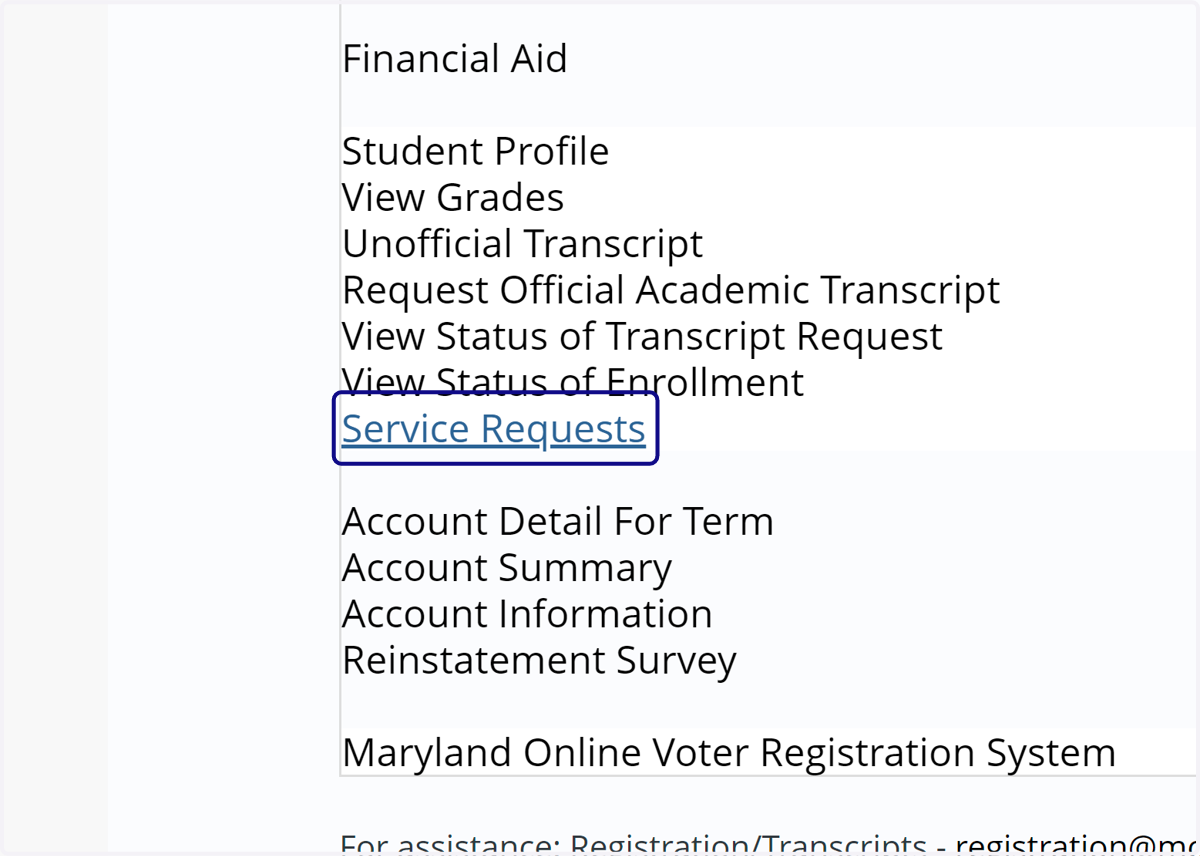
6. Click on Service Requests
On the next screen, DO NOT create an account or download the app (use the mobile website if you accessed using a phone or tablet).
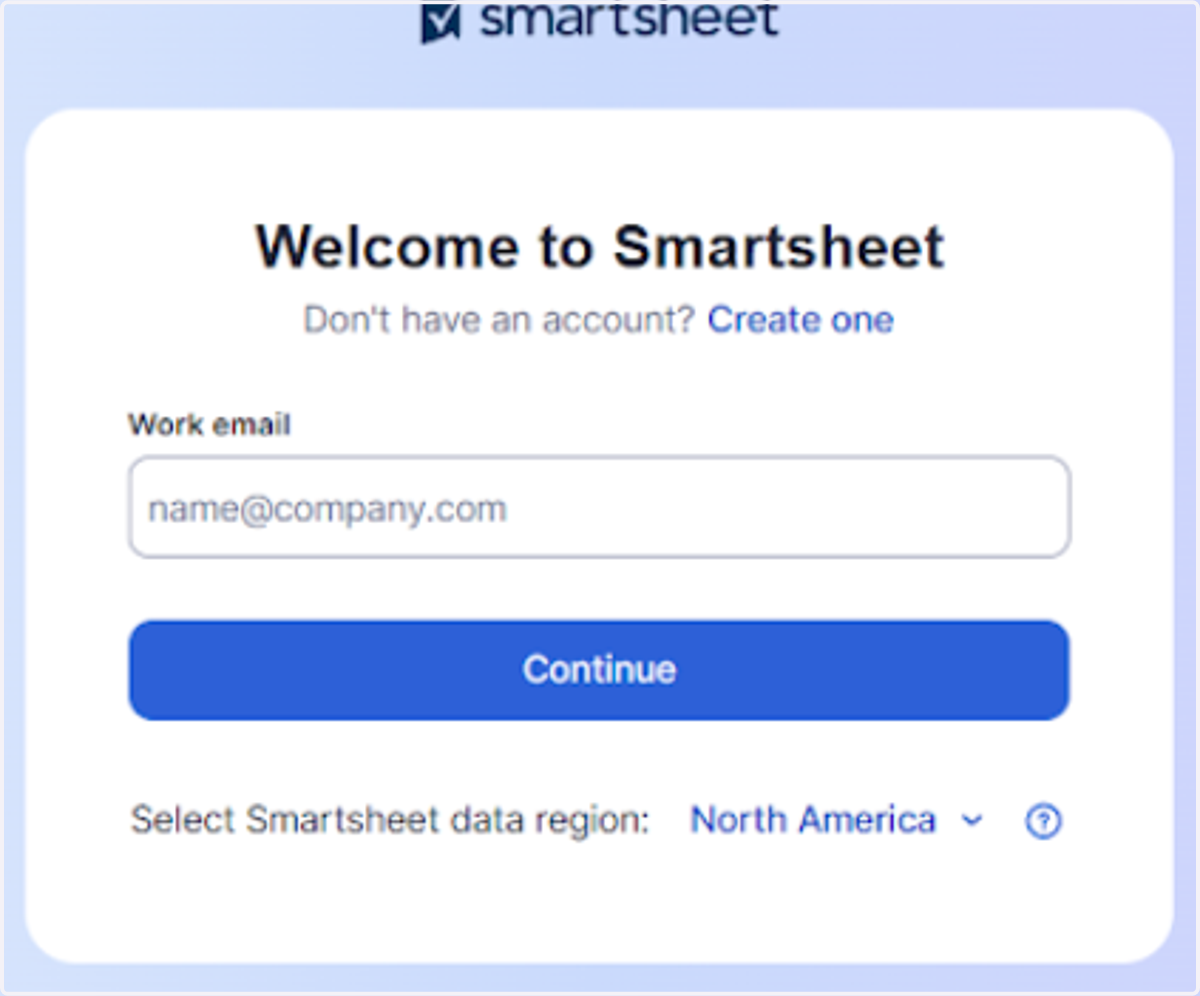
7. Enter your MSU email and press continue.
8. Enter your MSU login credentials.
9. Click on Launch Dashboard for your role.
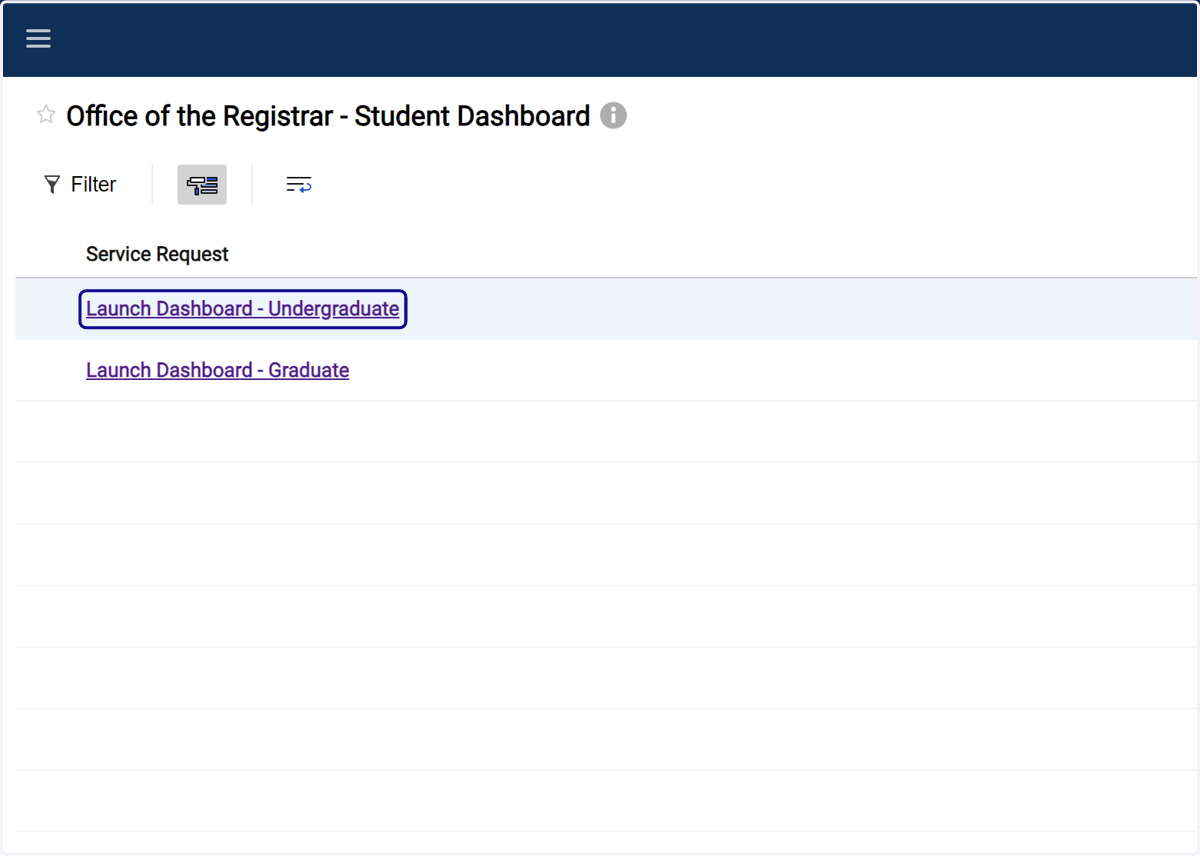
10. Select the process that you want to launch. Instructions are included if you need assistance.