Navigating the V-Dem Platform for Political Analysis Part 2
V-Dem
1. To pick components- method 1
After you have cleared everything, click on the Components Button.
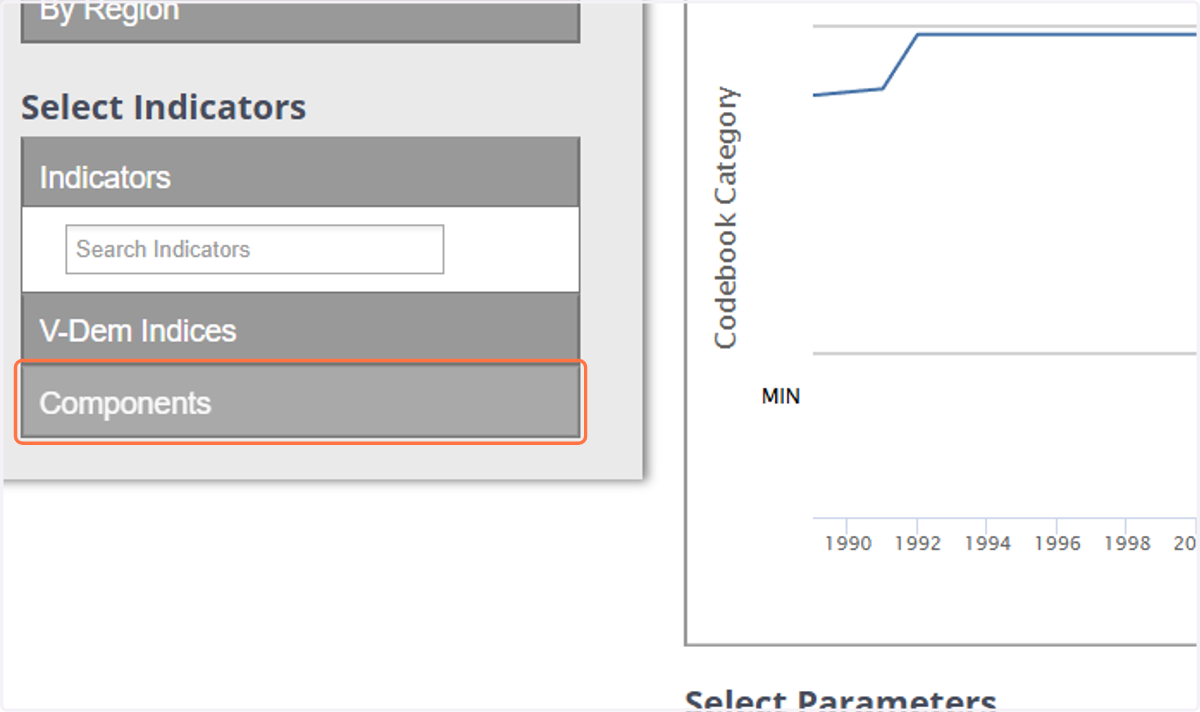
2. Click on button
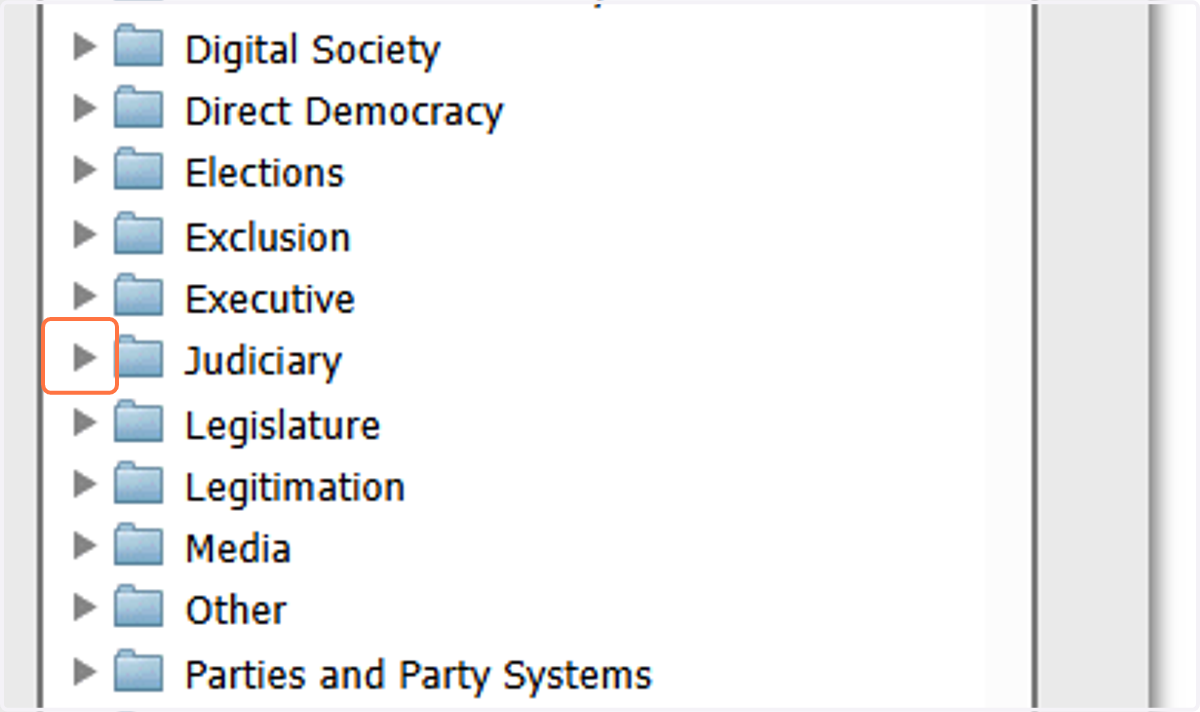
3. Follow the instructions to find the rest of the variables.
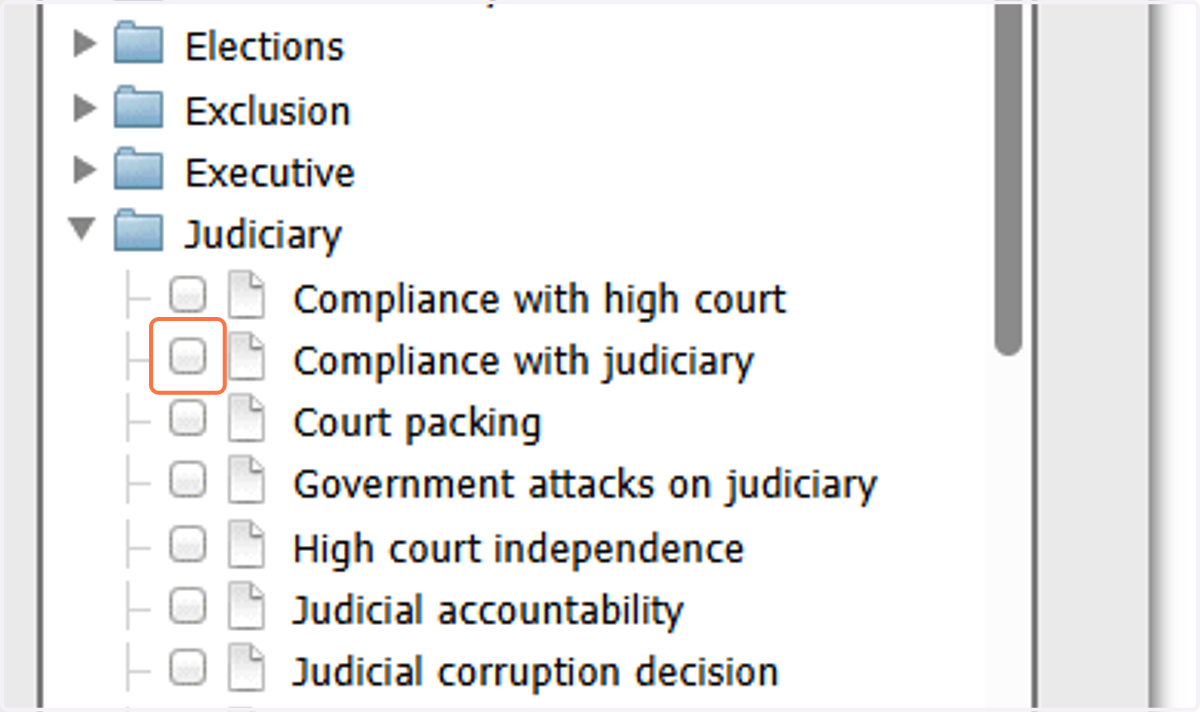
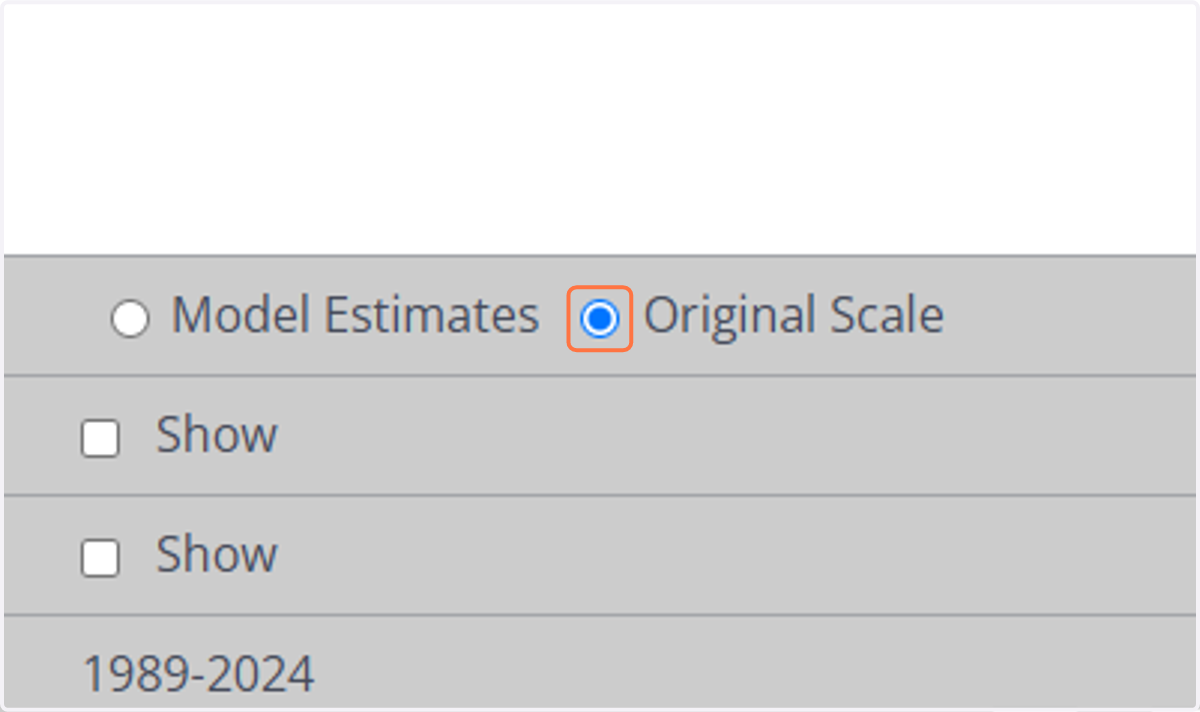
4. Select Original Scale
5. Way to find variables- method 2
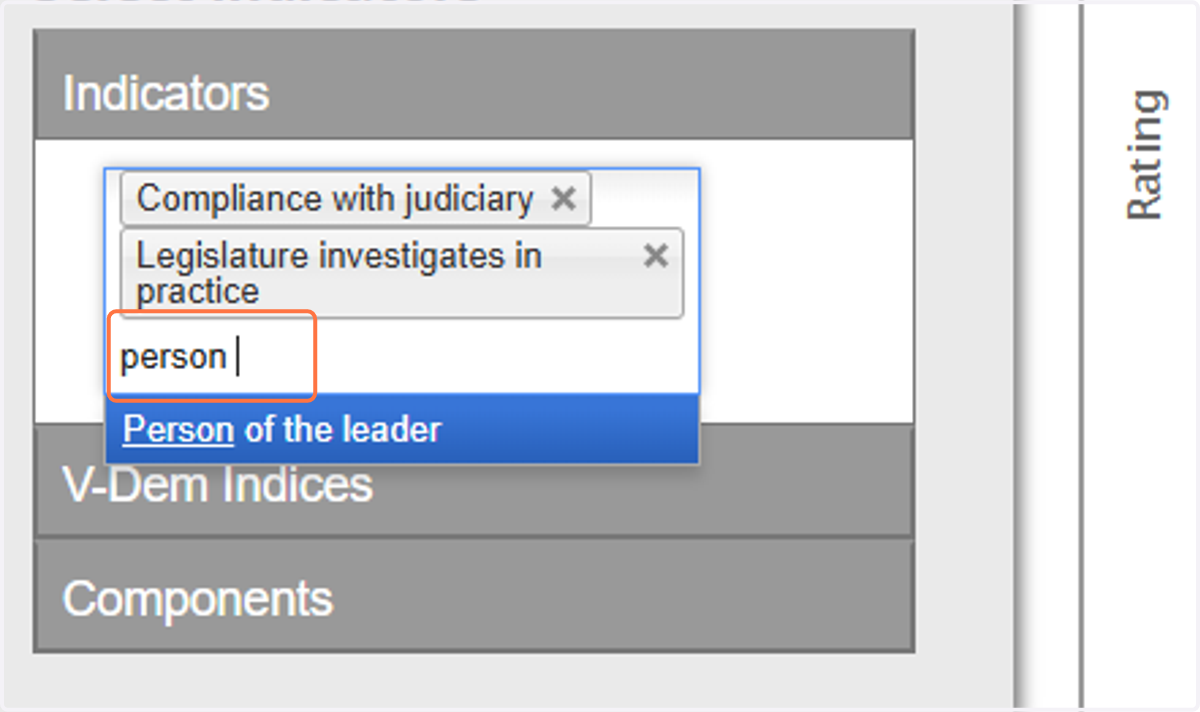
You can also just use the search feature. Start typing in your variable of Interest, then select it when it comes up. If you want to remove an indicator or variable, just go to this area and click the x.
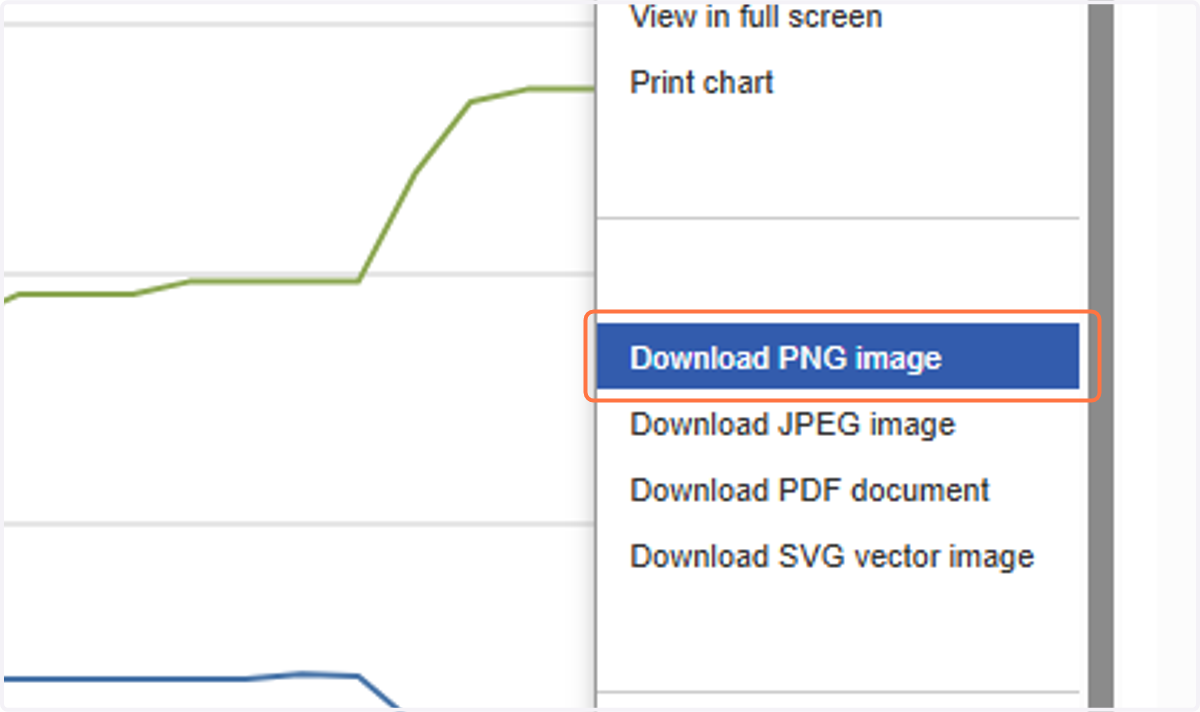
6. How to download charts
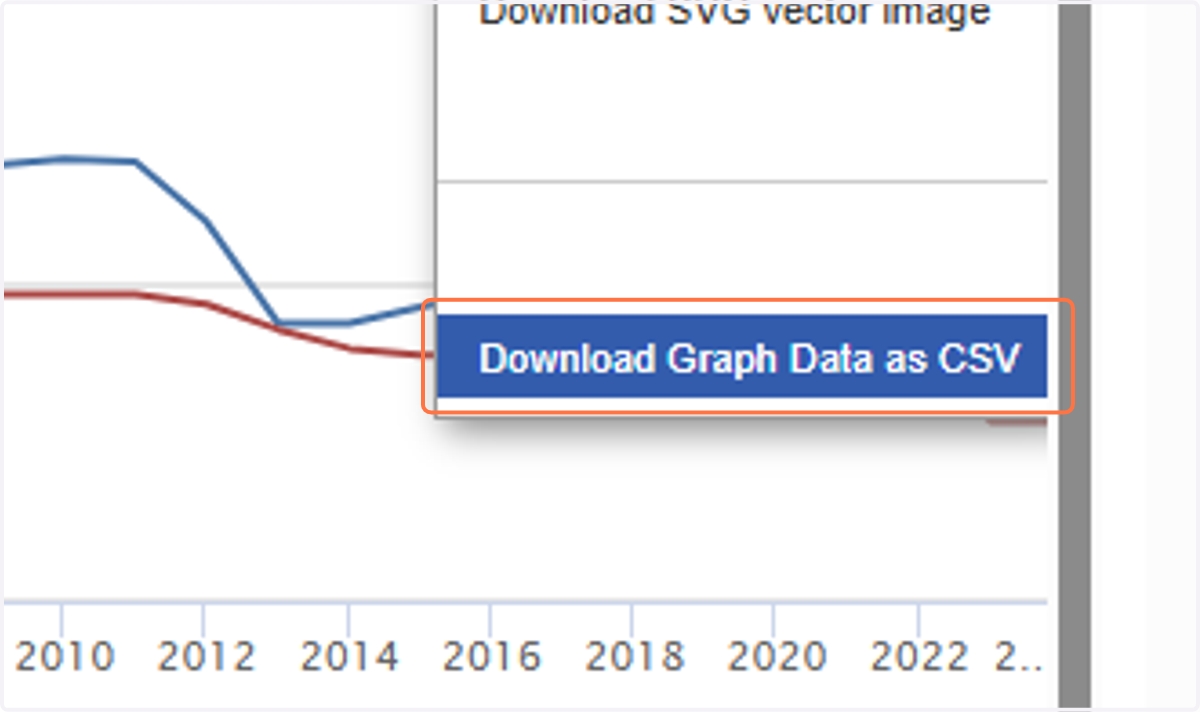
7. How to download the data for that chart
You can always download the entire dataset, but I'm not dealing with your SPSS trauma today.
8. How to look at party variables
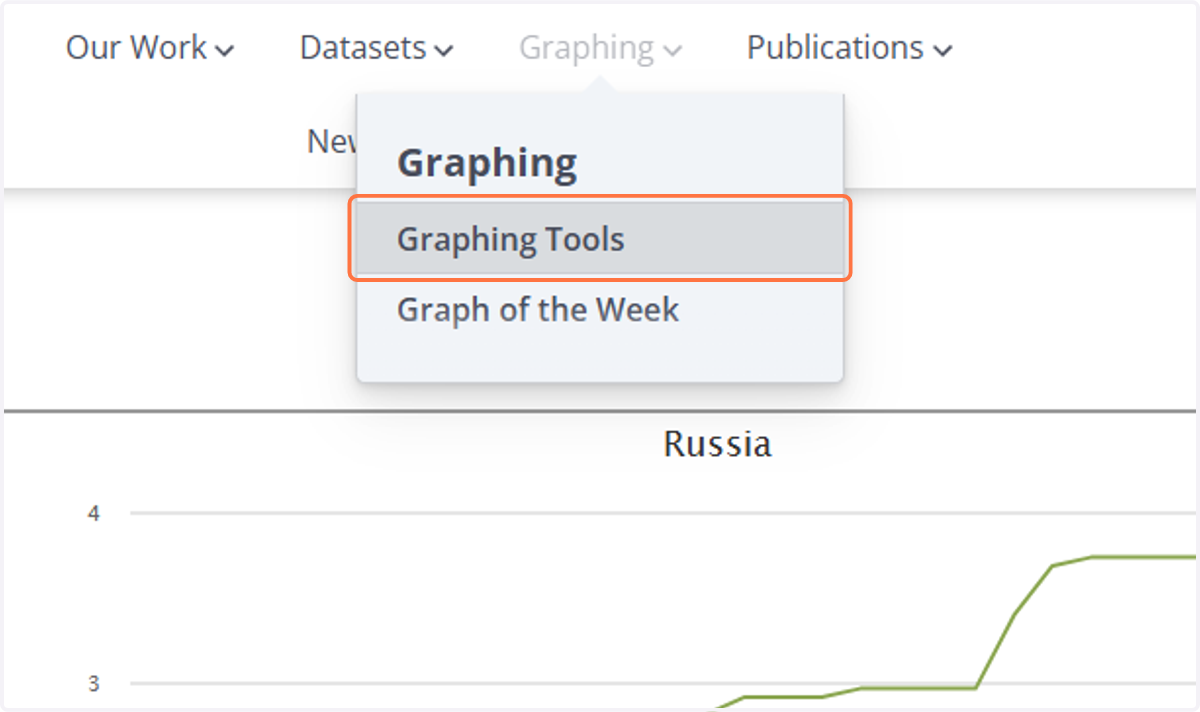
9. Click on V-Party Explorer
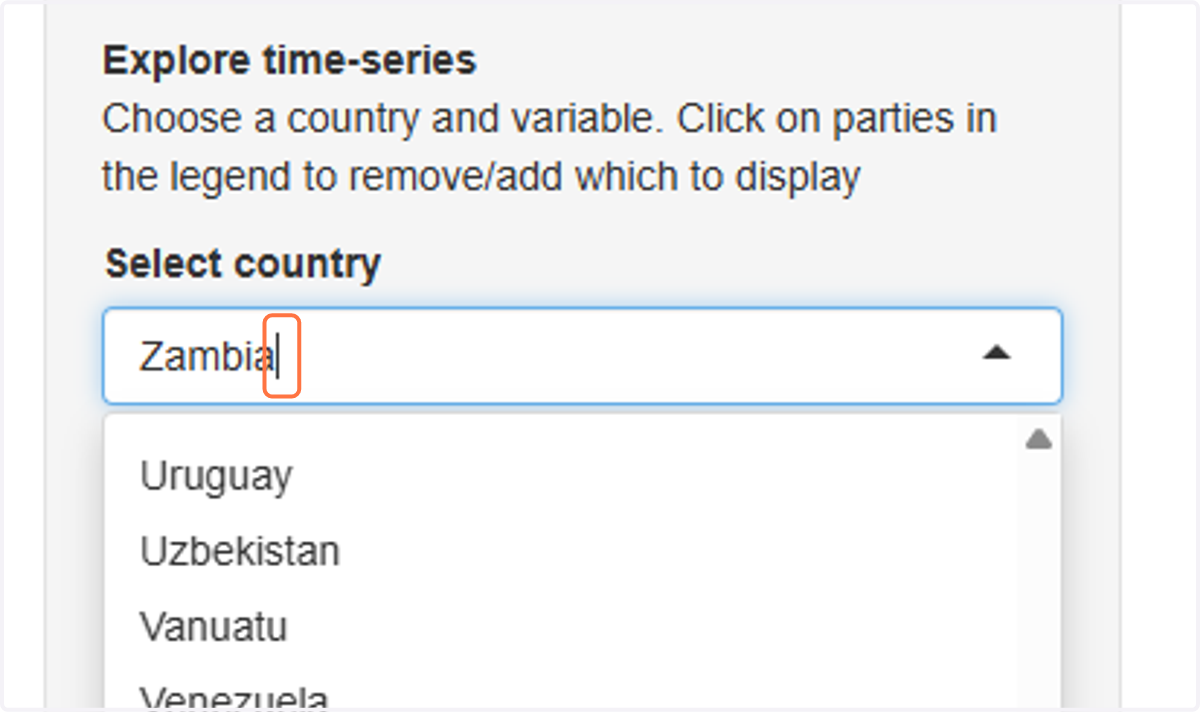
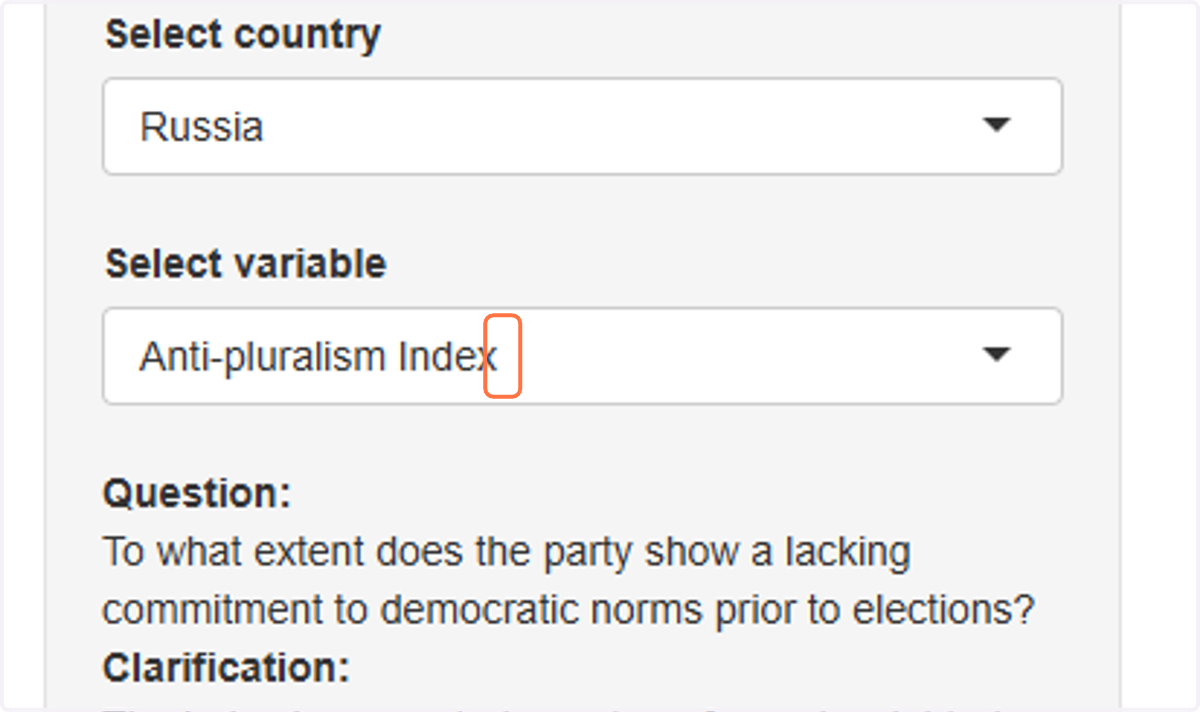
10. Click on Select country
11. Click on Russia
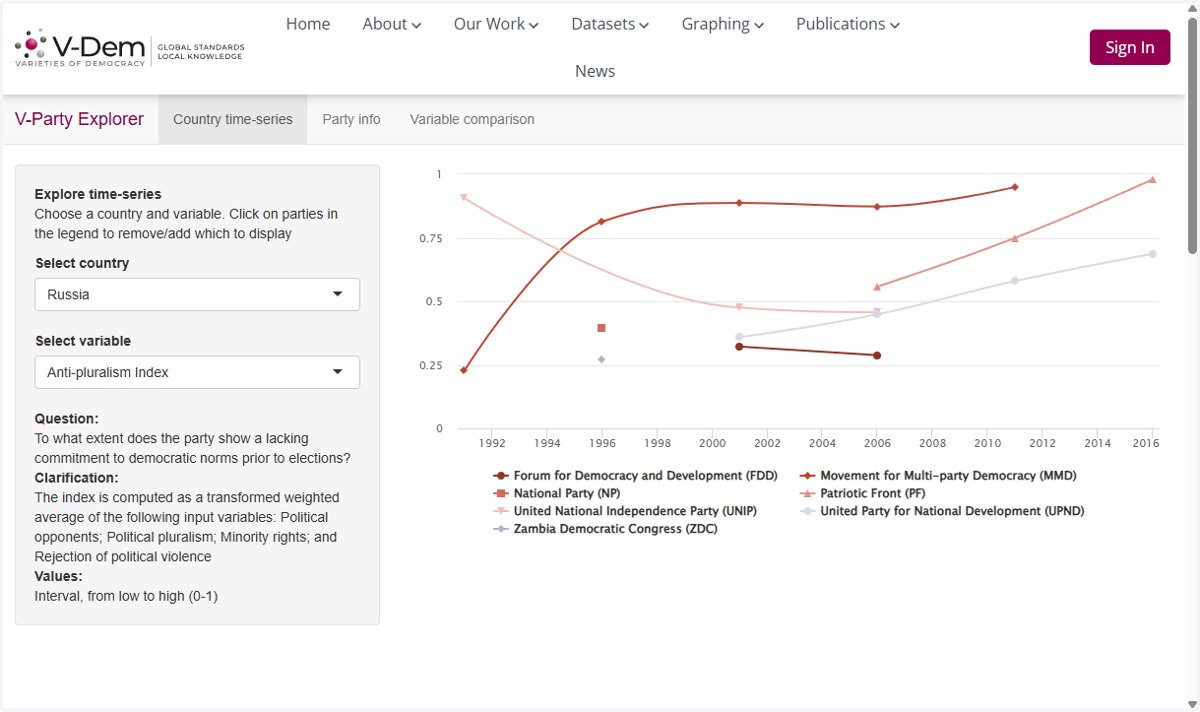
12. Click on Select variable
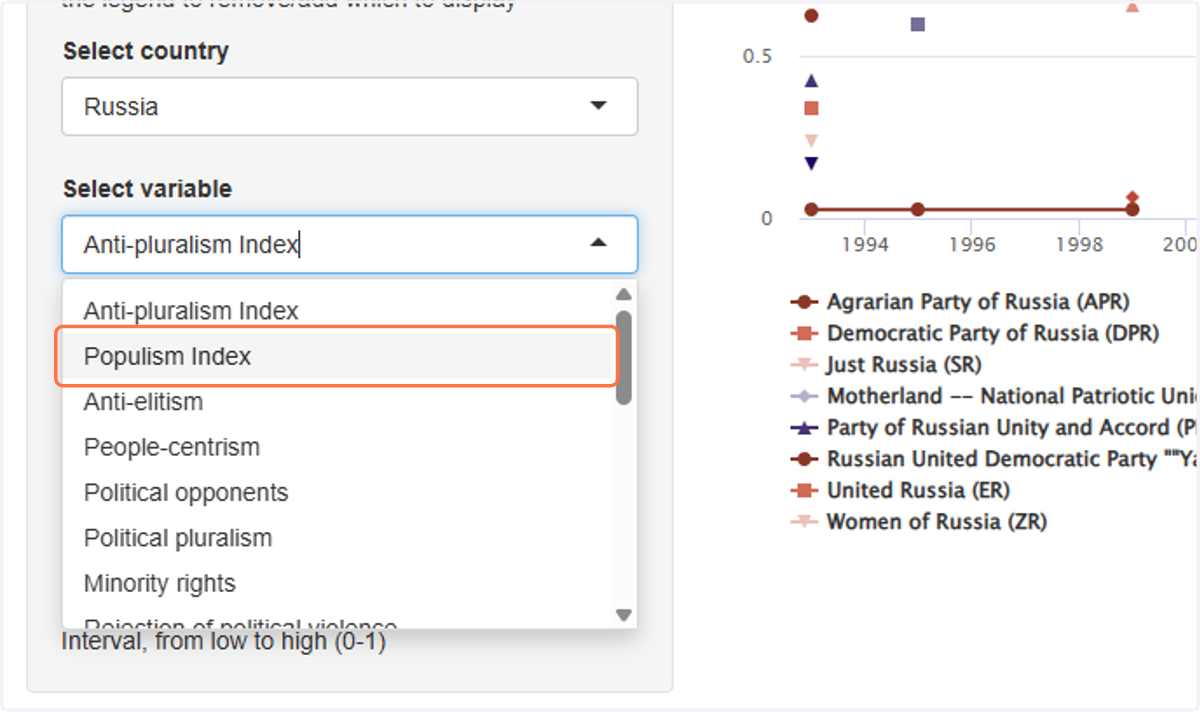
13. Click on Populism Index
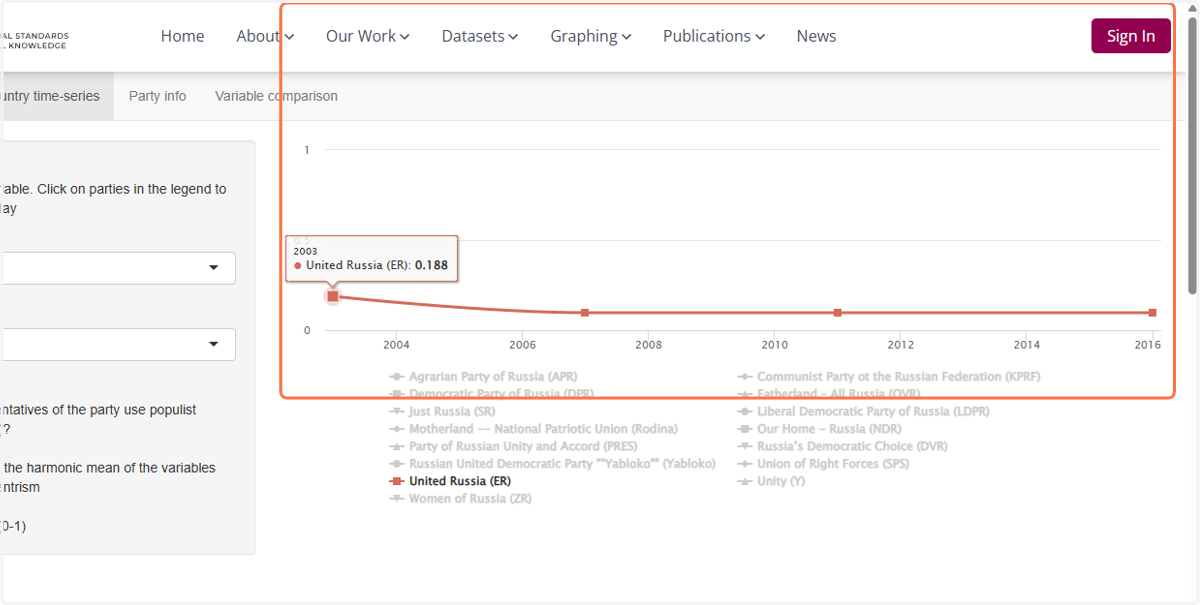
14. To show JUST one party
Click on all the parties in the legend to remove them. Note you will have to do this every single time you change your variable. Don't like it? Get over the SPSS trauma.
15. To get the citations
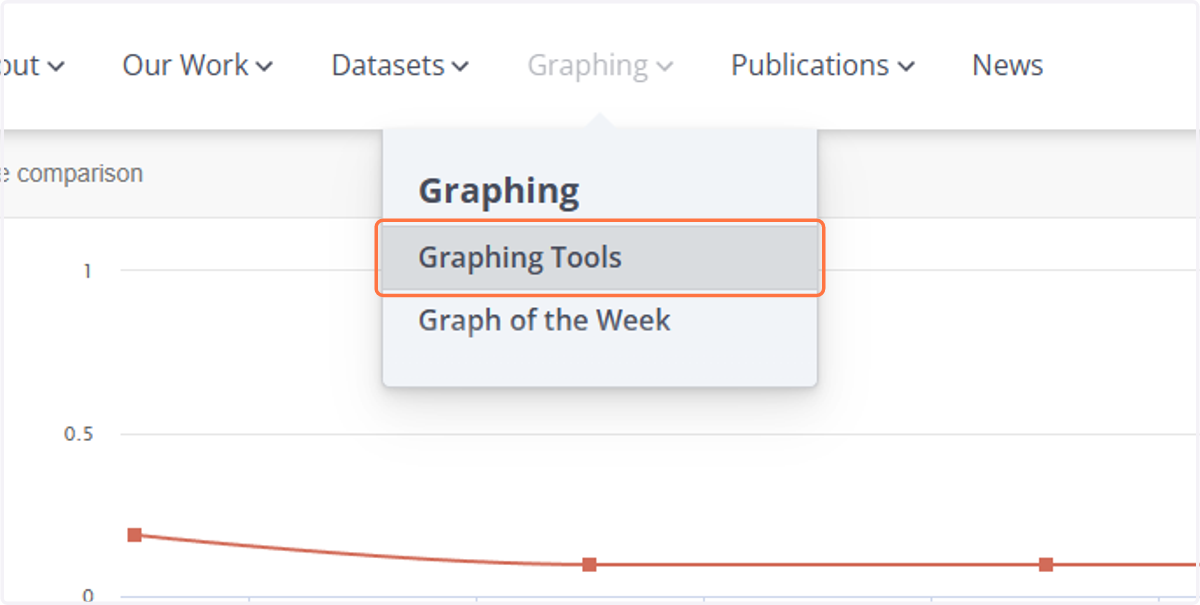
16. Drag highlighted element
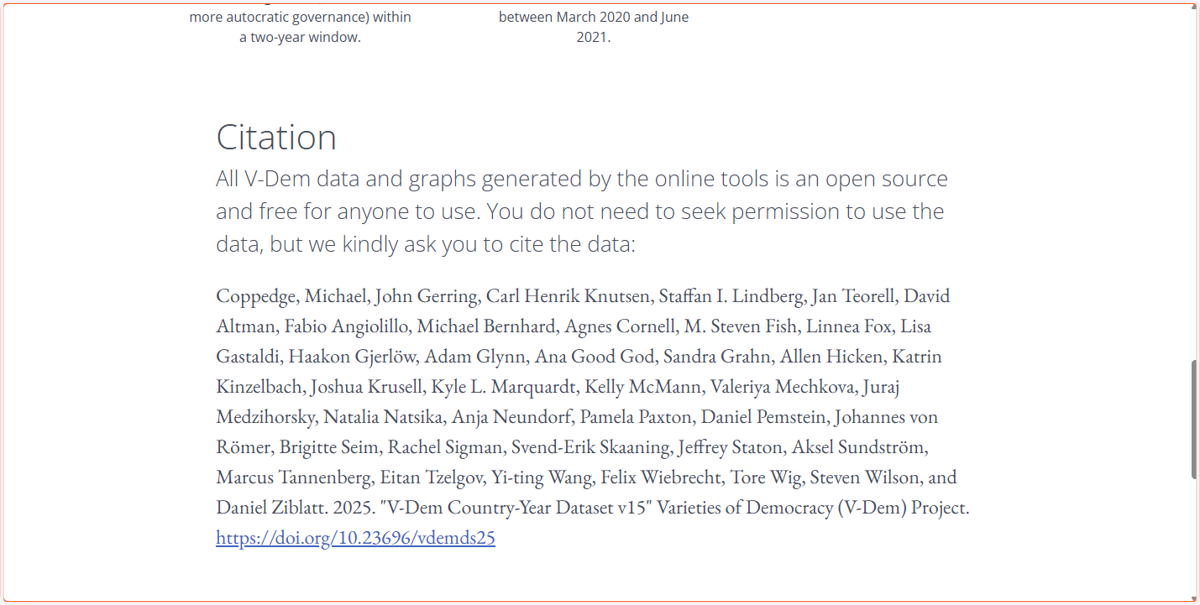
17. To get the codebook or download the original dataset
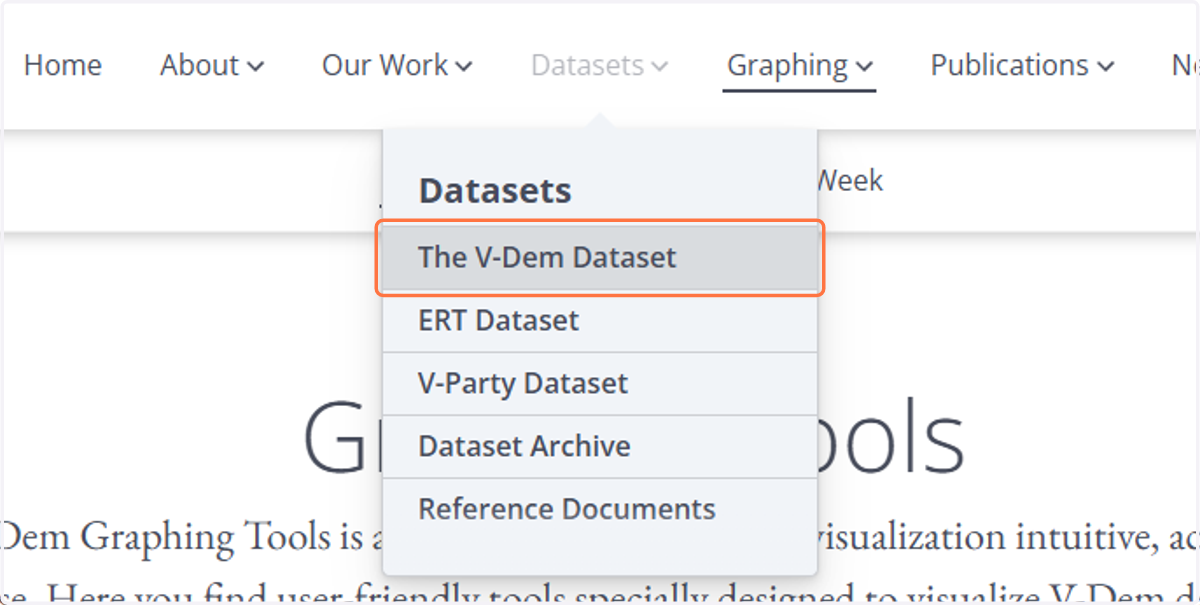
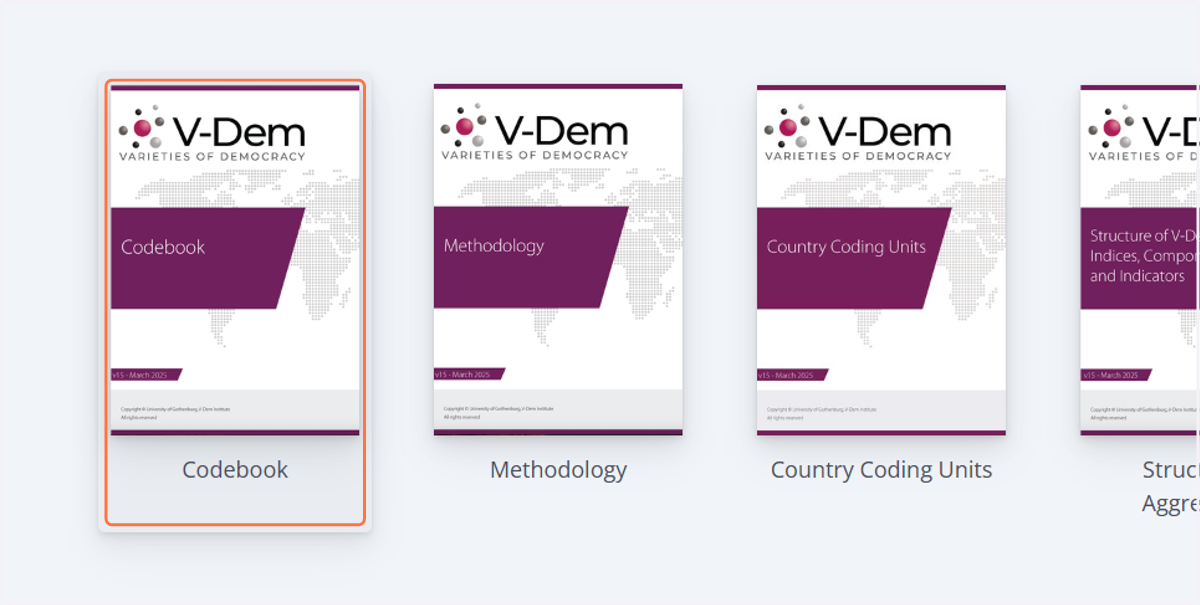
18. Click on Codebook
19. Click on V-Party Dataset
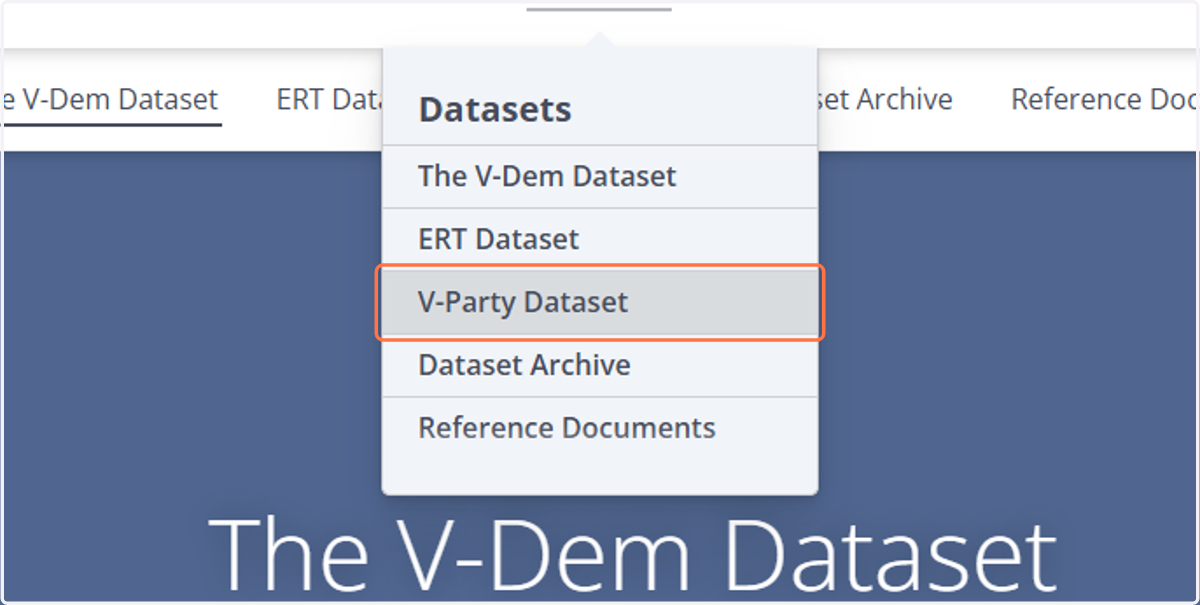
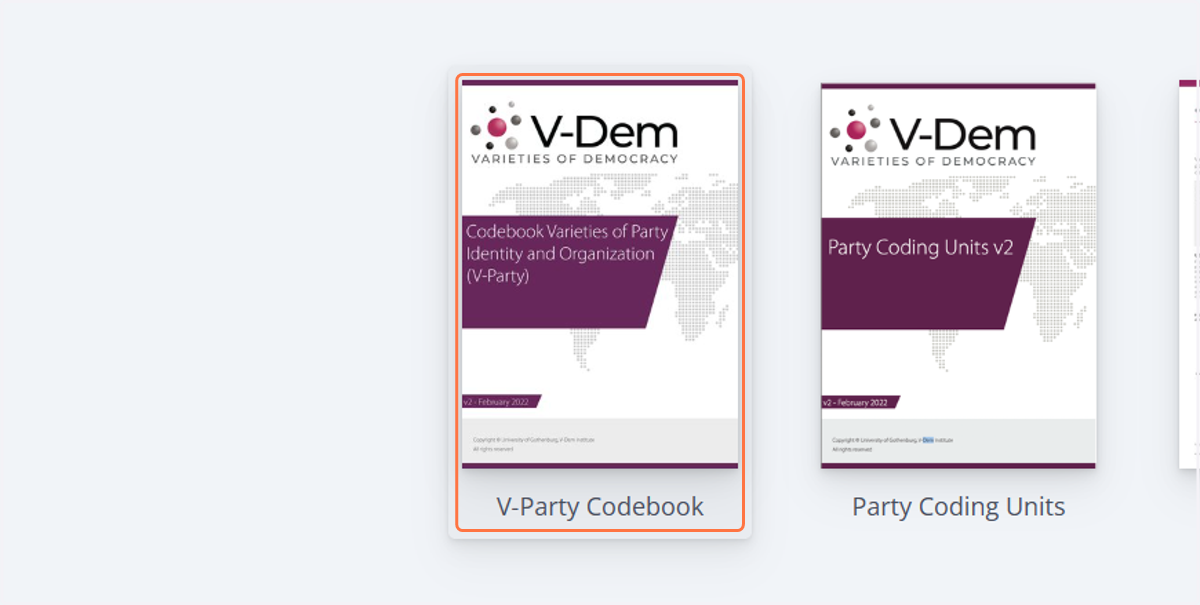
20. Click on V-Party Codebook