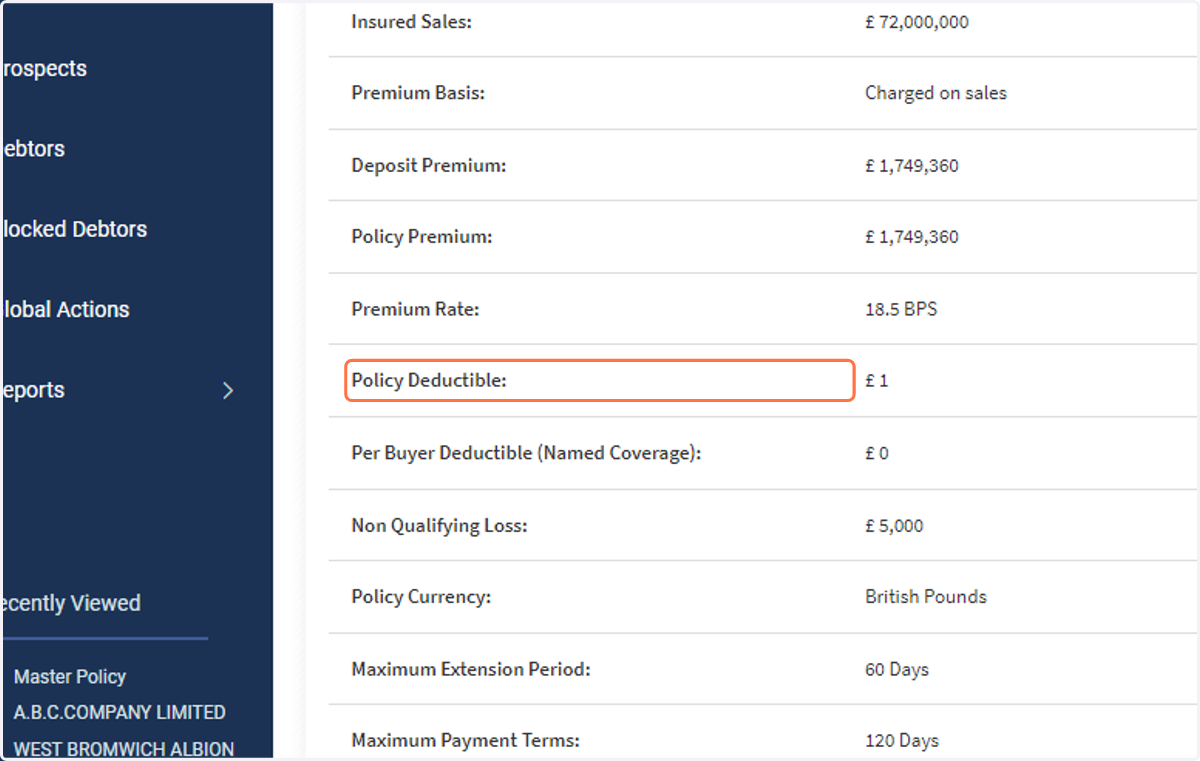
Navigating and Editing the Master Policy Declarations Schedule
FGI TRUST: View Prospects
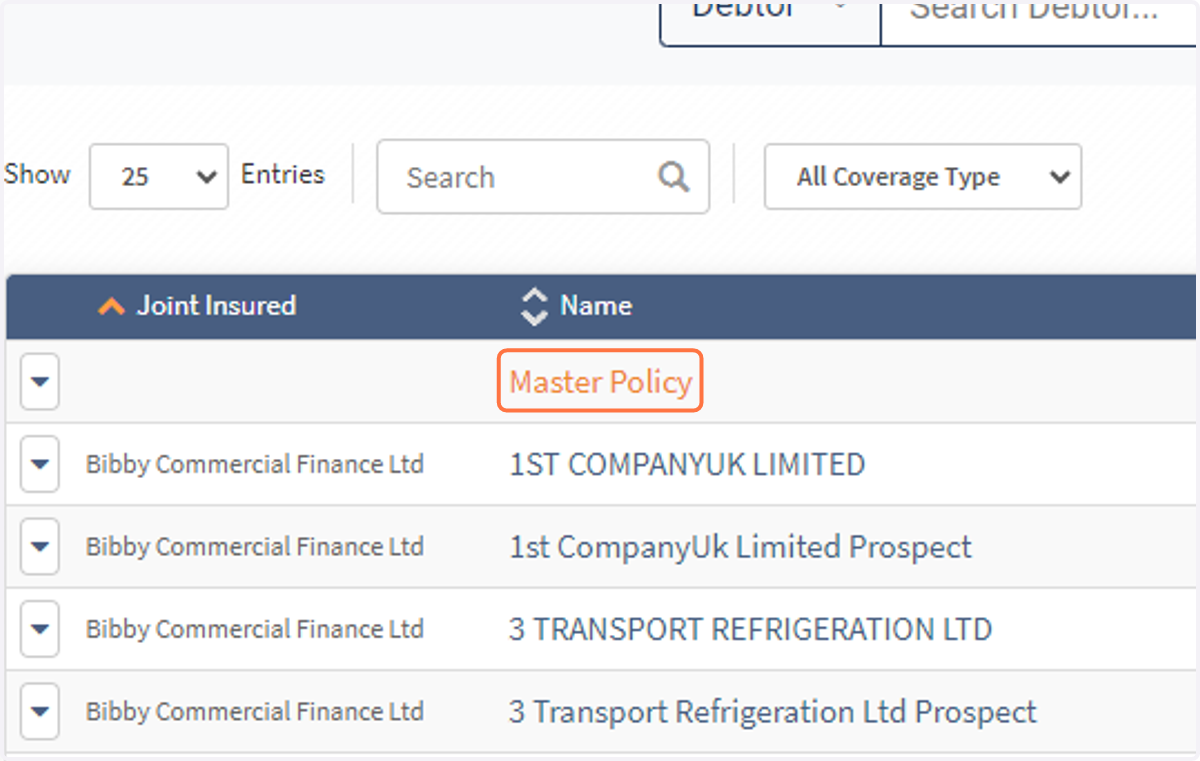
1. Click on Master Policy
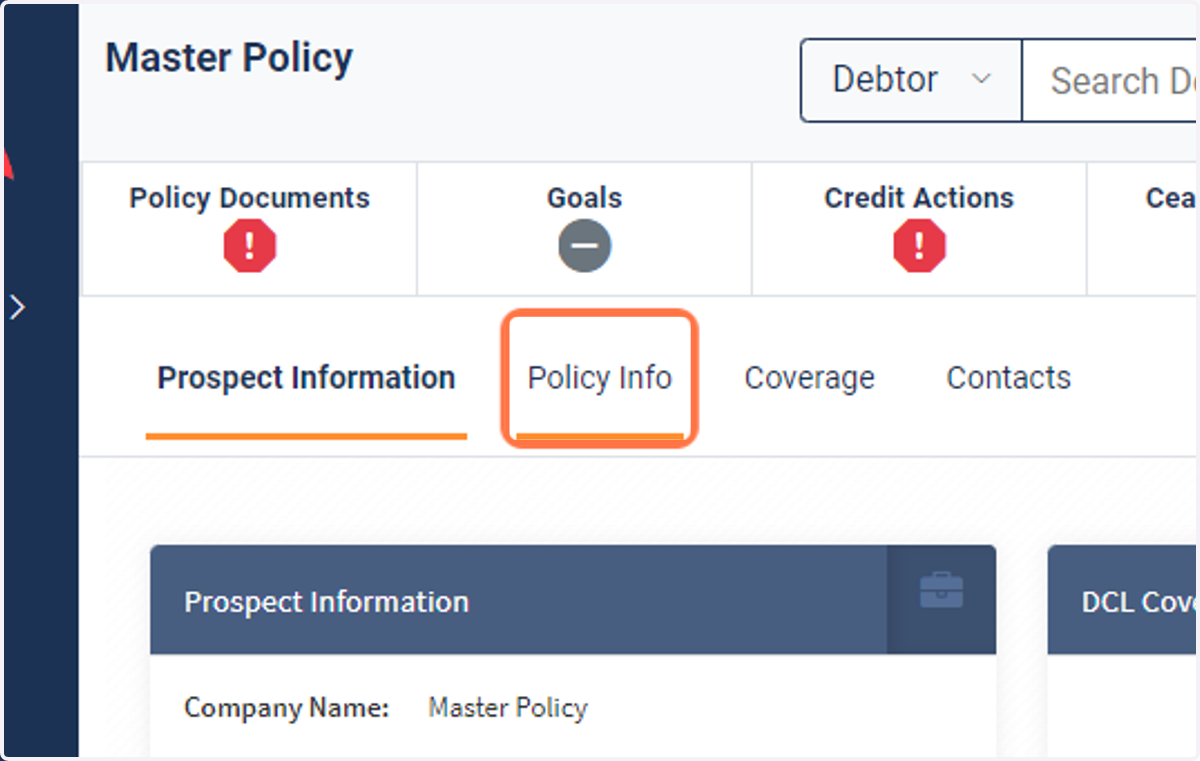
2. Click on Policy Info tab in the local menu
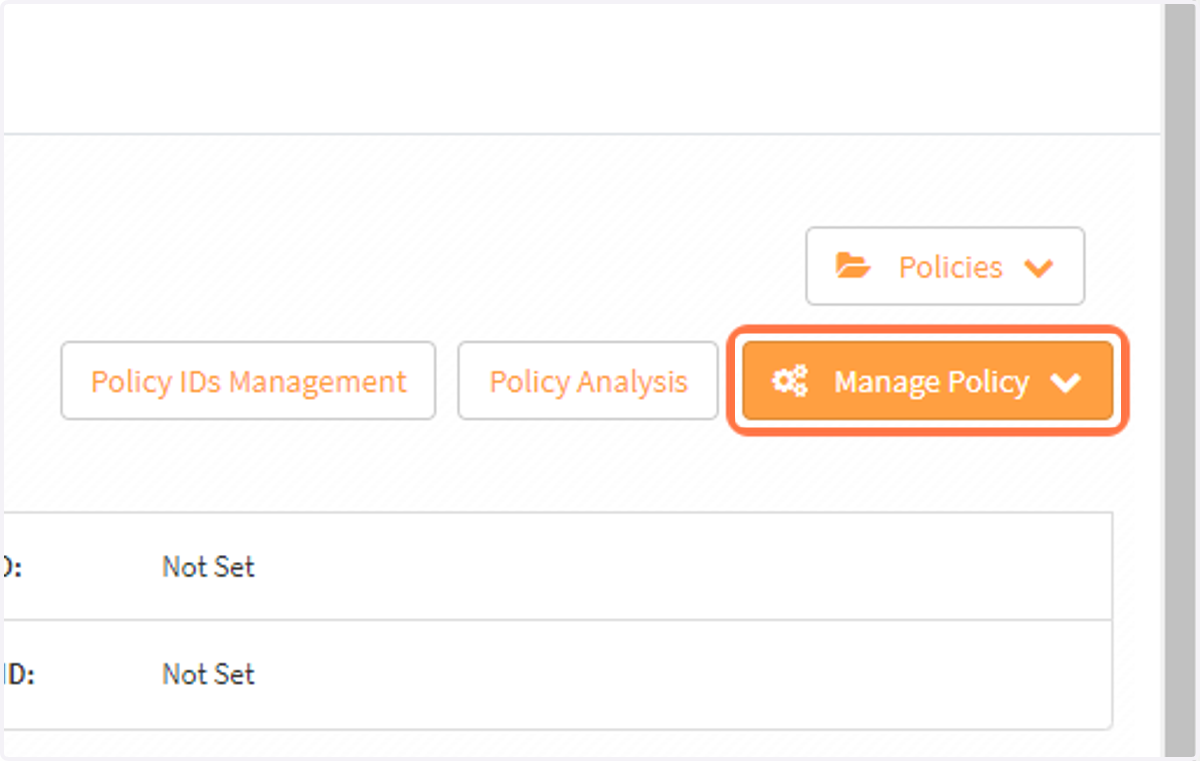
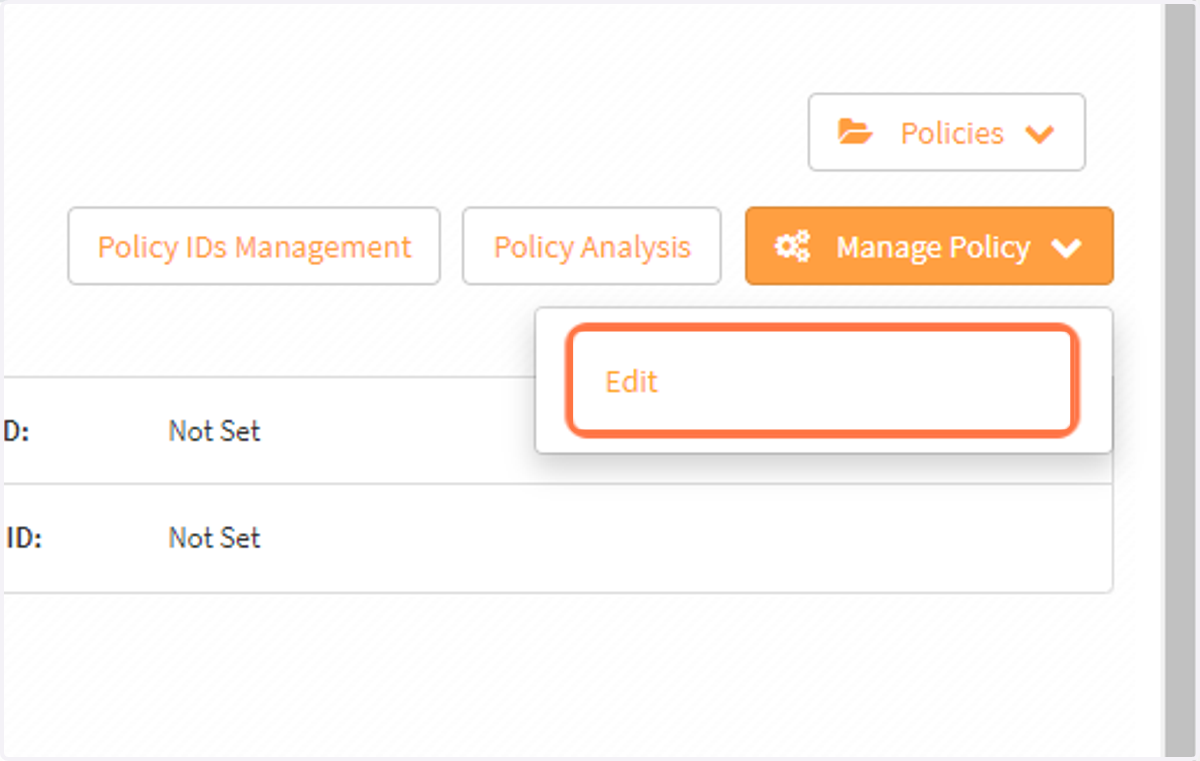
3. Click on Manage Policy
4. Click on Edit
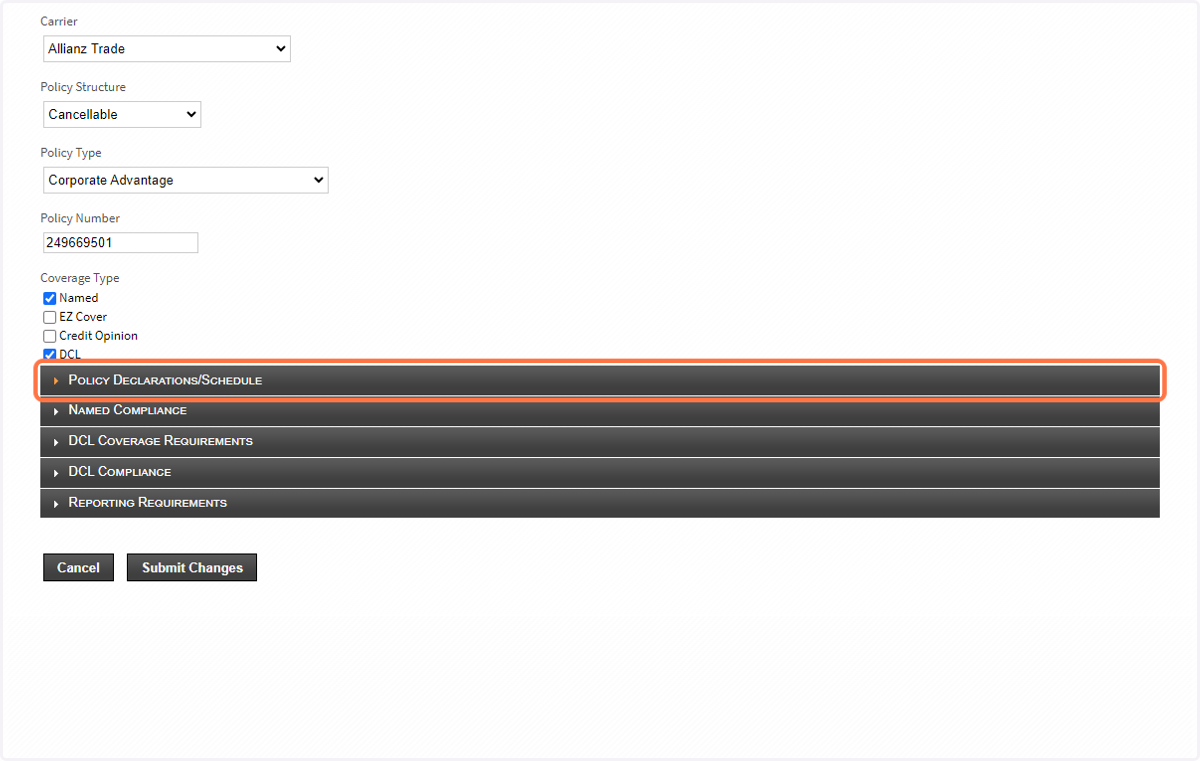
5. Click on Policy Declarations/Schedule dropdown
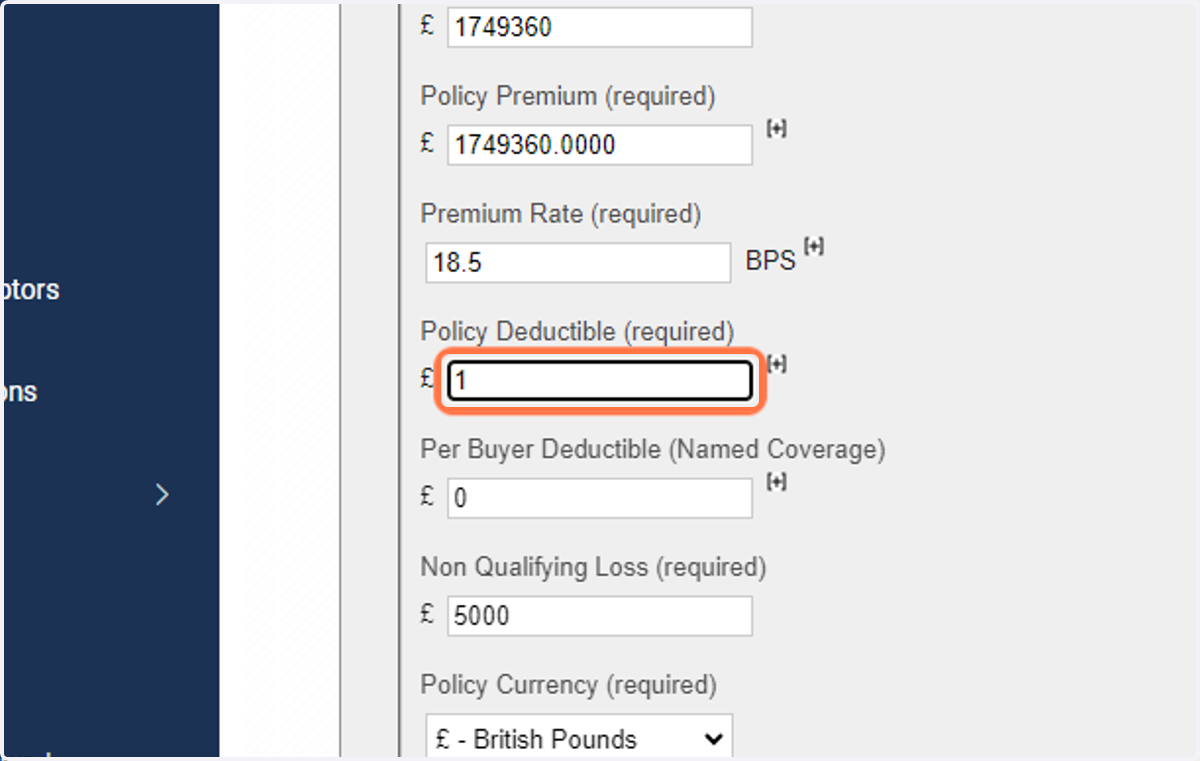
6. Select a field you want to edit and modify the data
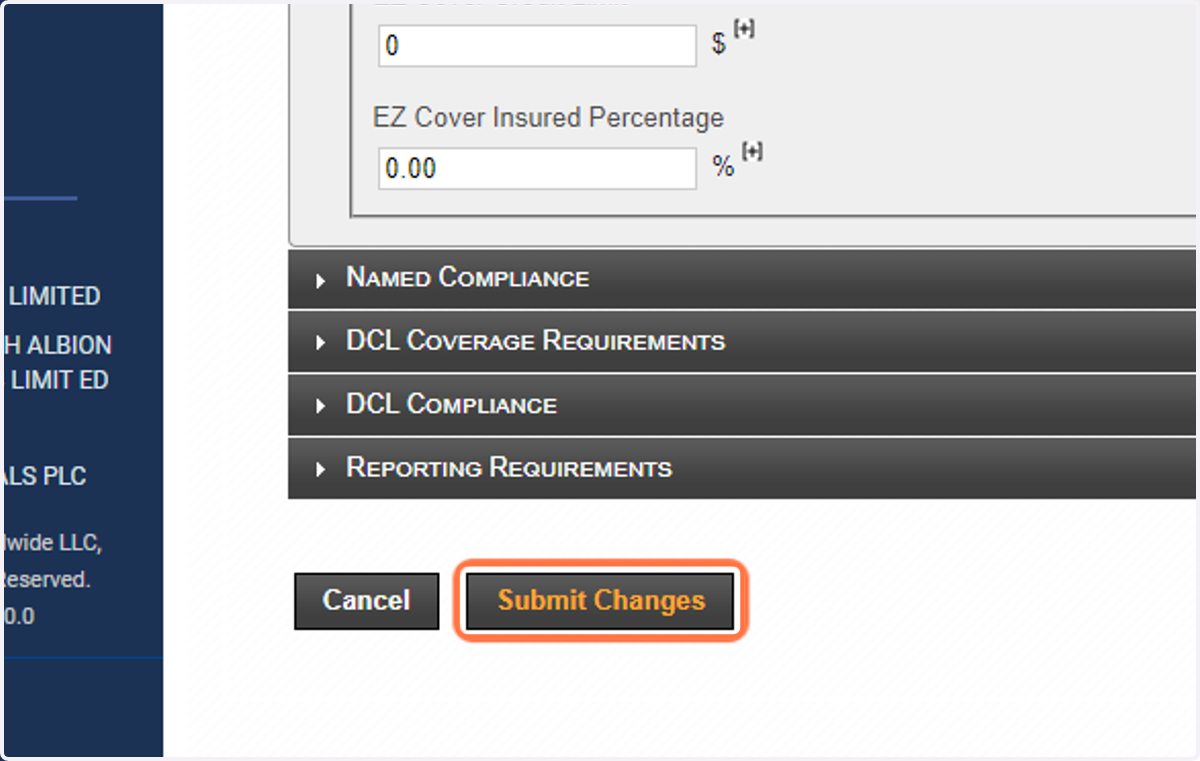
7. Scroll to the bottom of the page and click Submit Changes
8. Close out the screen and open the Policy Info tab, then Click on Declarations/Schedule
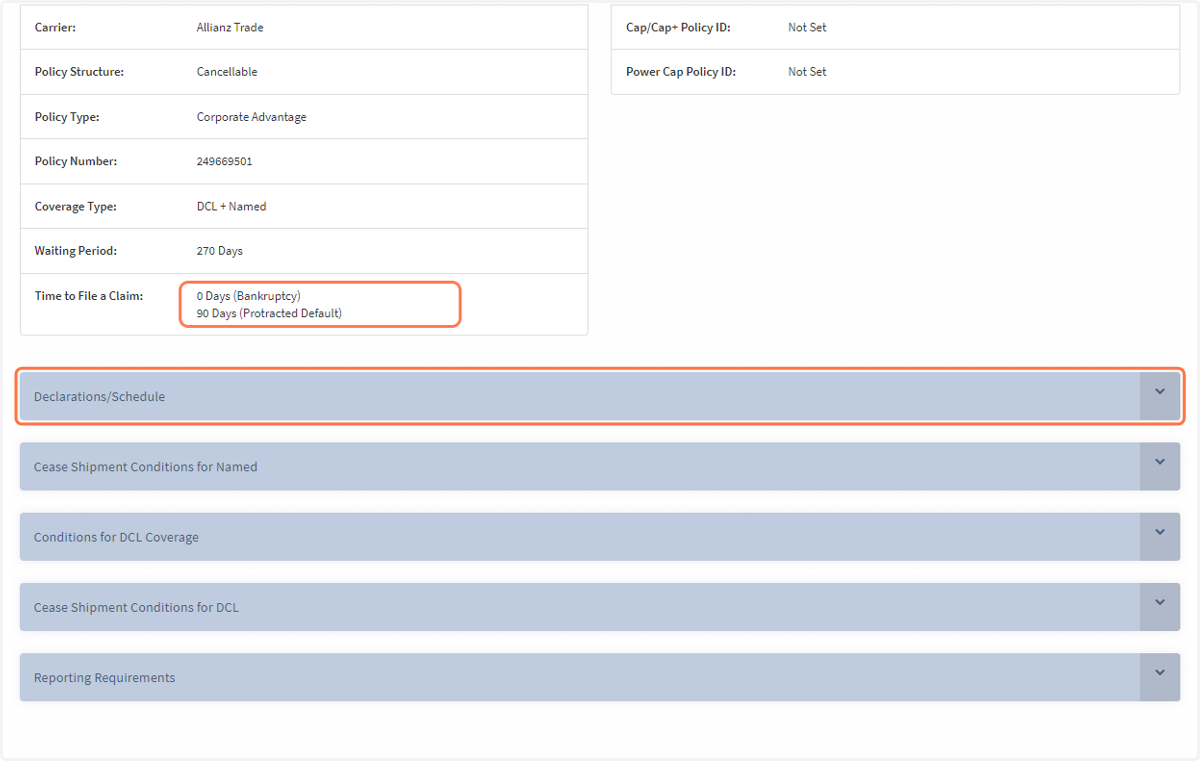
9. View your changed item