Navigating Online Fee Payment and Account Creation Process
Sign In
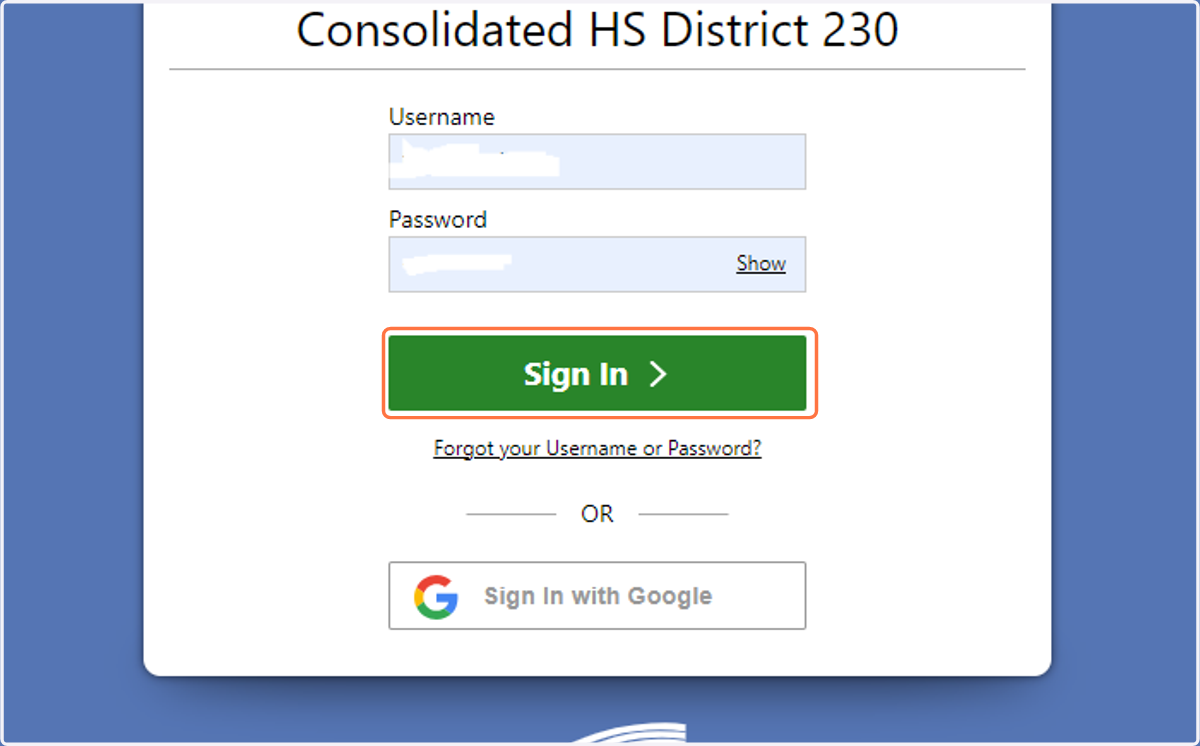
1. Go to your parent Skyward account. Click on Sign In
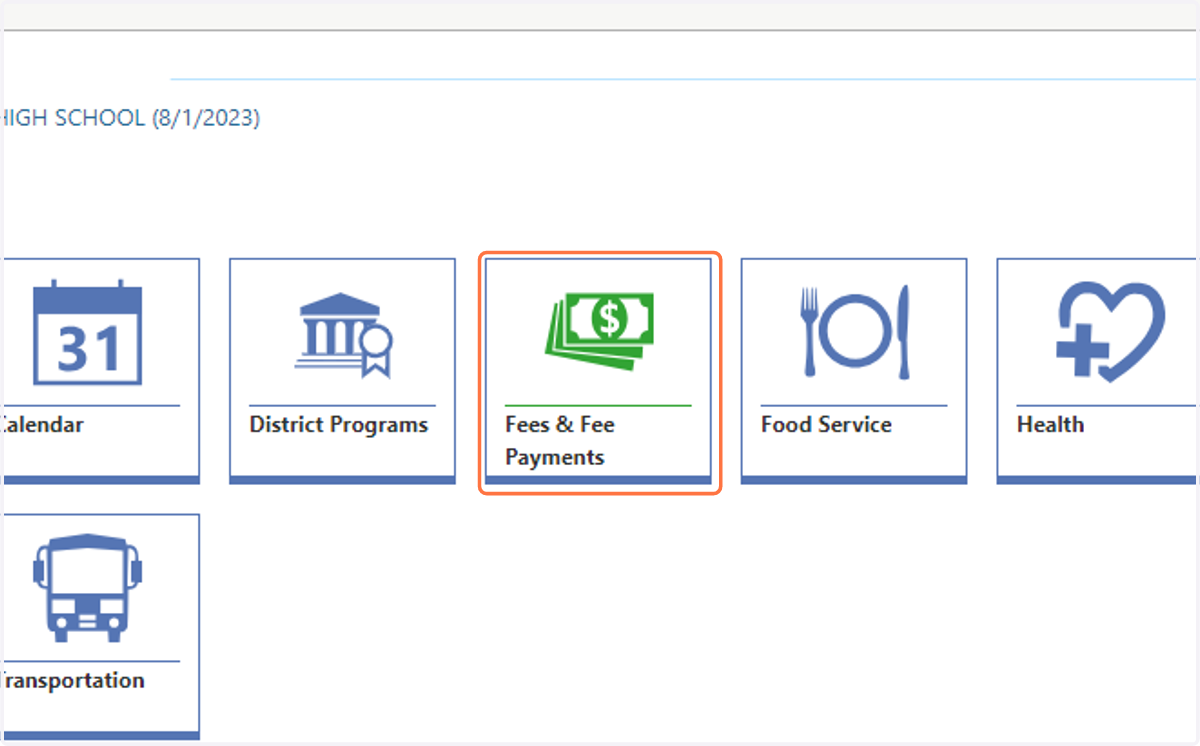
2. Click on Fees & Fee Payments
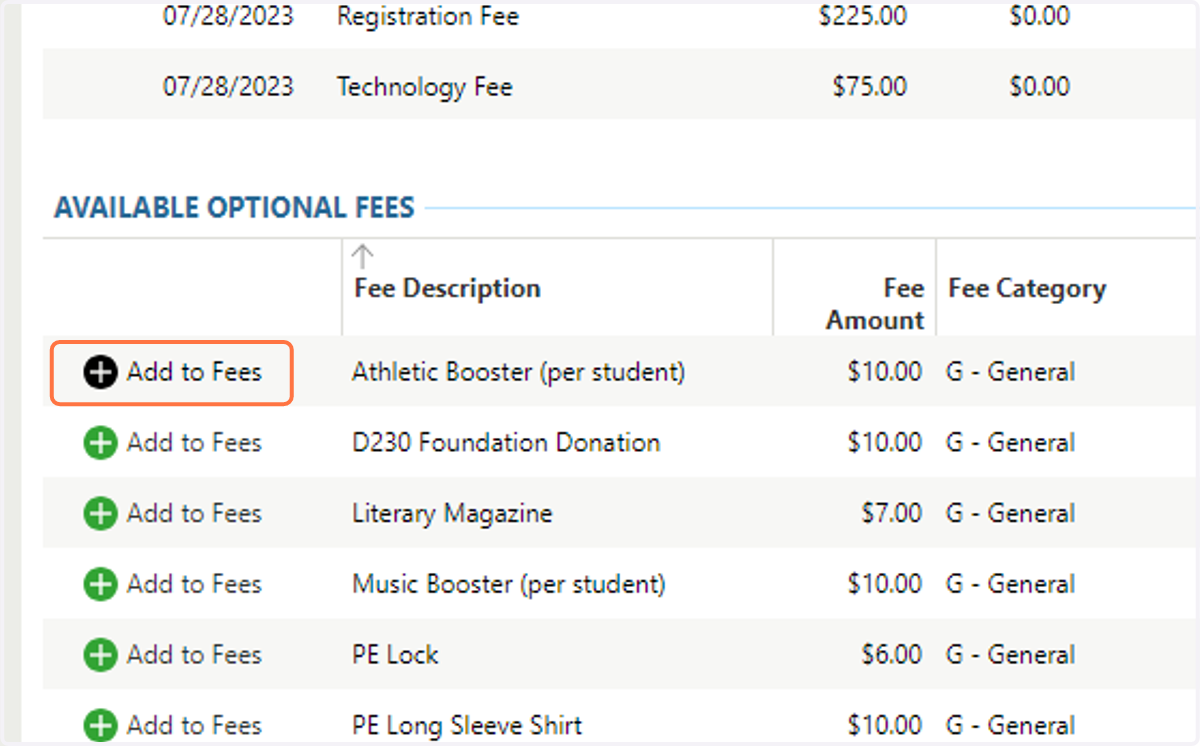
3. Add Booster Fee
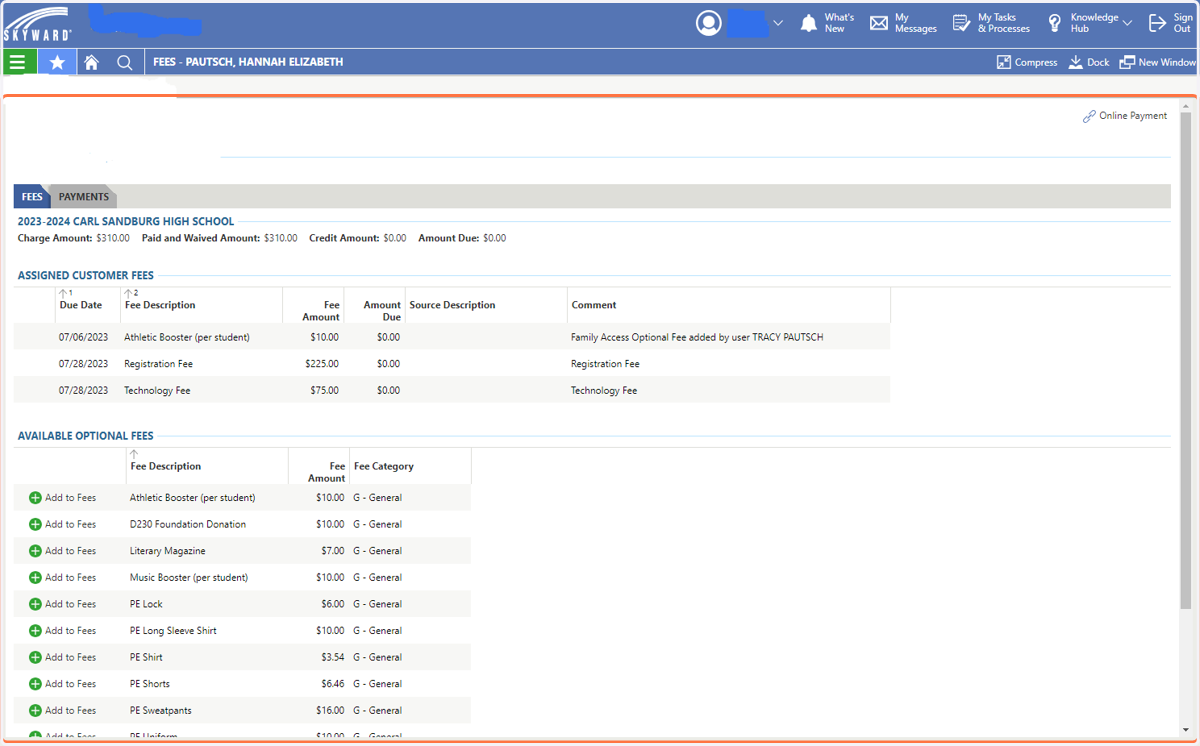
4. Click on Add to Fees
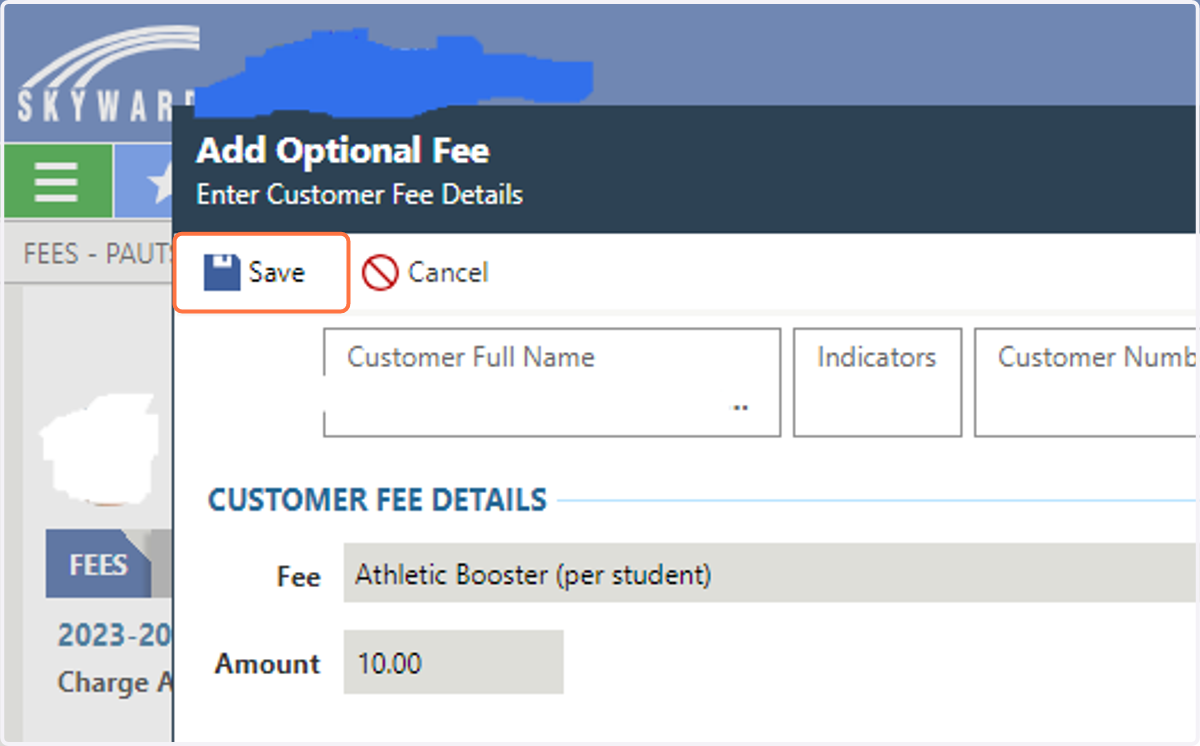
5. Click on Save
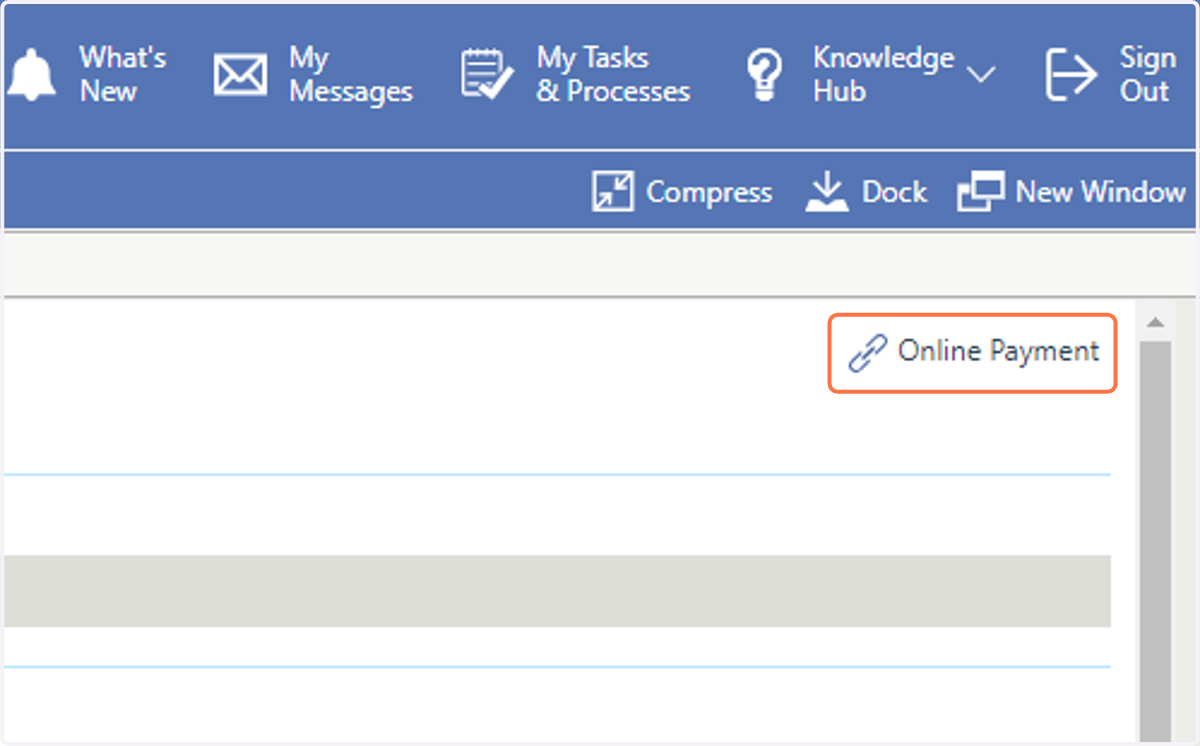
6. Click on Online Payment in the upper right corner.
Food & Fees | CHSD 230
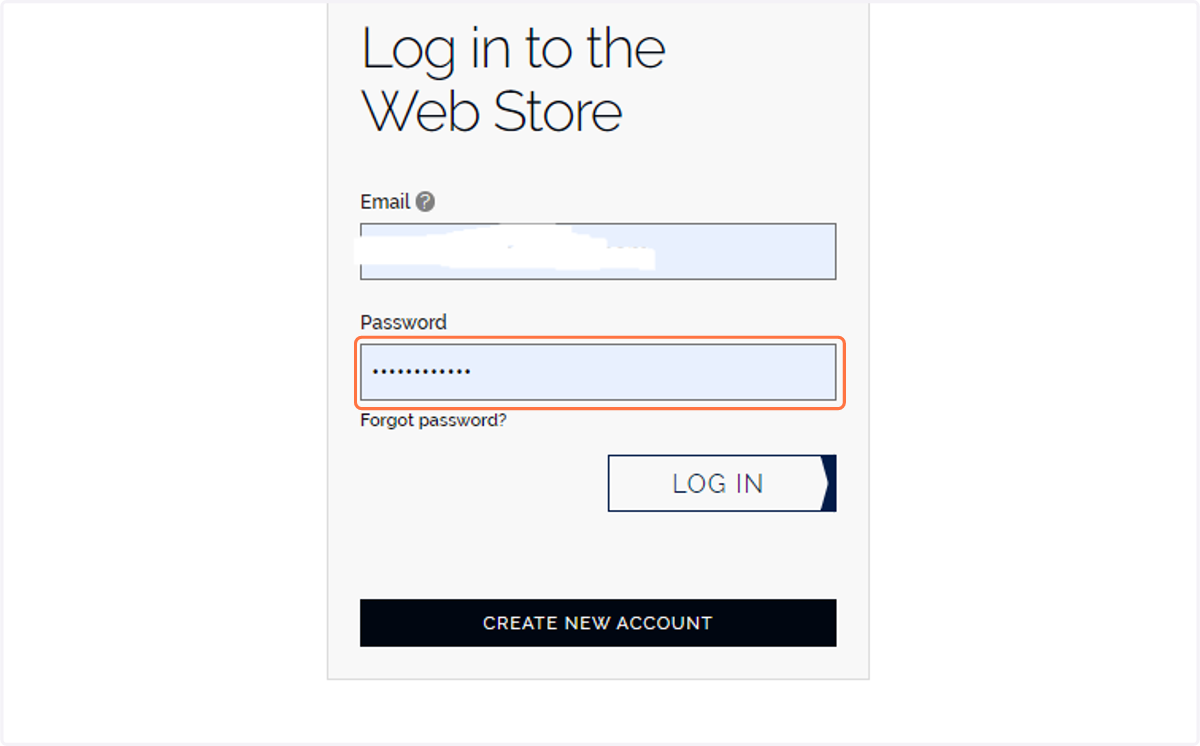
7. Log into the Rev Track Account
8. You can now see the fee on your account and continue to checkout.
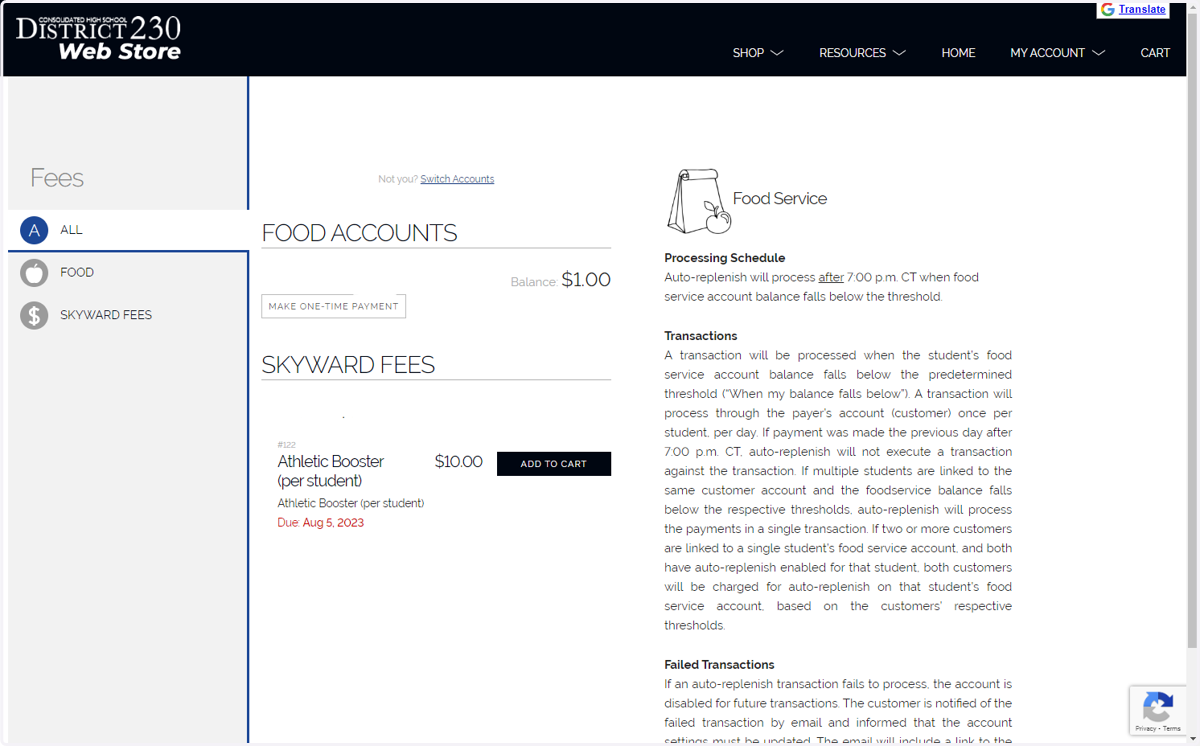
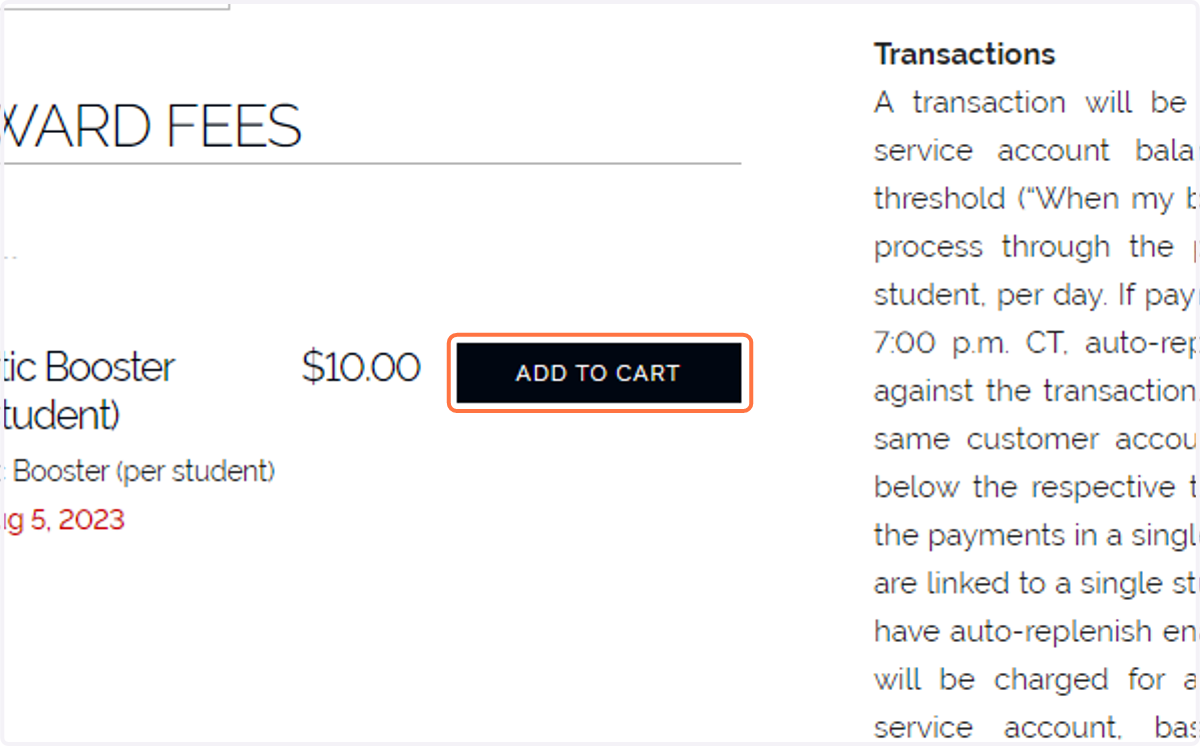
9. Click on ADD TO CART
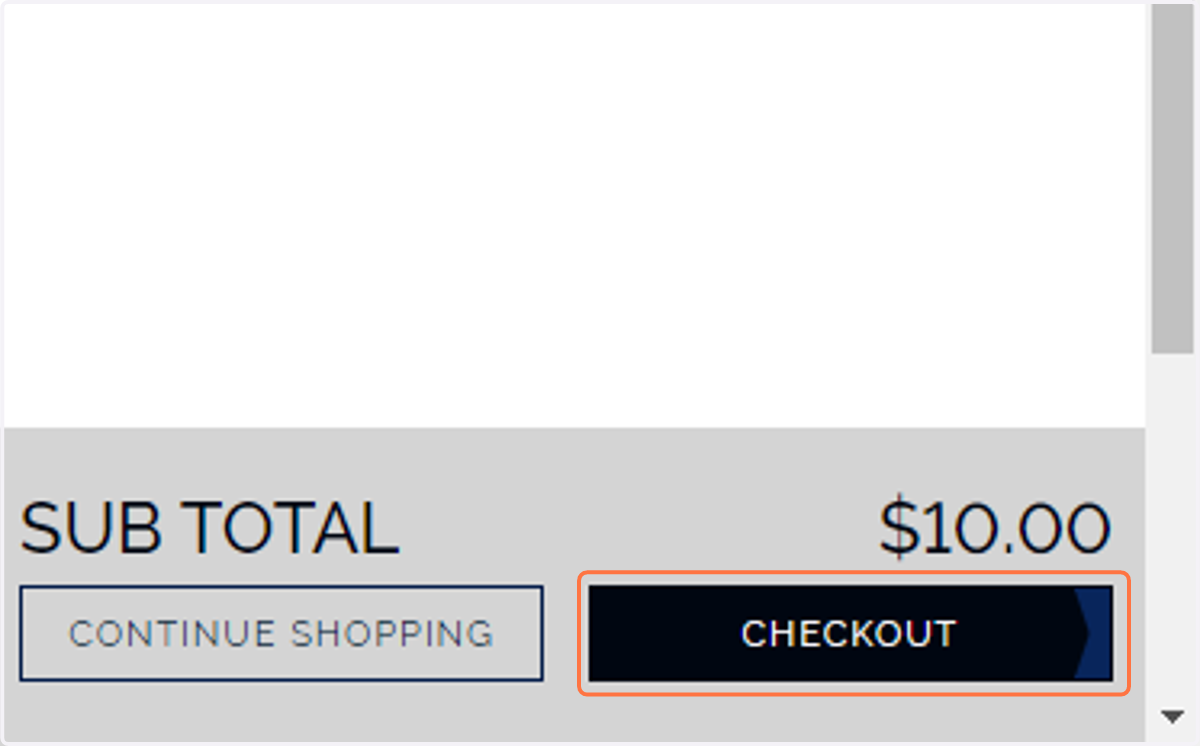
10. Click on CHECKOUT