(Student) Learning Objectives
Exxat - Dashboard
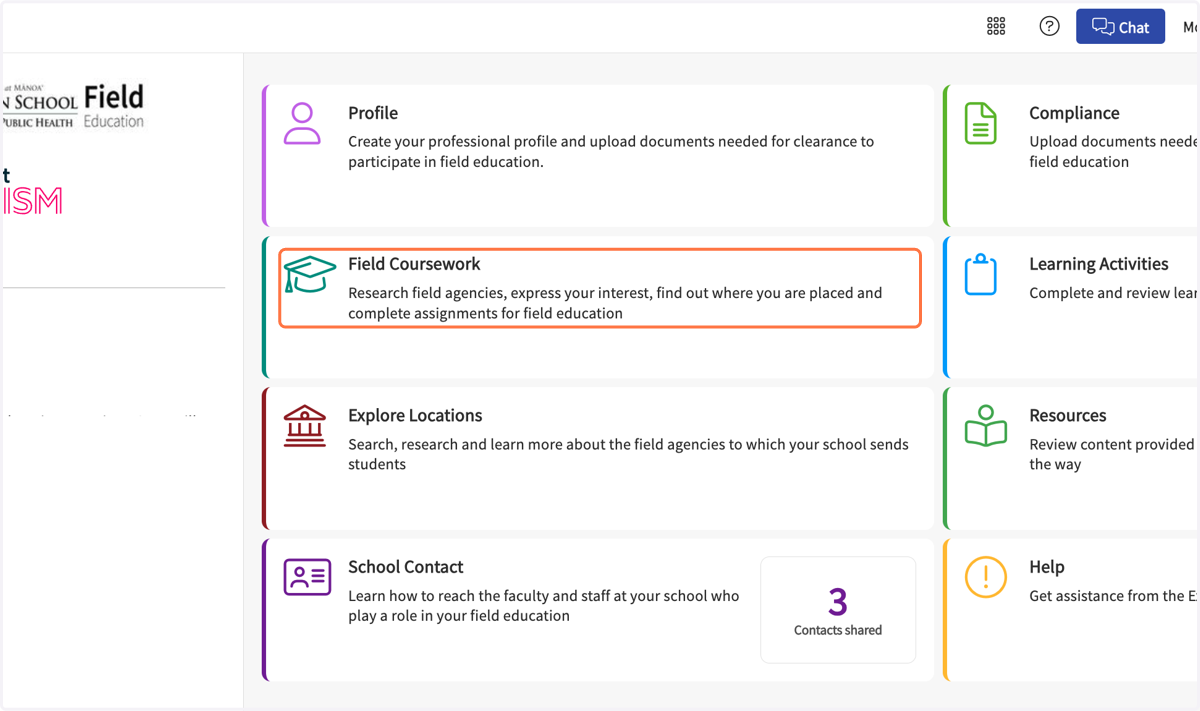
1. Click on Field Coursework…
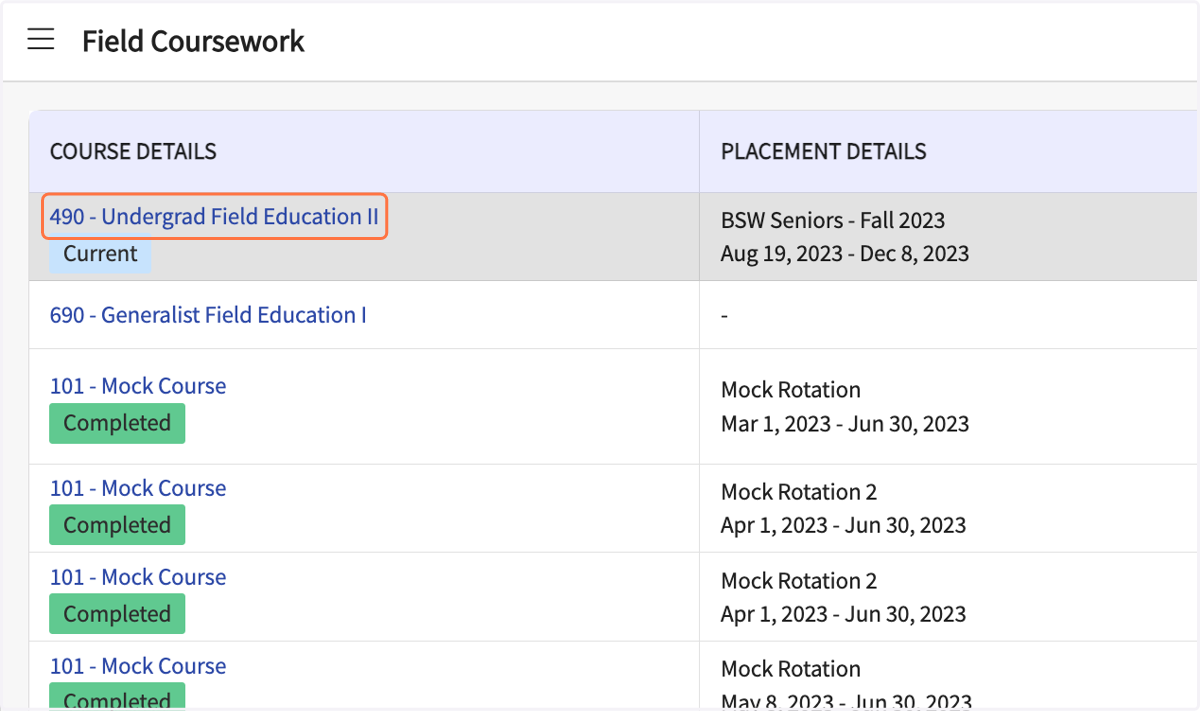
2. Click on your Field Education course
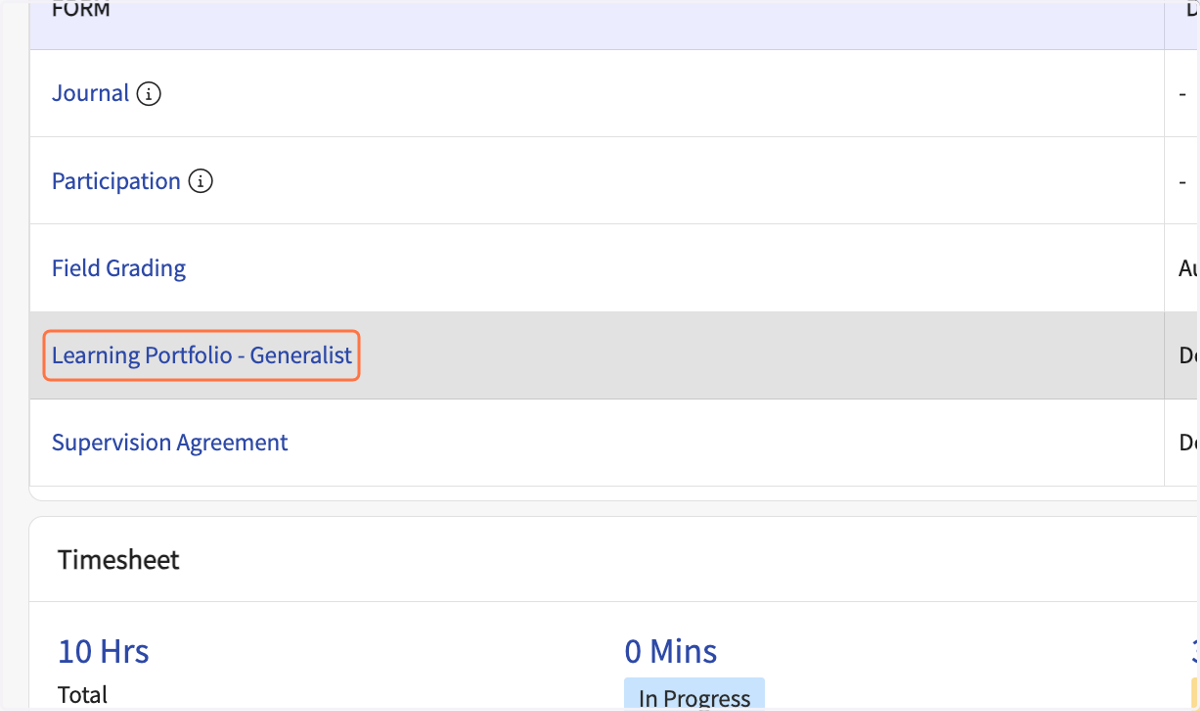
3. Click on Learning Portfolio
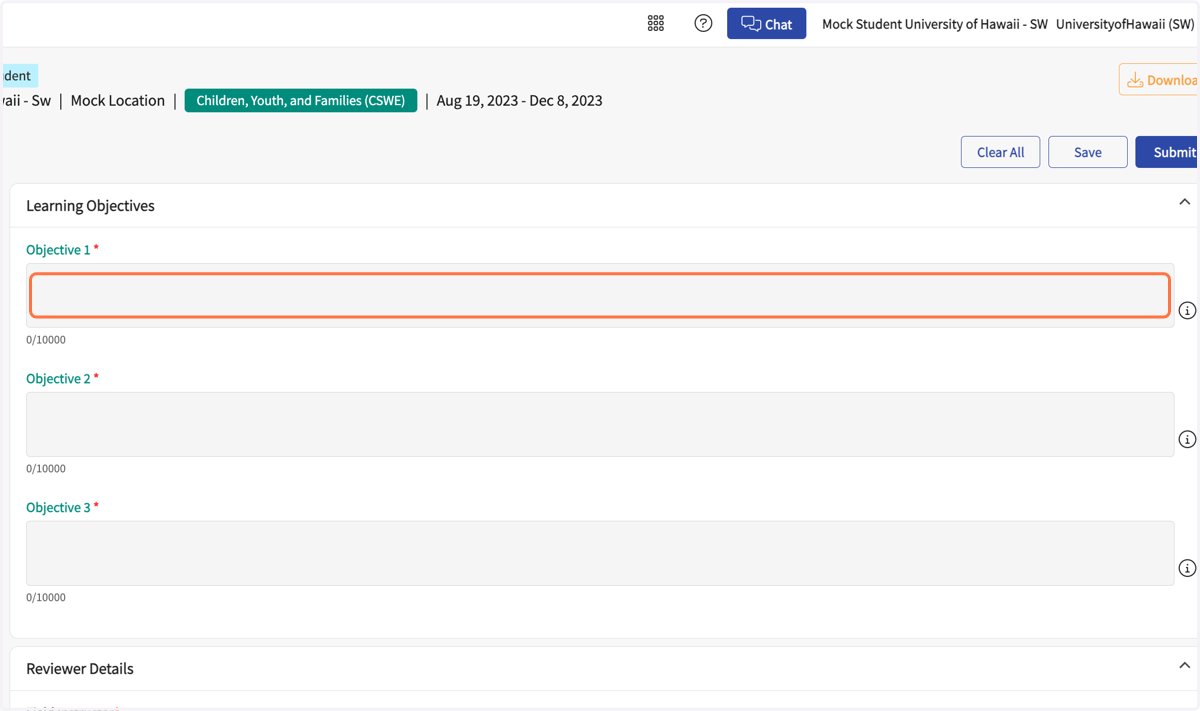
4. Enter three Learning Objectives for this semester.
Make them SMARTS!
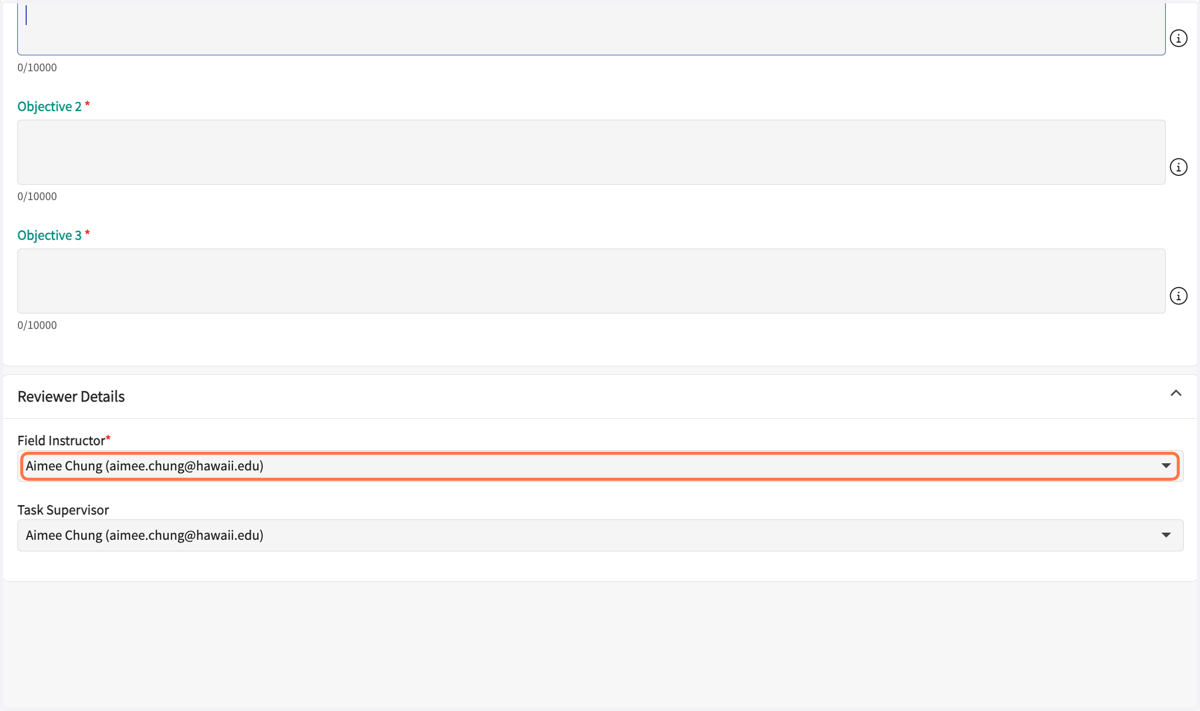
5. Select your Field Instructor.
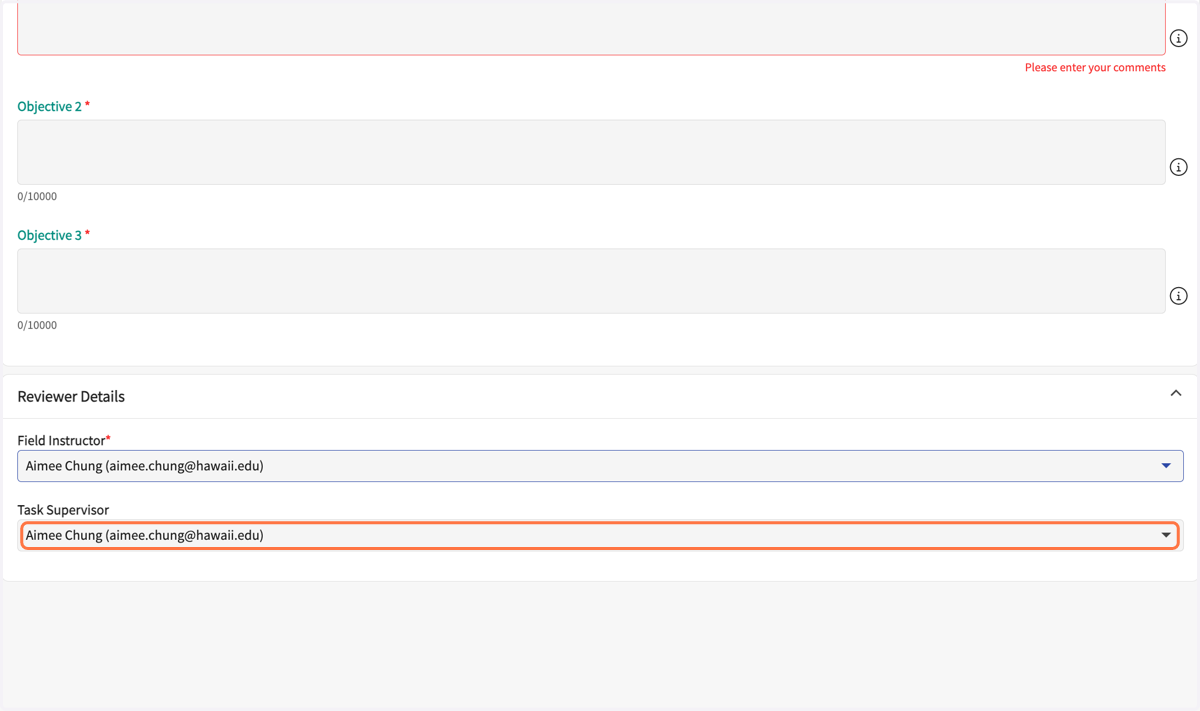
6. Select your Site Supervisor (if applicable).
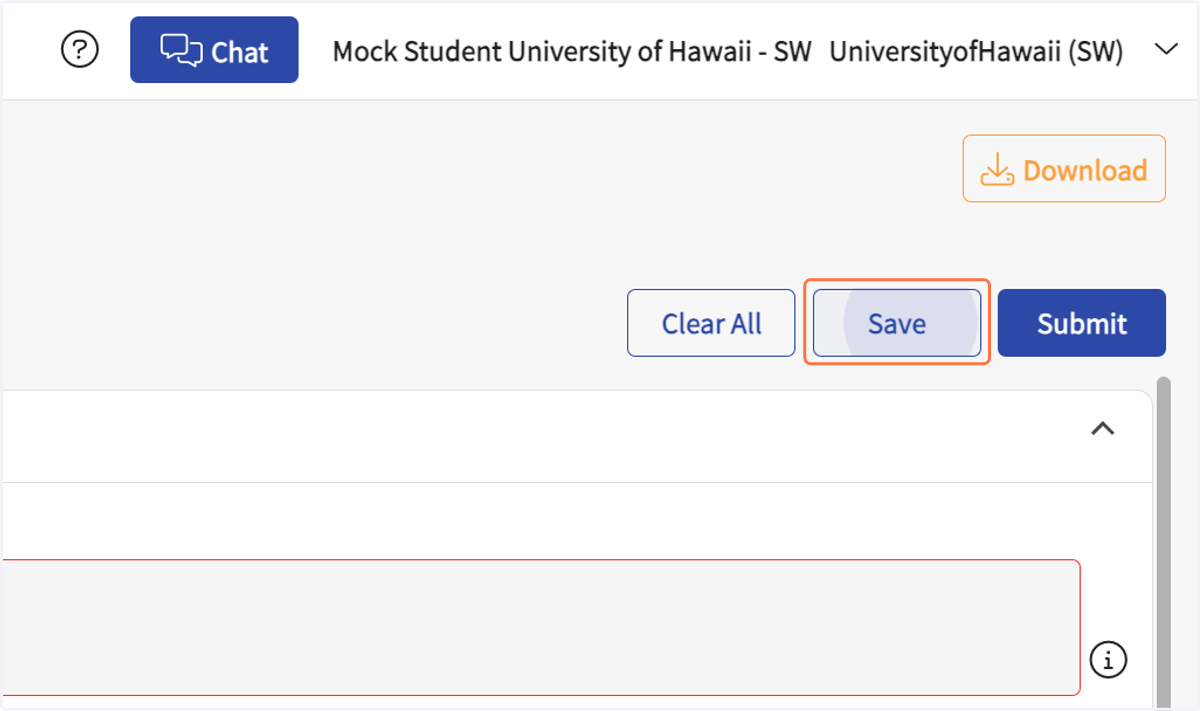
7. Click on Save
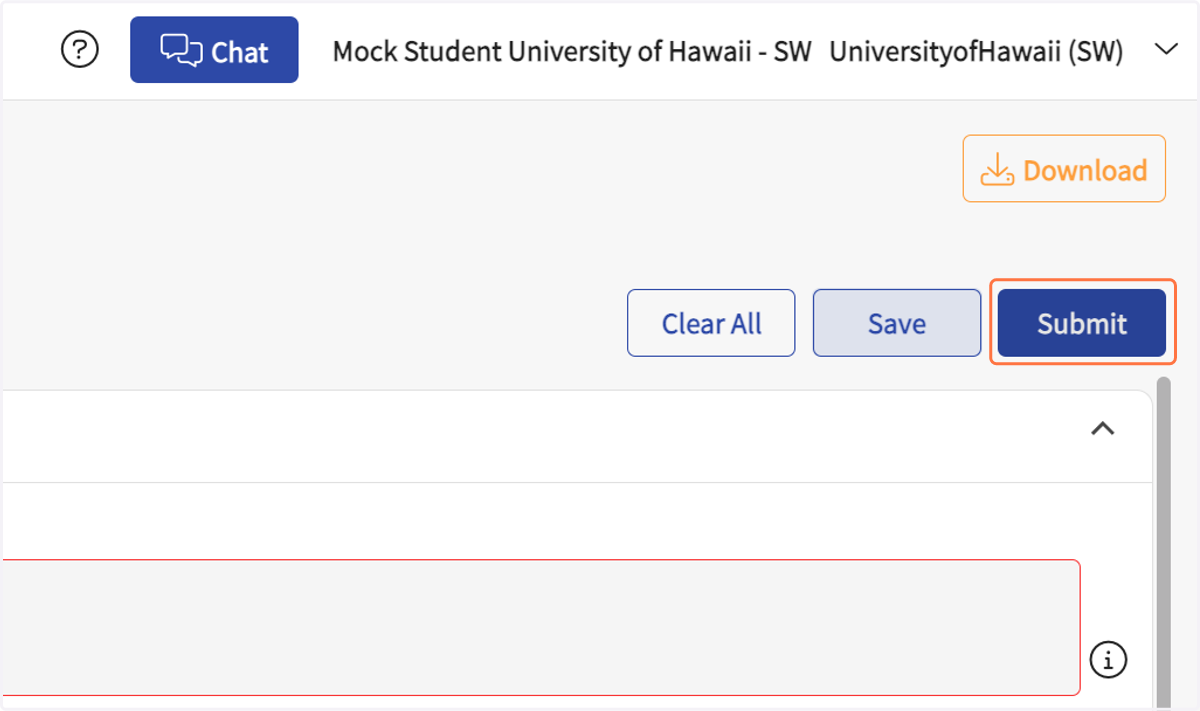
8. Click on Submit
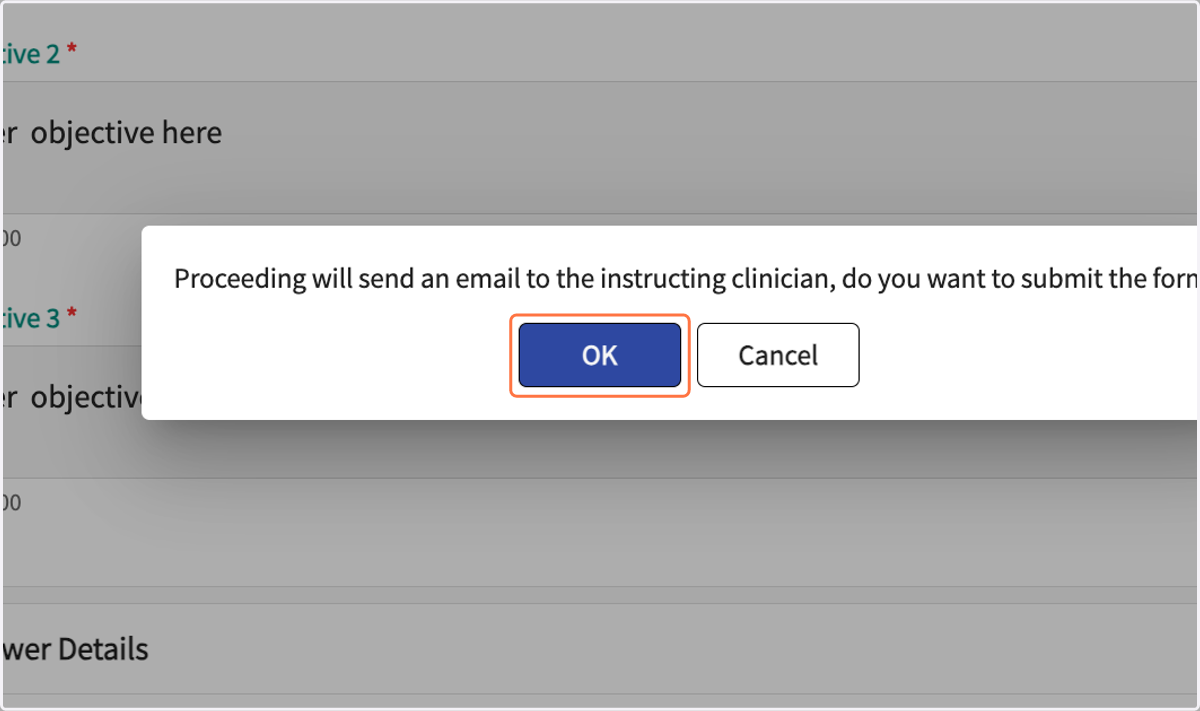
9. Click on OK
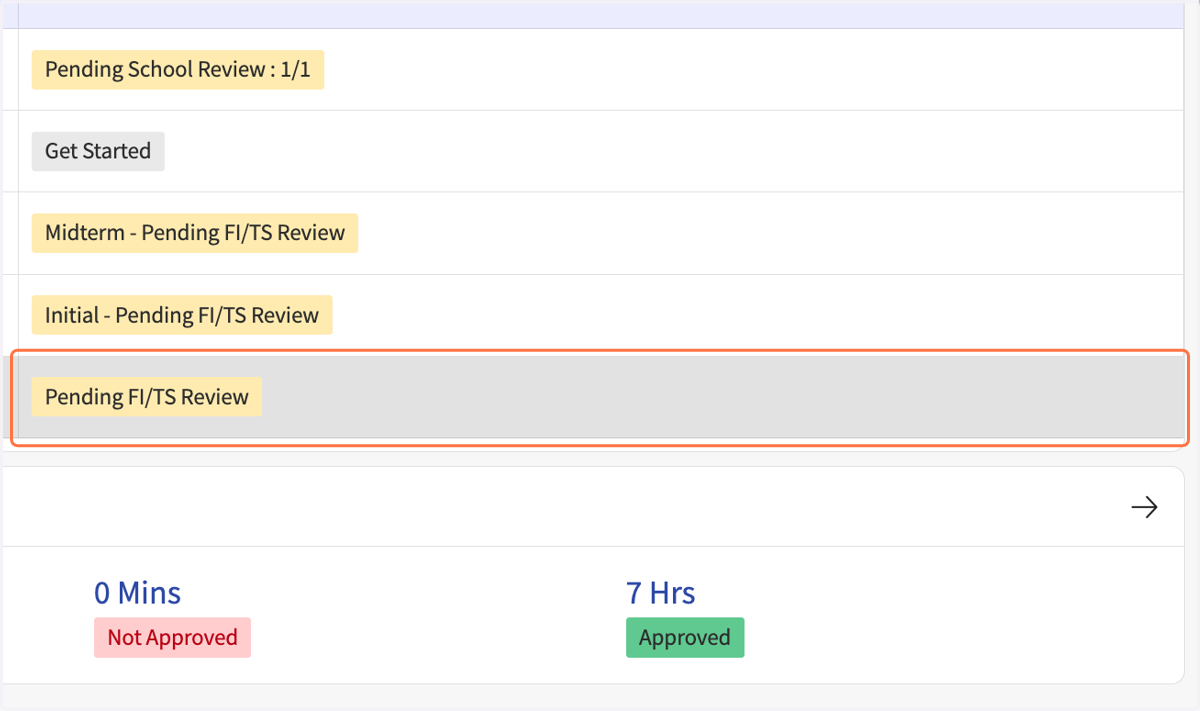
10. The Coursework Form list should show it as Pending FI/TS Review