(Student) Journal Entries
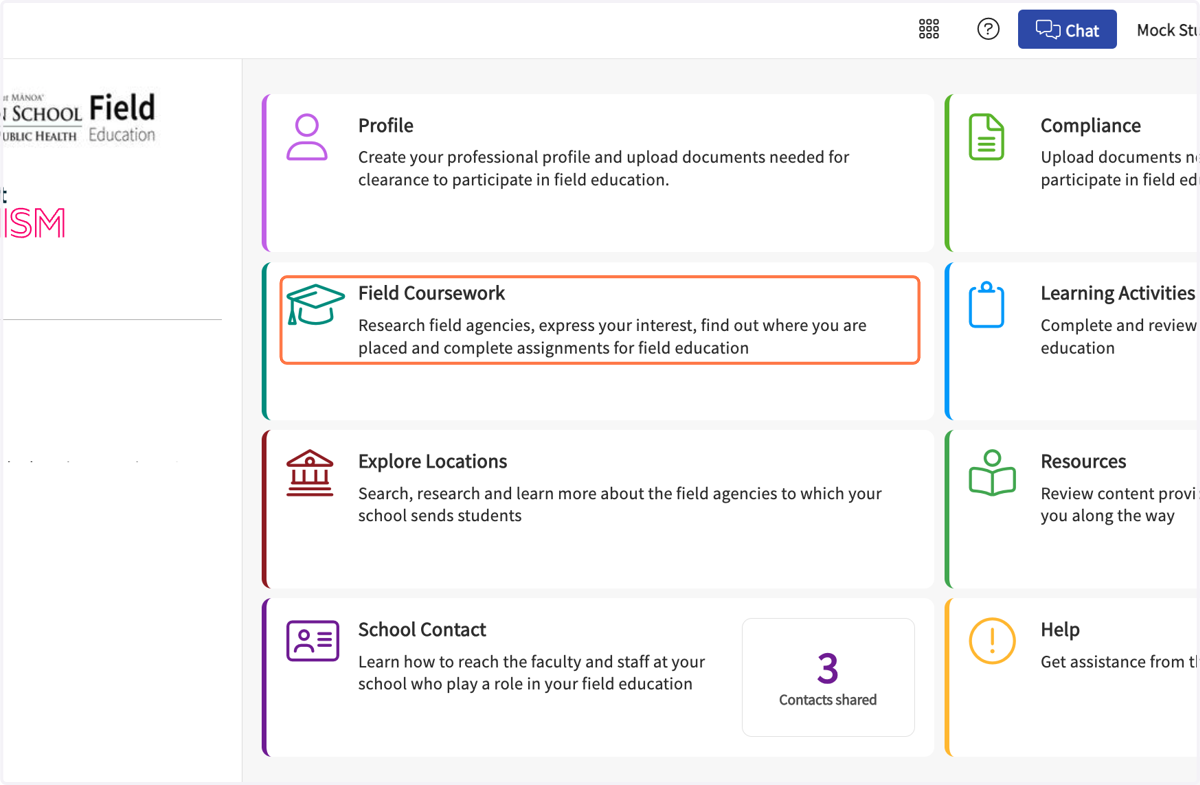
1. Click on Field Coursework…
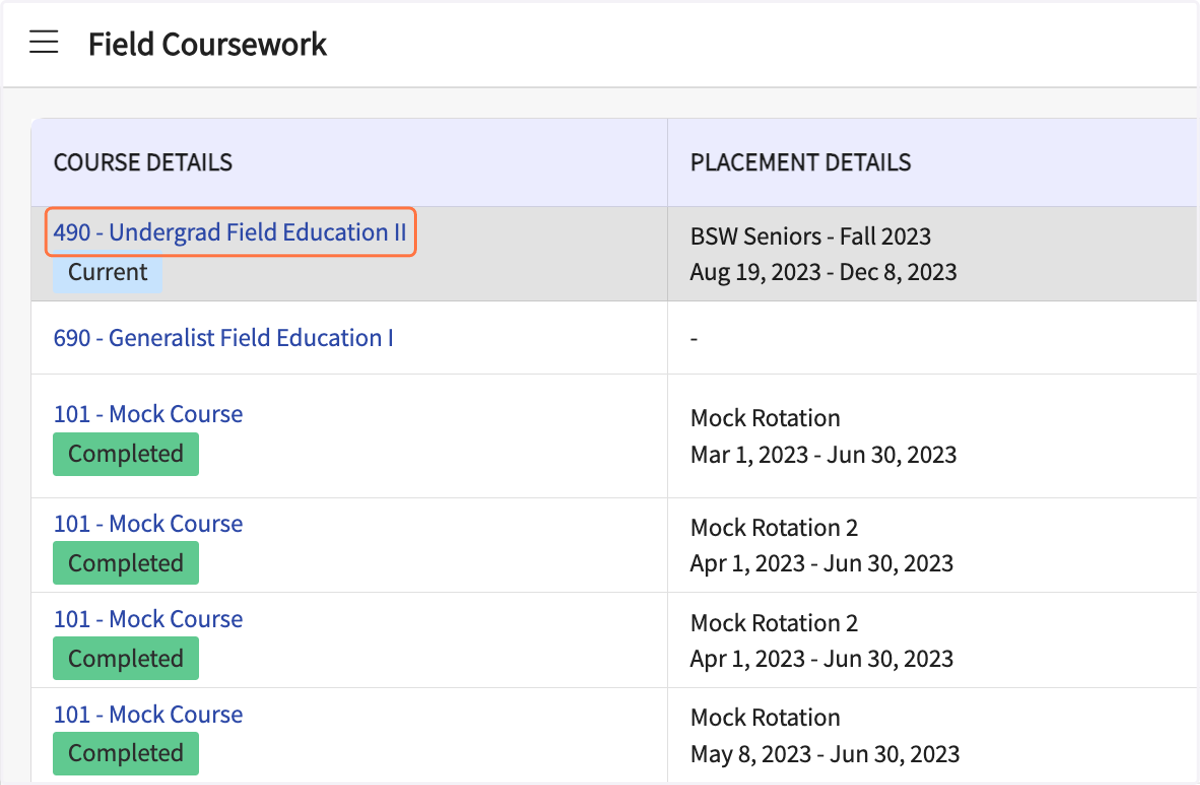
2. Click on your course name (or on "Details").
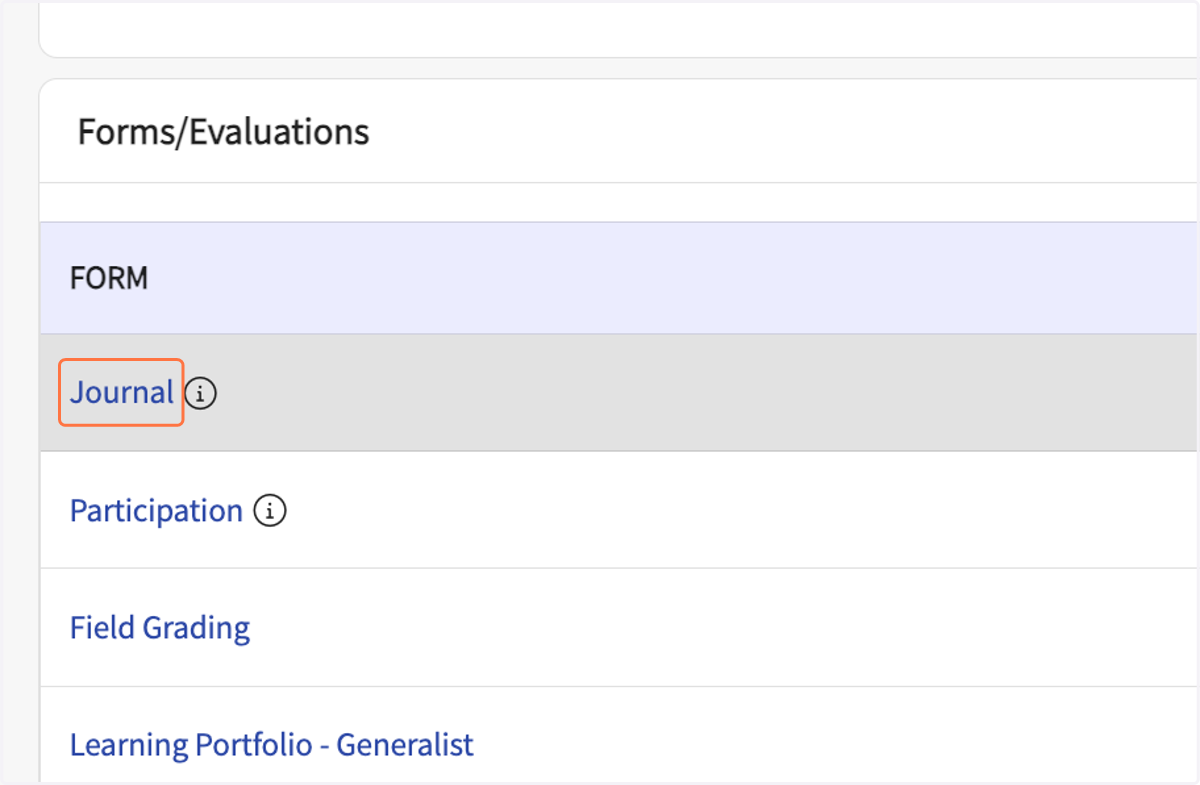
3. Click on Journal
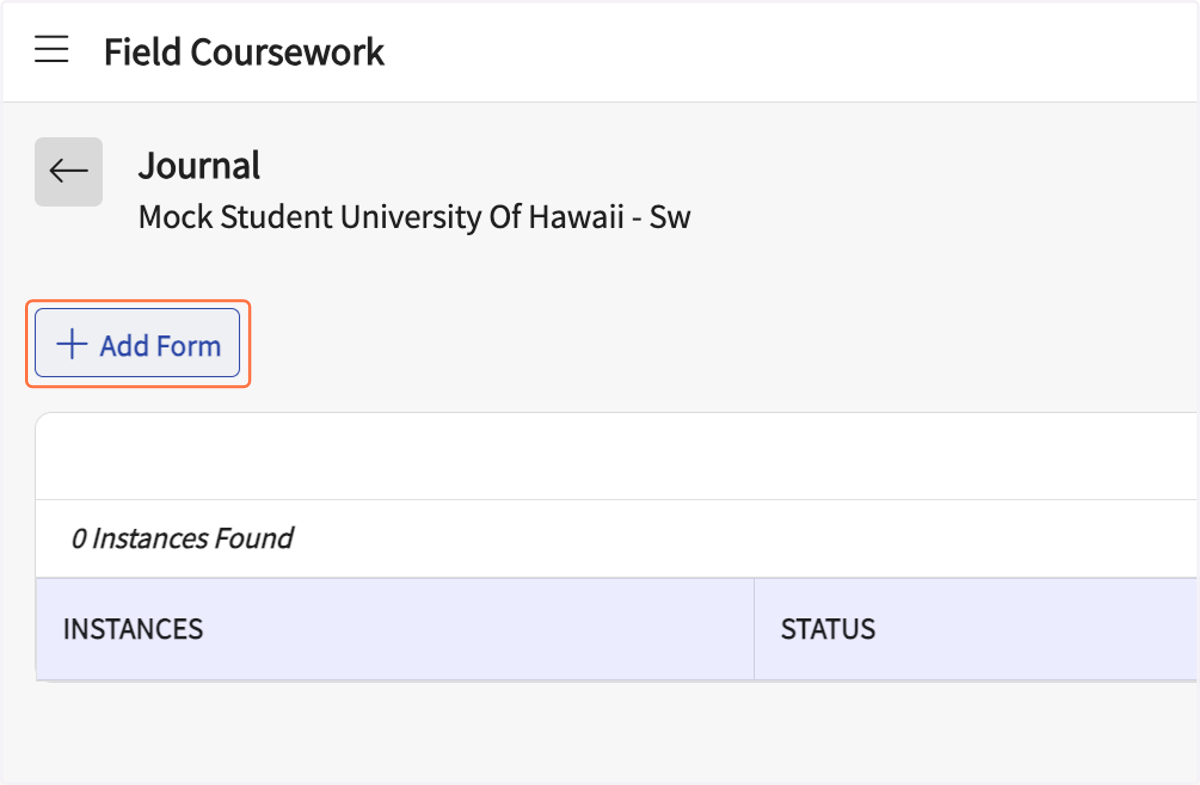
4. Click on Add Form
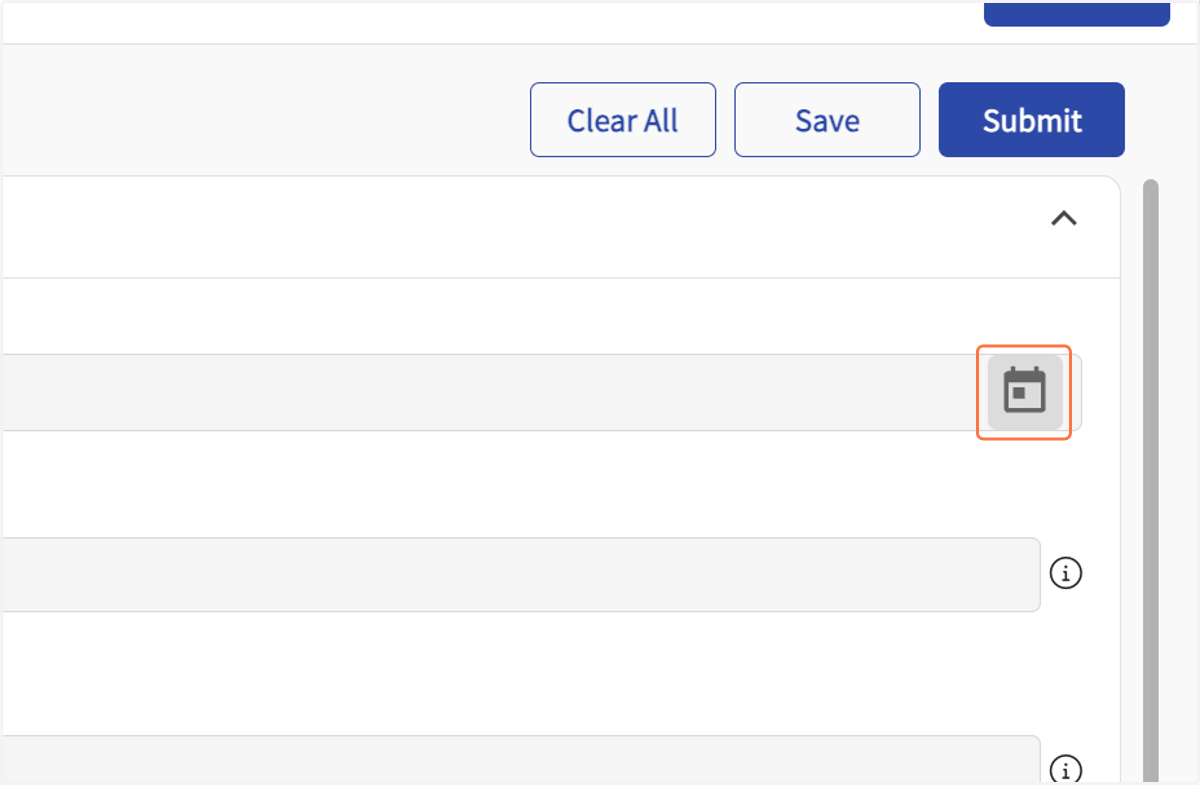
5. Click on Open calendar
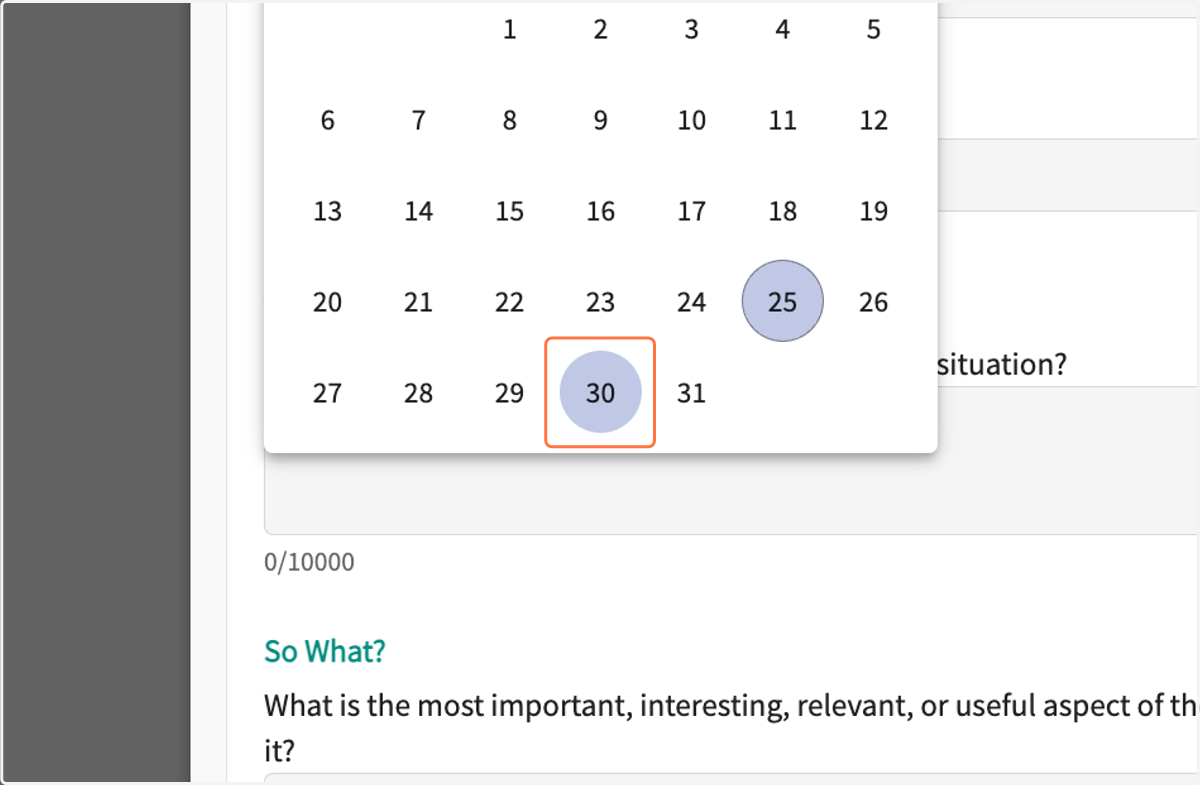
6. Click on 30
7. Type the name of your Field Coordinator (i.e. Aimee, Wendy, or Robin).
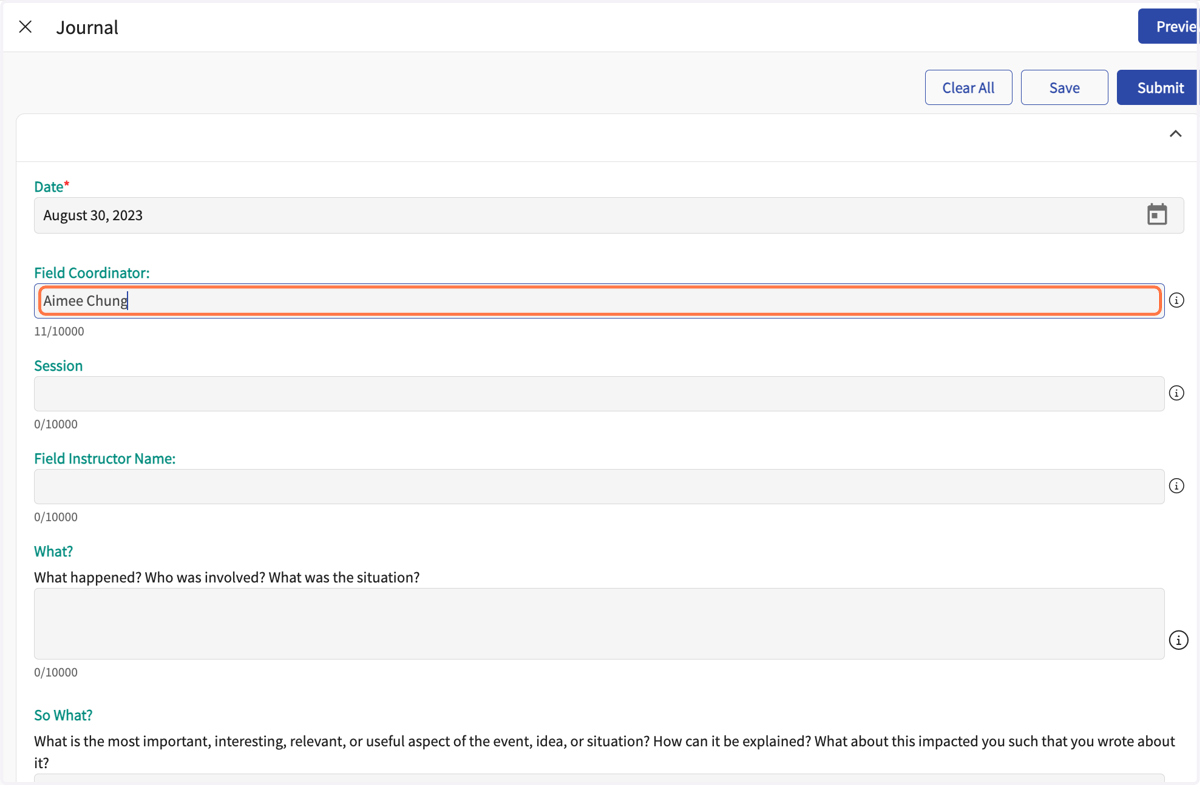
8. Click on Session
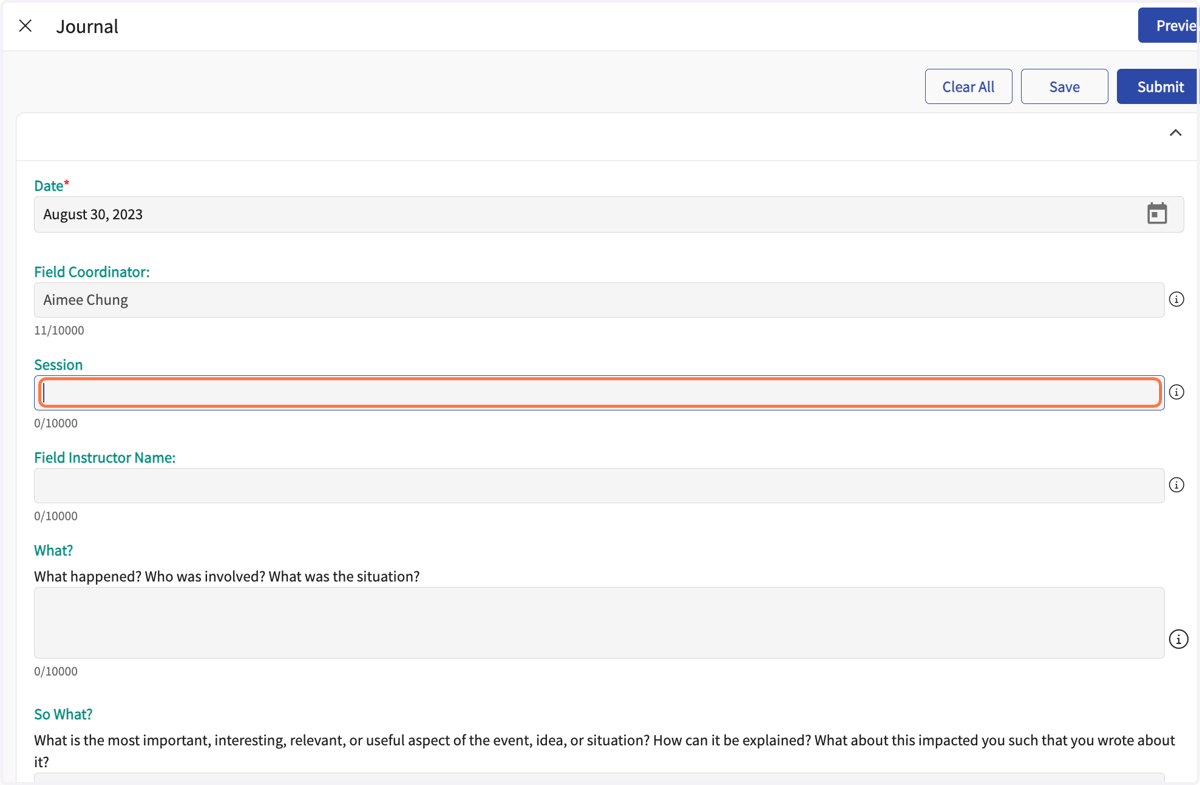
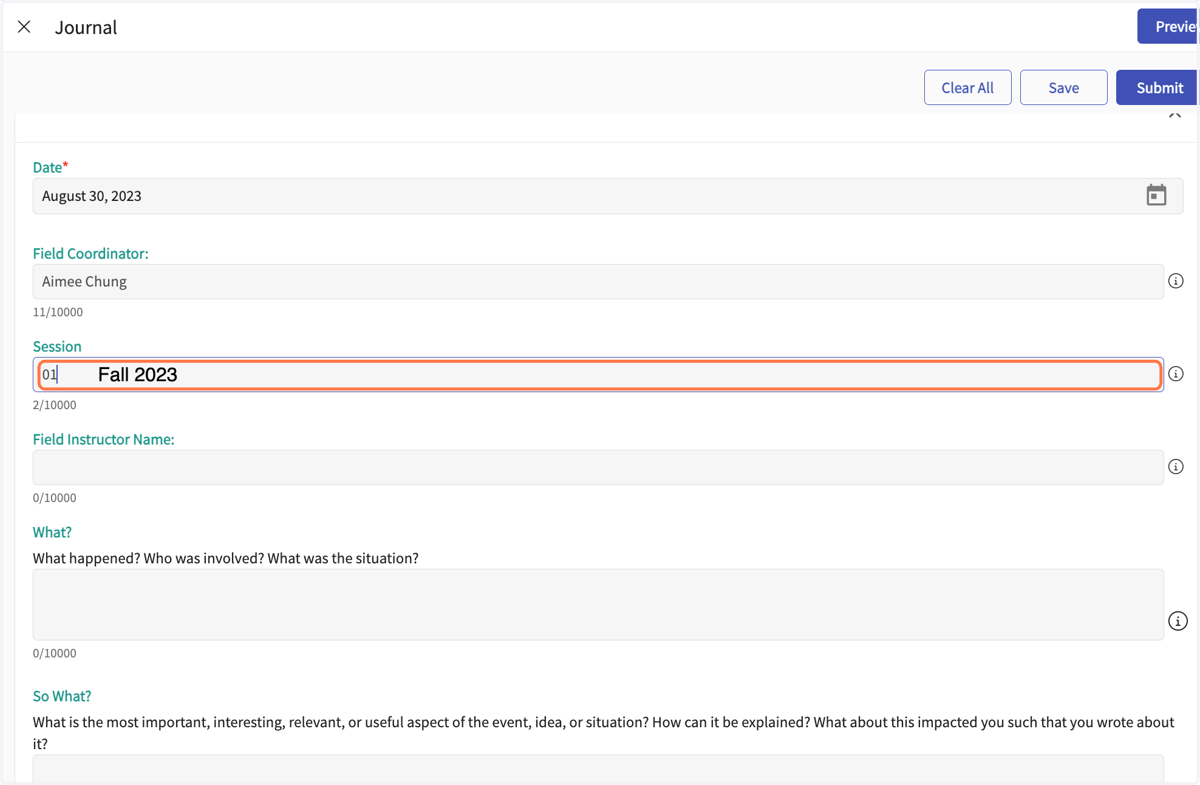
9. Enter the semester and year
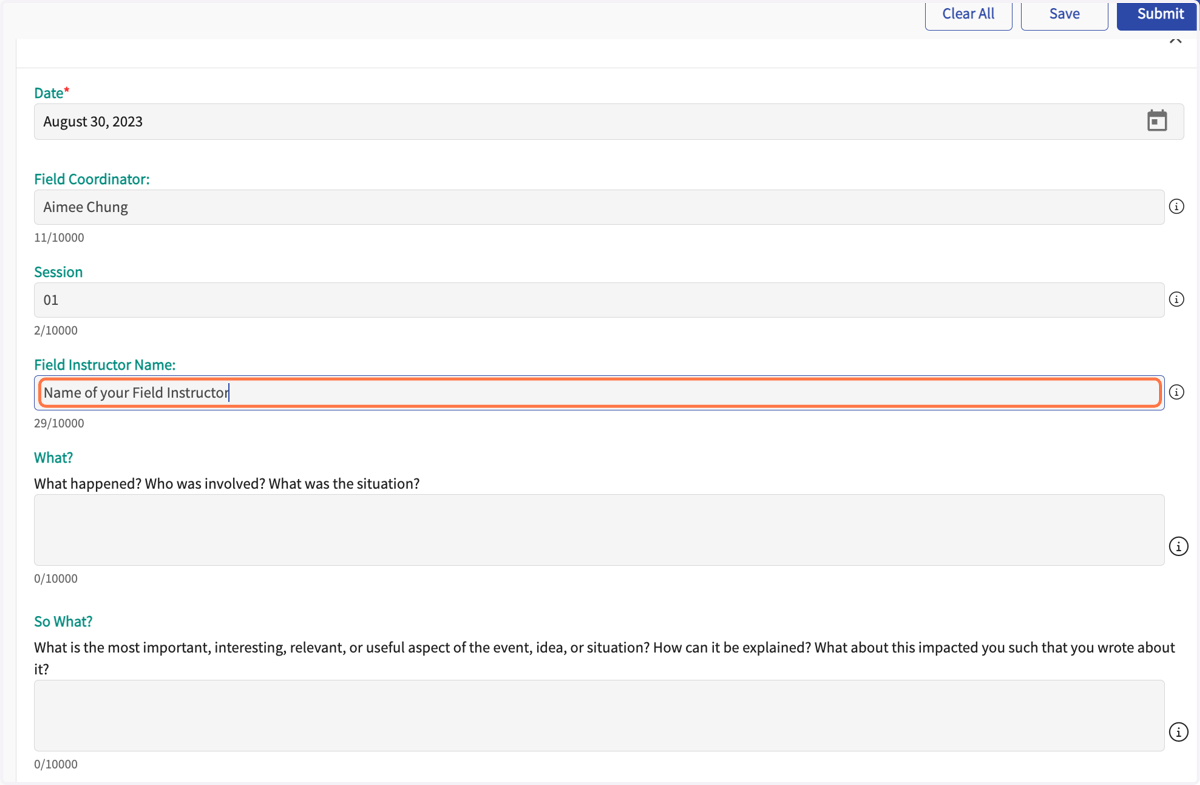
10. Type "Name of your Field Instructor"
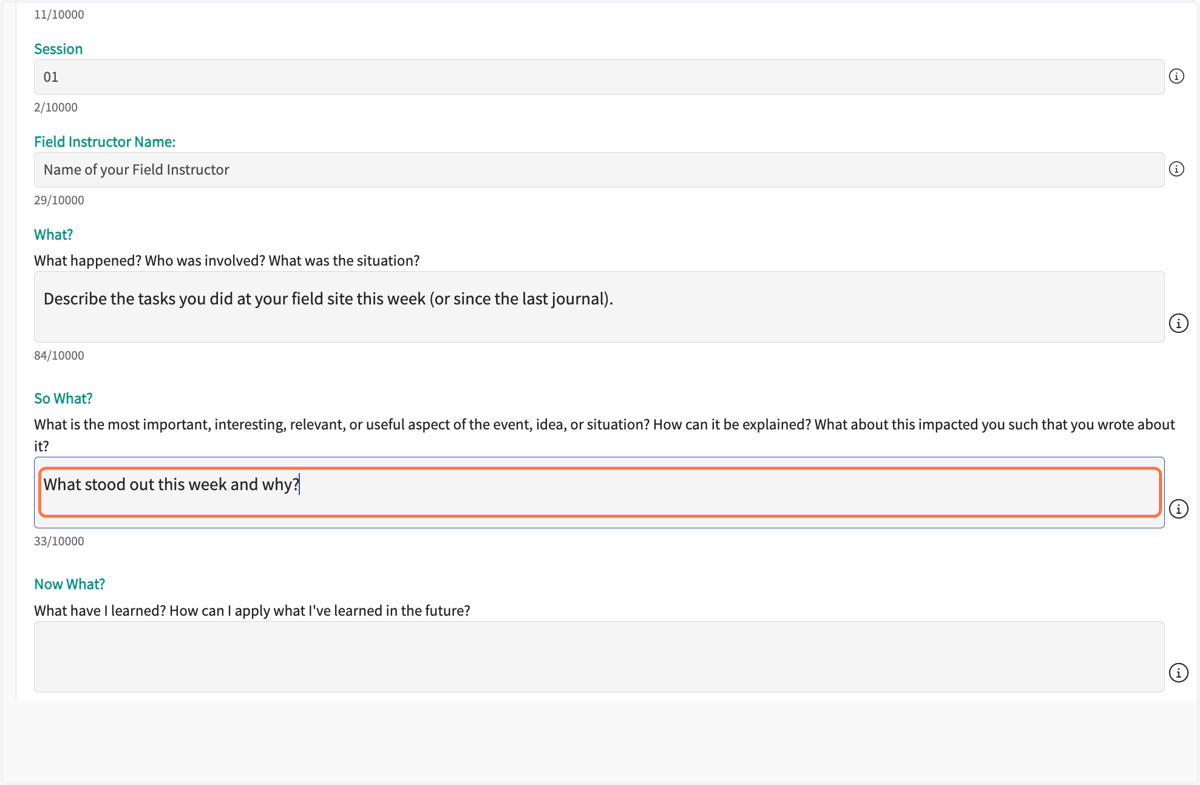
11. What? Describe what happened.
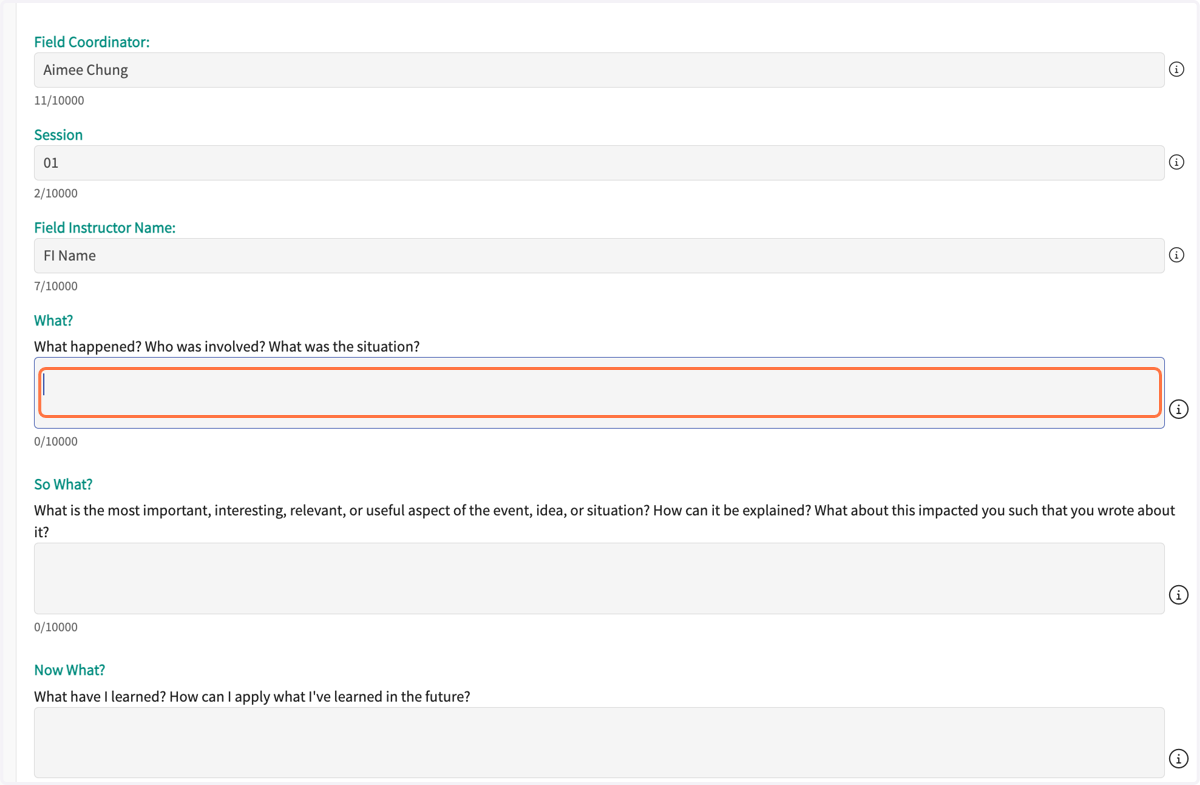
12. So what? Describe what stood out this week and why.
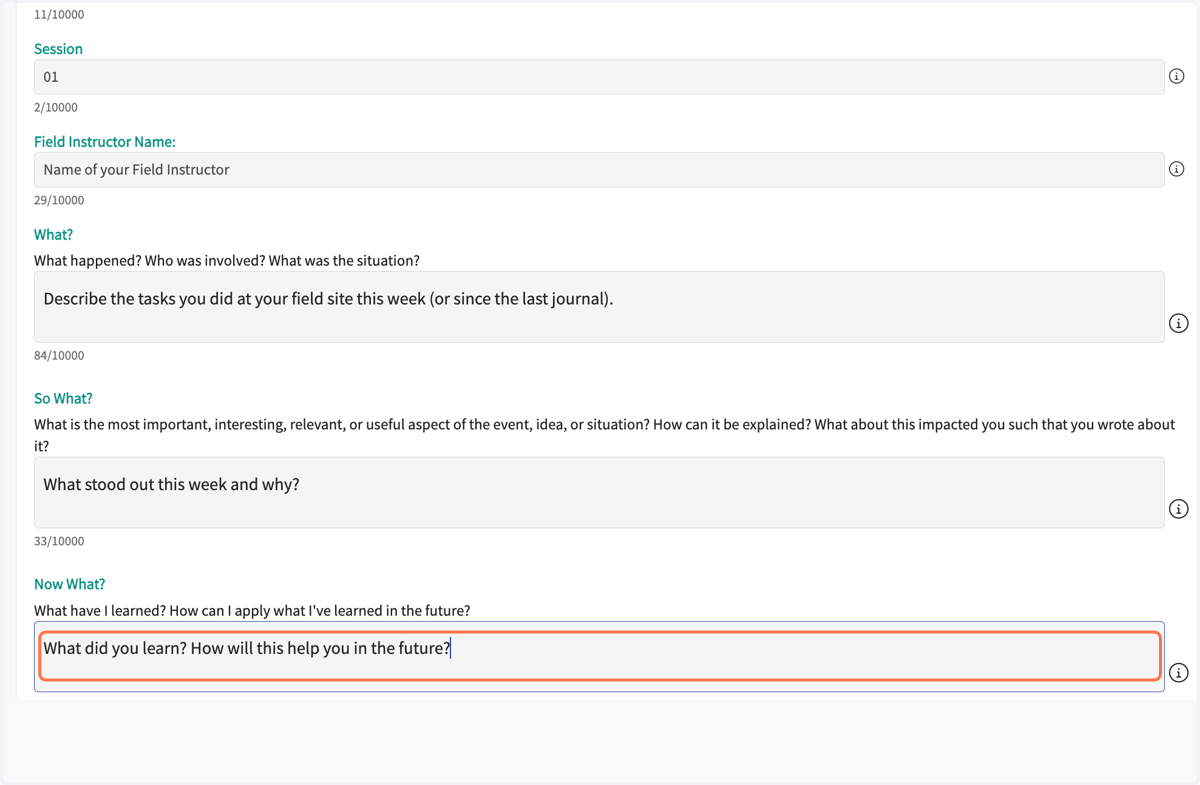
13. Now what? Describe what you learned and how this will help you in the future.
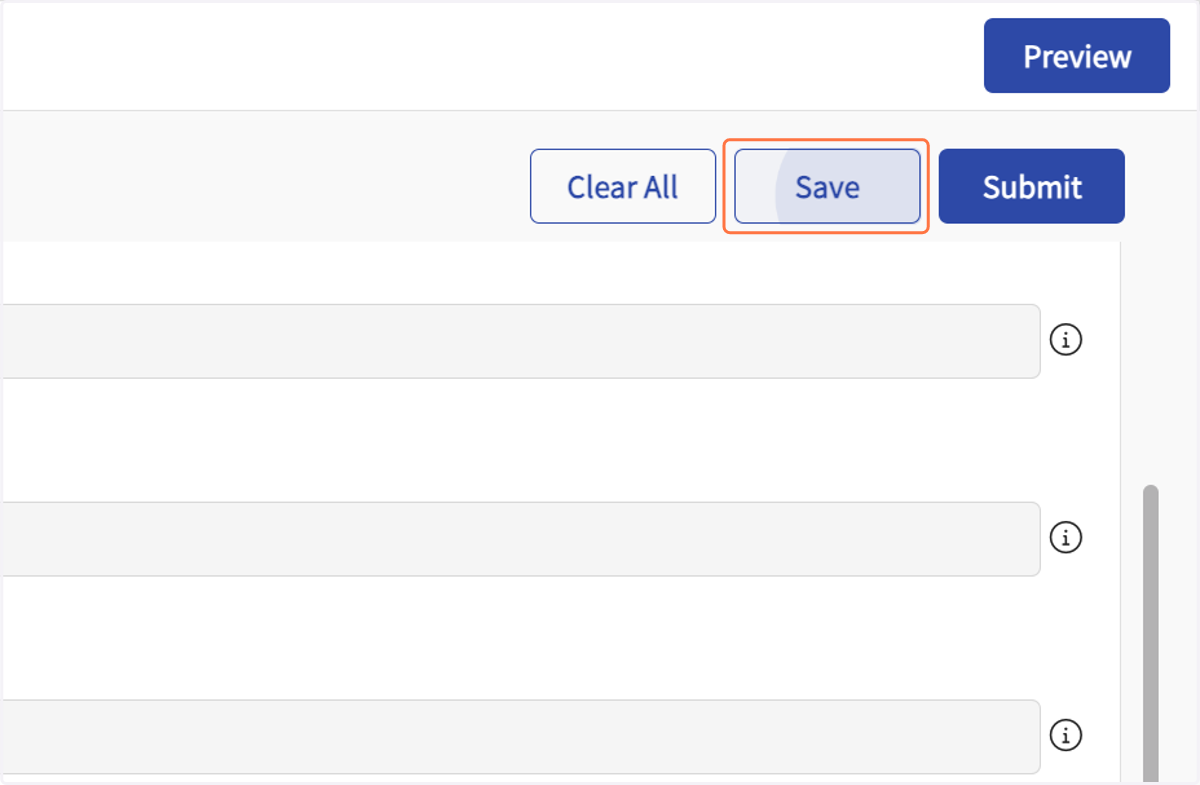
14. Click on Save.
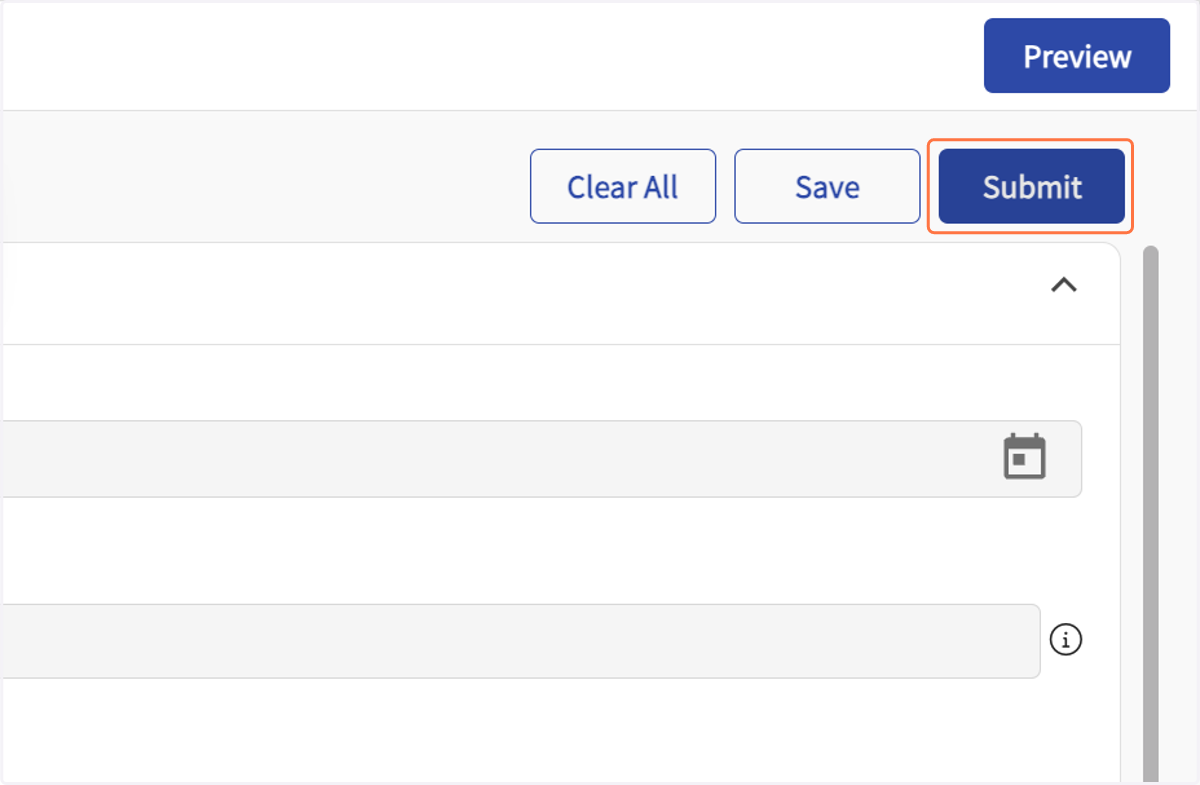
15. Click on Submit
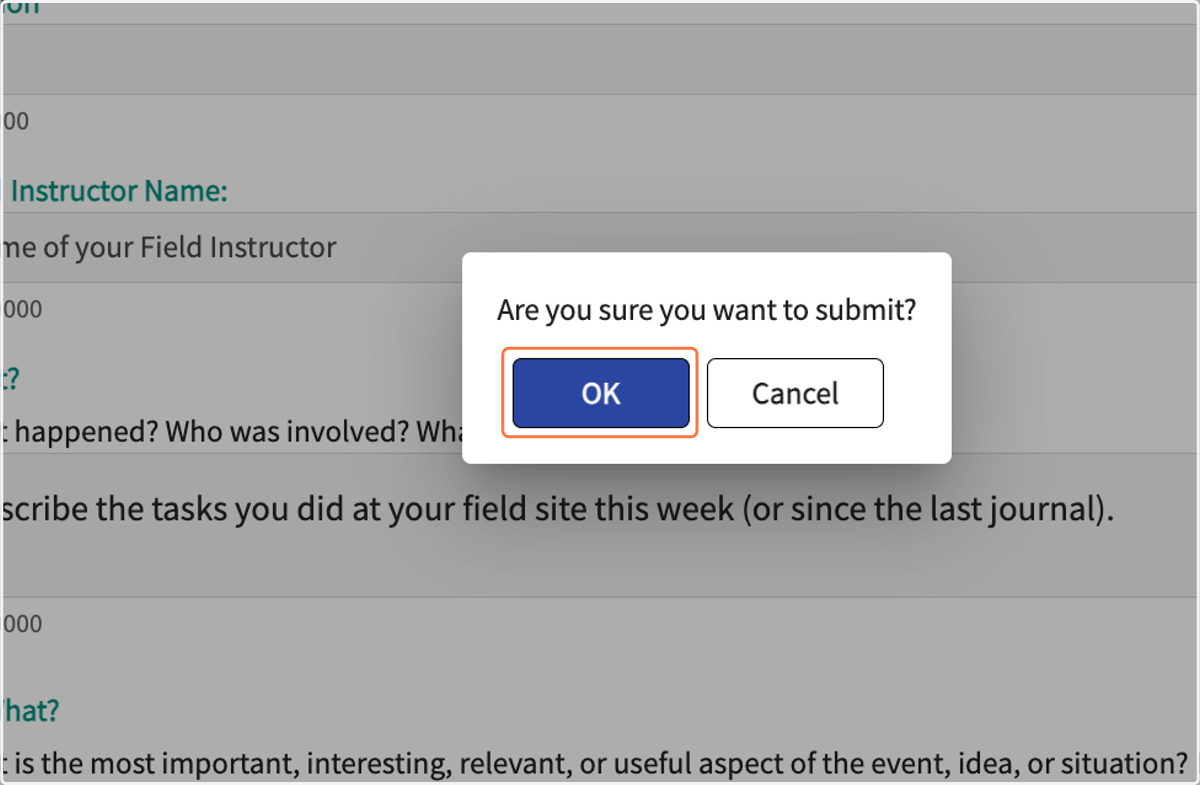
16. Click on OK
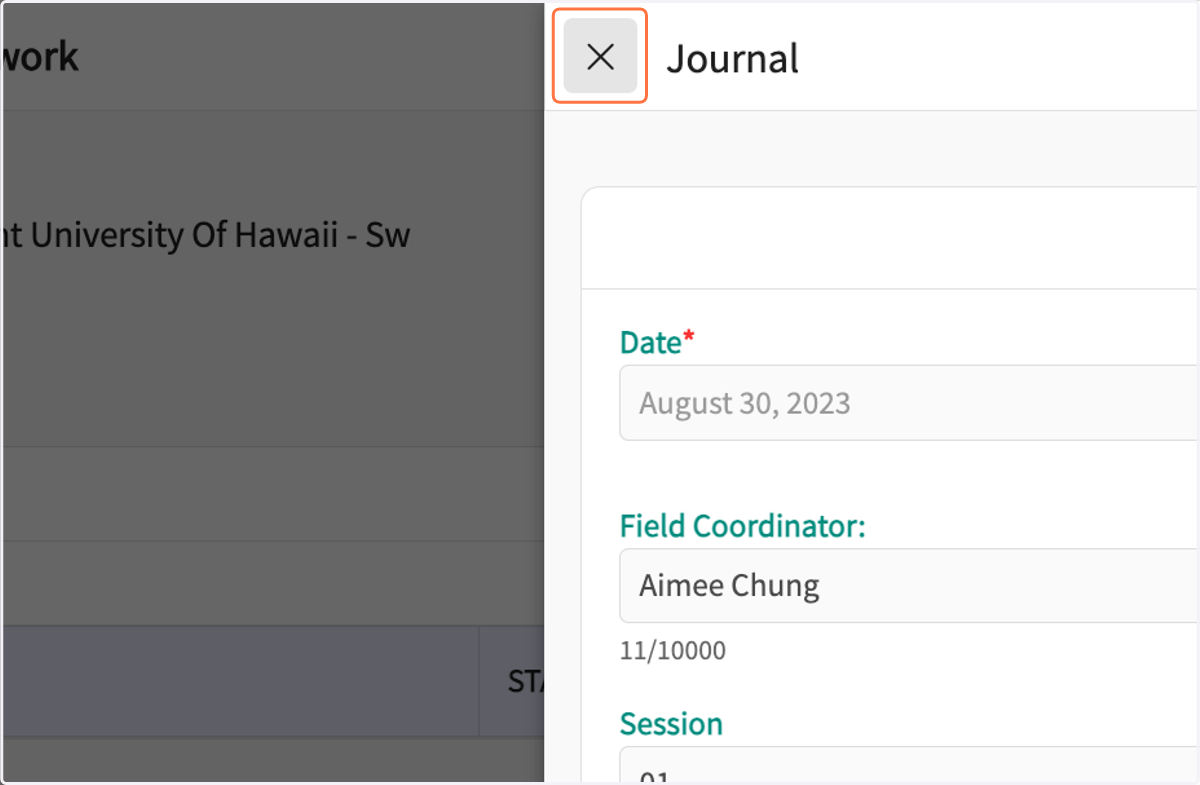
17. Click on Close
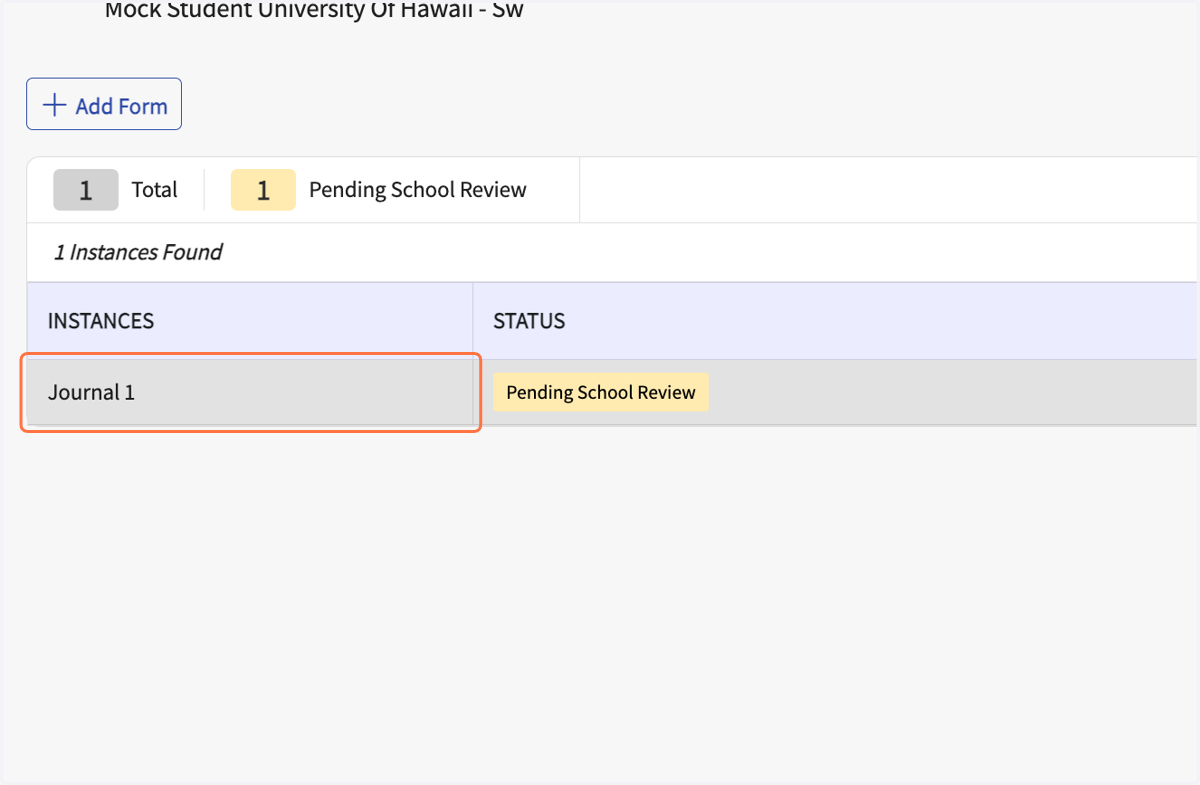
18. Click on Refresh Instances to see submitted or saved Journal.
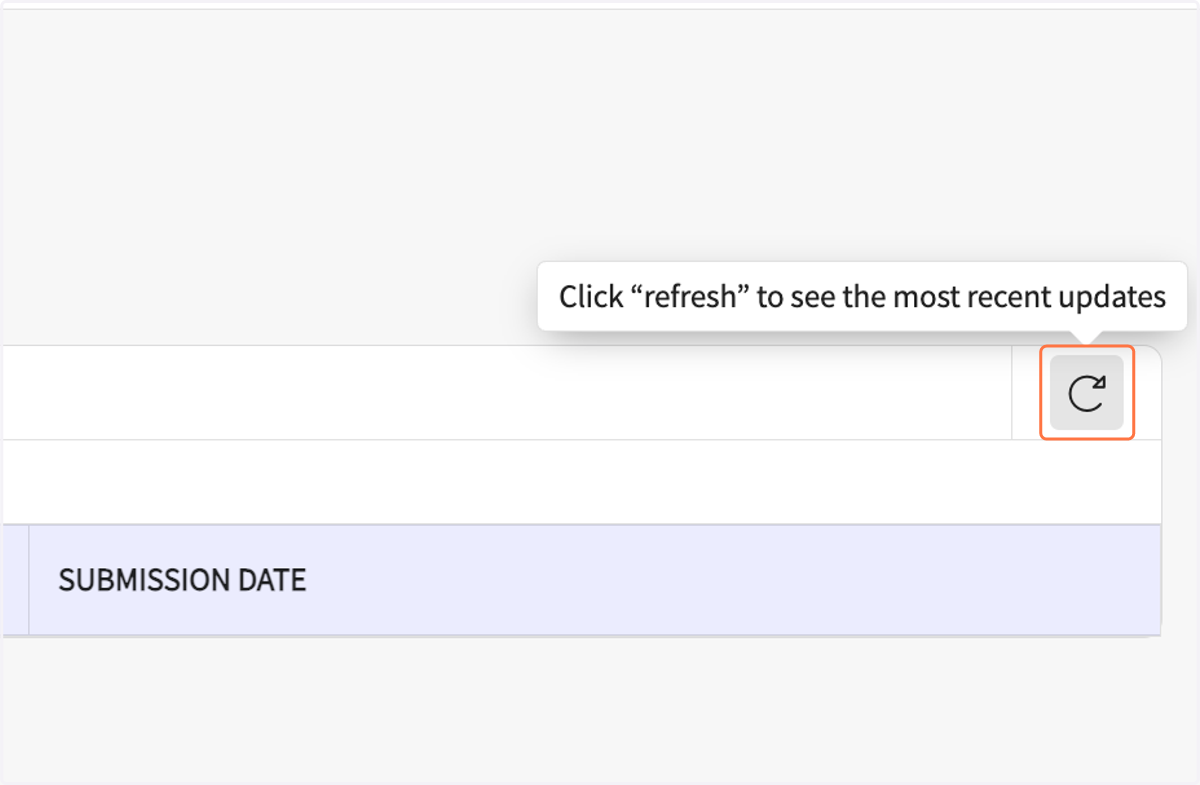
19. Your Journal should show on the page.