(Student) Grading Form
Exxat - Dashboard
This process launches the midterm grading form. Do this after submitting your Midterm Evaluation in the Learning Portfolio.
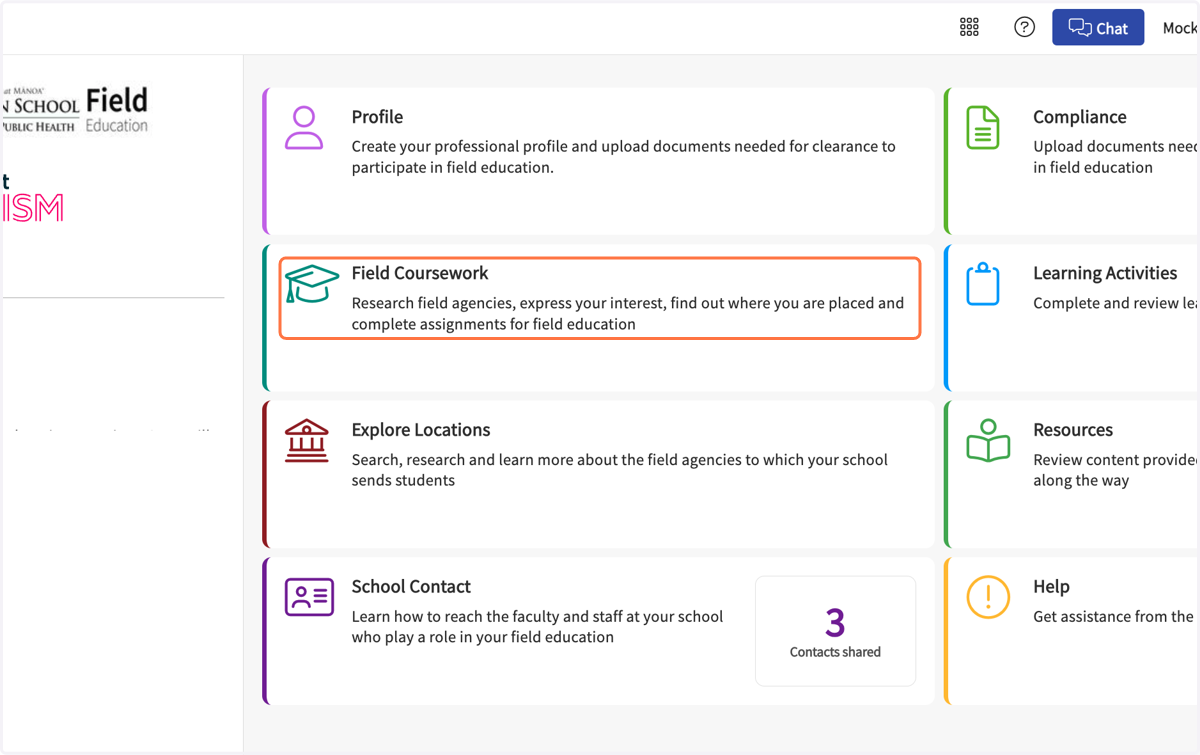
1. Click on Field Coursework…
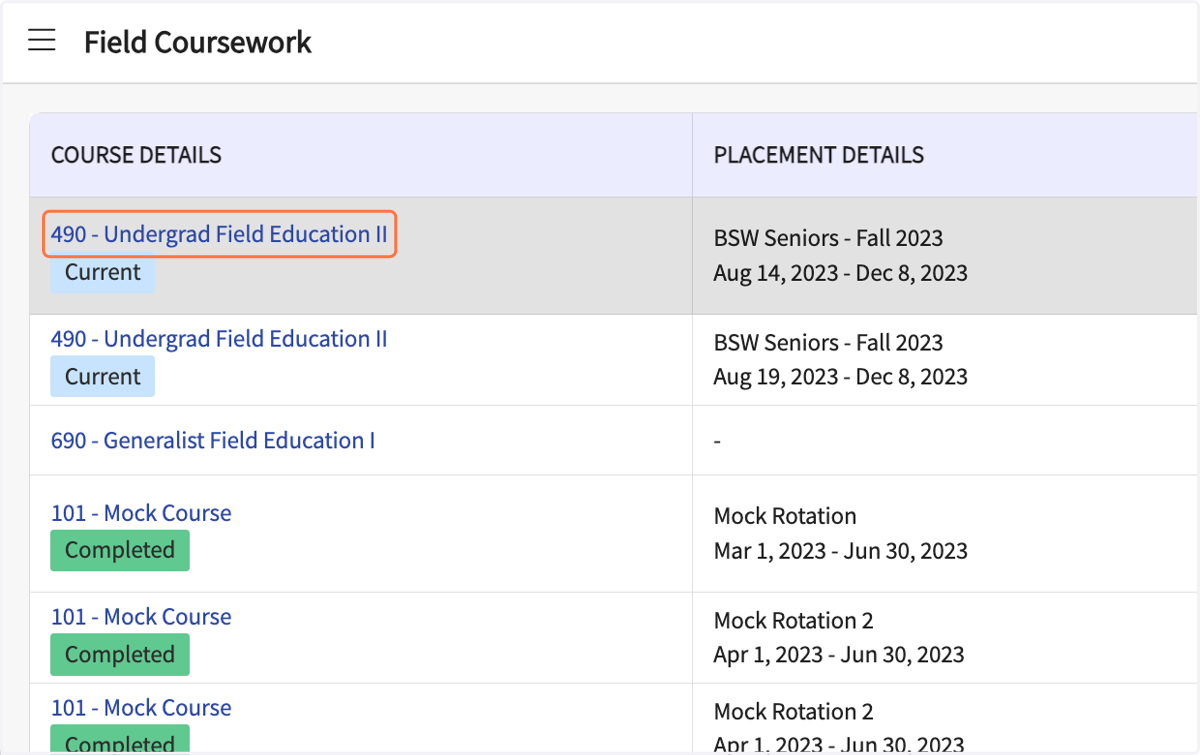
2. Click on the name of your Field Education course
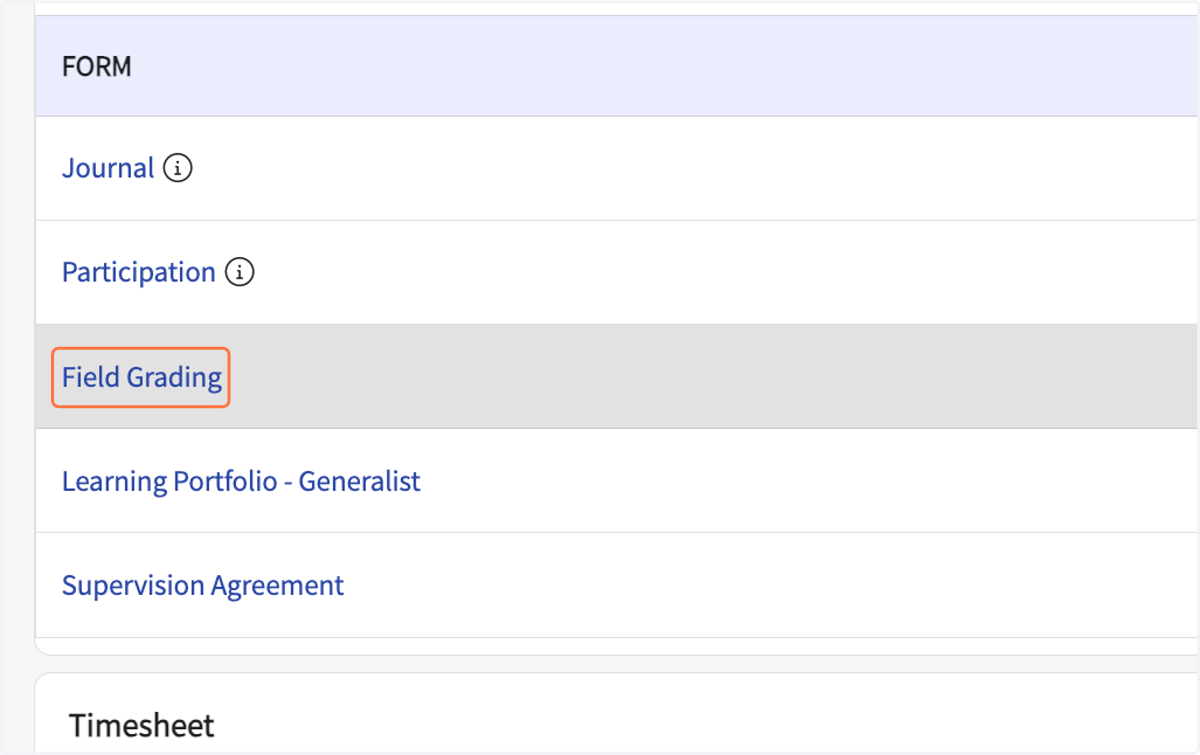
3. Click on Field Grading in the Forms list
4. Click on the dropdown arrow
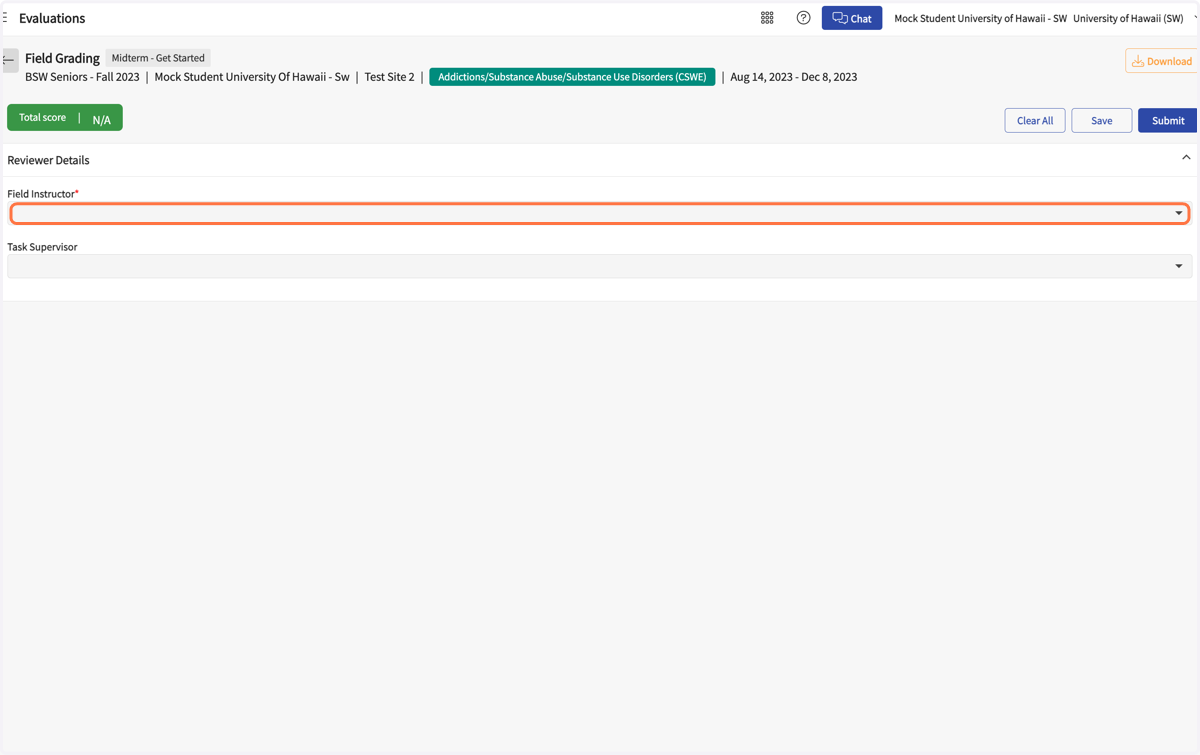
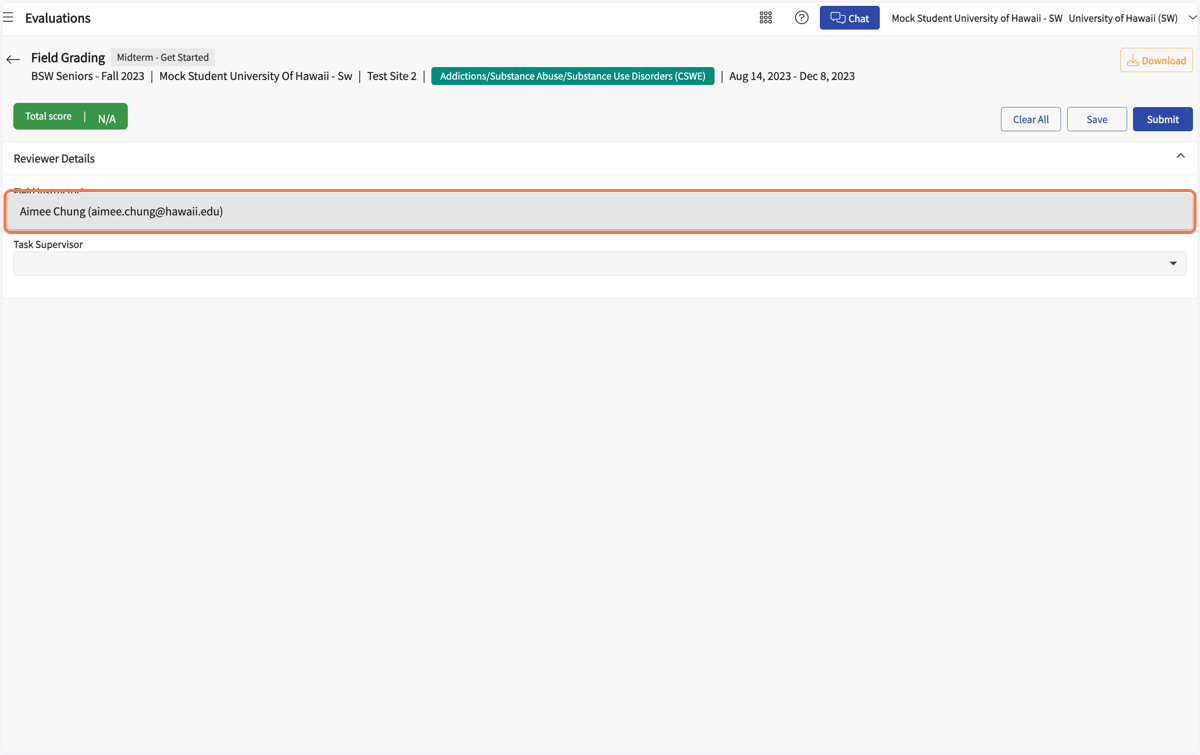
5. Select your Field Instructor's name
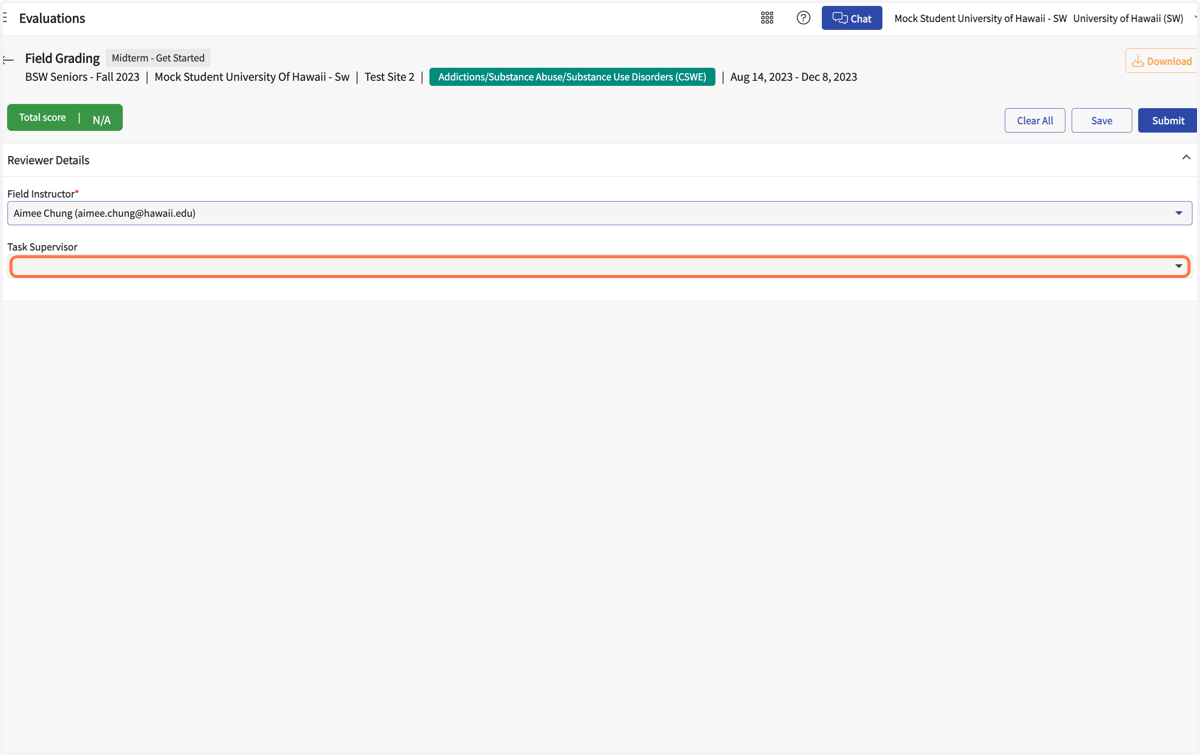
6. Click on the dropdown arrow
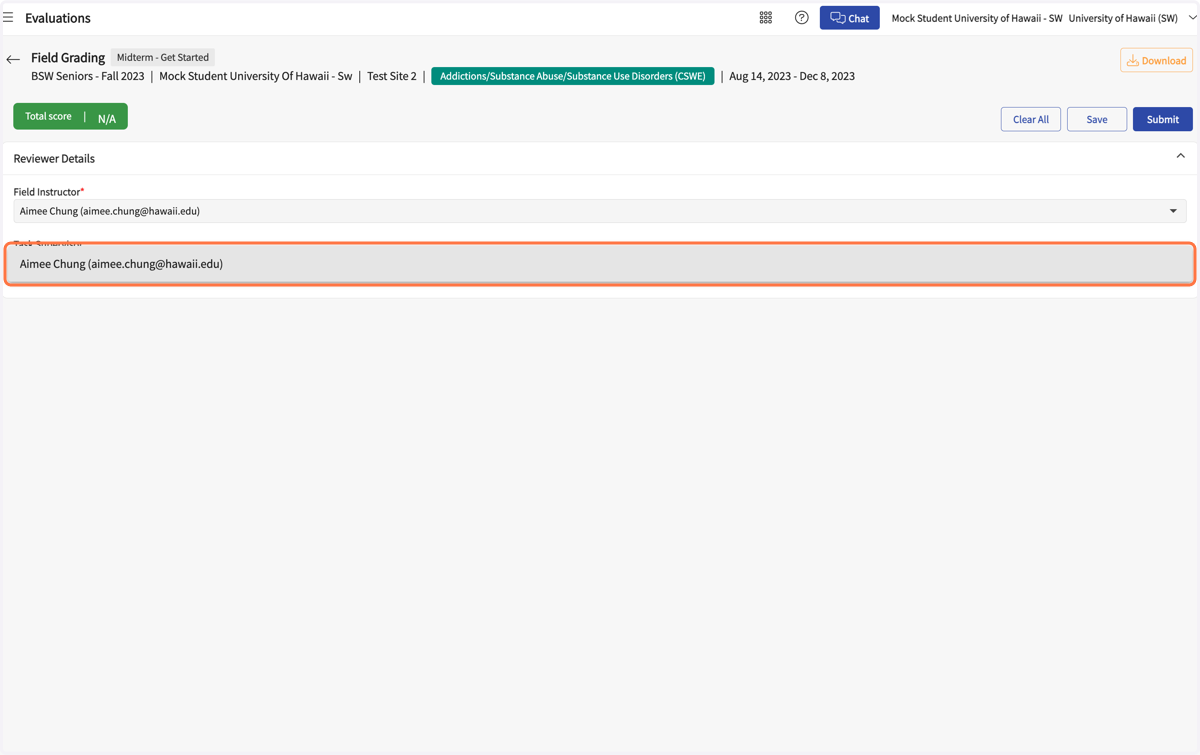
7. Select your Site Supervisor's name, if applicable
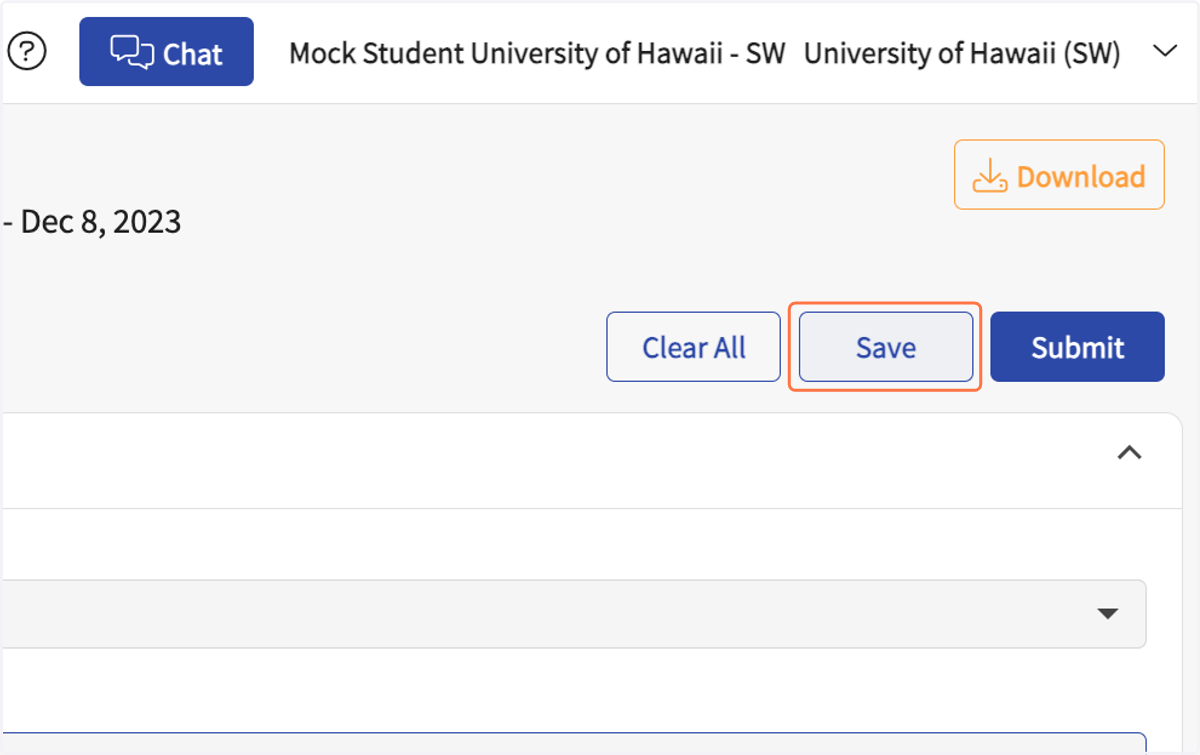
8. Click on Save
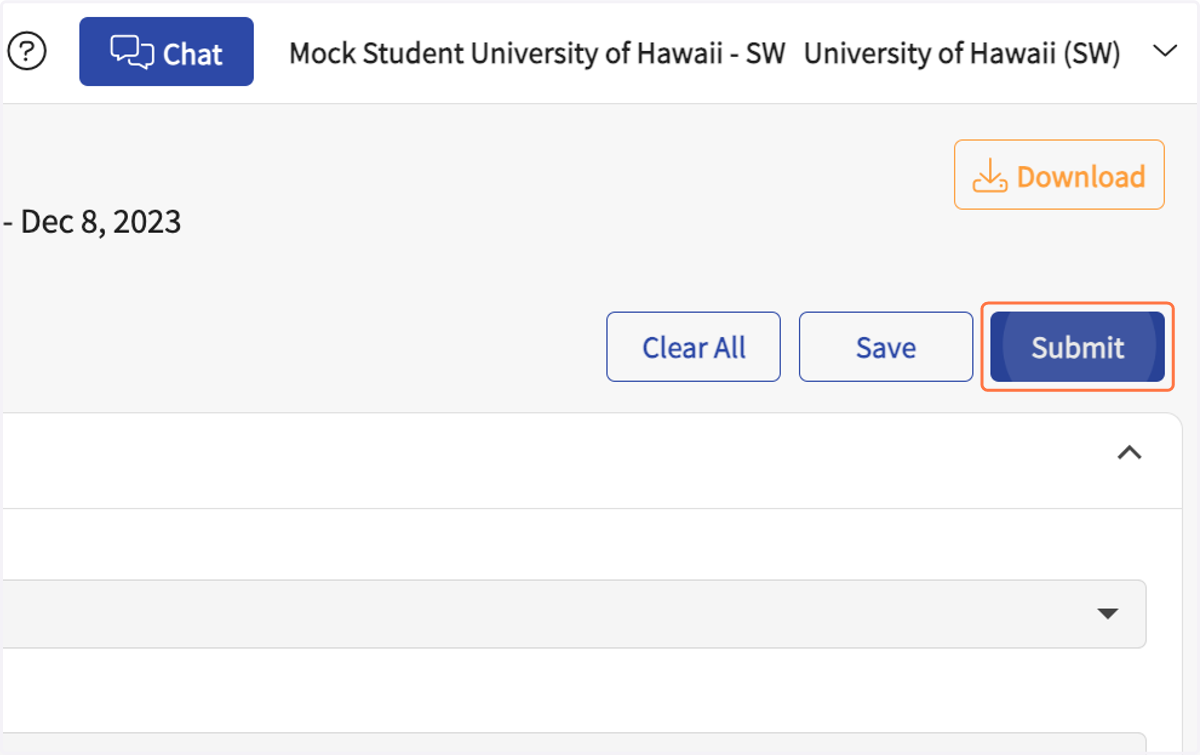
9. Click on Submit
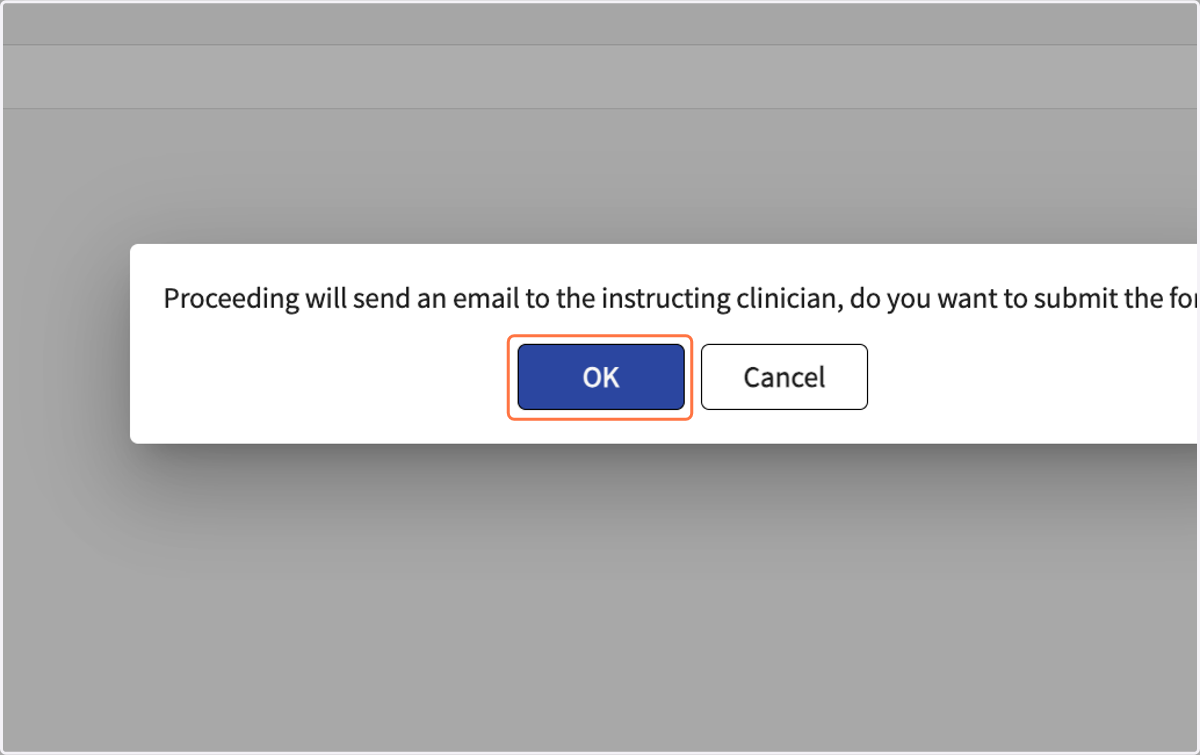
10. Click on OK. This will send an email with a link to your Field Instructor and Site Supervisor.
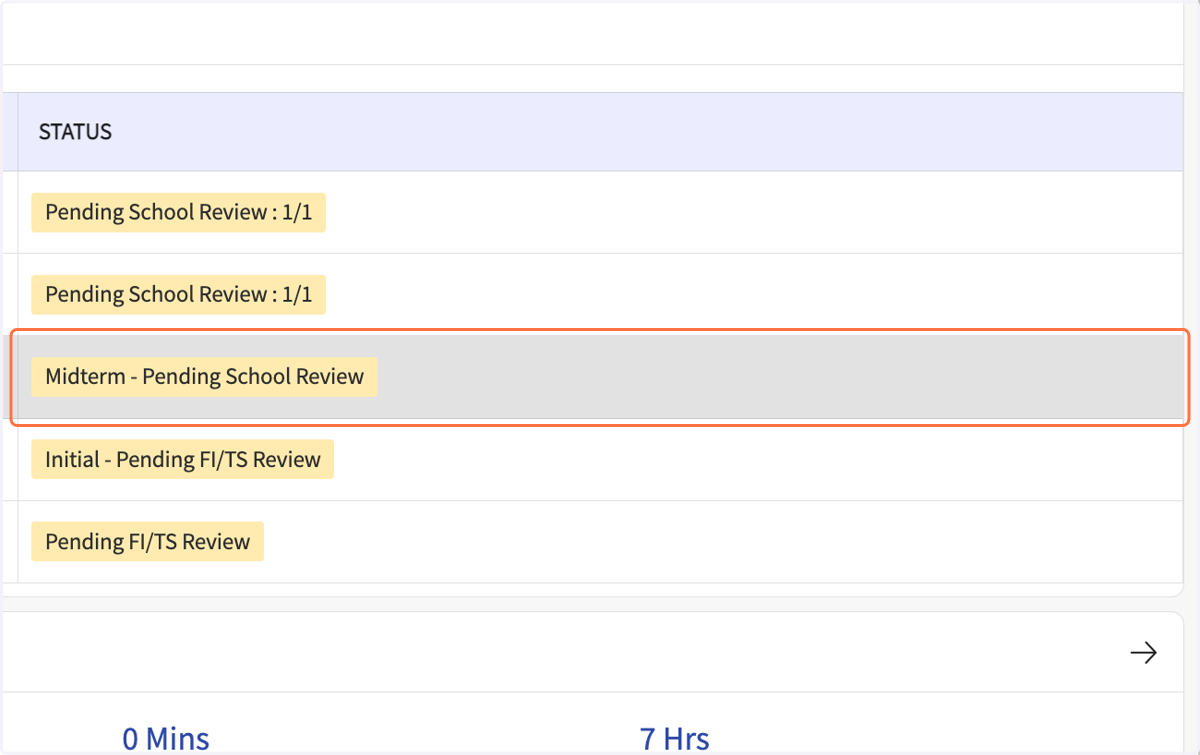
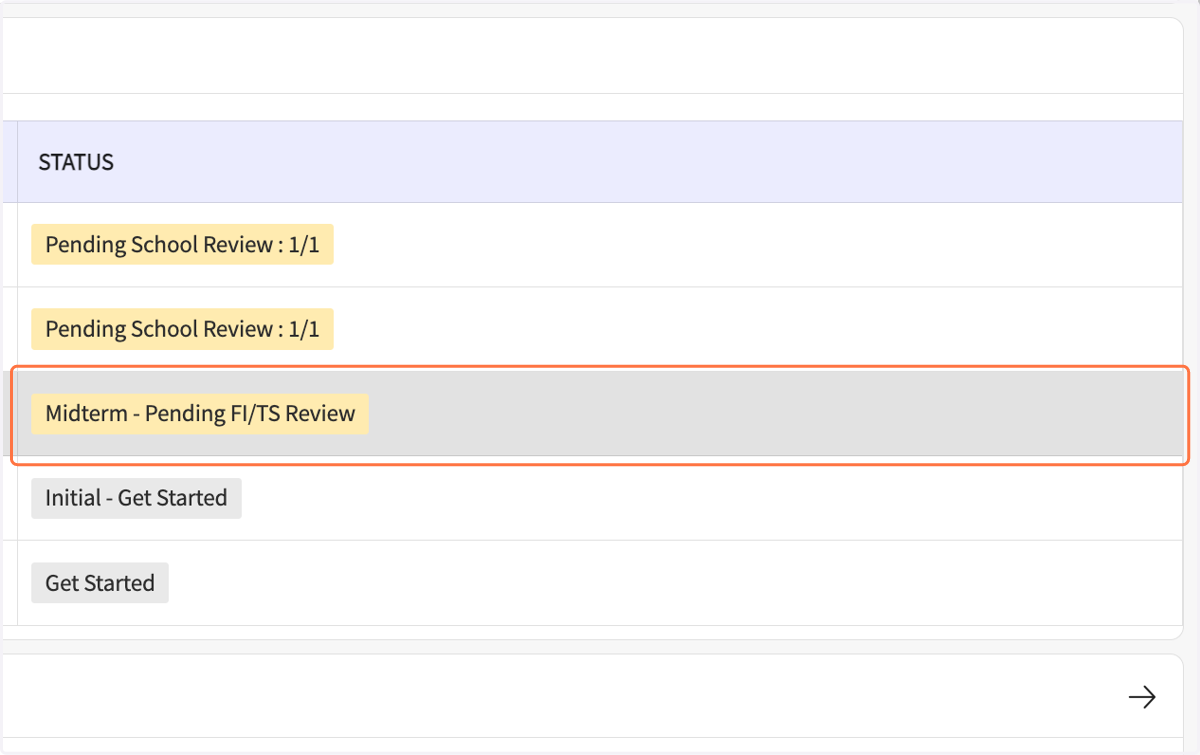
11. In the Coursework Forms list, the status should say "Midterm, Pending FI/TS Review."
Exxat - Field Coursework
After the FI/SS completes the form, the student reviews and signs.
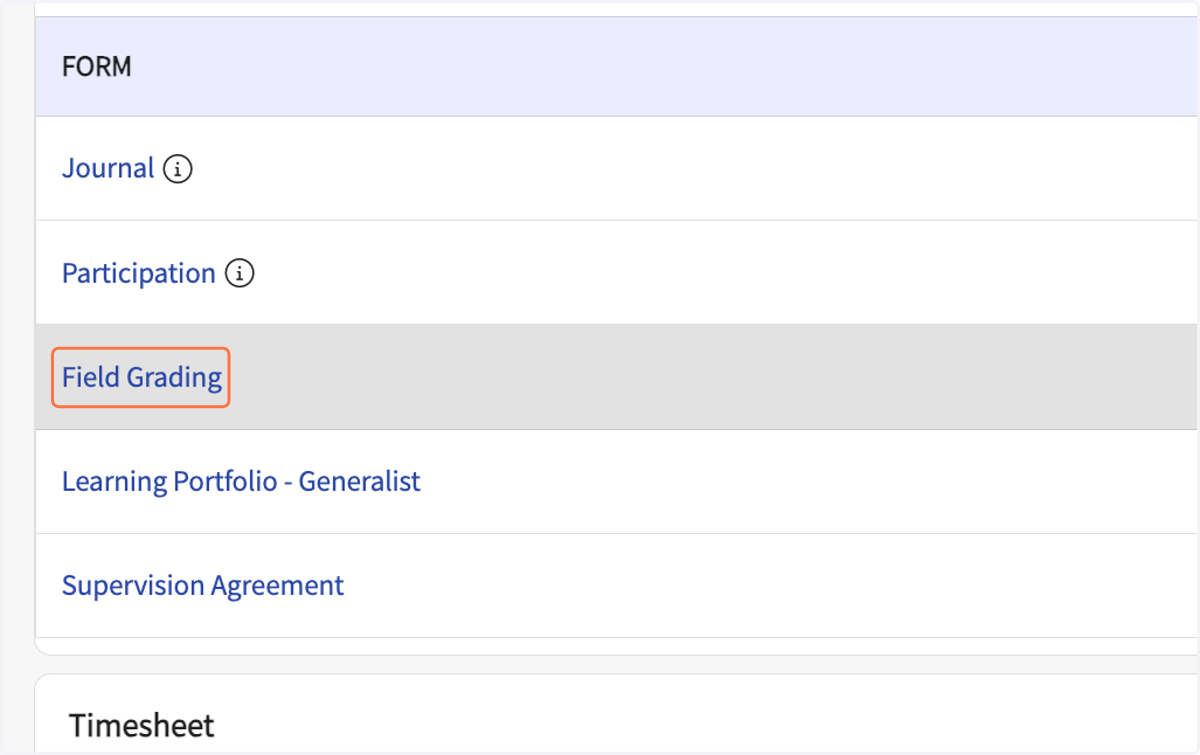
12. In the Coursework Forms list, click on Field Grading
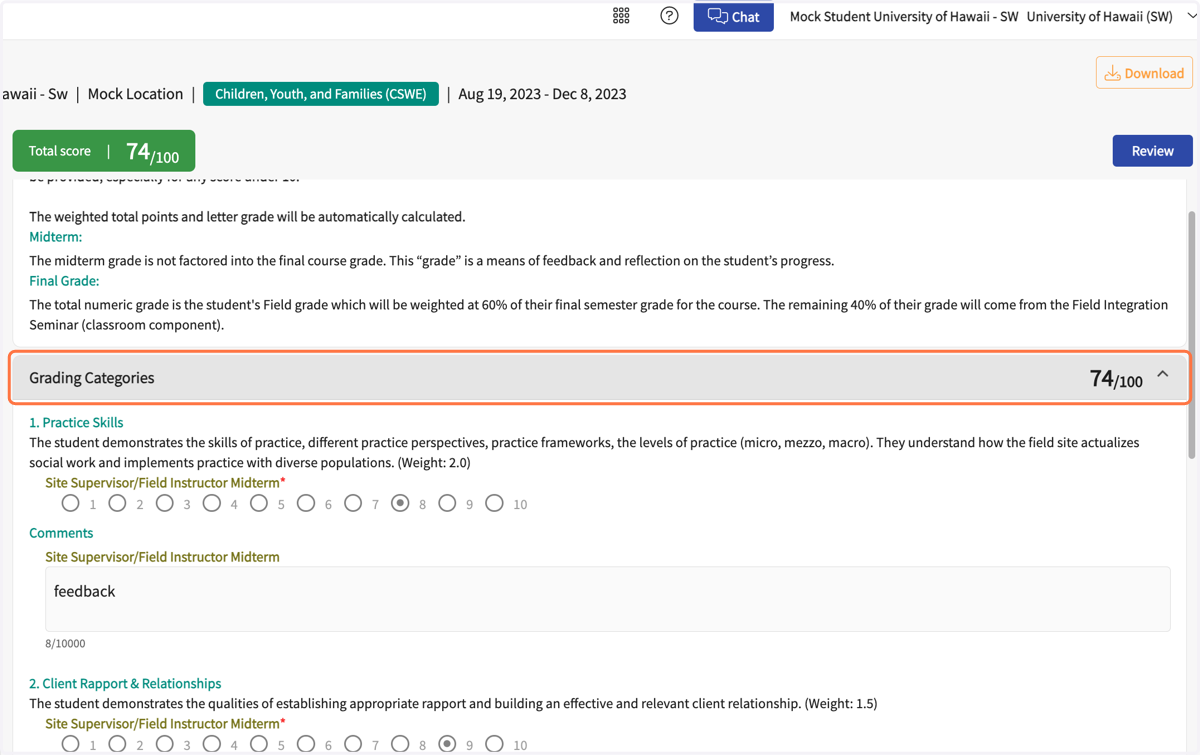
13. Review scores and comments in each of the 6 Grading Categories and the overall score.
Note that the midterm scores are for feedback only, they are not calculated in the final grade.
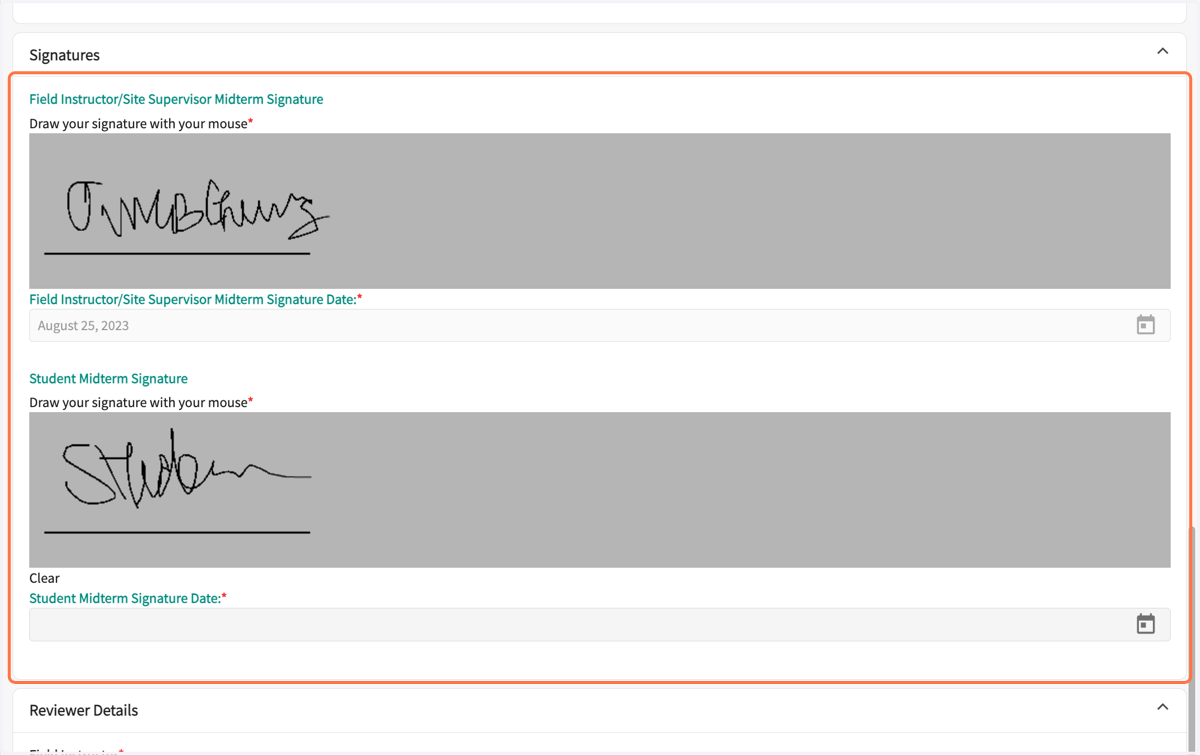
14. Electronically sign the form
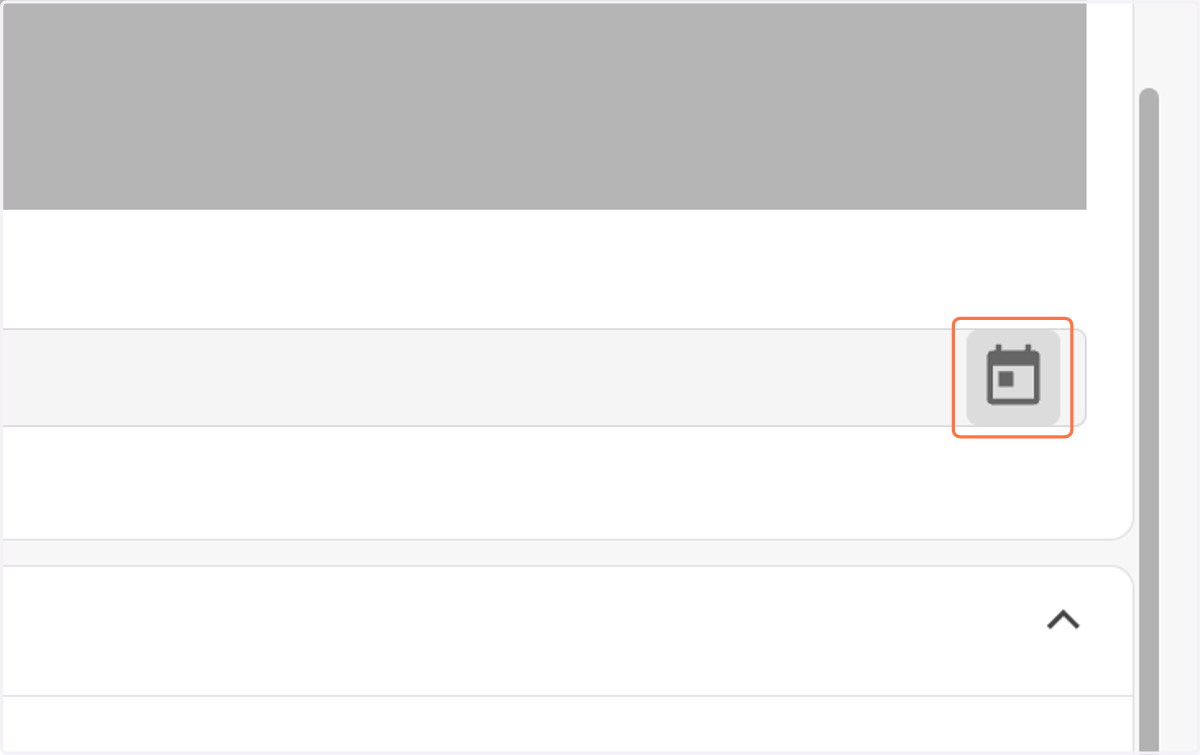
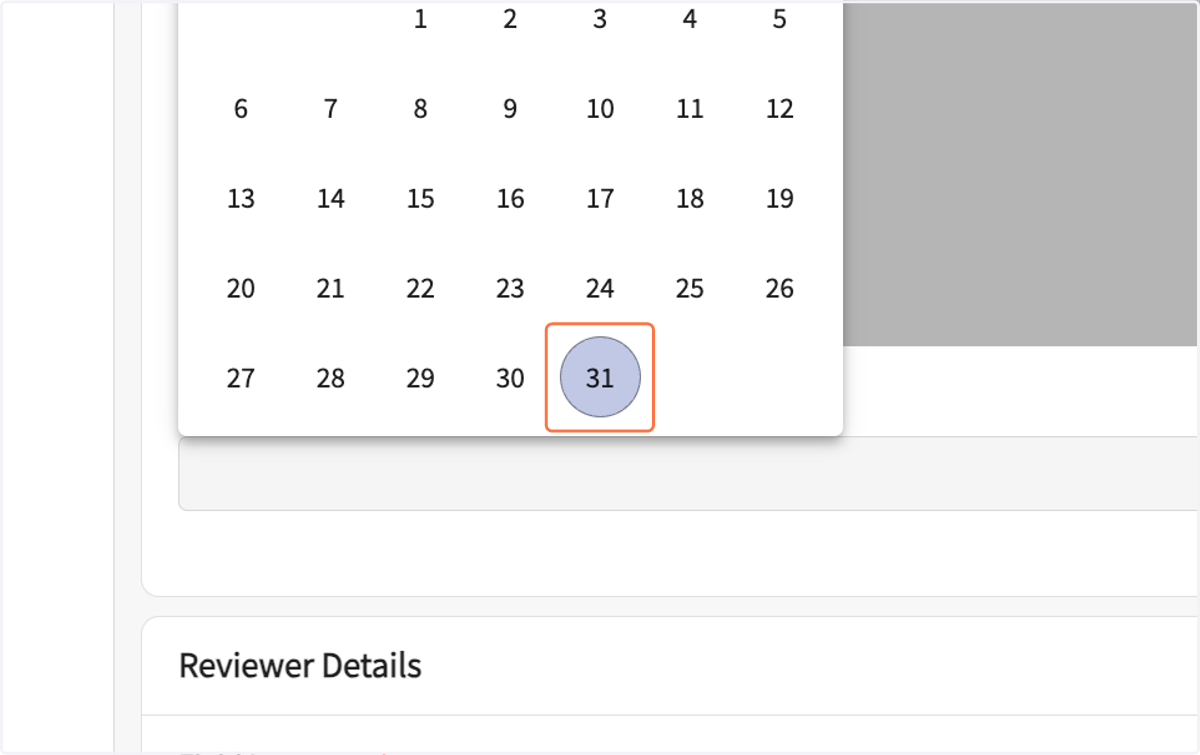
15. Click on the calendar icon to select the signature date.
16. Select the date
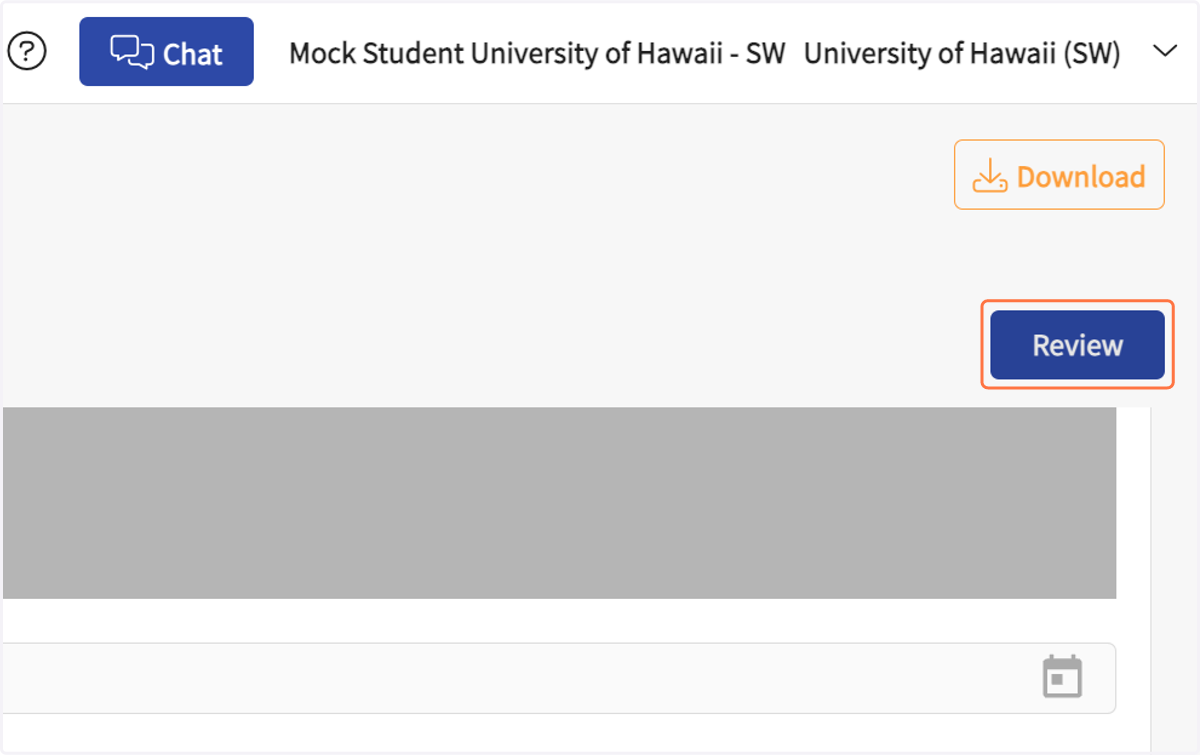
17. Click on Review to save and submit the form
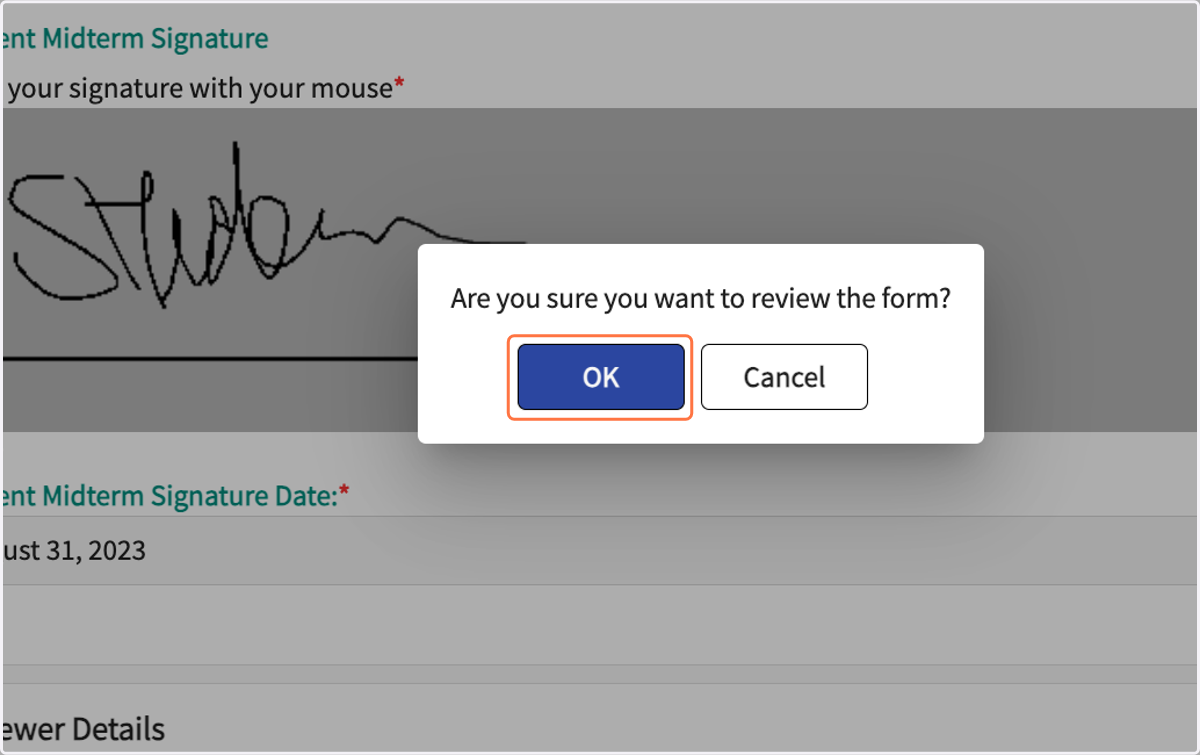
18. Click on OK in the pop-up
19. The forms should show as "Midterm - Pending School Review" in the status column.